iOS 10

Public betas for iOS 10 and macOS Sierra now available

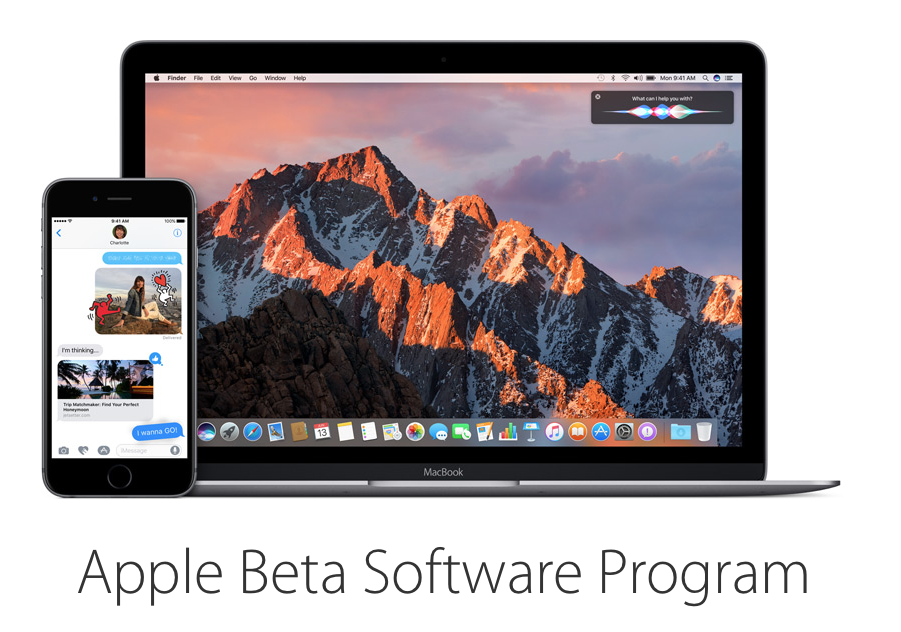
Apple on Thursday seeded public betas for both iOS 10 and macOS Sierra. The releases, which come just a few days after beta 2 of both software updates pushed out to developers, can be downloaded by members of Apple's Beta Software Program.

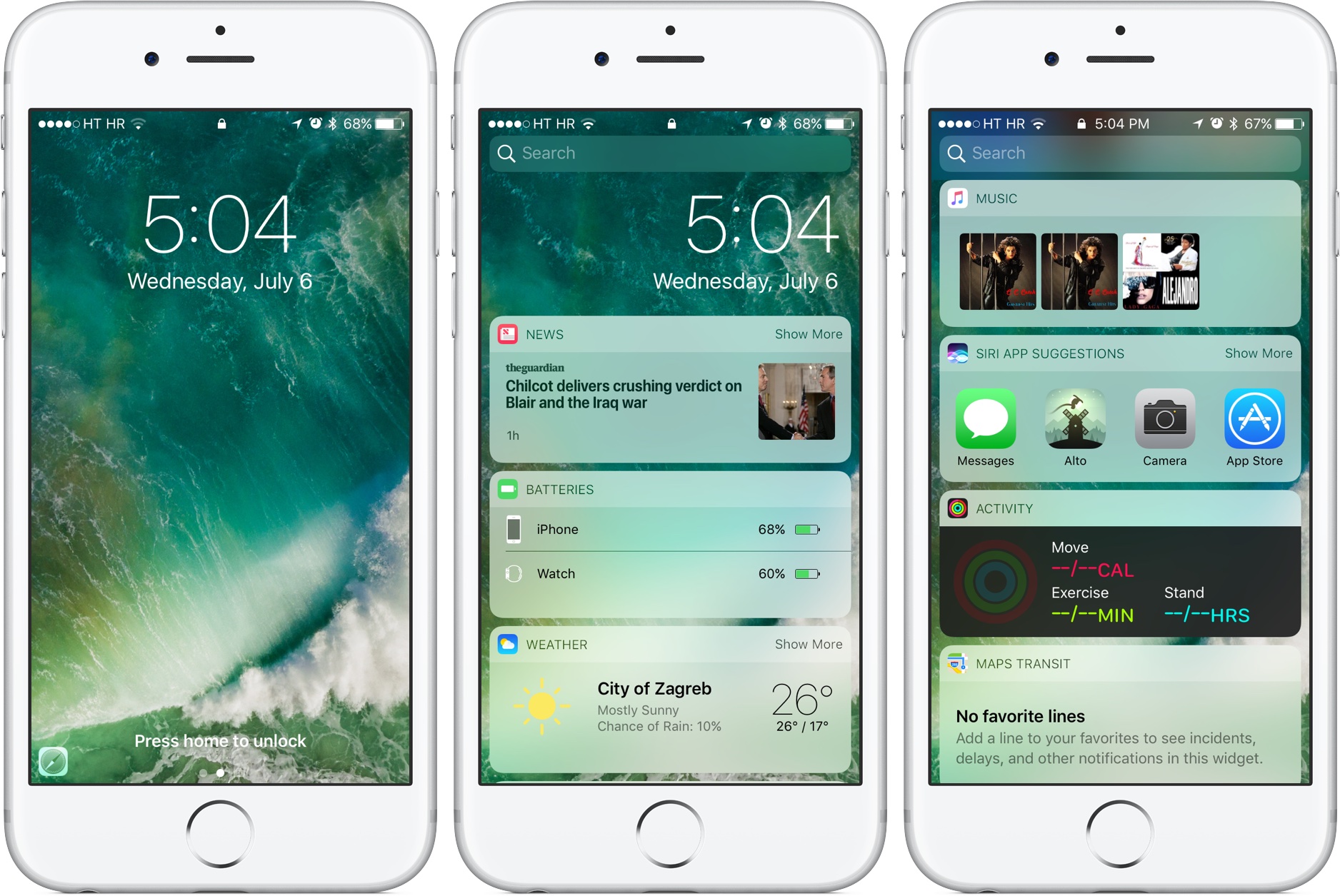
iOS 10 brings about a number of changes, including a refreshed Messages app with tons of new features, enhanced notifications, Spotlight widgets, and much more. There aren't quite as many changes in macOS Sierra, but it compliments iOS 10 nicely.
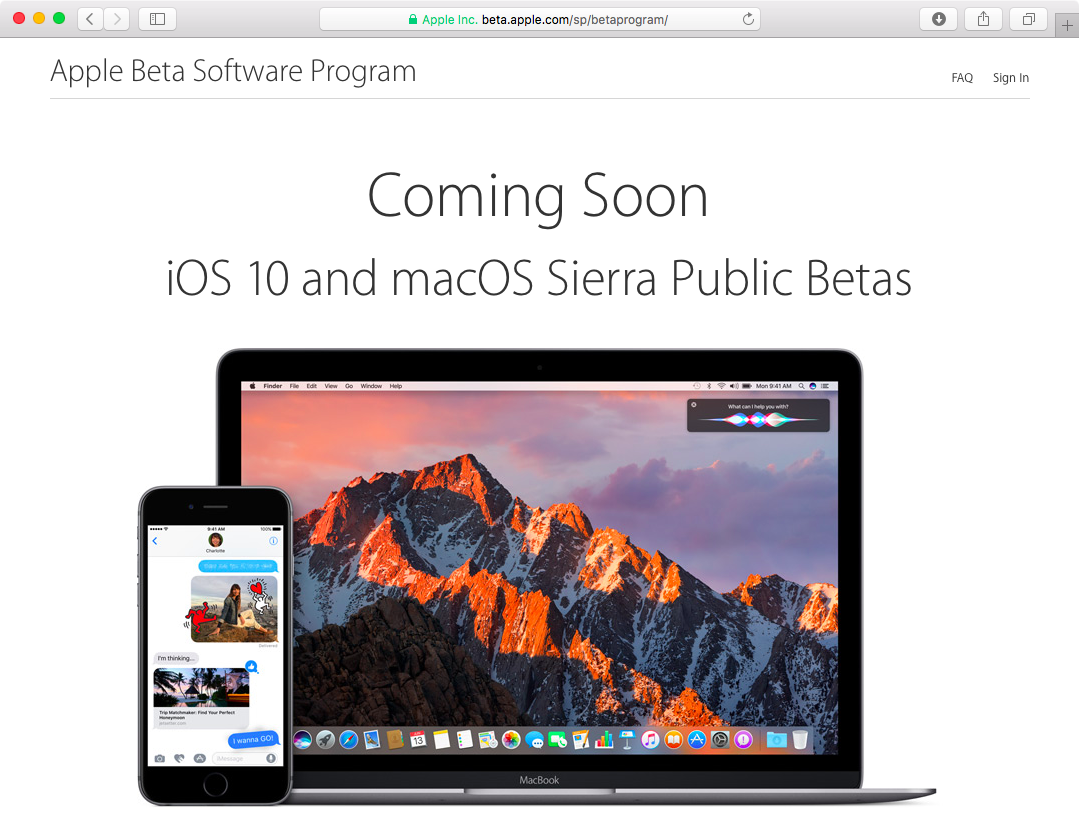
iOS 10 and macOS Sierra launching for public beta testing today

Apple will be releasing iOS 10 and macOS Sierra betas to public beta testers who enrolled in the Apple Beta Software Program, The Verge reports. iOS 10 is turning out to be much more than another release, with dozens of refinements and little things on top of headlining new features, some of which allow developers to build apps for the stock Messages, Maps and Phone apps, as well as integrate with Siri.

It seems that iOS 10 beta 2 locks some people out of their Apple ID

Some folks with iOS 10 beta 2 installed on their iPhone are finding that they've been locked out of their Apple ID account, unable to perform a password reset. As per a new thread on Reddit, the problem seems to affect a portion of iOS 10 beta 2 users whose Apple ID account has been protected with Apple's two-step authentication system, which requires both a password and a one-time six-digit code when using iCloud on a new device.

We're posting this as convenience for those who have been affected. If you're seeing this, you probably don't need to worry about your Apple ID being hacked and unrecoverable, it's just a bug in iOS 10 beta 2.

Has Apple gone mad? More iOS 10 parts left unencrypted in beta 2

As you know, security experts were baffled realizing that the iOS 10 kernel in beta 1 was not encrypted. Apple argued it was no big deal because the kernel contained no user data so the company had left it unencrypted intentionally in order to increase general system performance, in their own words.

But Apple didn't stop there.

As first discovered by prominent jailbreak developer and iPhone hacker, MuscleNerd, iOS 10 beta 2 actually leaves more parts of the operating system unencrypted.

What's going on here?

Does your iPhone support Raise to Wake on iOS 10?

iOS 10 makes waking your iPhone from sleep as easy as raising it in your hand. Aptly named Raise to Wake, this useful feature automatically wakes the screen as you raise the device so that you can instantly see all your notifications at a glance. It may sound like it's no big deal, but it is. However, Raise to Wake requires iOS to constantly capture and interpret data from the iPhone's many sensors to determine how you're holding the phone in your hand.

In order to realize this feature in a power-frinedly manner, it reads data from the sensors using  an Apple-designed motion coprocessor, which also happens to be required for tetherless 'Hey Siri' functionality. So, does your iPhone support Raise to Wake on iOS 10 or not?

Video walkthrough: everything new in iOS 10 beta 2

Apple today seeded a second beta of iOS 10 to its registered developers and this time around, release notes are pretty packed to reflect that the company has squashed many bugs in iOS 10 beta 2 while also bringing out a bunch of notable changes, refinements and new features. Here's our running list of everything that has been changed or tweaked in iOS 10 beta 2.

Apple seeds iOS 10 beta 2 to developers

Following the first developer-only preview of iOS 10 which was issued following the June 13 WWDC keynote, the Cupertino firm today pushed iOS 10 beta 2 (build number “14A5297c”) to the members of the Apple Developer Program. The new software is available as an over-the-air download on the iPhone, iPad and iPod touch devices that run the first beta. A beta of iOS 10 will be made available to public beta testers in July.

iOS 10 tidbit: unlocking iPhone and iPad without launching Home screen

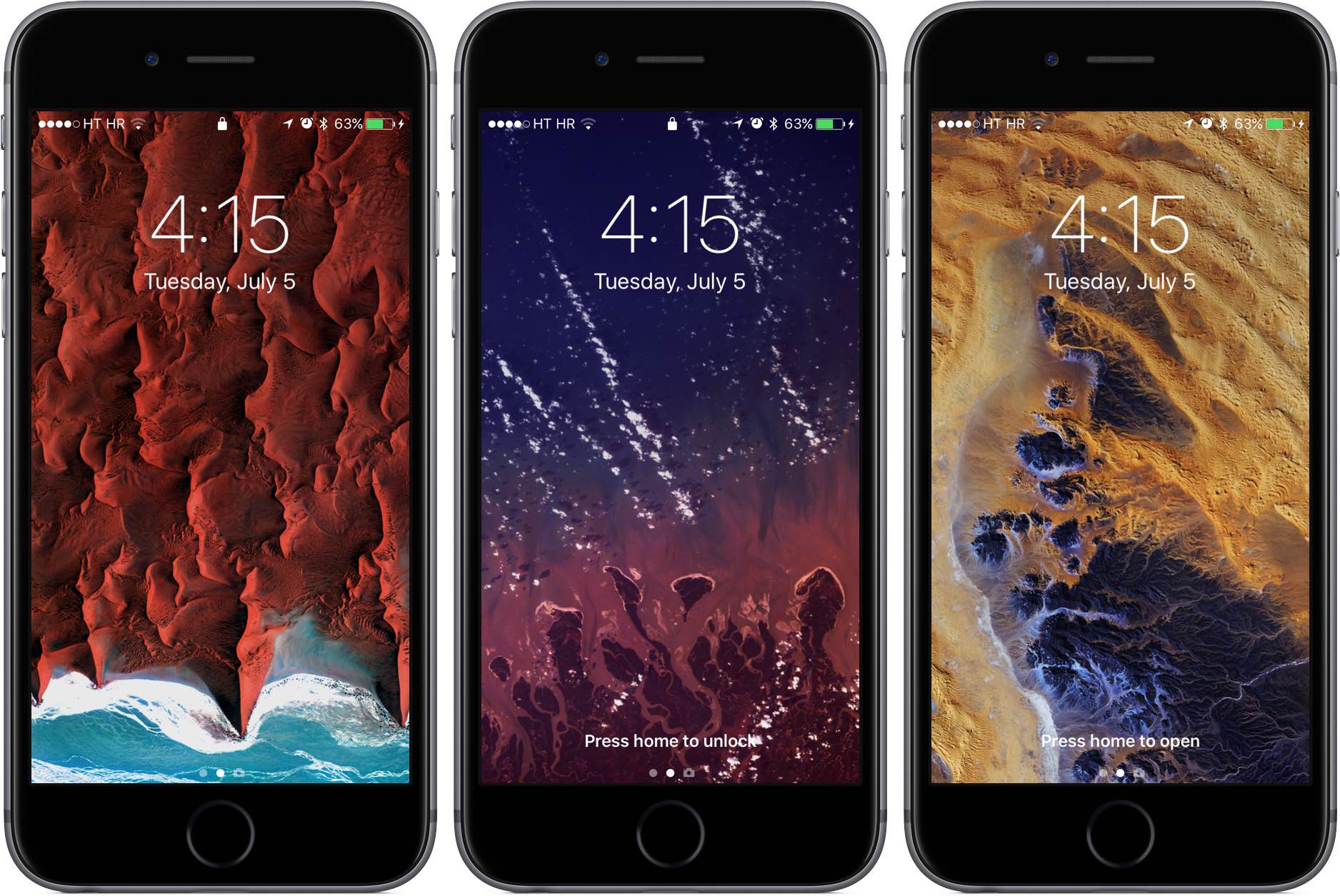
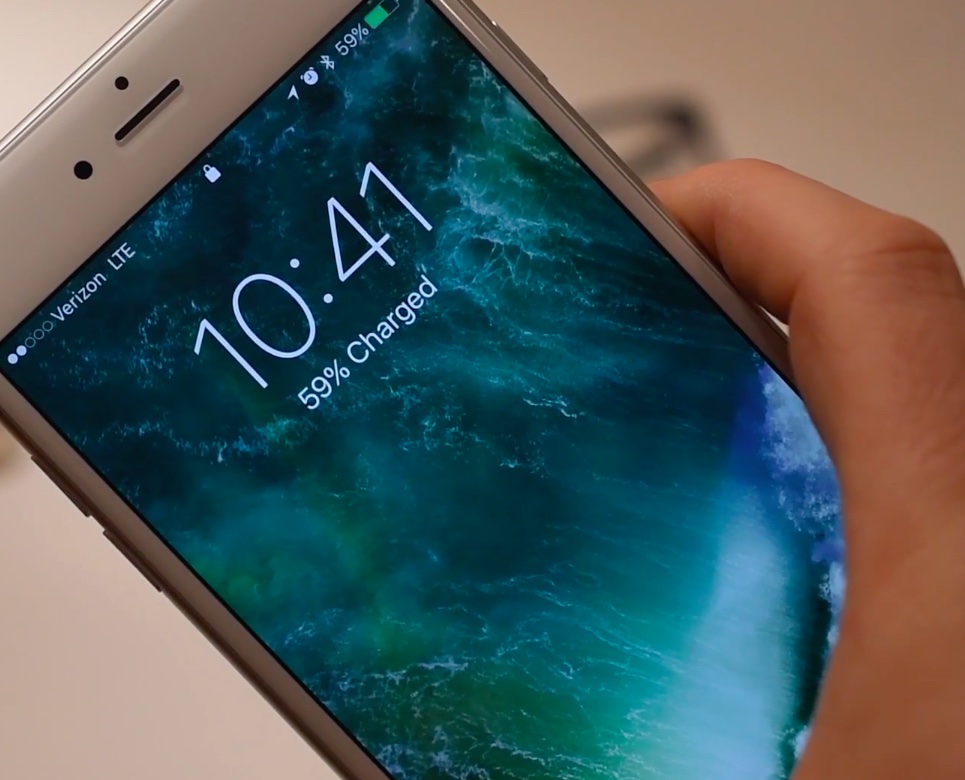
As we wrote before, iOS 10 changes the way unlocking your iPhone, iPad and iPod touch works. For starters, iOS 10 does away with the familiar slide-to-unlock gesture so instead of “Slide to Unlock”, which now takes you to a dedicated widgets screen, you get to see a new “Press Home to unlock” message on the Lock screen.

As a result, unlocking a Touch ID-outfitted iOS device now requires you to press the Home button rather than rest your finger on it, like in prior editions of the software. But as it turns out, iOS 10 gives users another, previously unavailable option for unlocking their device without automatically launching the Home screen.

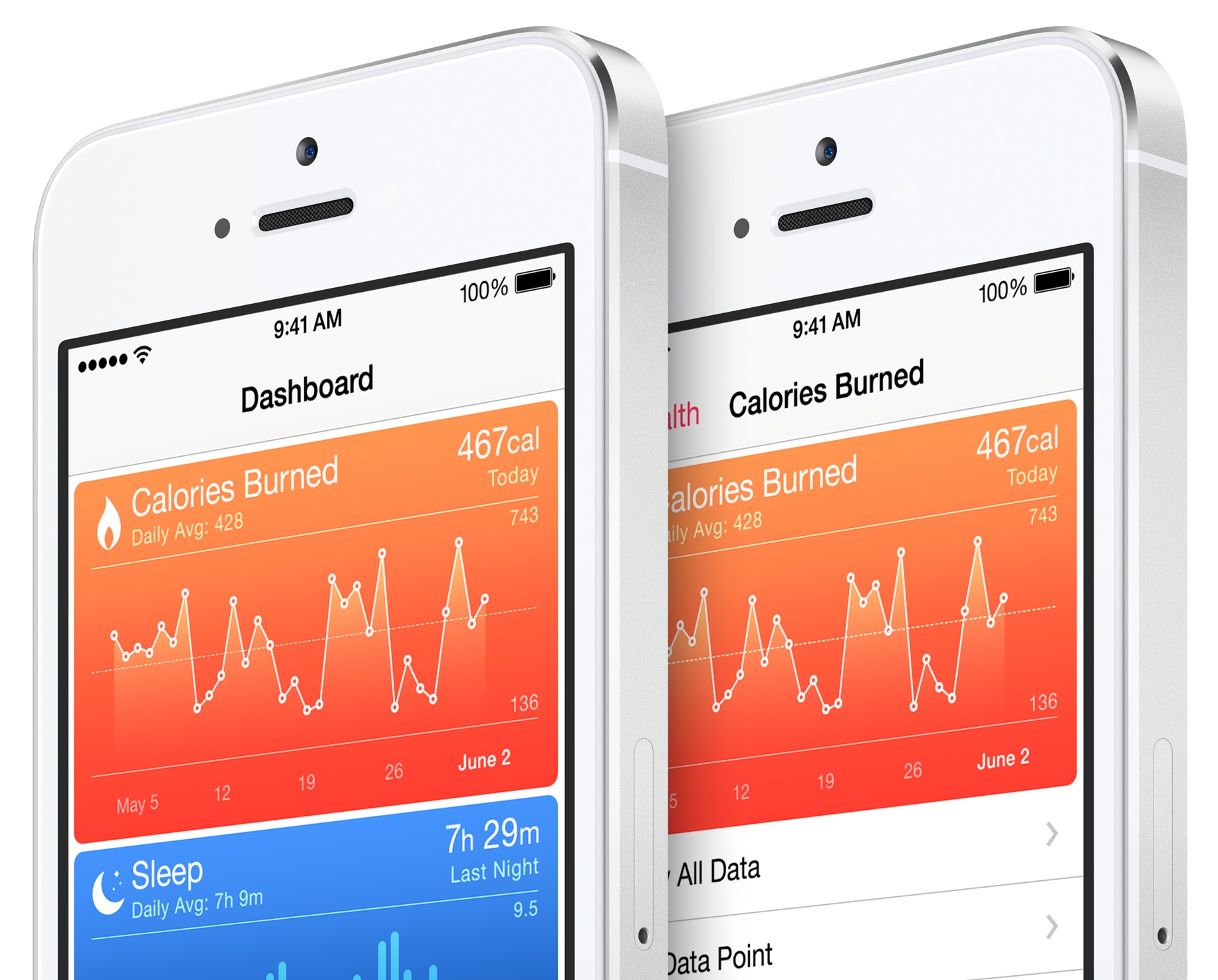
iOS 10’s Health app will let US users sign up as organ, eye and tissue donors

Apple announced Tuesday that it will add an organ donor registration option to the stock Health app in iOS 10. People in the United States will be able to use a built-in option in the Health app when iOS 10 launches for public consumption this fall to register themselves as organ, eye and tissue donors.

CEO Tim Cook told the Associated Press that the feature should help ease a longstanding donor shortage, reminding the public that the problem hit home when Apple co-founder Steve Jobs endured an “excruciating” wait for a liver transplant in 2009.

iOS 10 tidbit: using Digital Touch in Messages to send kisses instead of hearts

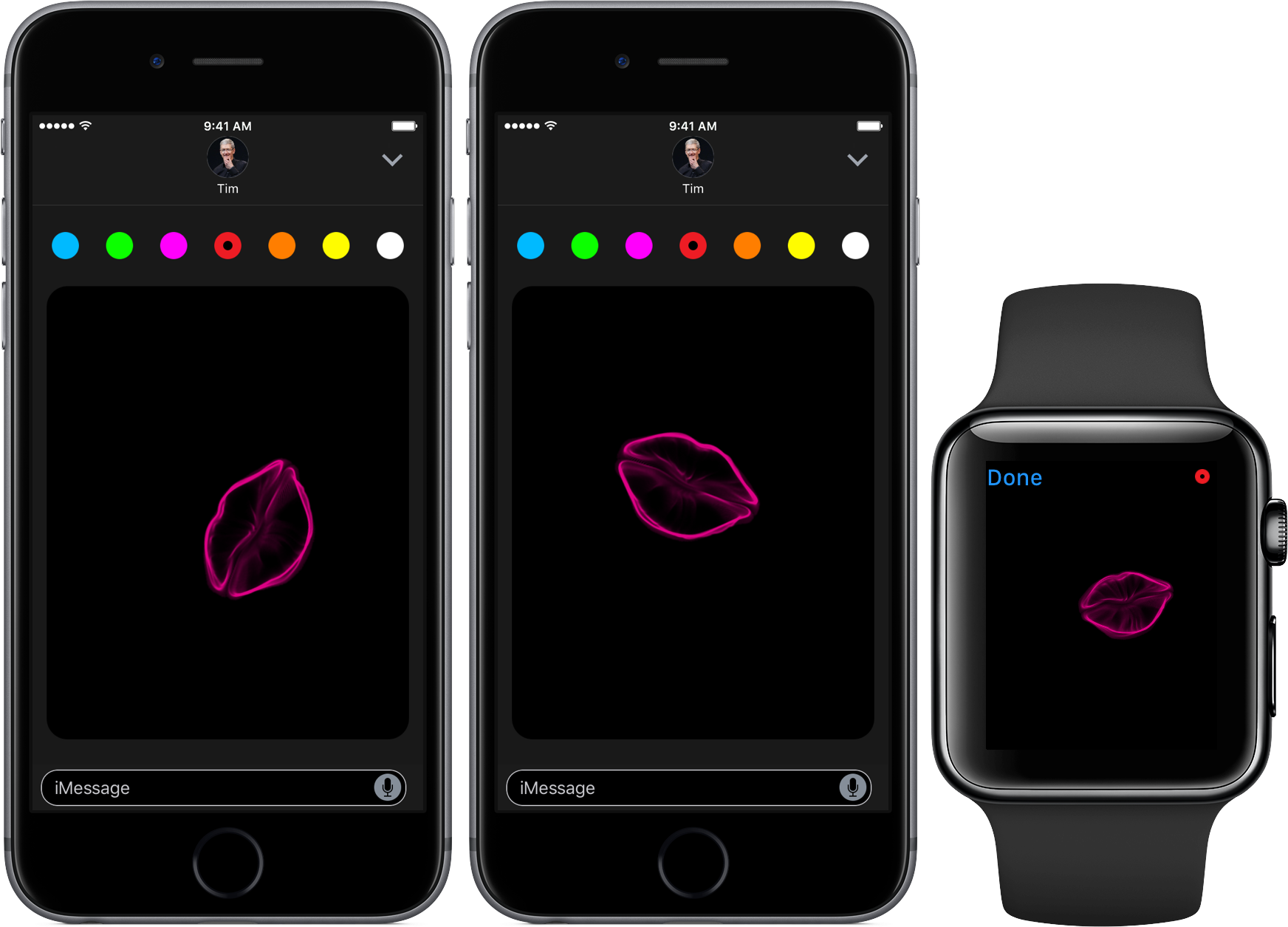
Aside from a lot of other advances, iOS 10 turns the Messages app into a platform upon which developers can build downloadable stickers, full-screen animations and chat bubble effects. Messages in iOS 10 also supports Digital Touch, a feature that first debuted on the Apple Watch.

With the new Digital Touch interface in iOS 10 Messages, users can draw and sketch with their finger on photos and video, send hearts and create other digital effects on video. But as it turns out, users also have the option to send animated kisses instead of heart beats using a simple gesture.

Apple launches downloadable iMessage sticker packs for iOS 10

Apple on Friday released four sets of sticker packs for iOS 10 that can be downloaded from the App Store and used in the new Messages app that Apple demonstrated at the WWDC 2016 keynote.

Each of the packs are free to download and include animated stickers that behave much like those in Facebook Messenger do when they're sent to the recipient.

iOS 10 tidbit: managing read receipts on a per-conversation basis

iOS 10 has a new hidden switch, called Emergency Bypass, which permits you to override your global Do Not Disturb setting on a per-contact basis. It's especially handy for those times when you wanna enable Messages notifications for a contact that isn't in your Favorites, even if Do Not Disturb is on.

A similar new feature in iOS 10's Messages app makes it easy to enable or disable read receipts, which tell the other person when you've read an incoming text, on a per-conversation basis.