iOS 10

How to enter No Substrate Mode on the iOS 10 jailbreak

Now that yalu102 has been out a while, along with its unstable predecessor for iOS 10.0-10.1.1, many of our readers will no doubt be running one of these two jailbreaks. As is always the case with a jailbreak on a new iOS version, many tweaks are not yet updated, and some can cause crashes or even bootloops.

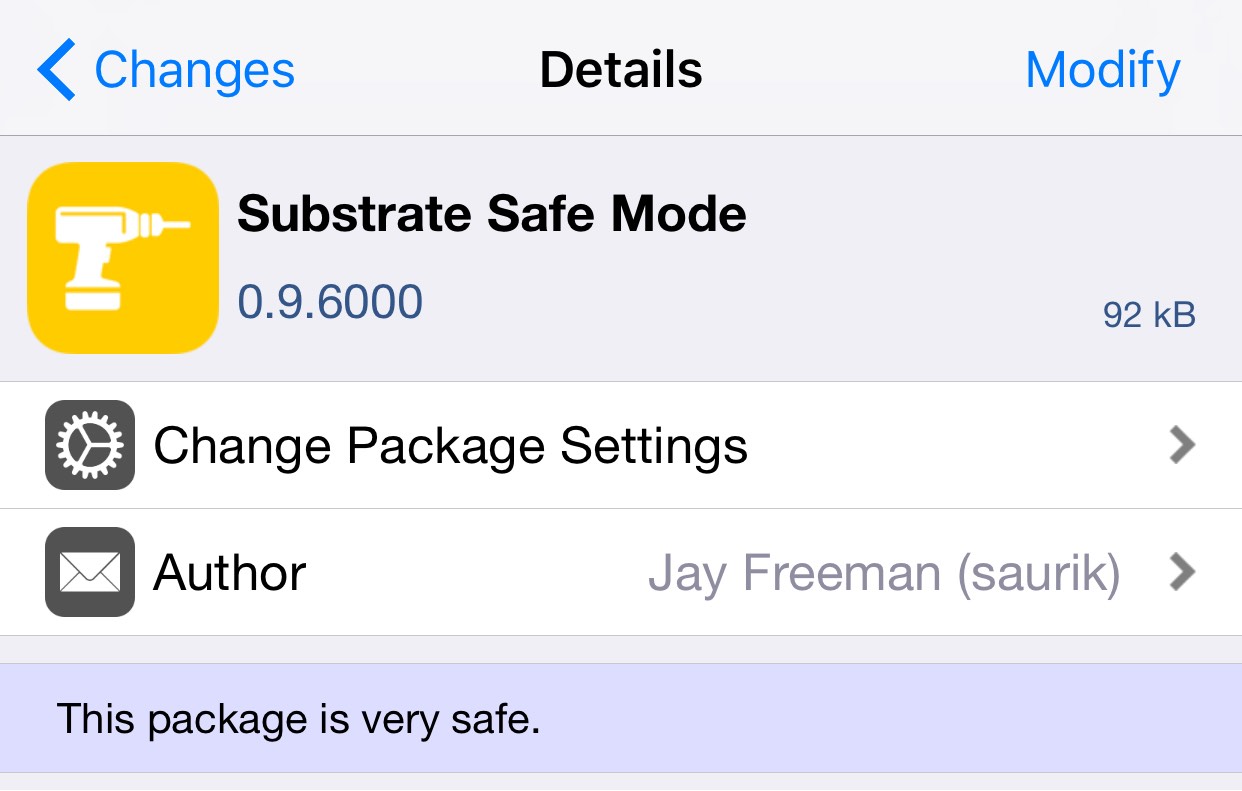
It is consequently useful to be able to get into No Substrate Mode, to be able to escape tweak-related crashes and remove offending tweaks. The process has changed slightly since the days of the untethered jailbreak due to the fact that current semi-untethered tools do not boot into a jailbroken state. In this guide, we'll show you how No Substrate Mode is accessed on the Yalu jailbreaks.
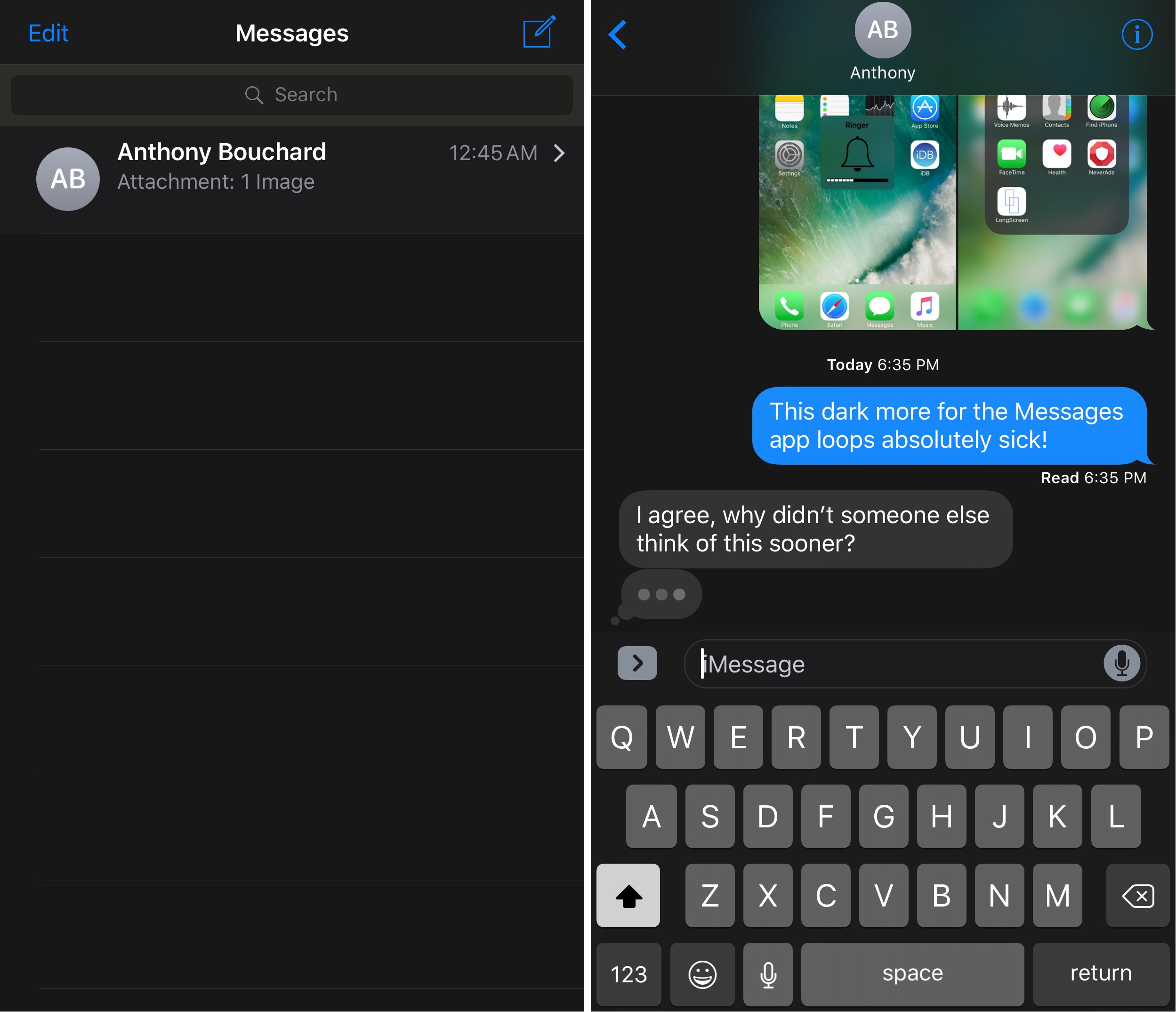

DarkMessages gives your iOS 10 Messages app a dark makeover

Dark mode-based jailbreak tweaks appear to be a pretty hot topic of conversation lately, and it would seem that this trend isn’t going anywhere any time soon.

A new free jailbreak tweak called DarkMessages by Sticktron is now available in Cydia that gives the Messages app on jailbroken iOS 10 devices a dark mode-styled makeover.

TweetMuter lets you hide tweets from your timeline based on keywords

If you’re a Twitter user and you’re always finding stuff in your Twitter timeline that you could really care less about, then you might like a new free jailbreak tweak called TweetMuter by Tanner Bennett.

This tweak utilizes the existing Muted Words feature in the stock Twitter app, a feature that normally only applies to your notifications tab; but TweetMuter expands this functionality to even your timeline so that you don’t have to mute people entirely, nor will you have to un-follow people to stop seeing only certain things.

Yalu102 beta 7: changelogs and installation advice

In a post from a few days ago, I outlined the changes which had been made to Luca Todesco's yalu102 tool as it passed through its beta builds, which at that point had reached Beta 3.

The jailbreak tool is now on its seventh iteration, and in this article I'll outline the changelog for each beta, as well as my opinion on the tool's current state.

Fantastical gains iOS 10 rich notifications, iMessage stickers, iPhone 7 haptics & more

Developer Flexibits today issued a major new update to its popular calendar and reminders app, Fantastical 2.8 for iPhone and iPad. Beginning with this version, the app no longer works on older iOS editions and now requires iOS 10 or later, developers have said Wednesday.

On iPhone 7/Plus, Fantastical now supports enhanced haptic feedback. They've also added a convenient sticker pack for iMessage that you can enable or disable manually in the Messages app.

Will iOS be next to mimic Snapchat?

Everywhere you look today, large social media ventures are seemingly ripping a page out of Snapchat’s playbook. Instagram did it, Facebook’s Messenger app has done it, and we are about to witness Facebook itself clone Snapchat’s daily stories big time. As much as Apple are primarily known for their hardware, it goes without saying that this major shift in what consumers want from their applications (or: spike in perceived self-importance) will not have gone unnoticed by Apple’s software department.

Coincidentally or not, Snapchat-like features are spreading like wildfire at a time where Apple are beginning to talk more openly about the prospect of tying Augmented Reality into a future iOS version. Against the backdrop of Pokemon GO’s success with augmented camera images and Snapchat’s unrivalled popularity based on selfie filters, it is not far to seek that Apple will be looking to capitalize on such trends as well - and what better way to jump on the bandwagon than to provide built-in effects for the stock camera?

Like the sound of it or not, it has got to be a proposition almost irresistible to Apple, mainly for two reasons: the ability to deepen monetization of their in-house apps and chance to reel in a whole lot of new Gen-Y customers. Here’s why filters on iOS could happen in 2017.

Horseshoe transforms your iOS 10 Control Center into a single-page experience

iOS 10 brought with it an updated Control Center UI, which has two pages (three if you have HomeKit enabled) that you can swipe between on demand. The first is dedicated to all of your controls, shortcuts, and toggles, and the second is dedicated to your music controls.

While the new Control Center design in iOS 10 aims to reduce clutter in Control Center, a new jailbreak tweak called Horseshoe can do the same while still keeping everything on a single page.

32-bit apps may no longer work with future iOS versions

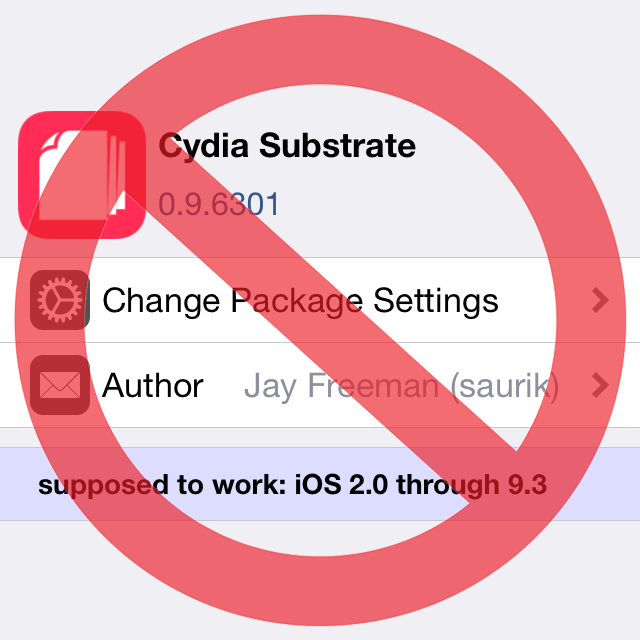
A beta of iOS 10.3 that was seeded to developers last week comes with an updated app compatibility warning which cautions users that 32-bit apps may no longer work with future iOS versions, suggesting iOS 11 will likely stop supporting non-64-bit apps. In June 2015, Apple warned developers that all apps and app updates submitted to App Store must include 64-bit support alongside 32-bit code.

When a user launches a 32-bit app, iOS 9 puts up a warning saying using 32-bit software on a 64-bit device may affect system performance. The wording of the prompt has changed in iOS 10.3 beta 1 and now specifically states that 32-bit apps may stop functioning on future iOS editions completely.

CCTButtonActions lets you use 3D Touch in Control Center to get to specialized settings

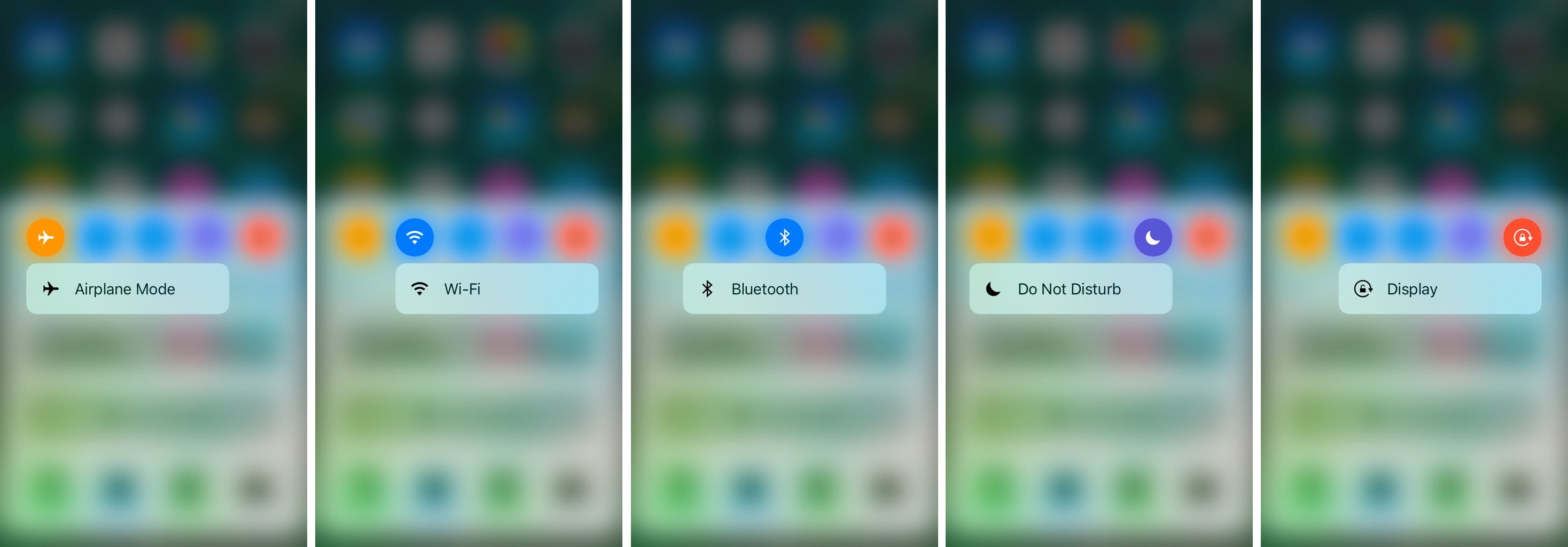
Control Center has a lot of useful toggles existing all along the top of it, allowing you do things like turn Airplane Mode, Bluetooth, Wi-Fi, Rotation Lock, or even Do Not Disturb mode on or off.

Of course, one jailbreak developer has found a way to make the toggles into shortcuts for the respective preferences panes in the Settings app, and he’s done so with a new free jailbreak tweak called CCTButtonActions.

How and where to share faster with AirDrop

In the absence of reliable figures from Apple, it is not much more than conjecture to say that AirDrop is likely a feature often neglected by the average iOS user. The gut feeling persists though, simply based on day to day observations, and it is a tenable position to take until proven wrong by Cupertino or another reputable source. The file transfer protocol is indeed handy for the transfer of heavier media files (e.g. videos, photo albums), but often only becomes relevant to us when we for example have upgraded to a new device.

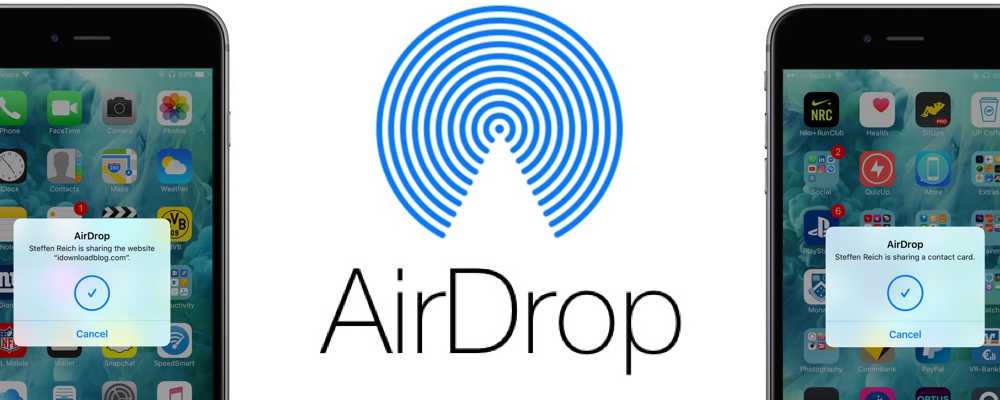
Next to sheer transmission speed however, there are other notable areas where AirDrop has the clear edge when it comes to sharing all kinds of material from your iPhone. The AirDrop icon has now fully permeated the sharing tab in iOS 10’s user interface and that is for a good reason: it is without fail going to be more nimble than iMessage, Mail or other contenders, often actually skipping steps that would throttle the process elsewhere. Such being the case, here are some unique scenarios where AirDrop excels on your iPhone and why you should try to embrace the feature more regularly.