iOS 10

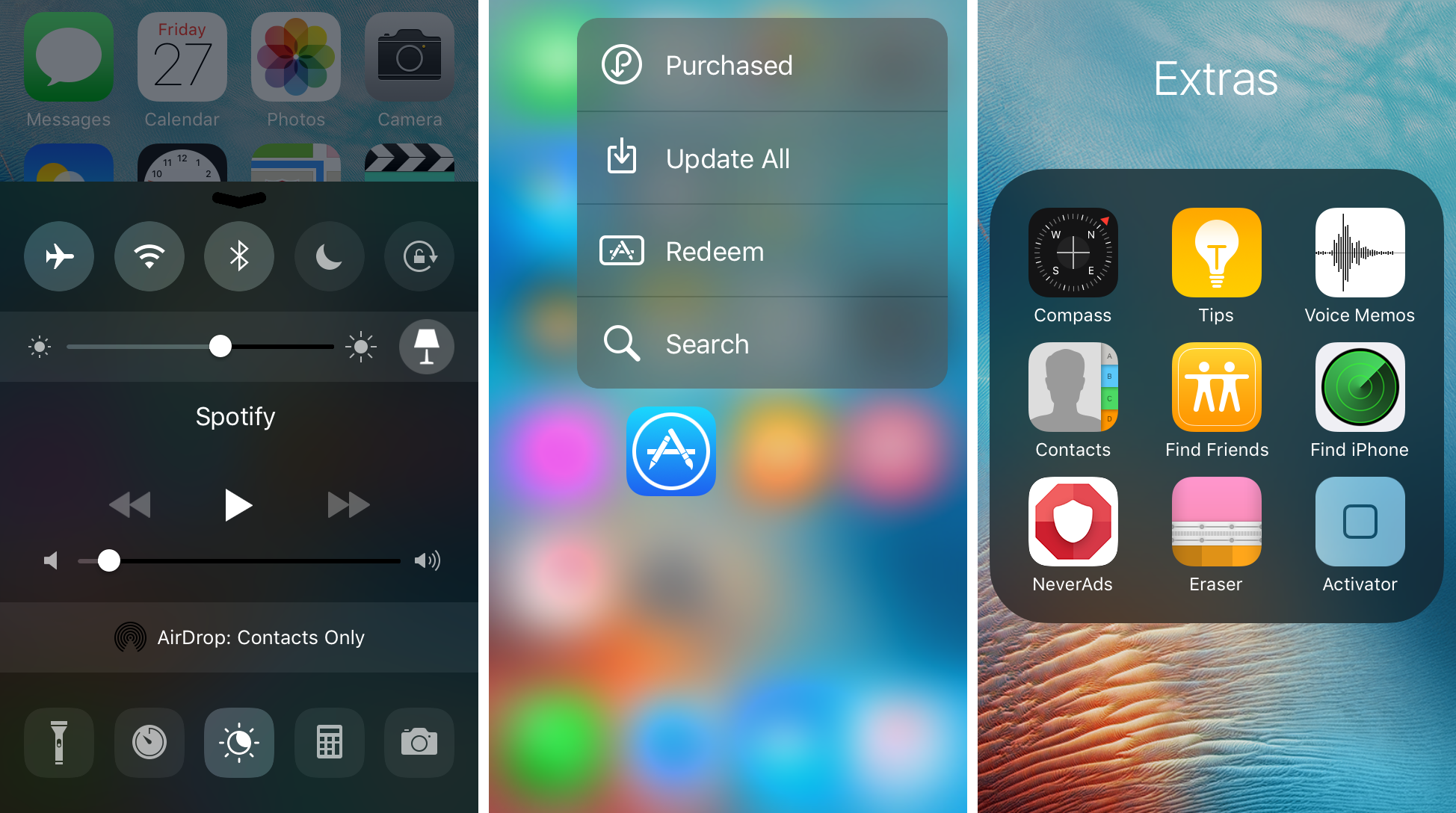
Noctis9 adds a dark mode to many transparent interfaces in iOS

Many iPhone and iPad users have wanted some kind of dark mode setting for ages, and the energy was even more hyped up after Apple debuted dark mode on macOS for the first time.

That’s where a new jailbreak tweak called Noctis9 comes in, as it brings a system-wide dark mode to various transparent elements of iOS, including, but not limited to Control Center and 3D Touch menus.
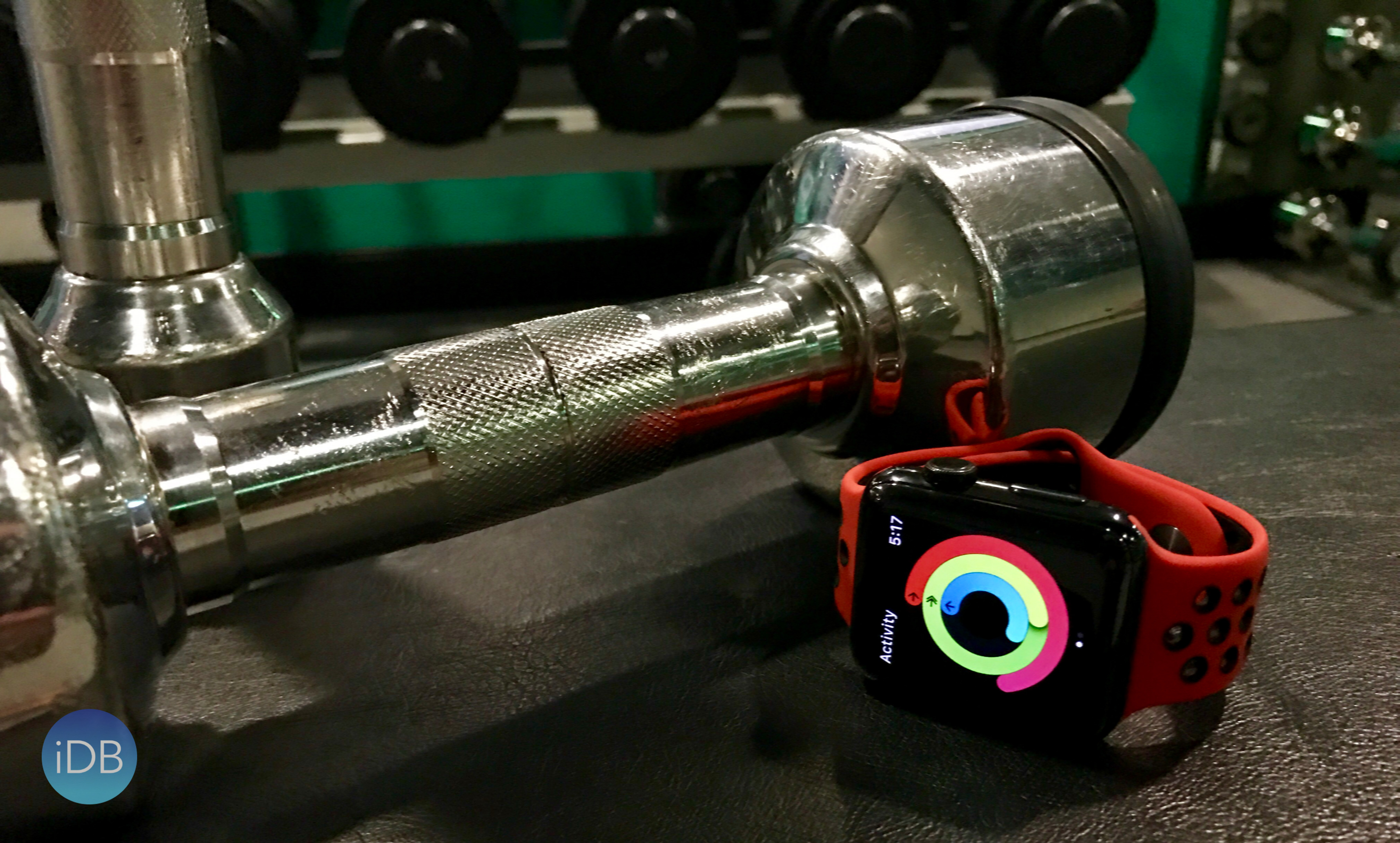

The best exercise apps for Apple Watch

One of the predominant selling points of Apple Watch has always been the notion of having a chummy, yet inspiring fitness pal on your wrist. Since its inception, Apple Watch’s App Store has therefore given rise to a plethora of apps, offering new ways to conduct and manage physical exercise, ranging from running to yoga companions and everything lying in between.

Focussing on one particular branch in the field of exercise - strength training from the comfort of your home or gym - we have put some time aside to cut through the clutter and size up todays’ most prominent apps in the segment. If you are currently on the lookout for a personal trainer on your wrist, here are the best exercise apps for Apple Watch you will want to consider.

HBO GO picks up support for Single sign-on and Apple’s new TV app

Apple today put HBO GO on the list of video apps supported in its new TV app via the Single-sign on feature that recently launched in iOS 10 and tvOS 10.

This lets HBO GO users sign in with their cable or satellite credentials on their iPhone, iPad, iPod touch or Apple TV to enjoy instant access to HBO shows, not only in Apple's own TV app but in other supported video apps that their pay TV subscription includes.

Apple releases iOS 10.3 and macOS Sierra 4 for public beta testing

Following yesterday's release of developer-only previews of the upcoming iOS 10.3 and macOS Sierra 10.12.4 software updates, Apple today made the new betas available to public beta testers who are enrolled in Apple Beta Software Program.

iOS 10.3 public beta can be installed via the Software Update mechanism on iOS devices with an appropriate configuration profile installed. macOS Sierra 10.12.4 public beta can be downloaded on your Mac through Mac App Store's Updates tab.

How to jailbreak iOS 10.0-10.2 with yalu102

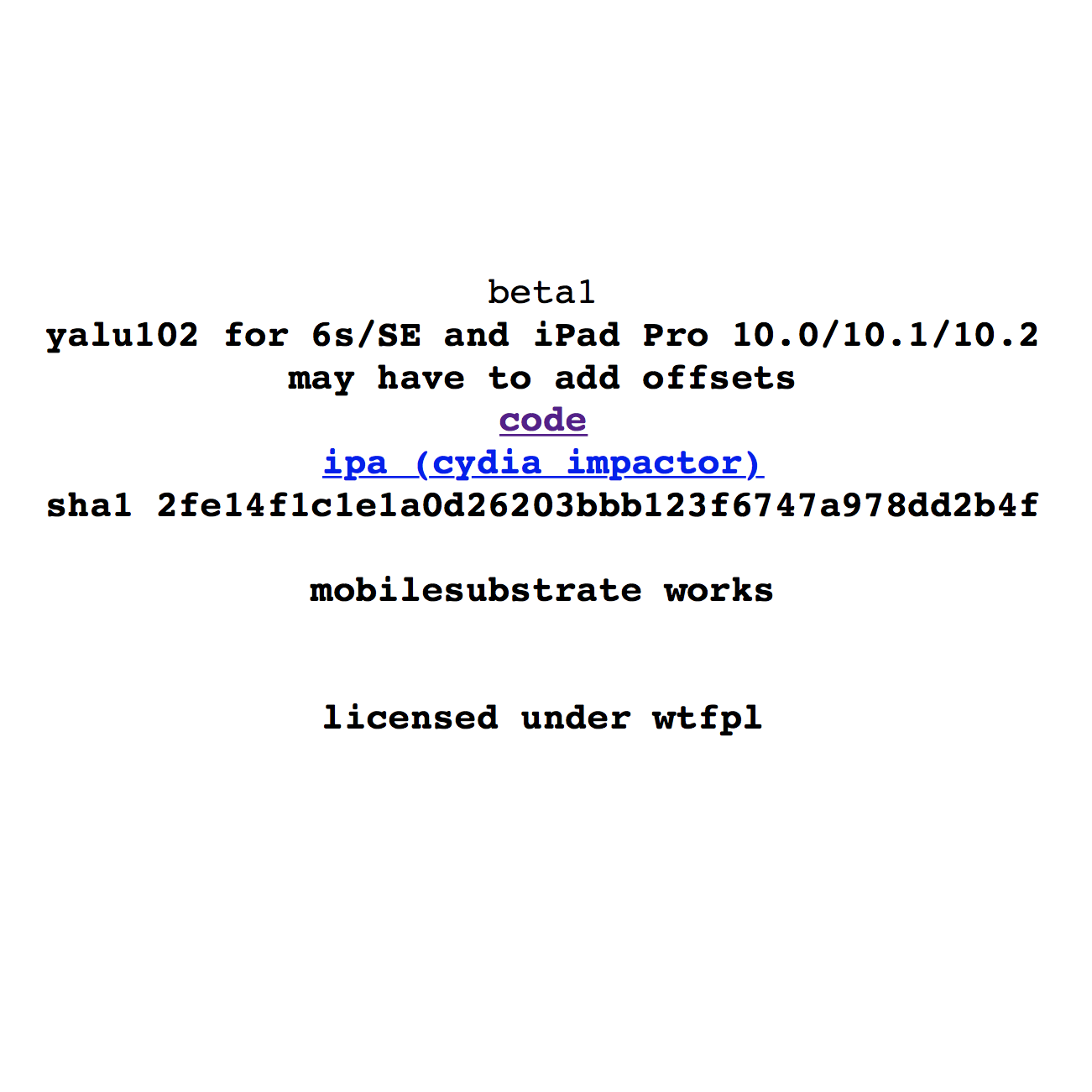
Luca Todesco just announced the first beta build of his Yalu jailbreak for iOS 10.0-10.2. In this guide, I'll walk you through how to use the tool, should you want to try out the beta.

Bear in mind, this tool is first release and is not necessarily stable. It also does not support all devices yet. Whilst Todesco has said that it should already be more stable than the betas of Yalu for 10.0-10.1.1, a first build is a first build. Proceed at your own risk.

iOS 10.2 Yalu jailbreak beta build now available

Hot on the heels of the source code being posted to GitHub yesterday, Luca Todesco has posted a very early build of the tool to his website. Work on the GitHub code proceeded quickly after its posting last night, with Todesco and others merging several commits to enable Substrate, add more device support, and streamline the tool.

LargeCCKnobs brings iOS 10-style slider knobs to your iOS 9 device

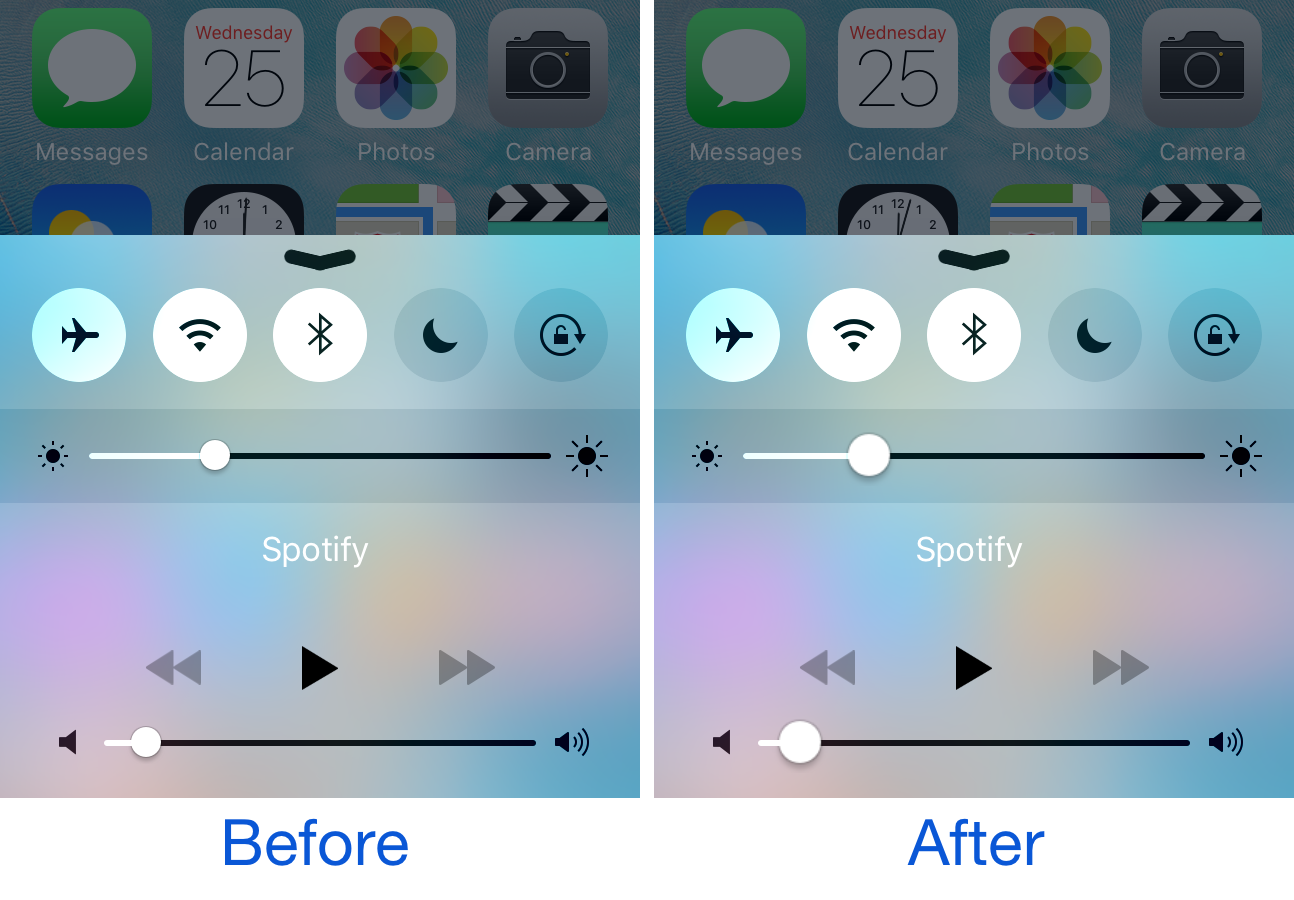
One of the things Apple changed from iOS 9 to iOS 10 is the size of the knobs that appear on the adjustment bars for volume level and song scrubber. The latter has larger knobs, which make grabbing onto them a little easier than in earlier versions of iOS.

If you’re jailbroken on iOS 9, and you want the same characteristics from iOS 10 to fall in your lap, then you’ll find a new free jailbreak tweak called LargeCCKnobs quite useful.

iOS 10.2.1 and jailbreaking: what are my options?

What with the release of iOS 10.2.1 and the soon-to-be-closed signing window for iOS 10.2, many people are wondering what the best strategy is for their device. Should they stick with a jailbroken firmware or jump to iOS 10? If they're already without a jailbreak, which iOS version do they need to be on to make sure they get one? What do they need to do to be able to upgrade to iOS 10.2 later, and keep their jailbreak for now?

In this article, we'll quickly go through what we consider the smartest options for each device and iOS version, so that you can (hopefully) make an informed decision.

Extensively updated to reflect beta release of Yalu for 10.2.

iOS 10.3 brings support for Verizon Wi-Fi Calling on other iCloud-connected devices

U.S. wireless carriers like AT&T, Verizon, Sprint and T-Mobile have supported Wi-Fi Calling for some time now, with AT&T, Sprint and T-Mobile also supporting Wi-Fi Calling on other iCloud-connected devices like iPad, iPod touch, Apple Watch and Mac. According to user reports on MacRumors' forums, iOS 10.3 beta 1 supports Integrated Calling on Verizon.

With this handy feature, compatible iCloud-signed devices can make and receive calls using your carrier's account even when your iPhone isn't nearby.

Apple will soon allow developers to respond publicly to App Store reviews

Following yesterday's release of iOS 10.3 and macOS Sierra 10.12.4 betas, Apple announced new features allowing iPhone, iPad and Mac developers to respond publicly to reviews on App Store and Mac App Store while letting customers provide ratings and reviews without leaving their app.

Speaking to The Loop's Jim Dalrymple and Daring Fireball's John Gruber, the Cupertino company provided some noteworthy highlights outlining the upcoming App Store review policy changes.

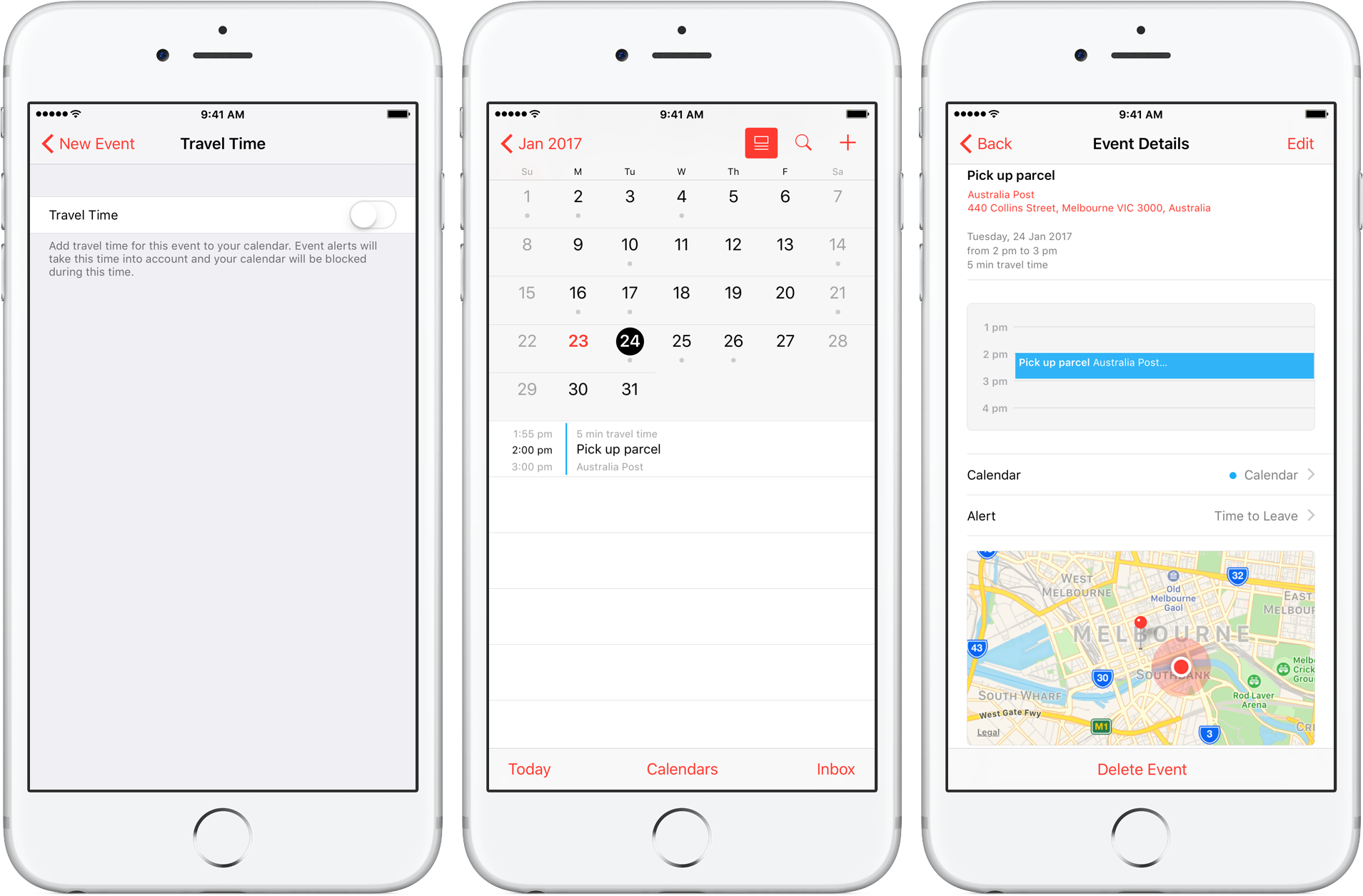
How to use Travel Time in Calendar on iPhone and Mac

Travel Time is a nifty addition to Apple’s Calendar app, capable of precisely estimating the duration of your upcoming trip based on parameters such as milage and traffic. Used properly, it can notably ease some of your daily scheduling woes, but paradoxically, a large contingent of regular Calendar users still routinely overlook the feature.

Formerly introduced as frequent locations and traffic conditions widgets, the service has only slowly gained traction amongst users. Travel Time today however has come of age and is now neatly integrated into one of the most popular productivity applications both on iOS and macOS. So if you didn’t get the memo on the virtues of Travel Time in Calendar, here’s what you need to know.