If you've been experiencing issues with things like Apple Pay, or even upgrading to macOS Big Sur, you aren't alone.
Apple’s facing issues with macOS Software Update, Apple Pay, Apple Card, and other services
If you've been experiencing issues with things like Apple Pay, or even upgrading to macOS Big Sur, you aren't alone.
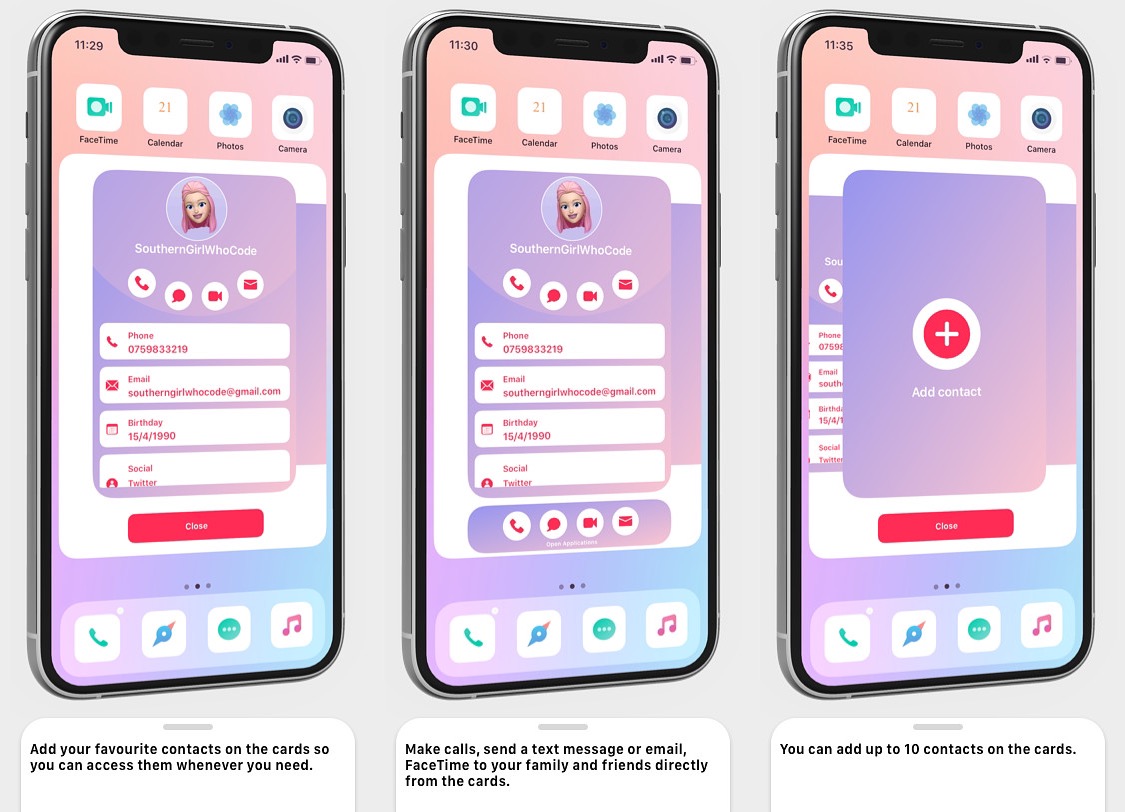
When you’re in the mood to get in touch with a friend or family member, you’d generally just launch the Contacts app, find that person, and then tap only our preferred method of contact to reach them — be it text, phone, or email. But it’s 2020, and by now, someone’s got to be saying that it’s ludicrous that one would need to close the app they’re in and launch the Contacts app just to get in touch with someone else.
Those who feel the way we’ve just described are likely to enjoy a newly released jailbreak tweak called Sunset by iOS developer SouthernGirlWhoCode, as it replaces the idea of a Contacts app with a Contacts card that can be summoned from just about anywhere in iOS with one of several different gestures.
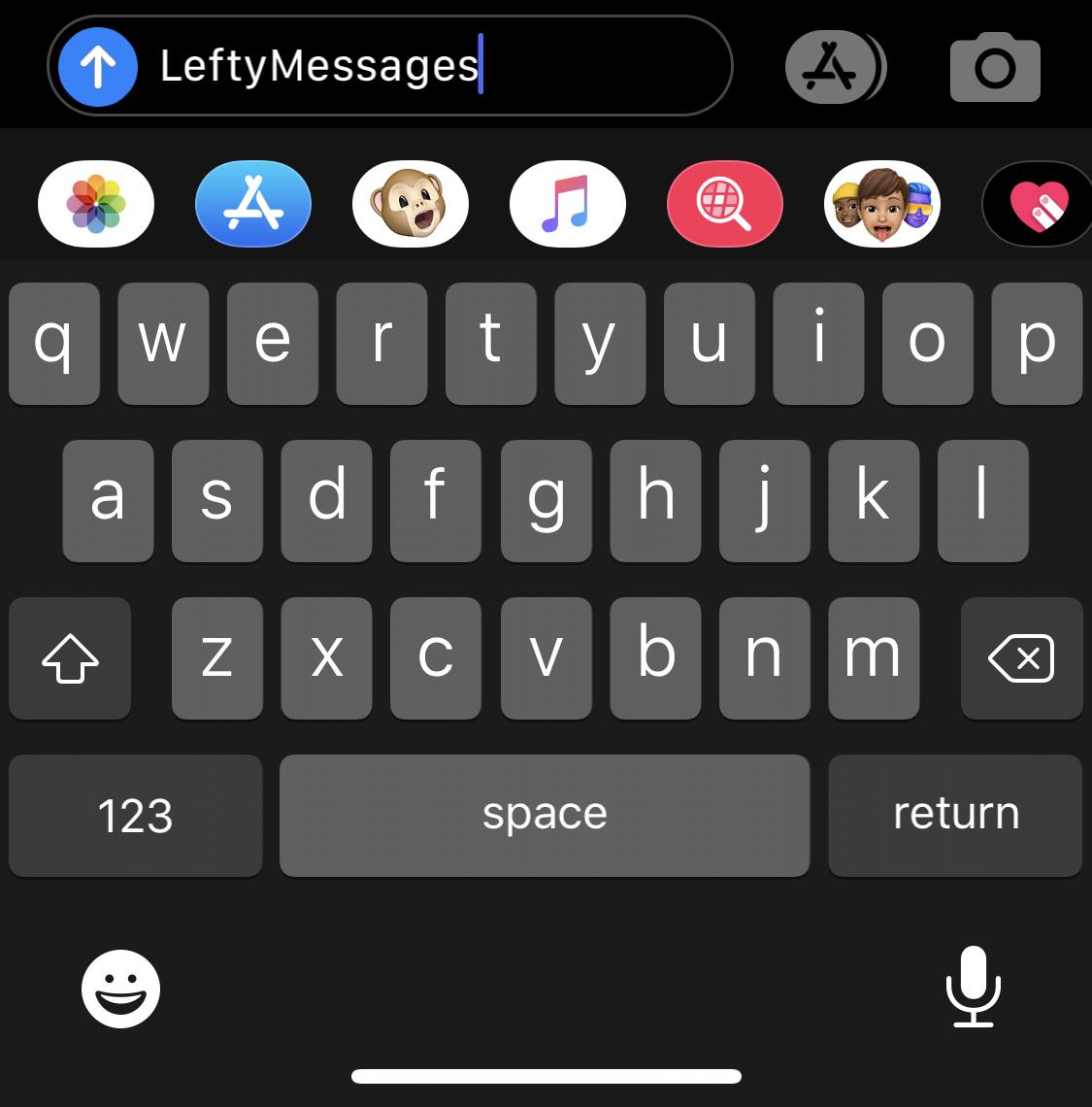
The iPhone’s Messages app is a particularly well-planned application with a simple user interface that most people have no trouble using, but if you’re of the sinistral variety (left-handed), then you might have a tendency to disagree with that sentiment. Fortunately, the jailbreak community is here to help.
LeftyMessages is a newly released and free jailbreak tweak by iOS developer Paperman369 that tries to make the Messages app easier for left-handed people to use with one hand by moving certain frequently used controls over to the left side of the display.
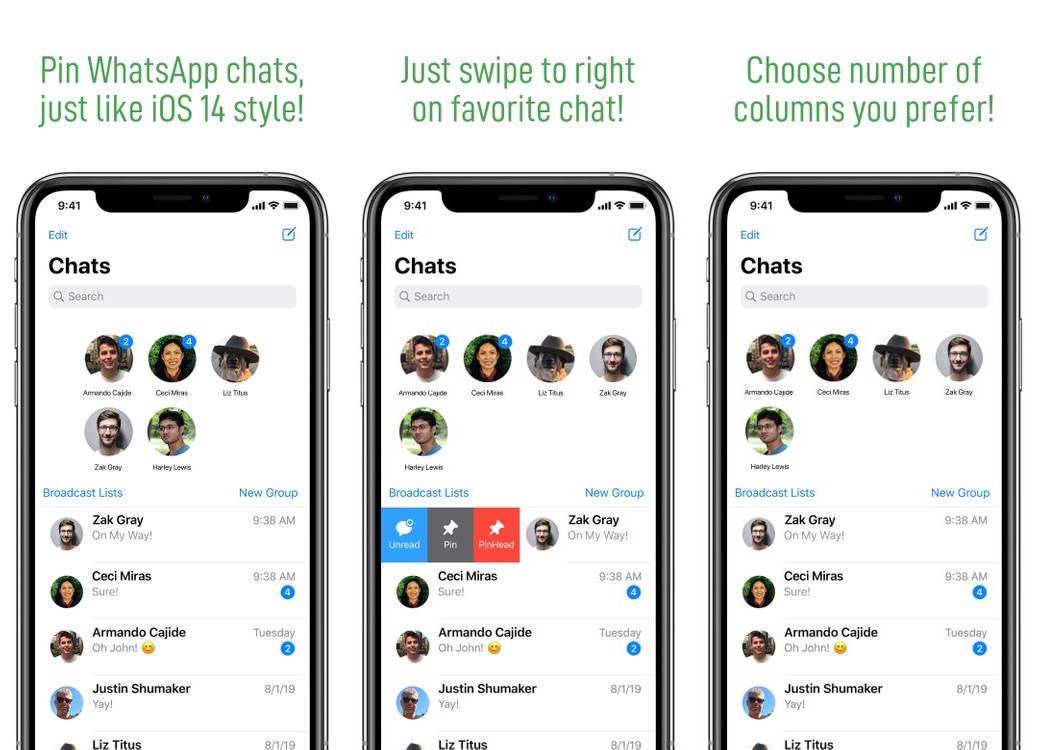
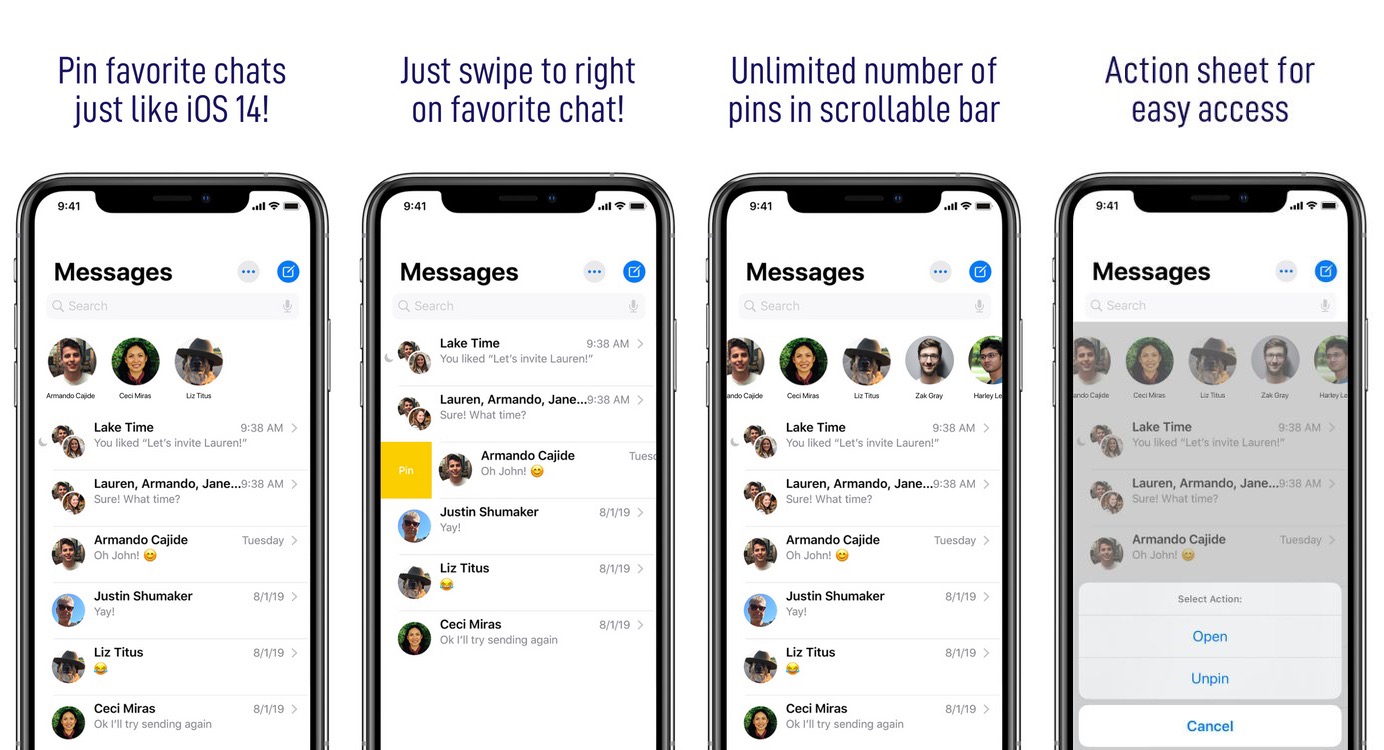
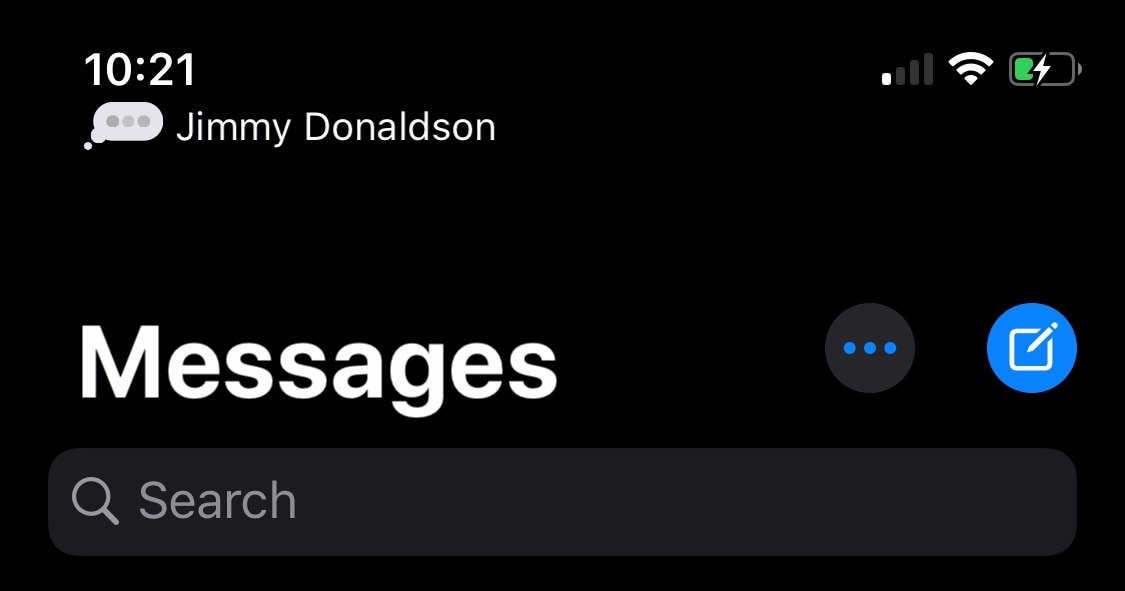
At the start of the month, we showed you a jailbreak tweak called PinHeads by iOS developer Ahmad that ported iOS 14’s conversation pinning capabilities in the Messages app to pwned iOS 13 devices. It was such a hit in the jailbreak community that we quickly saw competing tweak releases aiming to bring the same functionality to users’ handsets. Unfortunately, conversation pinning for third-party messaging apps seemed to be largely ignored… at least until now.
PinHeads WhatsApp is another new jailbreak tweak, also by iOS developer Ahmad, that brings iOS 14-esque conversation pinning capabilities to the third-party WhatsApp Messenger app. As shown in the screenshot examples above and below, the interface is heavily inspired by iOS 14’s native implementation, and as you might come to expect, the tweak’s behavior can be configured depending on the user’s own personal preferences.
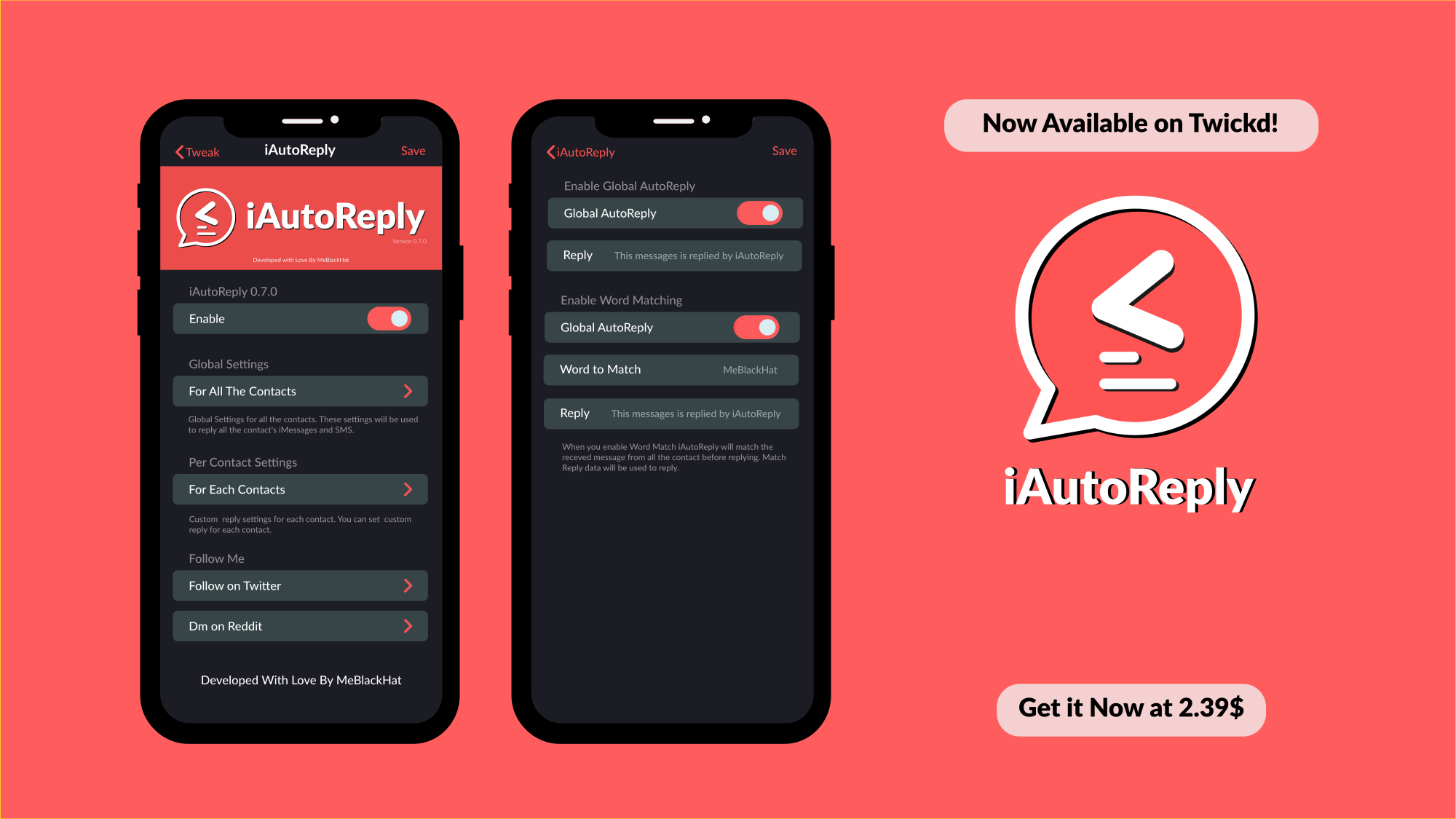
If can be tough, if not nearly impossible, to respond to every text message or iMessage throughout the day. This is especially true if you’ve got a lot of friends and a busy schedule. Fortunately, a newly released jailbreak tweak called iAutoReply by iOS developer MeBlackHat is here to help our friends know that their messages aren’t falling on deaf ears.
Just as the tweak’s name implies, iAutoReply offers many flexible features for users who might want to configure automatic replies for text messages or iMessages that they can’t reply to right away. Not only can iAutoReply be configured for global message responses, but it can also be configured to reply to certain contacts in a different way.
It’s easy to send someone a freshly-captured photograph via the iPhone’s Messages app all thanks to a dedicated button located just to the left of the text input field. Upon capturing a photograph this way and sending it, iOS automatically saves a copy of that photograph to the Camera Roll so that the user can reference it later on.
Apple had good intentions here no doubt, but in many cases, we find ourselves navigating to the Photos app after capturing and sending a photograph in the Messages app to delete it from our Camera Roll afterward. I can personally relate to this particular dilemma, and that’s one reason why I’m excited to share the likes of a newly released and free jailbreak tweak dubbed Don’tSaveMessagePhotos by iOS developer lint.
One of my favorite new features that will ship with the upcoming iOS 14 update is the ability to pin favorite conversations to the top of the Messages app for quicker reference. But if you’re jailbroken on iOS 13, then you might feel reluctant to upgrade for this new feature alone.
Fortunately, jailbreakers won’t be left in the dust when iOS 14 launches because a newly released jailbreak tweak called PinHeads (iOS 13) by iOS developer Ahmad brings iOS 14-style conversation pinning to the Messages app on pwned iOS 13 devices.
I send and receive a lot of internet links via my iPhone’s Messages app, and one thing I can’t stand about the user experience in this respect is that tapping on a link jolts me out of the Messages app and into the Safari app. Why couldn’t Apple just build a simple webpage UI into the Messages app like several well-respected third-party app developers do in their own apps?
If you agree that the latter experience would make a lot more sense, then you’re likely to enjoy a newly released and free jailbreak tweak called Safari in Messages by iOS developer Andrew Abosh. Just as the name implies, this tweak makes it so that internet links load natively inside the Messages app via a dedicated webpage UI without actually moving you to the Safari app.
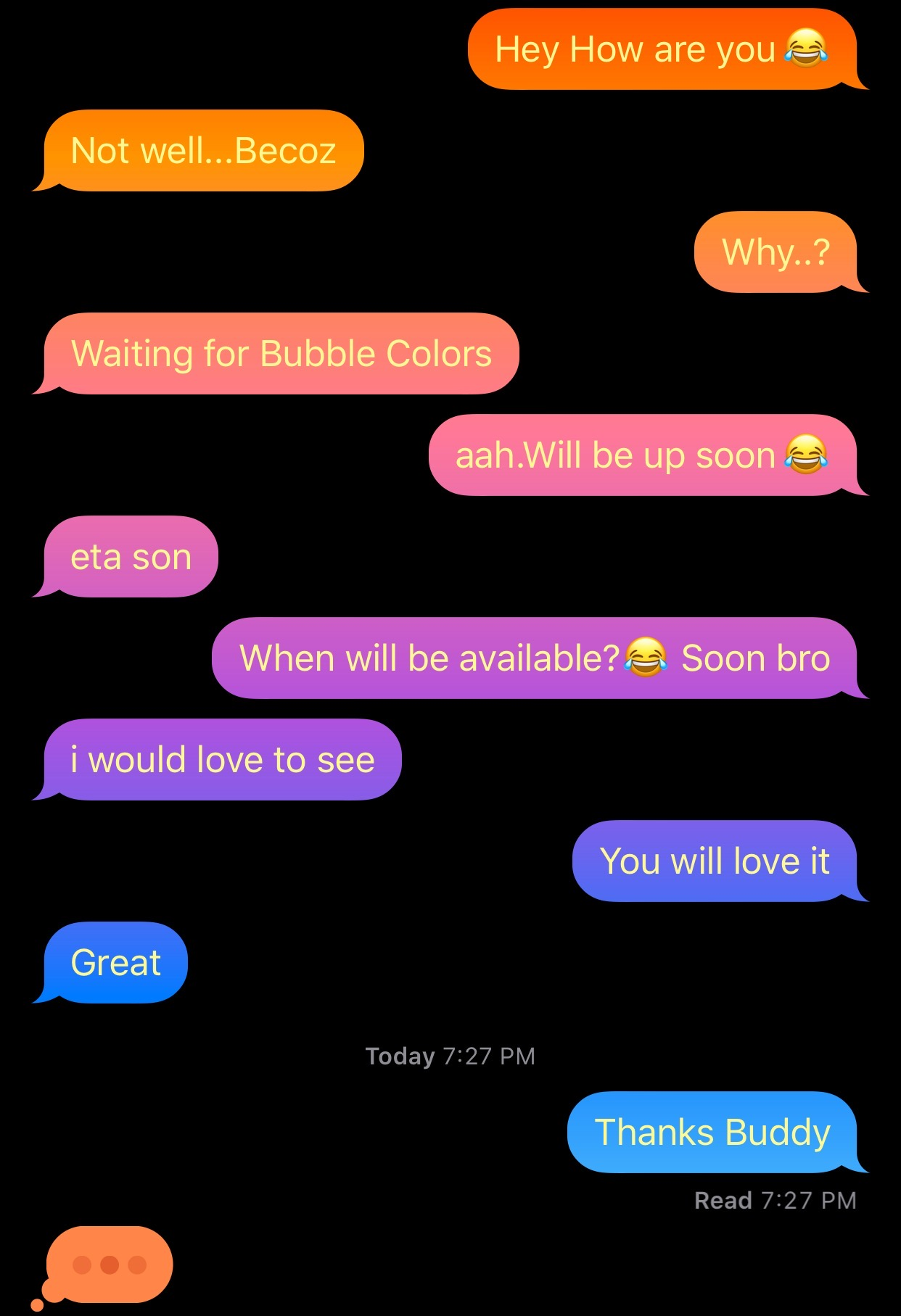
After jailbreaking your iPhone or iPad, one of the more exciting things you can do is add custom colors to the Messages app, namely the sent and received chat bubbles that distinguish your words from your recipient’s. But as cool as that might be, who wants to be limited to only a single color choice for each person?
Enter Gradient Bubble Color, a newly released jailbreak tweak by iOS developer Naneramanu that outfits your Messages app’s chat bubbles with a juicy gradient of colors and provides a plethora of options for colorizing other aspects of the Messages app.
Some of the most compelling features that set iMessage apart from traditional SMS in Apple’s Messages app are the creature comfort features that it provides such as read receipts, typing indicators, and the lack of character limits. Among those, read receipts and typing indicators are some of my favorites because they lets me know when the other person is typing so I can refrain from interrupting them mid-dialogue and when they've read my message so I can nag them about why they didn't respond to me later.
But as anyone with a jailbroken device will tell you, there are always ways that things can be improved. The much appreciated iMessage typing indicator is no exception to that rule, and that’s one of the primary reasons why I’m advocating for a newly released jailbreak tweak called TypeCentury by iOS developer captinc.
Apple meticulously designed its Messages app to be one of the most straightforward standard text messaging platforms on any modern handset, and the company’s built-in iMessage service only augments your messaging capabilities, as long as your recipient is an iOS or macOS user too.
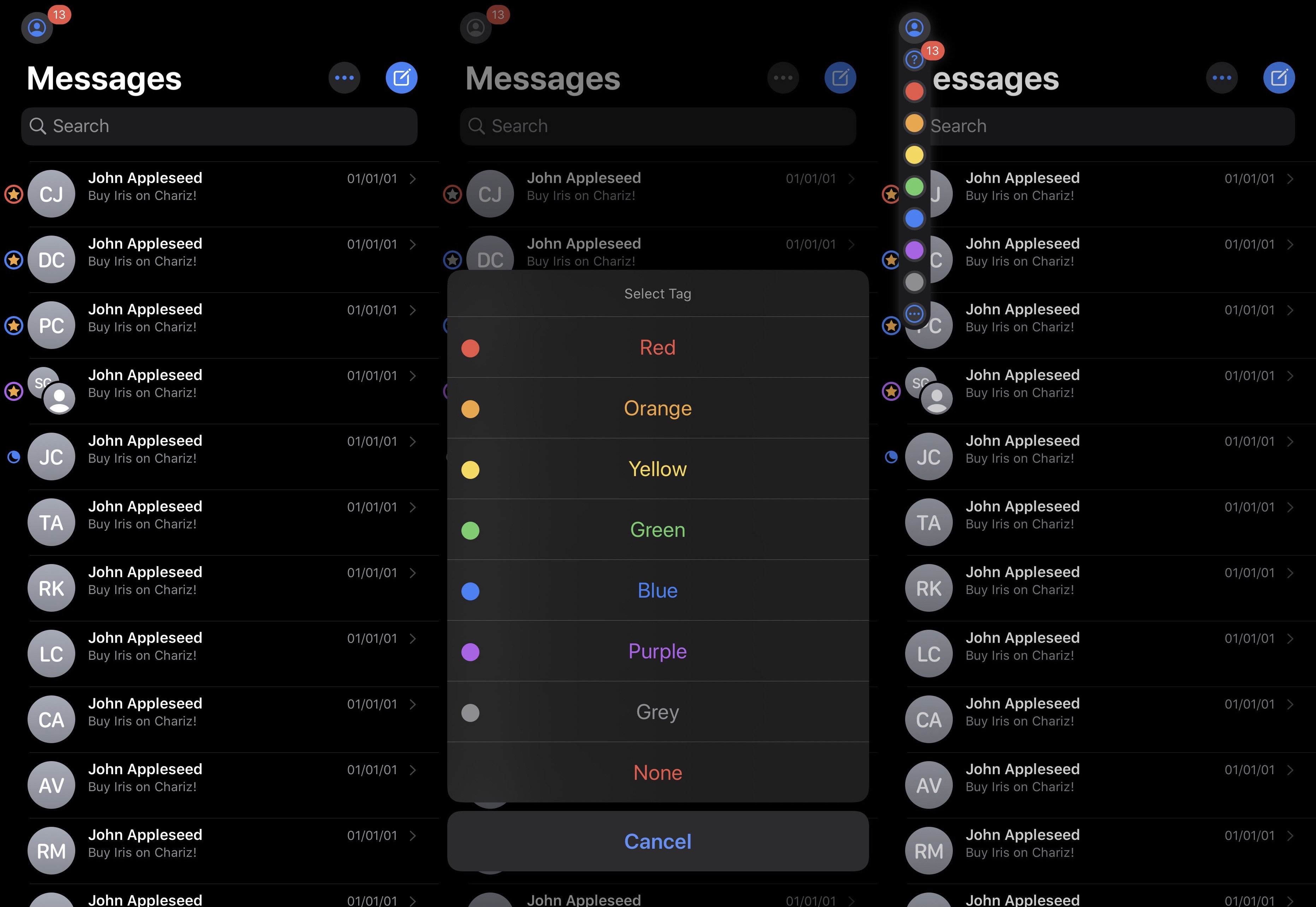
But despite the bevy of creature comforts that Apple implemented into Messages to make iMessage as great as it is today, there’s no question that a number of high-demand features are still missing, and iOS developer JacobCXDev has done a wonderful job of bringing those to the Messages app without Apple’s seal of approval in the form of a newly released jailbreak tweak called Iris.
Unreplied for macOS by Milan-born developer Andi Duro is a very useful Mac app designed to keep every Messages conversation you've forgotten to reply to in the macOS status bar, including iMessages and texts you have already opened but haven't replied to yet.