When you download items in Safari, they are all easily accessible from the toolbar. You can see them, pause and resume them, and clear them away.
Here’s how to manage and remove download items in Safari for Mac.

When you download items in Safari, they are all easily accessible from the toolbar. You can see them, pause and resume them, and clear them away.
Here’s how to manage and remove download items in Safari for Mac.
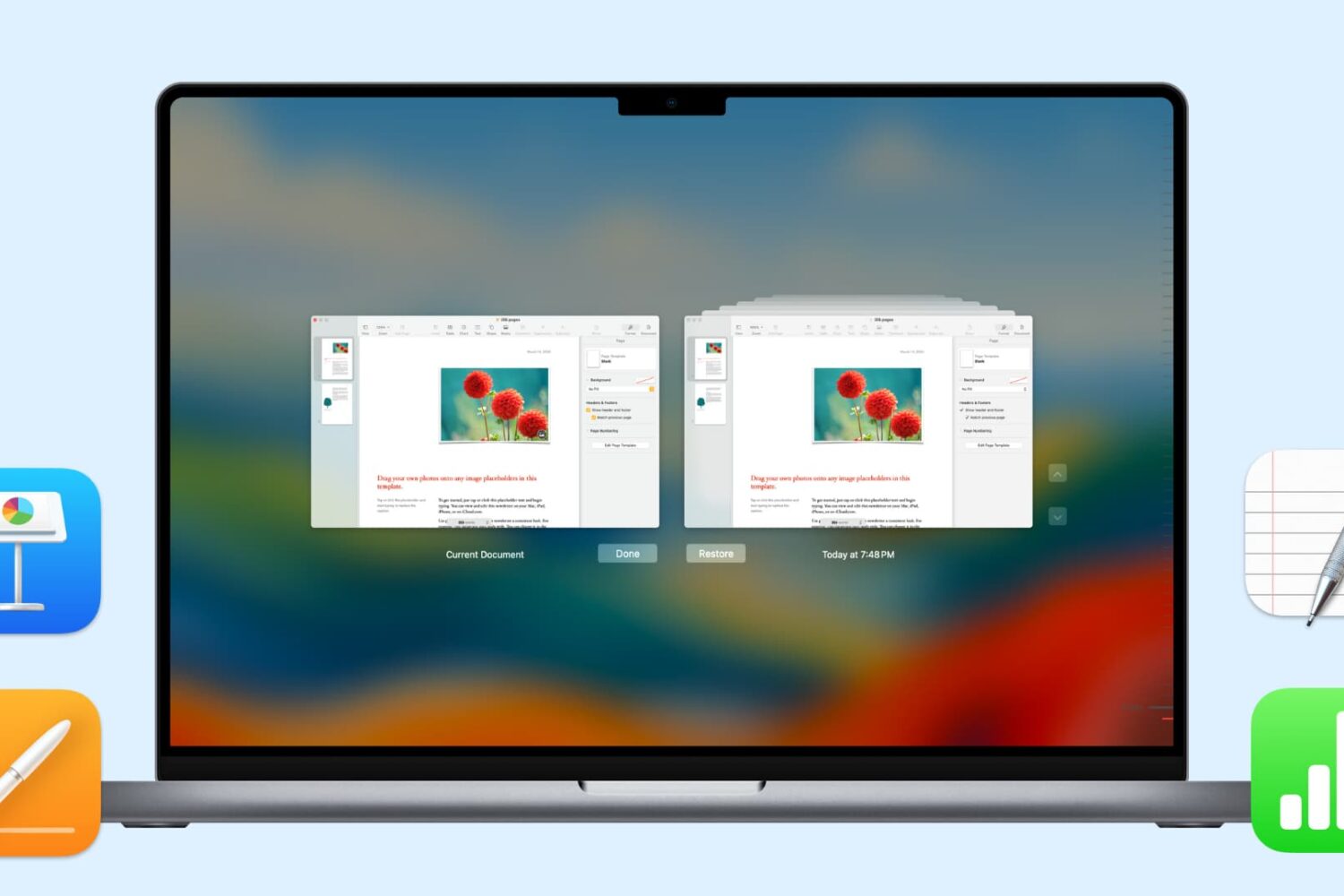
In this handy tutorial, we’ll show you how to browse and restore previous versions of documents in Pages, Numbers, Keynote, Text Edit, and Preview on your Mac.
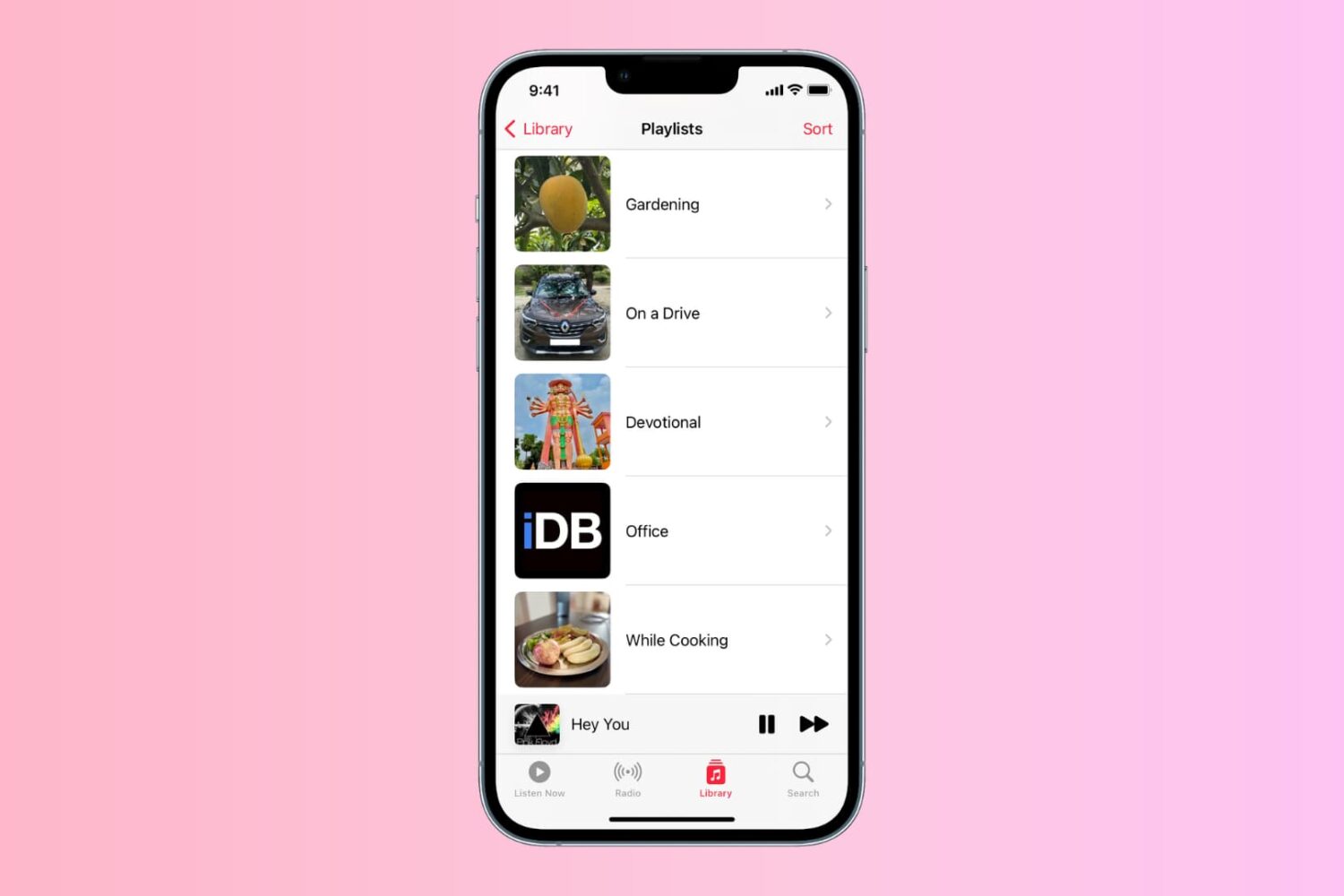
Learn how to personalize the playlist cover image in the Music app on your iPhone, iPad, or Mac to your liking.
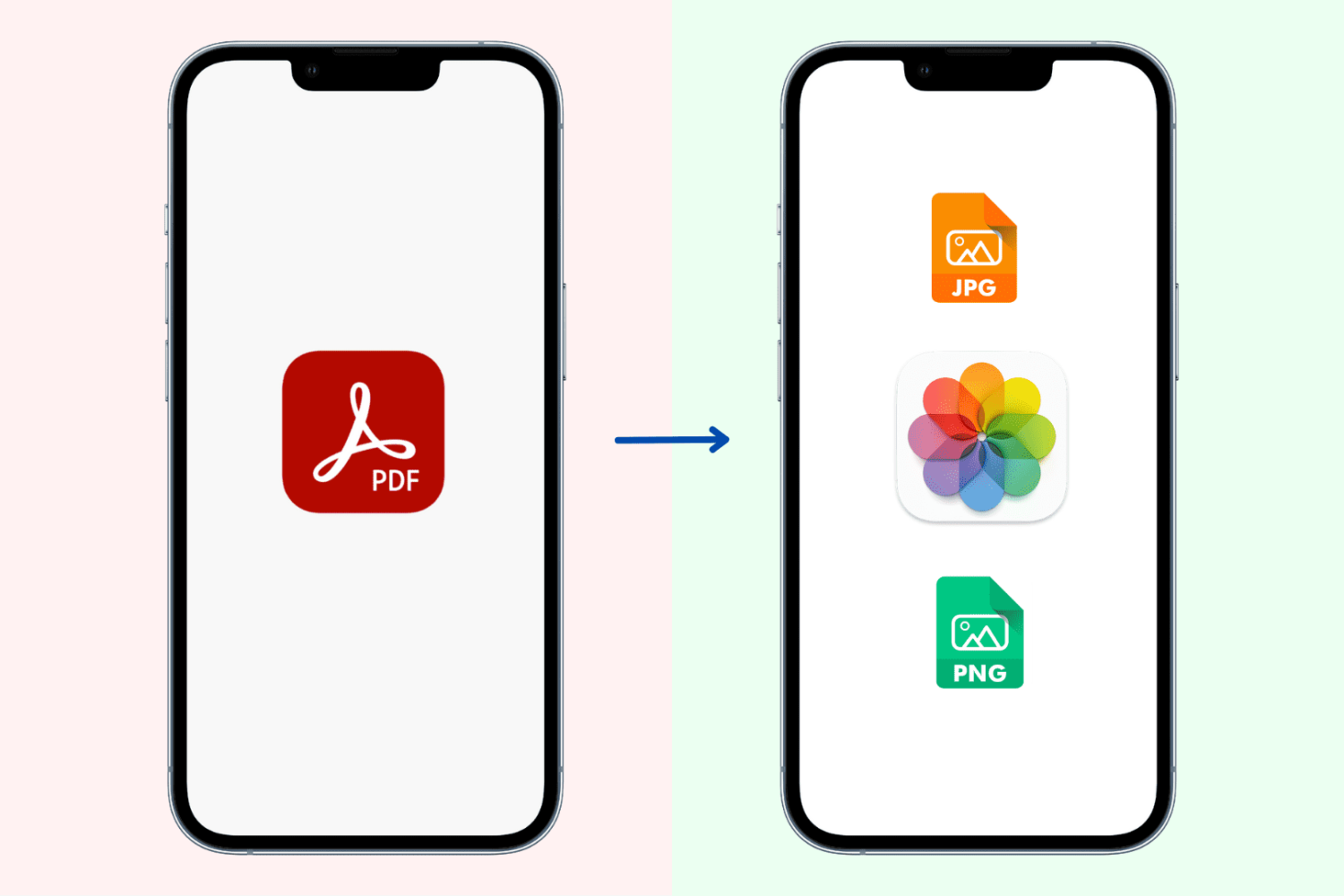
Learn how to convert PDF documents to images and saved them to the built-in Photos app in the JPG and PNG file formats on your iPhone or iPad.

Learn how to save all images from a web page on your iPhone or iPad without manually downloading them one at a time.
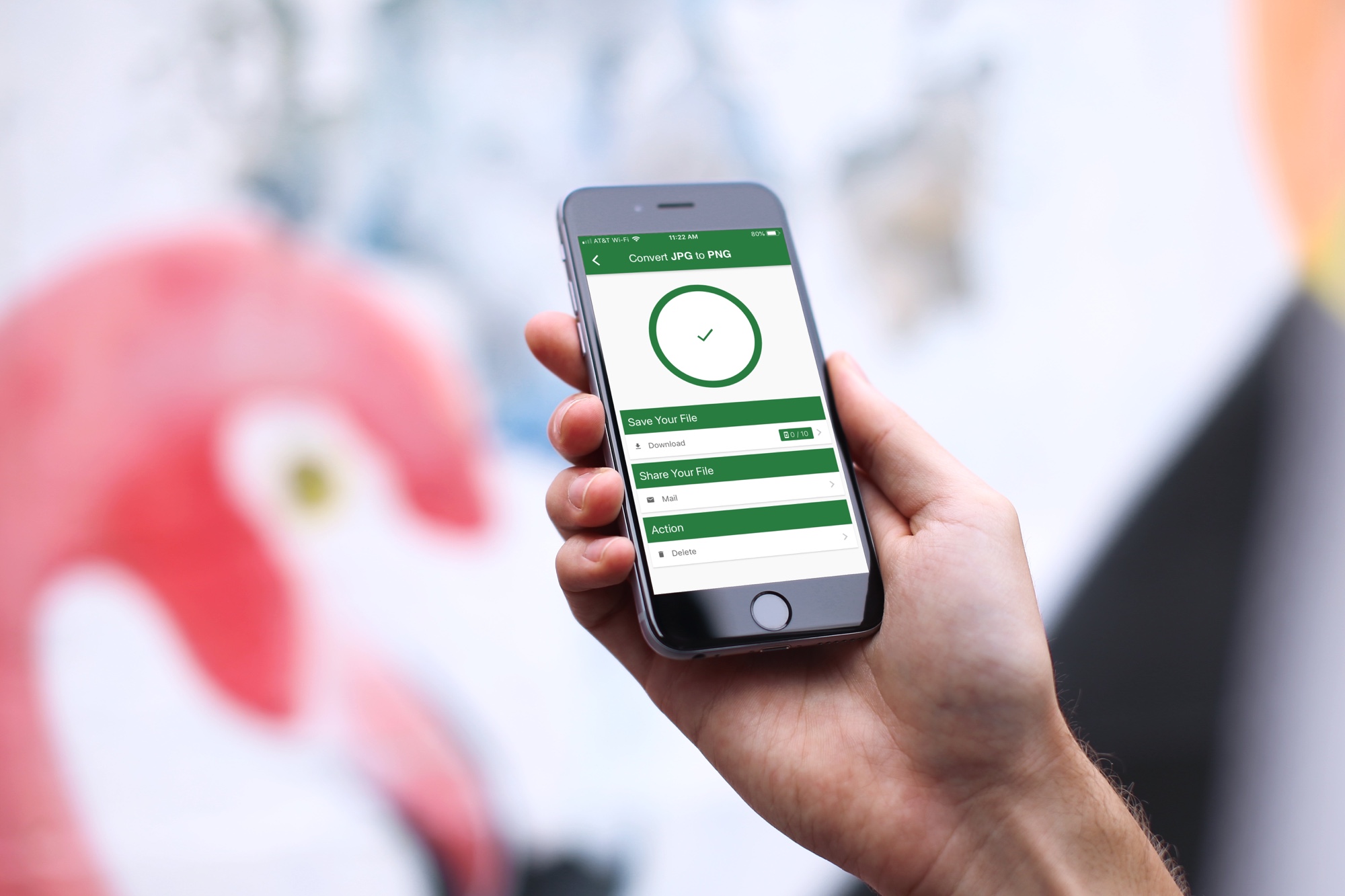
What do you do when you have a great image saved as a PNG on your iPhone or iPad and someone needs it in a JPG format, or vice versa? Well, you have to convert it, of course. But this isn’t always as easy as it seems.
If you’re in the market for a mobile app that doesn’t cost a fortune, gives you the file types you need, and is easy to use, then you came to the right place. Here are the best apps to convert image formats on iPhone and iPad.
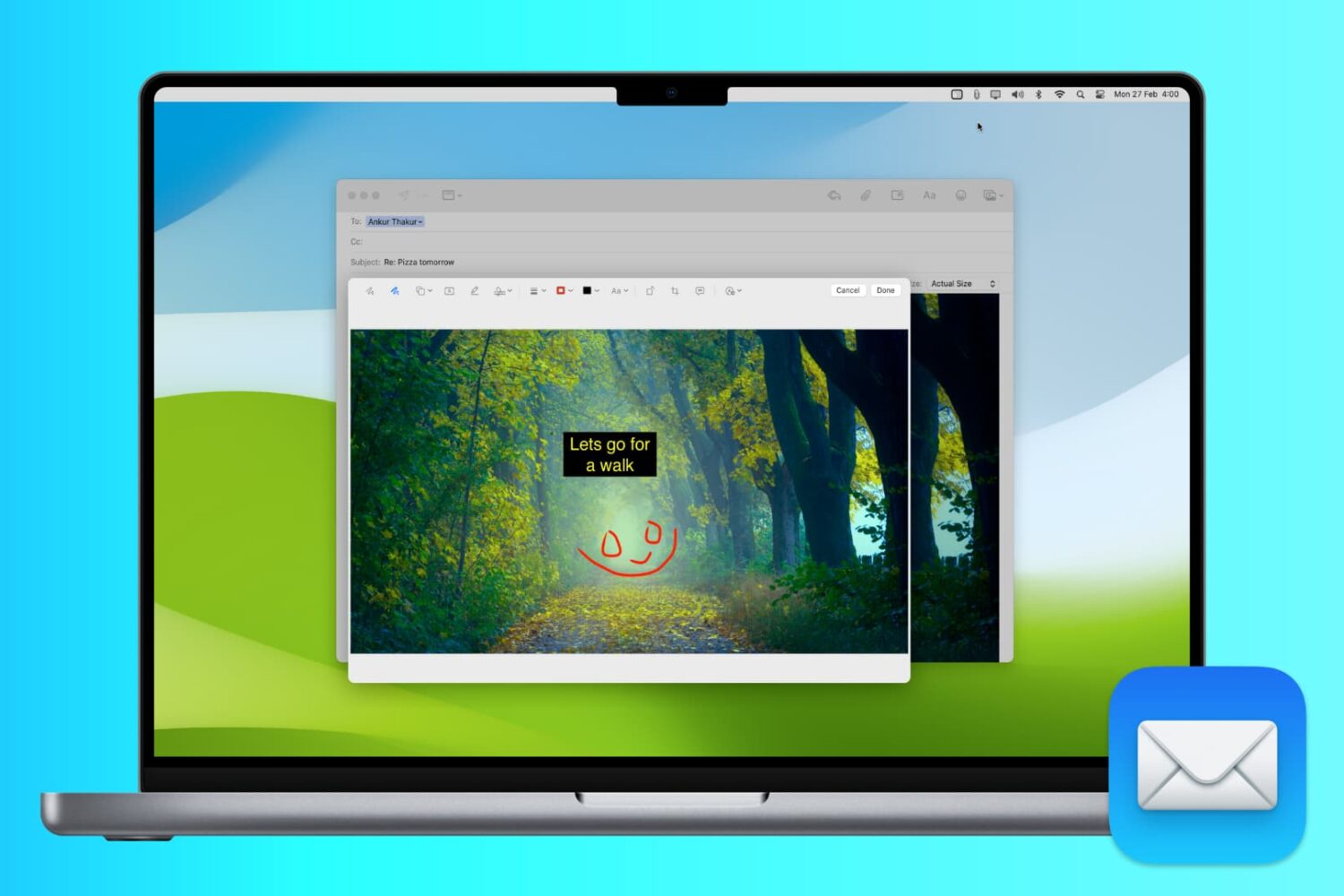
Whether you want to annotate an image for work, mark up a photo for fun, or add your signature to a PDF, it’s easy to do with the Markup tool inside your Mac's Mail app.
In this article, we show you how to use Markup to add shapes, text, signatures, drawings, and more to your email attachments.

While it can be easy to share files, images, and links across your devices, you likely use different apps for that. For instance, you may use Photo Stream for images and Safari for links. However, if you want to use just one simple app that not only lets you share across your mobile devices, but your computers and browsers too, then check out Pushbullet.
As a longtime fan of Pushbullet, this easy-to-use application lets you share items between your devices instantly. With the push of a button, you can share to several spots at one time or to a single device, and it’s all done securely. If you are ready to dig into Pushbullet, here’s how to get started and use it.
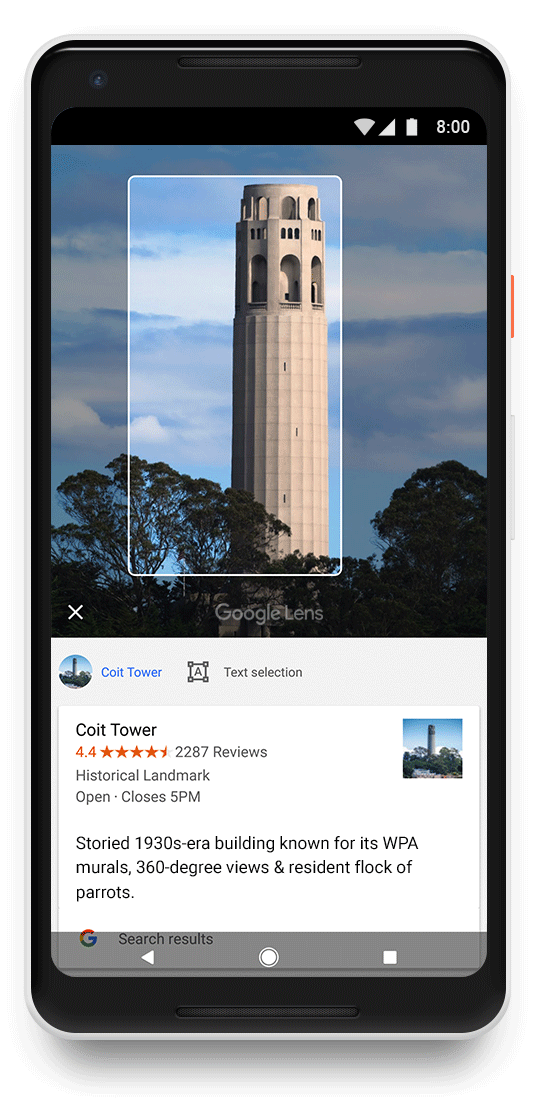
As promised, Google's machine learning and artificial intelligence-powered visual search feature, called Lens, is now rolling out on iOS via the search giant's free Google Photos app.