Learn how to stop your iPhone, iPad, or iPod touch from automatically backing up to your computer when you connect it using a USB cable.
How to stop iPhone or iPad from auto-backing up to Mac or PC
Learn how to stop your iPhone, iPad, or iPod touch from automatically backing up to your computer when you connect it using a USB cable.
Integrating the iPad into curriculum just got easier as Apple yesterday released a collection of guidebooks on the iBooks Store that its educational teams designed to help educators learn how to use iPads and first-party apps in the classroom. The new Education Starter Guides for iPad series consist of six interactive guidebooks with photos and videos.
Created and published published by Apple's in-house Education team, the new e-books are promoted in an email blast to iTunes U users and on the Education section of the iBooks Store.
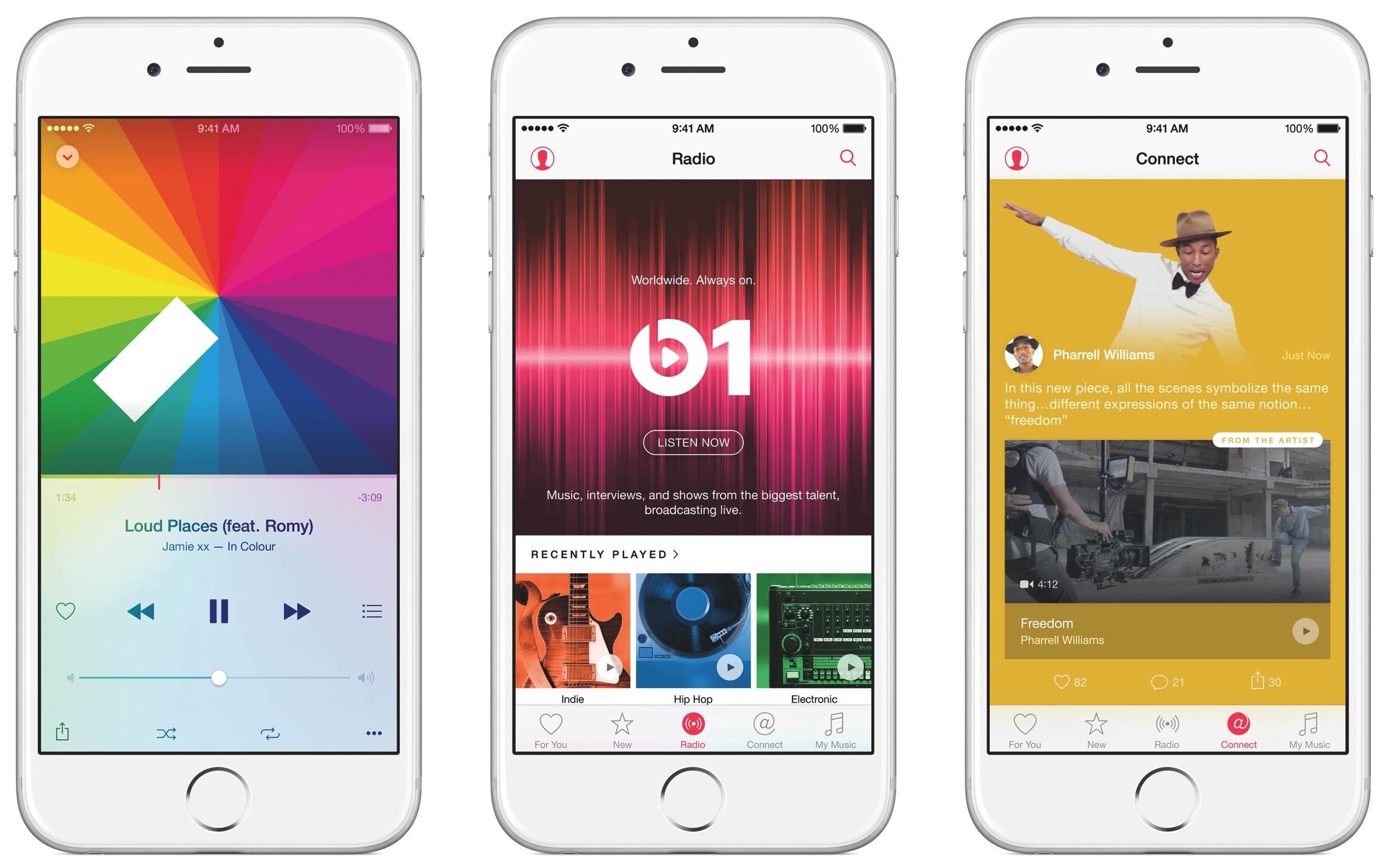
There seems to be a bug in iTunes 12.4 which causes playback issues with Apple Music tracks shorter than 60 seconds, MacRumors reported today.
The problem allegedly stems from a buffering bug that apparently causes iTunes to never begin downloading the next song in the queue if it's shorter than 60 seconds. Basically, iTunes is left waiting for a download to finish that has in fact never started. The bug has been reported to Apple and we expect it to be fixed in a future iTunes update.
My colleague Andrew first broke news yesterday that Dark Mode resources have been found within iOS 10's Messages app. Now, Dark Mode was expected to make an official appearance in iOS 10, but the WWDC keynote came and went without any mention of this feature.
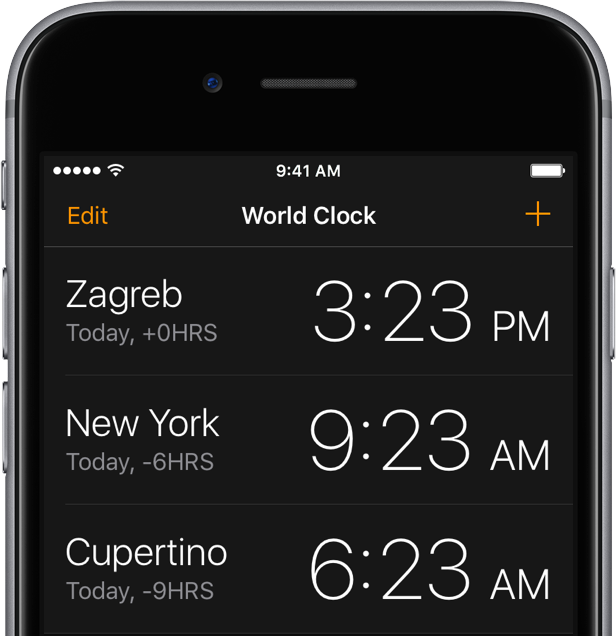
Now Mac Aficionados tweeted out screenshots depicting a dark interface in other iOS 10 stock apps, including an automatic dark mode in iBooks, in addition to the Clock app, Safari and the iTunes Store.
As it turns out, dark interfaces in these apps (sans Clock) have been present for years, indicating Apple's been testing how users might accept a Dark Mode option on iOS.
Apple has officially pulled the plug for signing iOS 9.3.1 on Friday.
The change means iPhone, iPod touch, and iPad users can no longer downgrade to iOS 9.3.1 via iTunes and will now be forced to install iOS 9.3.2 upon any attempts to restore their devices.
After learning last month that Apple could terminate iTunes music downloads for good by 2018, Digital Music News is back with some new tidbits of information. Insiders say Apple is “keeping their options open” regarding the rise of Apple Music subscriptions and the streaming service potentially replacing music downloads altogether.
Apple's iTunes U application has received a refresh in the App Store, bringing out a few new features. For starters, iTunes U 3.3 for iOS now takes advantage of third-party Document Provider extensions.
This enables iPhone, iPod touch and iPad owners to easily add new materials from various cloud services for which they have an app installed on their device, such as iCloud Drive, Google Drive, Dropbox and so forth.
Apple released a software update for iTunes on Thursday that has been made available via the Mac App Store. The update comes with some minor improvements to the software.
Bringing the software up to version 12.4.1, this update is mostly a bug fix release and is recommended for everyone who uses iTunes.
If you needed another proof that Apple is not very good at online services, here's one: the App Store, the Mac App Store and various other online services are currently down, according to a notice on Apple's System Status webpage.
Other iCloud services were affected at the time of this writing and have been inaccessible to an unknown portion of Apple's user base, including the Apple TV, iTunes in the Cloud and Volume Purchase Program.
UPDATE: The outage is more widespread than originally thought, with iCloud Drive, iCloud Backup, Mail Drop, iWork for iCloud, Photos, iCloud Web Apps and iCloud Storage Upgrades all having been affected as well.
Lookmark for iPhone by developer Claes Jacobsson received a major update yesterday, prompting me to take another look at this interesting piece of software.
With Lookmark, you can bookmark apps and other iTunes content very easily from Safari, other apps and your desktop, and install/download them later when the time is right. Yesterday's update added a Share sheet extension which can save apps mentioned on any webpage.
I have a confession to make...
It's become painfully obvious to me, glancing at my purchase history, that I've reached a point in my computing life where I'm now a big iTunes spender. To my astonishment, in the past year or so I've been burning money on apps, media and services at a clip of a hundred bucks each month. That's actually a conservative estimate. Realistically, my iTunes spending is somewhere in the ballpark of $150-$200 per month.
To look at it another way, that's $1,200-$2,400 in annualized services revenue for Apple from this particular customer, excluding my hardware purchases. When this much cash is getting sucked out of my pocket by Apple, I can't help but admit the company must be doing something right when it comes to digital media and services.
I realize $100 per month is a lot of money to burn on digital entertainment. I'm not going to preach on issues of morality here nor will I suggest that everyone should spend that much, or spend anything at all in the iTunes and App Stores.
What I'm getting at is this: despite dropping significant cash on apps, media and services, I've never felt buyer's remorse. Why? Because I'm getting value for my money and, after all, Apple is just a middleman. To put it bluntly, I'd rather spend my hard earned cash to support those who create content for a living than blatantly steal their hard work.
Here's what a $100 spent in Apple's content stores buys me, why I don't think I'm being ripped off and how the sense of satisfaction I get in return makes it all worthwhile for me.

Not everyone wants to have their credit card or debit card linked to their Apple ID. Some people are afraid of having their financial information tied to online merchants and digital content stores because of the unfortunate reality of identity theft and unauthorized purchases.
With that in mind, what should you do if you don't want a credit card that you've already linked to your Apple ID to be there, but the 'None' payment method option isn't showing for you?
We'll talk about that in this post and explain why the option isn't available to you.