Have you ever had the problem where an exclamation point appears next to a song in iTunes when you try and play it? This is the last thing you want to deal with when you're in the mood to listen to your jam, but fortunately, it's usually a pretty easy thing to fix. In this tutorial, we'll show you how to get around this problem and get iTunes to play your music once again.
iTunes
Clearing your Apple Music search history from iTunes on Mac
Not long ago, we showed you how you can delete your Apple Music search history on your iPhone, iPod touch, and iPad to protect your song-searching privacy, but this capability can also be achieved on your Mac.
In this tutorial, we'll show you how you can clear your search history from Apple Music on your Mac directly from the iTunes app itself.
iTunes tip: see Apple Music songs in your library that are no longer available for streaming
The biggest problem with subscription services like Apple Music, Spotify and others is the unnerving fact that labels make songs available for streaming on a time-limited basis. As a result, some of the tracks you add to Apple Music playlists may no longer be available for streaming, leaving you with no other choice but to purchase them on the iTunes Store.
Starting with iTunes 12.4, there's a new iCloud status of 'No Longer Available' which you can use to create a dynamically updated playlist containing the songs that you added to your Apple Music library that are no longer available for streaming, here's how.

Apple engineers visited a user to figure out why iTunes deleted his music
Following James Pinkstone's viral blog post about a nasty glitch in iTunes causing the application to inadvertently delete music from some personal libraries, Apple flew two engineers from across the country to visit him at his house in order to try to figure out why Apple Music and iTunes Match would wipe out 122 gigabytes of his personal music collection. In a follow-up post, Pinkstone explained that the engineers, named Tom and Ezra, spent the day at his house in an attempt to research the issue.
Apple releases iTunes 12.4 with minor design changes
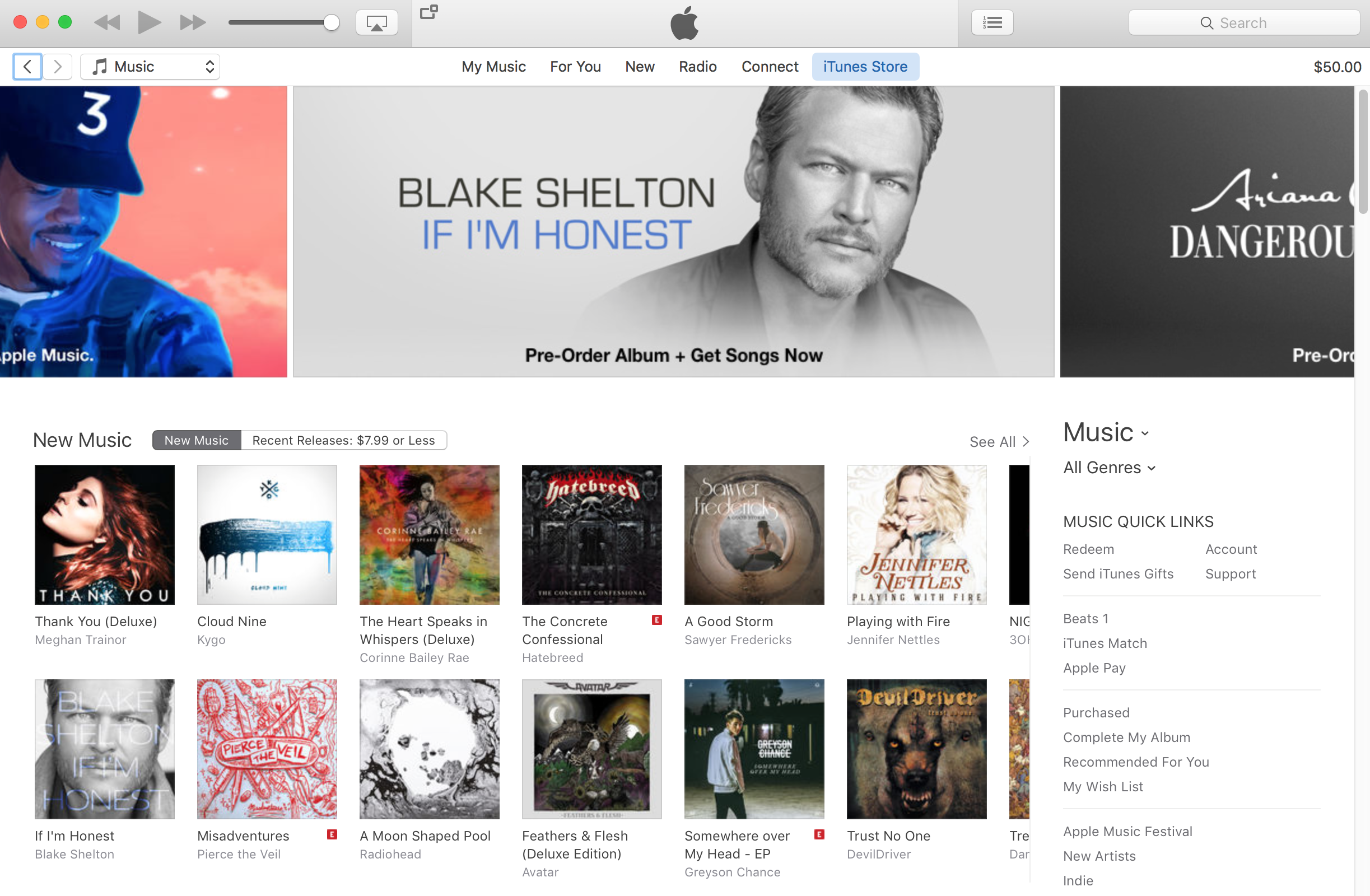
Continuing with its string of update releases today, Apple has pushed out a new version of iTunes. Labeled as iTunes 12.4, the update confirms screenshot leaks we saw earlier this month depicting minor design and interface changes that make for a more streamlined experience in the desktop app.
Apple says 12.4 allows you to enjoy your media in a new, "simpler" design that features revamped navigation, better use of back and forward buttons, and a new media picker. Sidebar has also been refreshed, with new Library views and the ability to easily drag and drop songs into custom Playlists.
A fix for iTunes deleting users’ music without permission is coming early next week
Following multiple reports from disgruntled users that a glitch in iTunes is causing the software to inadvertently delete music from their personal library, an Apple spokesperson has acknowledged the issue in a statement issued to The Loop yesterday.
The company is unsure as to what might be causing this issue and has not been able to reproduce it, but it'll still deliver an update for iTunes early next week “which includes additional safeguards”.
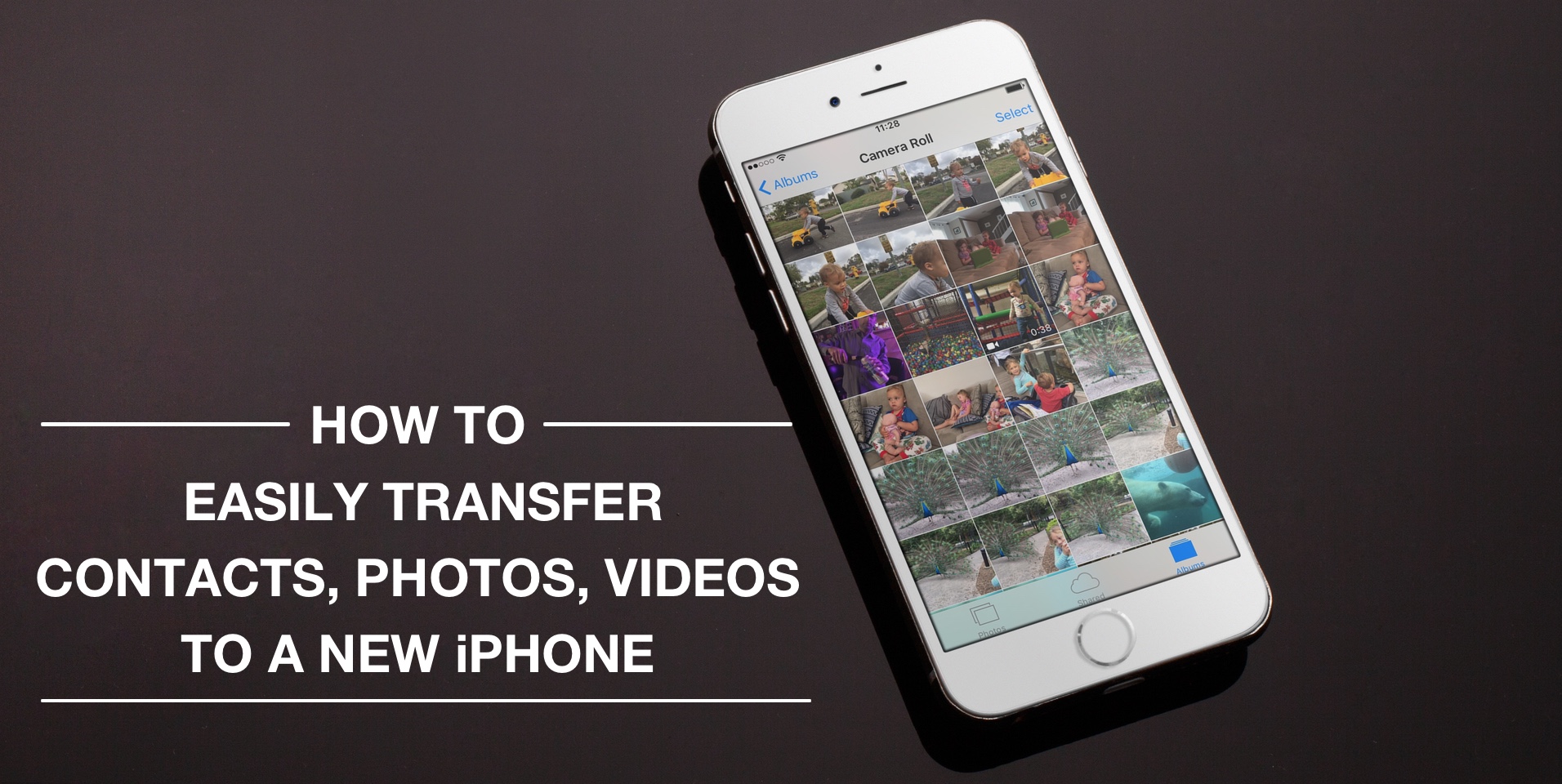
How to easily transfer contacts, photos, and videos from an iPhone to another
Depending on your set up, transferring contacts, photos and videos from your old iPhone to your new one can be pretty simple. You might use iCloud to store all this data, in which case, your contacts and photos/videos will automatically come back once you sign in your new device. Or maybe you back it all up in iTunes, which allows you to sync all that data from your computer to your new iPhone. Maybe you don't do any of that, and if you're looking for a relatively quick and easy way to transfer all this data from one iPhone to another, then read on.
Apple could terminate iTunes music downloads within two years [updated]
Apple is preparing to completely terminate music downloads in the iTunes Store, reports Digital Music News. Citing sources familiar with the matter, the outlet says an aggressive, two-year timetable to switch completely to streaming music is gaining traction within the company.
Hedging on its claim, the site also says other shutdown plans are being considered, including one that would see the iPhone-maker offer music downloads for another 3-4 years. Regardless, executives have agreed that keeping downloads running forever is no longer on the table.
Can’t sync your iPhone or iPad with iTunes? Try resetting your Lockdown folder
Those who use iTunes on a regular basis to keep their iOS devices in sync with one another are probably familiar with the problems that can arise from using the software, whether it's on a Mac or a PC.
If you're having problems while trying to sync or back up your iOS devices, the problem could very much be with your computer's Lockdown folder, and resetting it could resolve the problem.
In this tutorial, we'll show you how to reset your iTunes Lockdown folder.
Top 3D Touch shortcuts and gestures available for the App Store and iTunes Store apps
The App Store and iTunes Store storefronts are 3D Touch-enabled on the iPhone 6s and iPhone 6s Plus, with each supporting some pretty smartly chosen Home screen shortcuts that'll save you a few taps once you get the hang of them.
On the other hand, previewing your apps and media via force-pressing isn't as developed as in other stock apps, such as Messages and Maps. But don't you worry—iDownloadBlog comes to the rescue!
This quick tutorial clearly demonstrates where on the App Store and iTunes Store common 3D Touch shortcuts and Peek and Pop gestures do and don't work.
Leaked screenshots show off minor design changes in upcoming iTunes 12.4 update
Apple is working on a minor update for desktop iTunes and MacRumors was able to obtain screenshots which show off several design improvements in tow for the app. This isn't the top-to-bottom overhaul we've been all waiting for though the changes in iTunes 12.4 should make this infamous Mac and Windows app a bit easier to use.
As per the leaked screenshots, iTunes 12.4 packs in a redesigned media picker, a persistent sidebar for quick access to different sections of your iTunes library, a slightly reworked mini player and a tad simpler menus.
What to do if music, videos, and other content disappear after an iTunes update
It's not that uncommon for the music, videos, and other content in your iTunes folder to disappear after updating iTunes. It doesn't seem to happen to everyone, but as many internet stories will tell you, it does occur to a number of users on some occasions.
In this tutorial, we'll show you how to get your iTunes music, videos, and more back when you notice it has gone missing after installing an iTunes app update.