iPod Touch

How to flip on Dark Mode in Twitterrific

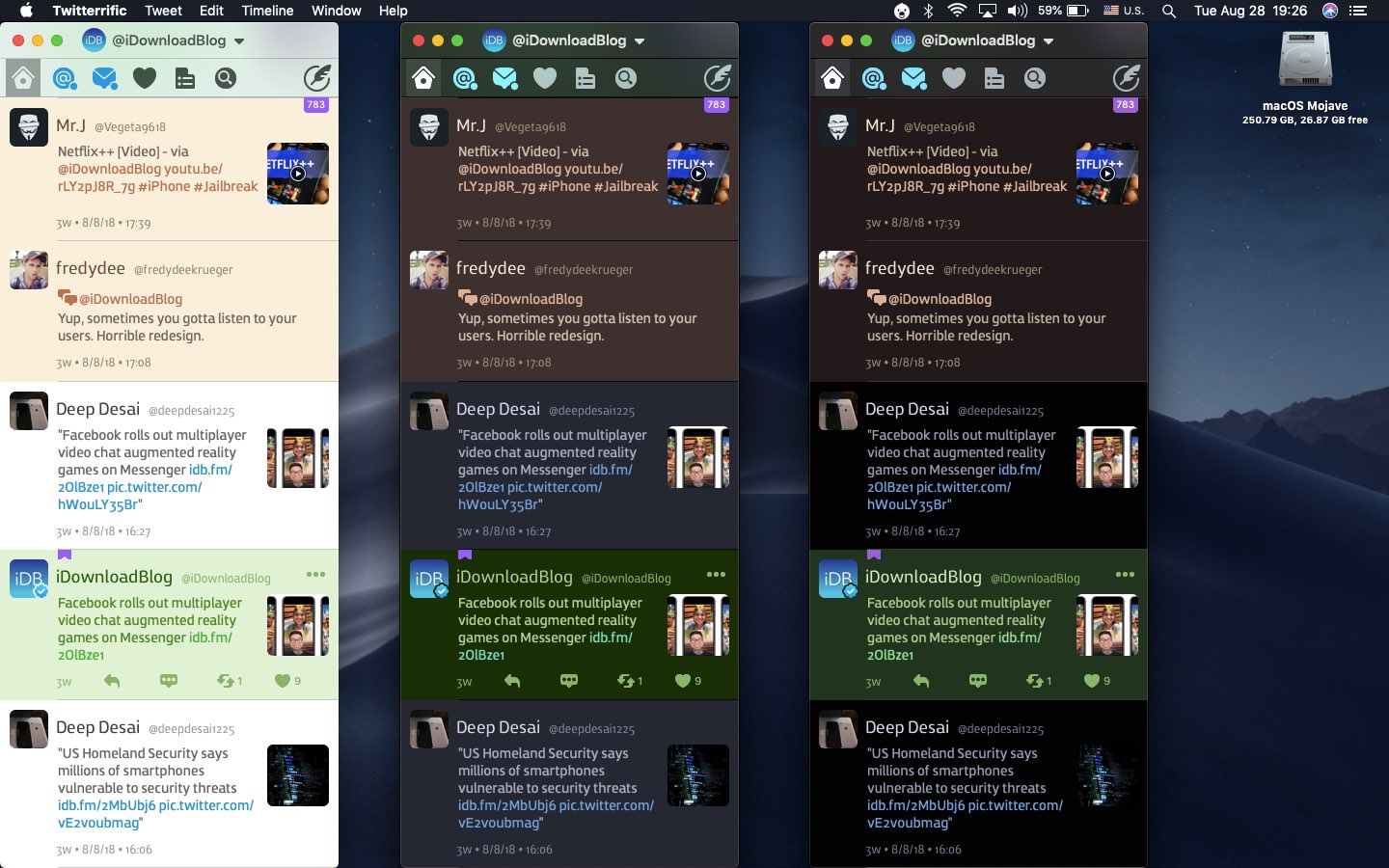
Like many third-party apps, Twitterrific for iPhone, iPad and Mac support interface theming. As of December 2017, the iOS edition has supported a Dark Mode-like theme that developer The Iconfactory says was specifically designed for OLED devices like iPhone X. With Twitterrific Dark Mode, your timeline blends seamlessly into the device to create a stunning reading experience. Here's how to flip on Twitterific Dark Mode in both the iOS and macOS apps.

How to enable Dark Mode and other user interface themes in Wikipedia for iPhone

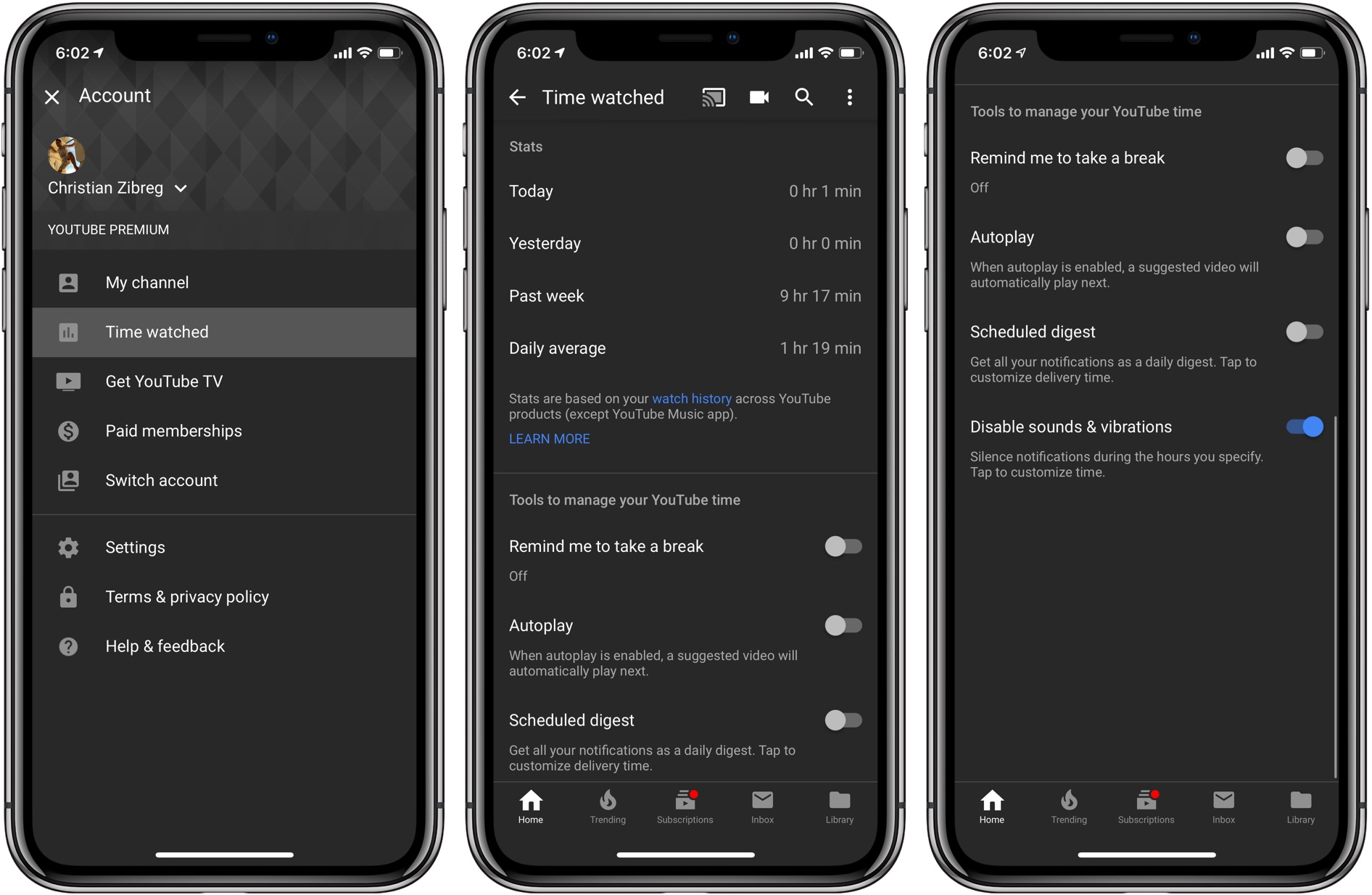
Many developers are seeing sense in adding dark themes to their warez. Not only do darkened interfaces look stunning, they also help conserve power on iPhones that utilize OLED technology. Having previously explained using black themes in desktop and mobile apps like iMazing, Bear, Outlook.com, Mail, YouTube, Apollo and others, this step-by-step tutorial will now teach you to turn on Wikipedia Dark Mode on iPhone and iPad.