iPhone

Stay up-to-date on the latest iPhone news and learn new tips and tricks with our comprehensive tutorials. From software updates to new features, we’ve got you covered.

HomeKit support for Smart TVs shown in action

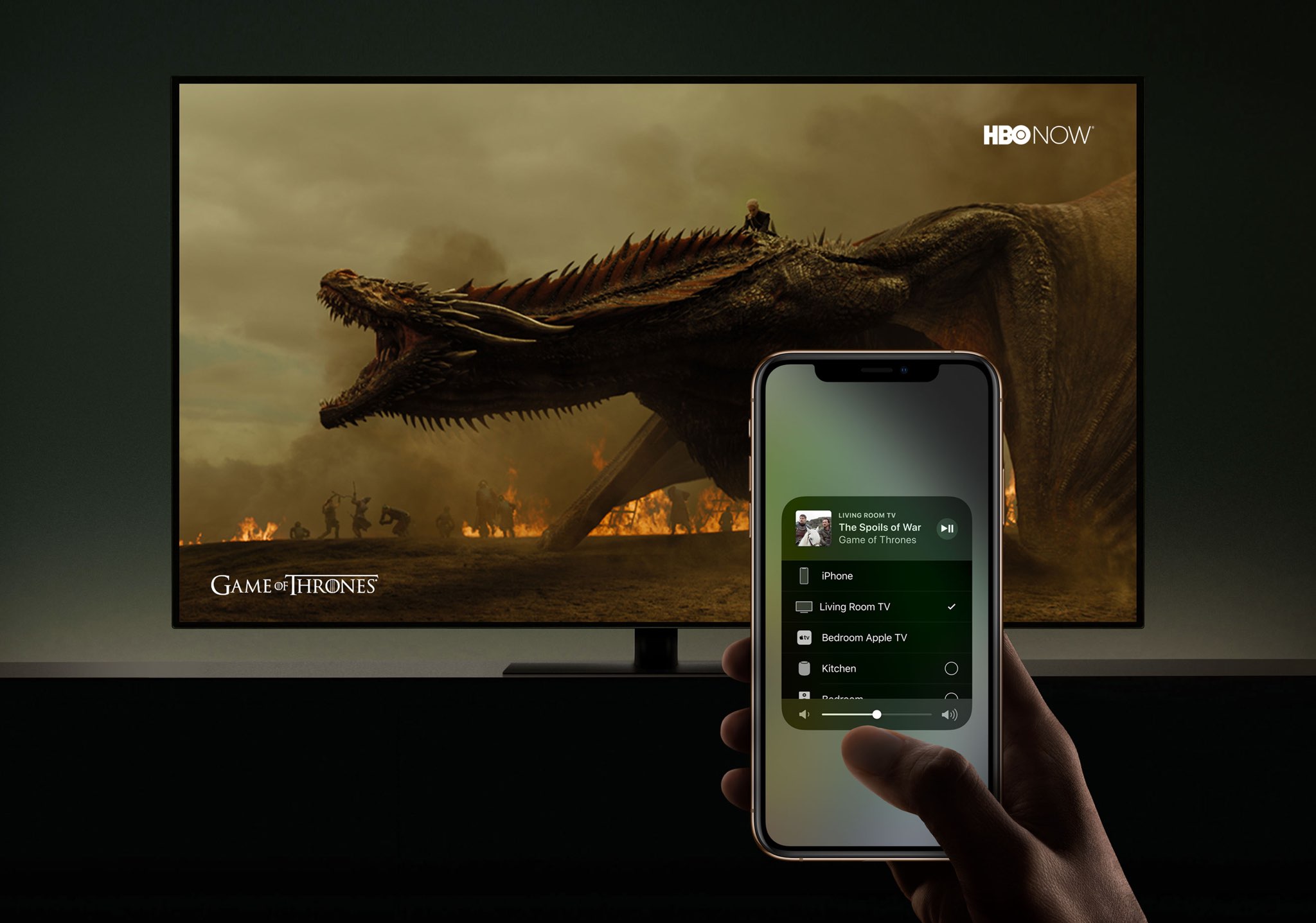
Developer Khaos Tian has managed to add his Smart TV to the Home app on the iOS 12.2 beta by hacking Apple's HomeKit protocol. As a result, he's discovered, screenshotted and capture on video some of the upcoming HomeKit features for Smart TV integration and control.

The best free apps for creating animated GIFs on iPhone

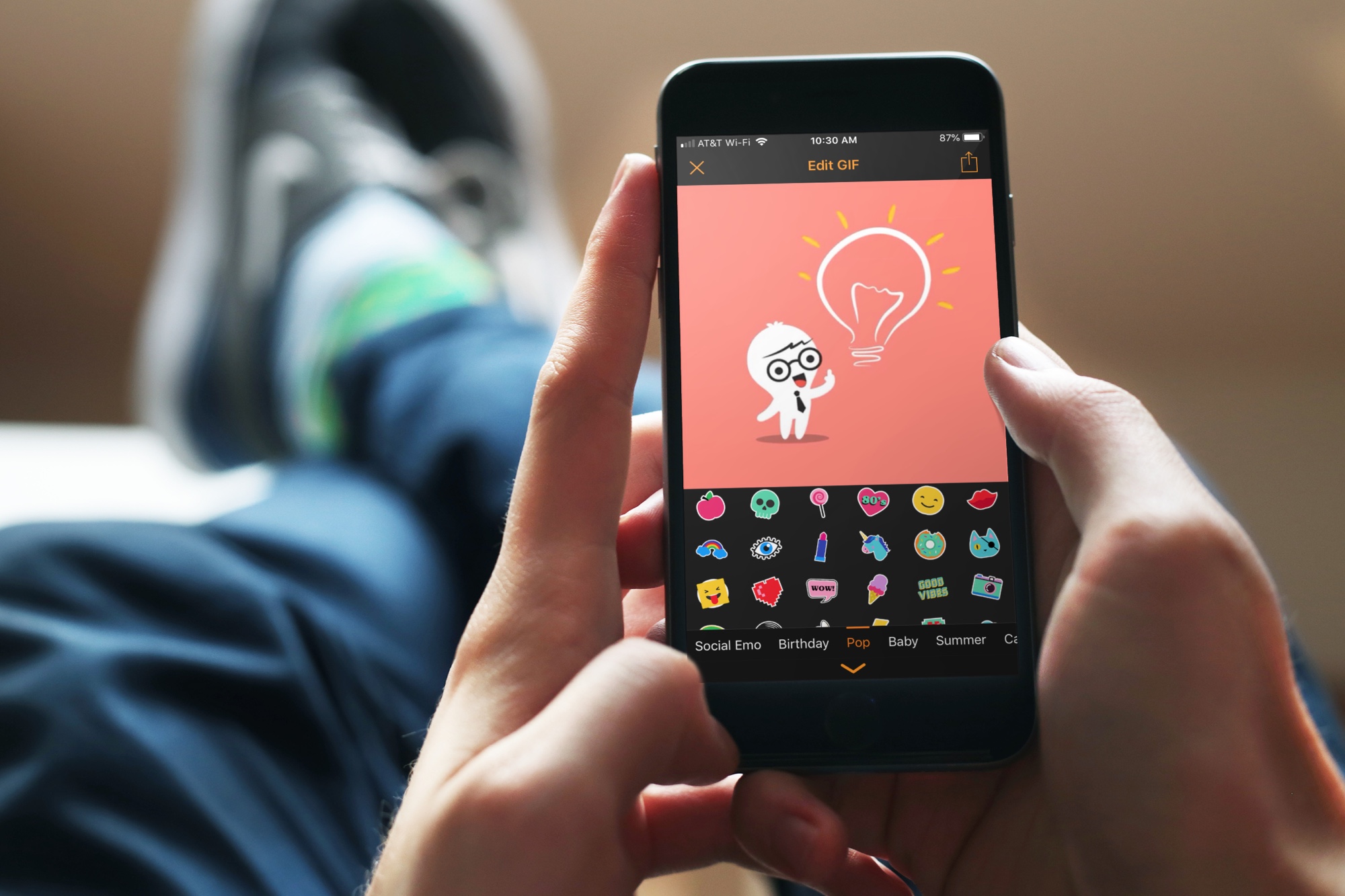
animated GIF apps iphone - GIF Maker

There are GIFs everywhere. We see them, save them, and share them from Facebook, Twitter, and even those we receive in Messages or Mail. So, if you want to have some fun, make something memorable, or just get creative with your photos and videos, why not make a GIF of your own?

These are the best free apps for creating animated GIFs on iPhone.

Ninth unc0ver v2.2.0 pre-release revision now available for public testing

acker and unc0ver lead developer Pwn20wnd pushed his ninth revision to the unc0ver v2.2.0 pre-release jailbreak tool for public testing on Friday. As you might come to expect, this revision incorporates minor bug fixes and improvements to help the beta process along.

We can gather from Pwn20wnd’s official GitHub changelog that this new revision brings the following changes:

Watch Apple’s short film celebrating the upcoming Chinese New Year

Ahead of Chinese New Year which falls on February 5, Apple's official YouTube channel yesterday released a short shot-on-iPhone film about the taste of home.

Titled "The Bucket" and done by acclaimed director Jia Zhangke, the video asks the question: "What gifts would your parents prepare when your Chinese New Year visit comes to an end?".

It invites the viewer to capture the taste of home this Chinese New Year with their iPhone.

The taste of home

And here it is.

https://www.youtube.com/watch?v=Eu-TqfxpfgU

Apple has also posted a pair of behind-the-scenes videos in which the author sheds some light on how slowing time with the Slo-mo camera feature makes emotions last longer.

https://www.youtube.com/watch?v=TRn6SutCmcU

"Use Slo-mo to prolong and savor the taste of home this Chinese New Year," Apple advises. In the following making-of video, Jia discusses bridging the gap between his subject matter and audience through the Depth Control feature.

https://www.youtube.com/watch?v=7lYFWtSIPiM

"Use Depth Control to get closer to the taste of home this Chinese New Year," says Apple.

Shot on iPhone, but...

These short films were all shot on the new iPhone XS.

As we saw with other Apple-commissioned clips, third-party accessories for filmmaking were most likely used in the making of these clips to stabilize footage, capture aerial scenes and more, with color-correction and editing likely done in professional video editing apps.

Prime examples of such professionally done videos include recent short films about a teenage athlete from American Samoa and Japan’s extravagantly decorated trucks, called "decotora," that attempt to highlight low-light photography improvements of the latest handsets.

Shot on iPhone contest

Three days ago, Apple announced a contest inviting iPhone users from around the globe to submit their best shots for a chance to be featured on billboards, in retail stores and online.

Submissions will be accepted from January 22 to February 7, and Apple says a panel of judges will be selecting 10 winning photos.

Apple to pay licensing fees

Responding to criticism by the artistic community that it will use select works from the winning iPhone photographers on billboards without compensation, Apple has since updated the content announcement to acknowledge that winning artists will be paid for their work.

"Apple believes strongly that artists should be compensated for their work," reads the updated press release. "Photographers who shoot the final 10 winning photos will receive a licensing fee for use of such photos on billboards and other Apple marketing channels."

What do you think about these new shot-on-iPhone ads?

Let us know in the comments down below.
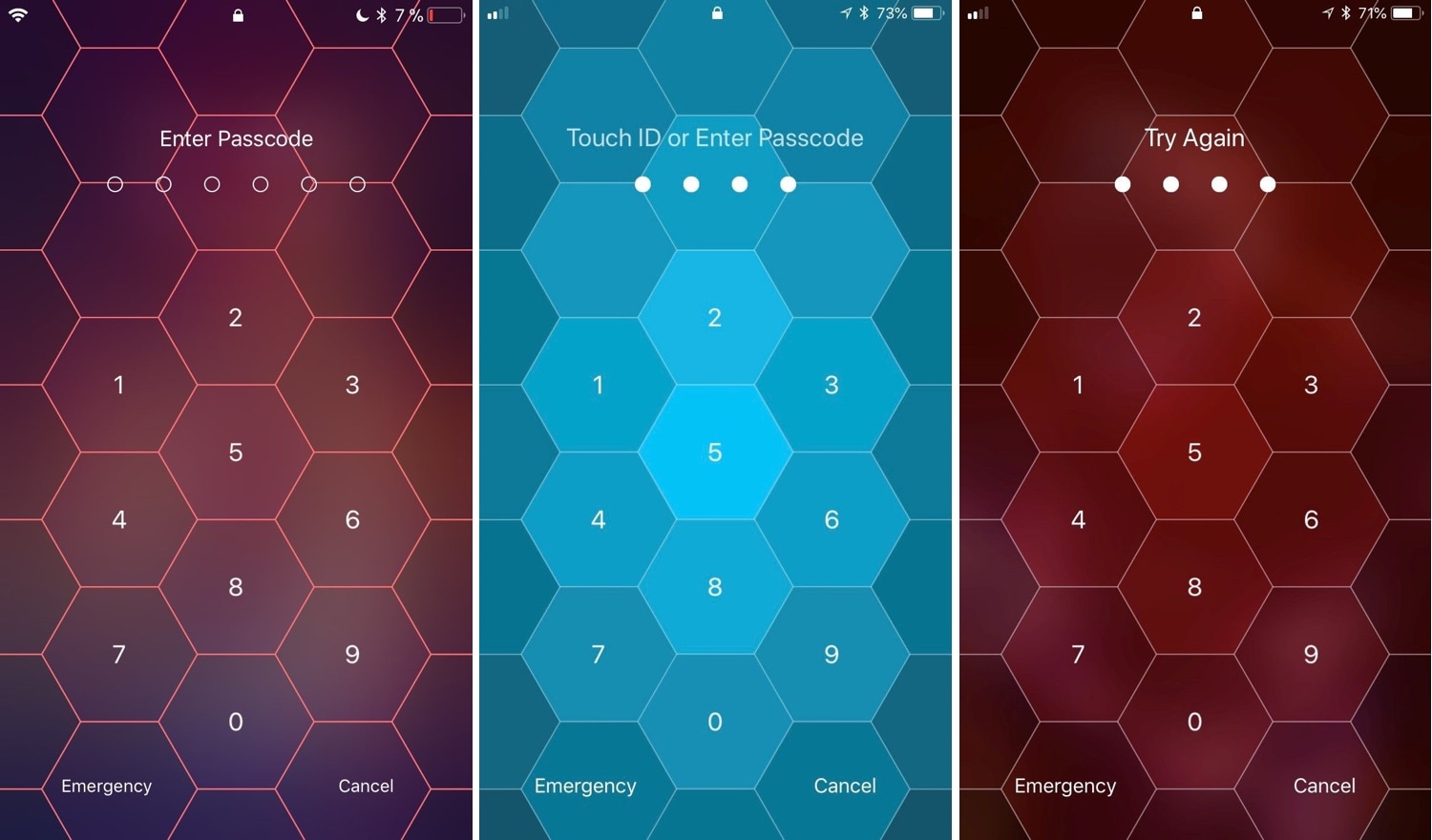
Hive: A hexagonal take on the iPhone’s passcode interface

I use Face ID and/or Touch ID so often these days that I’ve all but forgotten what it’s like to need to enter a passcode manually. Still, iOS occasionally asks for it, such as after rebooting your handset and following a multi-day timeout period. That said, you'll still stumble upon the passcode entry screen at one point or another.

And that brings me to my next point; if you’re jailbroken, then you might want to customize the look and feel of your passcode entry screen. Fortunately, there’s a new jailbreak tweak in town that will let you do that.

Set iPhone wallpapers that change throughout the day with AutoWall

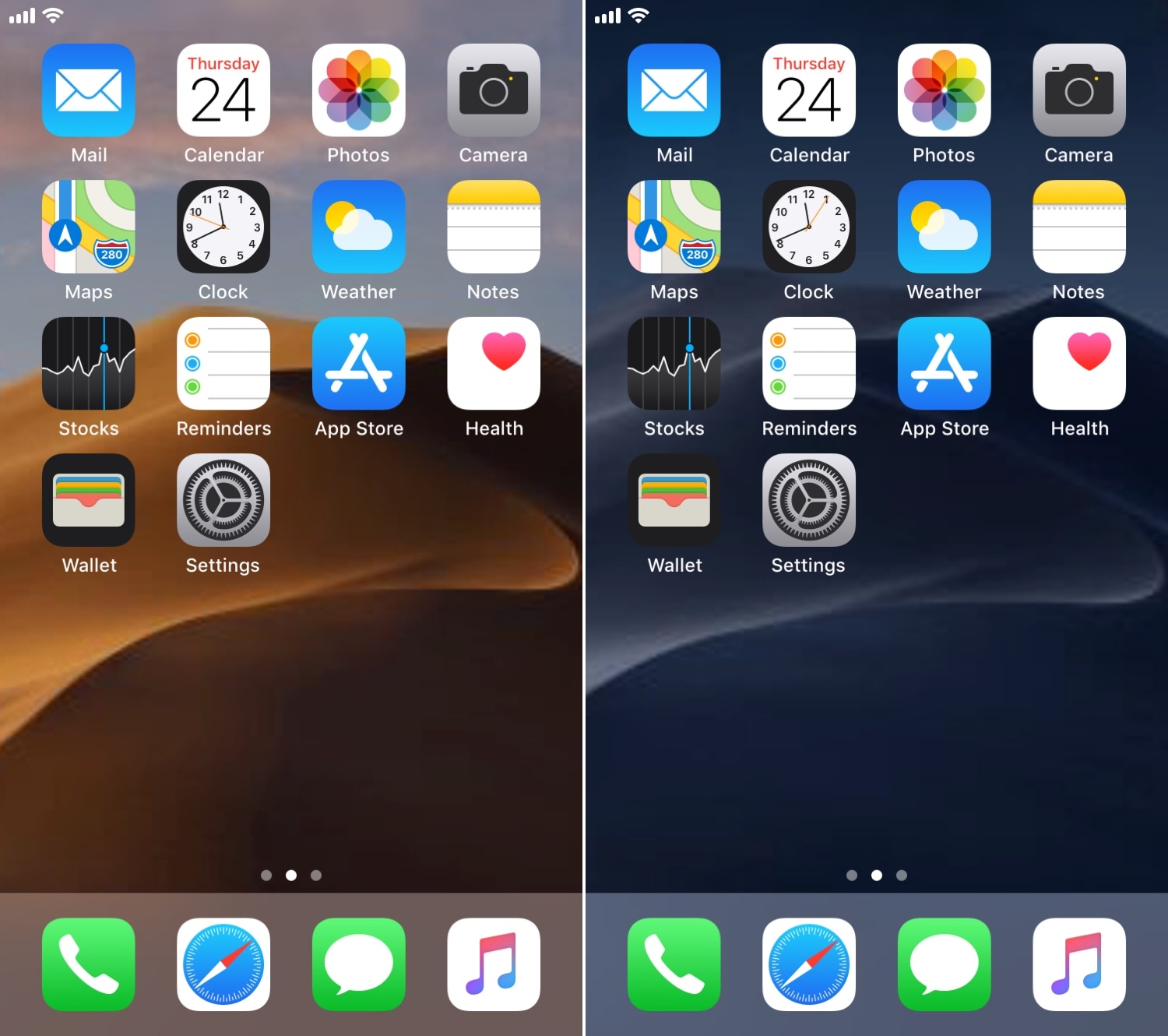
One of my favorite features in macOS Mojave is the dynamic wallpaper, which changes from a daytime desert landscape during the day to a nighttime desert landscape come nightfall. Apple is evidently capable of implementing something like this on the iOS platform as well, but they haven’t yet; and there’s no guarantee they ever will.

Fortunately, jailbreakers don’t need to wait. A free jailbreak tweak called AutoWall by iOS developer Julio Verne lets you have time-centric dynamic wallpapers on your iPhone or iPad – perfect for replicating macOS Mojave’s treasured feature on the iOS platform.

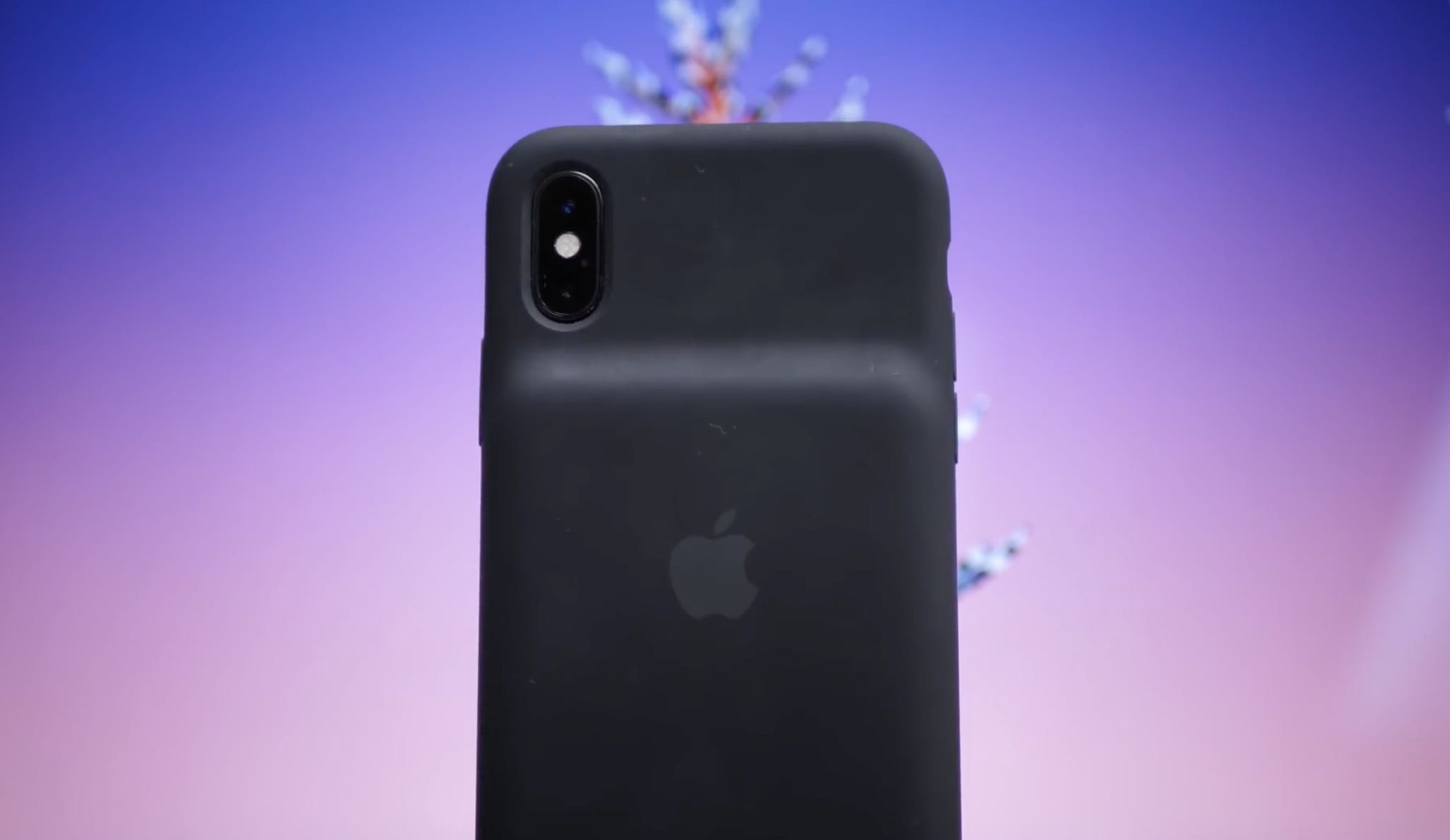
White vs. black unboxing: Smart Battery Case for iPhone X/XR/XS/Max

Apple's mid-January release of its Smart Battery Case for the new iPhone XS, iPhone XS Max and iPhone XR models wasn't entirely unexpected. Our video editor Harris Craycraft has managed to get his hands on the new battery case, this is his unboxing experience.

For starters, the case now looks sleeker than the previous version. While the hump is still present, the bottom chin is gone because this case was specifically designed for the Face ID-enabled iPhone models that feature a fullscreen design (except the notch, of course).

And now, watch Harris's video covering the unboxing experience:

https://www.youtube.com/watch?v=wLPor9rHqMI Subscribe to iDownloadBlog on YouTube

Aside from improved appearance, other innovations in this Smart Battery Case include support for Qi wireless charging, meaning you can now charge either the case’s battery or both your iPhone and the case via any Qi-compliant wireless charger.

The new case also fits last year's iPhone X though charging requires Apple's recently-released iOS 12.1.3 software update. See how it increases each handset’s battery life:

iPhone XR: 39 hours of talk time, 22 hours of Internet use and 27 hours of video iPhone XS: 33 hours of talk time, 21 hours of Internet use and 25 hours of video iPhone XS Max: 37 hours of talk time, 20 hours of Internet use and 25 hours of video

The new Smart Battery Case has a larger battery capacity than the previous version. With a pair of integrated cells at 1,369 mAh each, you’re now getting around 1.4 additional watt hours and almost 400 more milliamp hours than before. Even though the mAh rating is lower, the new case does have a larger capacity than the old version when taking voltage into consideration.

Harris will be playing with these cases for a bit more before publishing his complete hands-on video walkthrough so watch this space for his full review.

You can find the new Smart Battery Cases for iPhone XS, iPhone XS Max and iPhone XR on Apple’s website. It's available in Black and White and priced at $129 regardless of the version.

What do you think about the unboxing experience?

Let use know by leaving a comment below.

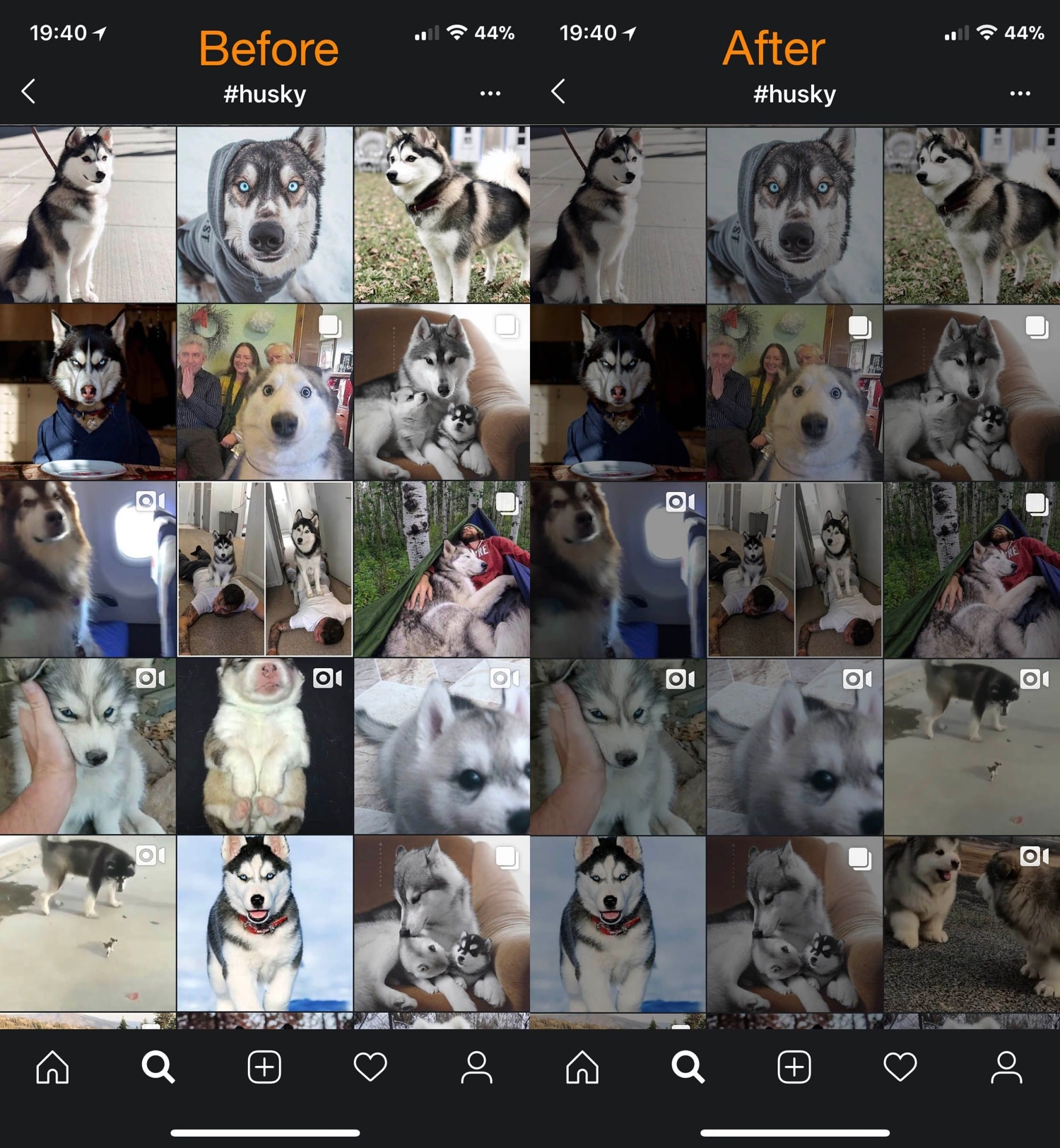
Dimage brings smart image diming to Dark Mode-supported apps

Dark Mode-centric jailbreak tweaks are becoming increasingly popular given the lack of native Dark Mode support in Apple’s mobile operating system, but while the bulk of such tweaks can make an app interface or web view darker, that doesn’t do much for the content inside the app, such as images and screenshots shared by others in social media apps.