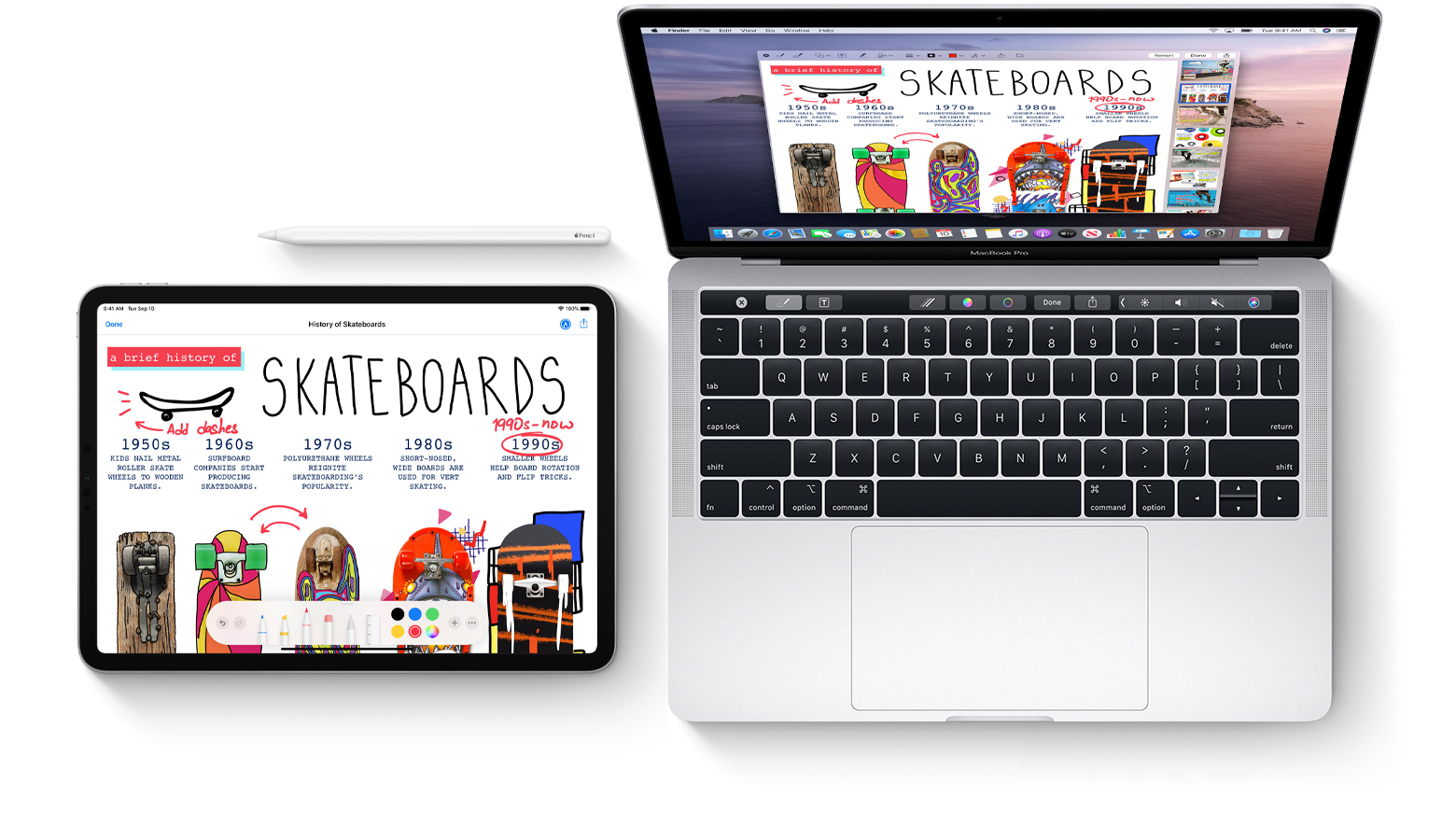
Learn how to mark up PDF documents and images on your Mac by using Apple Pencil or your finger on a nearby iPhone or iPad.
How to annotate image and PDF on Mac using iPhone or iPad
Stay up-to-date on the latest iPhone news and learn new tips and tricks with our comprehensive tutorials. From software updates to new features, we’ve got you covered.
Learn how to mark up PDF documents and images on your Mac by using Apple Pencil or your finger on a nearby iPhone or iPad.
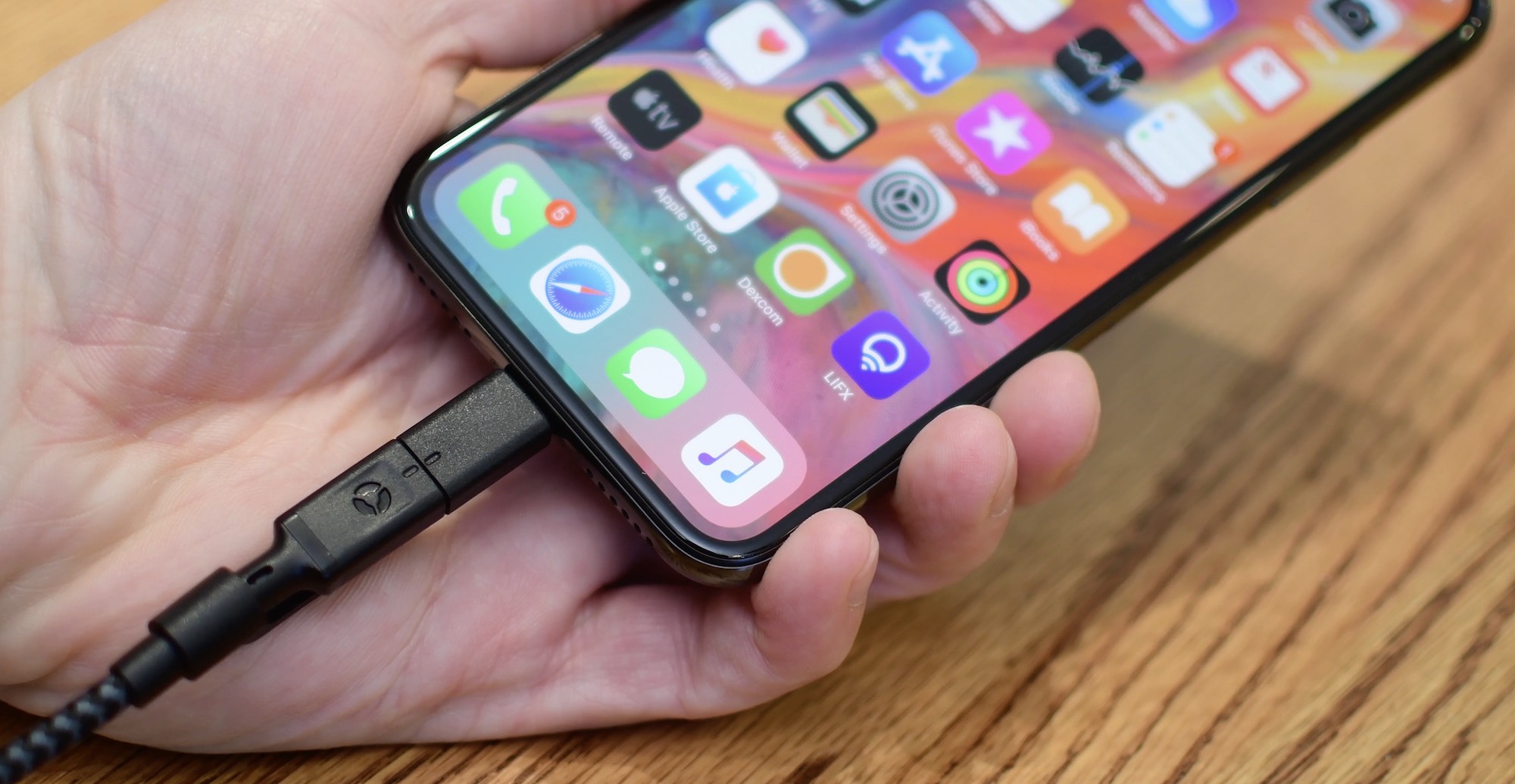
According to a new research note shared by a Barclays analyst today, Apple could release a completely wireless iPhone model without Lightning — and quite possibly without USB-C or any other form of wired charging for that matter — as soon as next year.

Check out this list of excellent mind-mapping apps for iPhone and iPad to jot down your thoughts, brainstorm ideas, and make a clear path for your tasks.
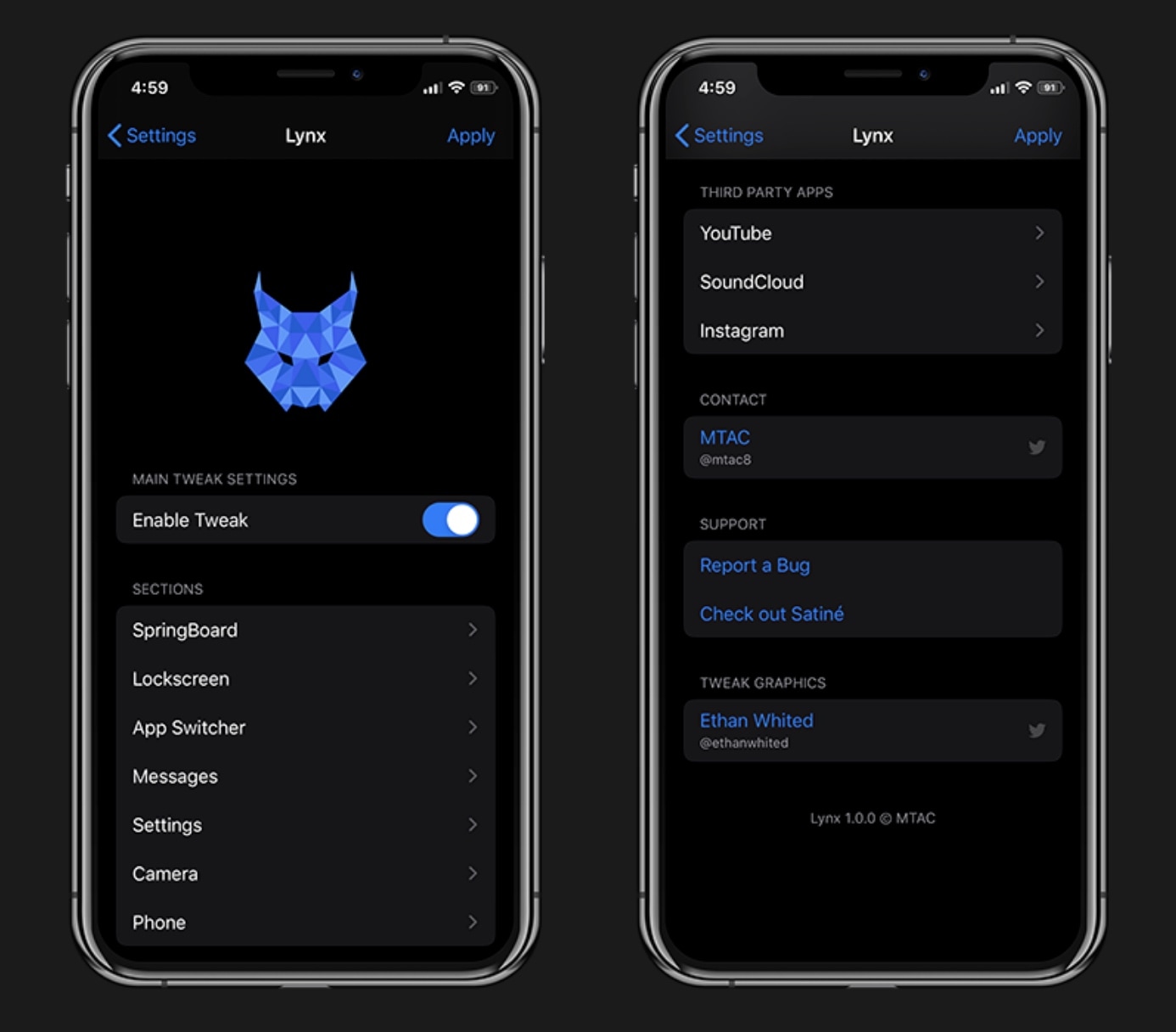
It almost seems like there’s been a distinguishable influx of all-in-one jailbreak tweaks lately, and each new release we cover seems to be outdone by something new just a few weeks later. The famous Springtomize tweak once enjoyed its title as the king of all-in-one jailbreak tweaks, but all the competition lately is giving it a serious run for its money.
All-in-one tweaks are popular because they offer a plethora of benefits for one flat cost as opposed to downloading (and perhaps even purchasing) several one-off tweaks to accomplish the same outcome. Fortunately, a new release dubbed Lynx by iOS developer MTAC offers a wide selection of useful options, and we’d strongly recommend checking it out.

The Installer 5 package manager is now officially out of beta, which means that all jailbreakers now have yet another option to pick from in terms of managing their handset’s favorite tweaks and extensions.
In this tutorial, we’ll show you the steps necessary to install the all-new Installer 5 package manager on any jailbroken device running iOS 10 through 13.

It was only a couple of weeks ago that the Zebra package manager came out of beta to become publicly available to jailbreakers who wanted to a modern alternative to Cydia, but as of today, Zebra isn’t the only option.
Announced just this morning via the AppTapp Twitter page, it now seems that Installer 5 is officially out of beta and can be installed on jailbroken handsets running iOS 10 and later. Veteran jailbreakers may already be familiar with Installer, but the latest iteration has been rebuilt with newer versions of iOS in mind.

Learn how to filter your YouTube subscriptions in the iPhone or Android app to quickly find what interests you and cut down on your backlog of unwatched videos.
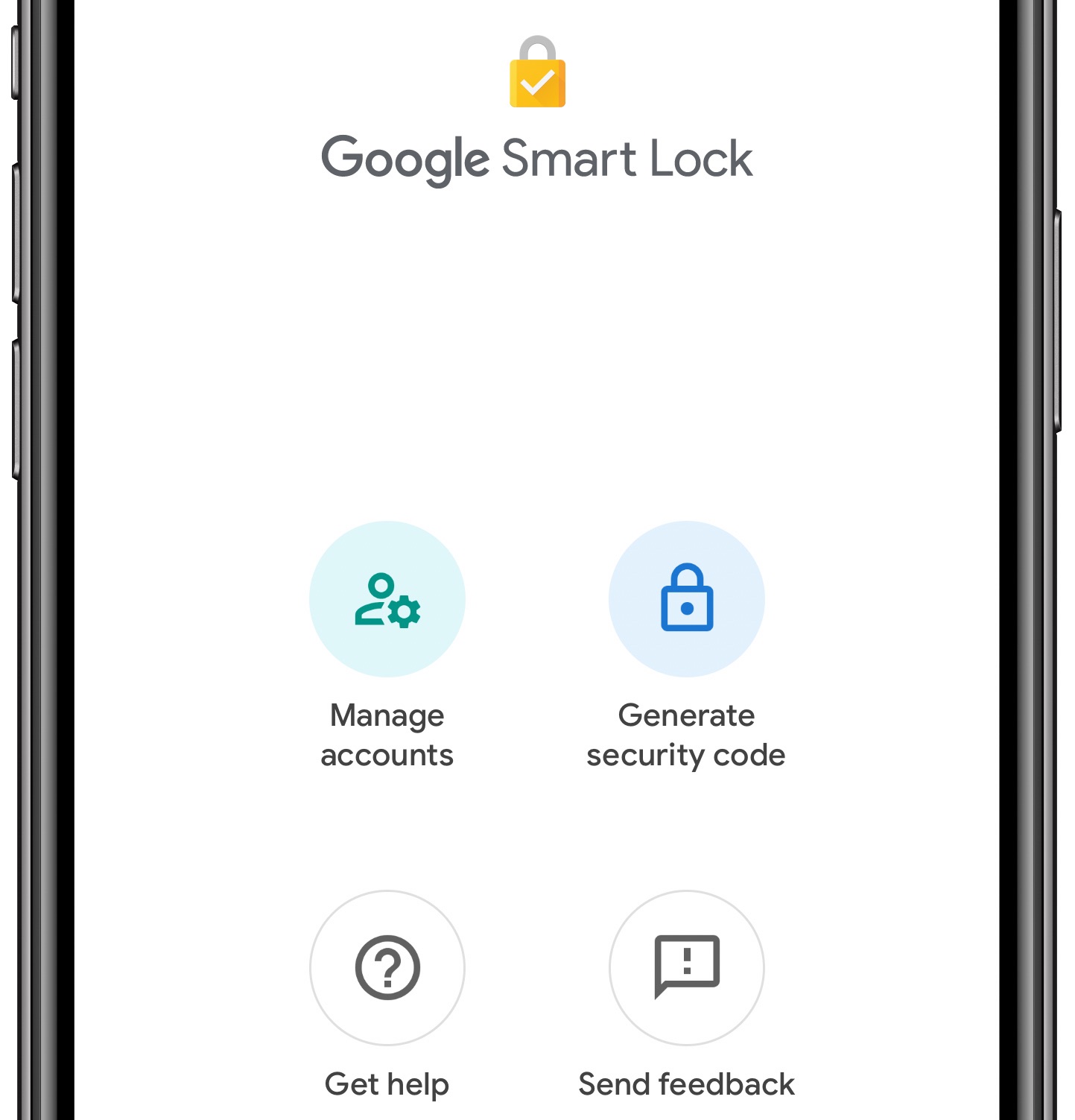
You can now use your iPhone as a physical two-factor authentication security key for logging into Google's first-party services in the Chrome browser on another device.
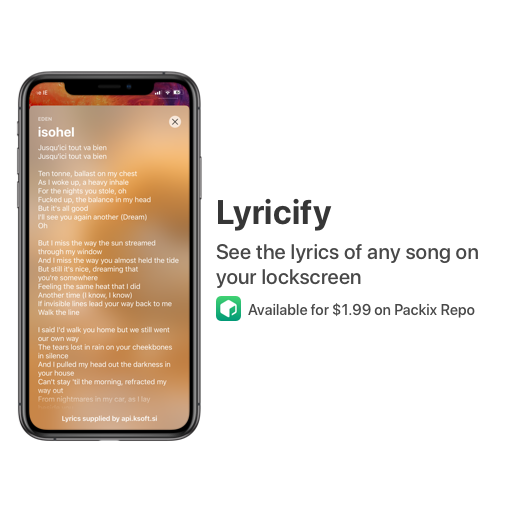
Not everyone cares about song lyrics, but if you’re the type of person who likes to follow along with whatever it might be that you’re listening to, then we have no doubt that you’ll enjoy a newly released jailbreak tweak dubbed Lyricify – originally by iOS developer ConorTheDev and more recently passed to iOS developer Renaitare.
As depicted in the screenshot examples, Lyricify was beautifully designed to display your favorite song lyrics directly on your handset’s Lock screen in an Apple-esque manner. With that in mind, the tweak looks and feels native, making it feel both familiar and easy to use.
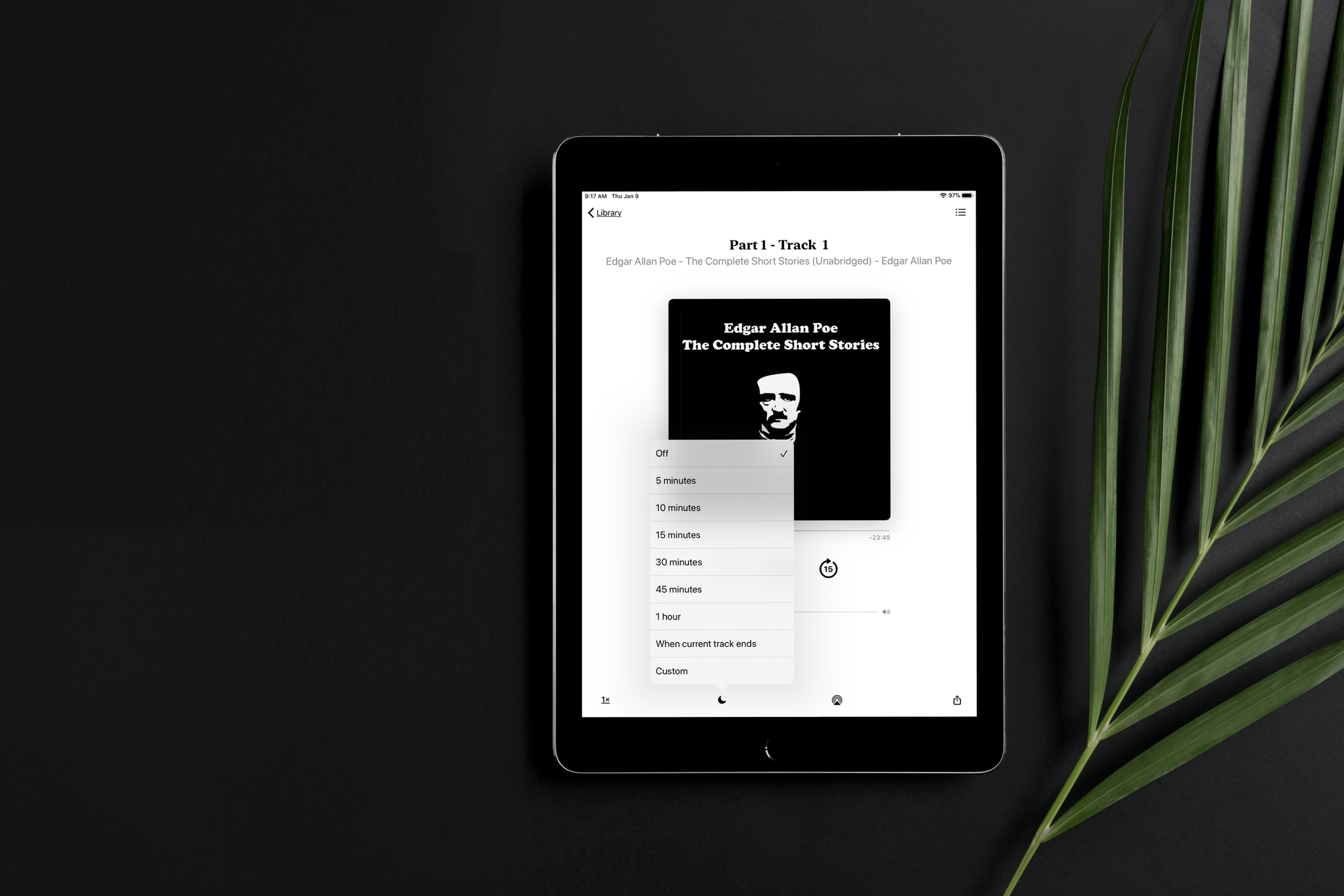
Learn how to set a sleep timer for your audiobook in the Apple Books app so the playback stops automatically after the set time without you having to worry about waking up in the middle of night to pause it manually.
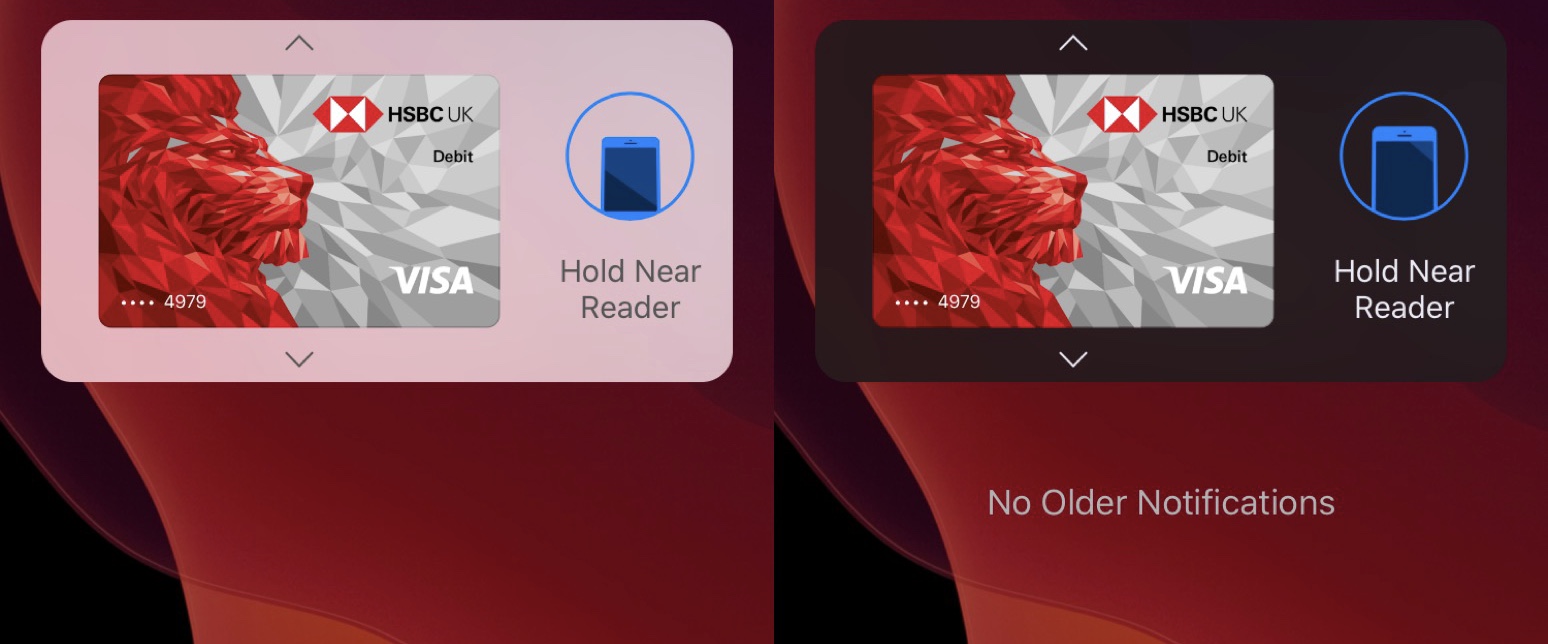
Those who use Apple Pay regularly should be fairly familiar with what pops up on the display when attempting to make a purchase with an iPhone’s NFC chip. The interface isn’t really all that ugly, but the jailbreak community has a tendency to make certain things on the iOS platform look even better.
Enter Amandus, a new and free jailbreak tweak by iOS developer Muirey03 and designer @dumbhandle123. This tweak, which has been made especially for Apple Pay-supported iPhones, redesigns the Apple Pay payment interface to appear as it does in the screenshot examples above.

Are you new to an iPhone or iPad? In this brief tutorial, we’ll show you how to quickly copy website URLs in Safari from browser tabs, bookmark folders, Favorites, and elsewhere to your device clipboard.