iPhone

Stay up-to-date on the latest iPhone news and learn new tips and tricks with our comprehensive tutorials. From software updates to new features, we’ve got you covered.

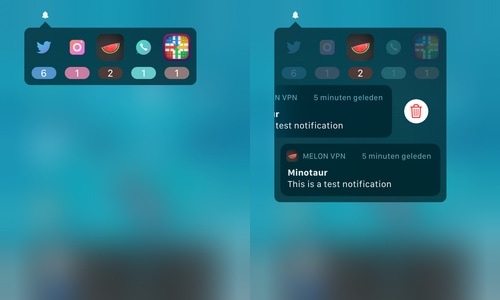
Access missed notifications via the Status Bar with Minotaur

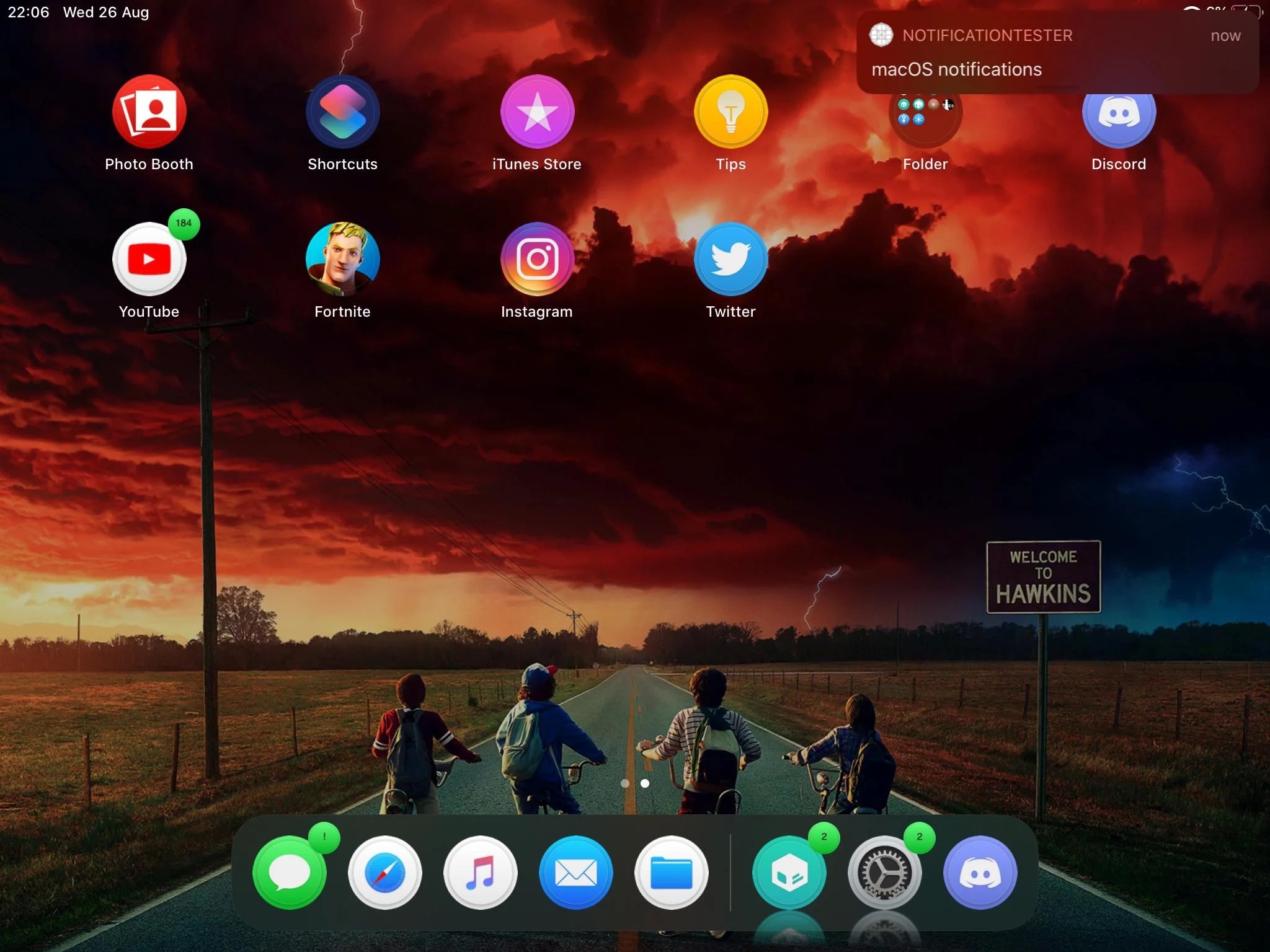
Notifications are an essential aspect of owning a smartphone, and the iPhone’s Notification Center interface does a fair job of merging all your missed notifications into one convenient place, some would argue that Apple could do better. iOS developer Muirey03 would be one of such people, and consequently, a newly released jailbreak tweak dubbed Minotaur was conceived.

Minotaur was designed to provide a new way of viewing and interacting with missed notifications to your iPhone. It works by letting users quickly view and manage missed notifications via a convenient lightweight interface that lives in your handset’s Status Bar.

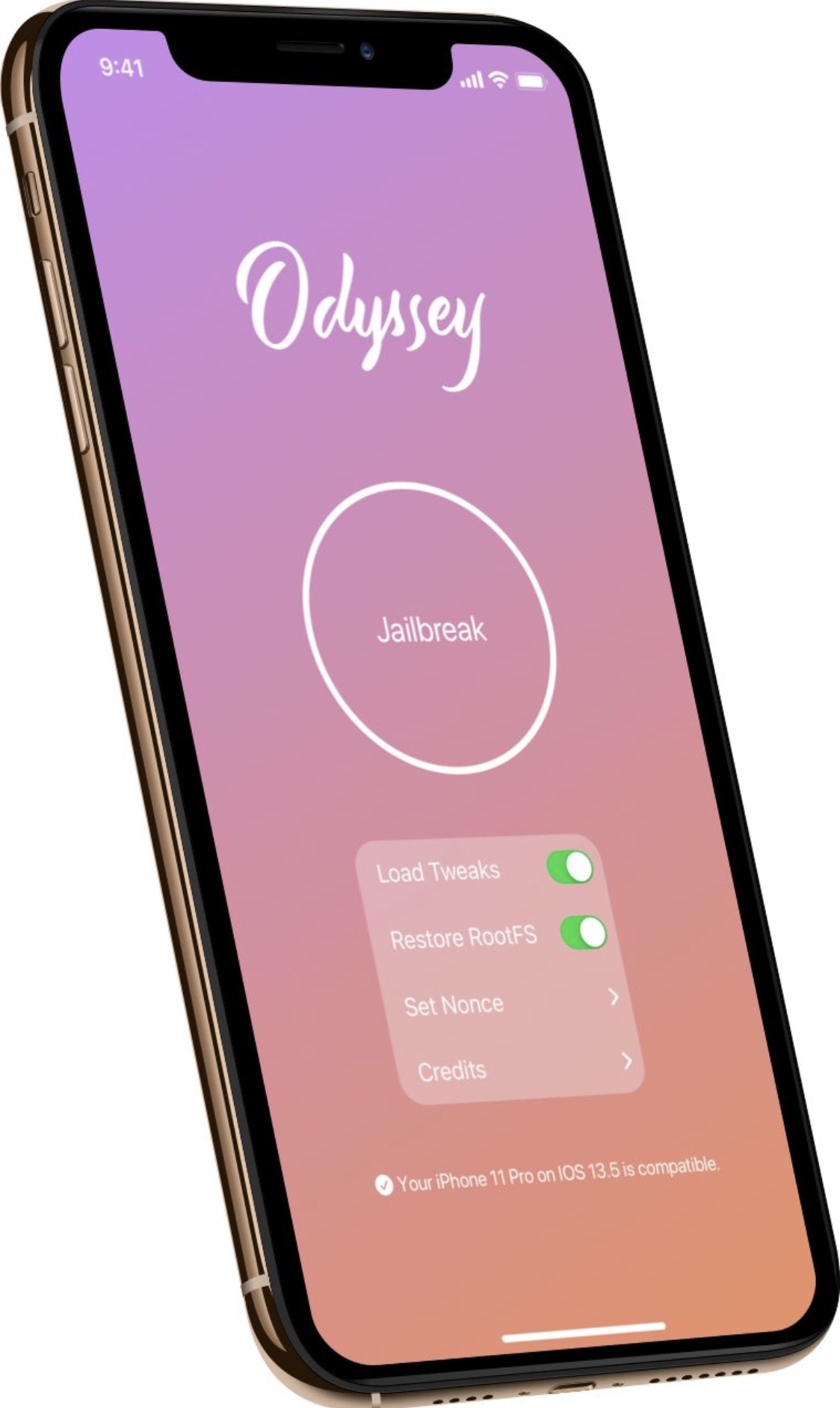
Odyssey jailbreak updated to version 1.0.1 to fix side-loading issues

Following a month-long period of public beta testing, the Odyssey Team formally moved the Odyssey jailbreak out of beta late Friday night and released the tool for the general public’s enjoyment via the team’s official website.

Not even an hour after the official release, the Odyssey Team released its first update to the public version of its jailbreak tool coined Odyssey v1.0.1. The announcement was shared via Twitter early Saturday morning:

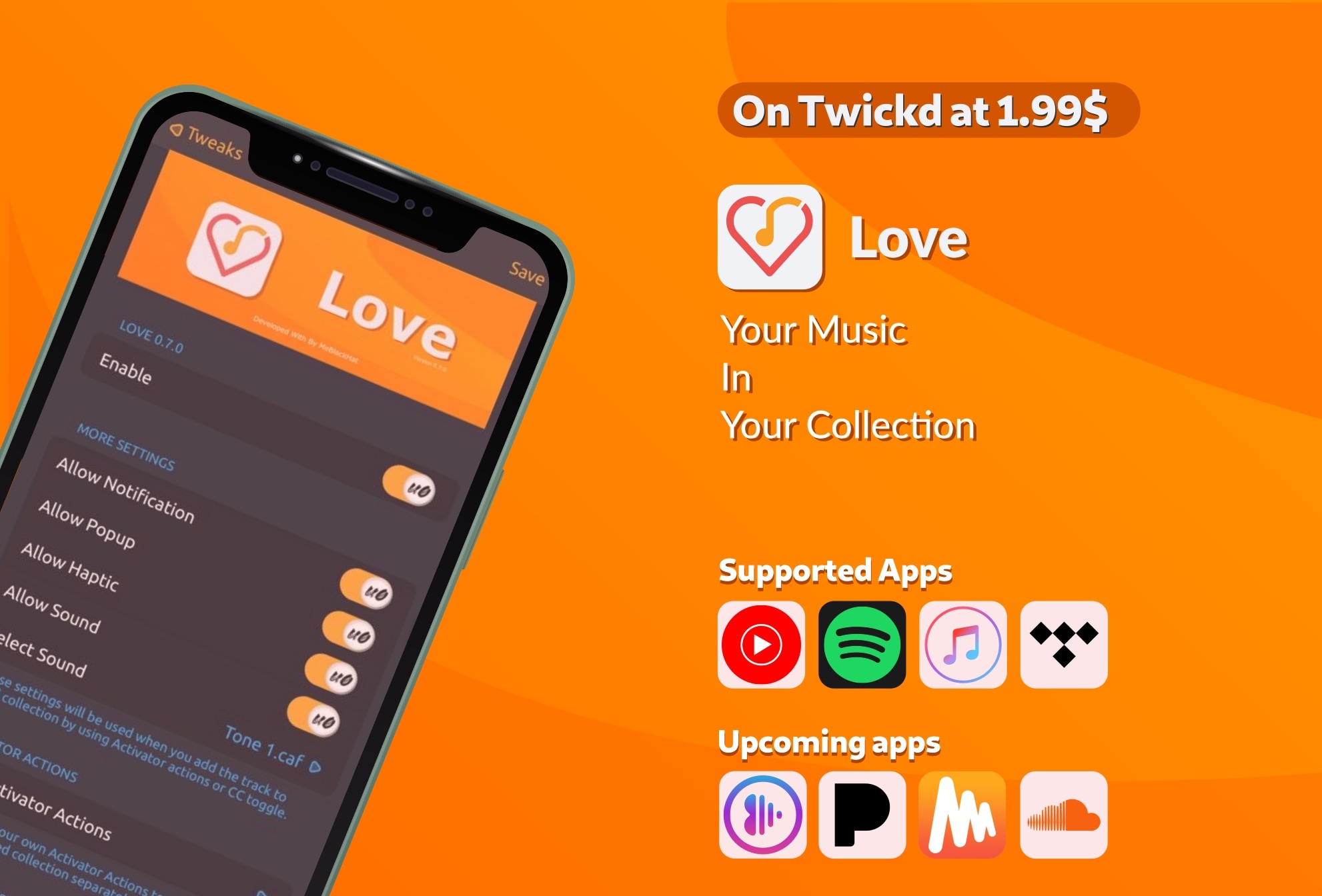
Love lets you like or un-like a song without unlocking your iPhone

If you spend a lot of your time listening to music on your iPhone or iPad, then there’s a pretty good chance that you might take advantage of your Music app’s Like button to save a song you enjoy to your collection for later. Many apps support a Like button of some sort, but when your handset isn’t unlocked, getting to it can be somewhat of a chore.

That’s a problem that a newly released jailbreak tweak called Love by iOS developer MeBlackHat tries to fix, and it does that by allowing you to Like or un-Like music from almost anywhere in iOS with Activator or with a Control Center toggle – whichever you prefer.