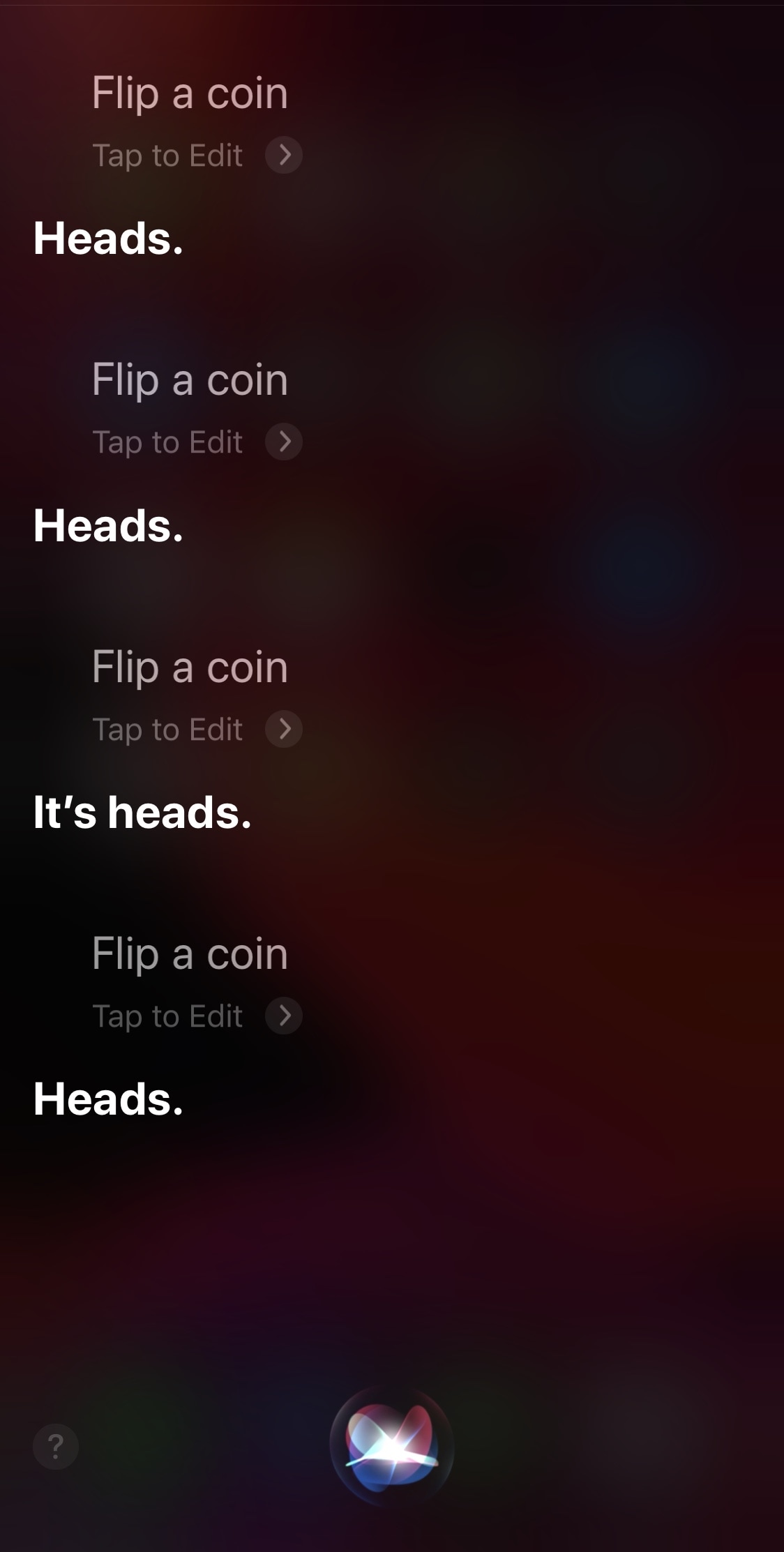
In this tutorial, we'll show you how to display anything Siri says to you on the screen of your iPhone, iPad, Apple Watch, and Mac.
How to display whatever Siri says as text on the screen of your iPhone, iPad, Apple Watch, or Mac
From the latest news to the most comprehensive tutorials, learn how to get the most out of your iPad with our step-by-step guides and expert tips.
In this tutorial, we'll show you how to display anything Siri says to you on the screen of your iPhone, iPad, Apple Watch, and Mac.
Apple yesterday published detailed guidelines for developers of web browser apps and email clients who wish to be considered as the new default app options in iOS 14 and iPadOS 14.
Perhaps one of the most concerning thoughts jailbreakers have after pwning their handsets is the amount of battery drain they’ll experience after installing a bevy of jailbreak tweaks. Understandable as this may be, it’s important to remember that many developers do everything in their power to mitigate battery drain. Still, this effort doesn’t eliminate it wholeheartedly.
If you’re any be interested in tracking the amount of battery drain that your jailbreak tweaks impose on your device, then we’d strongly recommend a free jailbreak app called Dra1n by iOS developers MegaDev and Charlie While. Not only can it give you a better idea of the amount of battery discharge your handset exhibits each day, but it can also outline the suspected battery-hungry tweaks installed on your device.
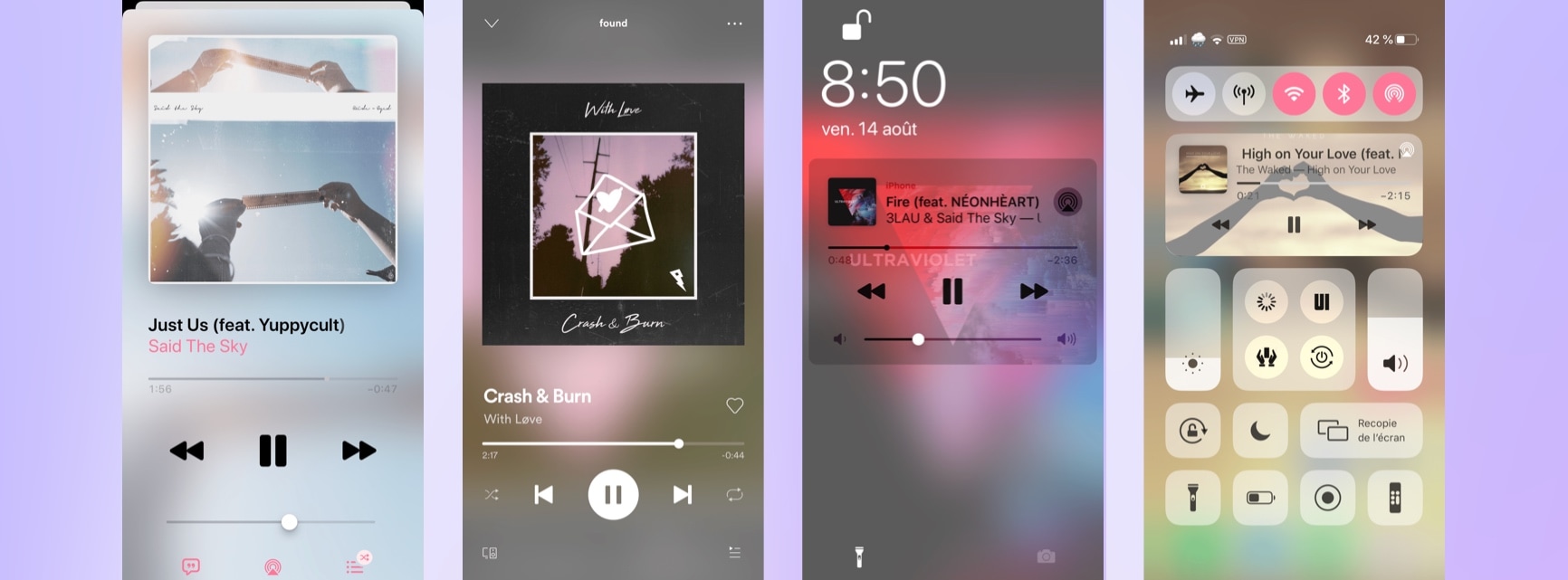
The Spotify Music app sports a magnificent Now Playing interface that rivals even Apple’s own first party Apple Music streaming app in terms of aesthetics and usability. But if you’ve ever linked your iPhone to your car via Bluetooth before, then you’ve unquestionably witnessed Spotify’s simplified Now Playing interface.
Even if you’re not driving, this Now Playing interface may be preferred in some cases because it’s easier to operate whether you’re distracted or not. A newly released and free jailbreak tweak dubbed Spotify Car Mode Emulation by iOS developer aesthyrica can force your Spotify app to show this Now Playing interface all the time, whether you’re connected to a car via Bluetooth or not.
Learn how to view carrier information on your iPhone to confirm whether the device you're buying or selling is locked or unlocked.
Check out this pro tip to navigate Settings and System Settings on your iPhone, iPad, and Mac faster using the hidden navigation menu.
It's that time of the week again, and as usual, we'll be kicking off a roundup of all the latest jailbreak tweaks in case you didn't already catch a glimpse throughout the week. This roundup will encompass releases from Monday, July 27th to Sunday, August 2nd.
As usual, we'll start things off by showcasing our favorite releases first and then wrap things up with an outline of all the other releases afterward.
If you spend a lot of time on certain websites, you may happen upon instances where some of those go offline temporarily either because of a small server blip, intentional maintenance, or other circumstances. I often find myself using online utilities like DownDetector to determine whether a site isn’t responding or if it’s my own internet connection, but it sure would be nice to get the heads up that a site was down before I tried to use it.
That’s the idea behind a newly released and free jailbreak tweak dubbed NotiPing by iOS developer ItHertzSoGood. Just as the tweak’s name implies, NotiPing sends occasional pings to a server of your choice and then provides you with a notification if or when that server goes offline for any reason. An example of the aforementioned notification is depicted in the screenshot above.
The slew of revitalizing jailbreak news recently is nothing short of exciting for anyone that’s heavily invested in the process of pwning of iPhones and iPads. Fortunately, it seems like there’s still a lot of exciting news and teasers to be witnessed by devoted members of the community.
Odyssey Team member Hayden Seay (also known by his online handle Diatrus) took to Twitter early Saturday morning to share a particularly captivating picture of what seems to be an iPhone getting its operating system restored via software running on an iPad:
Apple’s iOS and iPadOS are among some of the most advanced mobile operating systems in the world, but one thing they tend to lack is a singular one-stop-shop interface for doing just about anything you set your mind to. Given the circumstances, it may not come as much of a surprise that the jailbreak community has developed with ways around this shortcoming.
Enter Rapid, a newly released jailbreak tweak by iOS developer Dylan West (iOSthemem0d) that incorporates your handset’s most important things into a single interface. As you’ll notice in the screenshot examples above, Rapid is as feature filled as it is fun to use, and we’re prepared to show you why that is.
If you’re anything like me and you’d rather see more information than less, then you probably wouldn’t mind having a seconds indicator in your iPhone’s Status Bar-based time display.
Apple doesn’t provide an option for the aforementioned scenario out of the box, but by installing a newly released and free jailbreak tweak dubbed TimeSeconds by iOS developer Netskao, you can circumvent the controlling tech giant and add this feature to the Status Bar all by yourself.
In a world where multitasking becomes more and more important to the average iPhone and iPad user, the clipboard experience on both the iOS and iPadOS platforms leaves a lot to be desired out of the box. Unfortunately, this doesn’t look like an area that Apple aims to improve any time soon.
The bright side of this particular scenario is that a newly released jailbreak tweak dubbed Wasabi by iOS developer Nepeta provides jailbreakers with the clipboard experience that all iPhone and iPad users deserve.