iPad Pro

Apple Pencil and Smart Keyboard pre-orders available at Staples, shipping November 25th

If you missed out on Best Buy's earlier sale of the Apple Pencil, then I have some good news for you. Staples is now accepting pre-orders for both the Apple Pencil and the Smart Keyboard for the iPad Pro.

If you act now, you can expect both items to ship on November 25th, which is next Wednesday. If you choose 1-day shipping, chances are you could receive both items by next Friday. That's a whole lot better than Apple's end-of-December estimates, but you better act fast...

Apple Pencil ships with extra tip and Lightning-to-Lightning adapter for USB charging

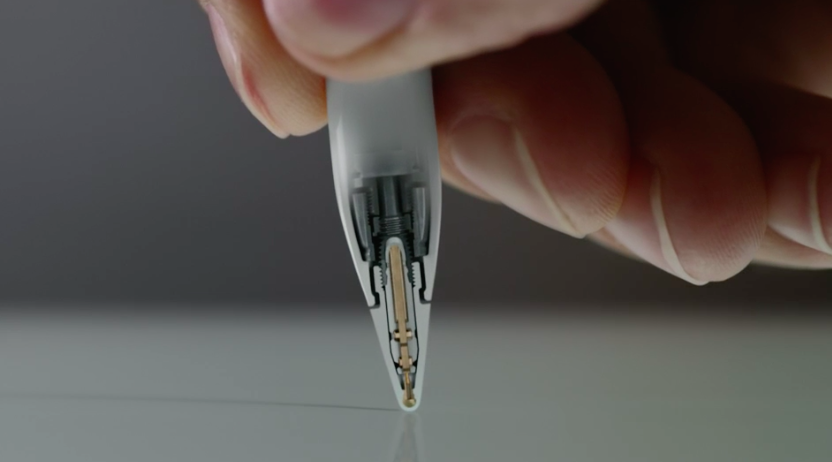
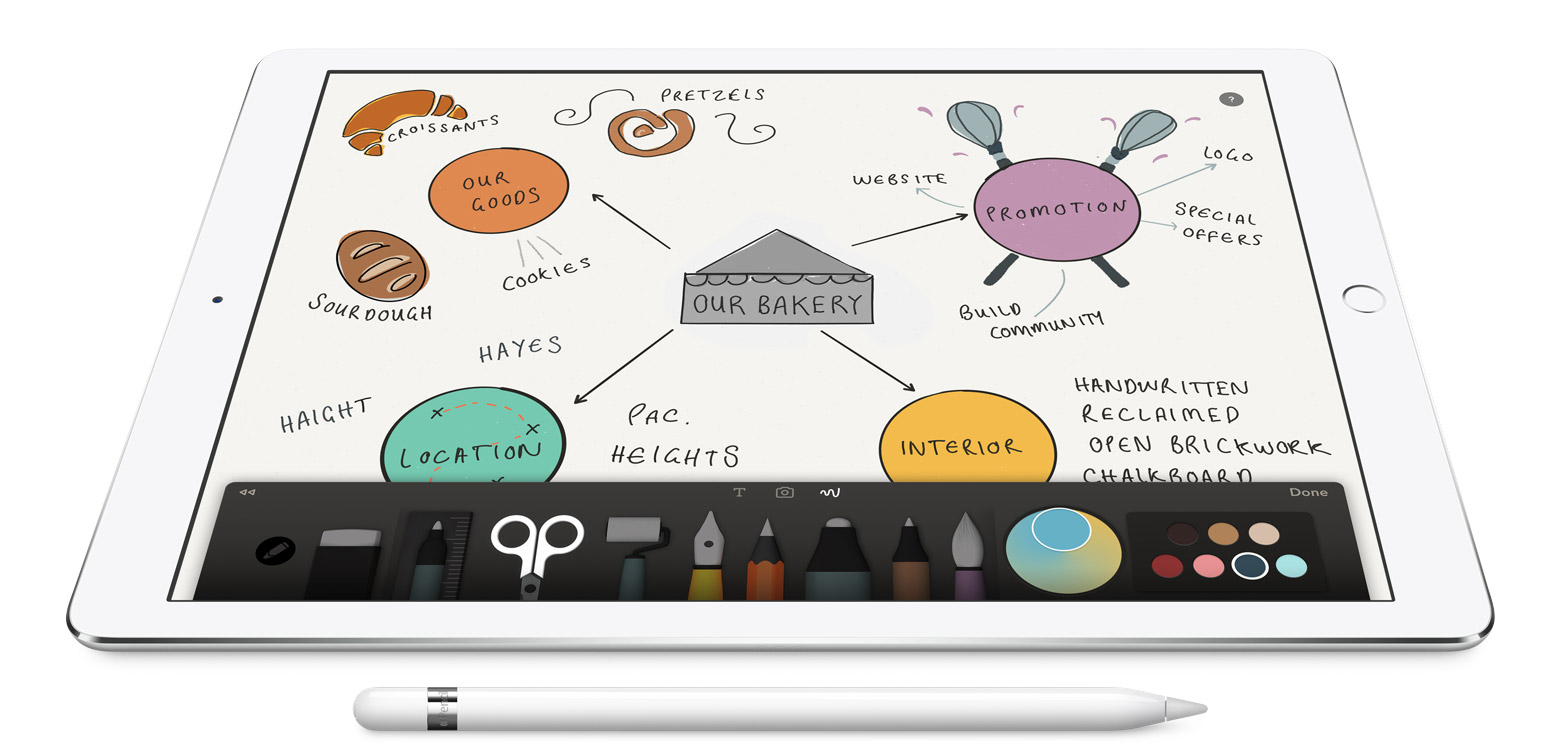
Apple's $99 stylus accessory for the iPad Pro, the Apple Pencil, conveniently comes with a spare tip and includes a special Lightning-to-USB adapter to save users from having to precariously charge their Pencils directly from their iPads.

A spare tip is a nice addition as it gives Pencil customers piece of mind knowing that wearing down the tip won't force them to take their accessory for servicing.

Apple provides interim fix for iPad Pro sluggishness after long charge

Following reports from iPad Pro owners who have been complaining about the device becoming unresponsive after being charged for a lengthy period of time, which typically occurs during overnight charging, Apple has now acknowledged the issue and confirmed it's working on a permanent fix.

In the meantime, the company has provided an interim fix that it says will temporarily restore normal operation after the iPad Pro becomes unresponsive.

How to check your local Apple Store Smart Keyboard and Apple Pencil inventory

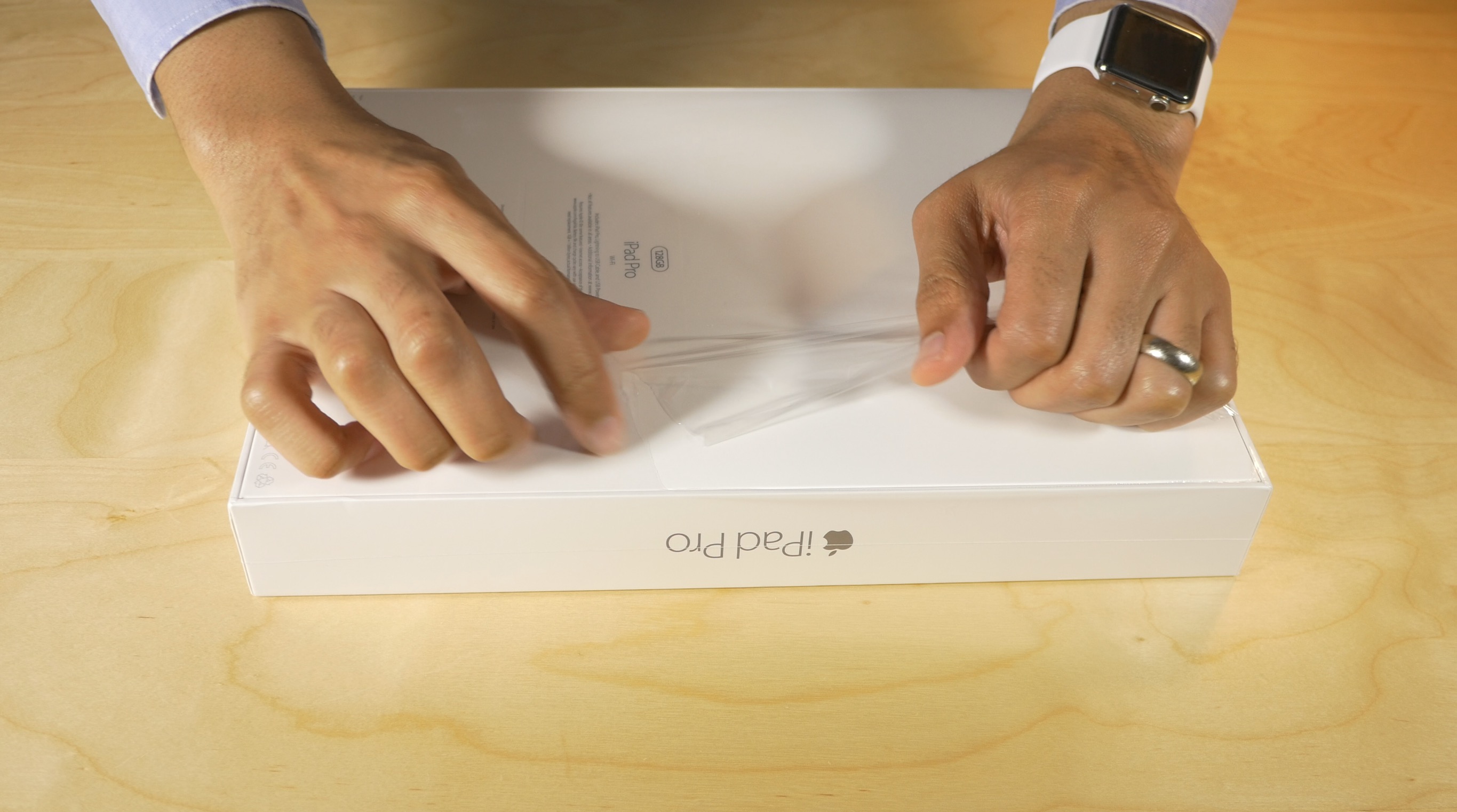
It's been over a week since I've had my iPad Pro, and I've still yet to snag an Apple Pencil or a Smart Keyboard. The prospects of obtaining either of the vital iPad Pro peripherals from Apple's online store doesn't seem good. Shipments are currently slated 4-5 weeks out in most cases, and in store personal pickup doesn't even appear as an option when checking out.

The situation is so bad that eBay scalpers are taking advantage and selling the Apple Pencil for double and sometimes triple the price. Needless to say, it's a frustrating situation for iPad Pro early adopters wishing to make full use of the new hardware.

But not all hope is lost for those of you hoping to snag a reasonably priced Apple Pencil or a Smart Keyboard before late December or early January. I've seen several reports of folks that have been able to walk in store and pick up one or both products, even though Apple's online store was showing out of stock. According to an Apple employee that I recently spoke to, Apple is receiving frequent shipments of both products and selling out almost as fast as it can re-up.

Thankfully, there is a way that you can check your store's local inventory before making the trip. Instead of risking disappointment, use this handy tip before you venture out in order to up the chance of scoring an Apple Pencil, Smart Keyboard, or if you're particularly fortunate, both.

Logitech Create Backlit Keyboard Case Review: a great keyboard solution for iPad Pro owners

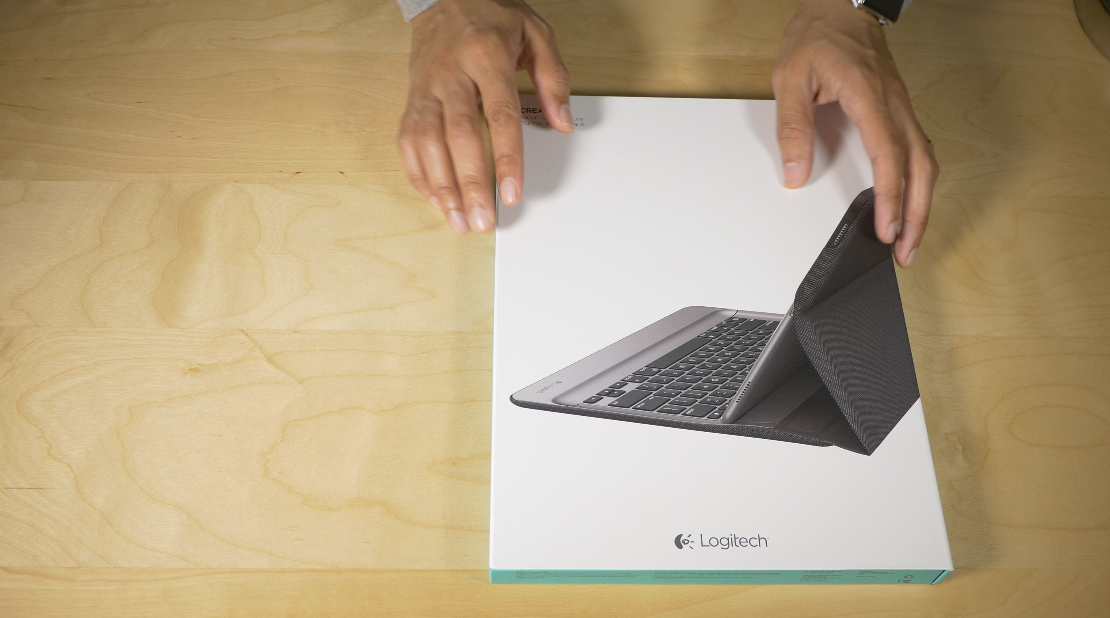
The Logitech Create Backlit Keyboard Case for iPad Pro is a great solution for those of you who are heavy typers.

Because this keyboard case, unlike Apple's Smart Keyboard, fully surrounds the iPad Pro when closed, it actually saves you money to go with Logitech's offering over Apple's Smart Keyboard + Silicone Case combo.

Of course, the protection elements offered by the Logitech Create are mere side points to the main questions: How does this keyboard perform for typers? Can I use the Logitech Create to type long-form content, or is it primarily suited for quick text outbursts? How does it fair when attempting to lap type? These are concerns that anyone who's interested in doing real work with the iPad Pro will have.

The Logitech Create Backlit Keyboard Case isn't without a few downsides, but for those of you primarily concerned with having a serviceable keyboard available at all times, it's a very good option that's worthy of your consideration.

DisplayMate: iPad Pro has stellar screen, but not better than iPad mini 4

Apple's new iPad Pro with its massive 12.9 inch screen offers a stellar viewing experience but the device doesn't quite match the quality of the iPad mini 4's screen, according to an excruciating barrage of mobile display tests conducted by technology experts over at DisplayMate.

Surprisingly, the iPad Pro's panel ranks slightly lower than that on Microsoft's new Surface Pro 4 tablet/laptop hybrid and earns the same “A” rating as the iPad mini 4.

4GB of RAM in the iPad Pro makes for a better Safari experience [Video]

The iPhone 6s made a big difference when browsing the web with Safari when compared to previous iPhones. This can primarily be attributed to the addition of an extra gigabyte of RAM in Apple's latest flagship phone, which brought its total amount up to 2GB.

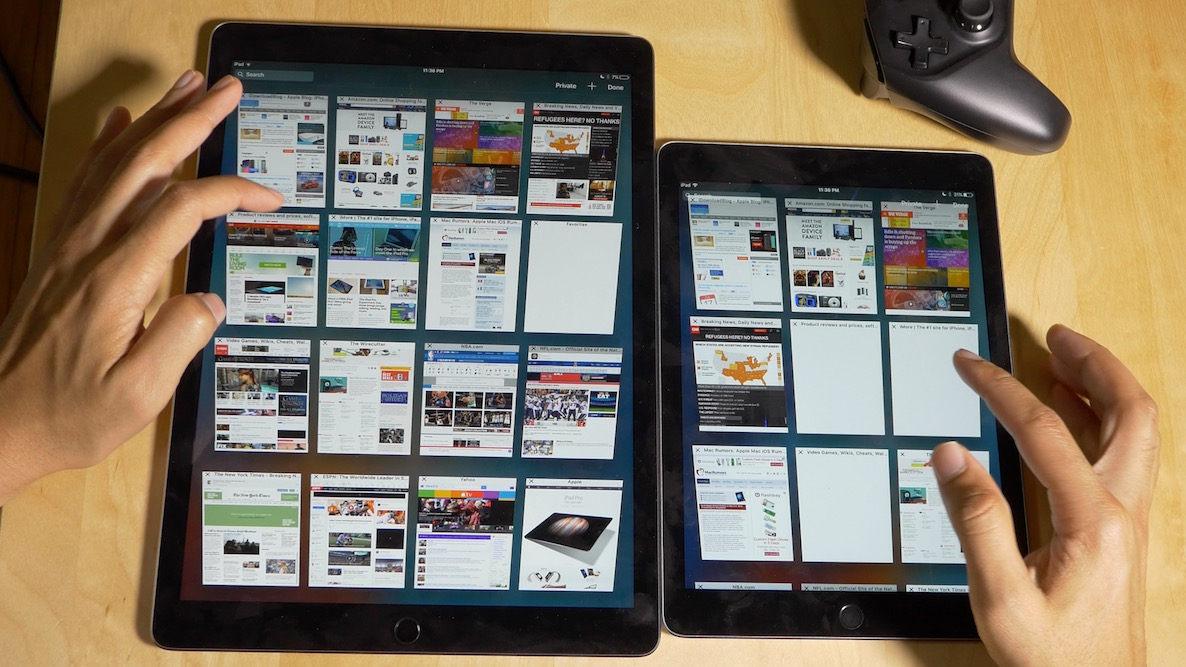
The iPad Pro takes the amount of RAM found in iOS devices a step further. It features a whopping 4GB of RAM—double the amount found in the iPad Air 2 and iPhone 6s. This means that the iPad Pro contains more RAM than any other iOS device since the platform's inception.

The result? Unsurprisingly, when compared to the next most powerful iPad, the iPad Air 2, the iPad Pro performs much better when it comes to keeping web pages loaded in memory. Hence, browsing the web tends to be a smoother and more cohesive experience on the iPad Pro when compared to lesser equipped iPads. Watch our video walkthrough and see for yourself.

iPad Pro review: not just for professionals

I never thought I’d want an iPad Pro. Out of all of the products that Apple was rumored to launch this year, the iPad Pro was at the absolute bottom of my totem pole.

That began to change somewhat after Apple’s most recent keynote, and it completely changed once I was able to actually go hands-on with the super-sized tablet at my local Apple store.

The iPad Pro isn’t for everyone, but it’s less of a specialty device than many might have expected...

Many iPad Pro owners are complaining about unresponsiveness after long charge

A couple of threads are currently growing on Reddit and the Apple Support Communities forums, with a significant number of lucky owners of the iPad Pro complaining that their device becomes unresponsive after being charged for a lengthy period. This typically occurs during overnight charging.

The annoying issues causes the device to require a hard restart to restore functionality. Apple had not commented on the hiccup publicly at the time of this writing, and almost certainly will not.

Which has lower latency: Apple Pencil or Microsoft’s Surface Pro 4 stylus?

Microsoft's fourth-generation Surface Pro offers stylus and keyboard cover accessories just like Apple's newly released iPad Pro. Apple, of course, is adamant that the Pencil is the best stylus on the market because it has virtually no lag or delay.

The Apple Pencil takes full advantage of  iOS's predictive touch technology, the iPad Pro's special screen design and sensors in its tip that measure every nuanced stroke, angle and pressure.

After putting the device through its paces, El Mundo writer and photographer Angel Jimenez de Luis concludes that Apple's stylus has a bit lower latency than Microsoft's, and he posted a video showcasing tracking capabilities of both accessories.

Apple Pencil and Smart Keyboard deliveries slip to 4-5 weeks, Apple promises ‘regular shipments’

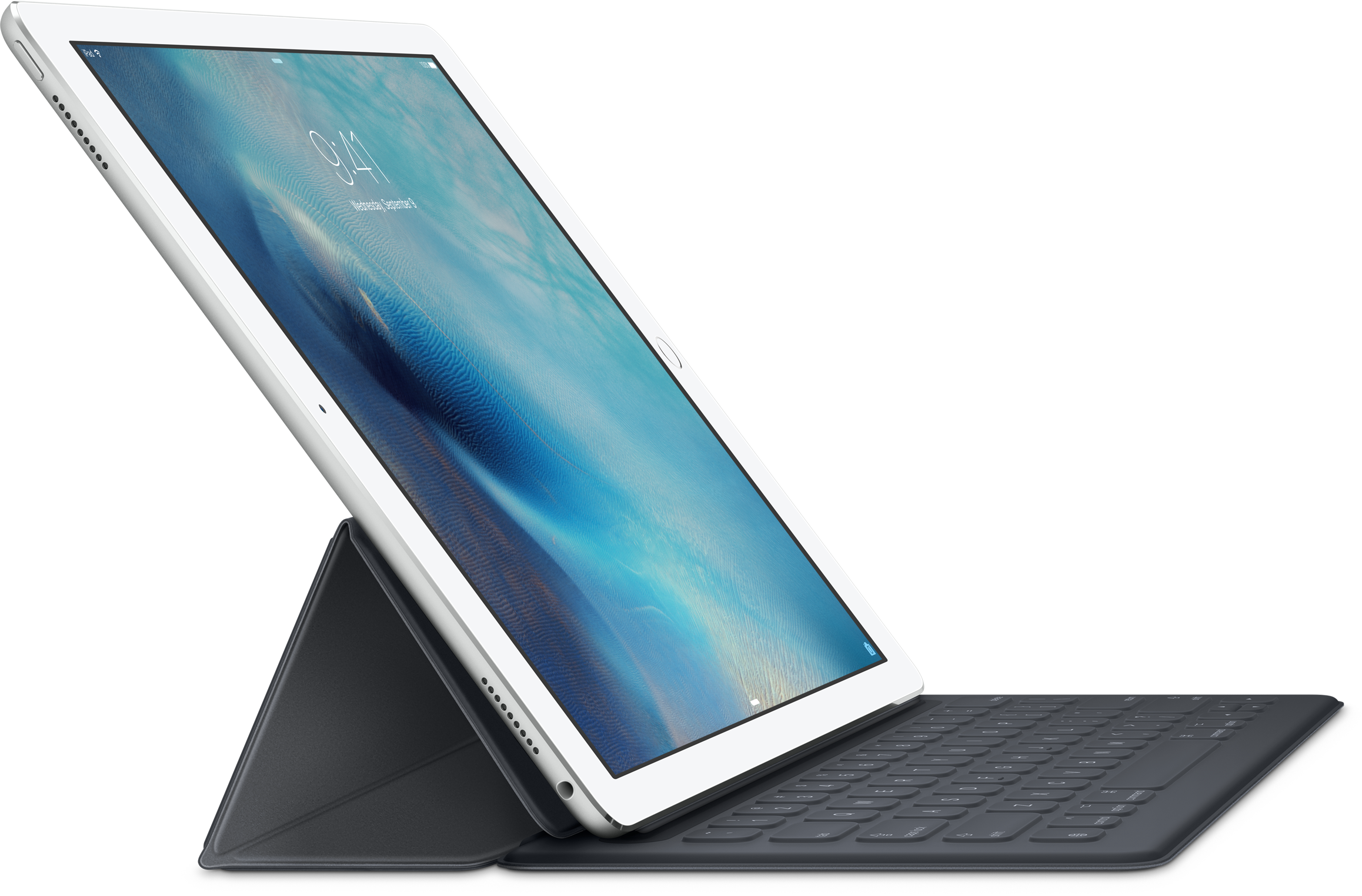
If you're in the market for an iPad Pro and are considering purchasing Apple's $99 Pencil or the $169 Smart Keyboard to take full advantage of the tablet's new features for creatives and mobile workers, you're in for some serious waiting as shipping times for these accessories have slipped to 4-5 weeks on the Apple Online Store.

In a statement to Mashable, the company did acknowledge limited supply of the Apple Pencil and Smart Keyboard in its own retail stores and promised “regular shipments”.

Gumdrop’s Drop Tech offers military-grade protection for your iPad

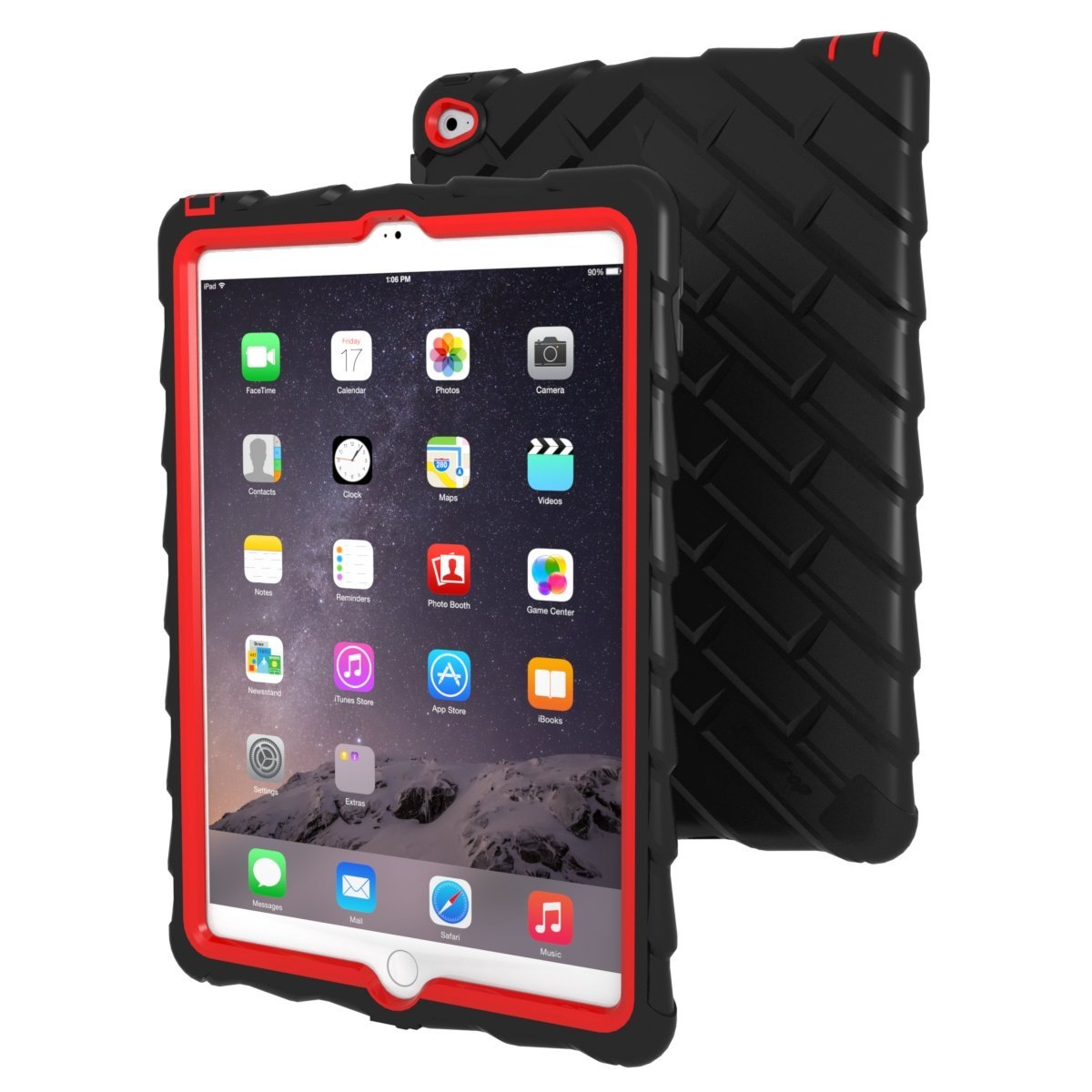
If you have ever let a toddler play games on your unprotected iPad Air 2, you have probably experienced that sense of dread thinking about the little one dropping it on the kitchen floor. We want to share technology with children, but don't want it to turn our tablets into $500 paperweights.

Gumdrop makes a Drop Tech case for the iPad Air 2 that is specifically designed to keep your tablet secure when little Bobby wants to read Wheels on the Bus while chasing his sister around the living room.