iOS 16.0 was a surprisingly buggy release. But Apple heard your pain—iOS 16.1 squishes a bunch of bugs while bringing a few cool new features to your iPhone.
iOS 16.1 video walkthrough: 9 new features and a lot of bug fixes
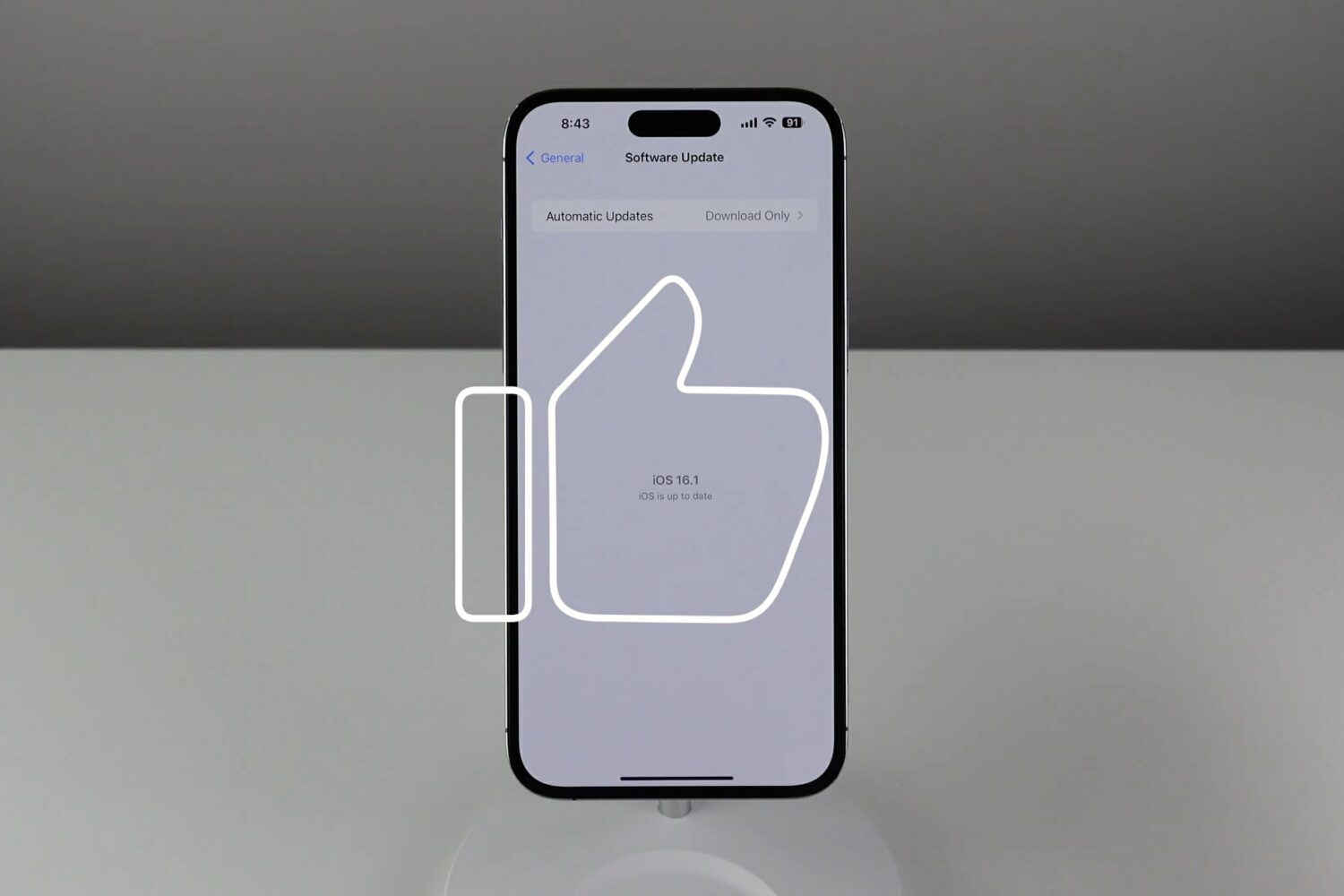
iOS 16.0 was a surprisingly buggy release. But Apple heard your pain—iOS 16.1 squishes a bunch of bugs while bringing a few cool new features to your iPhone.
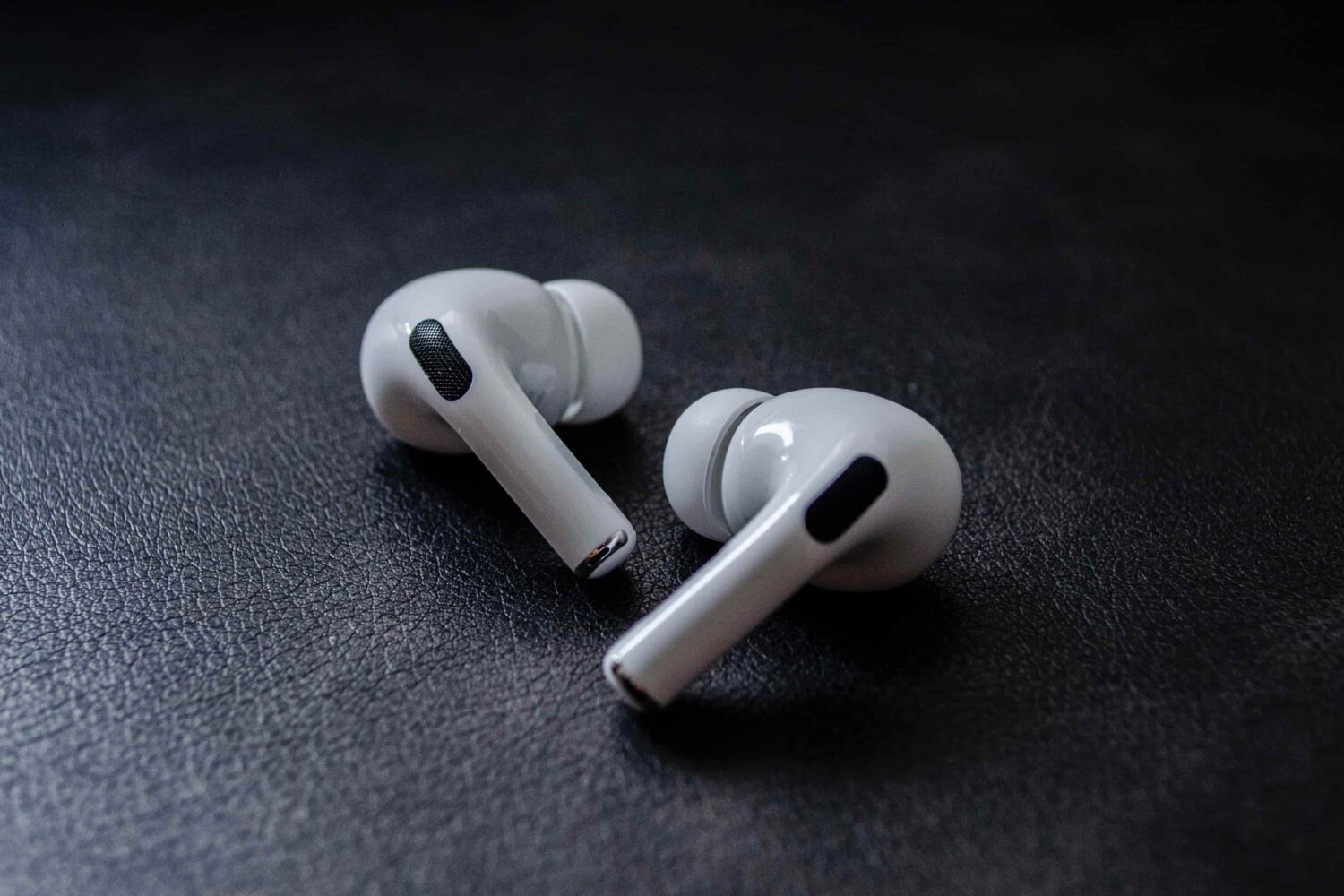
Apple's brought its adaptive transparency mode to the original AirPods Pro with iOS 16.1 beta 3 after this handy feature debuted on the second-generation model.
Just last Thursday, Apple publicly released iOS 16.0.2 with a patchwork of bug fixes for the company’s latest mobile operating system – iOS 16. Just some of the remedies included with the update were a solution for the freaky camera vibration when using third-party apps and a resolution for the excessive clipboard permission prompts users would get upon pasting text copied from one app to another, among other things.

Learn how to use the Safety Check feature on your iPhone to audit what you're sharing with people and apps so you can take the appropriate actions to keep yourself and your data safe.
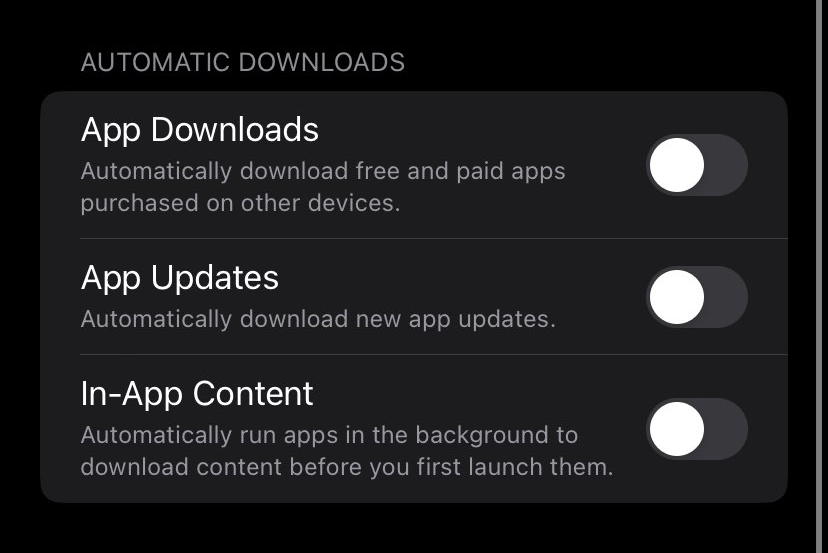
The new In-App Content toggle in iOS 16.1 lets iPhone apps such as games preload data after being downloaded from the App Store so they're ready on first launch.
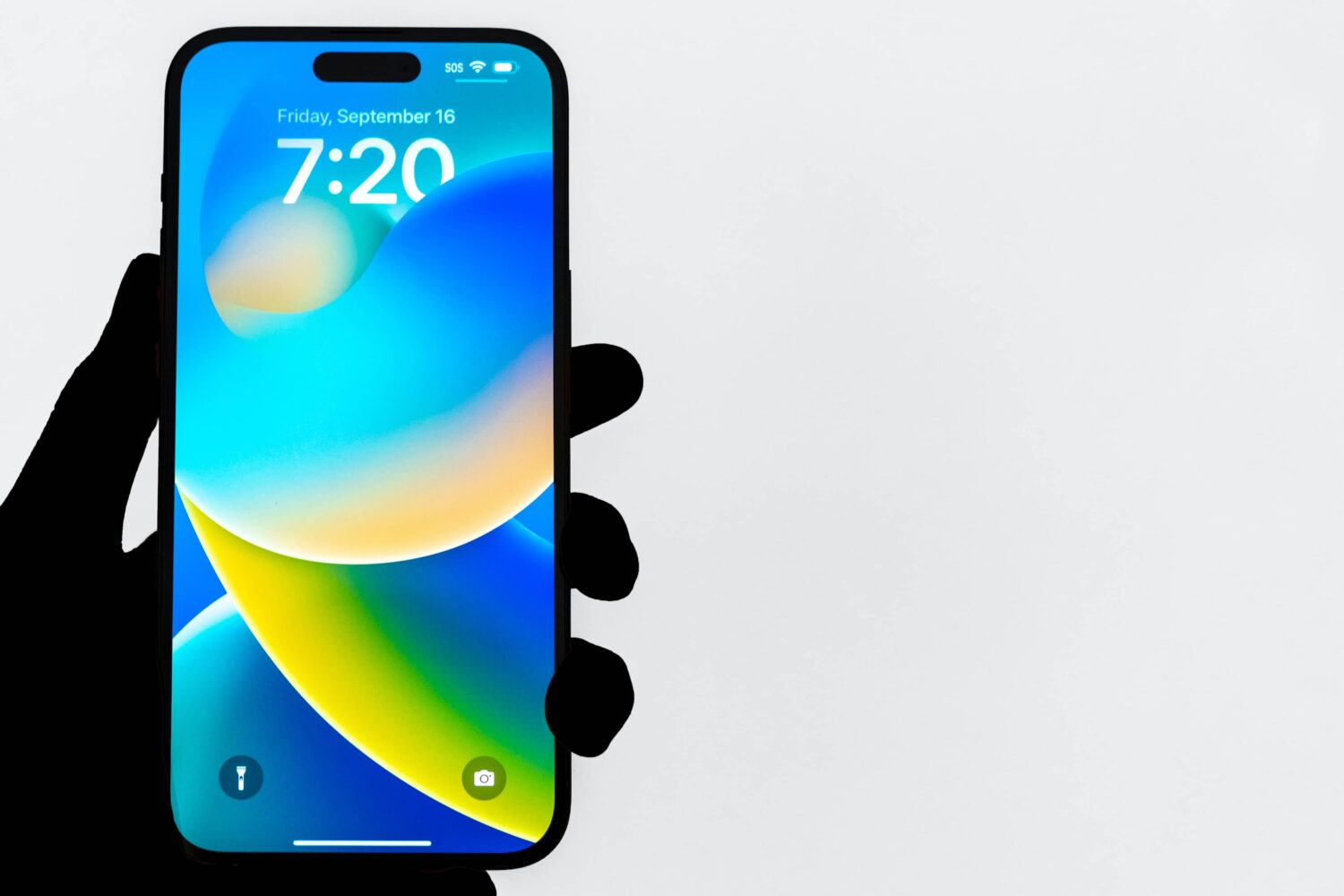
The changes in iOS 16.1 beta 3 include new iPhone features such as Live Activities for live sports scores and a demo for the iPhone 14's satellite connectivity feature.
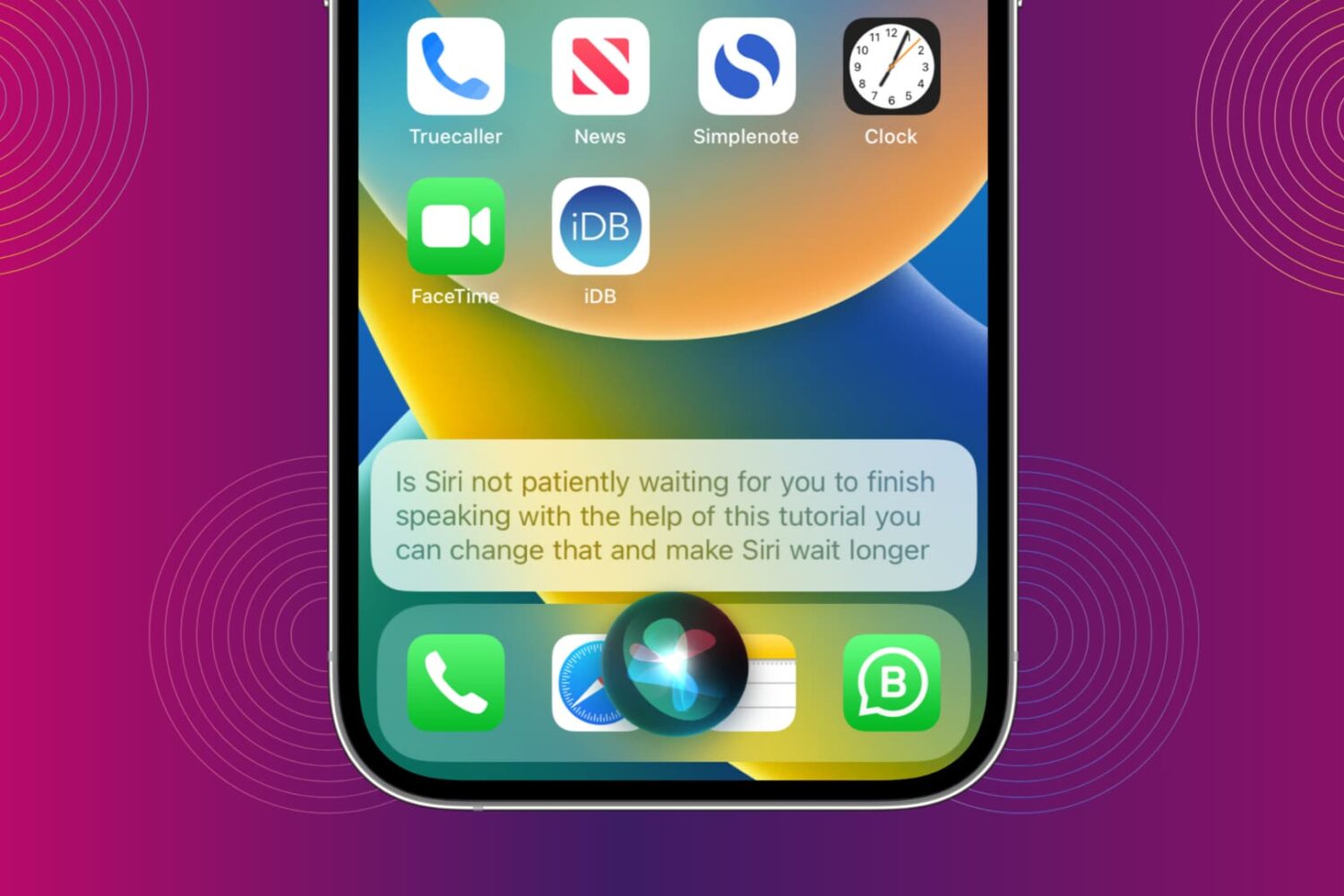
You can make Siri wait longer and have it keep listening until you finish speaking. We show you how to do that and increase Siri Pause Time so the assistant waits patiently for your voice command to be over before it starts working on it.
iOS 16 is now available for all iPhone users who have an iPhone 8 or later. In most cases, the update should download and install within minutes.
However, when updating an iPhone to iOS 16 or one of its incremental versions, such as iOS 16.0.2 or 16.1, you may face problems such as your iPhone staying stuck on the Apple logo, or the screen turning black/blue/white with no progress bar. It's also possible that your iPhone keeps rebooting more than it should, ultimately leading to a failed iOS 16 update.
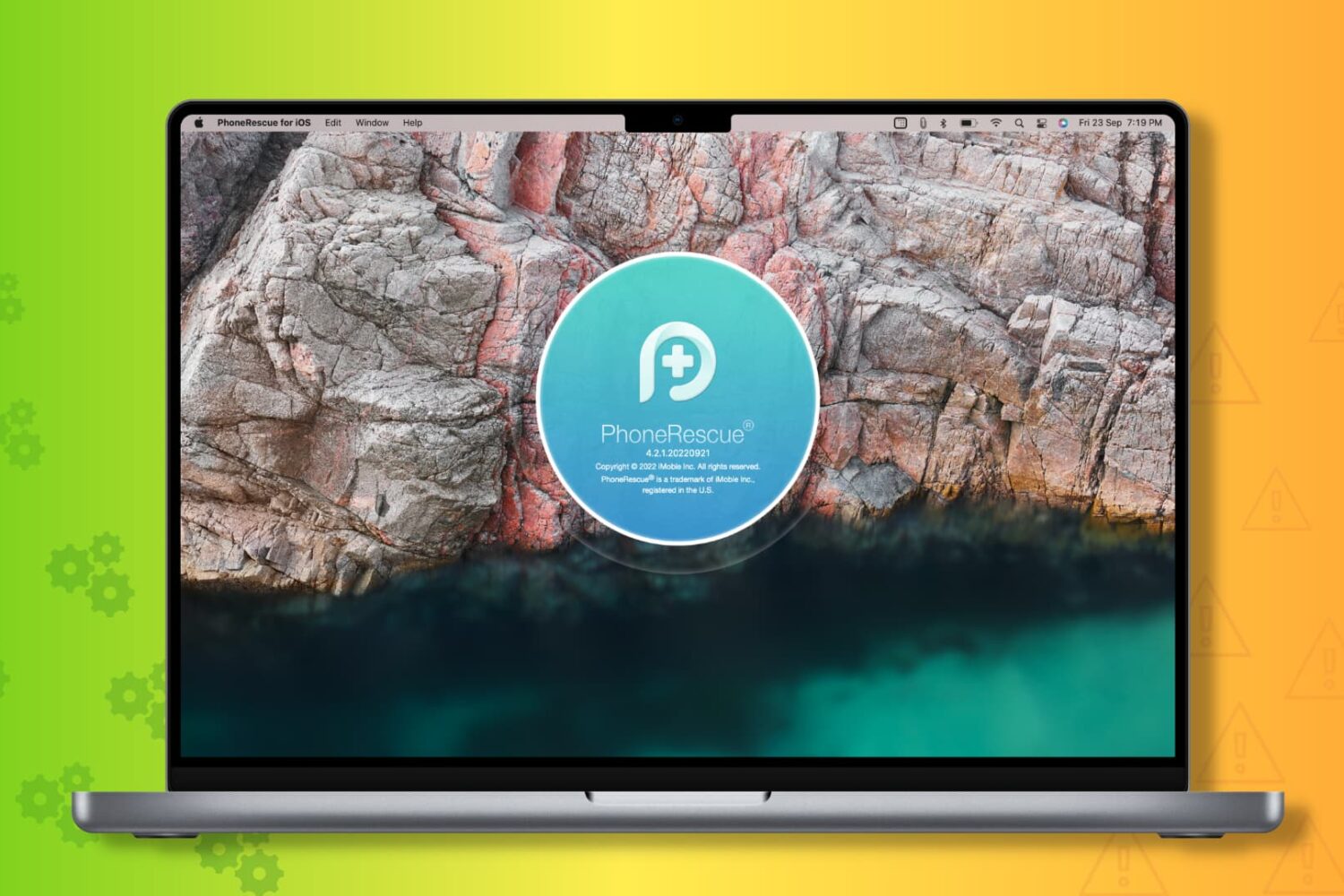
To get you out of these situations, PhoneRescue by iMobie can be a helpful companion! It's a piece of software for your Mac and Windows PC that can fix most iOS 16 update issues.
So, if you're unable to update your iPhone from iOS 15 to iOS 16 or iOS 16 to one of its future versions, read along and learn how to fix this.
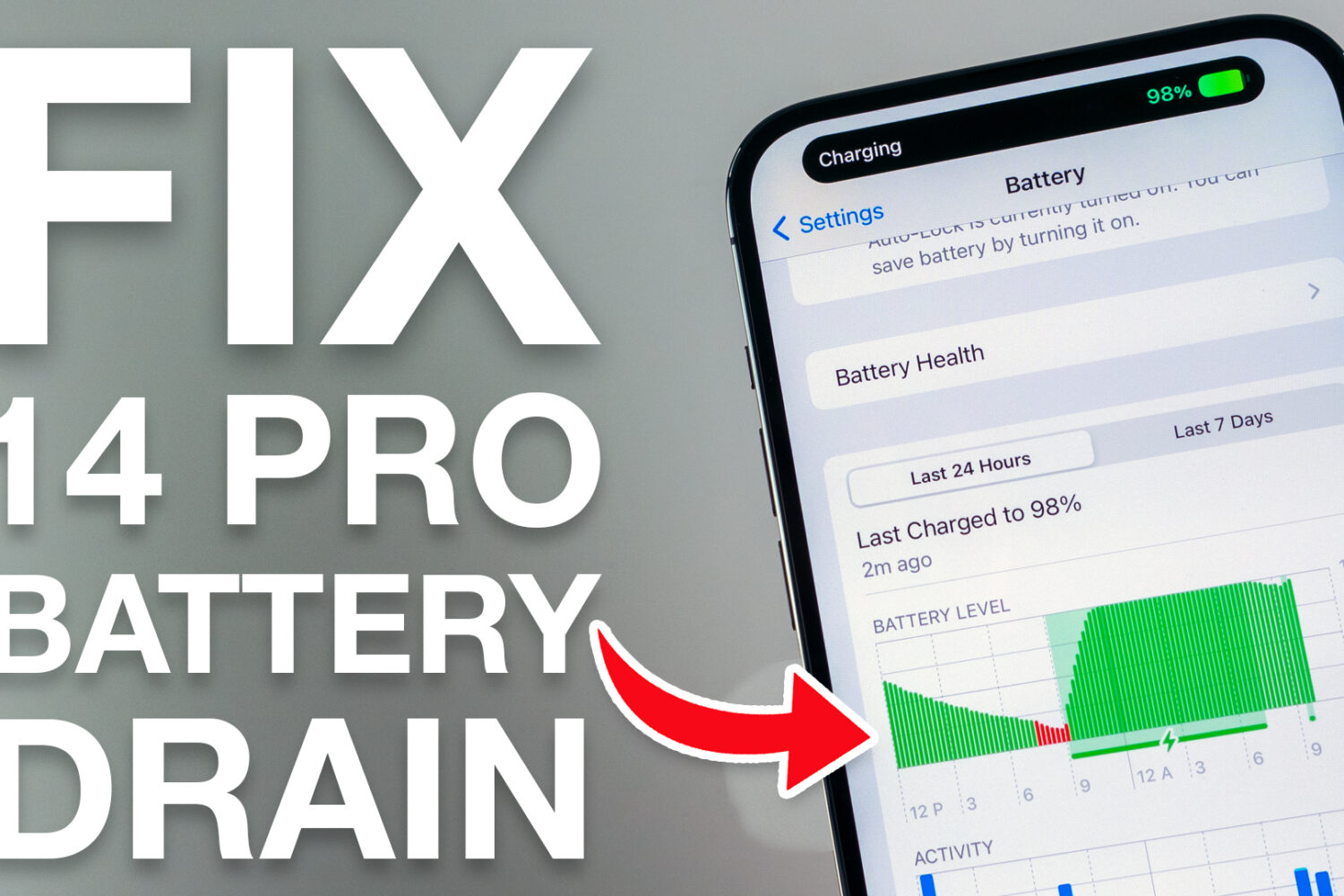
If you’ve just acquired a shiny new Apple iPhone 14 Pro or 14 Pro Max, and you’re coming from last year’s iPhone 13 Pro or 13 Pro Max, then you might be in for a slight surprise when it comes to battery life, despite Apple’s claims that the newer handset should be capable of better battery life.
Apple on Thursday released a new software update for iPhones in the form of iOS 16.0.2, and while it’s available for every iPhone that can run iOS 16, newfangled iPhone 14 Pro & 14 Pro Max owners are going to want to pay particular attention to this one.
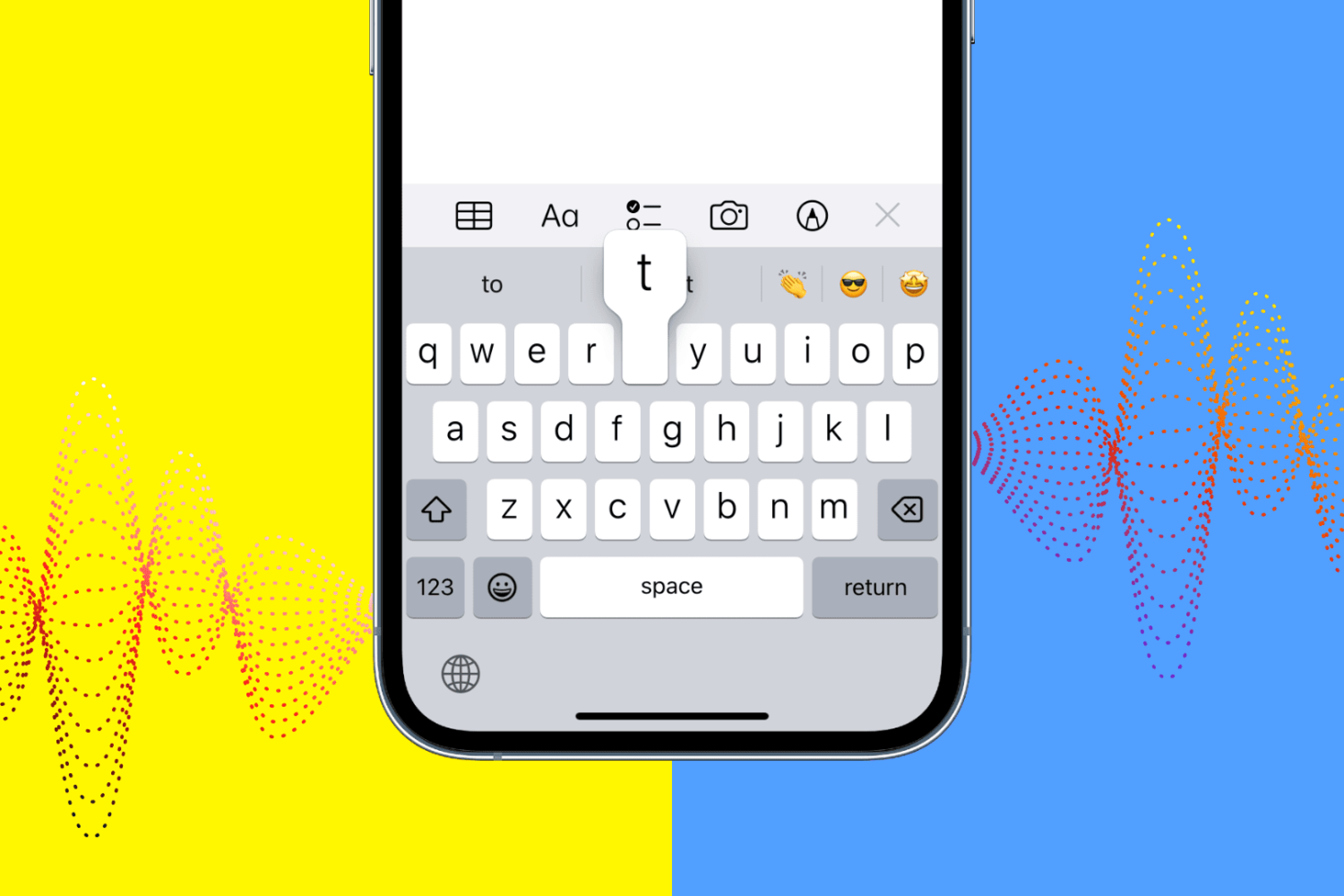
IOS 16 includes a new iPhone keyboard haptics feature, but Apple says using vibratory feedback when typing might affect your battery life.
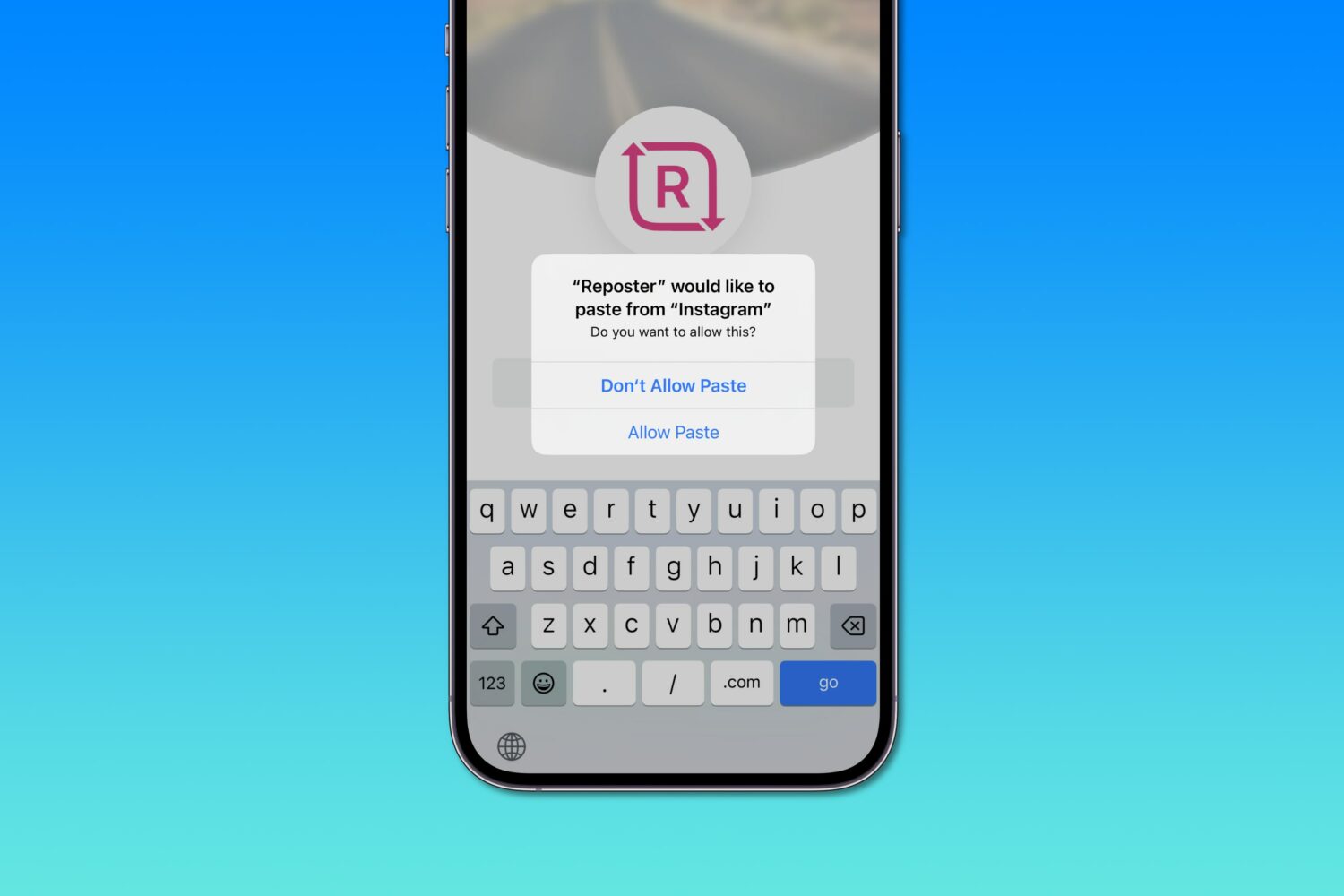
Apple says iOS 16's excessive privacy permission prompts when pasting from the system clipboard are a bug that'll get addressed in an upcoming software update.