Apple has been seeding developer and public betas of iOS 13.3.1 for weeks, but the wait for the final release is finally over.
Apple releases iOS 13.3.1 and iPadOS 13.3.1

Apple has been seeding developer and public betas of iOS 13.3.1 for weeks, but the wait for the final release is finally over.
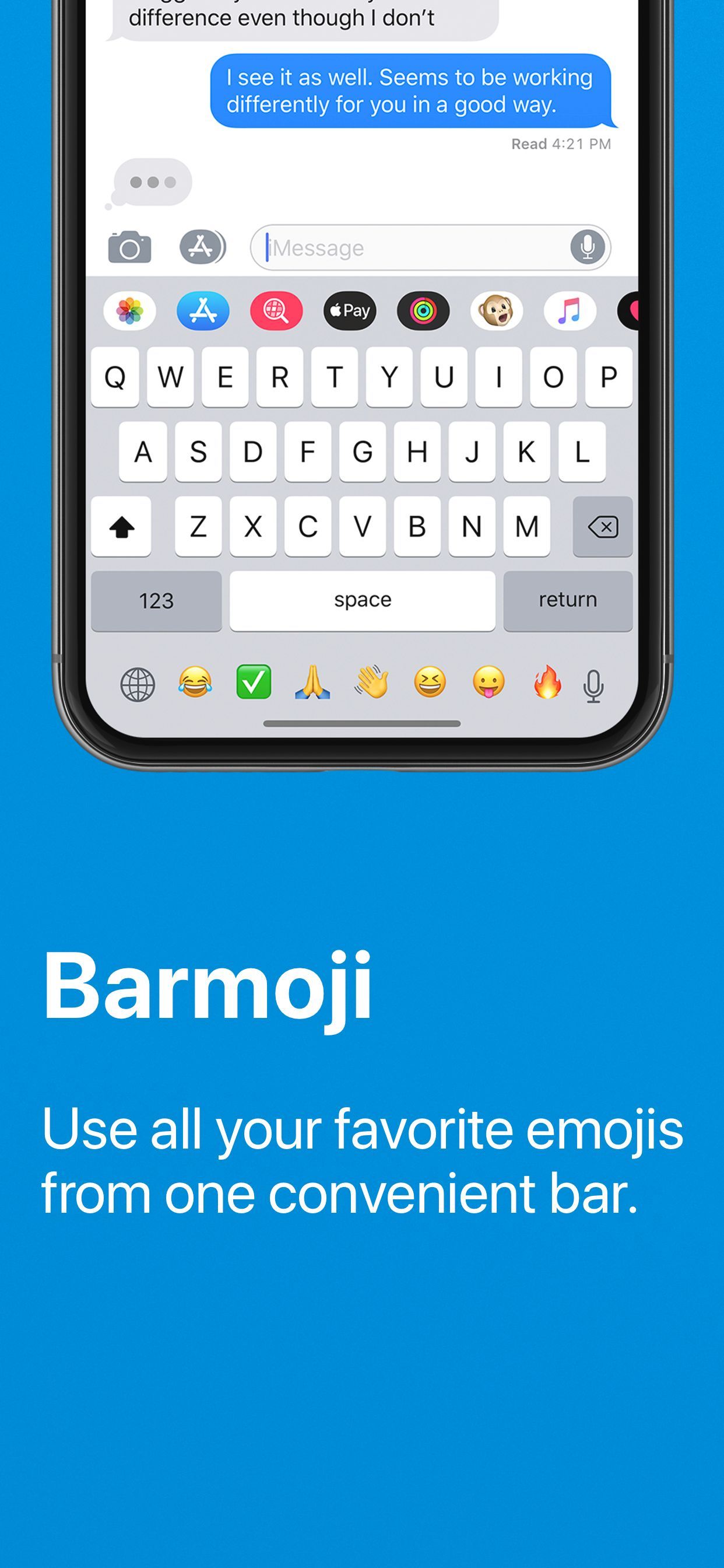
If you like to use Emojis when you text people or send emails, then you may want to consider augmenting your iPhone’s typing abilities with a jailbreak tweak dubbed Barmoji by iOS developer CPDigitalDarkroom.
In a nutshell, Barmoji adds a quick access Emoji bar to your iPhone’s native keyboard interface. With it, you can more easily type Emojis when you’re composing messages or emails. The tweak also works in other apps due to its integration into the native keyboard, such as social media and text composition apps, among others.
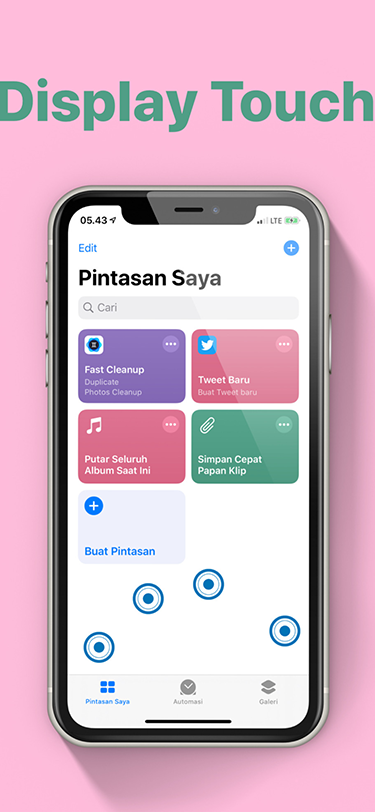
Your iPhone’s touch screen is designed to accept user input wherever you tap or drag your finger(s). But don’t you think it would be neat if you could see where your finger was interacting with your iPhone’s display in real time?
The idea of such a thing may seem redundant, but it can be useful if you’re recording your iPhone’s display and you want to emphasize where you tap or swipe. For those looking to add this feature to their pwned iOS device, a newly released jailbreak tweak called Display Touch by iOS developer pxcex should be the next thing on their list of things to try out.
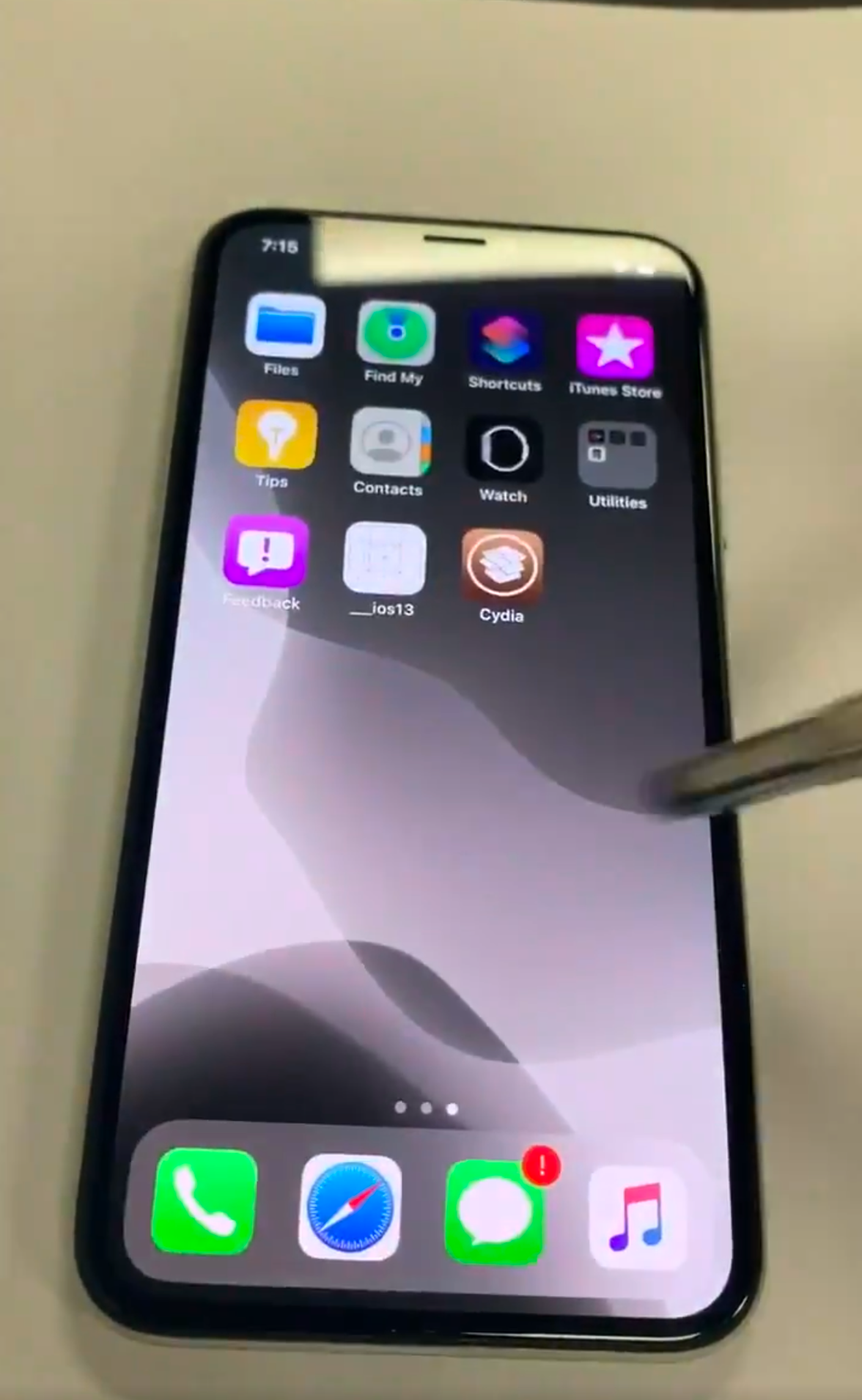
It’s no secret that the checkra1n jailbreak tool the jailbreak community by storm. But despite being unfixable by Apple, it’s still always comforting to see a newfangled jailbreak demonstration, especially when it happens on Apple’s latest firmware and when checkra1n isn’t the method of pwnage.
A Tweet with an embedded video demonstration shared Monday afternoon by Twitter user @08Tc3wBB appears to demonstrate an iPhone X on iOS 13.3.1 beta 3 being jailbroken with the assistance of an unknown side-loaded jailbreak app.
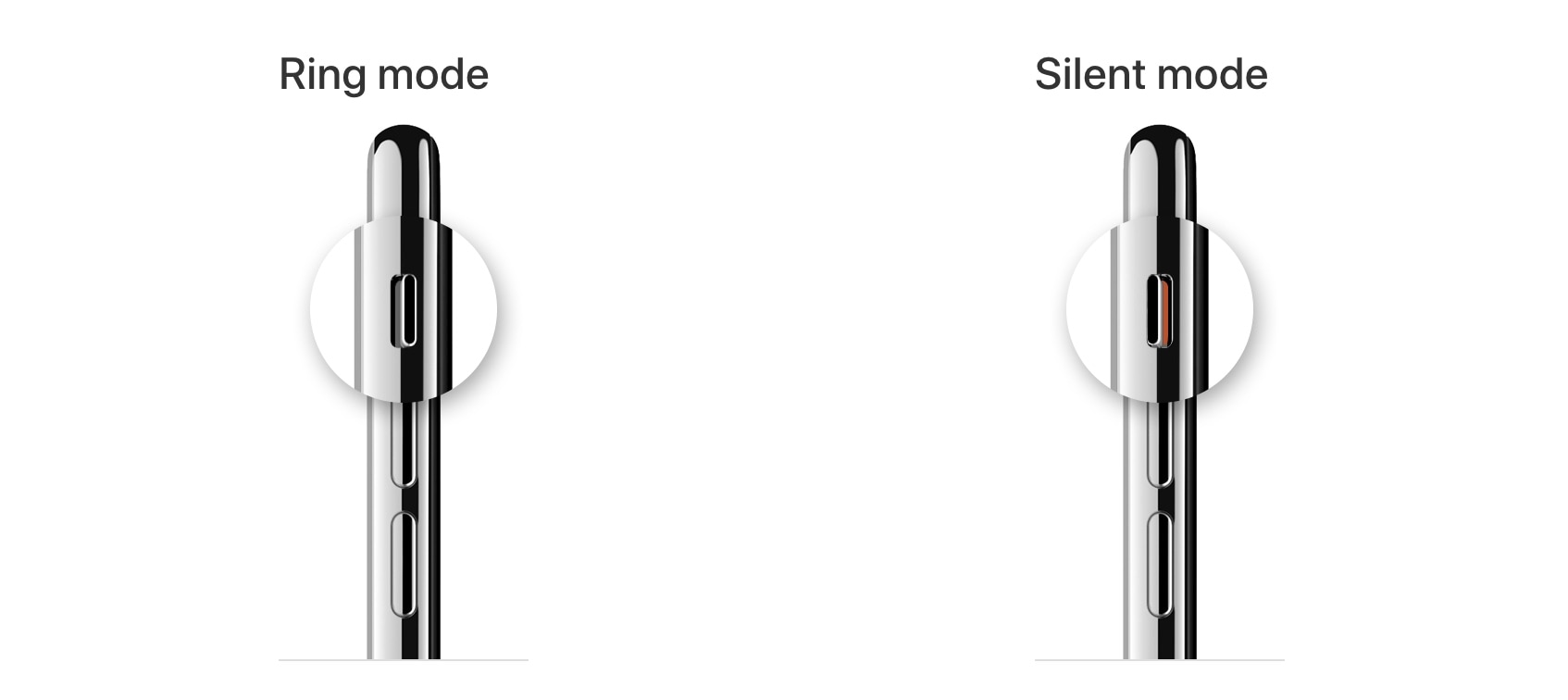
One thing the iPhone still has that many other smartphones don’t is a physical ringer/silent switch that can be used to immediately silence your handset from right inside of your pocket.
The iPhone’s physics ringer/silent switch is still one of our favorite things about the Apple-branded handset. But if you’re jailbroken, then you may want to turn your attention to a new and free jailbreak tweak called MuteVibes by iOS developer Ethan Whited, as it can be used to customize the sound and vibration behavior of the ringer/silent switch.

Got a jailbroken iOS handset at your disposal, but aren’t sure what you should do with it? We’ve got you covered.
This roundup will encompass all the latest jailbreak tweak releases from Monday, January 20th to Sunday January 26th. As usual, we’ll kick things off by discussing our favorites and then wrap things up with an outline of the rest afterward.

Roman Numerals are an acquired taste, but if you’ve come to appreciate them as a time display more than basic numbers, then we have a gut feeling that you’ll enjoy a newly released and free jailbreak tweak dubbed Tempus Romānum by iOS developer Ryan Nair.
Tempus Romānum can be used to replace both the Lock screen time and Status Bar time with a Roman Numeral-centric display, and it’s very easy to use.
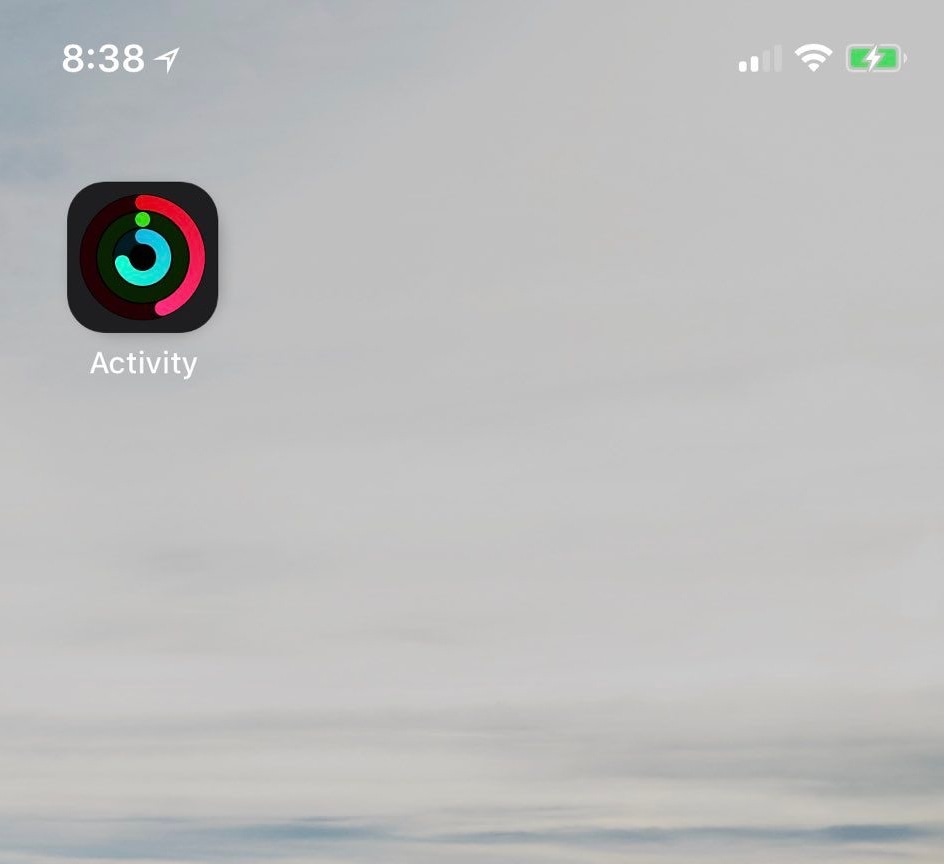
If you take advantage of the standard fitness features that ship with your iPhone and Apple Watch, then you might use the native Activity app to view daily progress. As you proceed, the rings inside the app slowly complete a 360–degree circle, an achievement commonly known as ‘closing rings.’ My only gripe with this is that you have to open the app to see any details.
Thankfully, a jailbreak tweak called LiveRings by iOS developer CPDigitalDarkroom lets you view a summary of your activity directly from the Home screen without even launching the Activity app. That’s because the tweak animates the Activity app icon itself to depict ring-closing progress.
It has been quite some time since Apple seeded the first developer betas of its latest updates to its major operating systems, but here we are with the second.
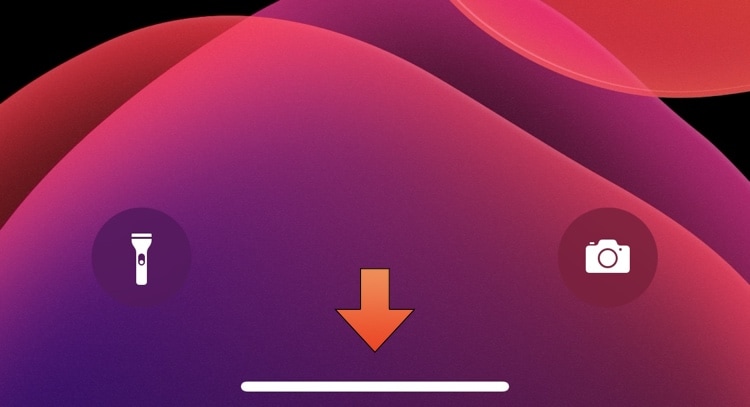
Newer iPhone and iPad Pro models have ditched the traditional Home Button in favor of an edge-to-edge display that sports a software-based Home Bar instead. The Home Bar can be used for unlocking, returning to the Home Screen, toggling Reachability, and switching between apps, but many would argue that it doesn’t always need to be visible.
For those looking for a solution to this quandary, a new and free jailbreak tweak called AutoHideHomeBarX by iOS developer Asterix can automatically hide the Home Bar when it isn’t needed and cause it to reappear again when it is.

The checkra1n jailbreak has earned quite the impressive reputation over the past several months as it became both the first iOS 13-supported jailbreak and the first un-patchable bootrom exploit-based jailbreak to be released since the infamous limera1n days almost one full decade ago. But there’s also a certain stigma surrounding the checkra1n jailbreak as it only runs on macOS at the time of this writing.
Fortunately, that’s set to change sooner rather than later. While a Windows version of the jailbreak tool is still probably rather far off due to the complexities of its development, the good news is that the Linux version of checkra1n is nearing completion and could be released very soon. Checkra1n co-developer Nikias Bassen (@pimskeks) shared the exciting announcement via Twitter this Tuesday afternoon: