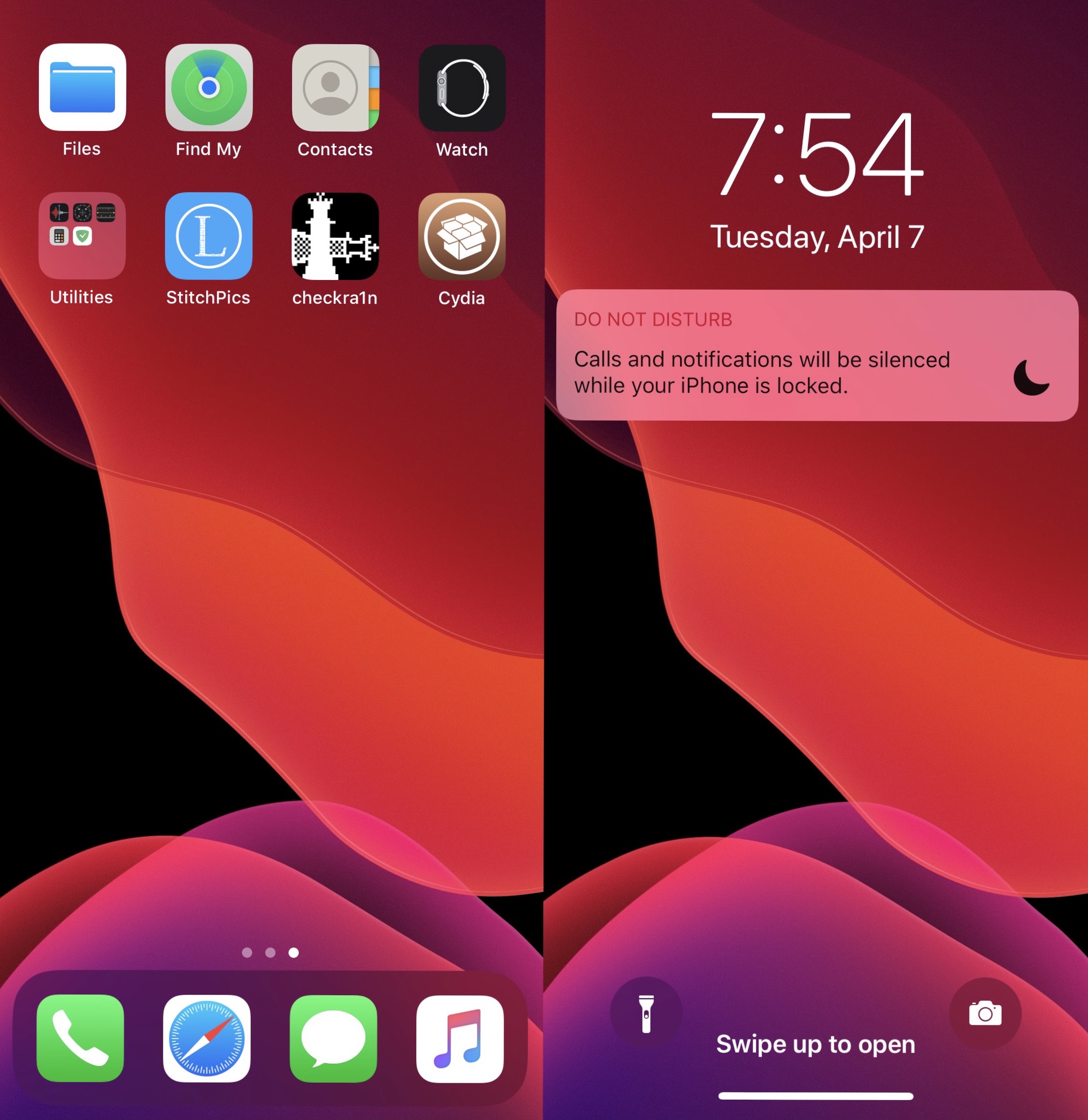
iOS 13

Dawn lets you mix and match dark & light mode elements on iOS 13

Dark mode is one of the top new features of iOS 13, and while it looks great how it comes out of the box, Apple unfortunately doesn’t offer much to its users by way of dark or light mode customization.

If you agree, then Dawn is a newly released and free jailbreak tweak by iOS developer EthanRDoesMC that offers something of a middle ground between dark and light mode. With it, you can enable some features of iOS’ native light mode even when dark mode is turned on, and vice-versa.
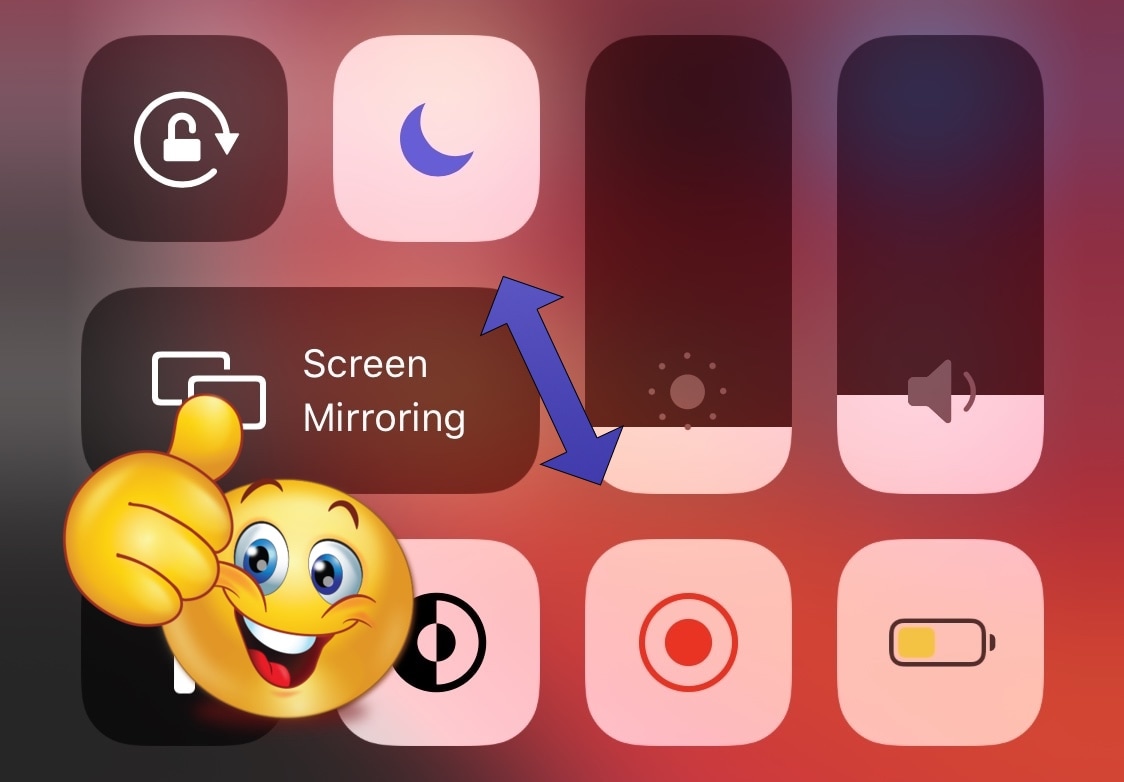
This tweak auto-enables Do Not Disturb when recording your iPhone’s screen

It’s a wonderful thing that Apple finally came to and brought native screen recording capabilities to the iOS platform. In fact, I still remember the not-too-distant past when you would’ve needed a jailbreak tweak or a disgraced App Store app to make this happen.

But as great as iOS’ native screen recording function is, there’s one significant caveat that bugs me, and a newly released and free jailbreak tweak dubbed DNDMyRecording by iOS developer gilshahar7 addresses it.

Arc is a sexy one-hand accessible shortcut pane for jailbroken iPhones

If you’ve got a jailbroken iOS handset at your disposal, then don’t waste any time – open your preferred package manager and refresh your sources. Upon doing so, you should find a curious new jailbreak tweak called Arc by iOS developer Muirey03 in your Changes list.

Arc is a beautiful new extension for pwned handsets that brings your favorite actions and apps right to your fingertips from anywhere in iOS. As depicted in the screenshot examples above, the tweak is quite literally arc-shaped, and this makes it comfortable to use with one hand.

Jailbreak tweaks of the week: AirDropConfirm, Audicy, SwipeExtenderX, and more…

Dealing with this COVID-19 situation has been tough for many, but at least you can spend your free time tinkering with your jailbroken iPhone or iPad.

In this roundup, we’ll discuss all the latest jailbreak tweaks to be released from Monday, March 30th to Sunday, April 5th. As usual, we’ll kick things off by discussing our favorite releases first and then wrap things up with an outline of the rest afterward.

Folded is one of the most comprehensive folder tweaks for iOS to date

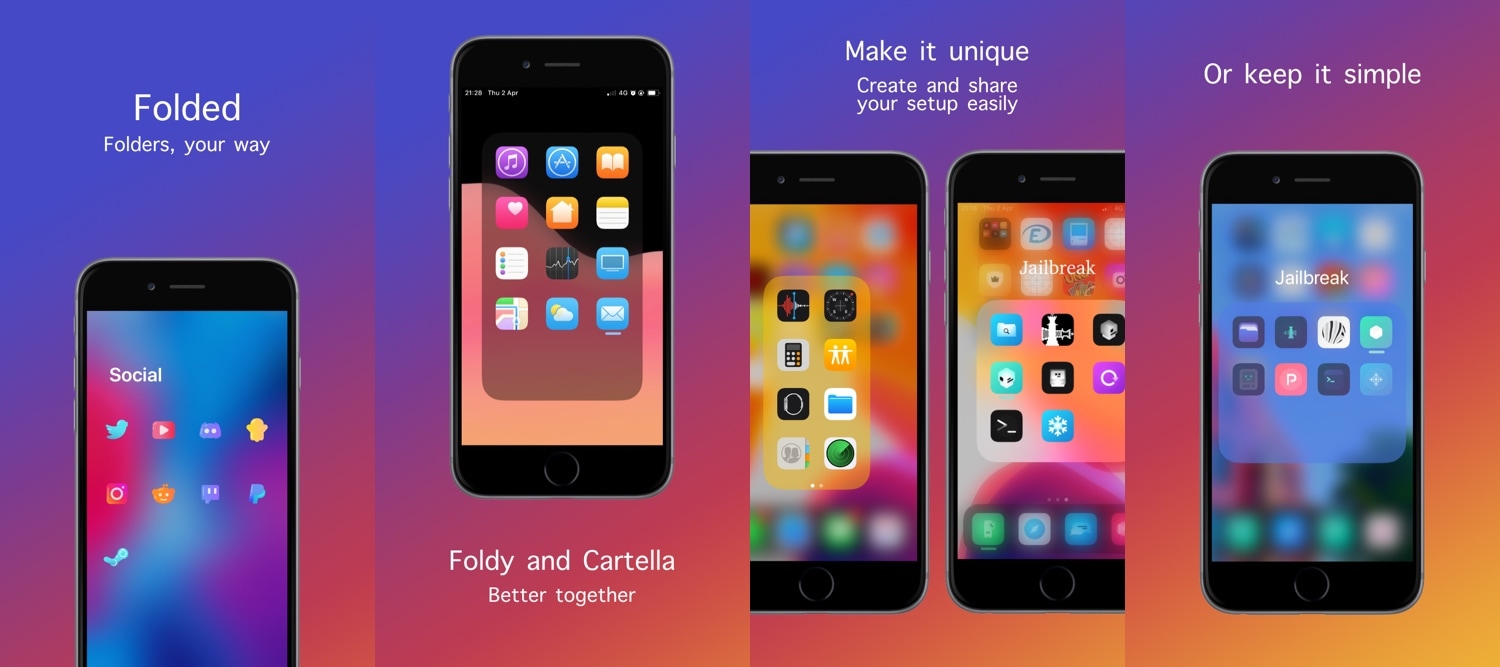
With such an unexpected surge in the number of Home Screen folder-augmenting jailbreak tweak releases lately, it can be a tough call when trying to decide which to install. Fortunately, a new release dubbed Folded by iOS developers Thomz and burrit0z appears to be one of the most comprehensive and promising folder-centric tweaks for iOS to date.

As depicted in the screenshot examples above, there’s a lot you can accomplish with Folded. It grants users access to a plethora of new settings that stock handset users would drool over, and what’s more is that the tweak is completely free to download.

Audicy is a full-fledged media importer for jailbroken iPhones

Those who’ve been with the jailbreak community for a while may remember the times when it was easy to download a third-party app from Cydia to import locally-stored media to iOS’ native Music player, etc. Years later, finding such utilities isn’t so common.

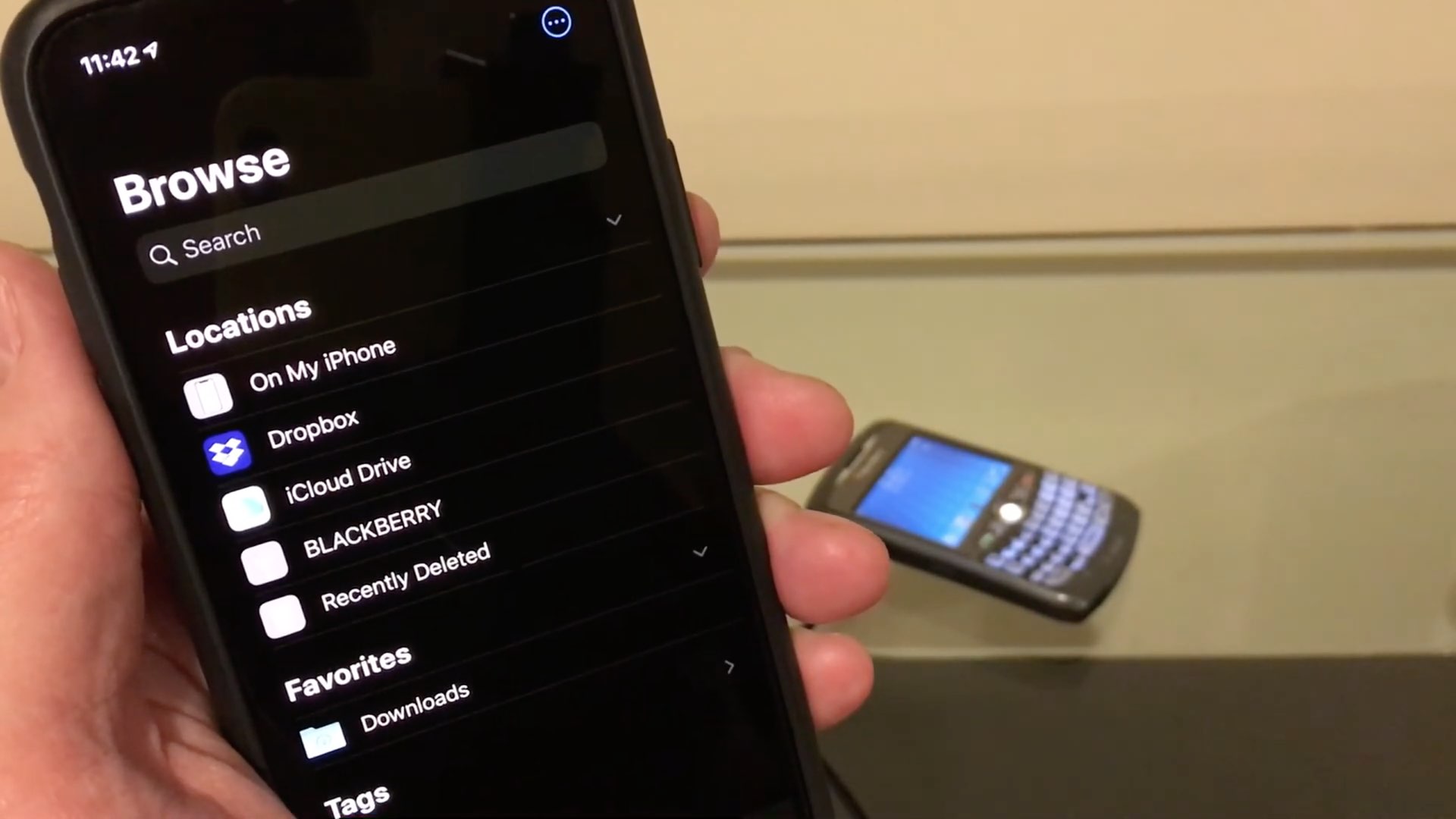
The aforementioned circumstances make the release of a new utility called Audicy by iOS developer Jalal Ouraigua rather significant, as it enables users to easily import media stored on the device itself to iOS’ native Music library from the native user interface(s).

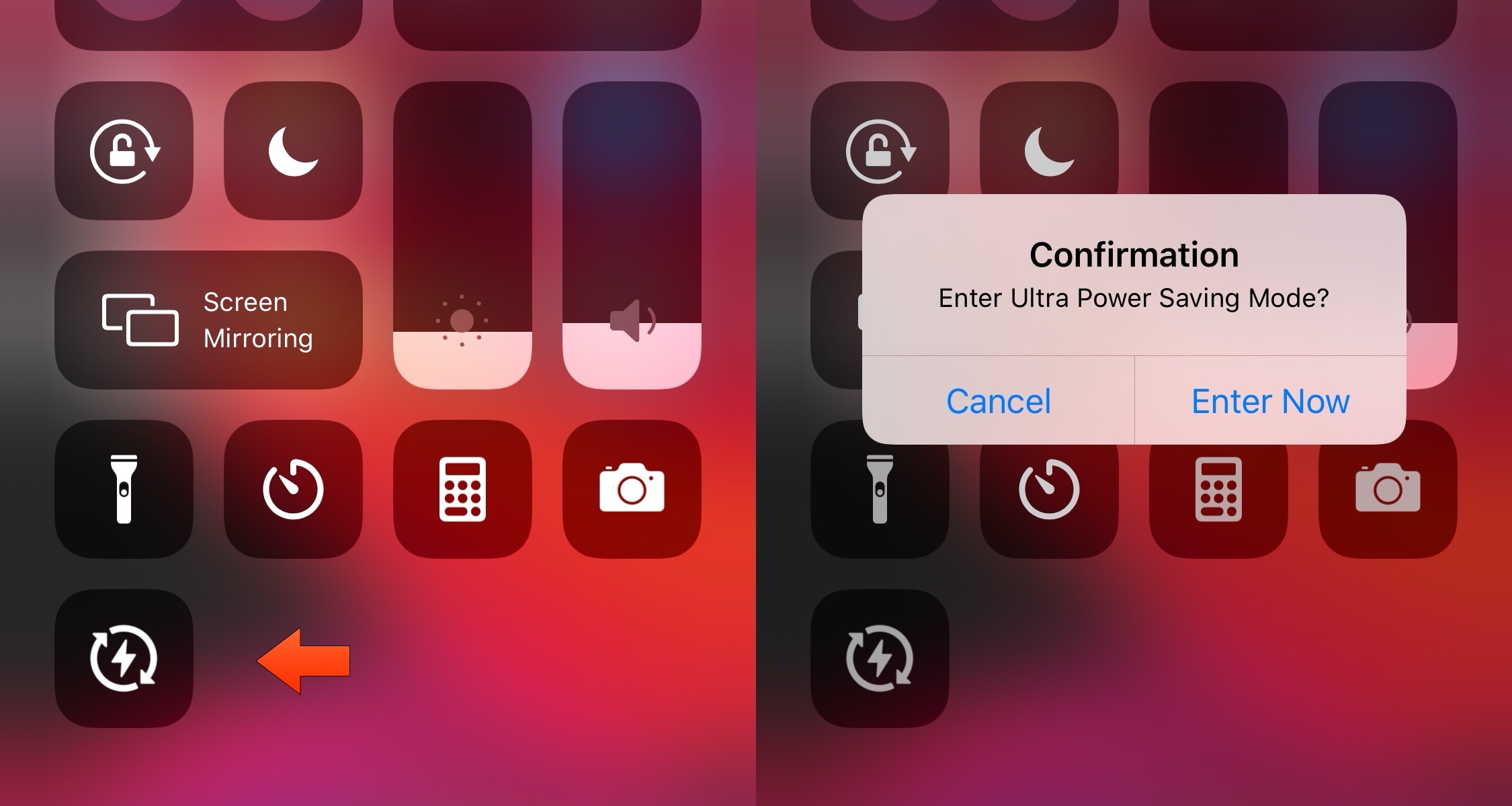
UltraPowerSavingMode brings an Apple Watch-style power reserve mode to iOS

So much of our lives are spent using our smartphones these days, and yet they’re still powered by batteries that hardly seem to last a full day without needing a charge. Apple’s Low Power Mode is helpful when you want to take advantage of every last drop of battery life, but when you demand even bigger extremes, a newly released jailbreak tweak called UltraPowerSavingMode by iOS developer Prasa just might be a better choice.

In a nutshell, UltraPowerSavingMode attempts to duplicate the Apple Watch’s Power Reserve mode on the iOS platform, albeit in quite a far more advanced manner. Once toggled, the tweak optimizes your handset’s power usage to help you maximize battery life well beyond what the native Low Power Mode is capable of.

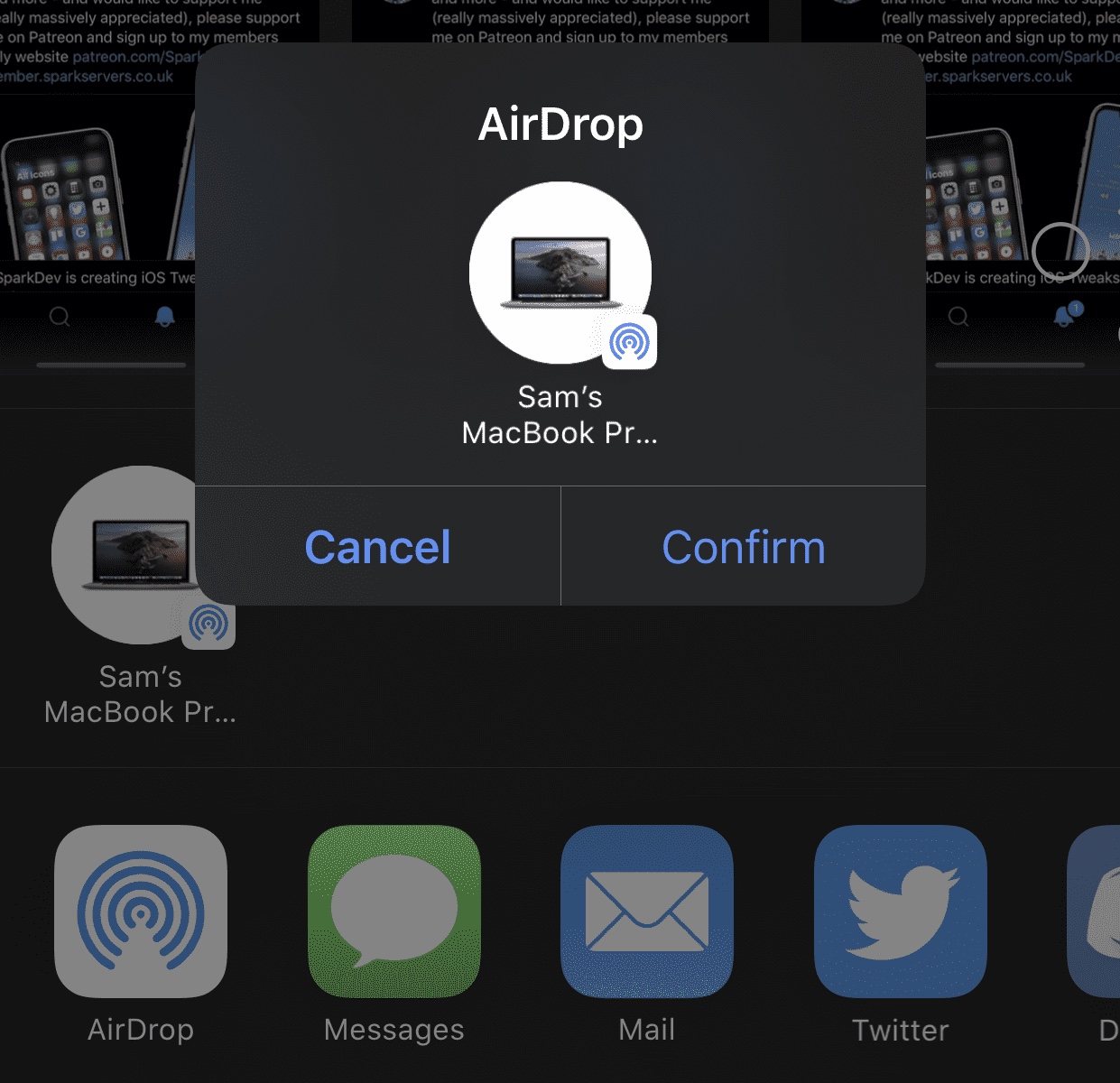
This tweak adds a confirmation dialogue to iOS’ AirDrop interface

AirDrop is one of the easiest ways to transfer files from one iOS device or Mac to another. On the other hand, some might argue that it’s just a little too easy to use. After just one tap, your file begins transferring to the recipient, whether that tap was intentional or not…

Enter AirDropConfirm, a newly released and free jailbreak tweak created by iOS developer SparkDev that aims to curb accidental AirDrop-centric file transfers by implementing a two-step confirmation dialogue into the AirDrop sharing interface.

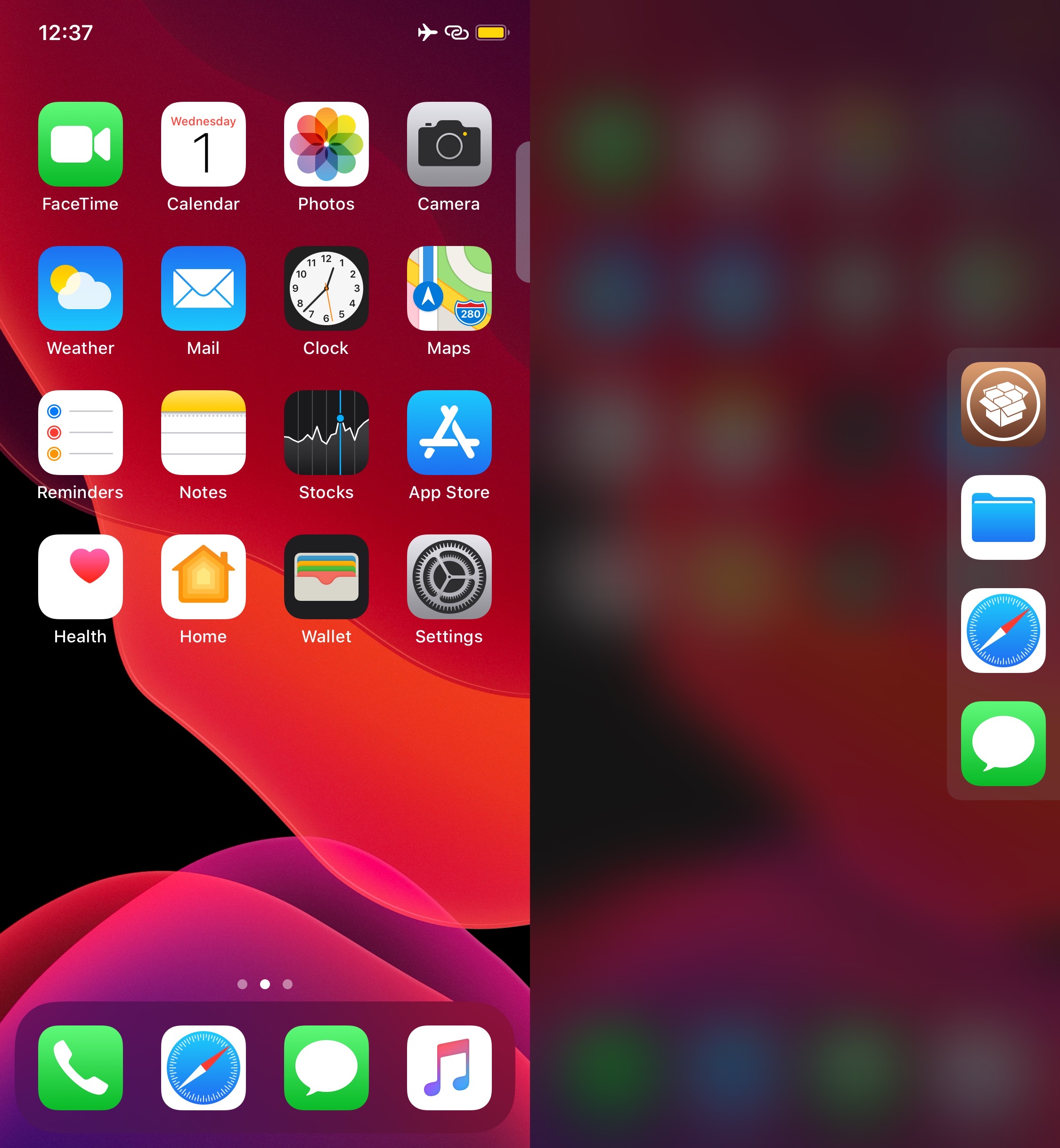
Rofi is a convenient app launcher you can access from anywhere in iOS

It’s always convenient to have quick access to your favorite apps from anywhere, and that’s the primary reason why application launcher extensions have been so popular among jailbreakers over the years. Given their apparent popularity, it only seems fair that we turn the spotlight to a newly released and free jailbreak tweak dubbed Rofi by iOS developer Kef.

As depicted in the screenshot example above, Rofi hides away on the edge your iOS device’s display as a tab. Once ready to summon the application launcher, users need only tap on the aforementioned tab to view and interact with all the apps hidden within.