How to

You Can Jailbreak the iPad 2 on iOS 4.3.3 Right Now! [Unofficial Release]

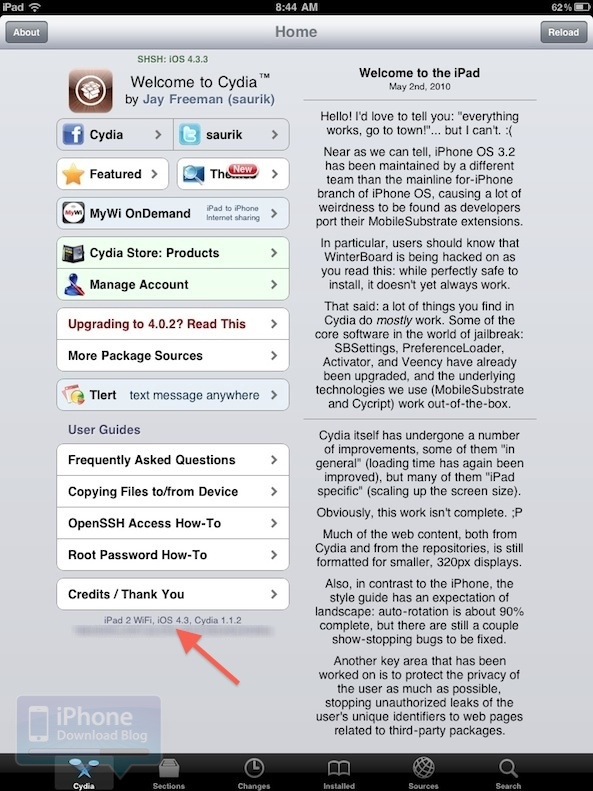
As we await the release of Comex's JailbreakMe 3.0, a roundabout method has been uncovered for jailbreaking the iPad 2 on the latest version of iOS.

Comex's jailbreak got briefly leaked online over the holiday weekend, and a hacker named Ryan Vanniekerk has put together a complex tutorial on how to use the JailbreakMe 3.0 files to set up your own web-based exploit for all iDevices running iOS 4.3.3 and below!

How to Unlock Your Mac With Your iPhone

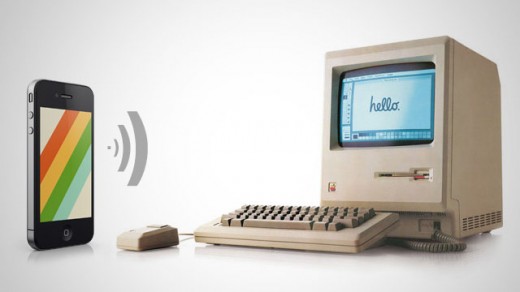
Imagine walking up to your Mac computer and watching it unlock on its own as you approached it. I'm not talking about retina or fingerprint scanners. I'm talking about Bluetooth proximity. If you have an iPhone on you at most times, and you also happen to own a Mac, you're going to love this trick.

RedmondPie passed on this interesting tip this morning, which allows you to unlock your Mac computer simply by having a Bluetooth-capable device on you. It's easy, completely free, and you aren't even required to be jailbroken. Here's how...

Tips to Help You Capture Fireworks With Your iPhone’s Camera

It's 4th of July weekend, and for everybody stateside, that probably means your camera will be working overtime. Friends, family, fireworks -- all are on the list of potential Facebook or Instagram posts.

If your iPhone happens to be your primary picture-taker, you're going to want to check this out. TUAW just posted some helpful tips on how to properly snap photos of fireworks with your iPhone camera...

AirServer Streams Content to Your iDevices

AirServer is a new jailbreak app available in Cydia that allows you to stream content from your computer to your iOS devices, and from one iOS device to another. To be able to use this app at its full potential you will need a Mac with iTunes 10.2 or newer and an iPhone or iPad with firmware 4.2.1 or newer. All the mentioned devices must be connected to the same Wi-Fi network.

Once you’ve purchased and installed your copy from Cydia (no respring required) on your iPhone and/or iPad you can start streaming content right away...

How to Get Back on AT&T’s Unlimited Data Plan

AT&T no longer offers its new or existing customer’s unlimited data. This is unfortunate, but not permanent. This method will allow you to have unlimited data for use with any phone on any account on the AT&T Wireless network.

This guide is the culmination of several people’s struggles in getting AT&T to give them back something they deserve. Originally posted back in October and updated a little while after, we’re back to give it to you again! This time with an easier to follow guide!

How to install .deb files

While Cydia is a decent hub for all of the available jailbreak apps and utilities, there's no arguing that dealing with the clunky package installer can be a bit cumbersome at times.

For folks that weren't aware, you can manually install jailbreak apps and tweaks without ever opening Cydia. All you need is the .deb file of the package you want to install, and an FTP client like iPhone Explorer or Cyberduck.

In this tutorial, we will show you how to manually install a .deb file on your iPhone, iPad, or iPod touch.

How to Jailbreak Your Older iPhone or iPod Touch Using Whited00r

Earlier today we did a post about Whited00r, a custom firmware built for older Apple ARM6 devices. It includes built-in tweaks and gives you the option to remove unwanted features like Spotlight to make your device faster.

Whited00r has been out for a while, but it's kind of flown under the radar. There's still millions of these older devices floating around, so we figured we'd give folks an easy walkthrough on how to install Whited00r on your older iPhone or iPod touch...

New iCloud Feature Gives Banned Apps their Second Wind

It appears that the App Store iOS application has received a nice little update. Users are now allowed to re-download previously purchased applications via iCloud, even ones that have been banned by Apple.

These are titles that were accepted into the App Store at one point, but have since been removed due to violation of App Store Guidelines, or simply because Apple said so. But folks longing to play banished apps like iTris again just might be in luck ...

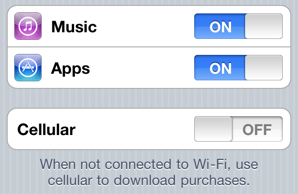
How to Enable Automatic Downloads in iTunes 10.3

Although the average consumer has to wait a month or more to get their paws on the new Mac operating system, and twice that long for iOS 5, there is one cool new feature Apple unveiled this week that users can take advantage of right away.

The iDevice community all let out a synchronous sigh of relief on Monday as Apple announced the new Automatic Download feature for iTunes and iDevices. While there are some limitations, the feature can help you cut the cord between your iPhone and your computer.

The built-in utility instantly recognizes when you download media on an iDevice or desktop, and automatically pushes that media out to your other devices. Once enabled, any app, song or iBook title you download on one device, will automatically push out to your other gadgets.

Essentially, any iDevice with iOS 4.3.3 or computer with the latest version of iTunes qualifies for the new feature, as long as they are all using a common iTunes account. It doesn't take much to turn on Automatic Downloads and it can be a real timesaver. Check out this quick tutorial:
How to Install iOS 5 Beta on the iPhone Without Apple Dev Account

Everyone's dying to get their hands on the first beta of iOS 5 and try out all of its terrific new features, but unless you're signed up to the $99 per year Apple developer program, you'll have to wait until later this year to get your hands on the public release. That is, until now!

A Gizmodo reader has discovered a "backdoor" that allows you to install iOS 5 on the iPhone and enjoy all of its features without having to register its UDID with Apple first...

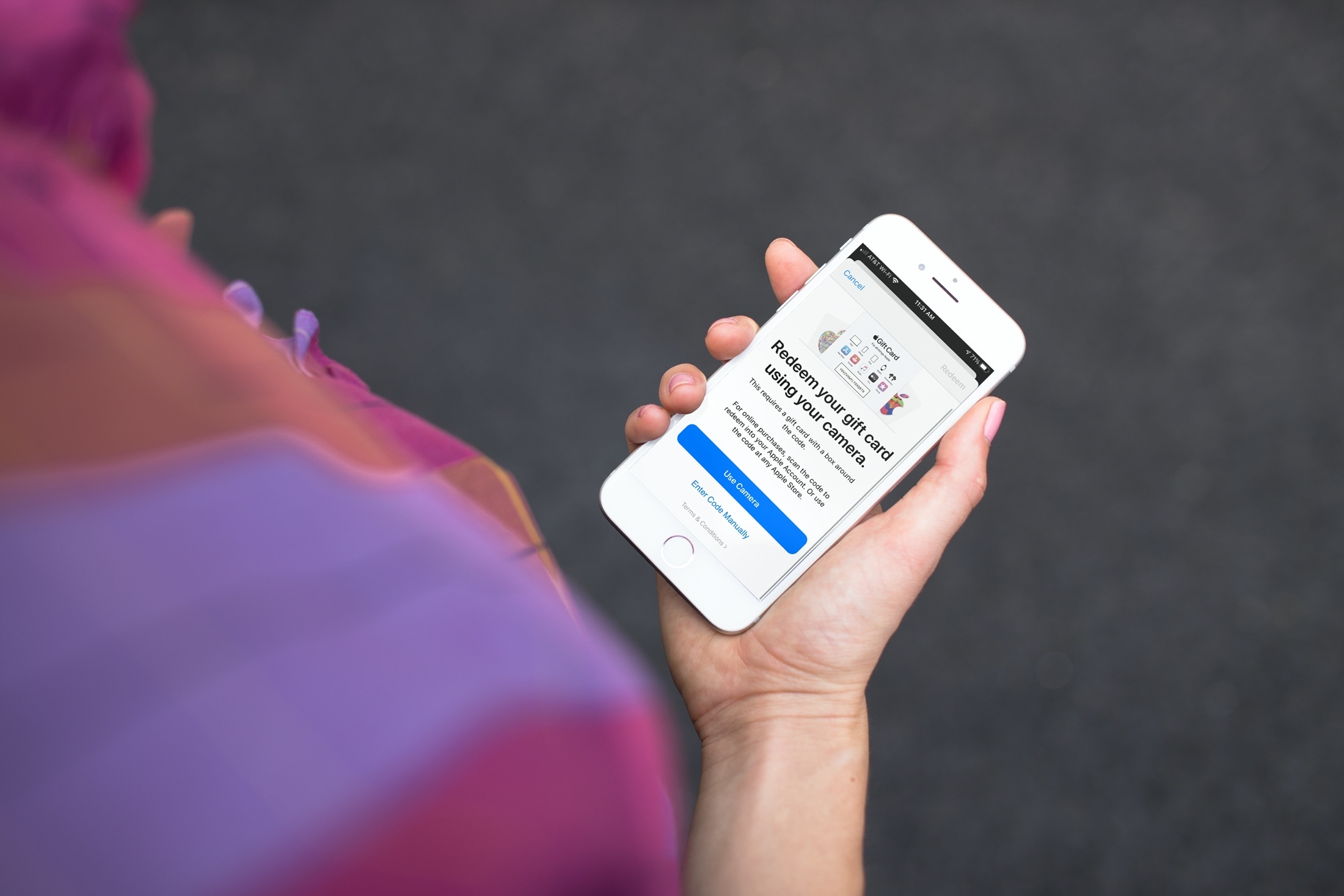
How to redeem a promo code in the App Store or iTunes

Redeem Screen in the App Store on iPhone

We sometimes do app giveaways and every time we do one of those, there is someone to ask me how to redeem the promo codes. I really thought that we had already written a post about that, but after doing a quick research, well, turns out we haven't.

In this post, I will show you how to quickly and easily redeem promo code, either from iTunes or the App Store, directly on your iPhone.