How to

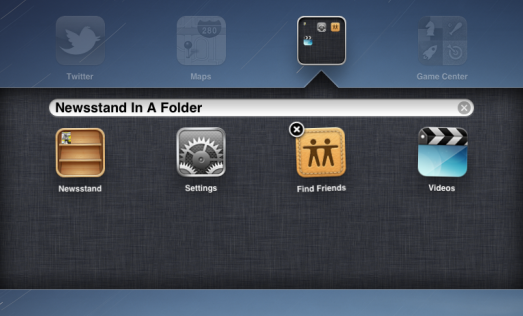
Pro Tip: How to Put Newsstand in a Folder on iOS 5

Newsstand is a pre-made folder that provides iOS 5 users with an easy way to access digital subscriptions. But it's a bit annoying for the folks who don't use it, as its icon can't be placed in other folders. Luckily, there's a workaround.

There's a nice little tidbit floating around the web from The Coding Massacre regarding Newsstand. As it turns out, there's a small glitch in iOS that allows you to place the icon in a folder without the need to jailbreak...


How to Preserve Your Baseband For iOS 5 Unlock on Windows Using Sn0wBreeze

If you're looking to preserve your iPhone's baseband when upgrading to iOS 5 on a Windows machine, then Sn0wBreeze is your ticket to baseband freedom.

Preserving your unlockable baseband is integral to being able to unlock your phone when an updated version of UltraSn0w is released tomorrow.

Windows users, this one's for you. Check inside for the full video tutorial that shows how to preserve your baseband, while upgrading to iOS 5 using Windows...

How to Preserve Your Baseband For Unlock When Upgrading to iOS 5

Want to update your iPhone 4 or iPhone 3GS to iOS 5, but need to preserve your unlockable baseband for a future UltraSn0w unlock?

Early this morning, the Dev Team released an update to RedSn0w, which as we told you, incorporates some of the baseband preservation features normally found in PwnageTool.

Inside, you'll find an easy to follow video walkthrough that shows you how to preserve your baseband for a soon to be released UltraSn0w unlock...

Everything You Need to Know About iMessage


Apple seeded the public version of iOS 5 earlier today, adding over 200 new features to its mobile OS. The Cupertino company gave a preview of the software back in June, and now it has given everyone the chance to check it out.

Among the several additions to iOS, one of the most prominent is the new iMessaging system. The cross-device messaging client can be used by any product running iOS 5. So how does it work? Hit the jump for a full breakdown...

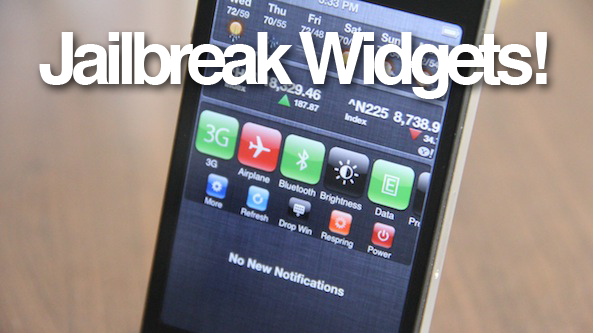
How to Enable Jailbreak Widgets in iOS 5

So, you went ahead and took the plunge and jailbroke your iDevice running iOS 5. Now what?

It's time to install some awesome Notification Center jailbreak widgets, that's what! But before you begin your download frenzy, check out this video tutorial that shows you how to enable jailbreak widgets on iOS 5...

How to Jailbreak iOS 5 Final With RedSn0w [Video]

iOS 5 is finally available to the public, and fortunately, it can be jailbroken with only a few simple steps.

As of now, this is a tethered jailbreak, which means you must perform a tethered boot when rebooting your iPhone, iPod touch, or iPad 1.

Inside, we'll show you step-by-step how to jailbreak iOS 5 with RedSn0w 0.9.9b3...

How to Get Ready for iOS 5 and iCloud Tomorrow

Apple is finally releasing iOS 5.0 and iCloud to the public tomorrow. Both products was initially previewed to developers at Apple's WWDC conference this past June.

After 7 consecutive developer betas, iOS 5 reached its final Gold Master version on October 4th. The public version drops tomorrow with iCloud. It's time to get ready...

How to Accurately Track Your iPhone 4S When Apple’s Order Page Says “Preparing for Shipment”

Needless to say, the last few days have been both frustrating and exciting. Exciting because I was among the first to order my iPhone 4S on Friday morning; frustrating because Apple's order status page still reads "Preparing for Shipment".

This wouldn't be so annoying if it weren't for the fact that most of the iDB staff received shipment notifications a while ago.

I know, first world problems indeed, but a problem it was. Thankfully, there's a quick and easy way to gather accurate results about the whereabouts of your new iPhone 4S. I show you how in this video tutorial...

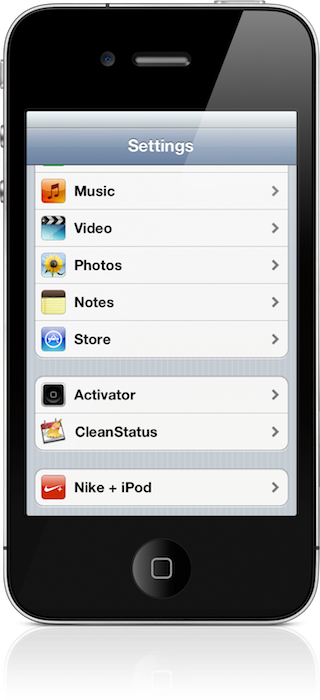
How to Get Settings for iOS 5 Jailbreak Tweaks [Updated]

Update: Video and download pulled. Apparently this file is not officially approved by the developer, and it was stolen/illegal/unlicensed. I apologize for the inconvenience, but we don't want to wrong the hard working members of the community. I hope you understand.

One of the main reasons that people have shied away from the iOS 5 jailbreak, besides the obvious tethered nature, is the lack of settings for their favorite tweaks. This makes their favorite tweaks severely maimed, or utterly useless.

The following tutorial shows how to update your PreferenceLoader which will in turn enable settings for tweaks on iOS 5. Keep in mind that an update PreferenceLoader should be coming anyway, with the release of iOS 5 on October 12th. For those who just can't bare to wait any longer, this tutorial is for you...

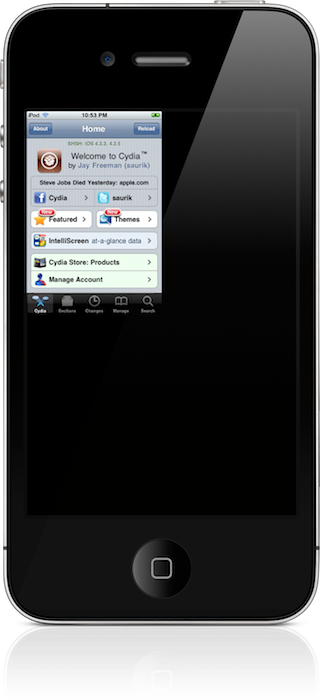
How to Fix the Quarter Screen Issue on a Jailbroken iOS 5 Install

Have you ever noticed this issue on your jailbroken installation of iOS 5? Chances are, if you've installed Activator, you have.

The issue — one that causes your apps to be reduced in size to take up only one fourth of the screen — impacts the Settings app, Cydia, and various other apps.

Thankfully, we've found a method to circumvent the issue. Take a look inside for the full video tutorial...

How to Install the biteSMS Beta on iOS 5

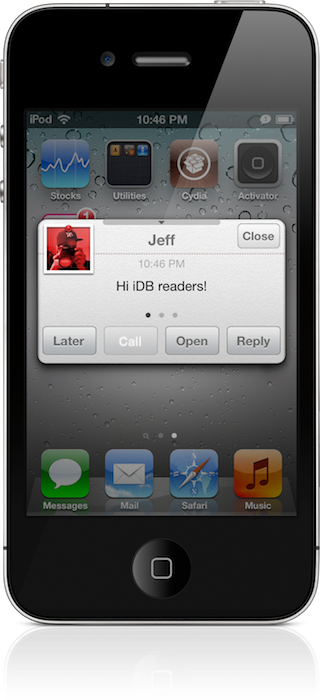
It's no secret that I consider biteSMS to be an absolute iPhone staple; it's among the first apps that I install after jailbreaking my iPhone.

For those of you who, like me, decide to jailbreak your iOS 5 installation, you'll find that the public version of biteSMS crashes upon launch.

Fortunately, the biteSMS team has produced a beta version of their popular SMS app that works great on iOS 5. Check inside for the full details on how to score it for yourself...

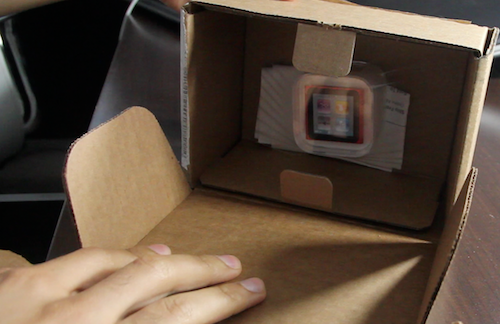
New iPod Nano 6th Gen Unboxing

So, you're digging those 17 new watch faces included with the iPod nano's new firmware update?

If you've just ordered a nano, or you already have the latest hardware refresh, that means you'll need to upgrade the firmware to receive all of the new features Apple touted at yesterday's media event.

In this video, we unbox a brand new iPod nano, upgrade the firmware, show off all 18 watch faces, and touch on various other new features like the enhanced Nike+ app, and new Home screen layout...