Learn how to erase Safari browsing history and accumulated data for a particular profile or the entire browser on your iPhone, iPad, and Mac.
How to erase Safari history and data for one or all profiles

Learn how to erase Safari browsing history and accumulated data for a particular profile or the entire browser on your iPhone, iPad, and Mac.

If you deal regularly with PDF files, and often use word processors such as Microsoft Word to edit your text documents, then an app called PDF to Word from the App Store could easily become your new best friend.
This app lets you easily convert PDF files to Word files (DOCX) so that you can edit them in Microsoft Word for iOS or on Microsoft Word on your computer. In this tutorial, we'll go through the process of using the app and show you just how easy this process can be.
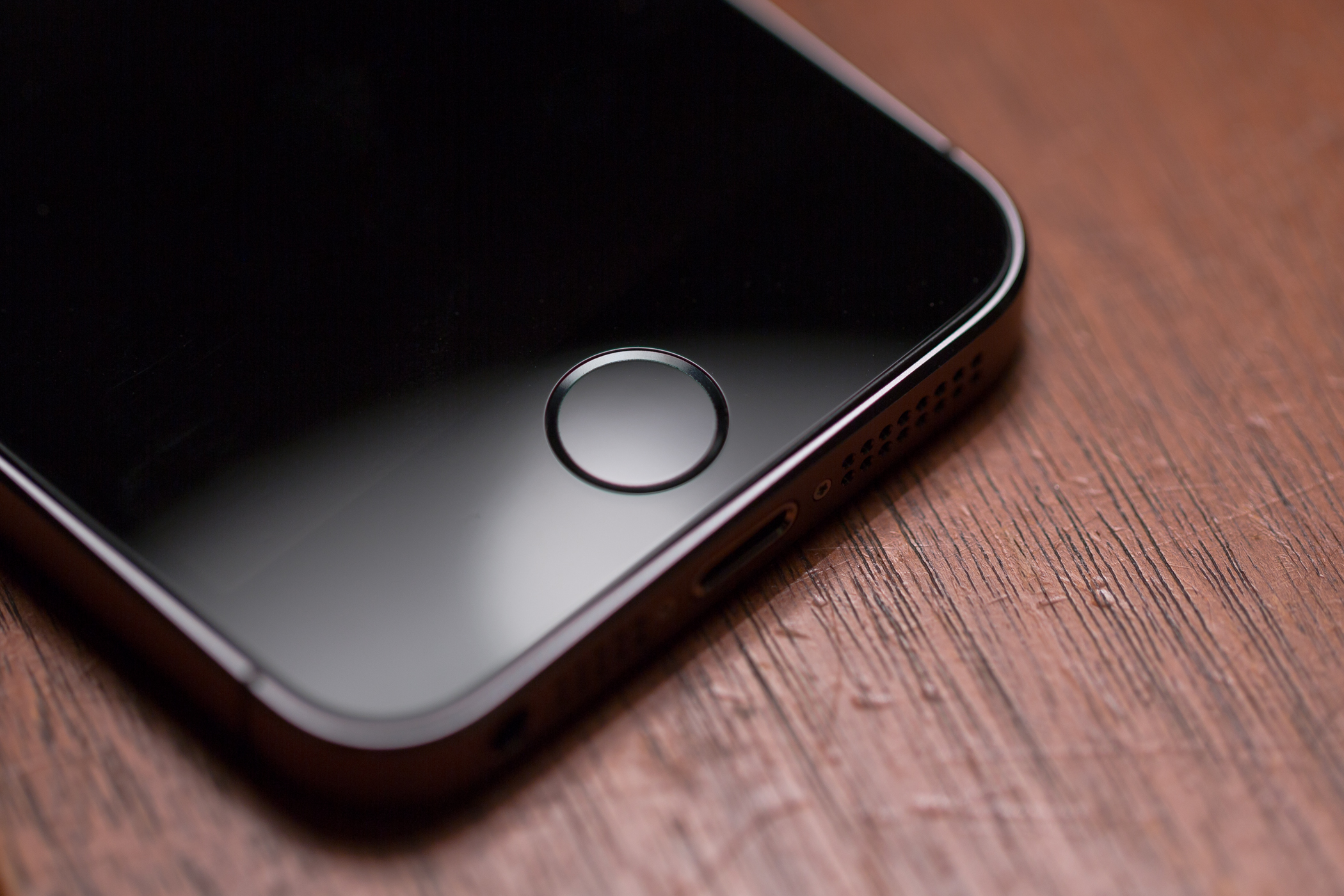
One of the pet peeves that I have with my iPhone and other iOS devices is sometimes when trying to launch the App Switcher, I end up on the Home screen, or I end up toggling my accessibility shortcut instead by accident. As much as I swear I just pressed my Home button twice, the device thinks I pressed it once, or three times.
Granted this doesn't happen to me all the time, but it happens enough for me to notice it. It'll happen occasionally because the device's Home button sensor can become overloaded with input in a short period of time and fail to recognize presses either because of device lag or a worn-out sensor. Or, perhaps the opposite happened – you're too slow and the device expects you to press the button quicker and so it only registers a single press when you meant to press twice.
In this tutorial, we'll show how to adjust the click speed of the Home button and put a stop to this happening once and for all.

The Apple TV features a hidden "Advanced Settings" menu, which contains some interesting Apple employee-centric features. Accessing the hidden settings menu is remarkably easy to do, all you need is a paired Siri remote to get going.
Inside the hidden Advanced Settings menu, you'll find an AppleConnect login option, a menu pertaining to loading a VPN Profile, Sleep Delay settings, and more. It's generally not something that most customers will even care about, and we can't recommend dilly-dallying around and changing values, but it's interesting to know it's there.

It is possible to legally watch free over the air terrestrial television via the Apple TV. This can easily be accomplished by connecting an HDHomeRun to your home network along with an ATSC antenna to pull in free over-the-air high definition local channels.
It's basically the equivalent of connecting an antenna to your TV. TVs generally include a tuner built in, which allows the unit to display the channels pulled in from over the air. Wouldn't it be cool, though, if you could broadcast all of those channels on your home network? By using an HDHomeRun, you can easily tap into free high definition television streams via the Apple TV and an app like Kodi. You can even watch live TV on your iPhone, Mac, or other devices.
In this video tutorial, I'll show you how easy it is to get live local channels on your Apple TV. That means you can watch high definition streams for NBC, ABC, CBS, FOX, and more. There's no monthly subscription involved, or anything like that, which makes this perfect for cord cutters. Have a look.
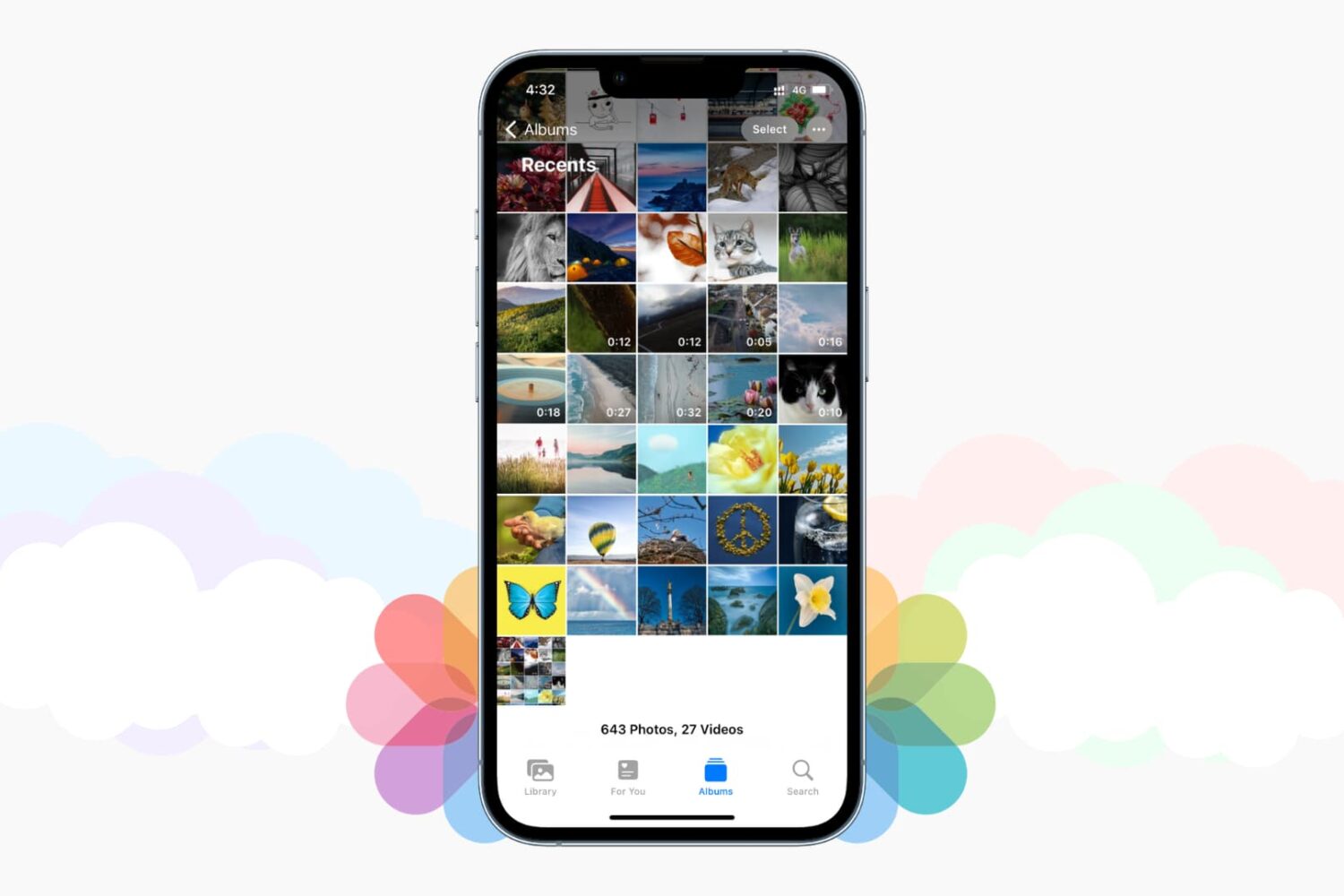
Those high-quality snaps and videos you take on your iPhone, iPod touch or iPad can pretty quickly eat up all of the available storage space on your device.
There are a number of techniques to increase your free storage, like deleting apps you no longer use, emptying system caches and so forth, but they all pale in comparison to the simplest of solutions—actually moving storage-hungry photos and videos off your device to safely store them in the cloud.
In this post, we'll tell you all you need to know about the most popular cloud storage solutions. We're going to detail backing up your media to each of them and discuss recommended strategies for freeing up as much storage space as possible without destroying your personal memories or changing your workflow much.

Most of you who use an iOS device probably use Safari as your main and default web browser despite the vast number of third-party alternatives like Chrome, Firefox, Brave, Opera, etc., available in the App Store. But how often do you think about the privacy of your information when you're using it?
Apple gives you several privacy options for using Safari on your iPhone or iPad to keep your information safe. In this tutorial, we aim to make you more familiar with them and talk about how to use them to make Safari secure and private.

In this troubleshooting guide, we walk you through all the potential solutions to fix Touch ID problems on your Mac, iPad, or iPhone and make the fingerprint scanner work again to unlock the device, autofill passwords, authenticate purchases, and more.
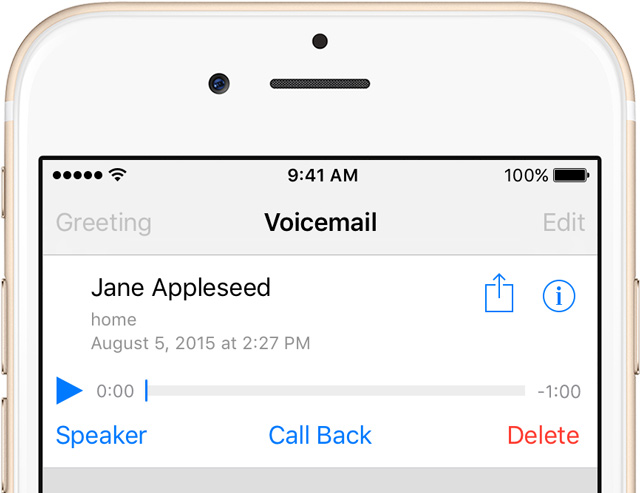
Since its inception the iPhone has supported Visual Voicemail, a feature that lets you see a list of your voicemails and choose which one to interact with without having to wade through all of them.
These messages are saved forever until you manually delete them, or your carrier erases them. Keep in mind that your carrier might not support the Visual Voicemail feature at all.
If you have set up and use Visual Voicemail on your iPhone, voicemails people leave in your inbox can quickly pile up, causing not just unnecessary clutter in the interface but also wasting your iPhone's precious storage space.
Follow the instructions provided in this tutorial to delete unwanted voicemails and claim back the storage space they occupy.
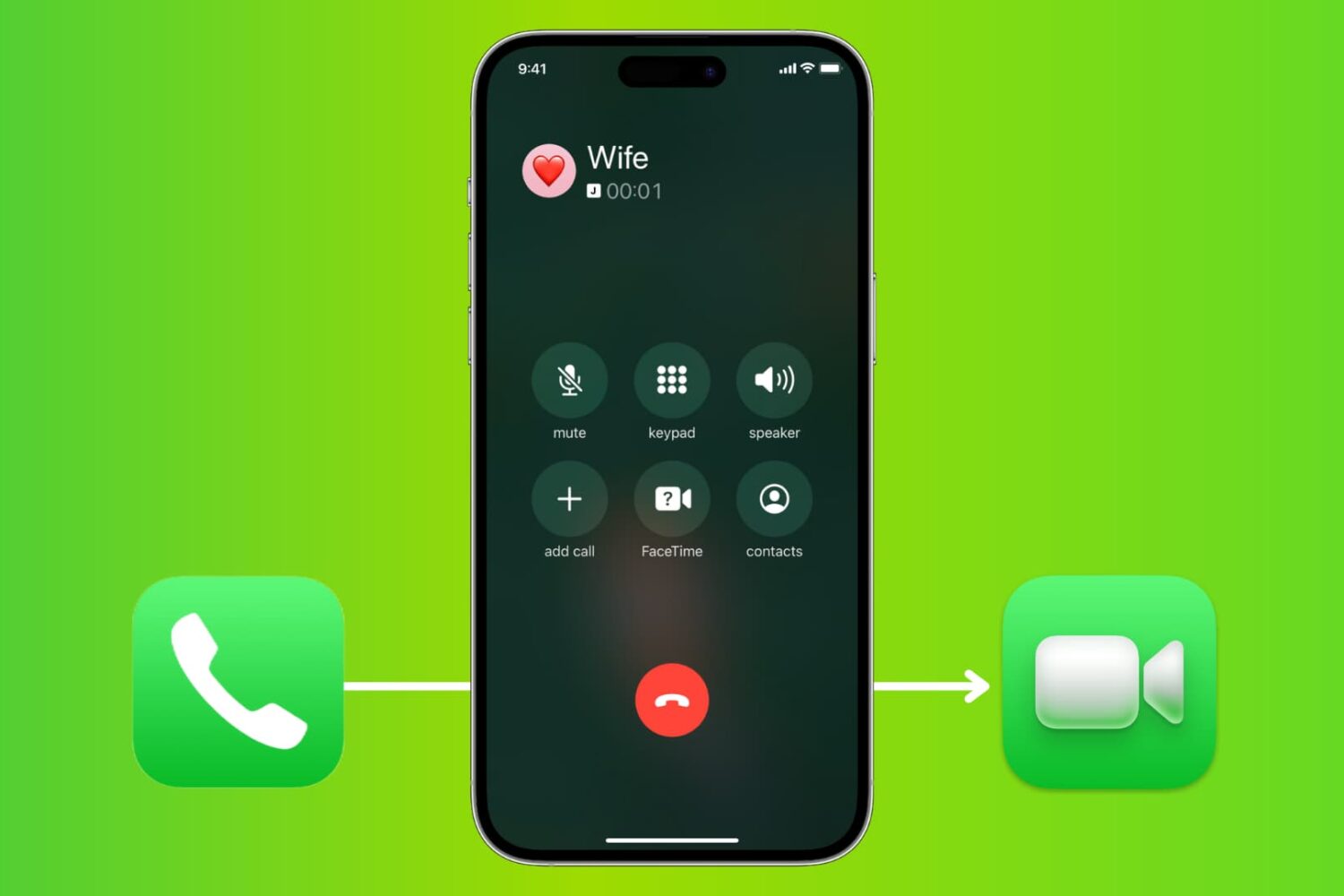
From the onset, the iPhone has supported common features such as mid-call switching to an incoming phone call, creating a conference call between multiple parties, and more. These features also extend to FaceTime.
In this tutorial, you will learn how to make a quick transition from a phone call to a FaceTime call on your iPhone without hanging up on the current call.
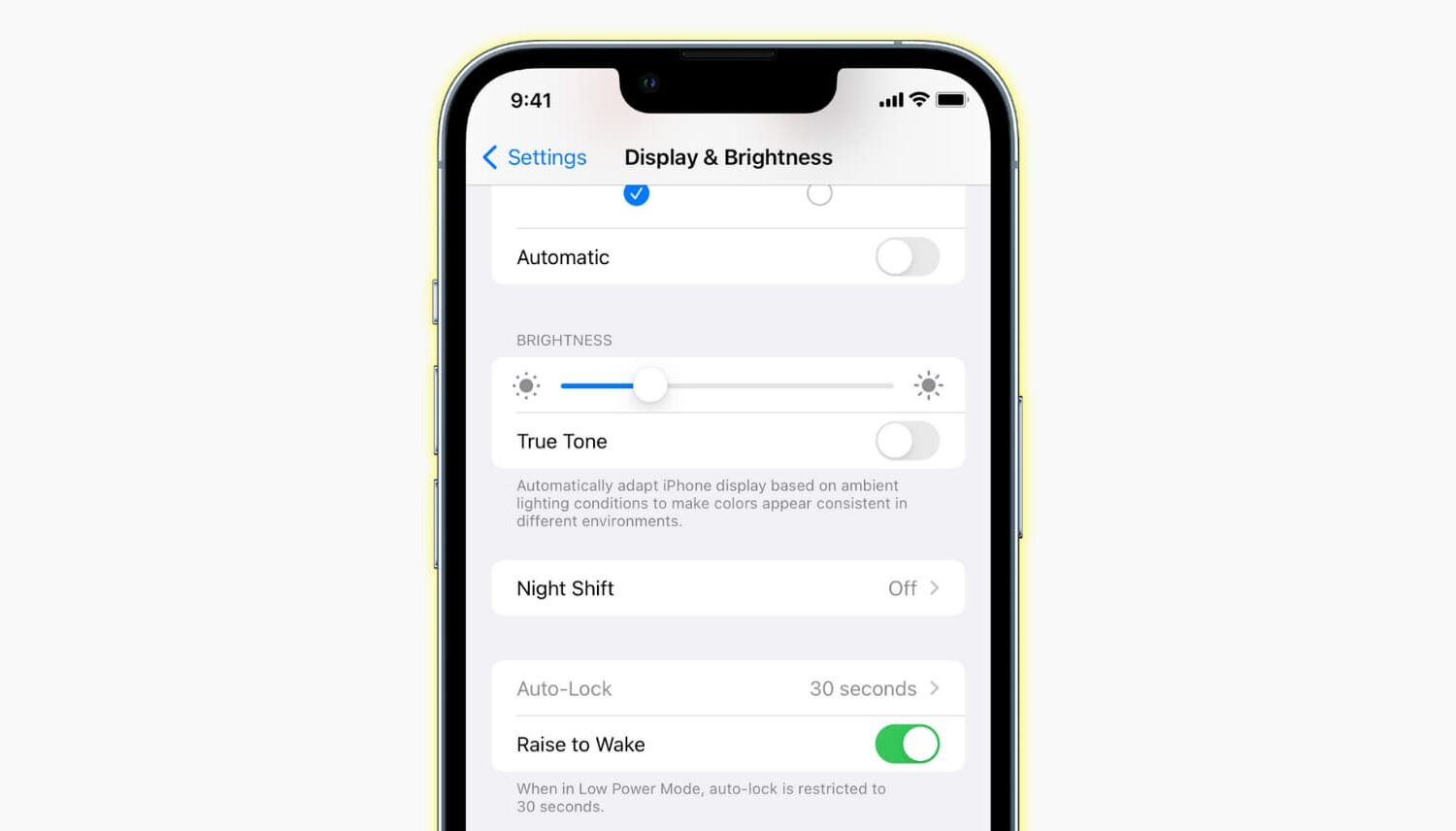
Learn why the Auto-Lock display setting is grayed out on your iPhone or iPad, then follow our troubleshooting steps to fix this annoying problem.
