Learn how to set up a trusted family member or friend as a legacy contact for your Facebook account so they can manage it after you pass away.
Why and how to set up a legacy contact on Facebook
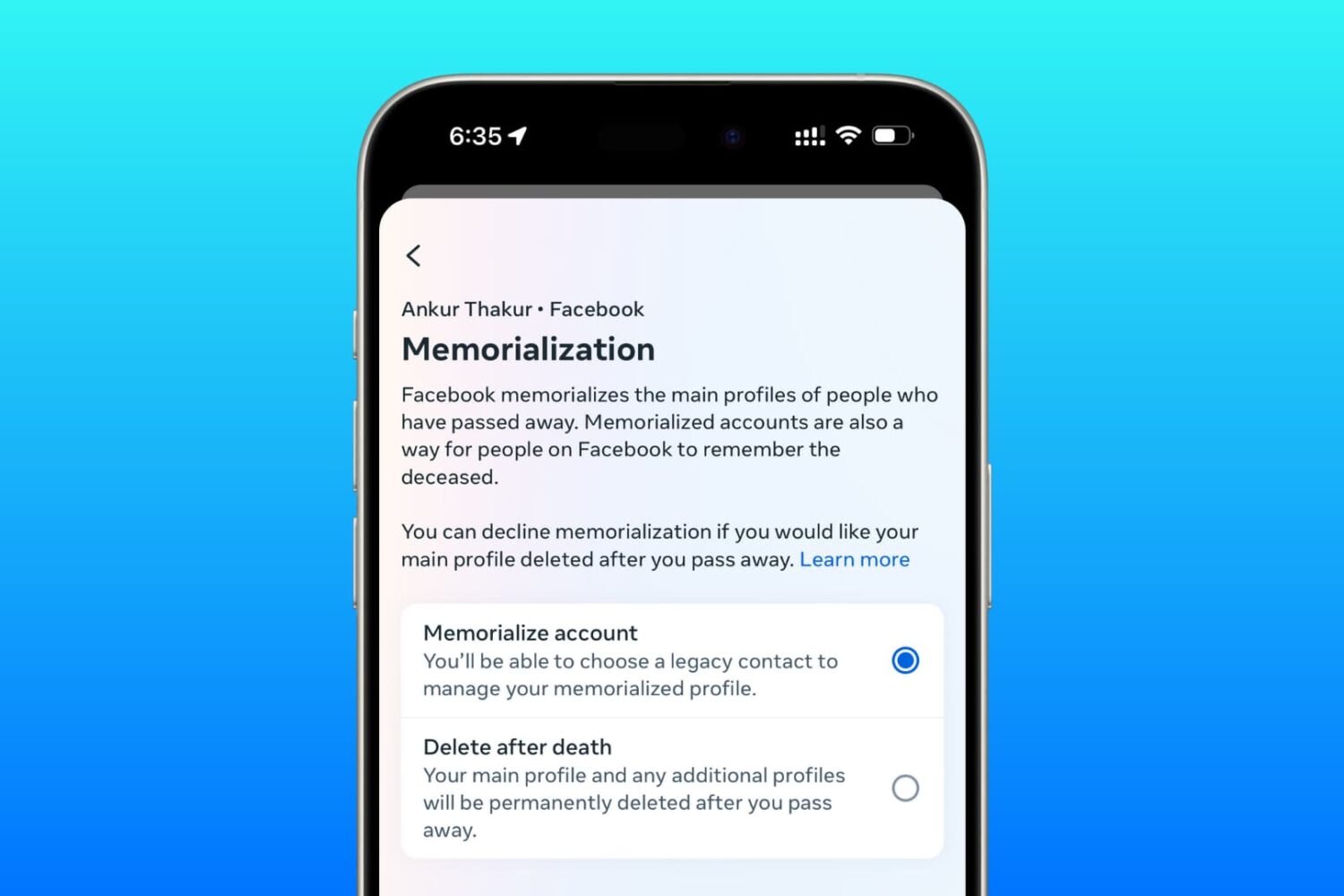
Learn how to set up a trusted family member or friend as a legacy contact for your Facebook account so they can manage it after you pass away.

Apple will be streaming its "Hello Again" keynote event from its home campus in Cupertino, California today.
If you want to tune into the event to see everything Apple brings to the table, then this post will have all the information you'll need to learn how to stream the event live.
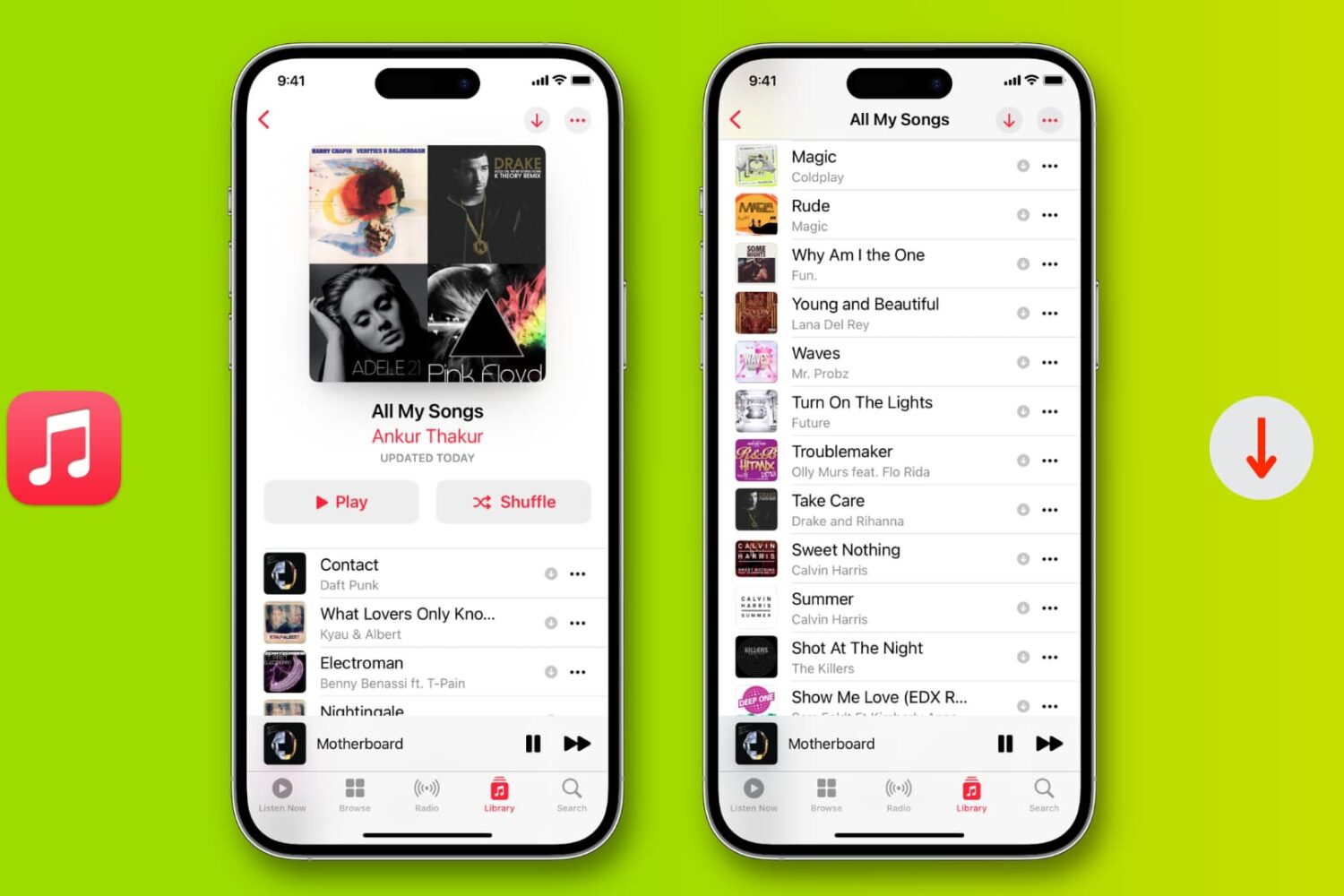
Learn how to download all songs in your Apple Music library for offline listening on an iPhone, iPad, Mac, Android phone, and Windows PC.

In this tutorial, we will show you how to dive into the Fitness app on your iPhone and see your walking, running, and other workout history in an easy daily list view and Activity rings view.

Learn how to use Siri to play live content on your Apple TV, like ongoing games on TV+ or ESPN or live news on CBS or CNN.

iOS provides a Portrait mode in the stock Camera app to owners of the dual-camera iPhone 7 Plus.
As you know, Portrait mode lets you take dramatic DSLR-like depth of field photographs where the camera automatically creates a beautifully blurred background while keeping the subject in the front sharp and in full focus.
Your iPhone 7 plus defaults to saving both the original twelve-megapixel photo and its depth of field counterpart, effectively doubling storage requirements for Portrait shots.
In this quick tutorial we're going to show you how you can easily disable photo duplicates for depth of field photos with just a few taps.

Learn how to set the Activity and Workout apps on your Apple Watch and the Fitness app on your iPhone to display the energy unit in Kilojoules (KJ) instead of Calories (CAL).

Are you unable to see some posts on your X timeline as they’re blurred out or behind a safety warning? Find out how to change a setting that gives you unrestricted access to all such sensitive public posts.

Learn how to place a video playing in a floating picture-in-picture window overlay anywhere on your Mac's screen instead of automatically snapping to corners.