This tutorial shows you three different ways to copy and paste text on Mac using a keyboard shortcut, your mouse or trackpad, and from the menu bar.
3 ways to copy and paste text on your Mac
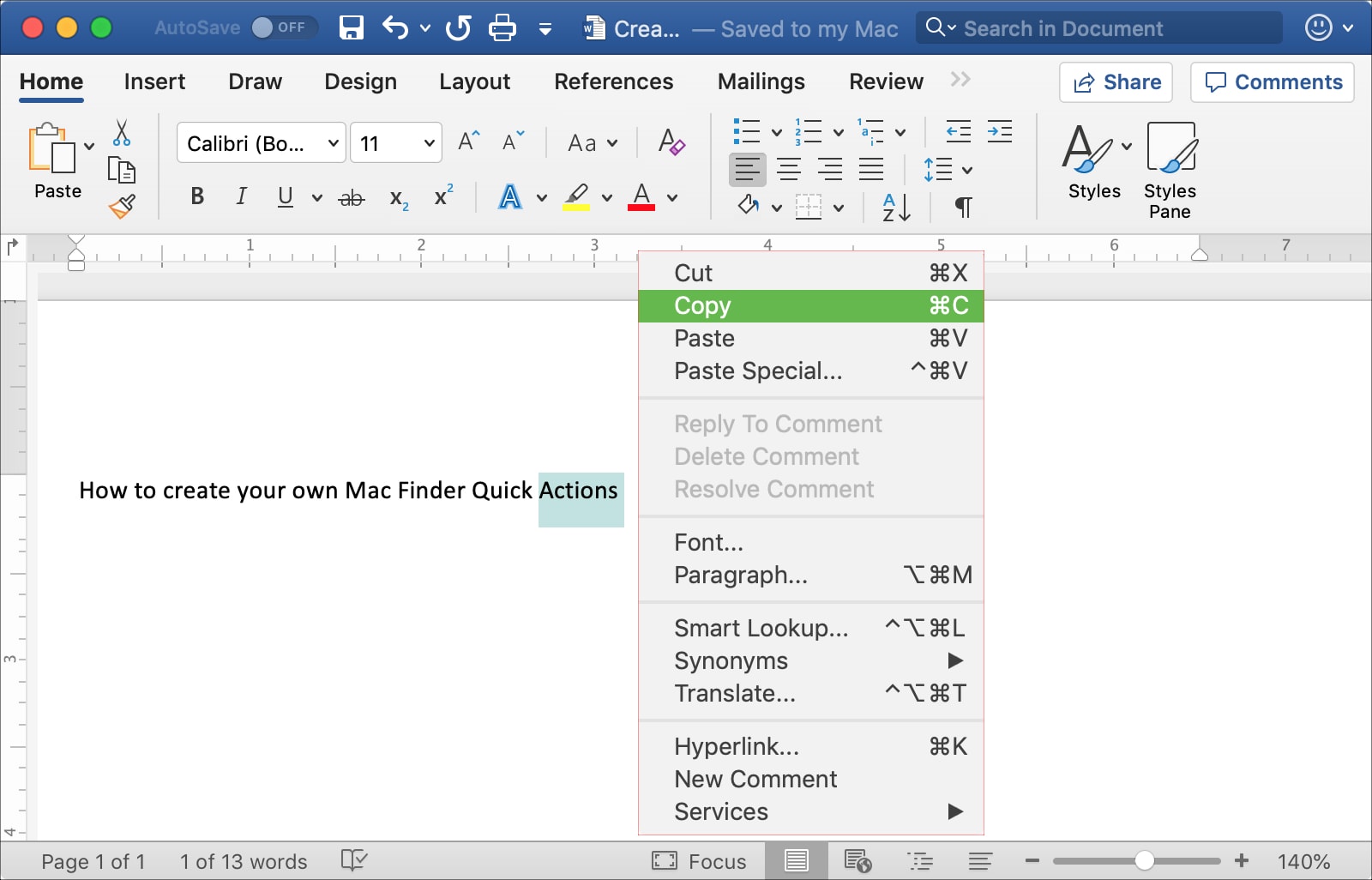
This tutorial shows you three different ways to copy and paste text on Mac using a keyboard shortcut, your mouse or trackpad, and from the menu bar.
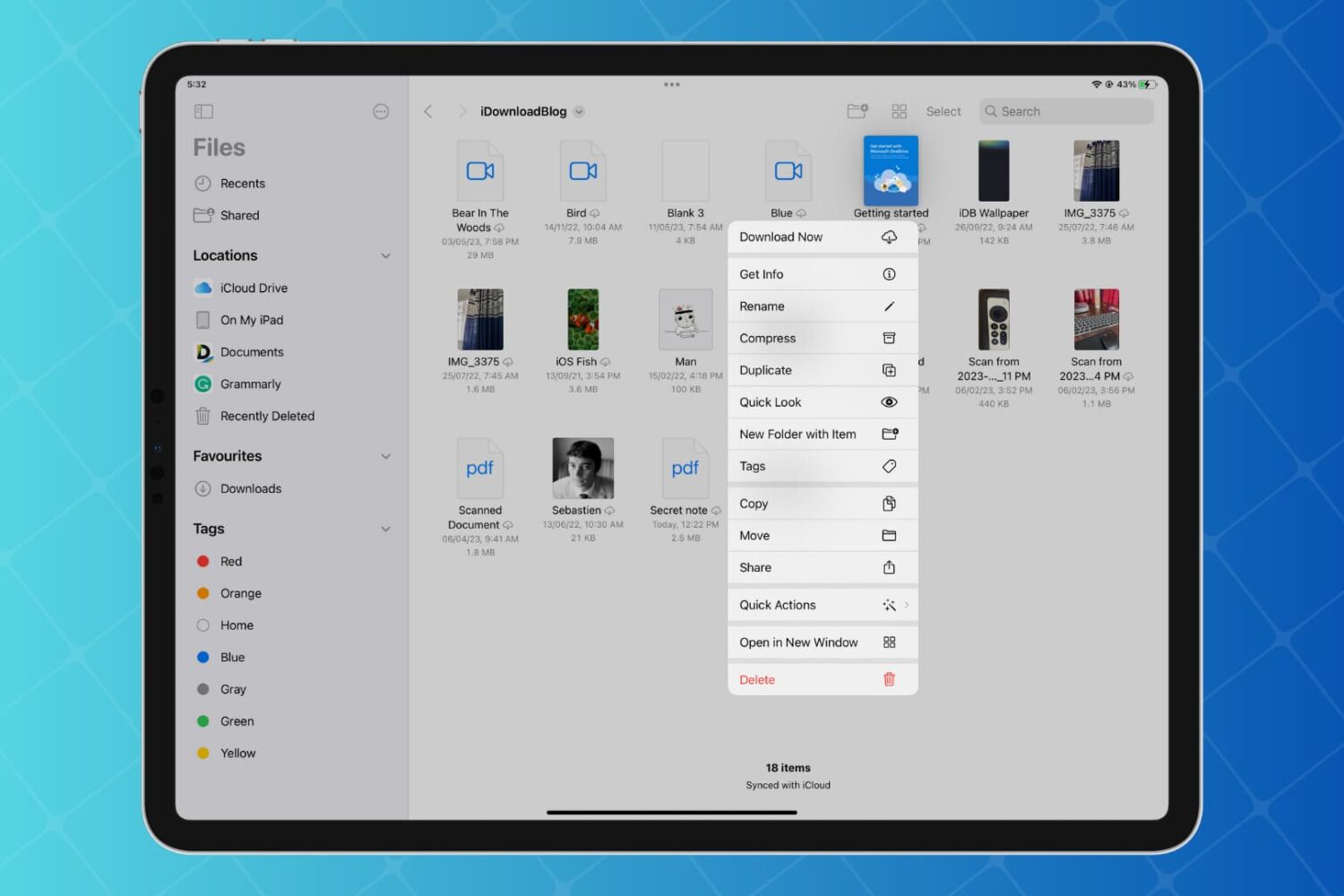
Discover how to enhance your productivity on iPad and iPhone with Quick Actions in the Files app, enabling you to work with your folders, files, and images faster than ever with just a few taps.

Learn how to open multiple windows of the same app on iPad and increase your productivity with this step-by-step guide.

Learn how to boost your iPhone photography game with the High-Key Light Mono monochromatic Portrait lighting effect on your iPhone.

Learn how to enhance your file management and navigation experience for improved productivity by using the Column view in the Files app on your iPad.

Learn about a not-so-obvious way that allows you to connect to Wi‑Fi networks and Bluetooth accessories around you without needing to venture into iPhone or iPad Settings.

In this tutorial, we explain all the practical ways to right-click (also known as secondary click or Control-click) on your Mac using a mouse, trackpad, or keyboard.

Learn how to rotate, straighten, crop, trim, flip, and adjust the aspect ratio of a video on your iPhone or iPad using the Photos app to edit the clip exactly the way you want.
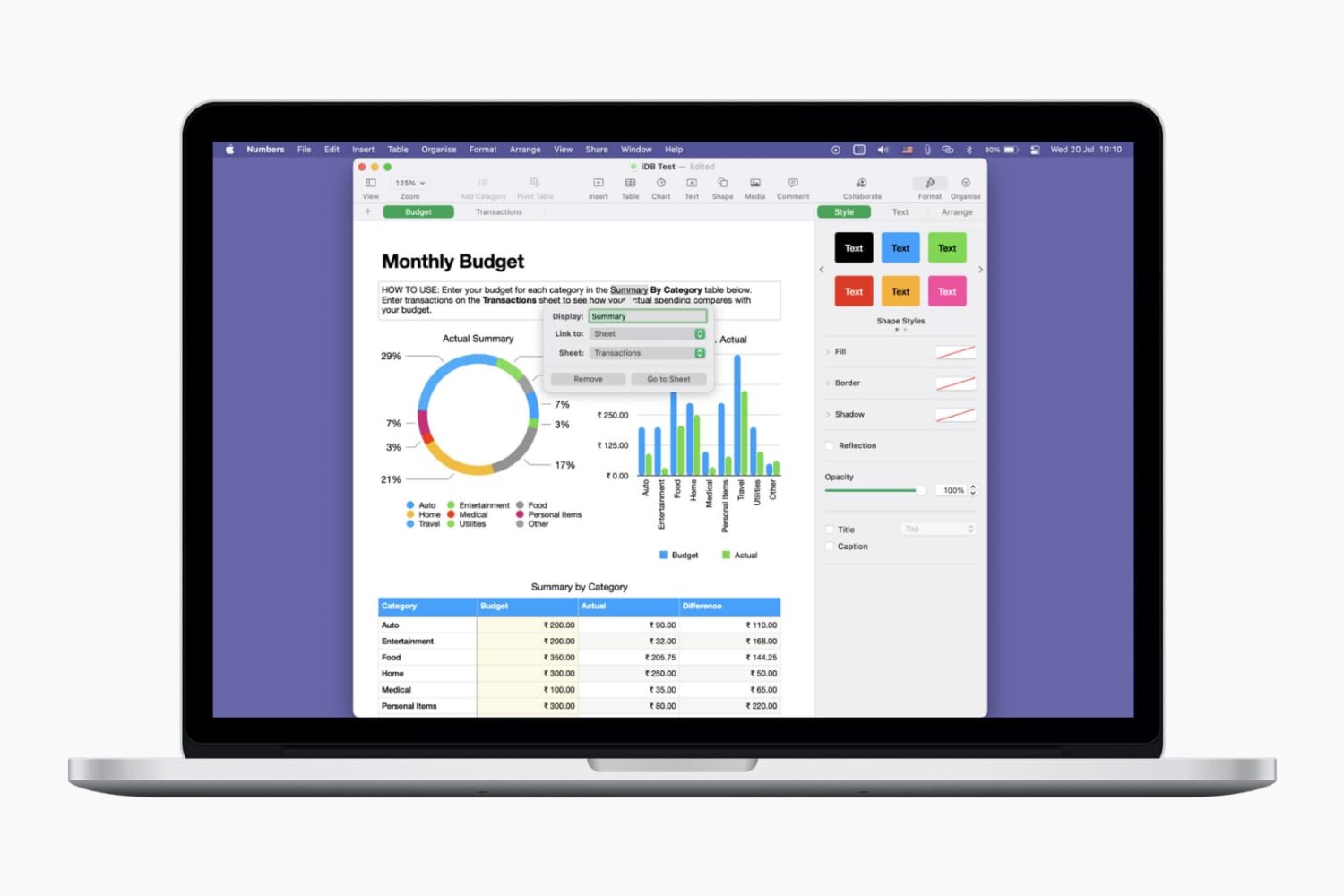
Learn how to use links for websites, email addresses, phone numbers, etc., to make your Pages documents and Numbers spreadsheets more interactive and informative.
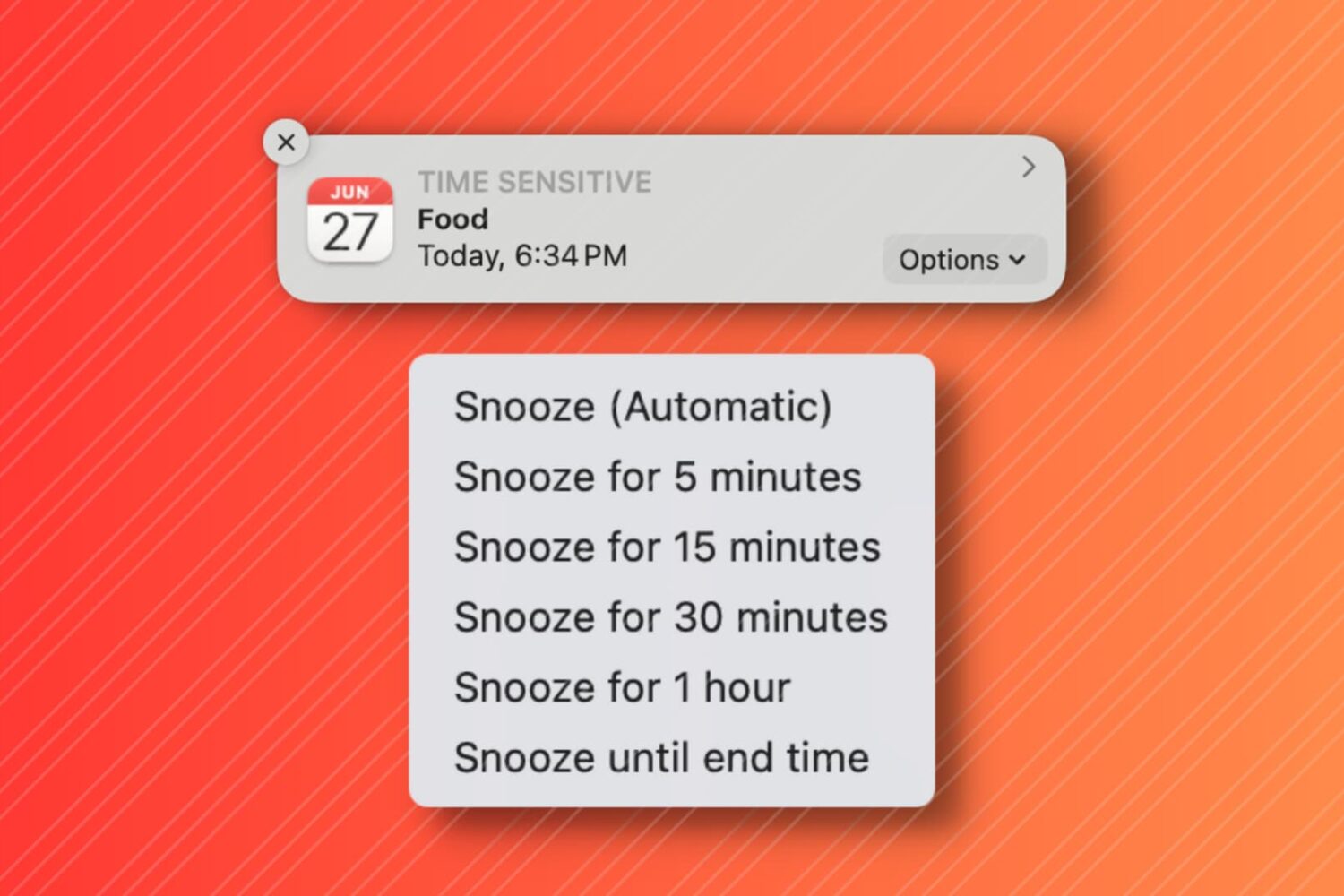
In this tutorial, we'll show you how to snooze your Mac Calendar events for longer than the default snooze time.

Getting notified of unnecessary messages from an overly active email thread? In this tutorial, we’ll show you how to mute emails in the Apple Mail app on your iPhone or iPad and customize its settings.

When you’re working in Pages on Mac, there may be times when you want to copy content and paste it into another document. Maybe the second document is similar, and you can save time by copying, pasting, and just making slight changes.
In Pages on Mac, you can copy pages between documents, and here’s how.