Find out how to mute or bleep explicit words in your iMovie videos on Mac to keep your content clean and professional.
How to bleep out words in iMovie on Mac
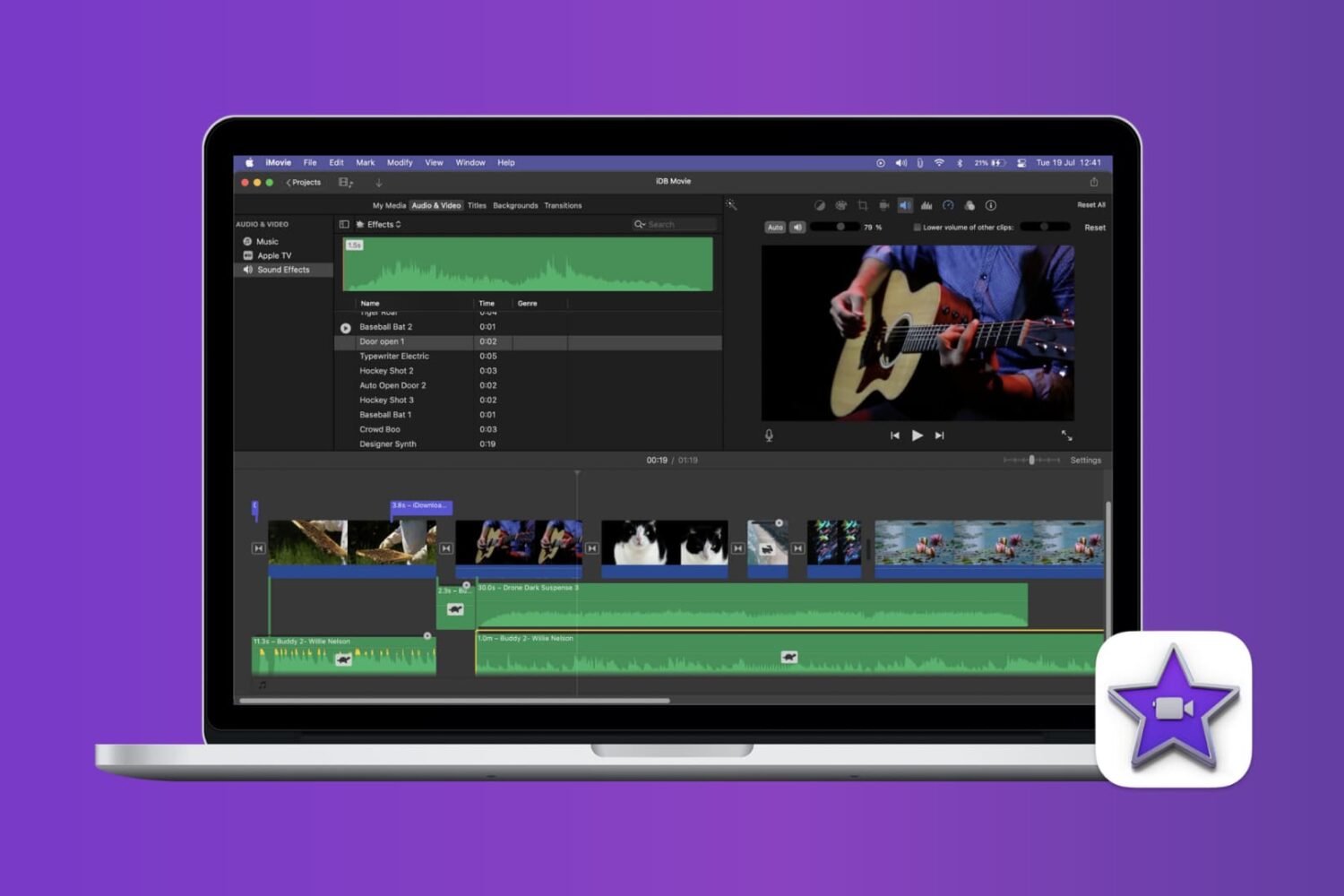
Find out how to mute or bleep explicit words in your iMovie videos on Mac to keep your content clean and professional.
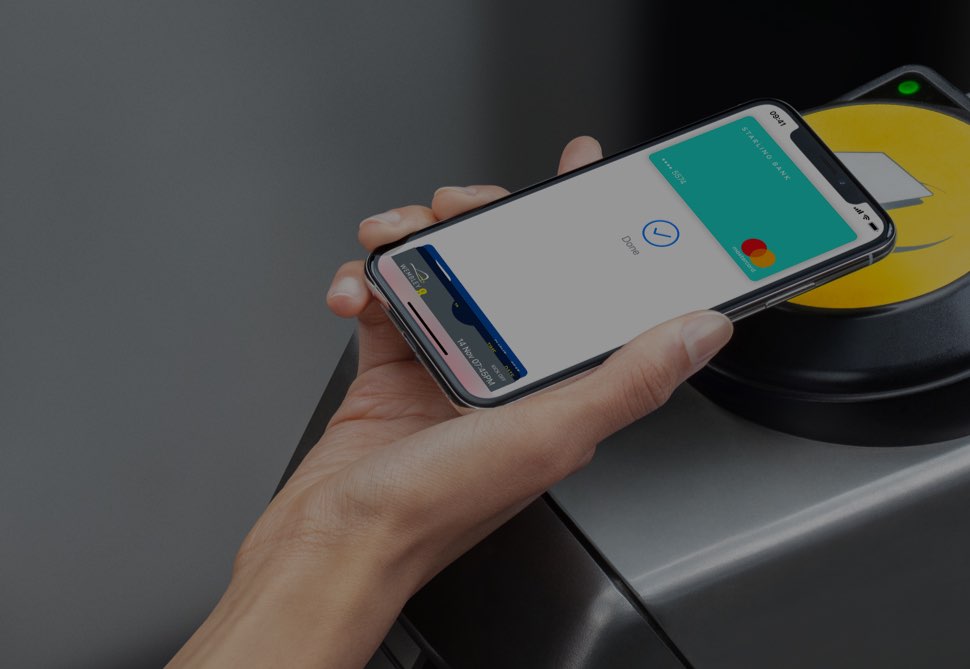
Thanks to the Express Transit feature that's available through Apple Pay, you can hop on the tube, buses, trams, light rail and overground rail in major cities and pay for your public transit journeys just by holding your iPhone or Apple Watch close to the contactless NFC terminal, no need to press any buttons or verify with Face ID, Touch ID or a passcode whatsoever.
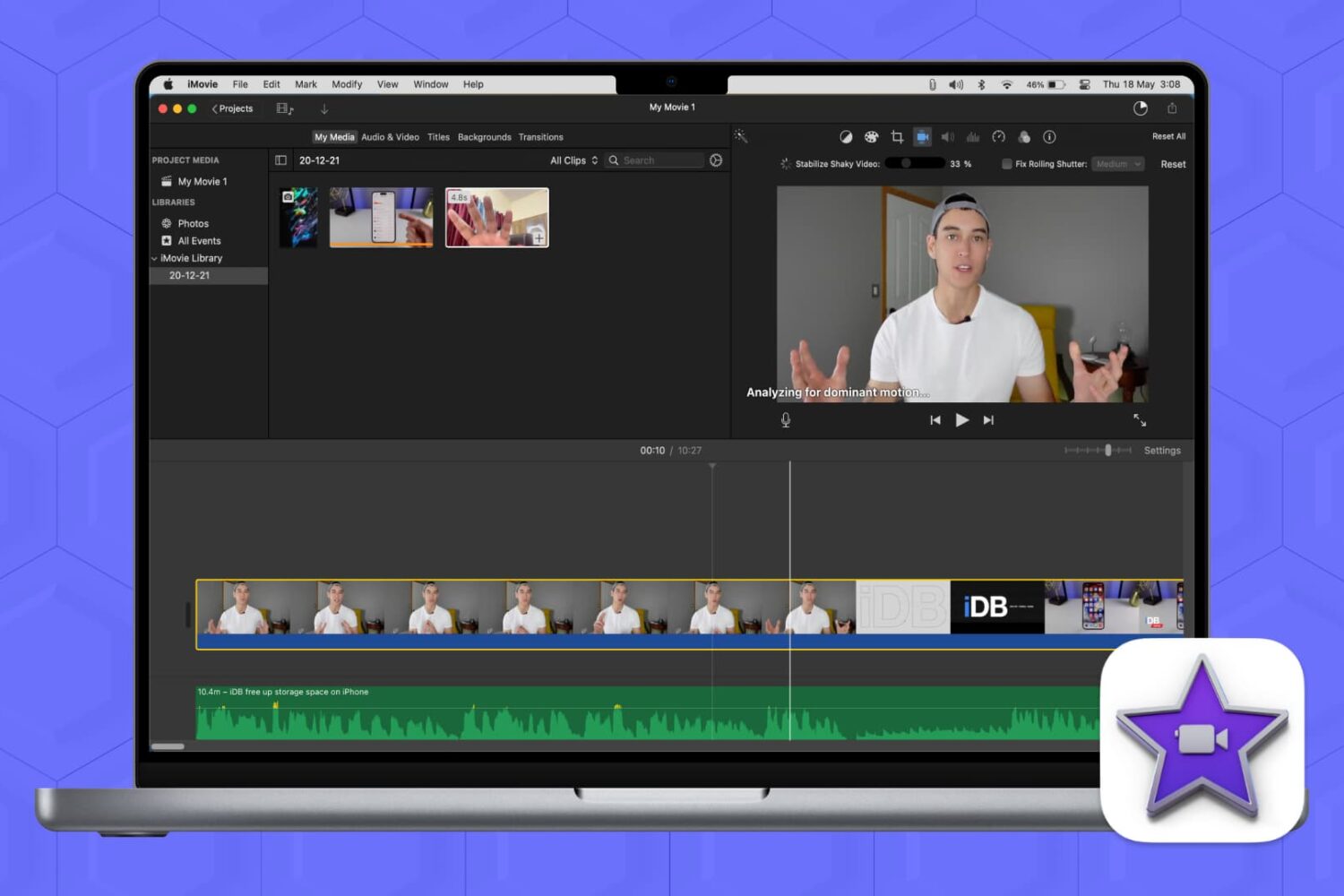
Shaky footage or rolling shutter effects can ruin an otherwise great video. But don’t fret; we’ll show you how to fix shaky video and correct rolling shutter issues in iMovie on Mac, so you can turn jittery footage into a smooth, professional-looking video in no time.

Learn how to download, install, use, and manage custom fonts on your iOS device to create rich typographic experiences that fit specific moods and styles and give your documents a distinct personality.

Increase your productivity by using the Mission Control feature on your Mac to conveniently see all your open windows, virtual desktop spaces, and apps that are in full-screen or Split View mode.

Learn how to rotate your Mac’s screen upside down (180°) or vertically (90° or 270°) to optimize screen space for coding, reading, and designing with improved visibility.

Learn how to remove Spotify from your list of startup apps if you’re tired of it launching automatically every time you turn on your Mac.
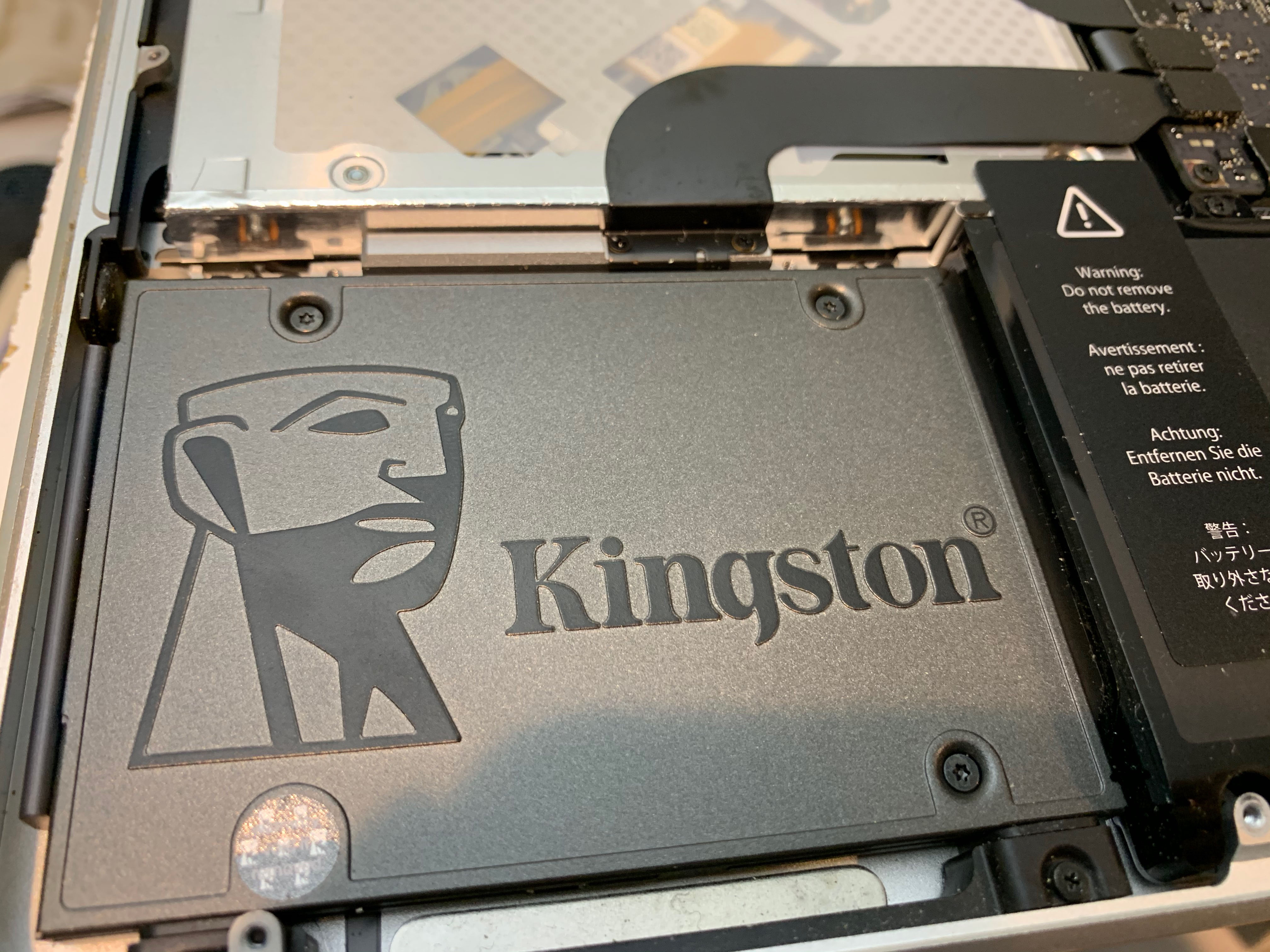
There are a lot of pre-Retina Display equipped 13-inch MacBook Pros still in service. If you have one and you're looking to get some more bang for your buck, it's possible with relatively little muss and fuss to upgrade them to keep them going a while longer while making them much faster than they ever were from the factory. One of the best performance upgrades you can give your MacBook Pro is to replace the stock hard disk drive with an SSD. This guide will show you how.
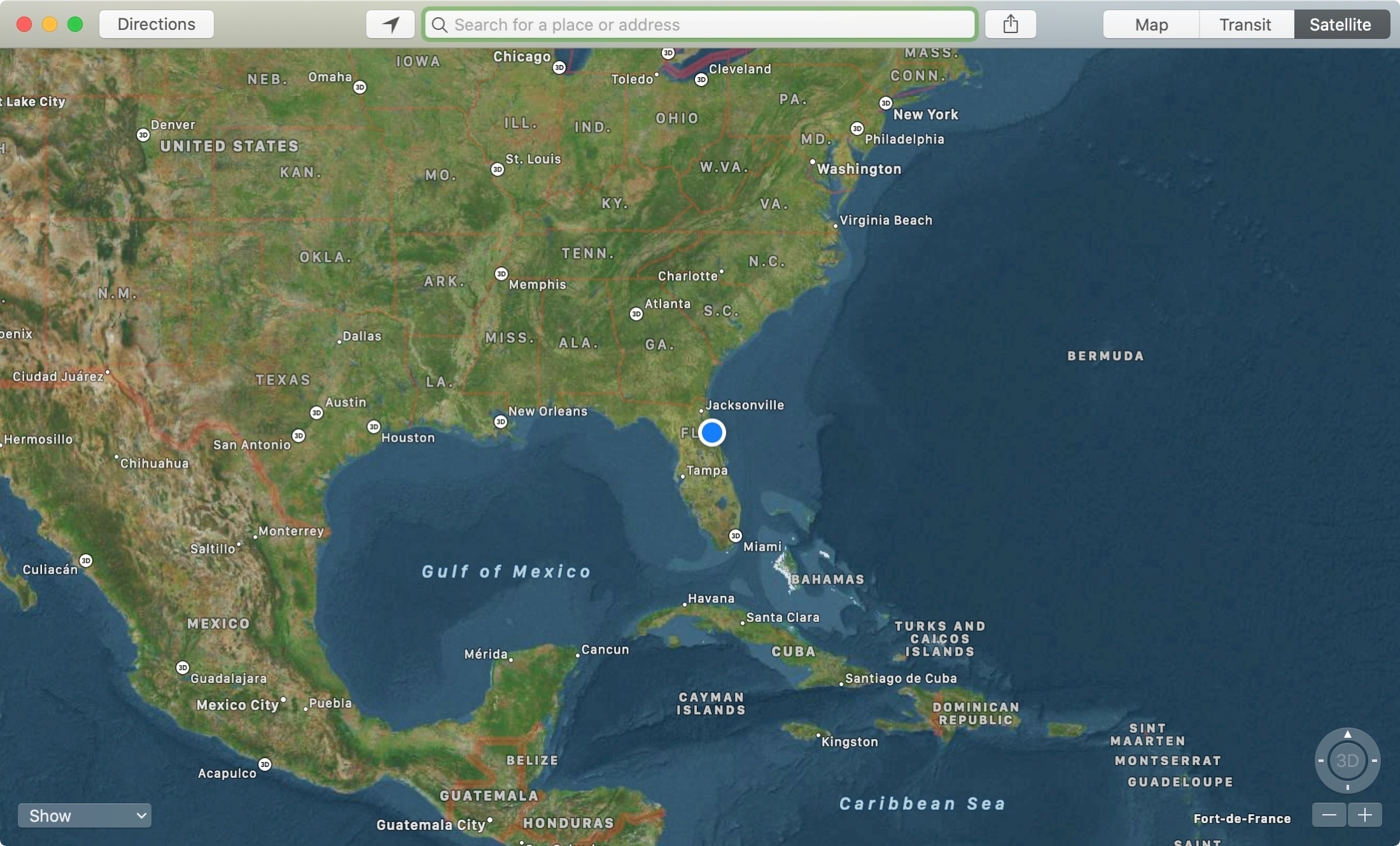
The Apple Maps app is a super handy tool that you likely use on your iPhone more than anywhere else. For getting directions, it makes perfect sense. But, the Maps app on Mac offers some great features as well, like one to send directions straight to your iPhone.
If you’re new to Mac, we’ll show you how to use that feature along with a host of the others you might not know about. Here’s how to make the most of the Apple Maps app on your Mac.
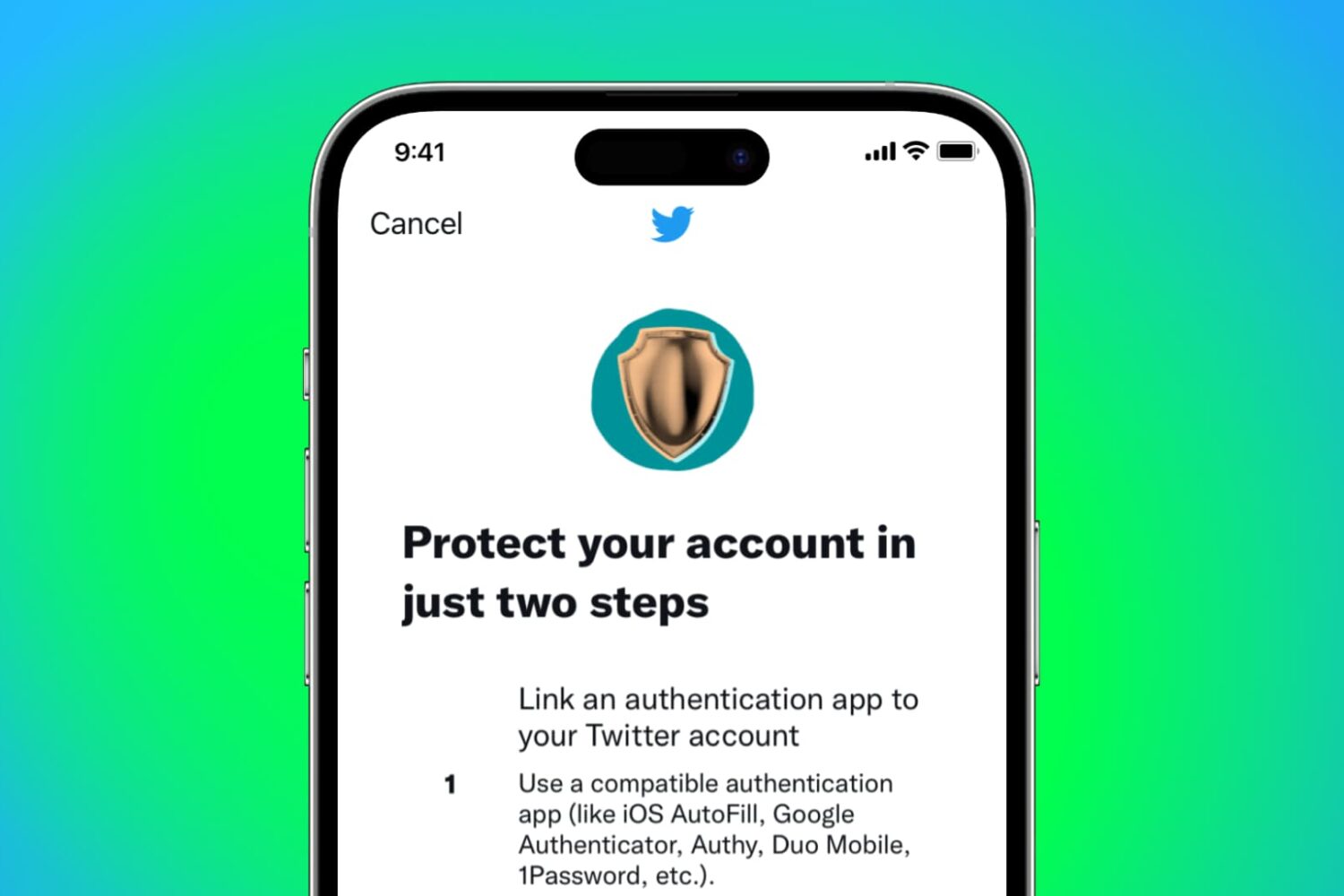
It is highly recommended you enable two-factor authentication (2FA) to secure your Twitter account and prevent anyone from getting access to it. This extra level of protection will ensure any intruder can't log in to your Twitter account even if they happen to know your password!
2FA requires you to enter your correct password (which is something you know) and then verify using a secondary means of proving your identity with something you have, like a changing code from the authenticator app.
Follow along as we show you how to set up Twitter two-factor authentication without using your phone number.