Learn how to organize your pictures and videos with Smart Albums in the macOS Photos app to simplify photo management with intelligent automation.
How to create smart photo albums on Mac
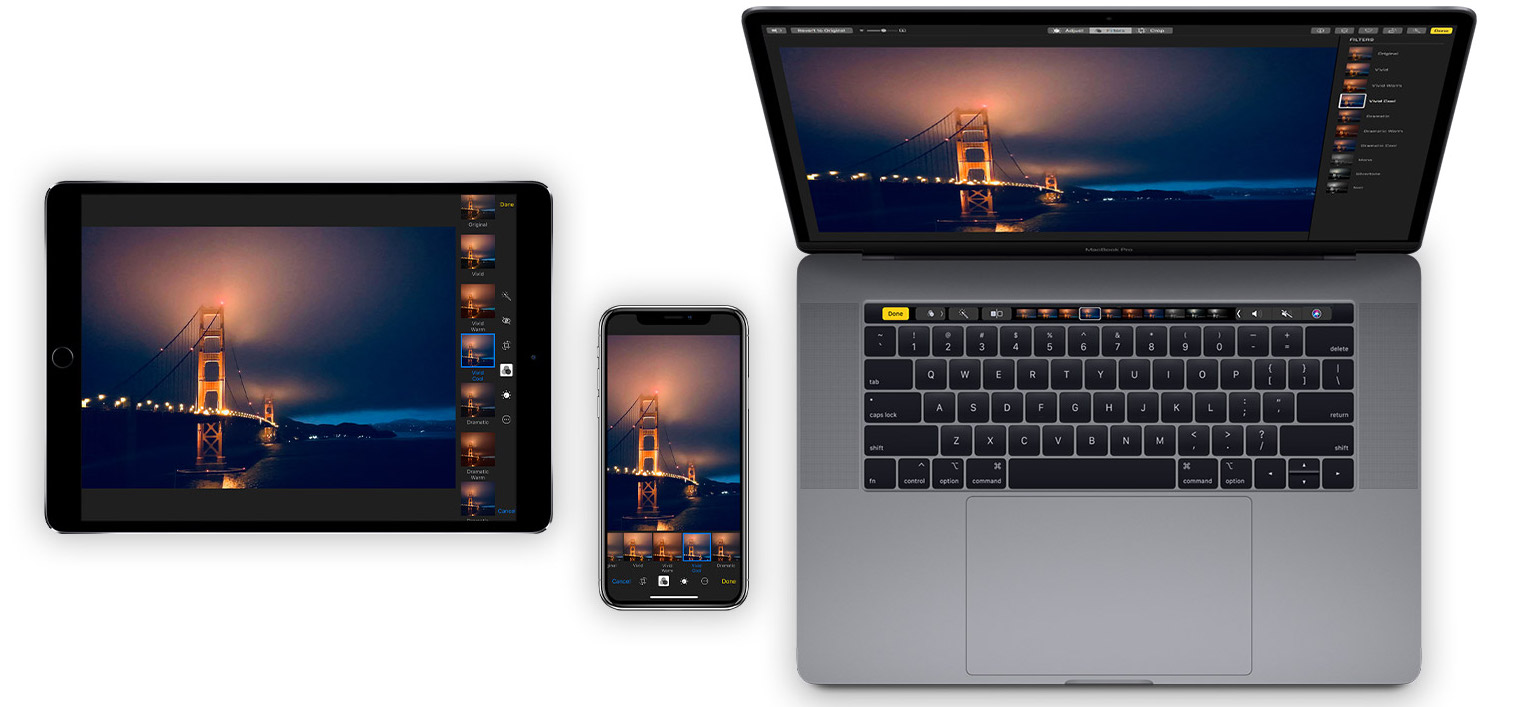
Learn how to organize your pictures and videos with Smart Albums in the macOS Photos app to simplify photo management with intelligent automation.

If you’re trying to describe a location to someone who isn’t familiar with the area, it can be difficult. You can’t just say, "It’s next to Walmart" if they don’t even know where Walmart is. But with the Maps app and Markup tool on Mac, you can easily use shapes and text to show exactly where you’re describing. And it can even be a little fun.
Here’s how to create and mark up a PDF from Maps on your Mac.
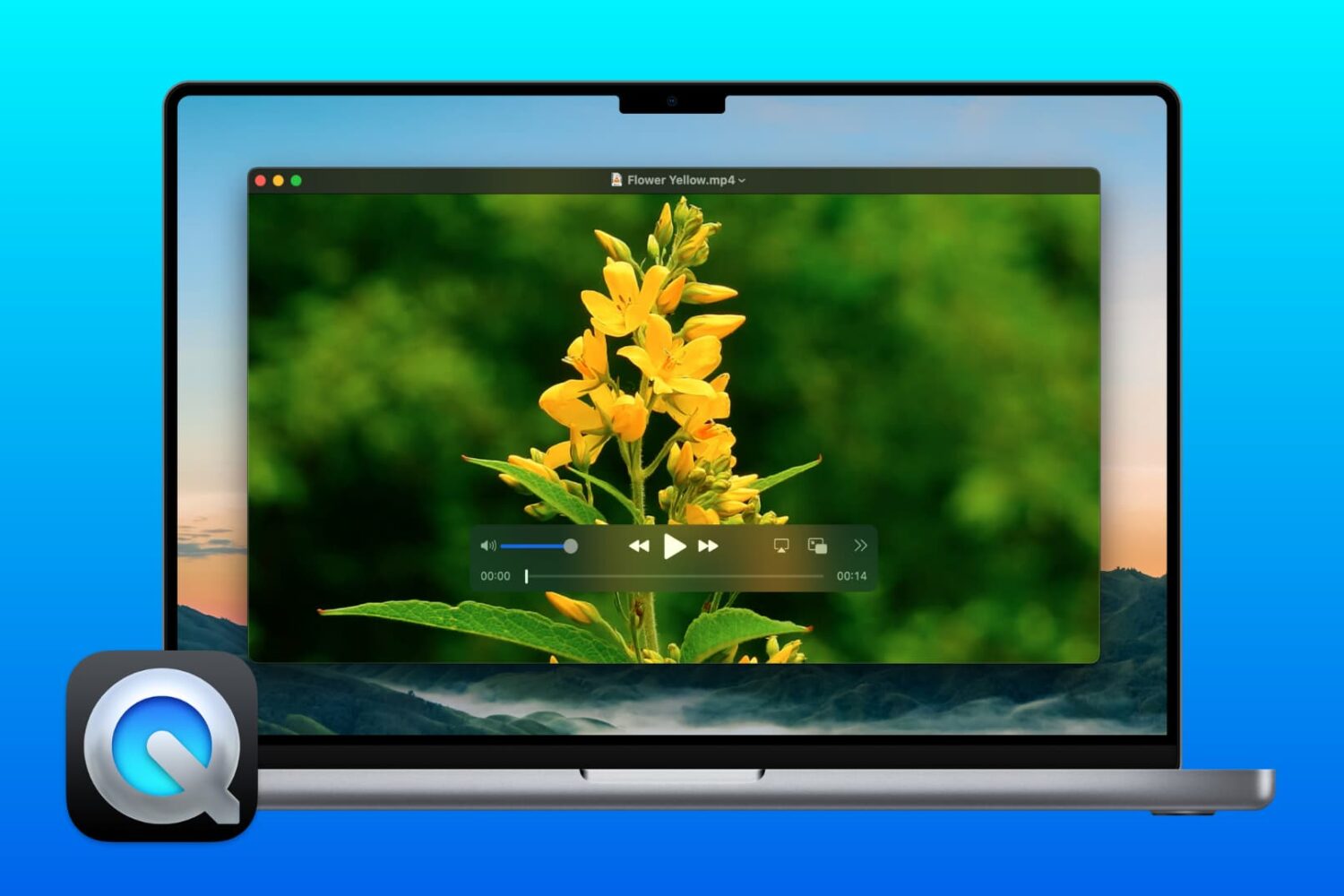
Did you know you can use QuickTime Player on Mac for more than just watching movies? If you need to make changes to your videos, here’s how to edit movies with QuickTime Player.
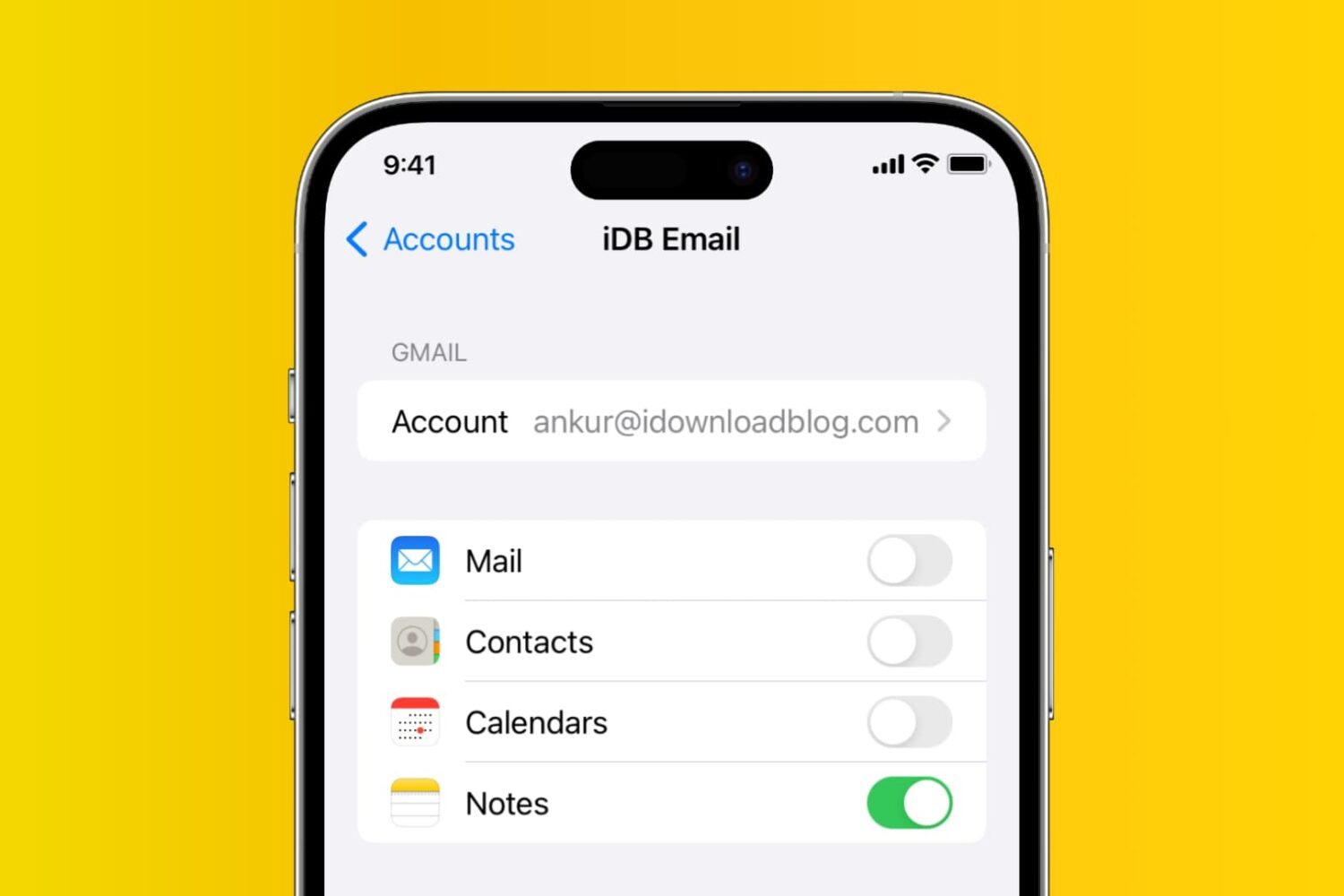
Learn how to add, deactivate, and delete accounts used inside the Apple Notes app on your iPhone, iPad, and Mac.
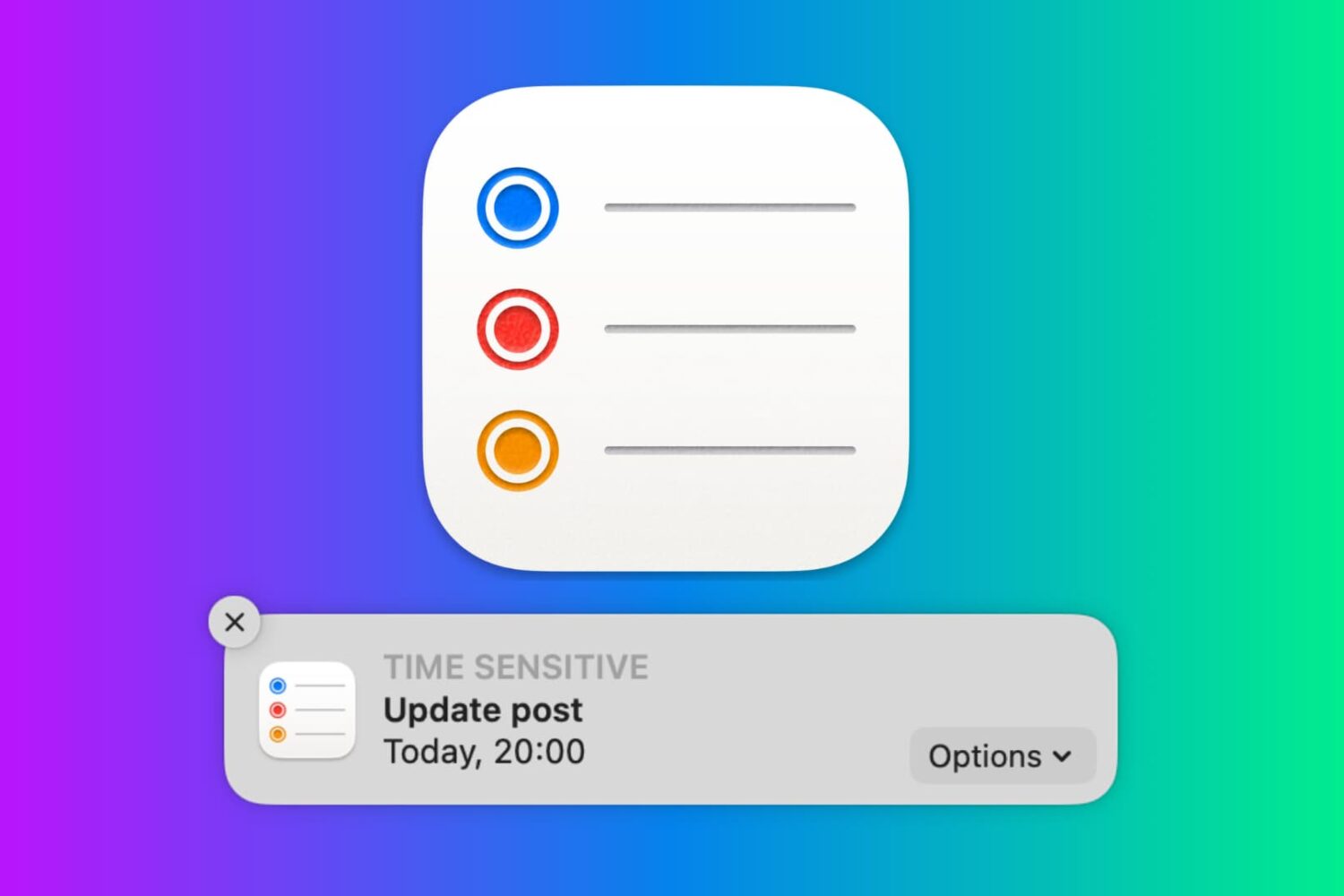
In this tutorial, we will show you how to work with notifications in the Reminders app on your Mac so that you never miss a task, list, or to-do.
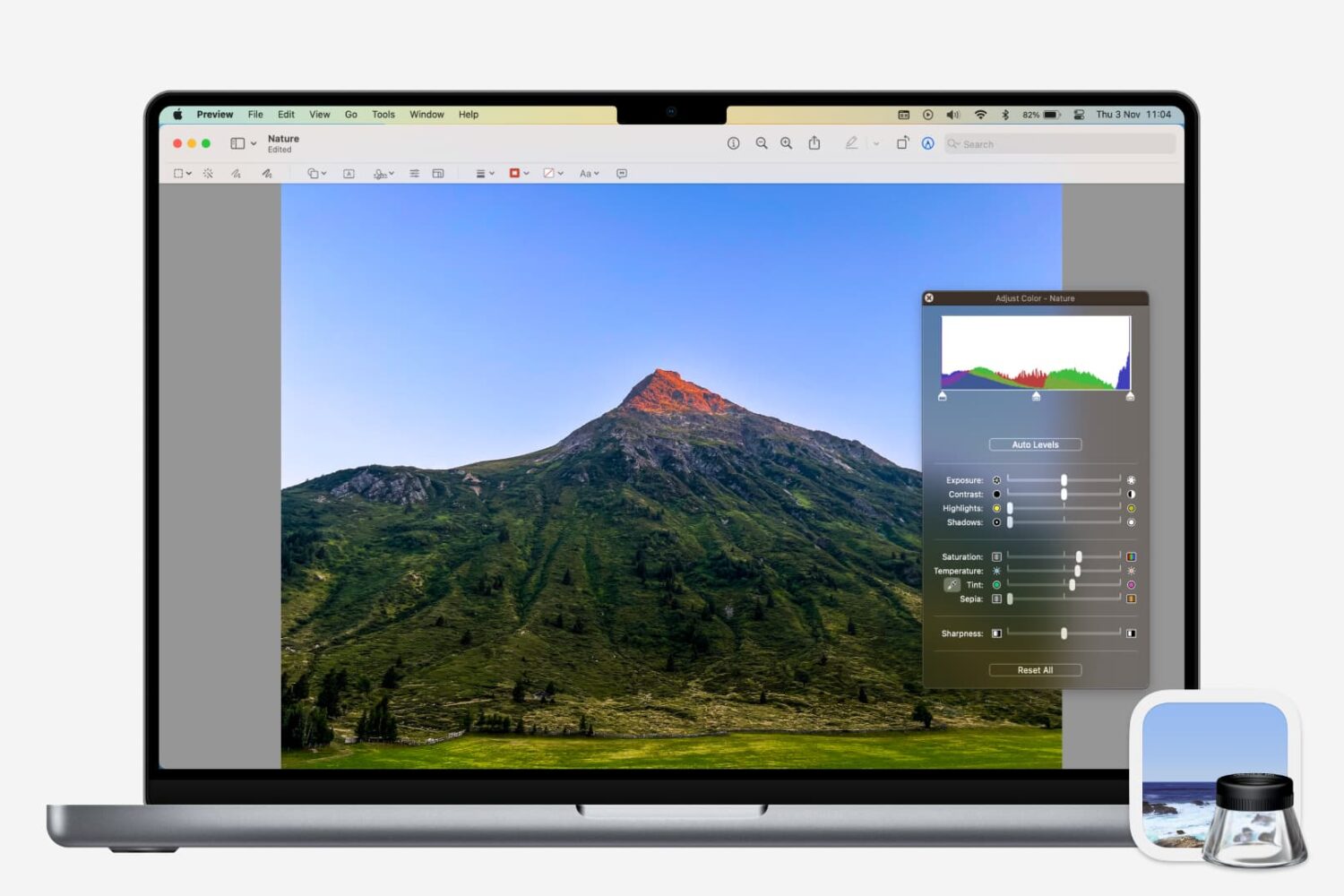
Learn how to adjust a photo’s color, contrast, saturation, sharpness, size, resolution, and more using the Preview app on your Mac.

Whether you want to keep copies of scans in Notes or just add one as a reference, here’s how to manage your scanned documents in the Apple Notes app on Mac.

In this tutorial, we will show you how to customize the settings for podcasts and show episodes in the Apple Podcasts app on your Mac.
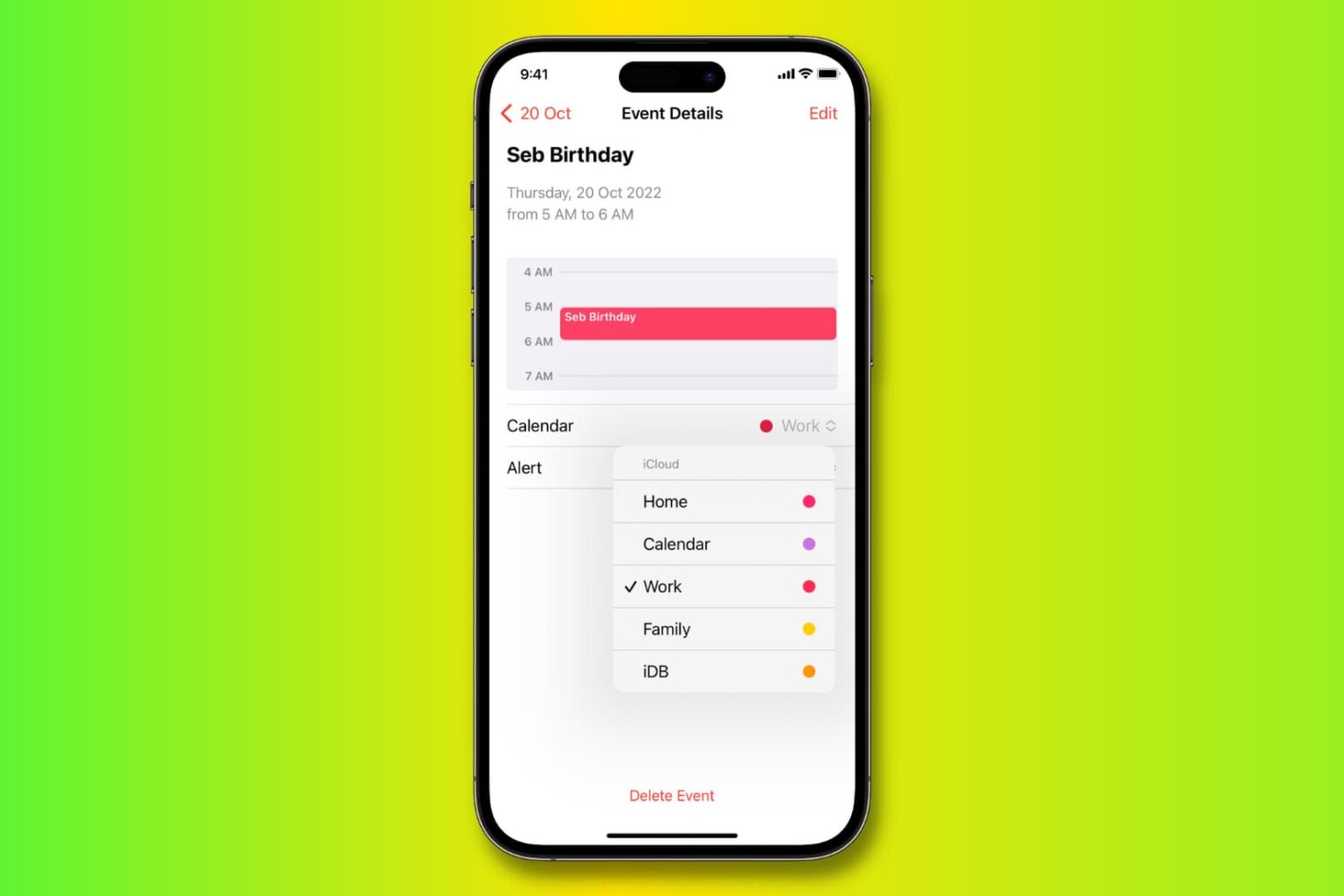
Learn how to move, copy, and duplicate events in the Apple Calendar app on iPhone, iPad, and Mac to stay organized across all your different calendars.
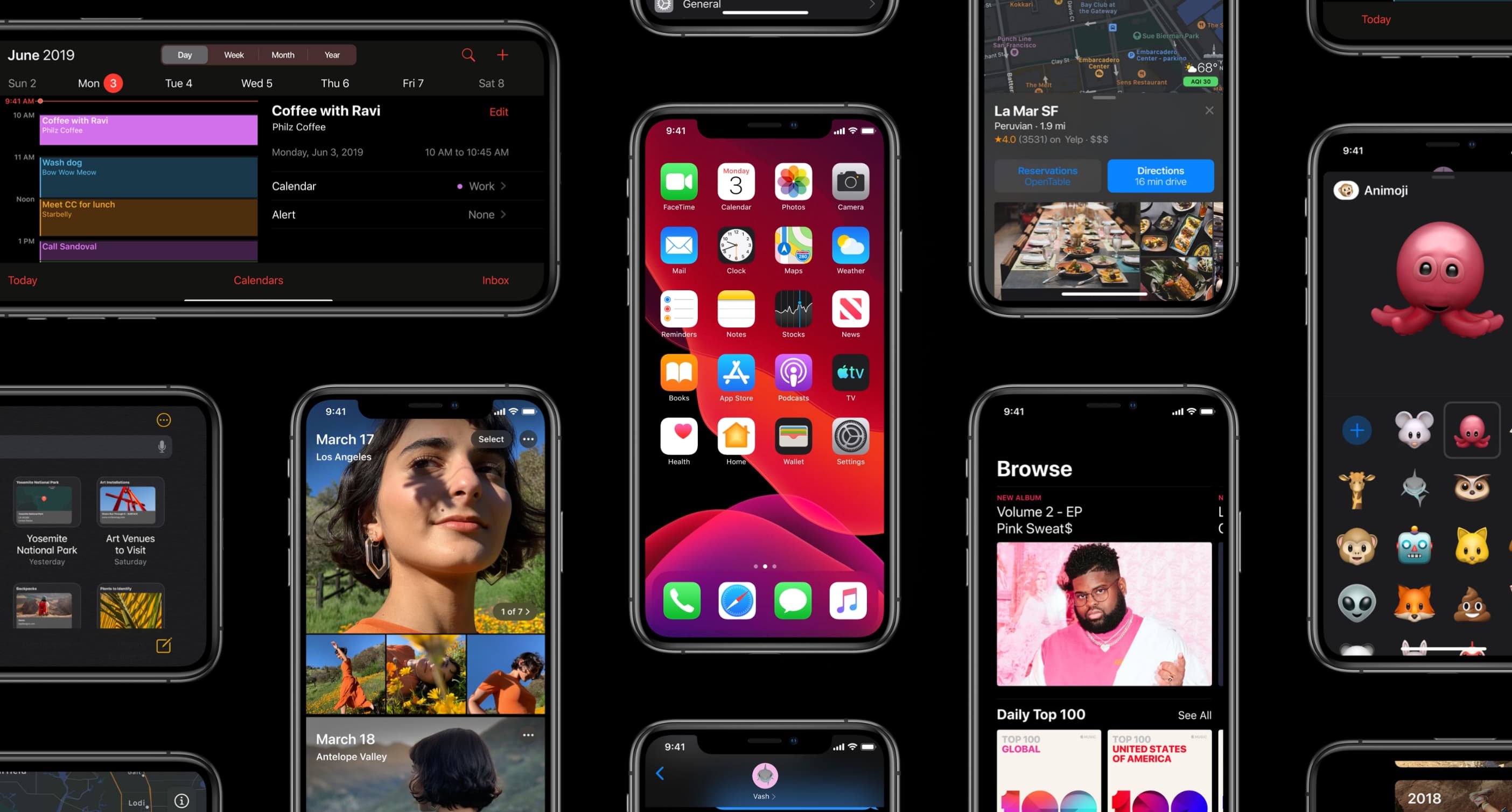
The iOS 13.4 software update, along with its matching iPadOS 13.4 counterpart, enables more than a dozen major new capabilities on your iPhone, iPad and iPod touch.
Learn how to copy bookmarks between Safari, Firefox, and Chrome on your Mac if you want to switch to another browser or have all your bookmarks everywhere.
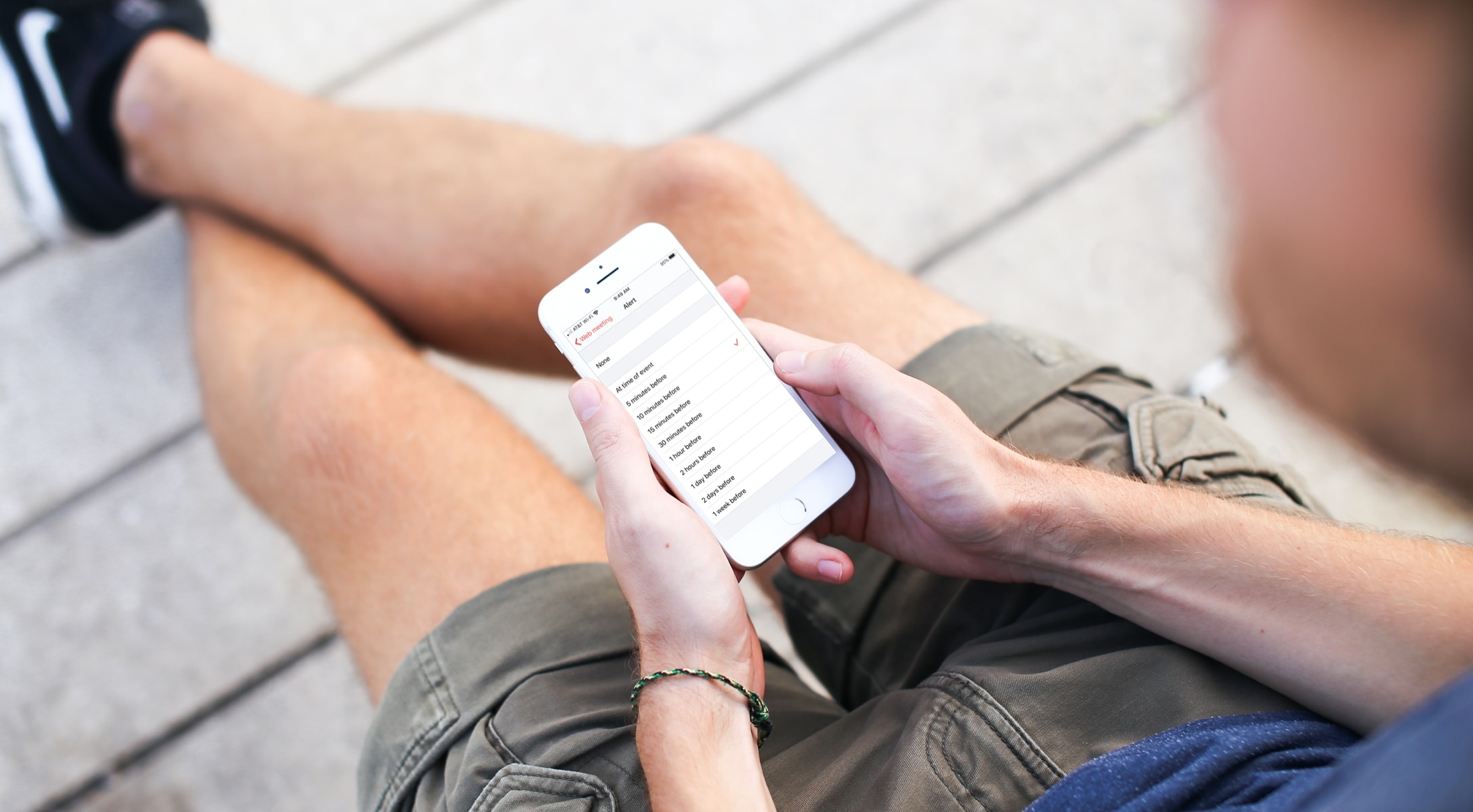
Learn how to customize the Calendar notifications and alerts on your iPhone, iPad, and Mac to stay on top of your important events and appointments.