Whether you’re hanging out with friends or passing time alone, here’s how to have fun with photos and videos using the Apple Photo Booth app on your Mac.
How to
How to work with tables and lists in TextEdit on Mac
Learn how to enhance your text documents on Mac by creating tables or lists in Apple’s TextEdit app.
How to side-load the unc0ver jailbreak with Xcode on macOS
If you rely side-loadable jailbreak tools such as Chimera, Electra, or unc0ver, then it’s important to understand the plethora of ways you can install them on your iPhone or iPad. While methods such as AltStore, Cydia Impactor, and third-party signing services like Ignition and iOS Ninja are some of the most popular, many tend to forget that you can use Apple’s own Xcode development platform on the Mac to accomplish this task.
The Xcode method came in clutch for me countless times when Cydia Impactor stopped working for an extended period and when all the best signing services had been revoked; to make matters worse, my handset's iOS version was too old to run AltStore. With that in mind, we’ll be sharing the Xcode method in this tutorial for fellow jailbreakers that find themselves in similar predicaments down the road.
How to insert and annotate images in TextEdit on Mac
Learn how to add, edit, and annotate images in Apple’s built-in TextEdit app on your Mac to liven up a rich text document with some visuals.
How to add graphs and charts in your Keynote slides
If you’re new to Keynote or simply the chart options, here’s how to create a basic chart or graph in the Keynote app on your Mac, iPad, and iPhone.
How to create a new Keynote presentation on iPhone, iPad, and Mac
In this tutorial, we’ll guide you through the steps to create the perfect presentation using the free Apple Keynote app on your Mac, iPad, or iPhone.
How to create and manage photo albums on Mac
Learn how to create albums in the Apple Photos app on your Mac to group pictures & videos and organize your media library.
How to change the file downloads folder for Chrome and Firefox on Mac
Learn how to change the folder where Google Chrome and Firefox download and save files from the internet.
How to add links to a webpage, slide, email, or phone number in a Keynote slide
In this step-by-step tutorial, we show you how to add a link to a website, an email address, a phone number, and another slide to your Keynote presentation on Mac, iPhone, and iPad.
How to control Mac cursor with head movement using camera
Learn how to control your Mac cursor with head movements, toggle it with a custom keystroke, and adjust the available head-tracking options to your liking.
How to manually identify and name people in Photos on Mac
Learn how to name people that Photos for Mac has recognized in your images to quickly identify your favorite people and organize your media library.
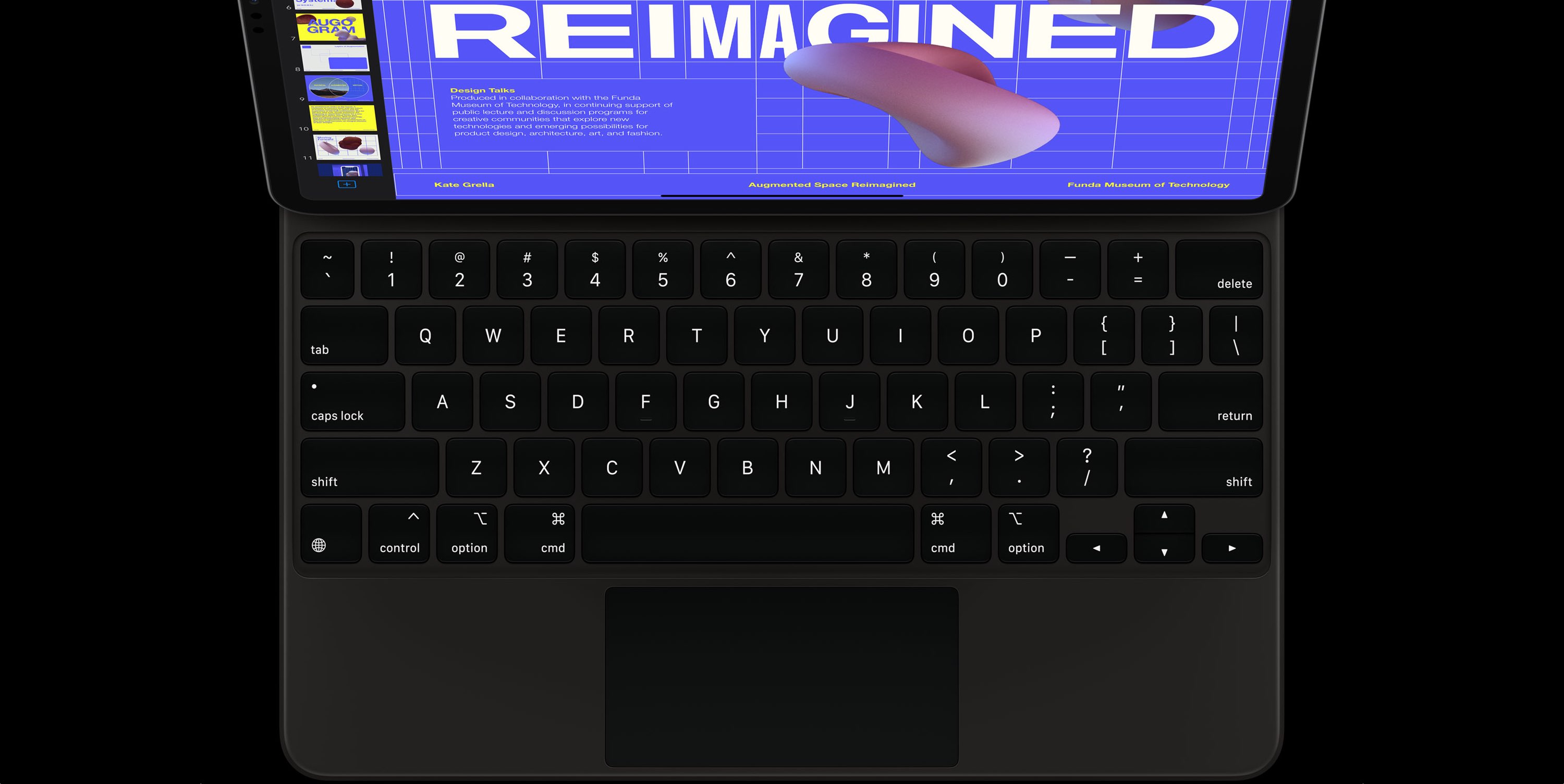
How to remap Command, Option, Caps Lock, and other keys on iPad keyboard
In this step-by-step tutorial, we'll show you how to remap the Command, Option, Control, and other modifier keys on the external hardware keyboard connected to your iPad.