In this article, we'll show you how to use the right browser extensions to enable Dark Mode on every website in Safari, Google Chrome, Edge, Brave, Opera, and Firefox on your Mac or Windows PC.
How to force Dark Mode for any website on Mac or PC
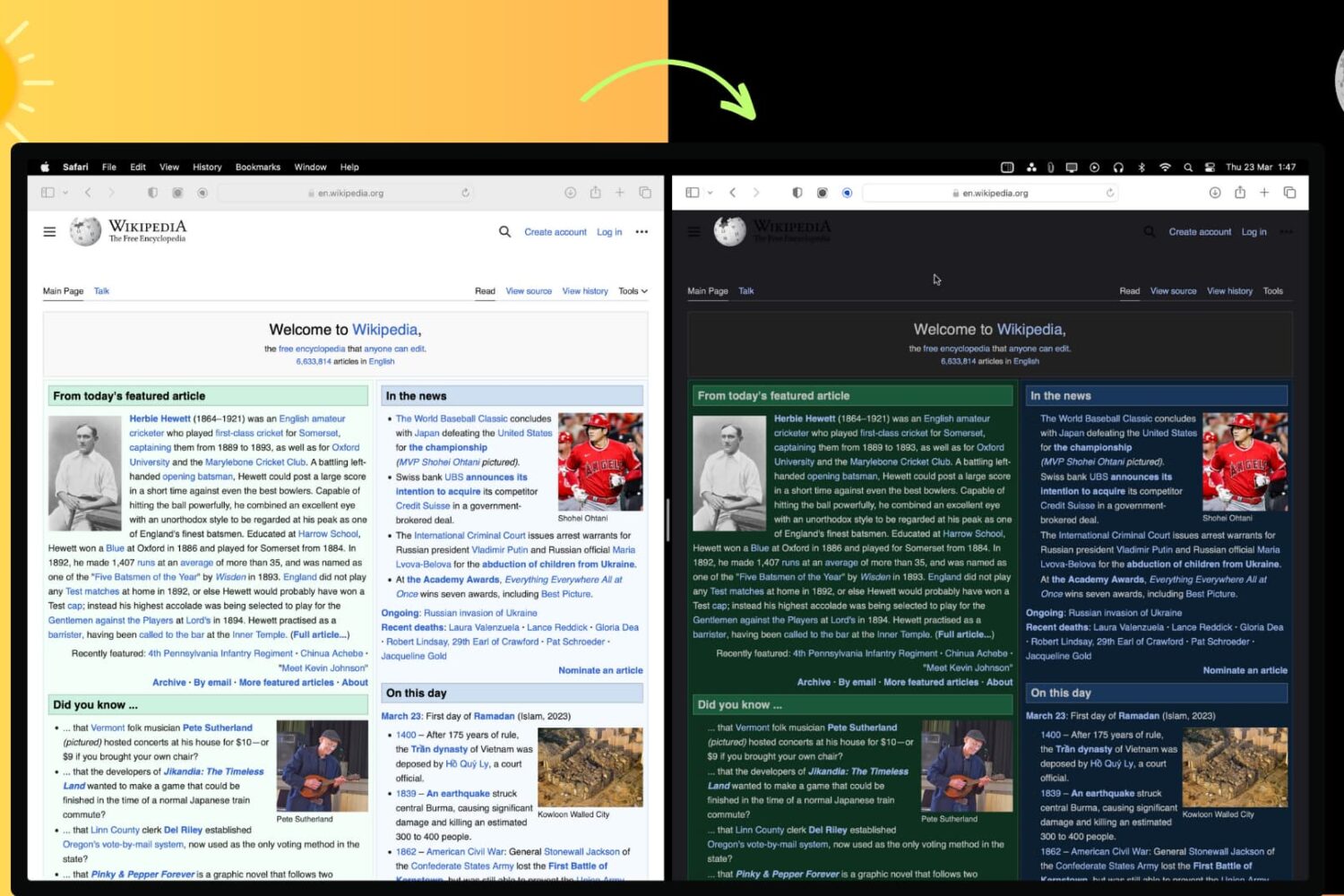
In this article, we'll show you how to use the right browser extensions to enable Dark Mode on every website in Safari, Google Chrome, Edge, Brave, Opera, and Firefox on your Mac or Windows PC.
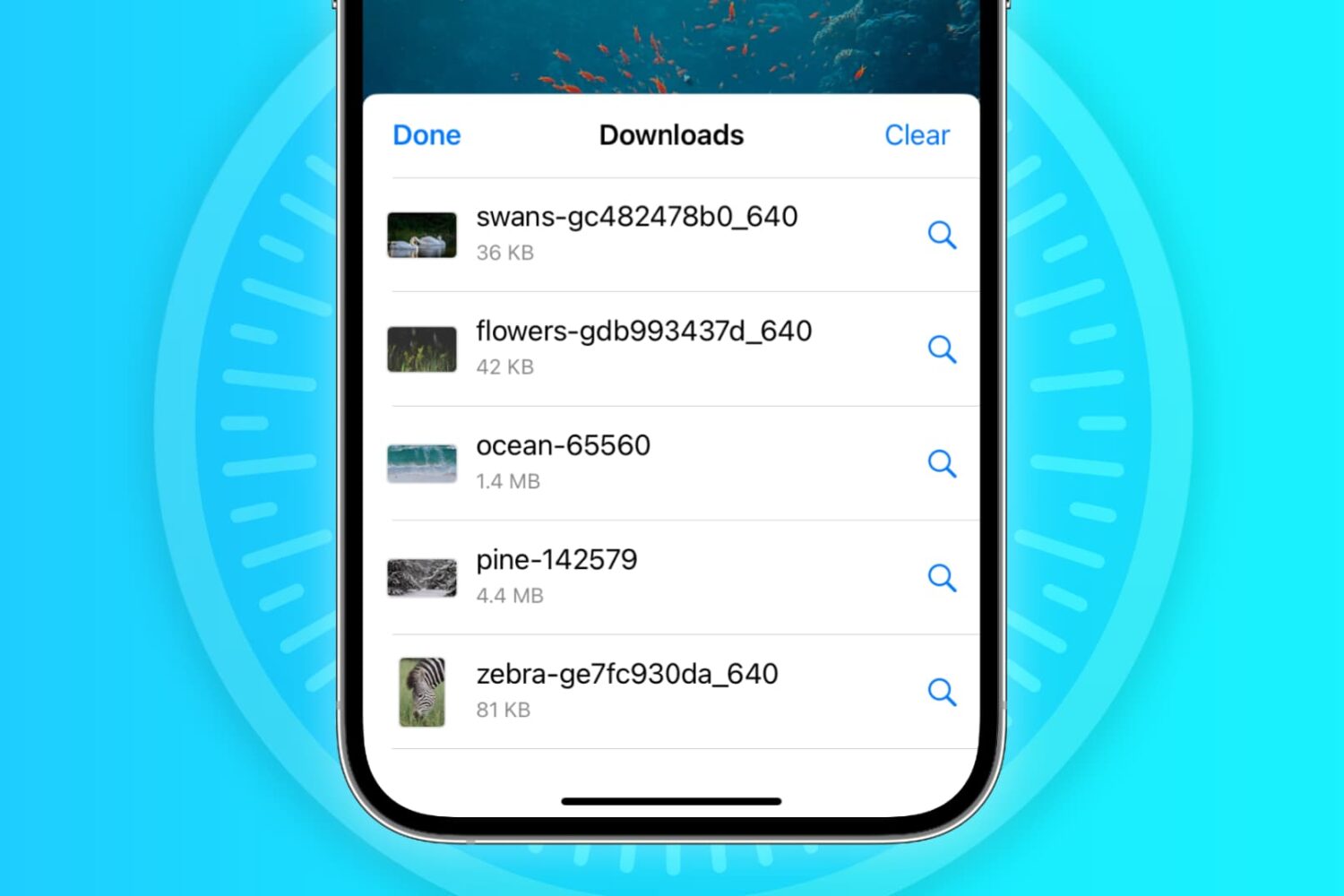
In this troubleshooting guide, we'll explore common reasons why Safari may not be downloading files on your iPhone, iPad, or Mac and provide solutions to help you resume downloading with ease.
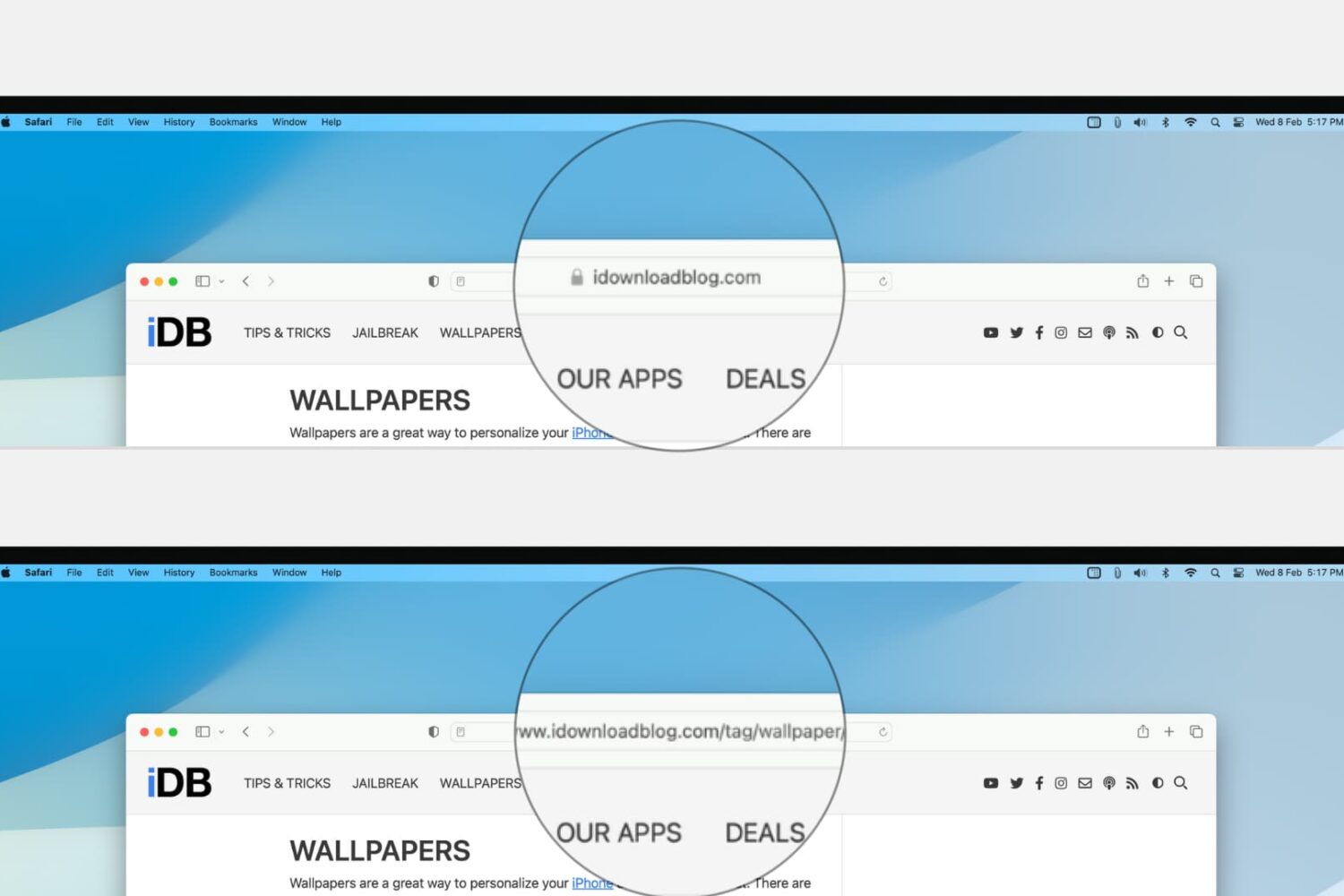
Learn how to configure Safari on your Mac to display the full website URL in the address bar, making it easier to distinguish between open tabs.
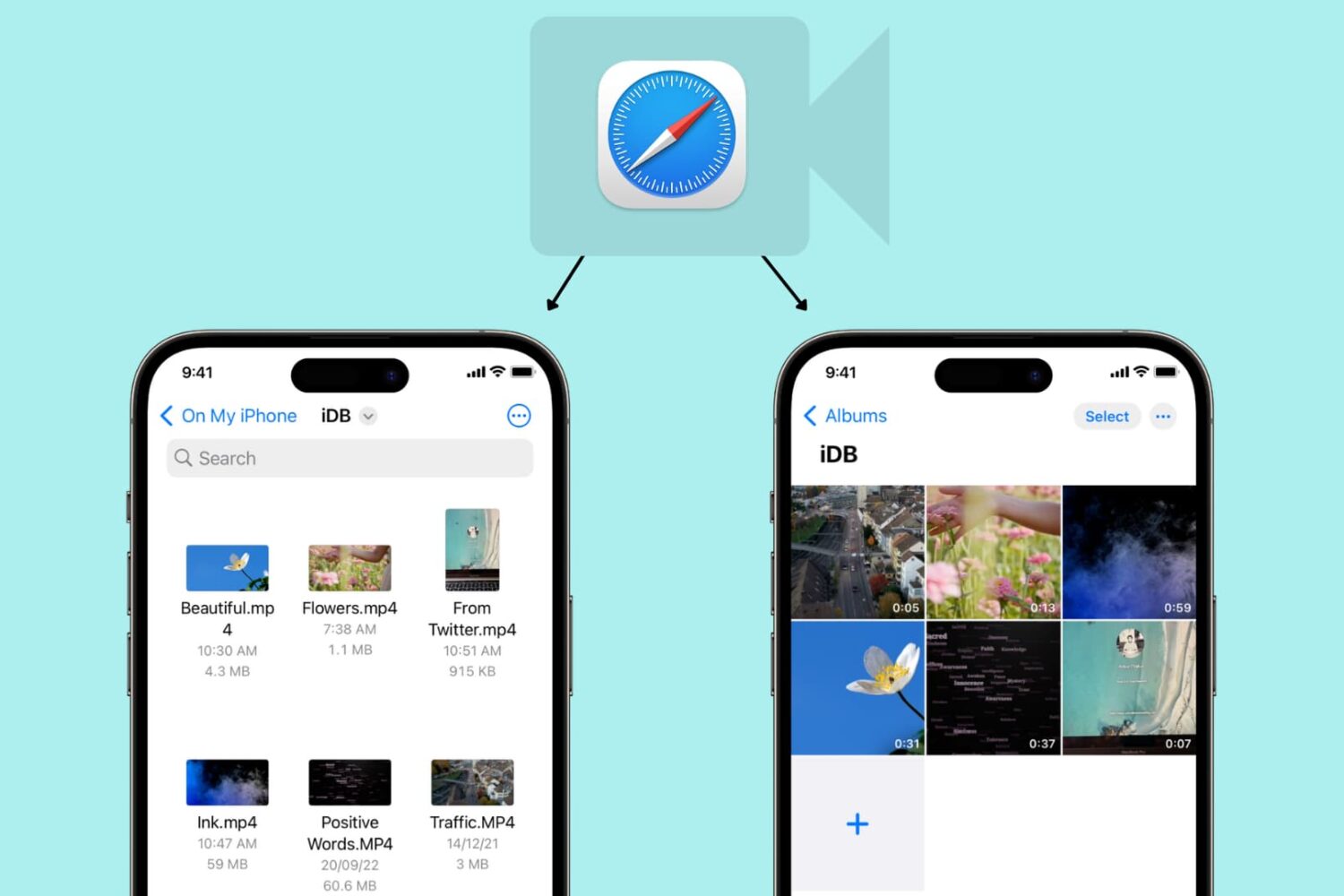
Learn how to use Safari on your iPhone or iPad to download video files directly to the Photos app or Files app for offline viewing.
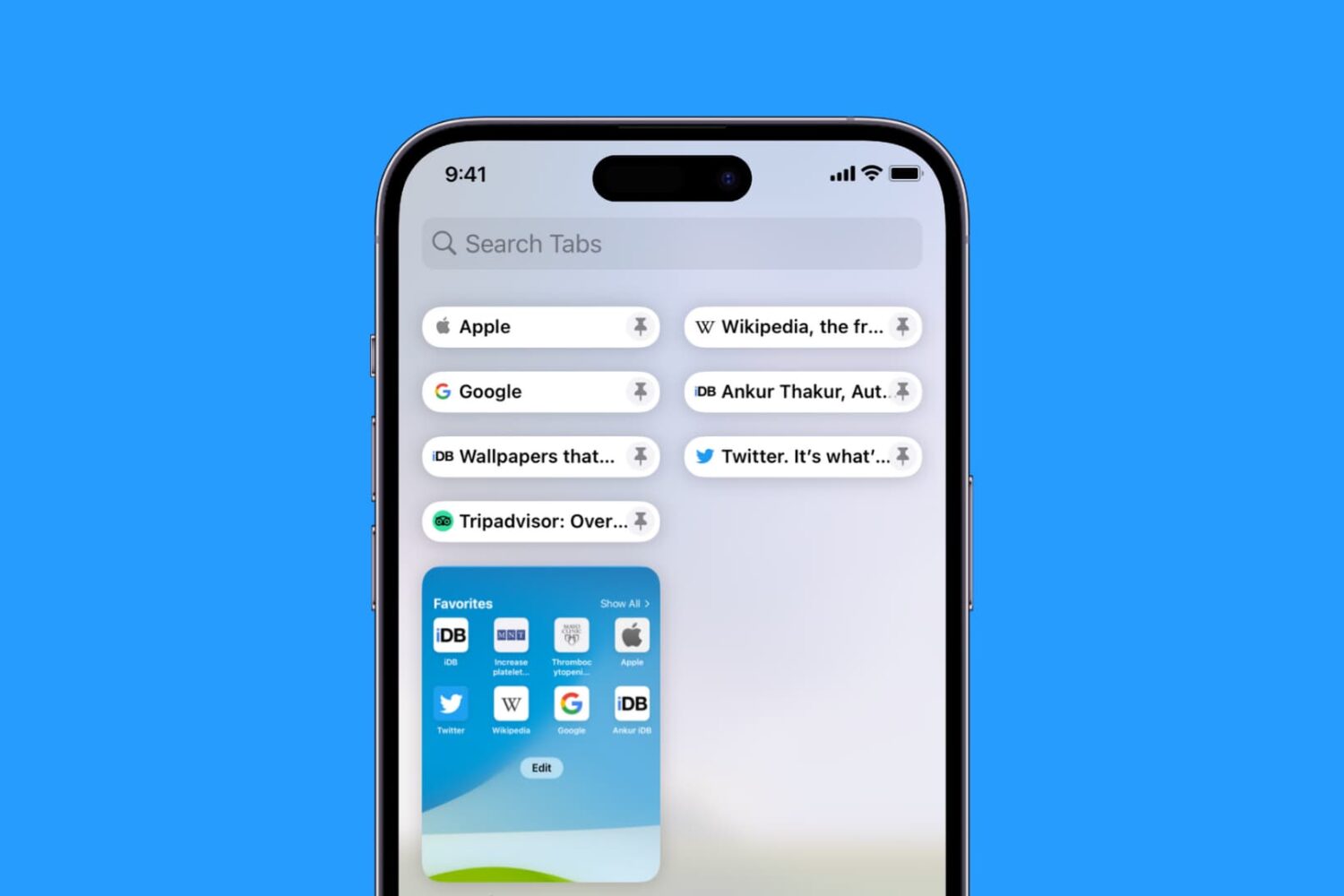
Learn how to pin Safari tabs on your iPhone, iPad, and Mac so that you can quickly get to your favorite websites anytime.

Learn how to translate foreign language words, sentences, or paragraphs and see their definition on your iPhone, iPad, and Mac using built-in tools.
Keep your sensitive information and browsing data safe by ensuring your web browsers are up to date on your iPhone, iPad, and Mac.
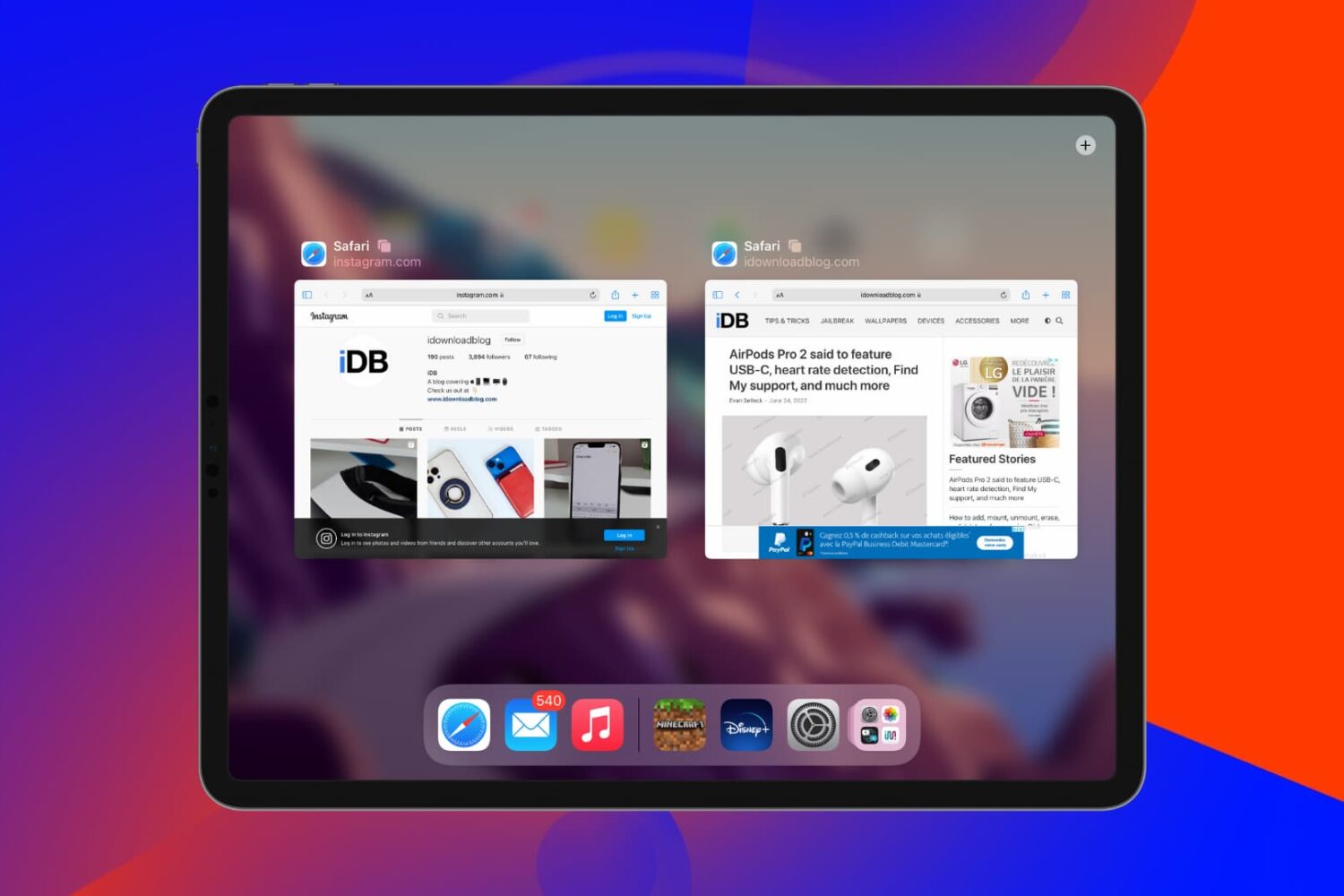
In this tutorial, we'll tell you what to do if you find that open websites and tabs in Safari often go missing on your iPhone or iPad.
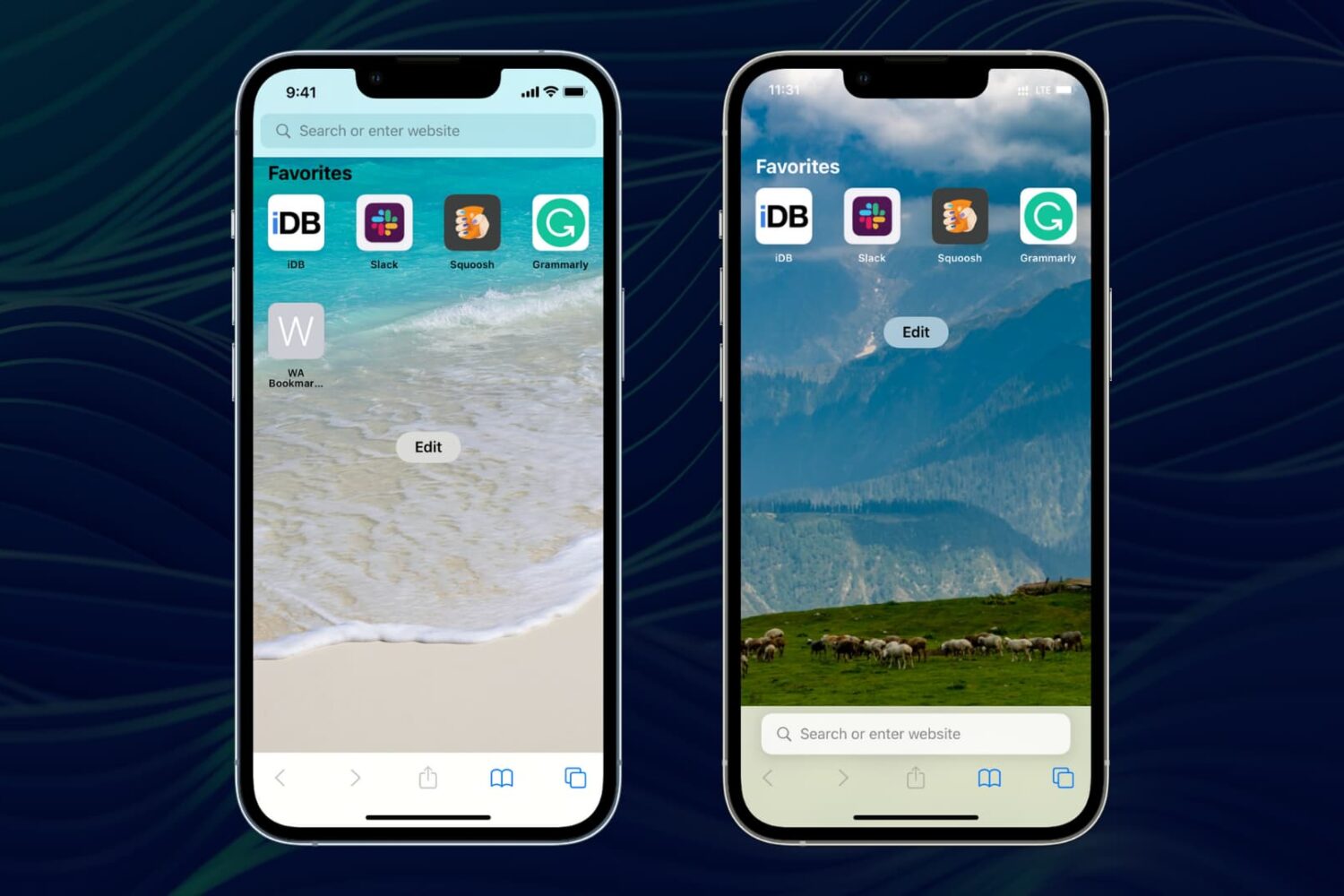
Here are 11 things you can tweak to personalize Safari on your iPhone or iPad and make it truly yours.
Learn how to set Google Chrome, Firefox, Microsoft Edge, Brave, Opera, or some other app as the default web browser on your Mac.
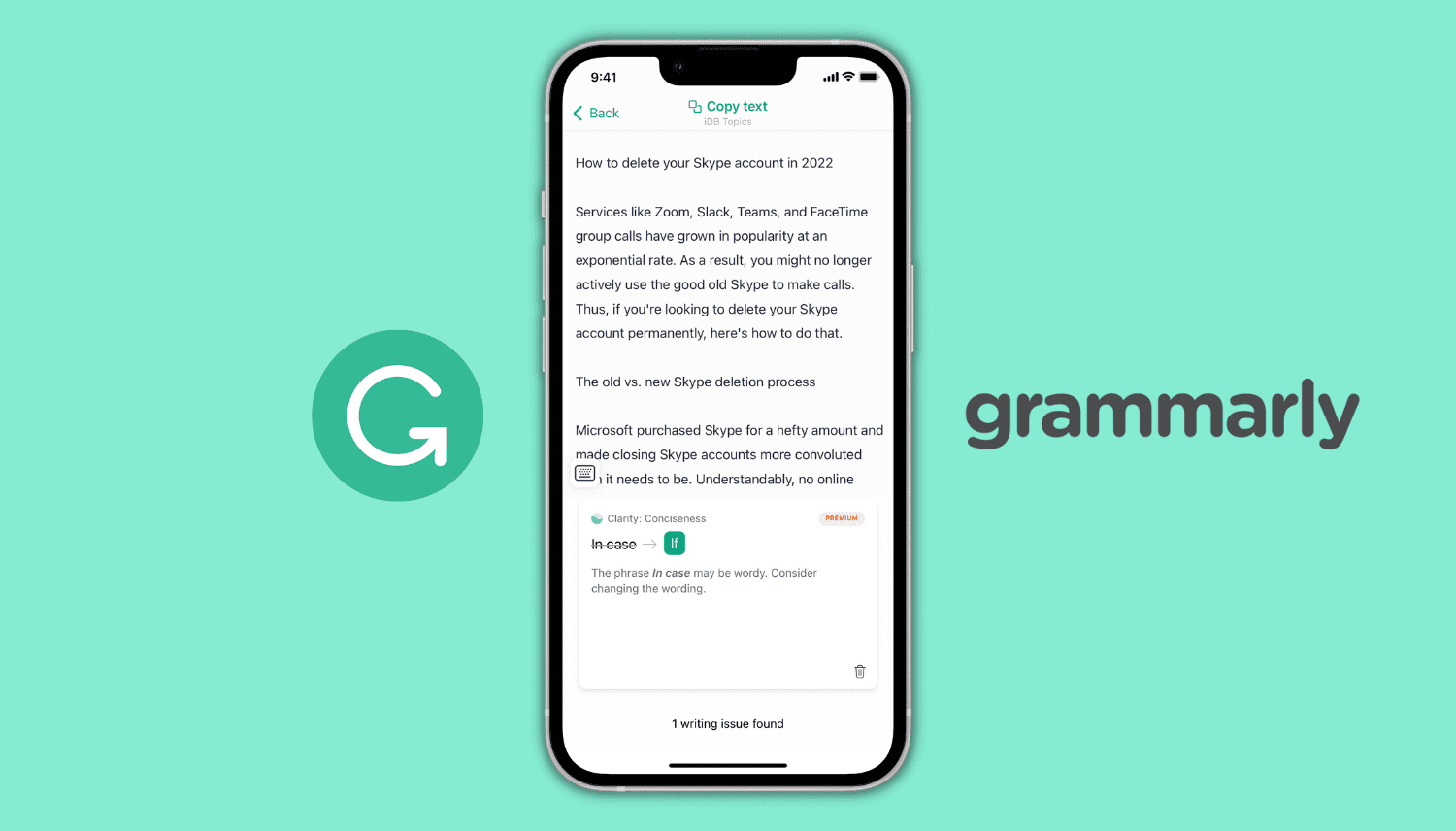
Learn how to use Grammarly on your iPhone as a keyboard, Safari extension, and an editor to make corrections and improve your writing.