You can take a screenshot of any menu in any app on your Mac, with or without the menu title. This also works with windows in the Finder and most apps.
How to take a screenshot of any Mac menu
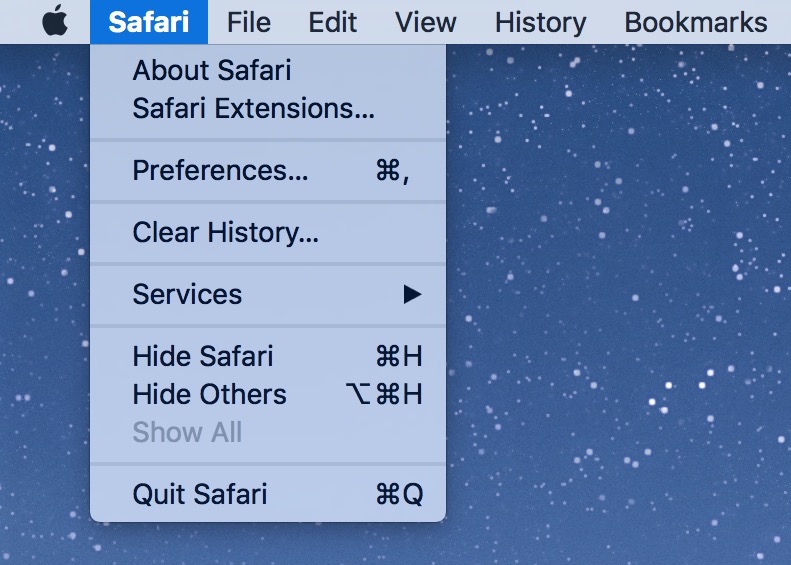
You can take a screenshot of any menu in any app on your Mac, with or without the menu title. This also works with windows in the Finder and most apps.
In this tutorial, we’ll explain how to use modifier keys to accurately reposition or refine the dimensions of the selection area when you’re taking screenshots of your Mac’s screen.

Learn all the ways you can select stuff on your Mac, including contiguous groups of Finder files, multiple non-adjacent items, and more.
Learn how to save an email as a PDF document on your iPhone, iPad, and Mac without having to use third-party apps or any dedicated printing extensions.

In case you didn't get the memo, macOS High Sierra is the last release of Apple's desktop operating system that supports 32-bit apps out of the box without any compromise.
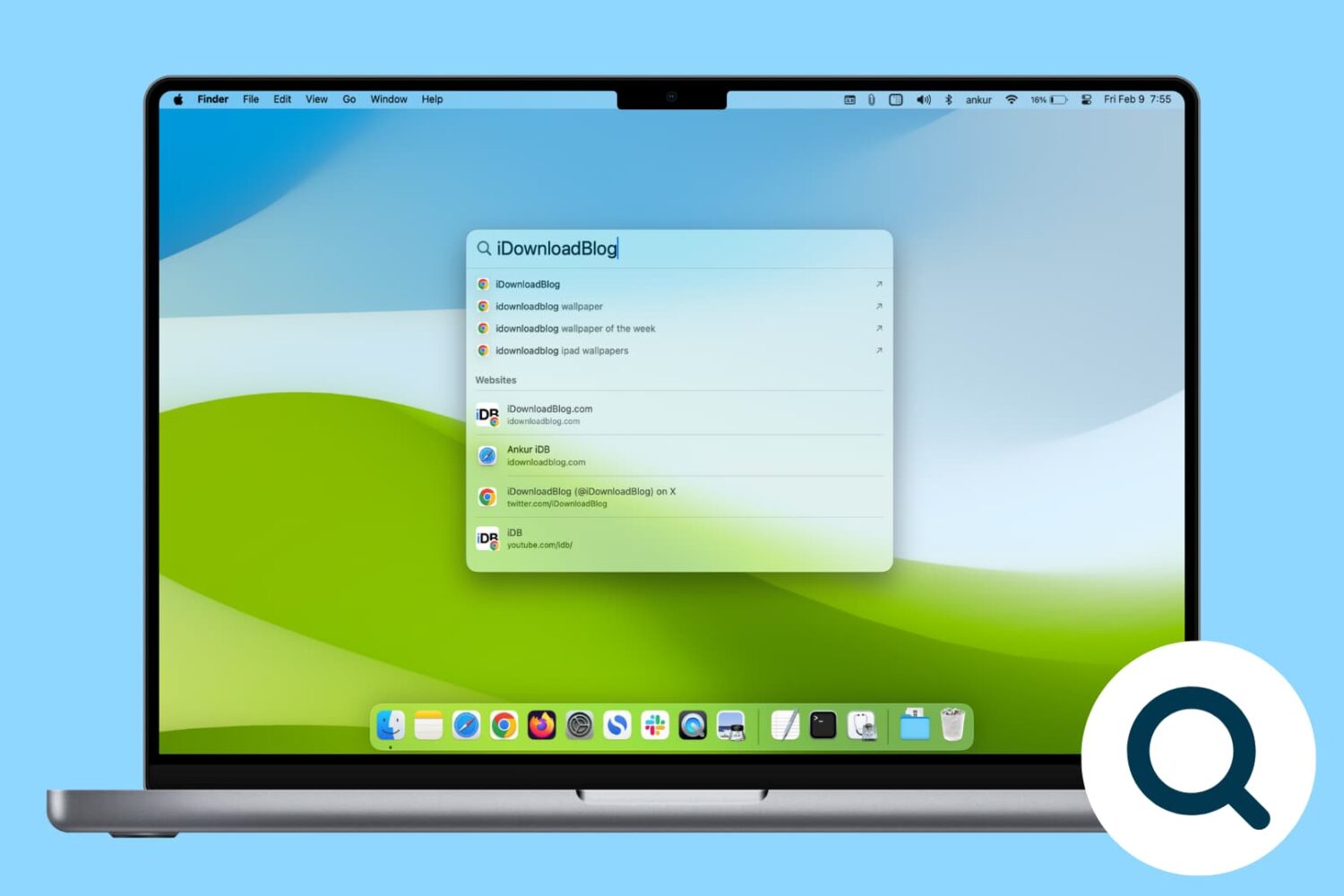
Rebuild the Spotlight index on your Mac if Spotlight isn’t working properly or if searching doesn’t show the expected results.
If you don't plan on installing macOS High Sierra for whatever reason, your Mac will still inform you of the software update every now and then via persisting system notifications.
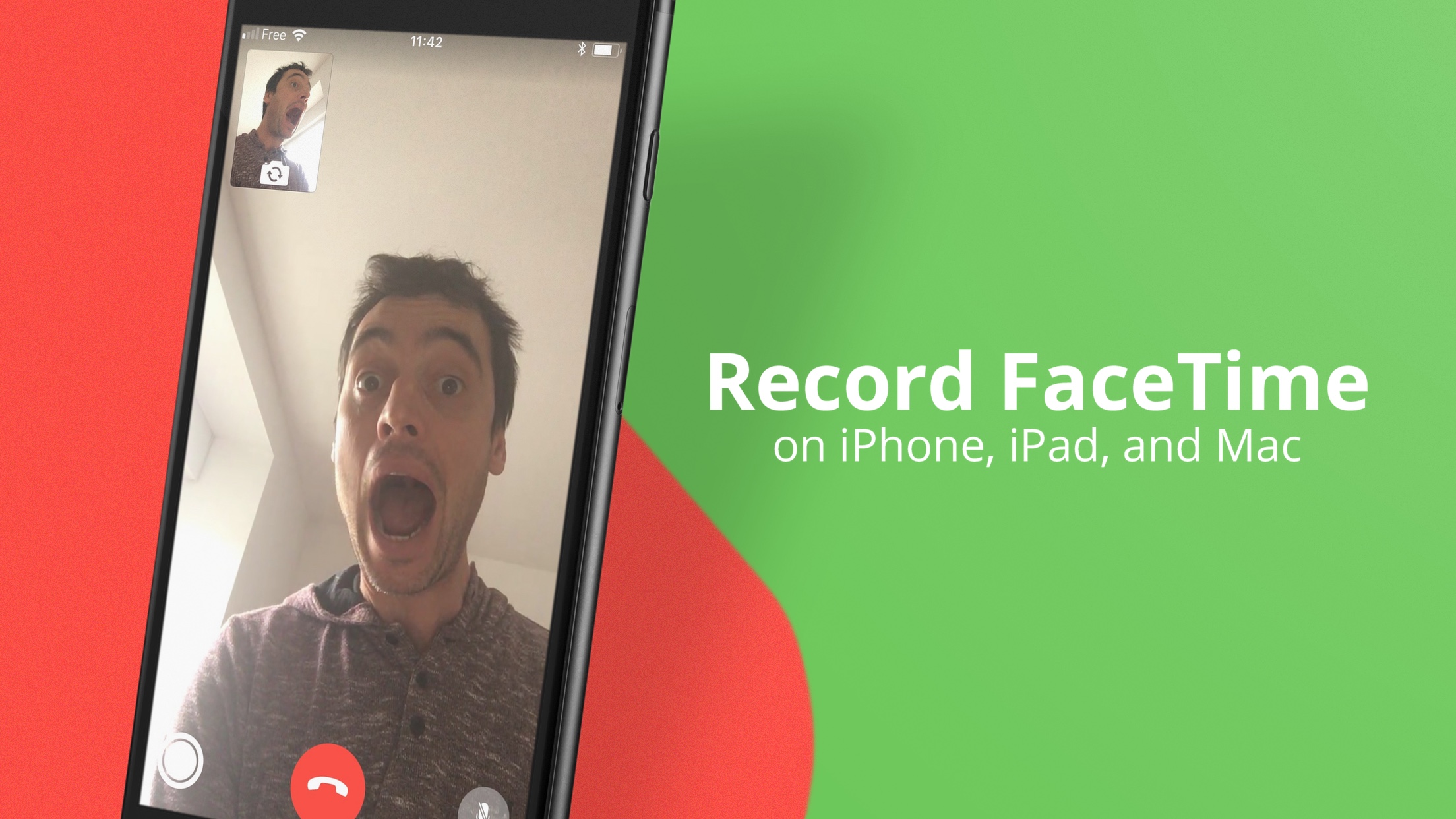
Although there isn’t a built-in option to record FaceTime calls, you can still do that with a simple workaround. In this tutorial, we’ll show you how to record FaceTime calls on your iPhone, iPad, or Mac.
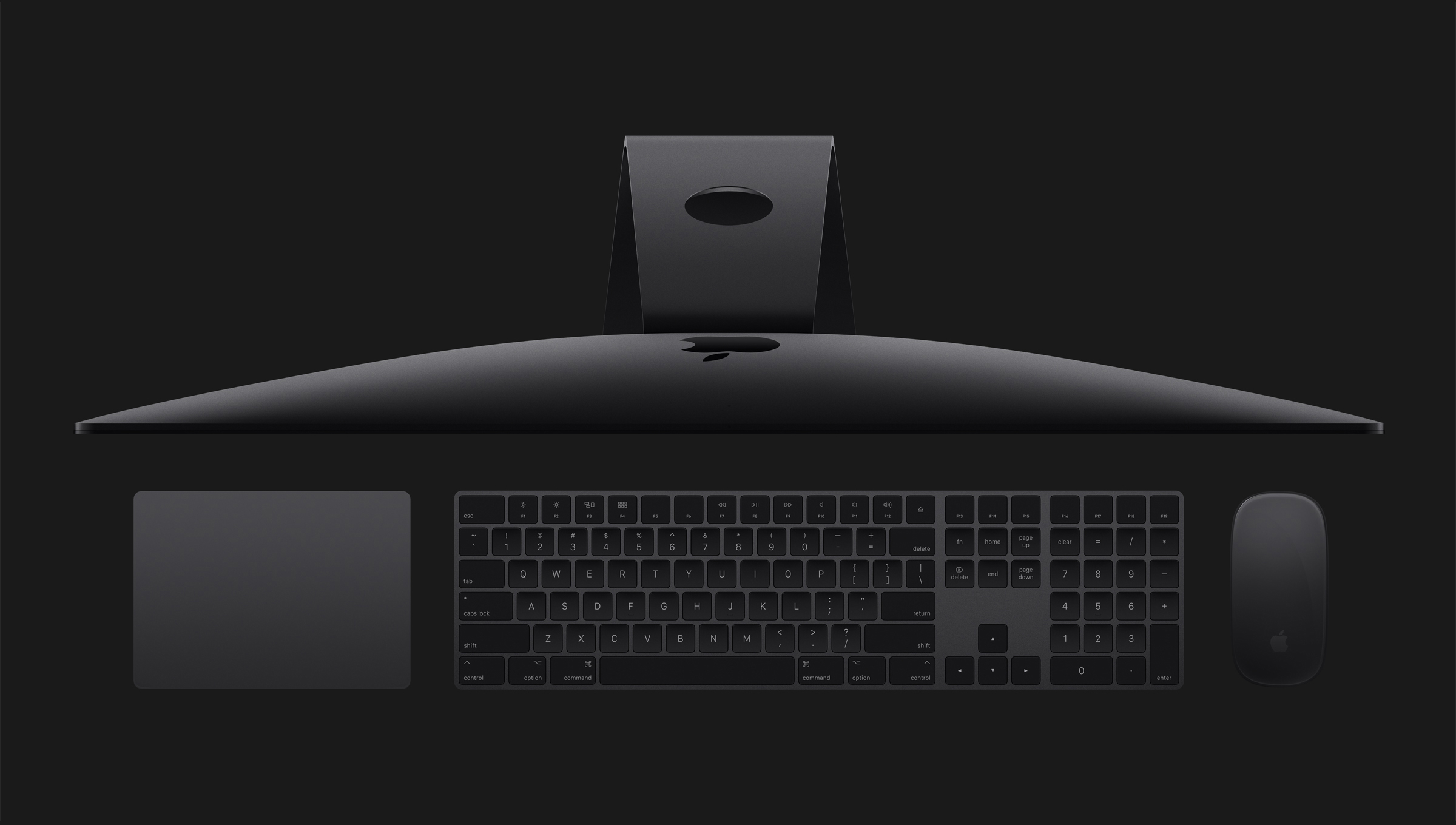
Learn how to manage your T2 Mac's Secure Boot settings to ensure your computer always starts from a legitimate and trusted operating system.
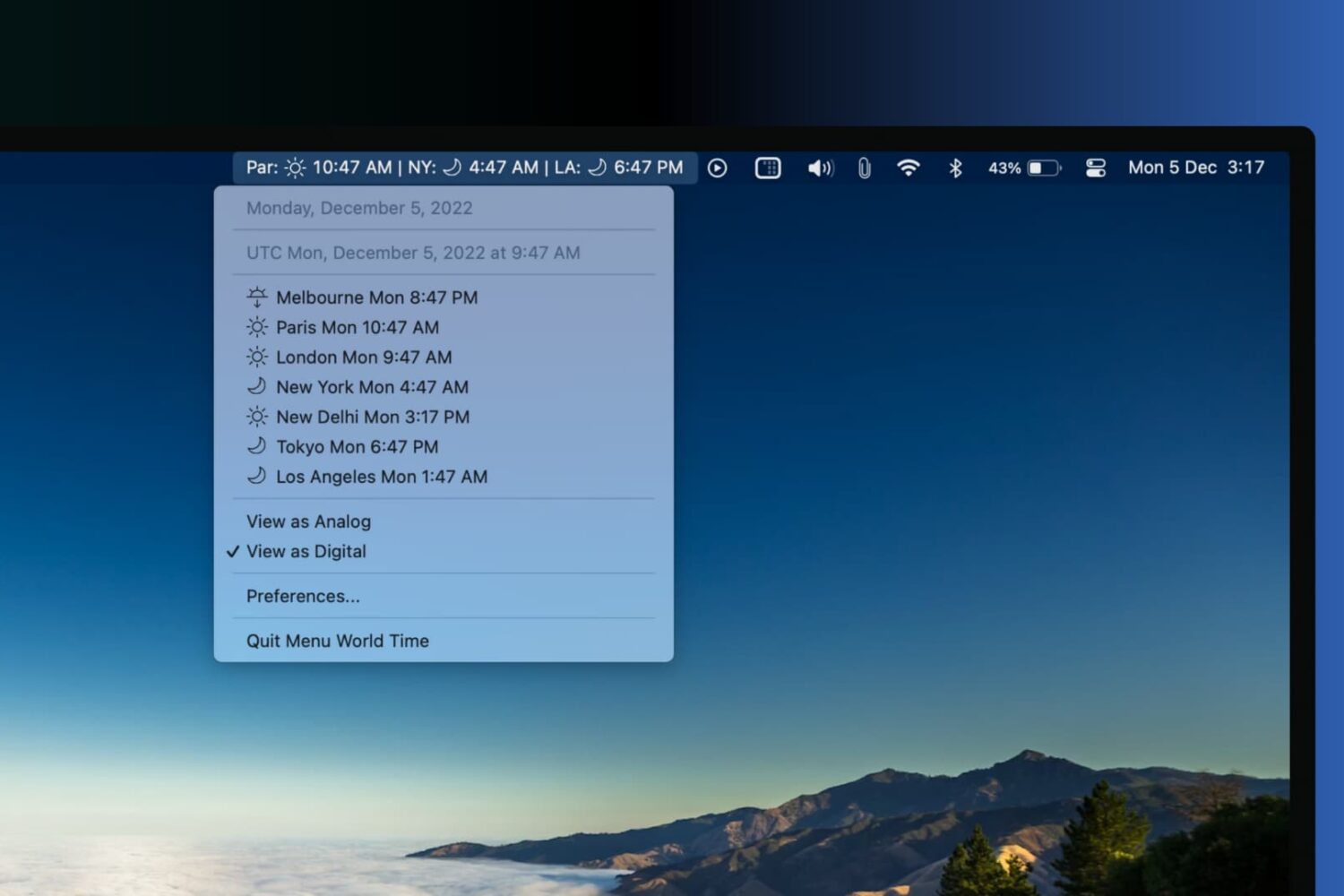
Learn about a few great apps to show clocks from different time zones in your Mac’s top menu bar to track the time in various cities around the world.
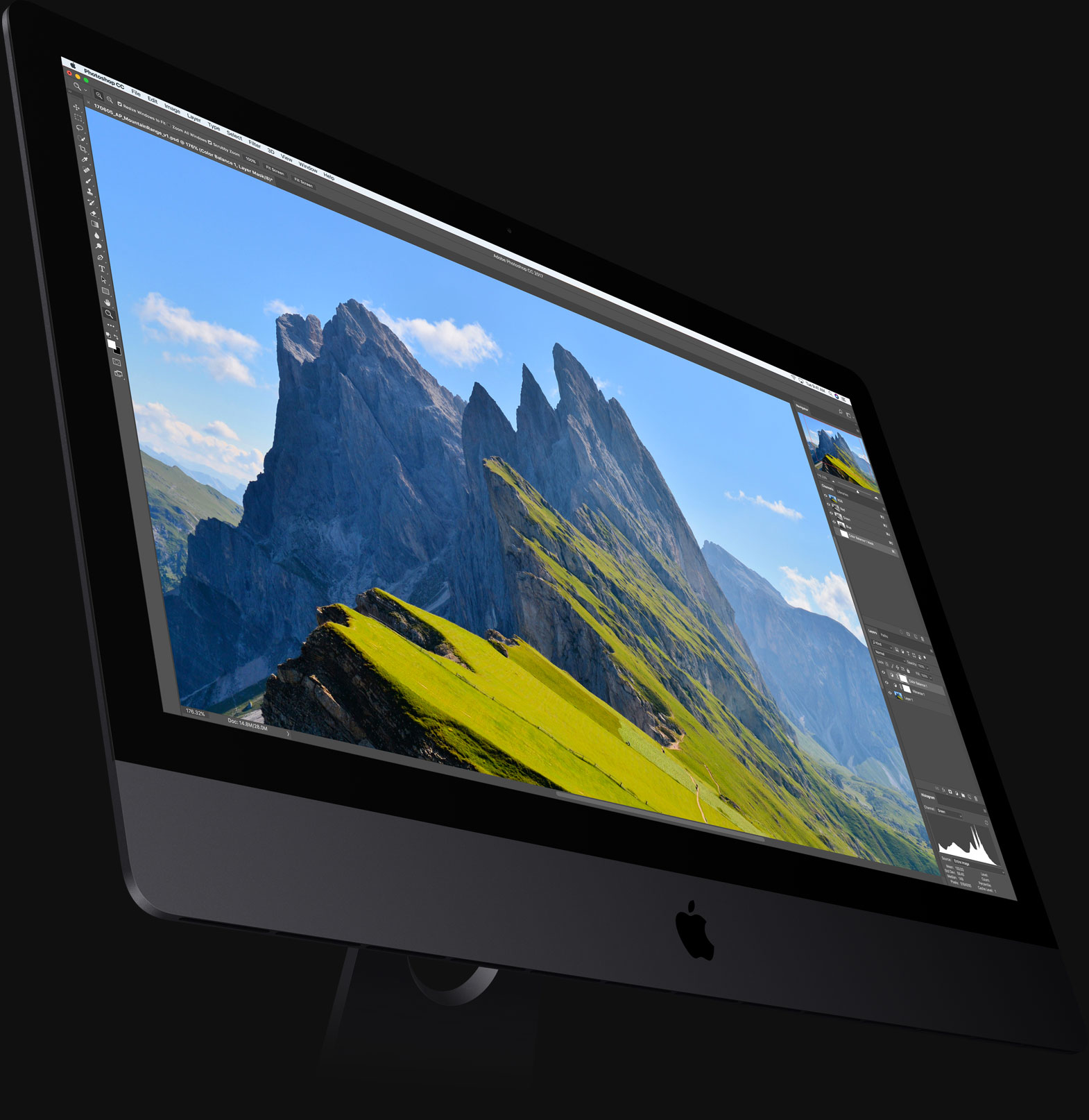
If your iMac Pro is refusing to boot following a power failure during a macOS software update or has stopped functioning properly, which may happen in certain circumstances, you might need to perform a DFU-like restore process using a secondary Mac and Apple Configurator.
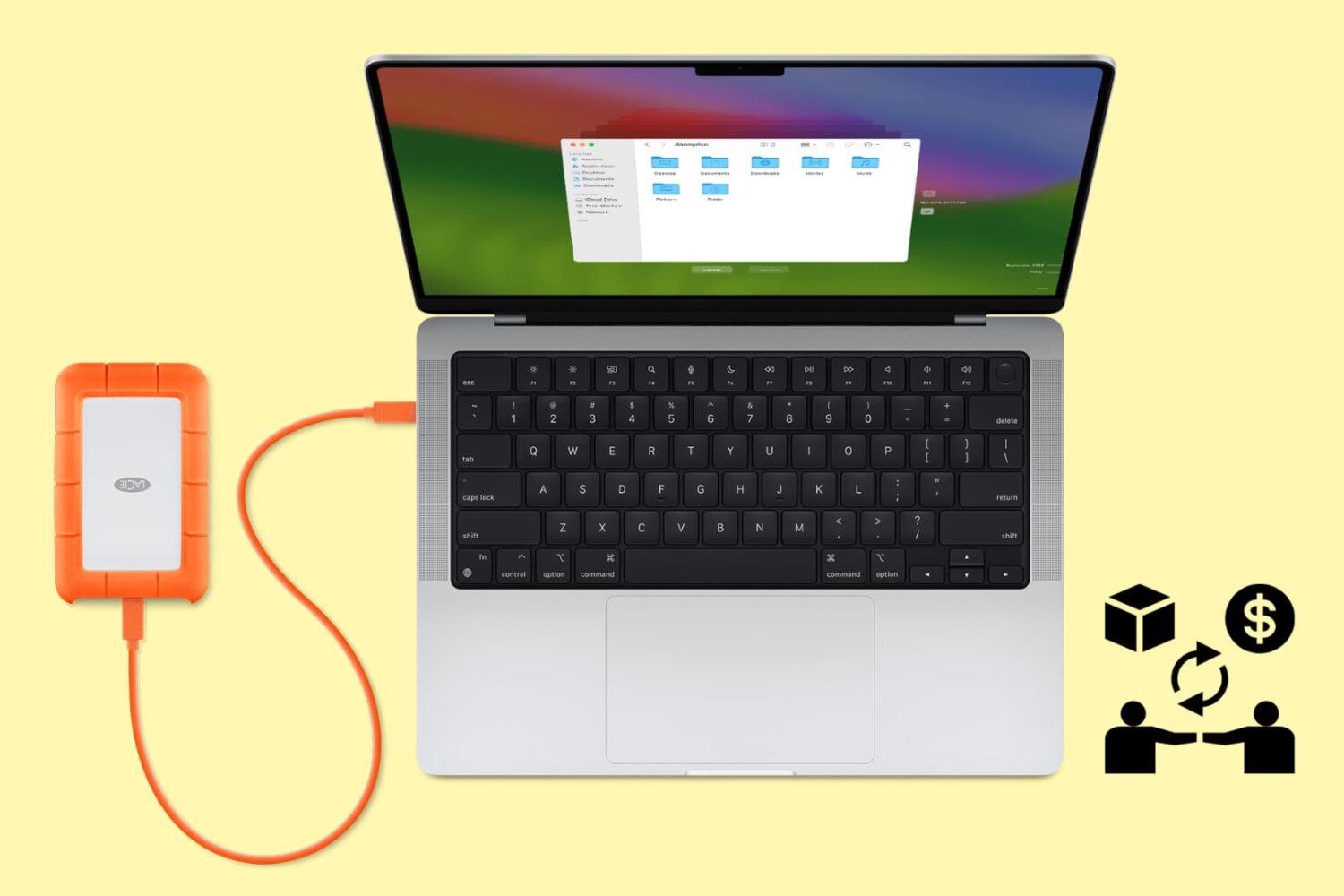
Follow these tips before handing over your Mac to a new owner or sending it to Apple for trade-in to ensure your personal data is erased and Activation Lock is removed.