Follow this step-by-step guide to customize the systemwide Share menu in macOS by adding Mac apps and service you need while removing those you don't.
How to add or remove apps and options from the Share menu on Mac
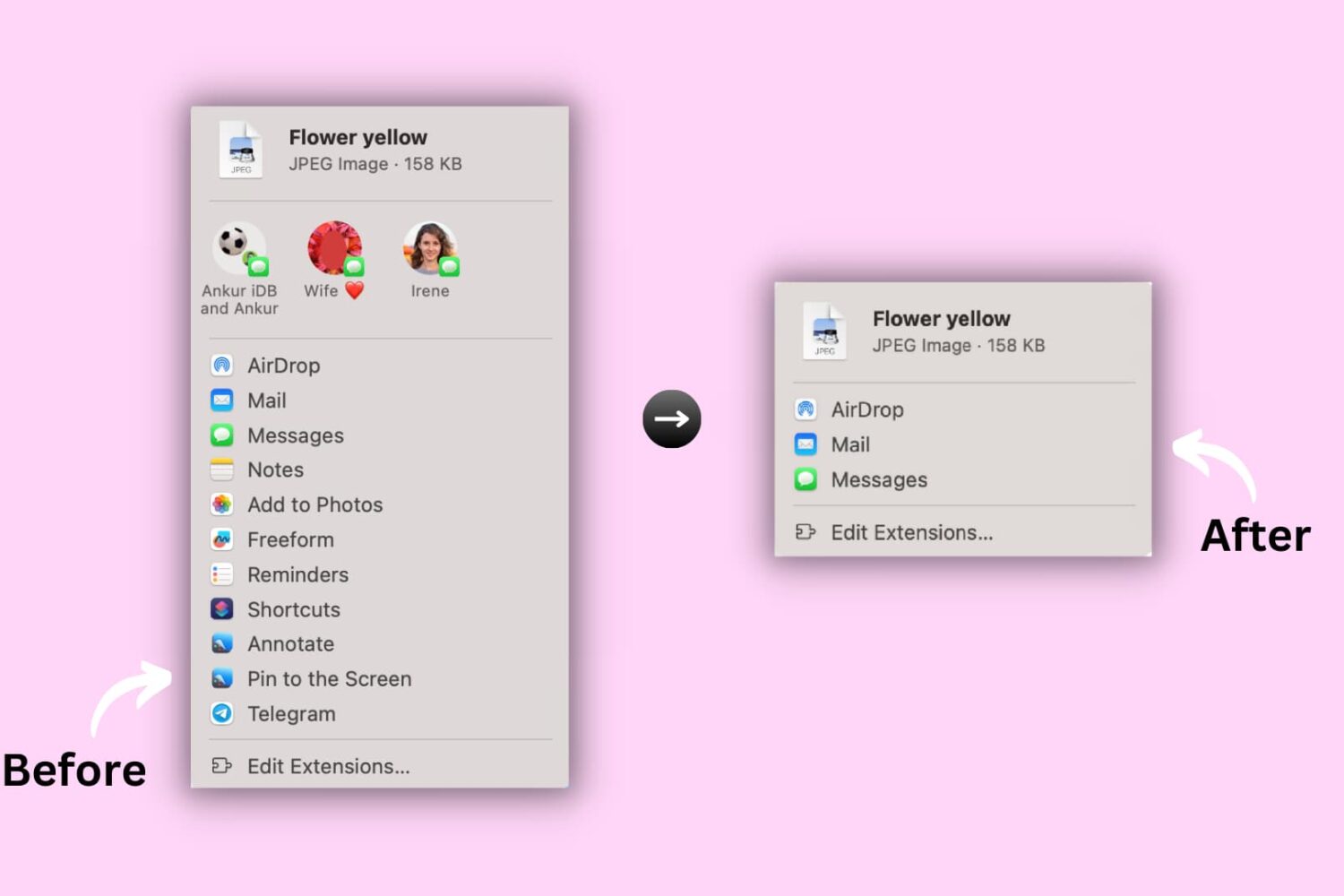
Follow this step-by-step guide to customize the systemwide Share menu in macOS by adding Mac apps and service you need while removing those you don't.
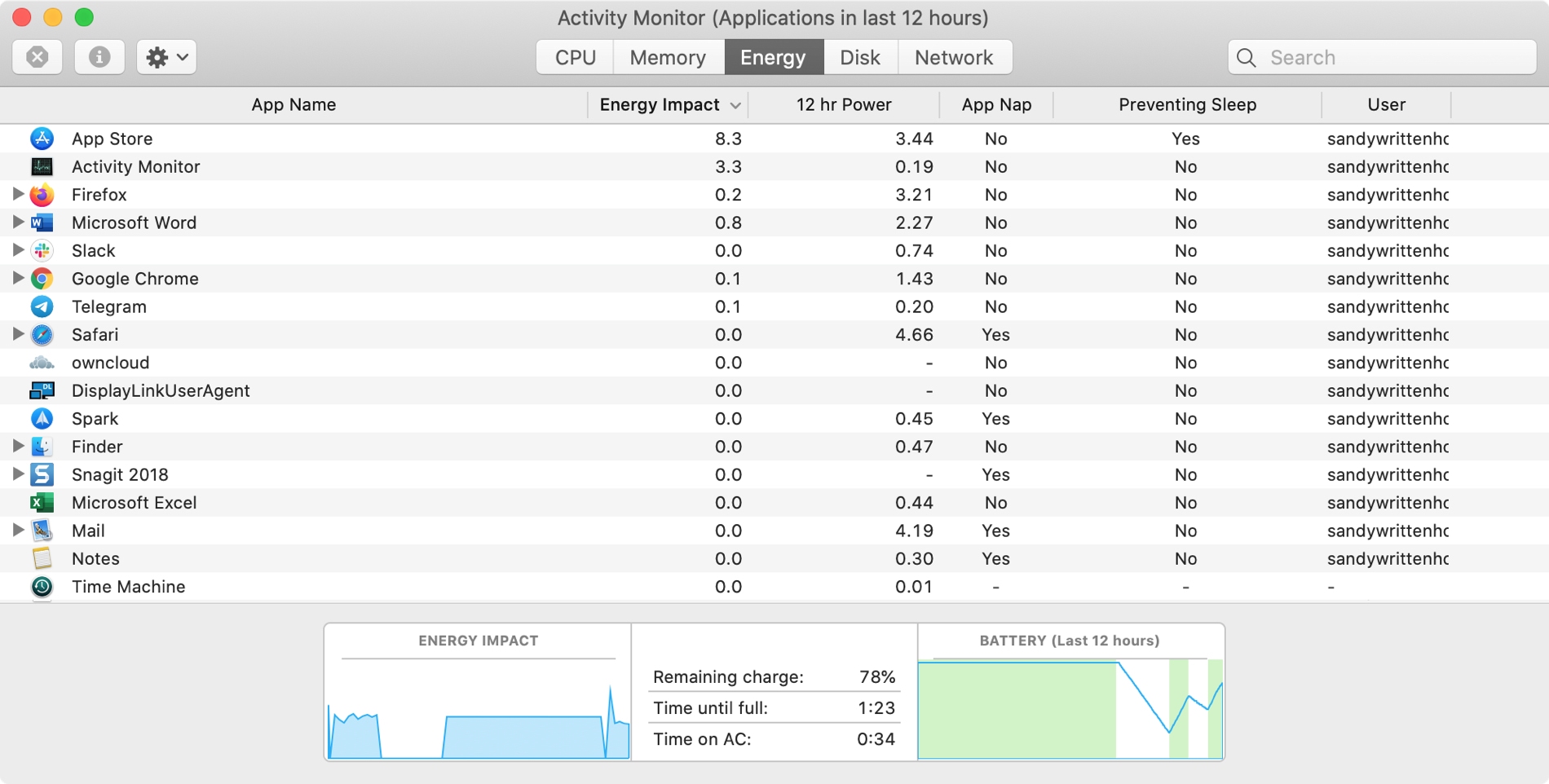
The Activity Monitor on your Mac is one of those tools that you should become familiar with. You by no means need be an expert on it, but you should know the basics. Why, you ask? Because the Activity Monitors shows all the processes running on your Mac. It’s like a task manager, so you can see how those processes affect your Mac and close any if needed.
Whether you’re new to Mac or simply new to the Activity Monitor, we’ll walk you through the basics you need to know.
Learn how to customize the built-in TextEdit app to efficiently create and edit both plain and rich text documents on your Mac.
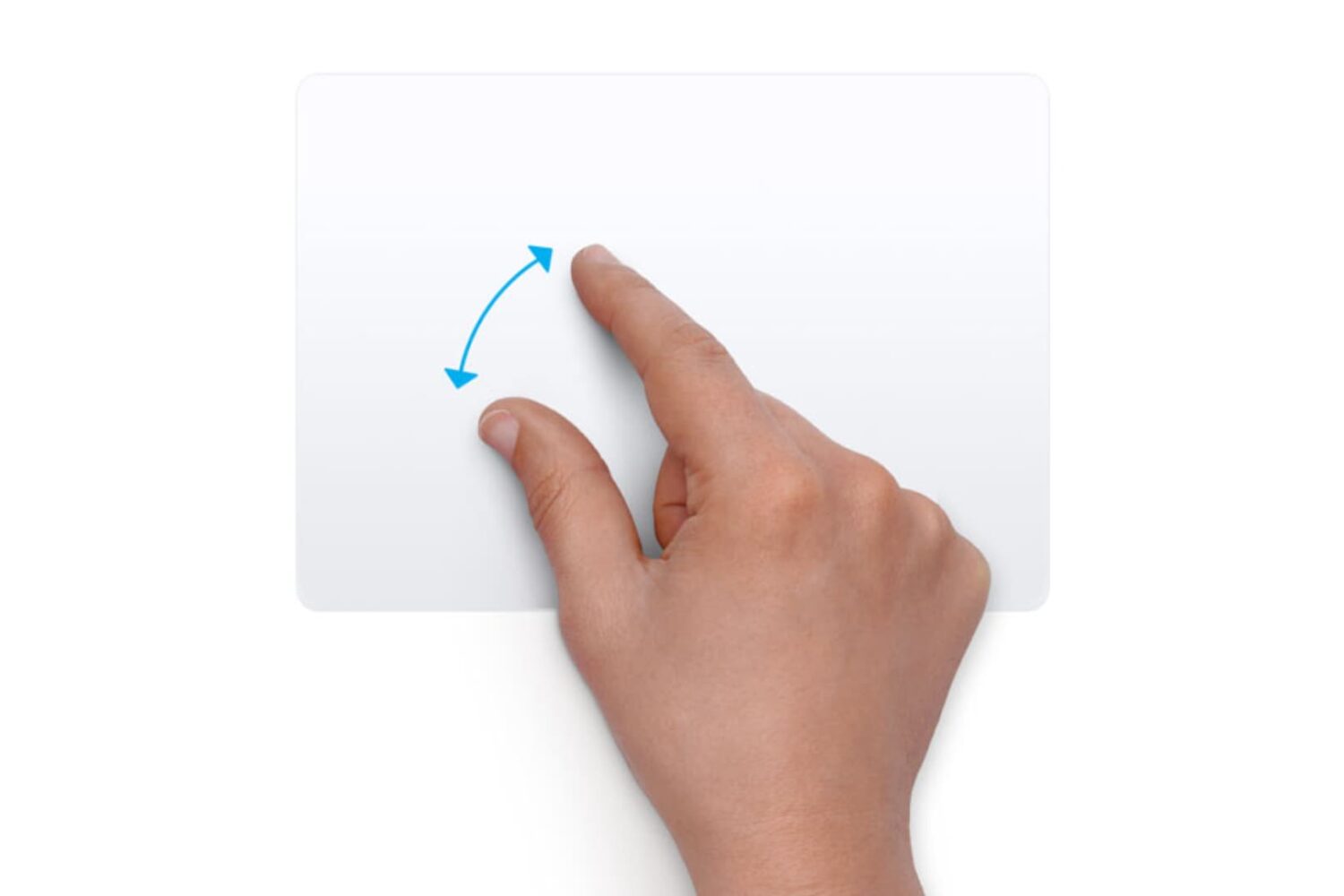
Learn how to customize the trackpad and mouse gestures on your Mac to enhance efficiency and boost productivity.
Whether you're hanging out with friends or passing time alone, here's how to have fun with photos and videos using Photo Booth on your Mac.
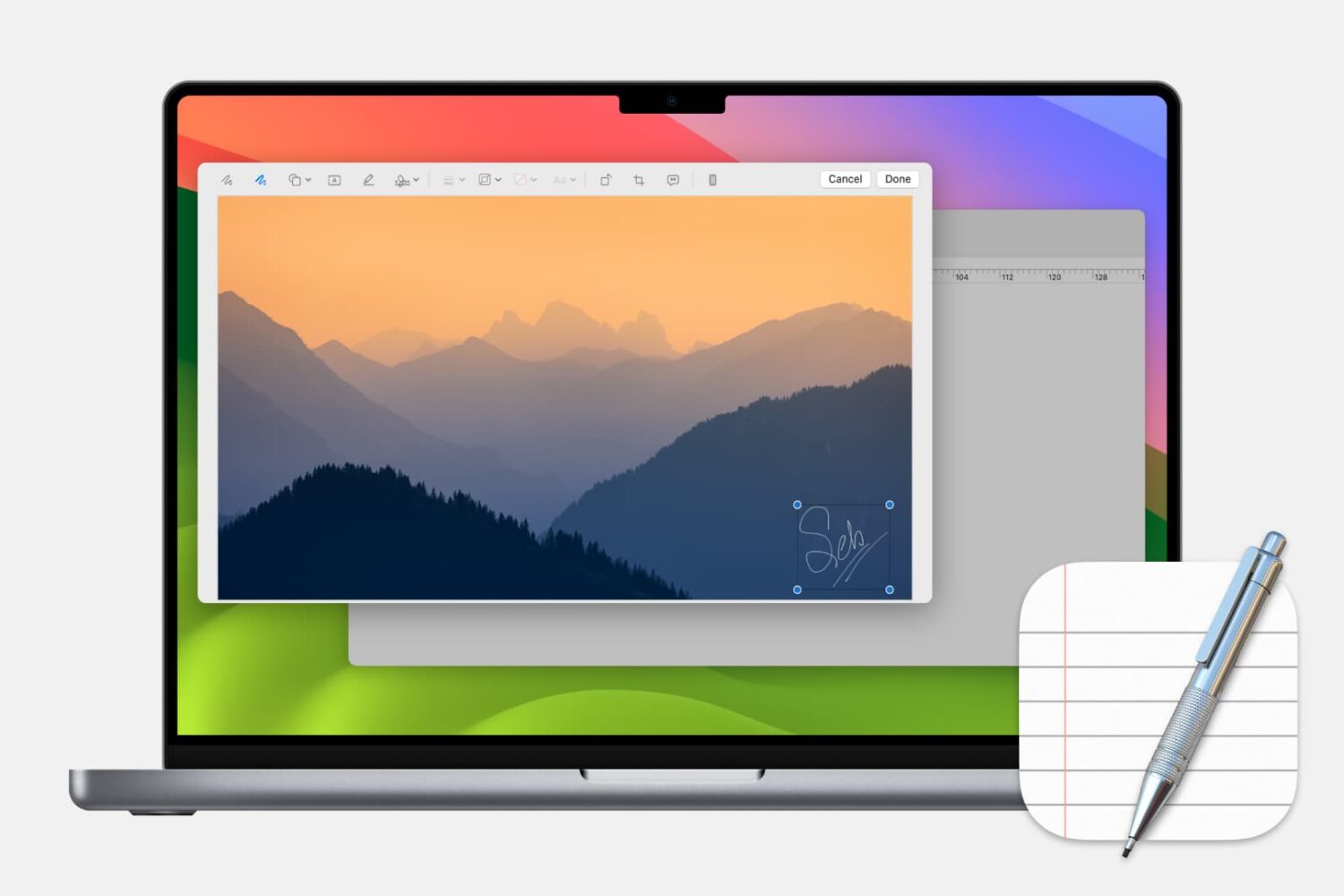
Learn how to add, edit, and annotate images within Apple's built-in TextEdit app on your Mac to liven up rich text document with some visuals.
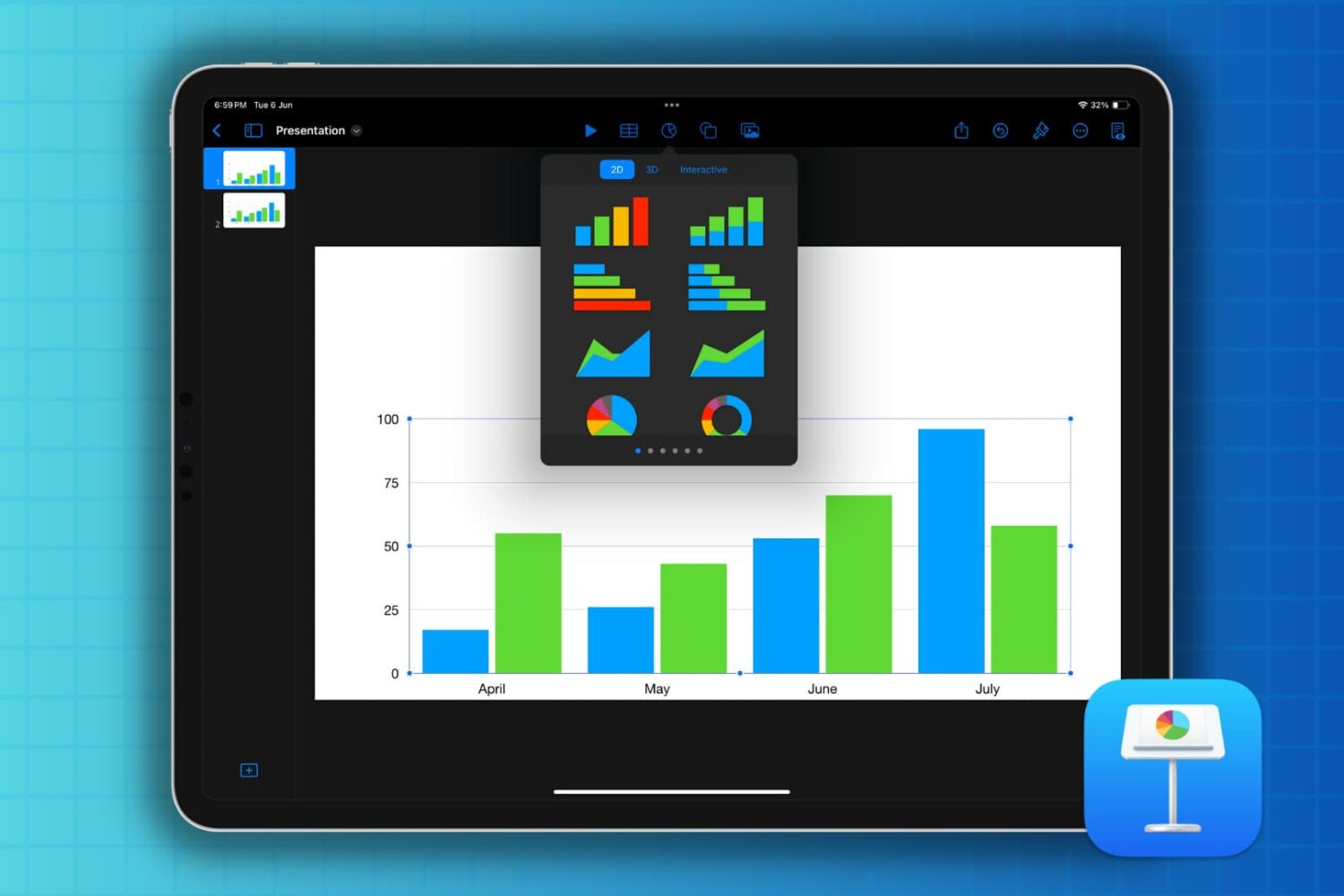
If you’re new to Keynote or simply the chart options, here’s how to create a basic chart or graph in the Keynote app on your Mac, iPad, and iPhone.
Learn how to change the folder where Google Chrome and Firefox download and save files from the internet.

Learn how to control your Mac cursor with head movements, toggle it with a custom keystroke, and adjust the available head-tracking options to your liking.

Learn how to name people that Photos for Mac has recognized in your images to quickly identify your favorite people and organize your media library.
Depending on the type of slideshow you create in Keynote, you may want to print copies. Maybe it’s a new product presentation, step-by-step tutorial, or business proposal where a physical copy is necessary.
You have four different options for how to print your Keynote slideshows on Mac so that they turn out perfectly, and we’ll walk you through them.
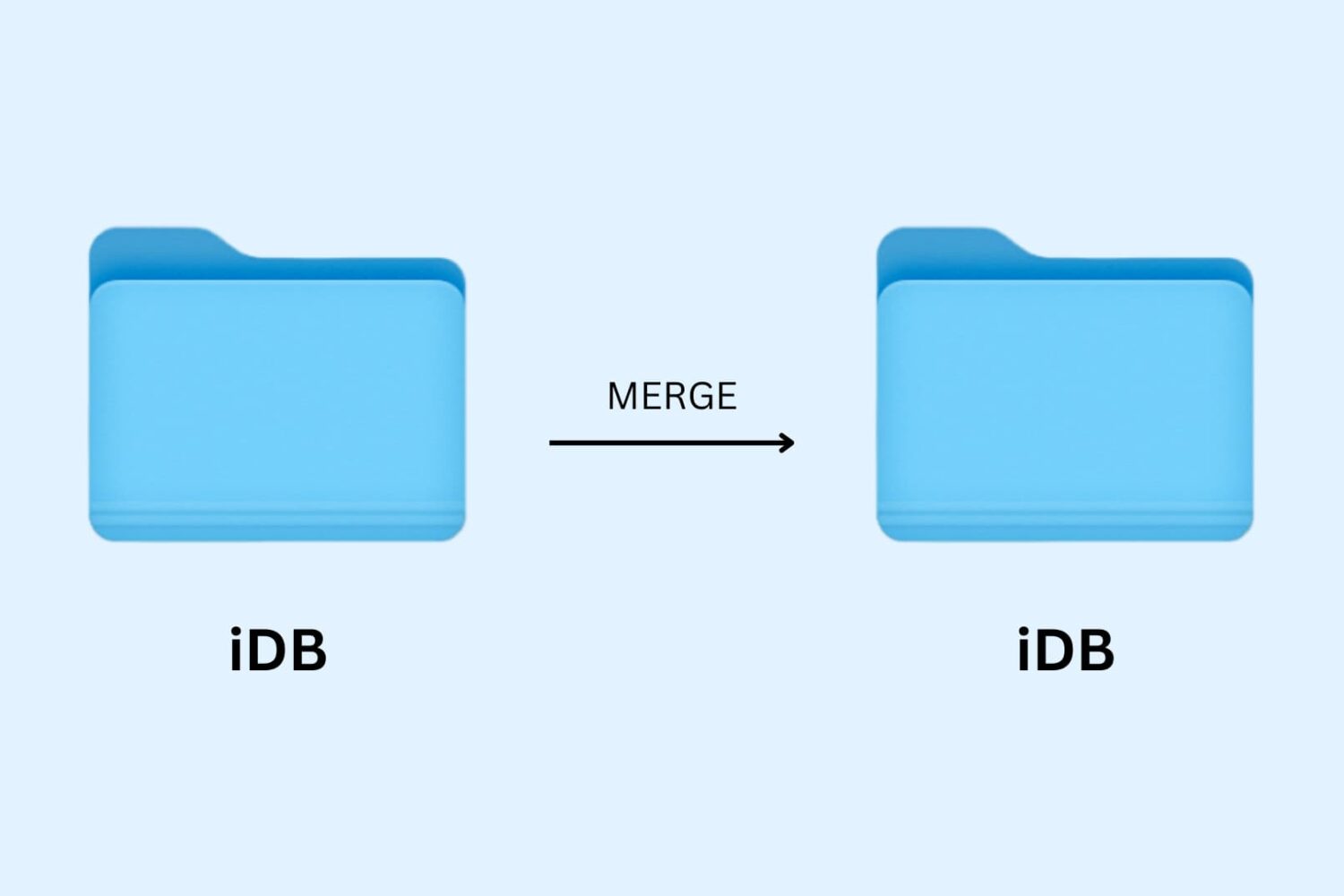
Learn how to merge macOS folders to clean up duplicate folders on your Mac that may or may not have the same names.