Guide

How to use Ignition to install the unc0ver jailbreak without a computer

Pwn20wnd’s unc0ver jailbreak tool has been receiving lots of updates lately, and if you’re like me, then you’re not always at a computer to download them. Fortunately, a handy online tool called Ignition can help you sidestep Cydia Impactor when you’re nowhere near your computer.

In this tutorial, we’ll walk you through how to use the online Ignition utility to install the unc0ver jailbreak on your iOS 11.0-12.4.1 iPhone or iPad [up to A12(X)] without a computer.

How to text multiple people at once in separate messages on iPhone

Text multiple people at once in separate messages with the Mass Message shortcut

The Mass Message shortcut sends your custom text message to multiple recipients through the Messages app - but individually, in separate messages. This solves one of the biggest complaints about the stock Messages app, which supports group chatting but won't let you text multiple recipients simultaneously via individual messages.

Here's how to individually text several recipients at once from your iPhone or iPad.

How to install the unc0ver jailbreak with Cydia Impactor

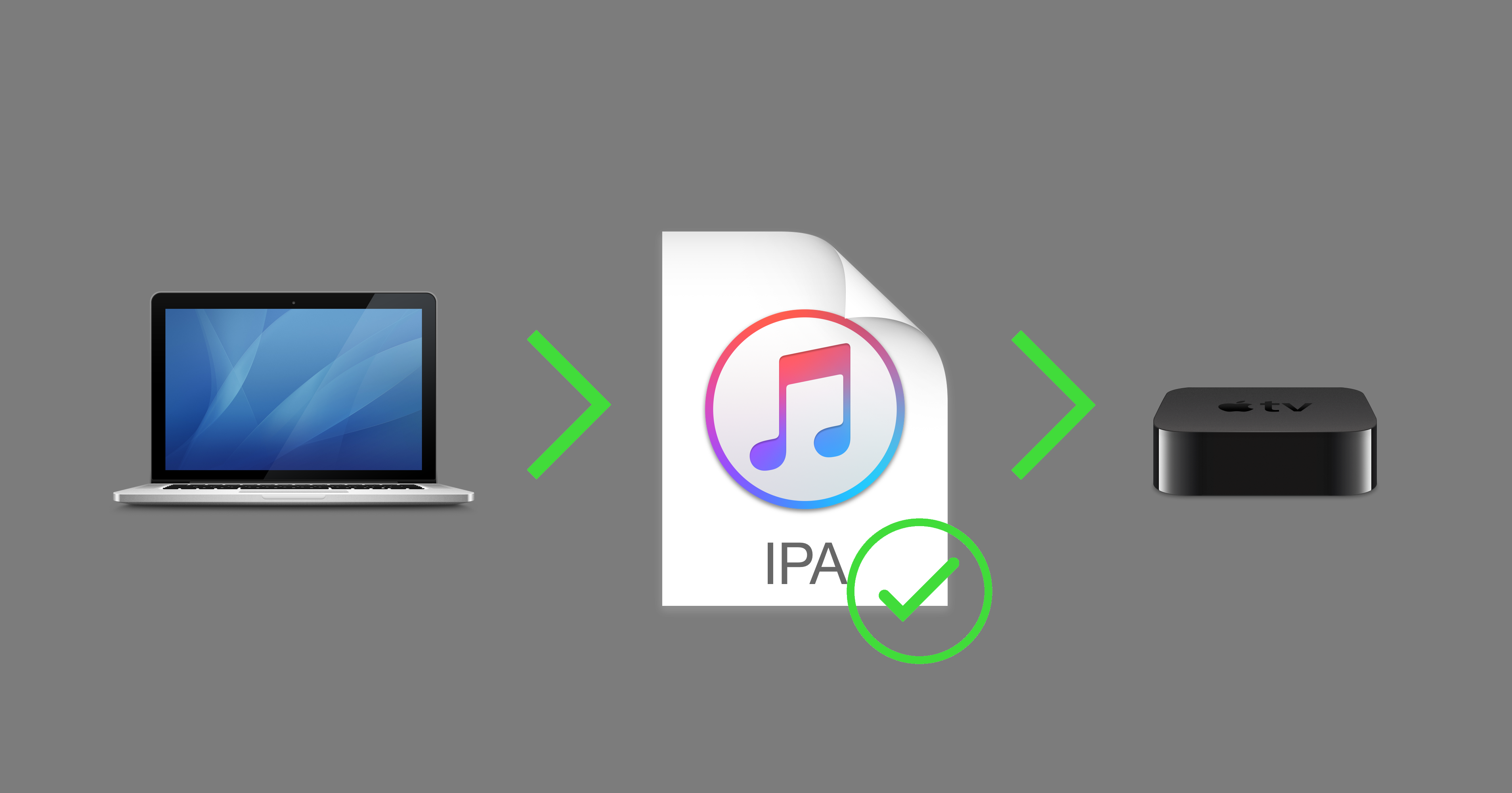
The unc0ver jailbreak can be used to jailbreak all public versions of iOS 11, iOS 12.0-12.4.1, and iOS 13.0-13.5, and it can be installed with Saurik's Cydia Impactor utility for macOS, Windows, and Linux.

In this tutorial, we’ll show you how to deploy the unc0ver jailbreak on your compatible device with Cydia Impactor.

How to switch between Light and Dark theme in Spark for Mac

Spark for Mac by Ukrainian developer Readdle is one of the best email apps for iOS and macOS. On Mac, Spark supports Mojave's Dark Mode. But what if you'd like to use Spark's darkened interface even if your Mac is set to use the default Light appearance (aka Aqua)? Spark lets you do that as well, and we show you how in this step-by-step tutorial.