Are you still on the fence about buying an Apple Watch and wondering what you can do with it? In this guide, I will share the important things my close friends and I use our Apple Watches for.
Top 12 ways people use their Apple Watch

Are you still on the fence about buying an Apple Watch and wondering what you can do with it? In this guide, I will share the important things my close friends and I use our Apple Watches for.
Path, a social networking-enabled photo sharing and messaging service, recently announced it'd be shutting down. Here's their specific shutdown schedule and how to download your data.
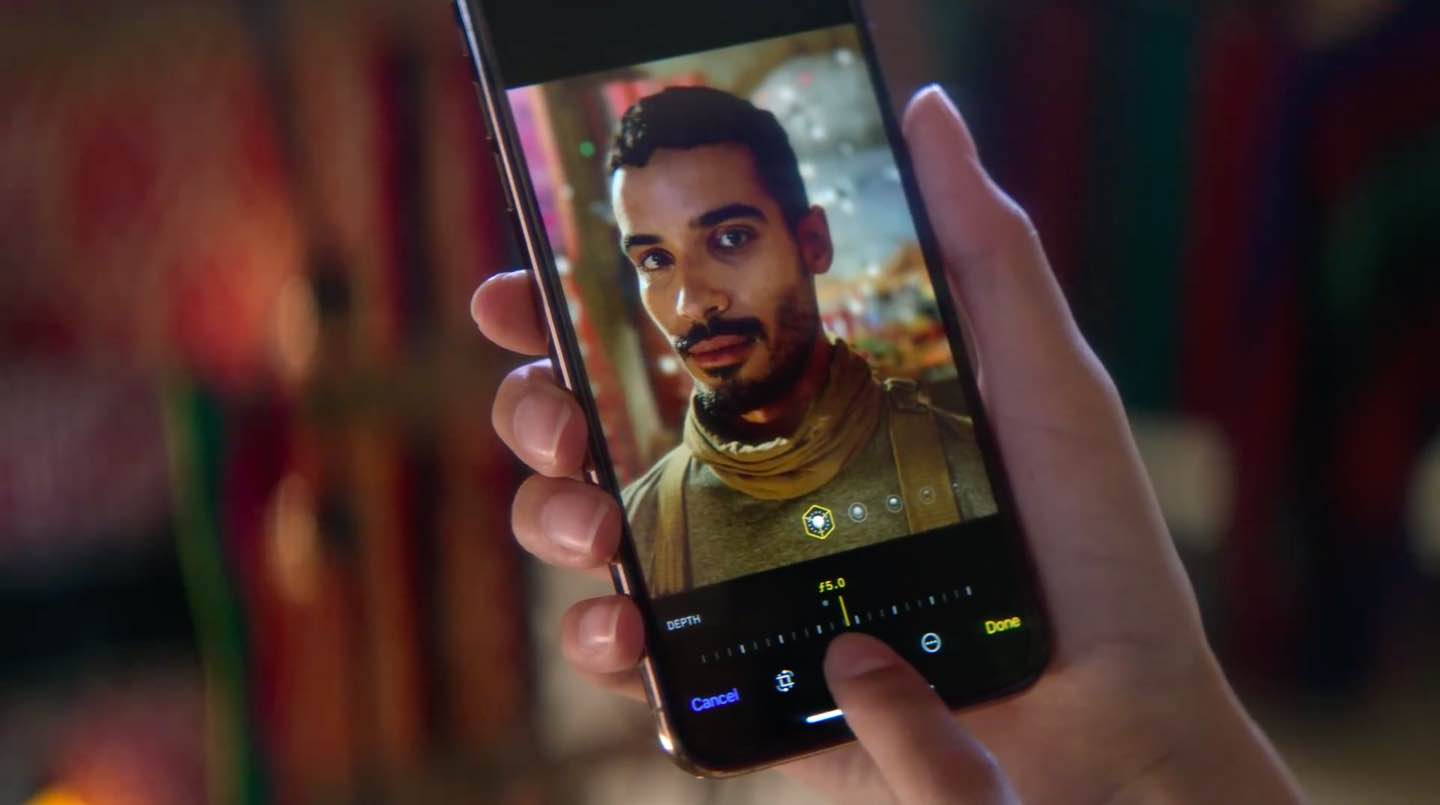
iPhone Depth Control lets you adjust the depth of field after you shoot, which makes it easy to apply a variably blurred background. Here’s how it works.
Spark for Mac by Ukrainian developer Readdle is one of the best email apps for iOS and macOS. On Mac, Spark supports Mojave's Dark Mode. But what if you'd like to use Spark's darkened interface even if your Mac is set to use the default Light appearance (aka Aqua)? Spark lets you do that as well, and we show you how in this step-by-step tutorial.

In this tutorial, we will share how to adjust the HDR (high dynamic range) settings for your iPhone camera. You can choose to turn it on so your iPhone can take better shots in high-contrast situations or turn it off if you prefer that.

If you own an Apple computer, especially a modern one, then you’ve probably come to notice how particularly thin these machines have become. Despite that, most Macs still sport internal cooling fans to keep the CPU and GPU temperatures in check.
By default, Apple’s internal cooling fans run as silently as possible for a quiet user experience, but this isn’t without its caveats. Thinner machines like the MacBook Pro are more susceptible to heat soak because the cooling capabilities of such a compact chassis are limited; this is something you’ve undoubtedly felt while the machine sits on your lap during intensive tasks.
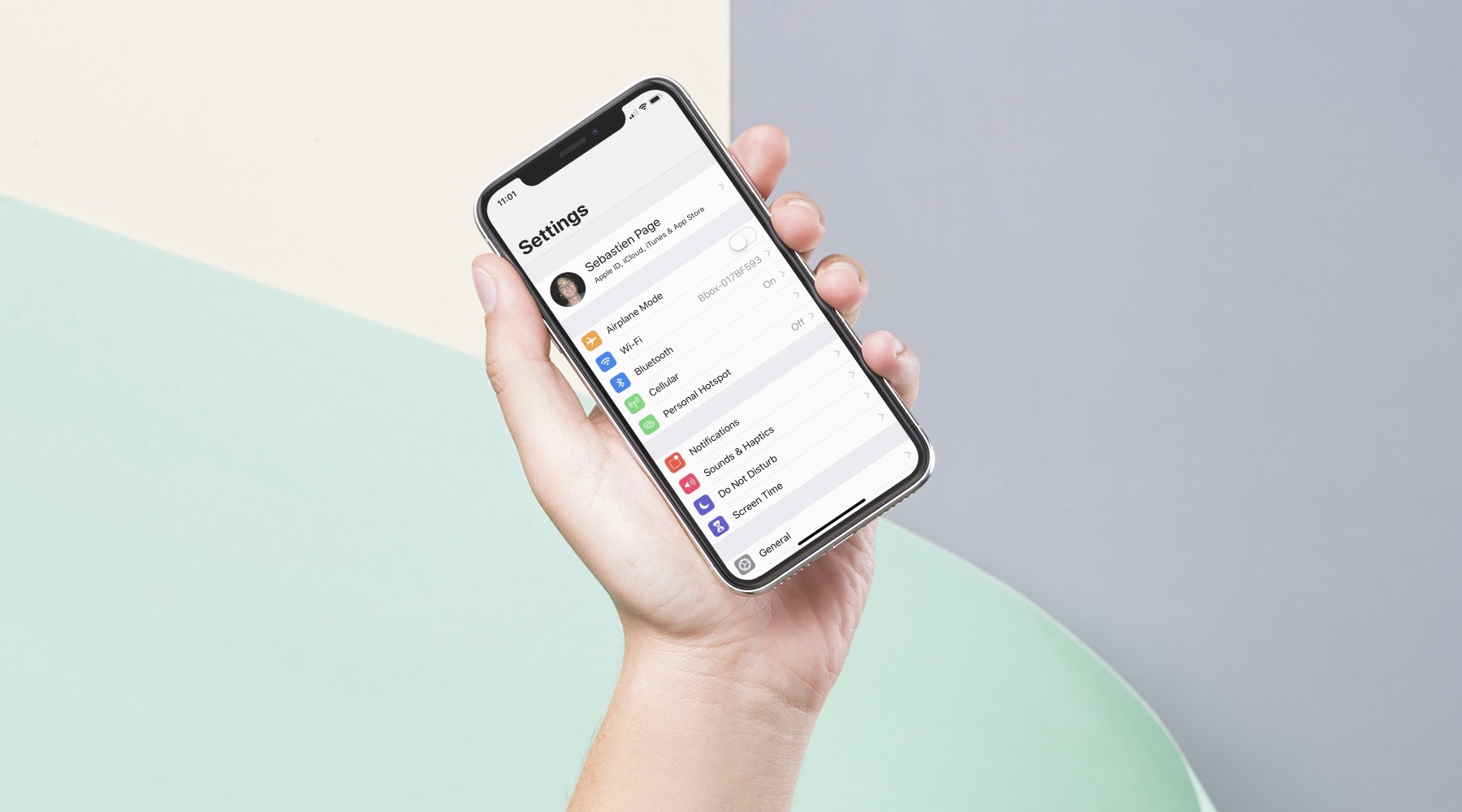
In this post, I will share my process for setting up a new iPhone or iPad. While it may not suit everyone, I'm hoping it will give some ideas or inspiration to a few of you.
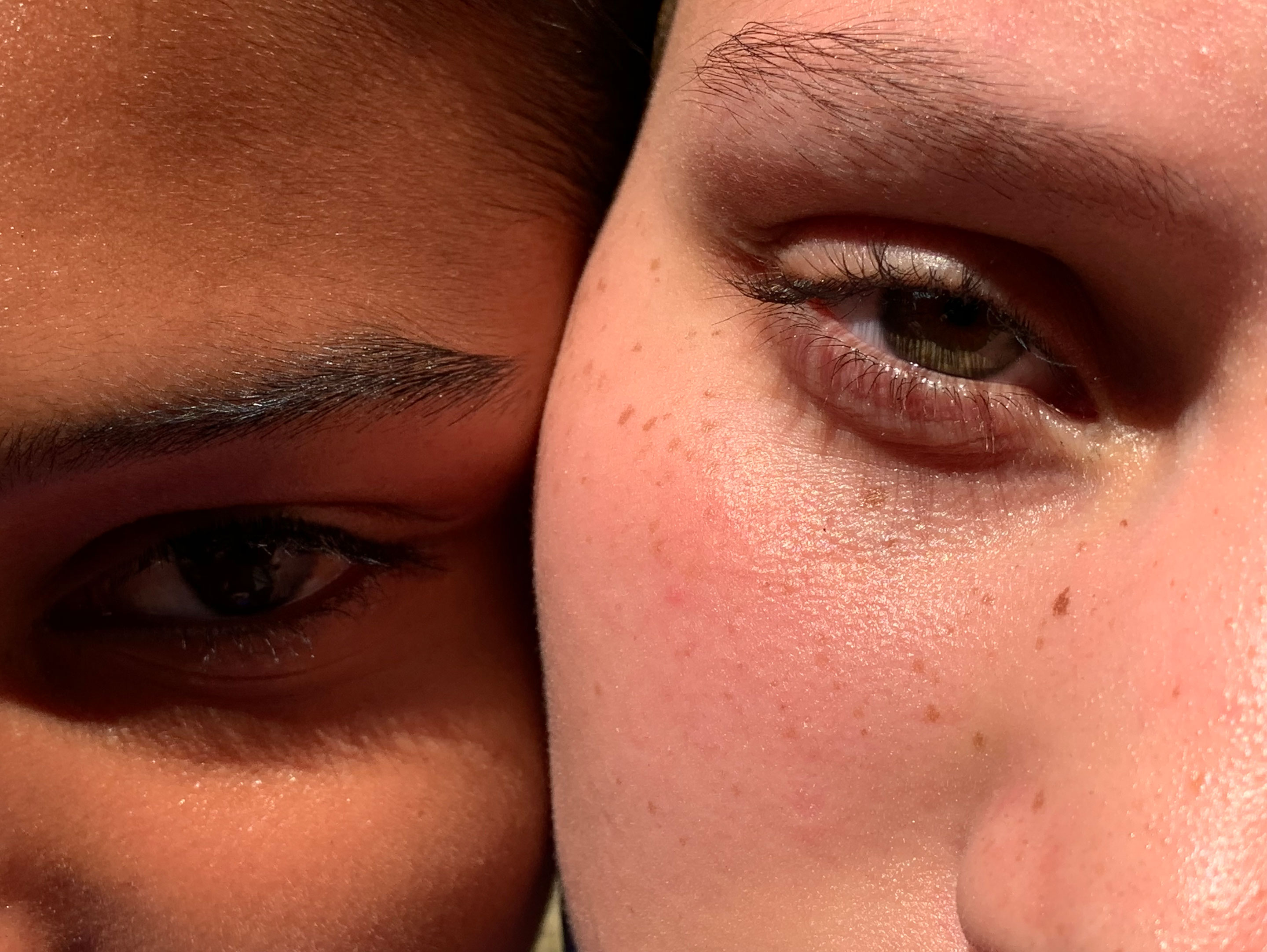
Learn more about the workings of HDR, Auto HDR, and Smart HDR on your iPhone, which lets you capture balanced shots in high-contrast situations.
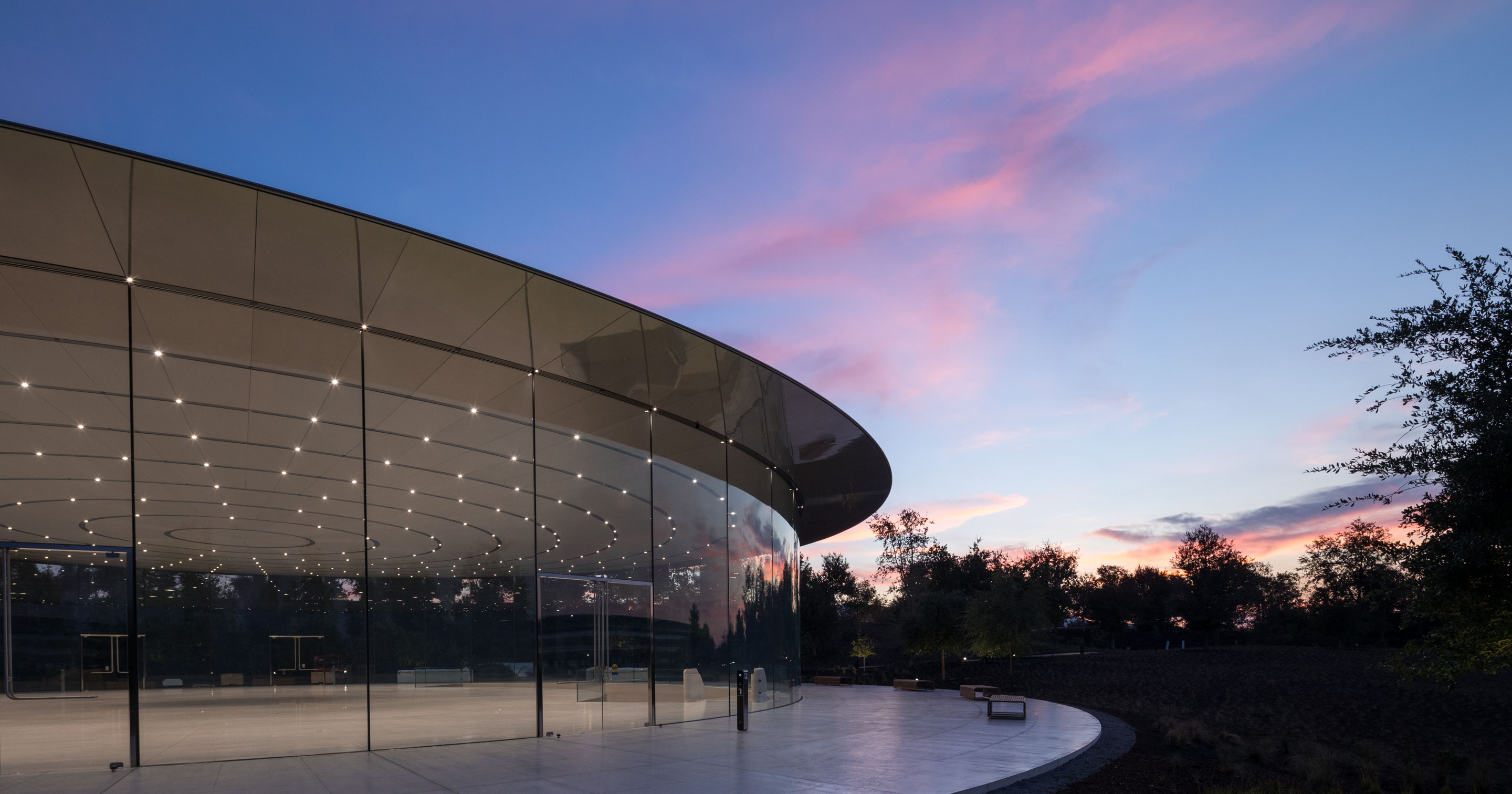
On Wednesday, Apple will hold its "Gather round" press event from the Steve Jobs Theater on the Apple Park Campus in Cupertino, California. As has become tradition, Apple is once again offering a live stream of the event so anyone can watch. Here's how to find it.
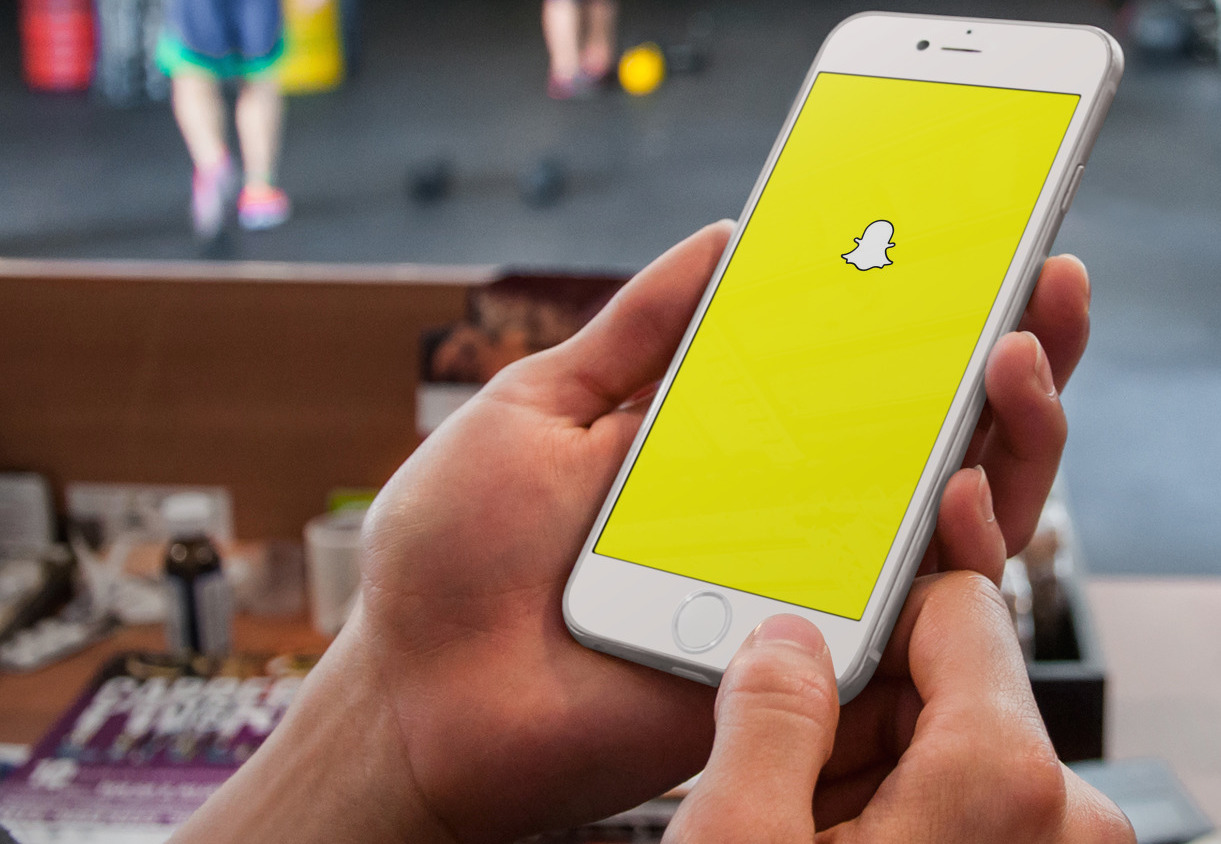
Snapchat makes it a cinch to subscribe to any publisher or creator listed under the Discover tab, while watching their post or video. This handy feature makes it very easy to add creators to your following list on a whim, without having to stop viewing their posts in Discover.
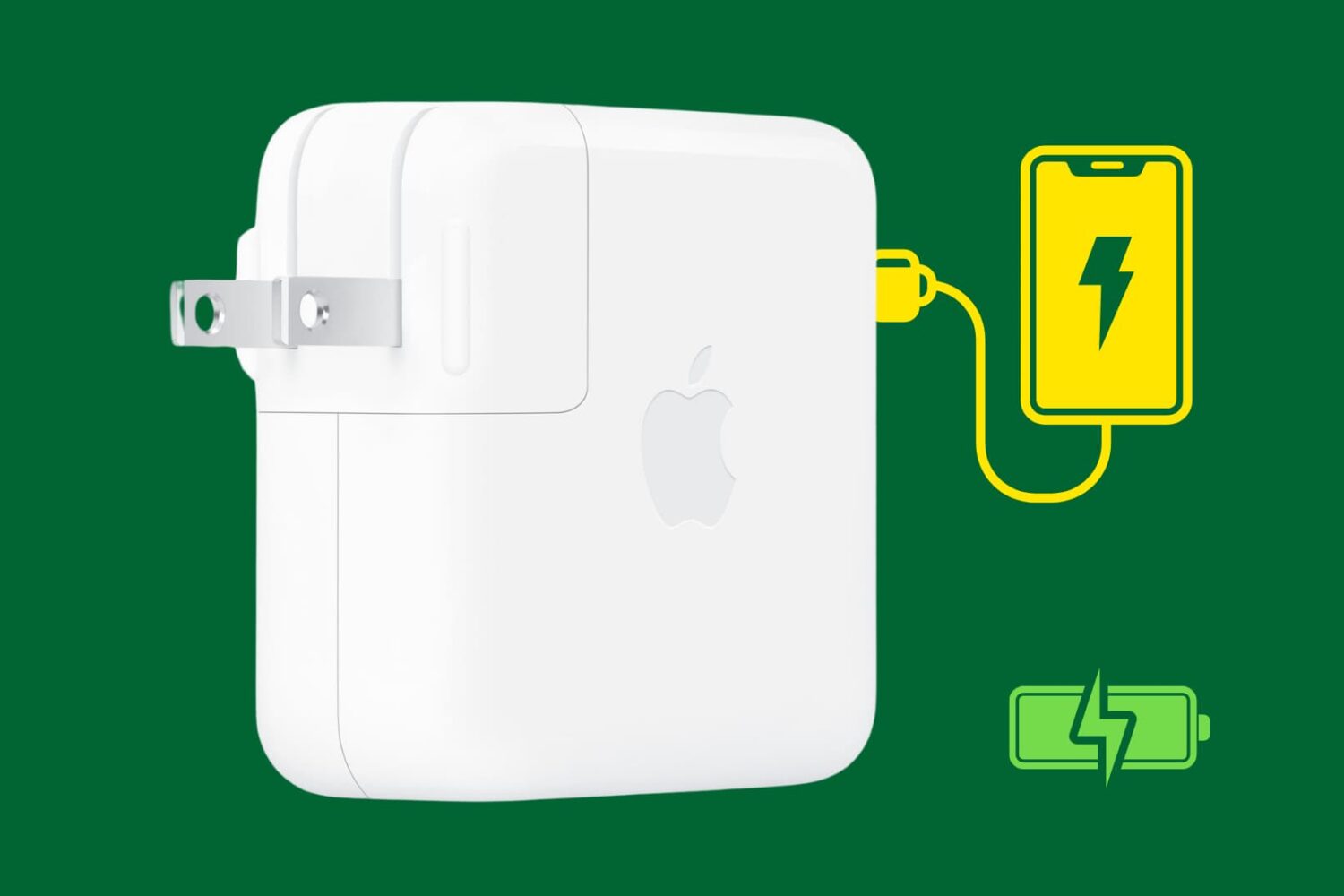
Looking to top up your iPhone's battery quickly? In this guide, we will talk about the right power adapters and cables to use in order to fast charge your iOS device.
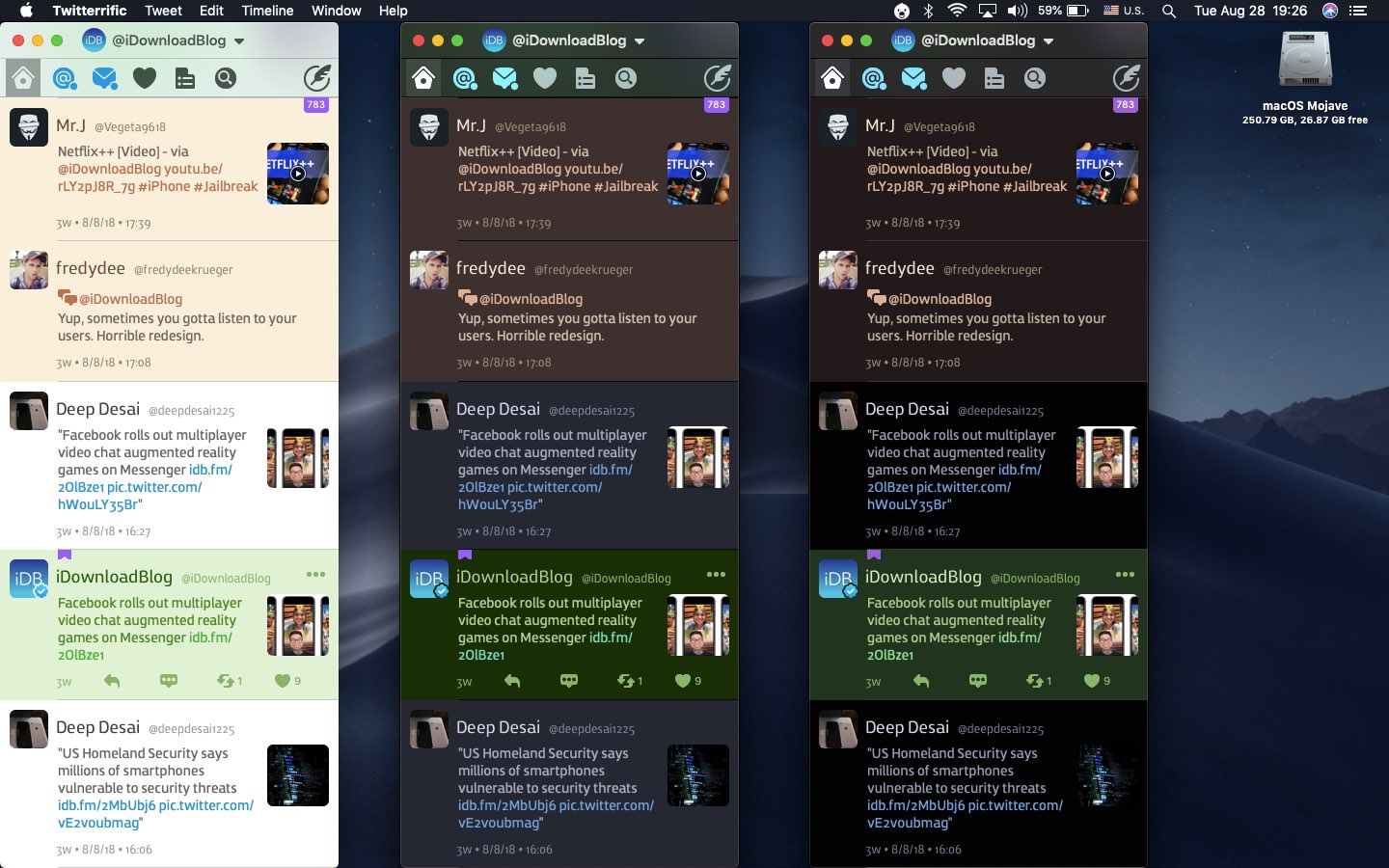
Like many third-party apps, Twitterrific for iPhone, iPad and Mac support interface theming. As of December 2017, the iOS edition has supported a Dark Mode-like theme that developer The Iconfactory says was specifically designed for OLED devices like iPhone X. With Twitterrific Dark Mode, your timeline blends seamlessly into the device to create a stunning reading experience. Here's how to flip on Twitterific Dark Mode in both the iOS and macOS apps.