If after trying the palera1n jailbreak you’ve decided that it isn’t right for you, then you might be wondering what you can do to remove it from your device.
How to remove the palera1n jailbreak

If after trying the palera1n jailbreak you’ve decided that it isn’t right for you, then you might be wondering what you can do to remove it from your device.
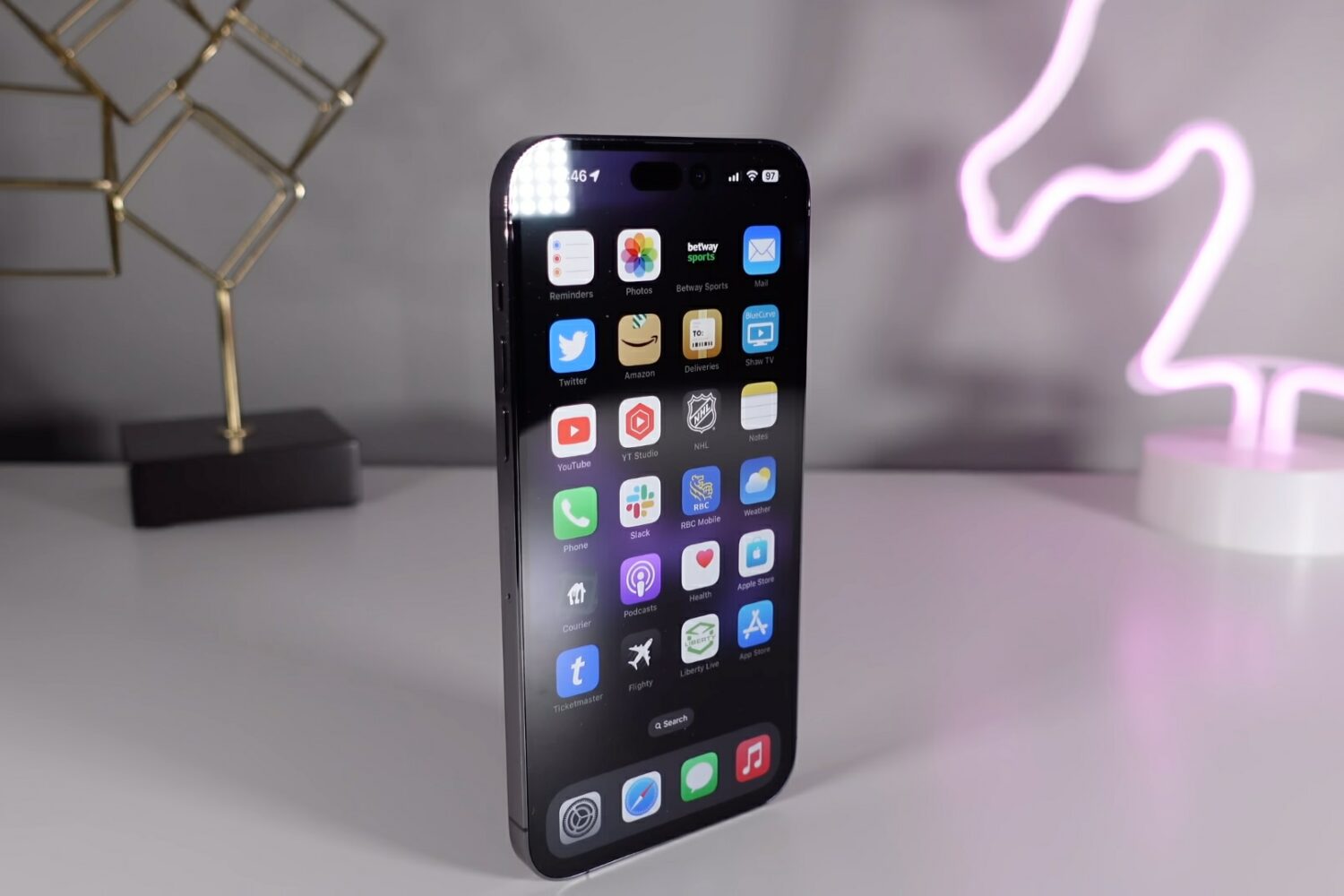
In this guide, we cover 10 hidden iPhone features that you may not know about but should definitely try out as soon as possible!
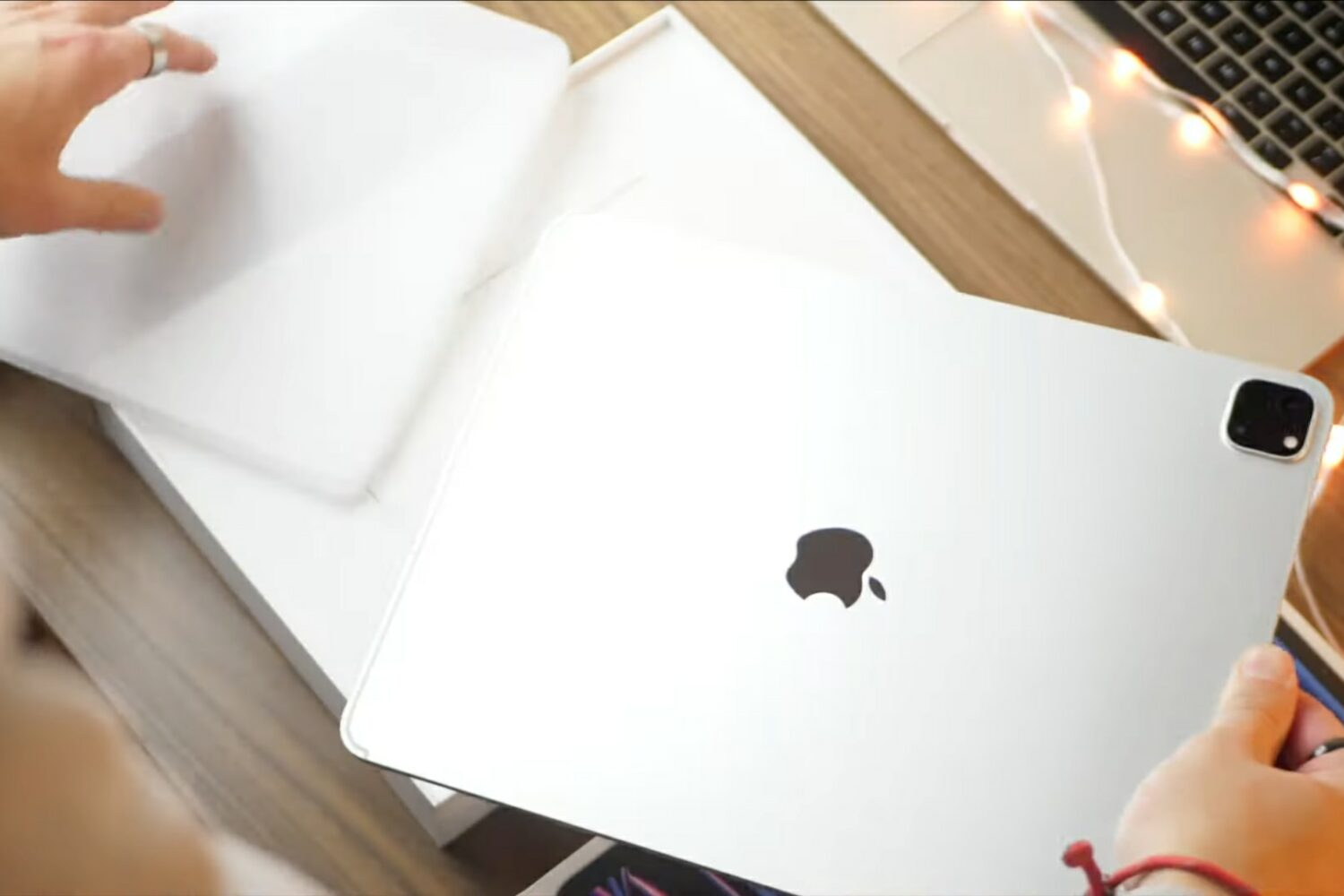
The latest installment of our video tips series covers the basics of the 12.9-inch iPad Pro with M2 such as setup, standard settings, multitasking gestures and more.

Did you know you could earn free Gold Points to spend in the Nintendo eShop with virtually every new game you buy for the Nintendo Switch? It’s like a rebate program, except there isn’t any waiting around for several weeks for your reward to come in the mail.

Learn how to perform an immediate manual update of Google Chrome on your computer instead of waiting for the automatic update feature to swing into action.

Until HBO Max permanently fixes “can’t play title” playback errors on Apple TV 4K, this temporary solution might help alleviate the issue.
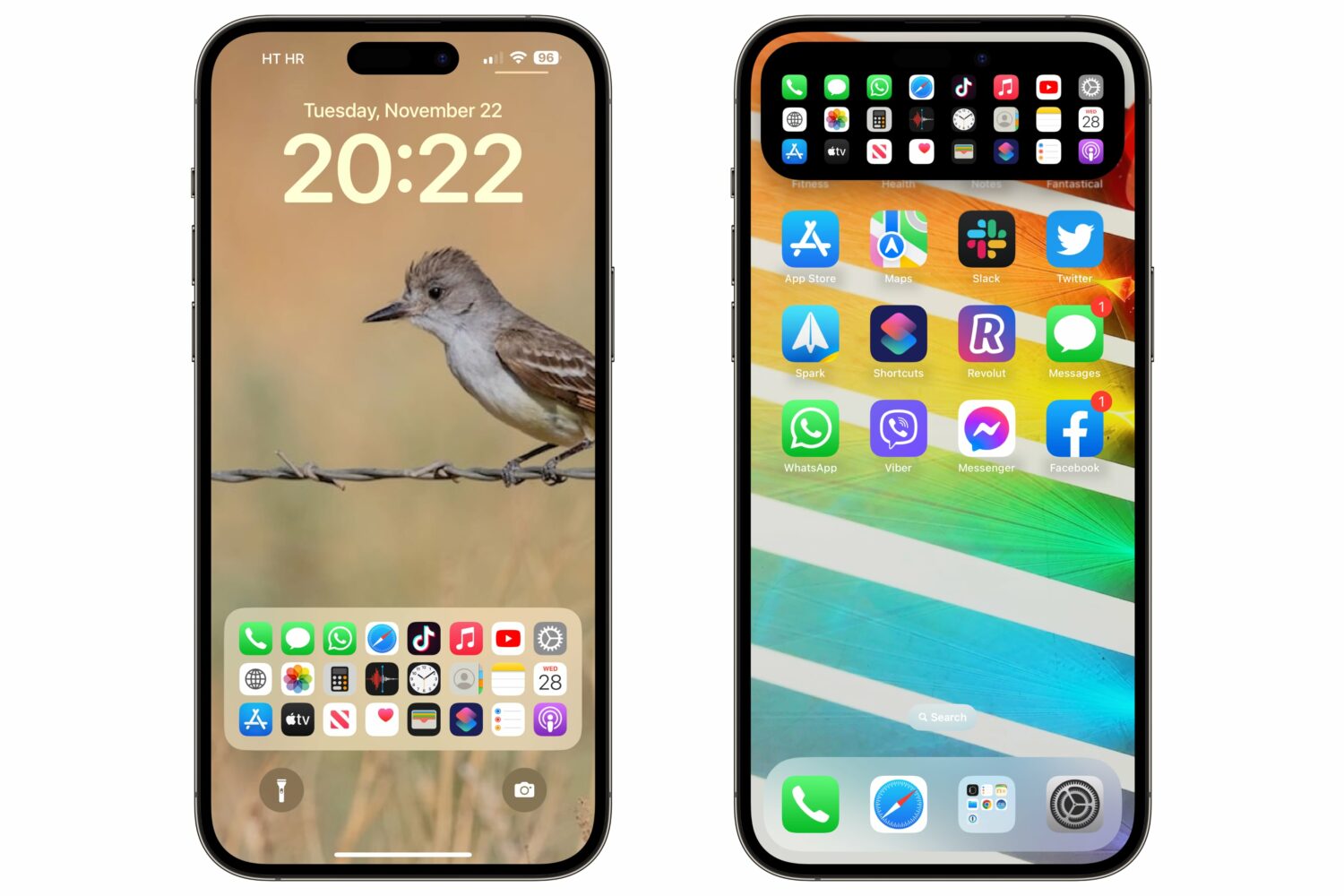
A custom lock screen Dock gives you quick access to up to 24 apps or system services, and it's also reachable via the Dynamic Island on the iPhone 14 Pros.
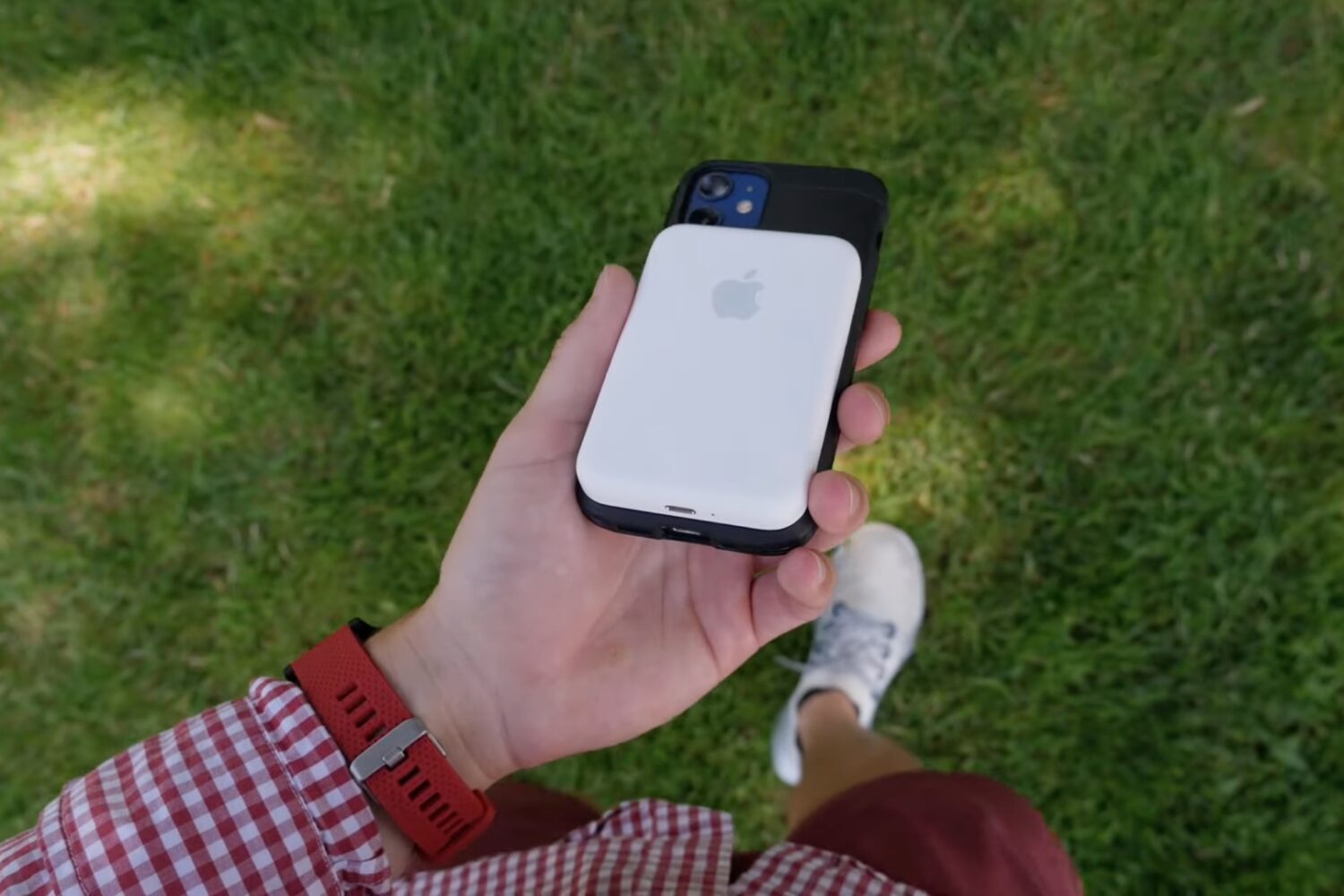
Learn how to update the software powering Apple's MagSafe battery pack for iPhone to ensure you have the latest features and fixes.
In case you’ve been living under a rock, there’s a checkm8 bootrom exploit-based jailbreak out there for A9-A11 devices running iOS or iPadOS 15.0-16.x called palera1n. While palera1n is primarily intended for developers, it also has the strongest foothold in the iOS & iPadOS 15 community out of any jailbreak as of this moment.
Note: The legacy palera1n jailbreak is now deprecated. Use the newer palera1n-c tool instead.
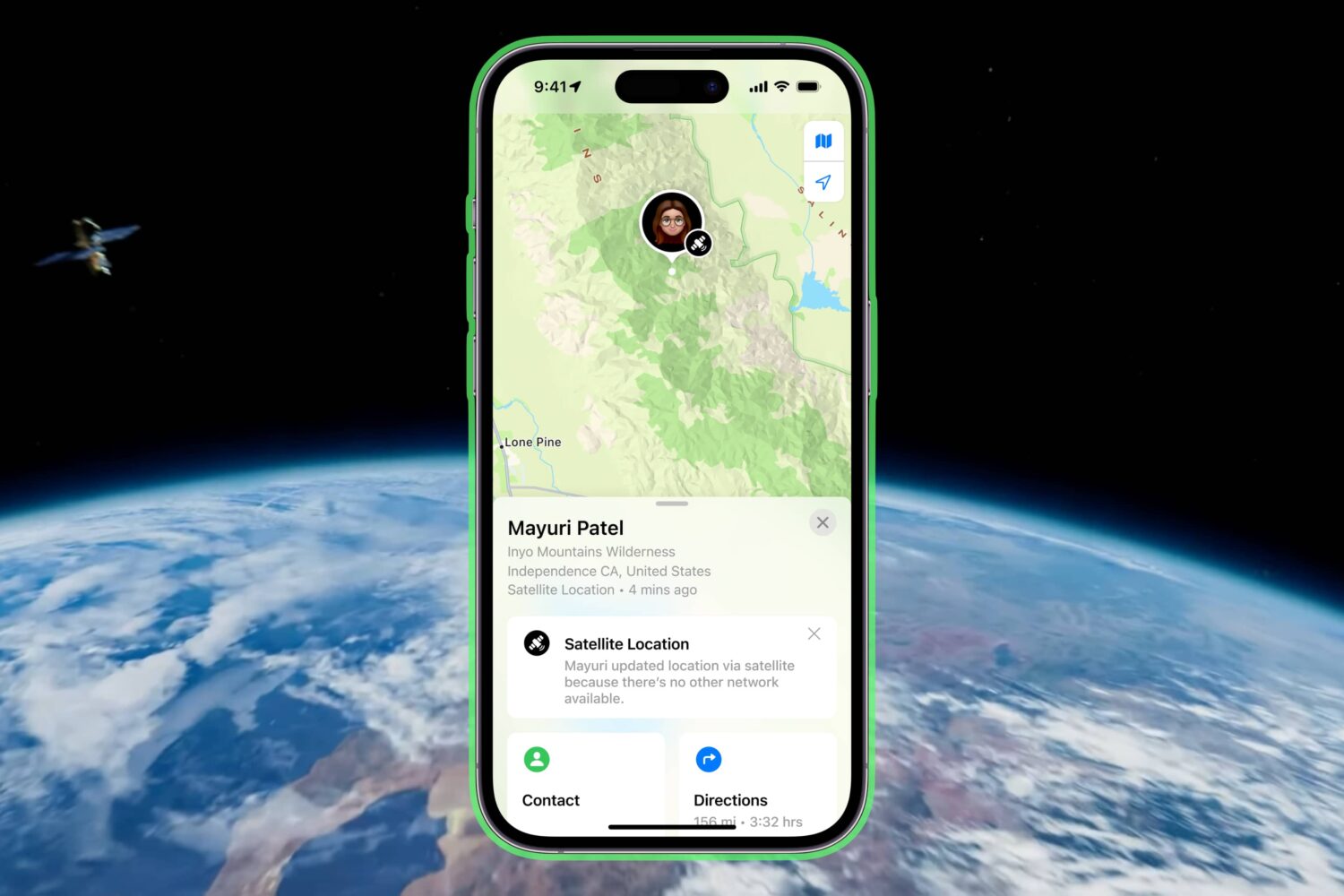
Take advantage of satellite connectivity to share your precise location via satellite using Apple's Find My app and your iPhone 14 or iPhone 14 Pro.
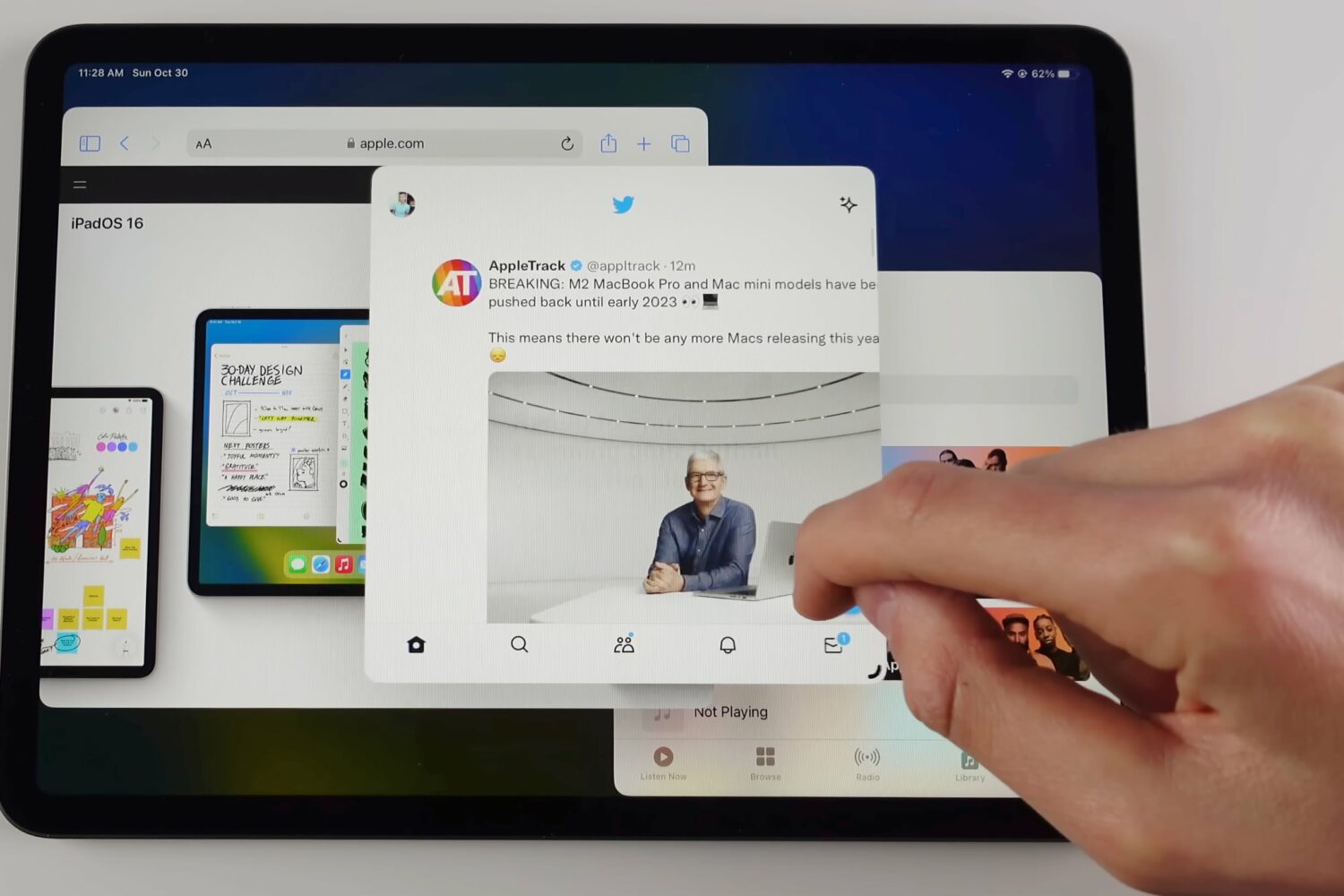
Learn how to use Stage Manager on your iPad to manage multiple overlapping windows in a single view, switch between apps and more.
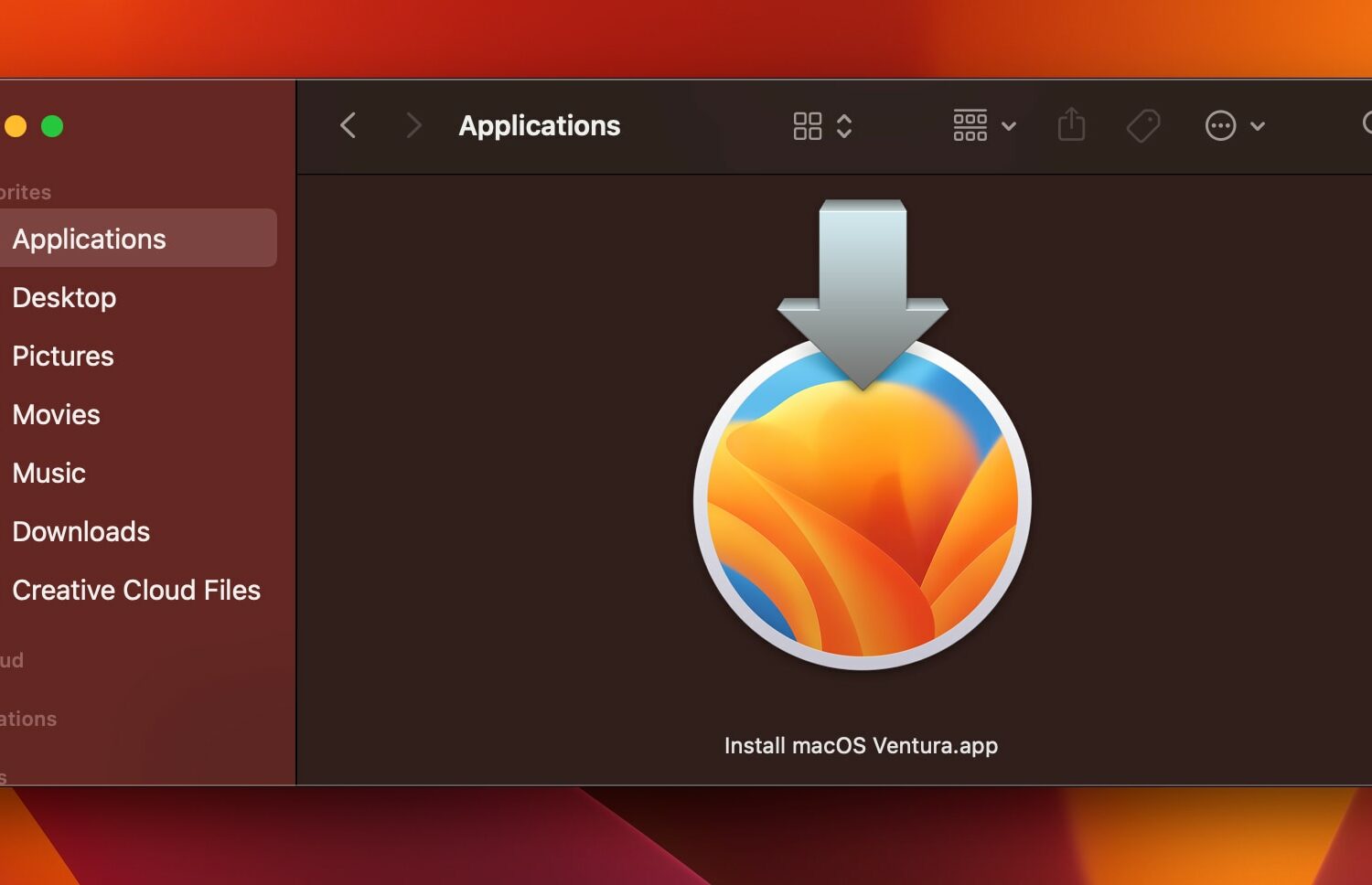
Learn how to download the macOS Ventura installer to create a bootable macOS 13 installer on physical media such as a USB drive for updating multiple Macs.