Earphones

Fix wireless earphones not appearing in Mac Bluetooth settings

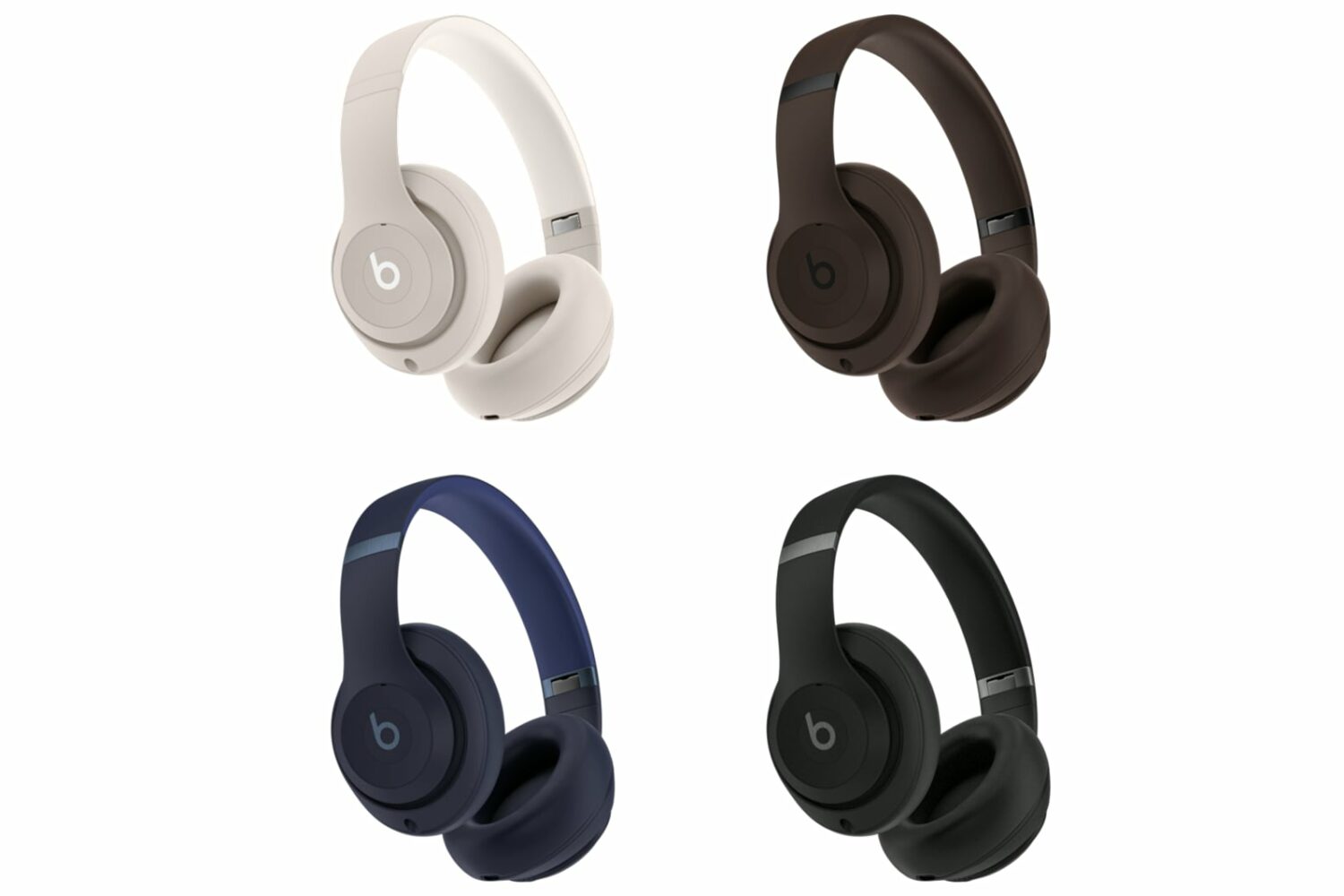
Third-party earphones and headphones

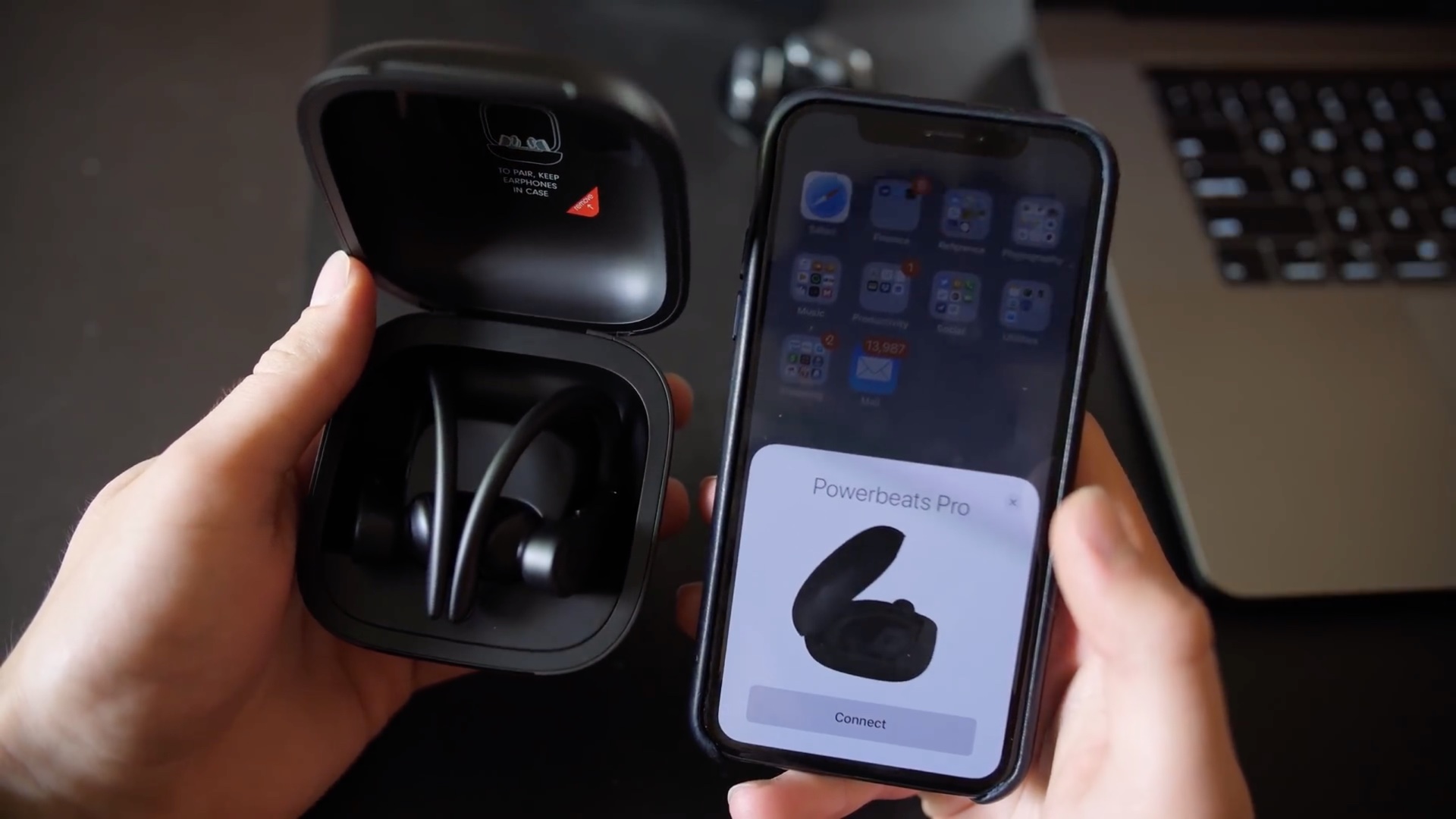
To connect a wireless audio device to your Mac, put it into pairing mode and then select it from the “Nearby Devices” section in your Mac’s Bluetooth settings.

However, if your third-party Bluetooth earphones, headphones, or wireless speakers don’t show up for connection in Mac’s System Settings and your computer is stuck “Searching…,” the following solutions will help fix the issue.

11 ways to hang up a call on iPhone

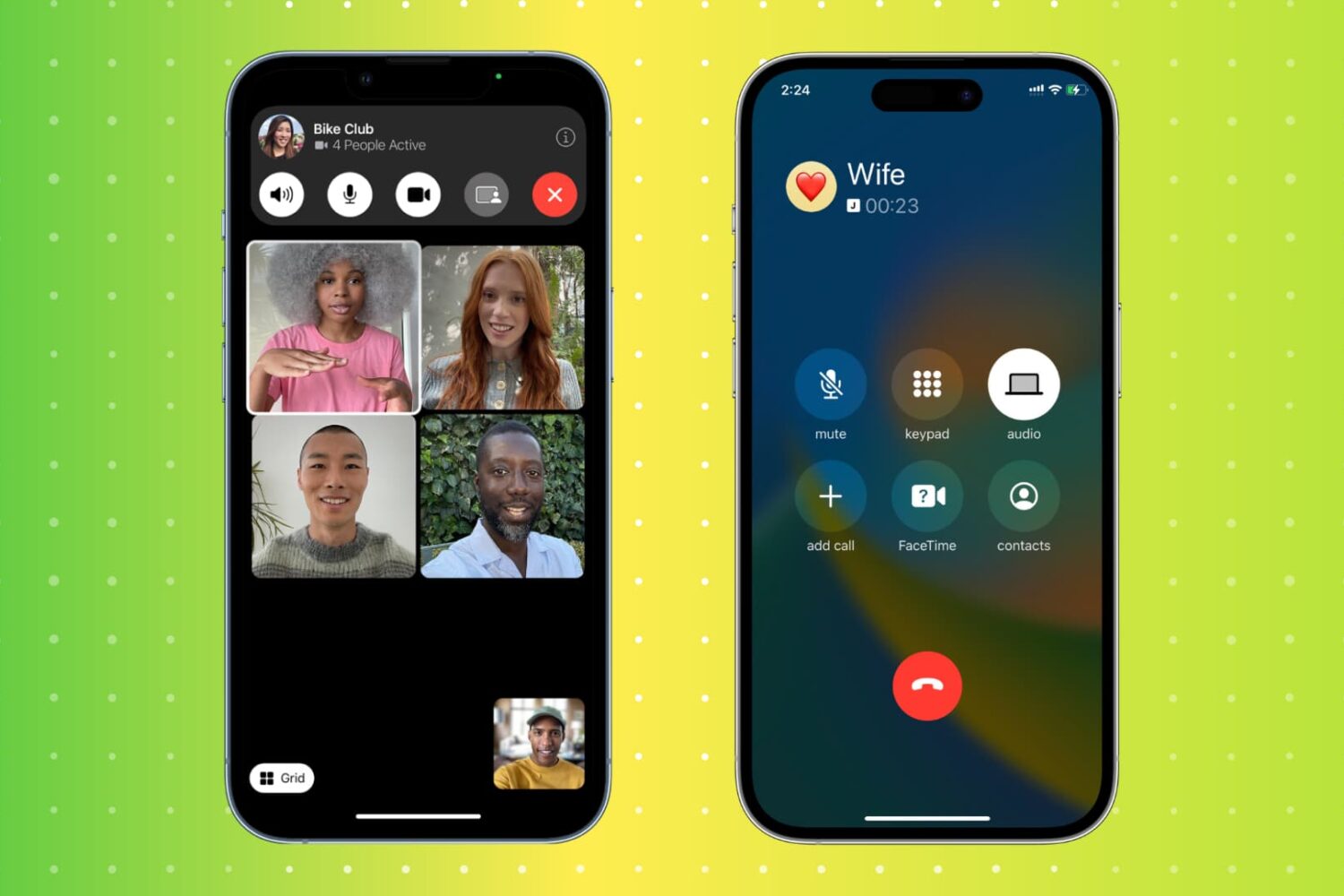
Two iPhone mockups showing an ongoing FaceTime group call and carrier phone call

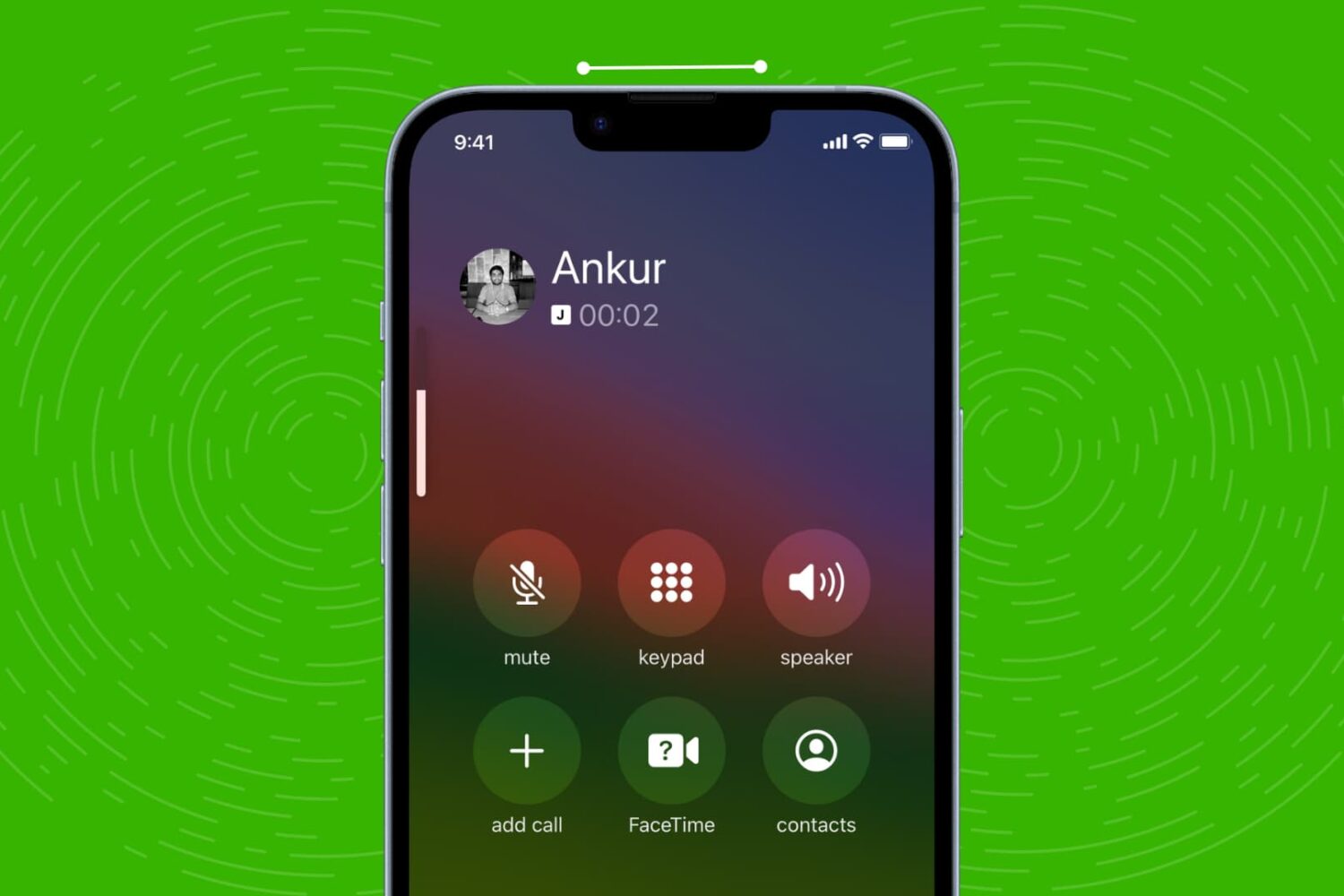
Hanging up a call on an iPhone is a simple task, but there are actually multiple ways to do it. From the traditional red hangup button to more unconventional methods, this article will explore 11 different ways to end a call on an iPhone. Whether you're looking for a faster way to hang up or simply want to try something new, this guide has got you covered.