Go through these tips and settings to make the most of the two SIM lines on your iPhone and ensure you have the best data and voice call experience.
Tips and settings to know if you use two SIM lines on iPhone

Go through these tips and settings to make the most of the two SIM lines on your iPhone and ensure you have the best data and voice call experience.

iOS 26 adds a helpful new feature that lets dual SIM users independently limit a SIM for calls when a specific Focus mode is active. This ensures you don’t get work calls during family time or personal calls during office hours.
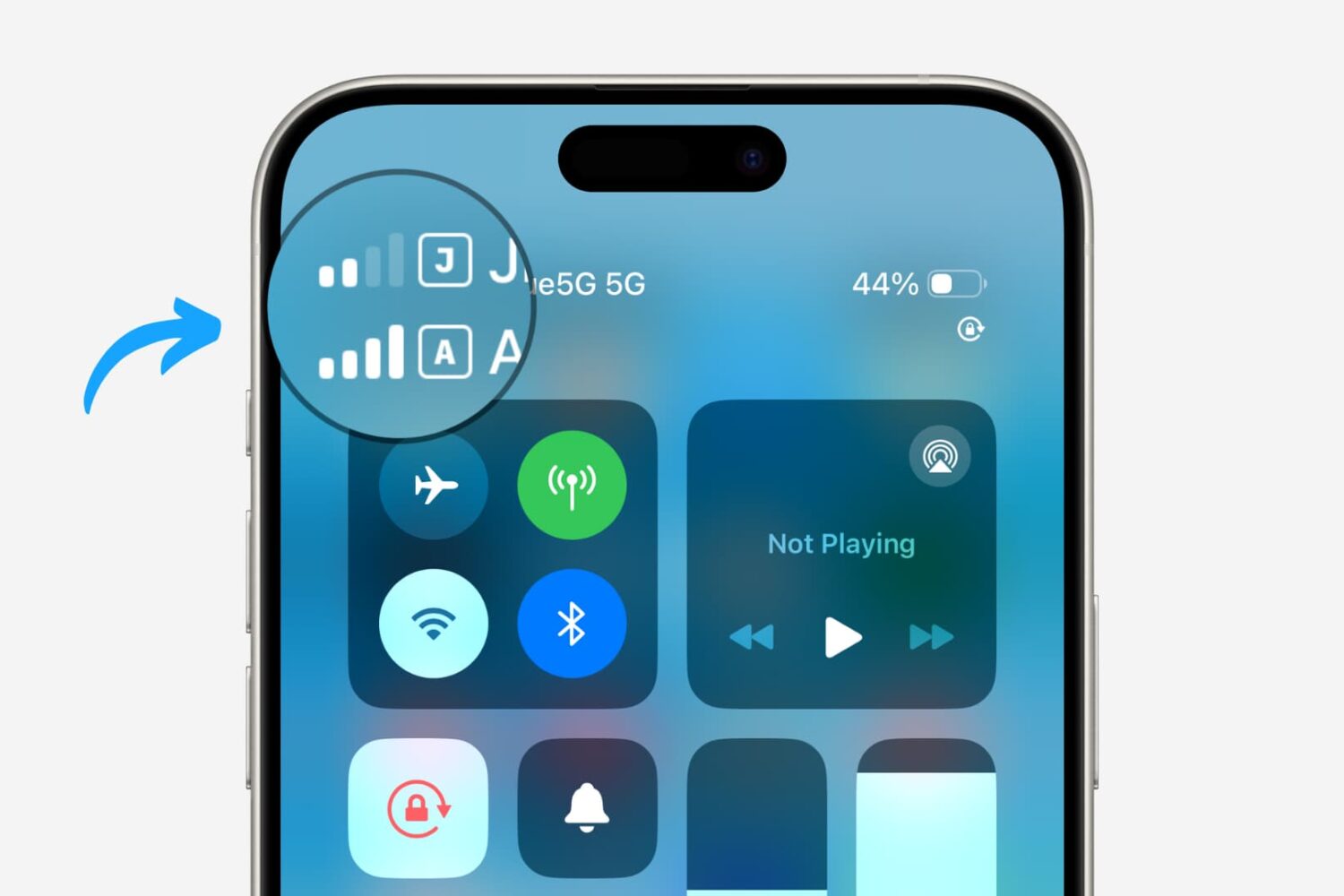
Dual SIM functionality really took off on the iPhone platform with the adoption of eSIM technology. What first started out as one physical SIM and one eSIM quickly became dual eSIM to become the new standard today.
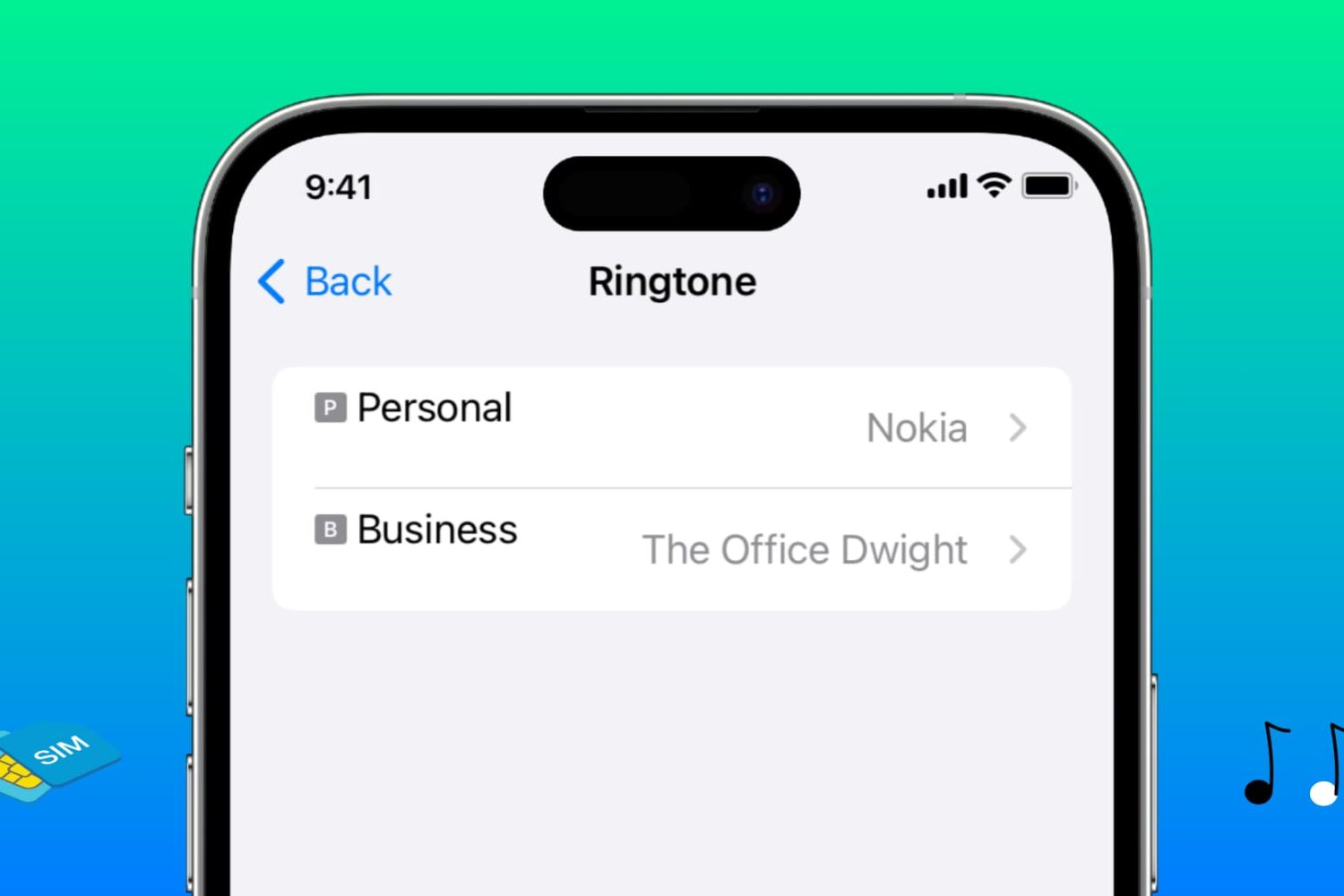
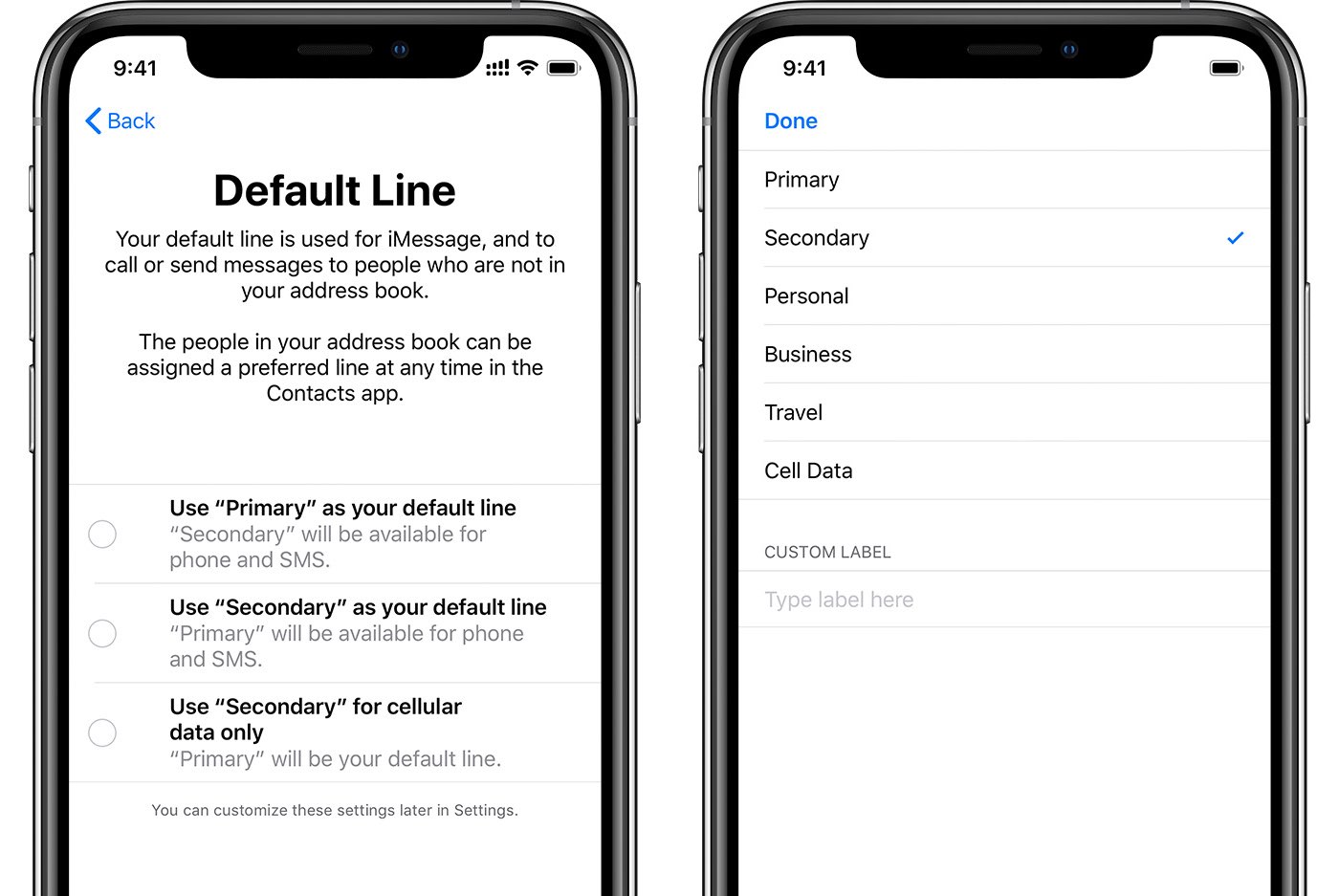
Learn how to assign different ringtones to each SIM line on your iPhone, making it easier to identify which phone number is receiving a call.
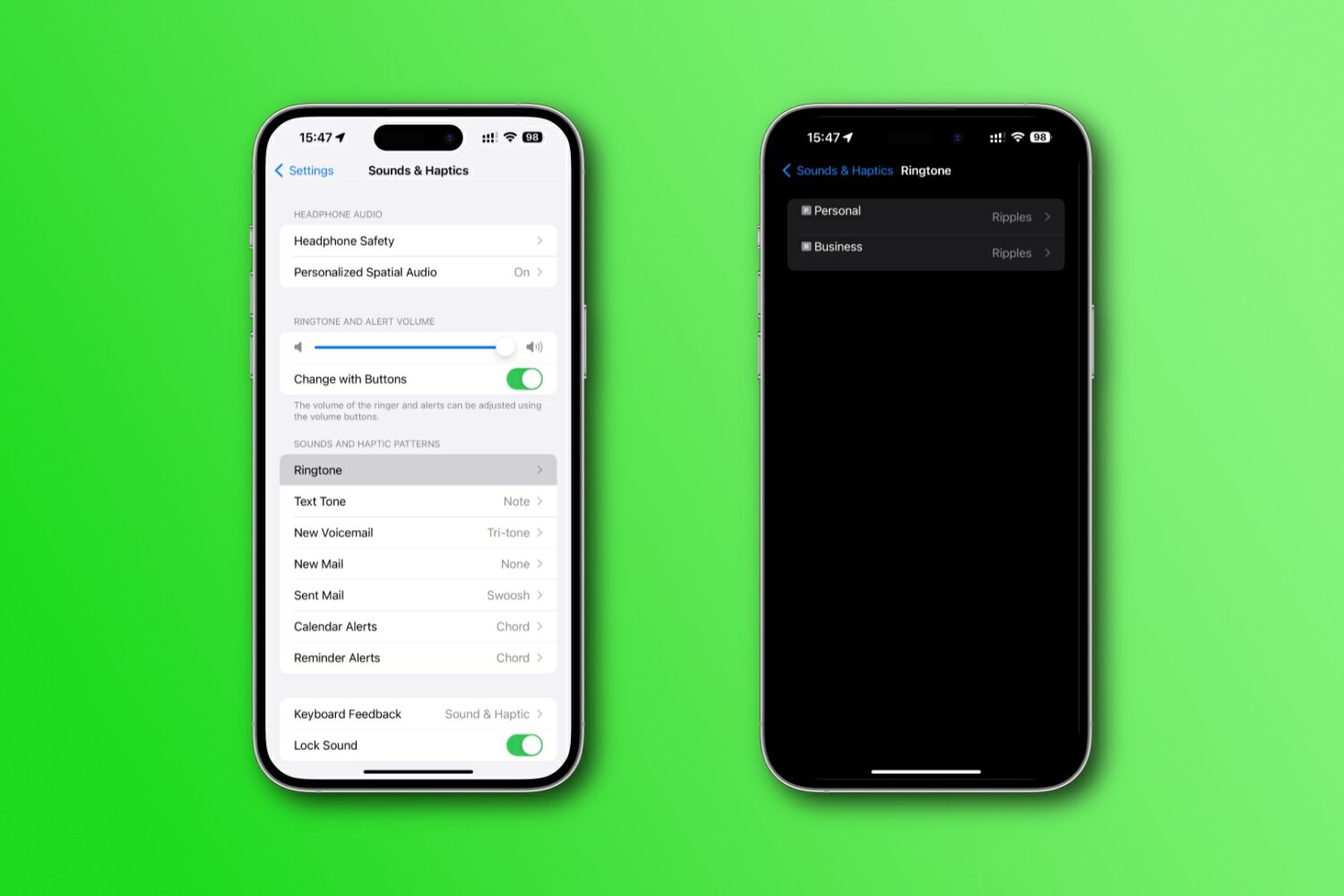
Apple's iOS 17 brings new dual-SIM features for SMS sorting in Messages, using ringtones and phoning unknown callers via a specific line.
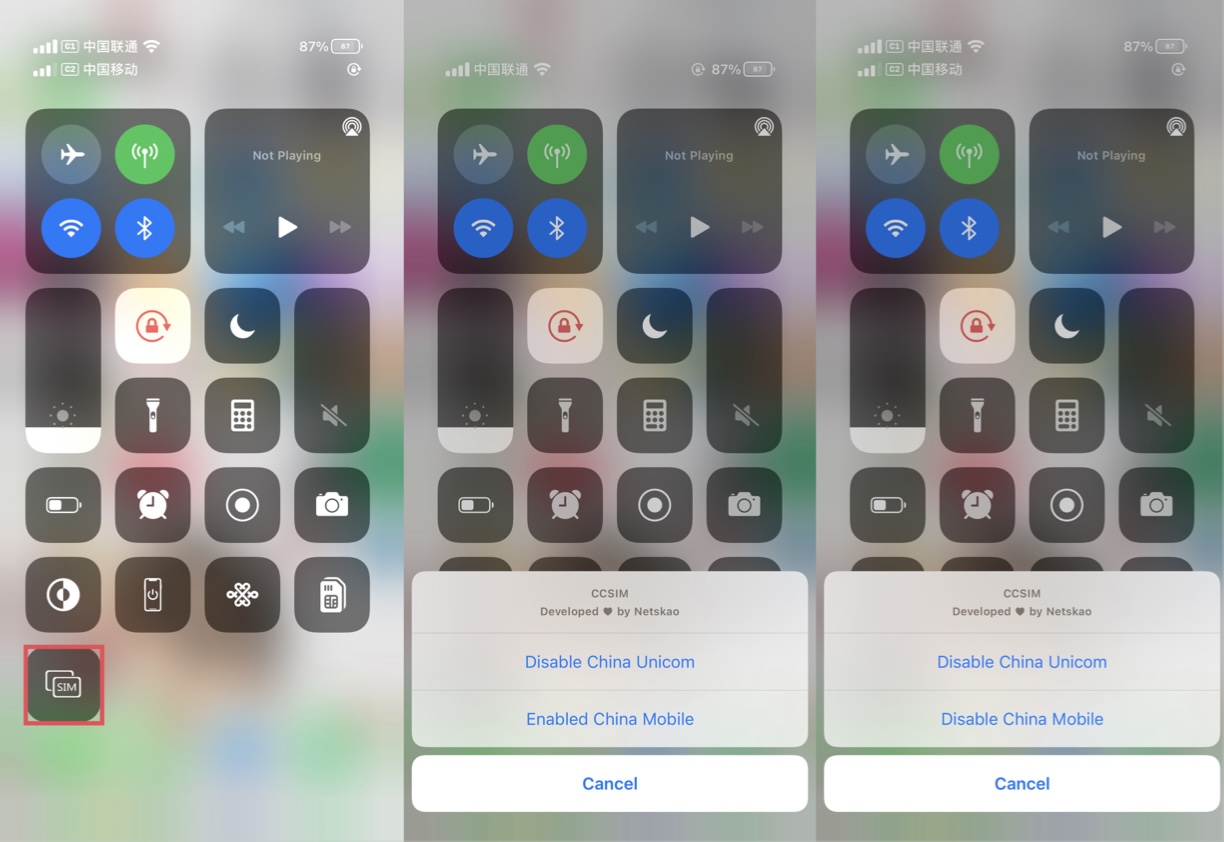
Dual-SIM capabilities comes in clutch when one of your iPhone’s cellular carriers falls behind in service quality. It’s also handy when you want more than one phone number. But the process of toggling cellular providers is cumbersome and leaves a lot to be desired.

It wasn’t long ago that I shared my personal experience with using the Google Fi cellular service as a secondary carrier on my iPhone. But my curiosity pertaining to a dual carrier setup on my iPhone led to me to research several other Mobile Virtual Network Operators (MVNOs), and you can probably take a few accurate guesses as to where that rabbit hole took me.
Upon being blown away by Google Fi’s cellular reception and data speeds, I decided to drop AT&T as my primary carrier and switch over to T-Mobile. To those asking why – the T-Mobile network powers Google Fi in my region, and the un-carrier provided an enticing offer after announcing its new truly unlimited Magenta MAX plan earlier this year for a fraction of what I was paying AT&T.
I’ve been a loyal AT&T customer for the better part of a decade now, and while I’ve definitely experimented with other carriers in my area – Sprint and even Verizon – I always found myself happier with the AT&T experience and crawled right back before my old and grandfathered plan lapsed.
However, while AT&T certainly takes the lead for cellular data speeds in my area, coverage is one attribute that it lags behind in, especially in the more rural parts. That’s why I decided to try something new: Google Fi for iPhone.
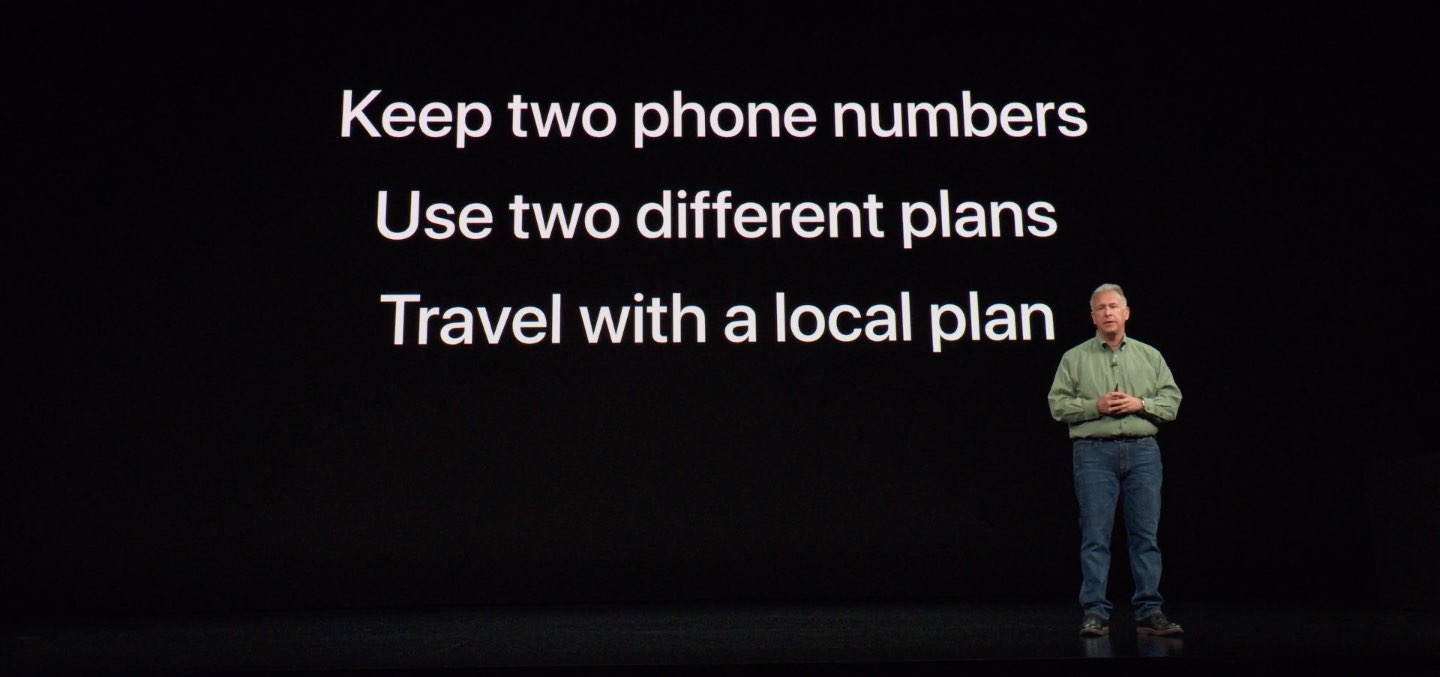
Owners of compatible iPhones with dual-SIM, which provides an embedded SIM (eSIM) in addition to a physical nano-SIM slot, can now register their device with Google's Fi service.
AT&T, T-Mobile, and Verizon won’t offer support for eSIM, at least for now. The support is necessary for dual-SIM functionality on the iPhone XS, iPhone XS Max, and iPhone XR. The top three carriers in the United States each have different reasons for not supporting eSIM, according to MacRumors and PCMag.