Dark Mode

Twitter’s Dark Mode is about to get a lot darker

Twitter's optional Night Mode, introduced in mid-2106, isn't dark enough for many customers who were asking for a pure black interface rather than a dark-gray theme. Thankfully, the firm is aware of this #FirstWorldProblem issue and has promised to do something about it.

As TechCrunch reported yesterday, in response to a complaint from a customer who told Twitter's boss Jack Dorsey that the app's Night Mode theme isn’t dark enough but more of a blue-ish or gray-ish shade, Dorsey acknowledged that’s going to be fixed.

https://twitter.com/jack/status/1087093262664364032

Darkened interfaces aren’t just softer on the eyes but also look gorgeous on OLED panels that typically display far greater contrast than the LCD screens. Apple provides an officially sanctioned system-wide Dark Mode on Macs, but not on iPhones and iPads.

TUTORIAL:How to get Dark Mode on virtually any website

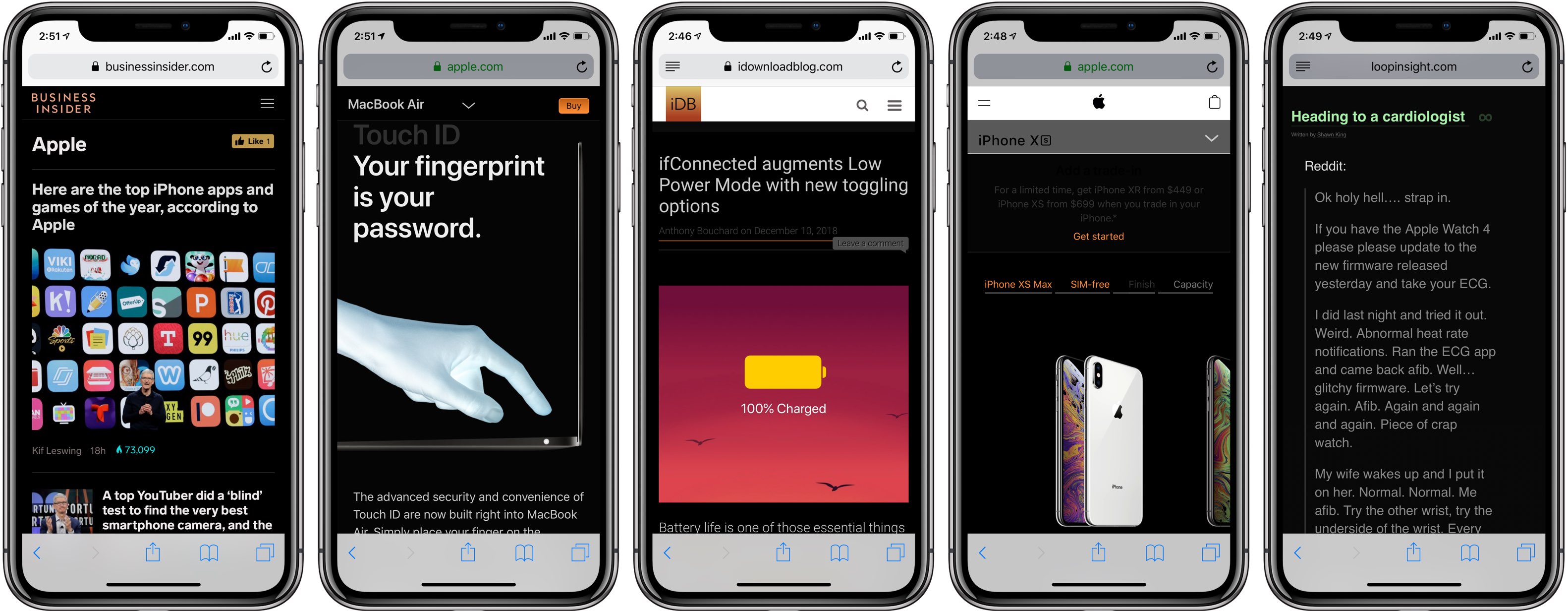
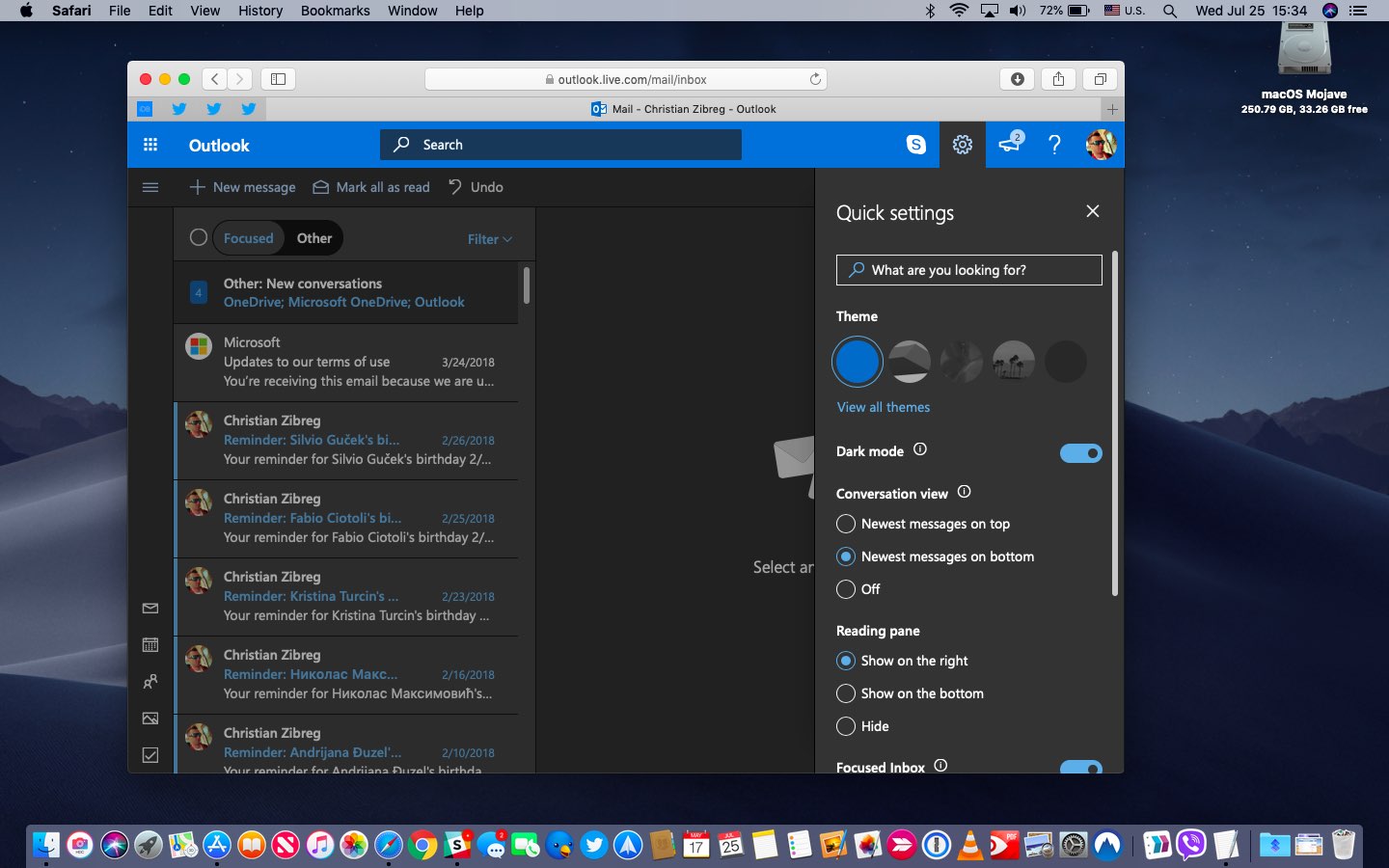
Due to the popularity of dark themes in apps, many popular apps have now implemented an optional darkened interface, like a number of iPhone apps now support darker themes, including Outlook, Twitterrific, Wikipedia, Bear Notes, Apollo, YouTube and many more.

App Store's curated list of the top Dark Mode-like apps

For more apps with a Dark Mode-like appearance, be sure to check out Apple's own list of the top apps that feature dark or pure black interfaces. The third-party website Darkmodelist.com highlights 70+ iPhone apps with custom dark themes along with screenshots.

In my personal opinion, Twitterrific has probably the best implementation of a Dark Mode-like interface of any app. Aside from your choice of Light or Black theme (the latter offers two sub-settings, Dark and Black), the app offers an automatic theme-switching option based on the time of day. Or, you can just swipe left or right with two fingers to switch themes manually.

Twitterrific has light, dark and pure black themes.

Aside from battery benefits on OLED screens, Dark Mode interfaces reduce the amount of sleep-disrupting blue light, helping lessen device addiction and improve sleep.

Even The Wall Street Journal did a write-up on dark themes in apps, arguing that dark or pure black interfaces should become a standard setting across all apps and devices.

https://twitter.com/mims/status/1087001557940535296

Dark Mode fans have been holding their breath for a proper system-wide Dark Mode setting in iOS. Though it could introduce it with iOS 13 after it debuted Dark Mode in macOS Mojave last year, as with everything Apple—nothing is certain until Apple officially announces it.

And given that 2020 iPhones may use OLEDs exclusively, including a successor to the LCD-based iPhone XR, it'd make sense to bring Dark Mode to iPhone and iPad with iOS 13 this fall.

Should iOS implement a system-wide Dark Mode, do you think?

Let us know down below in the comments.
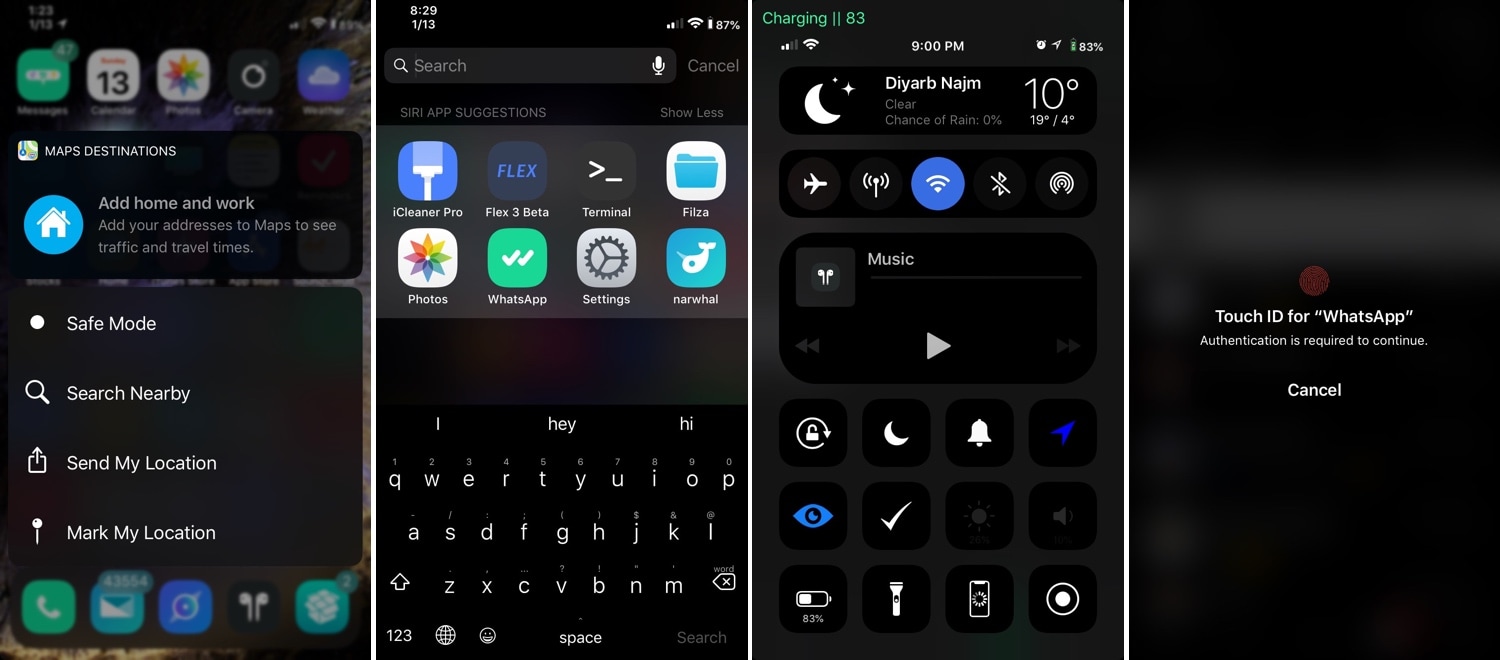
Blurbe puts a darker spin on some of iOS’ blurred interfaces

Apple accentuates several interfaces throughout iOS with a blurred background to help bring the overlaying interface into focus; key examples include Control Center, Folders, and Spotlight search, just to name a few.

Albeit aesthetically attractive, Apple could bring these blur effects into the modern age with the help of a darker color scheme. Fortunately, that’s something that a new free jailbreak tweak dubbed Blurbe by iOS developer dpkg_ brings to the table.

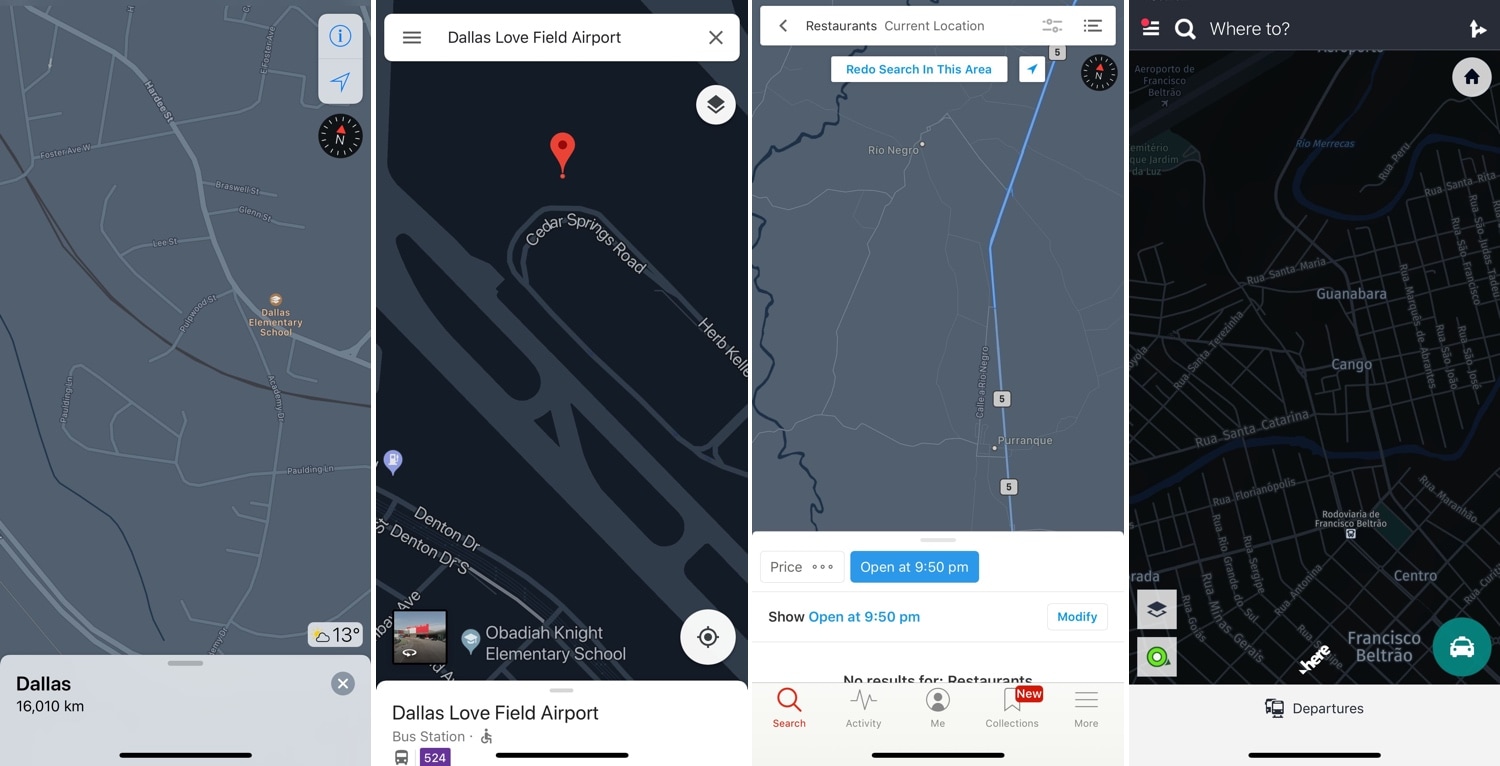
Night Maps brings a universal Dark Mode experience to various mapview-supported apps

Dark Mode-centric jailbreak tweaks have become quite the hot commodity as of late, but many lack support for the different types of mapviews used in the bevy of map and navigation apps available for download in the App Store.

Enter Night Maps, a new jailbreak tweak by iOS developer FoxFortMobile that fills this particular niche. As shown above, Night Maps brings a universal Dark Mode experience to the mapview of almost any map or navigation app you might use on your iPhone or iPad.

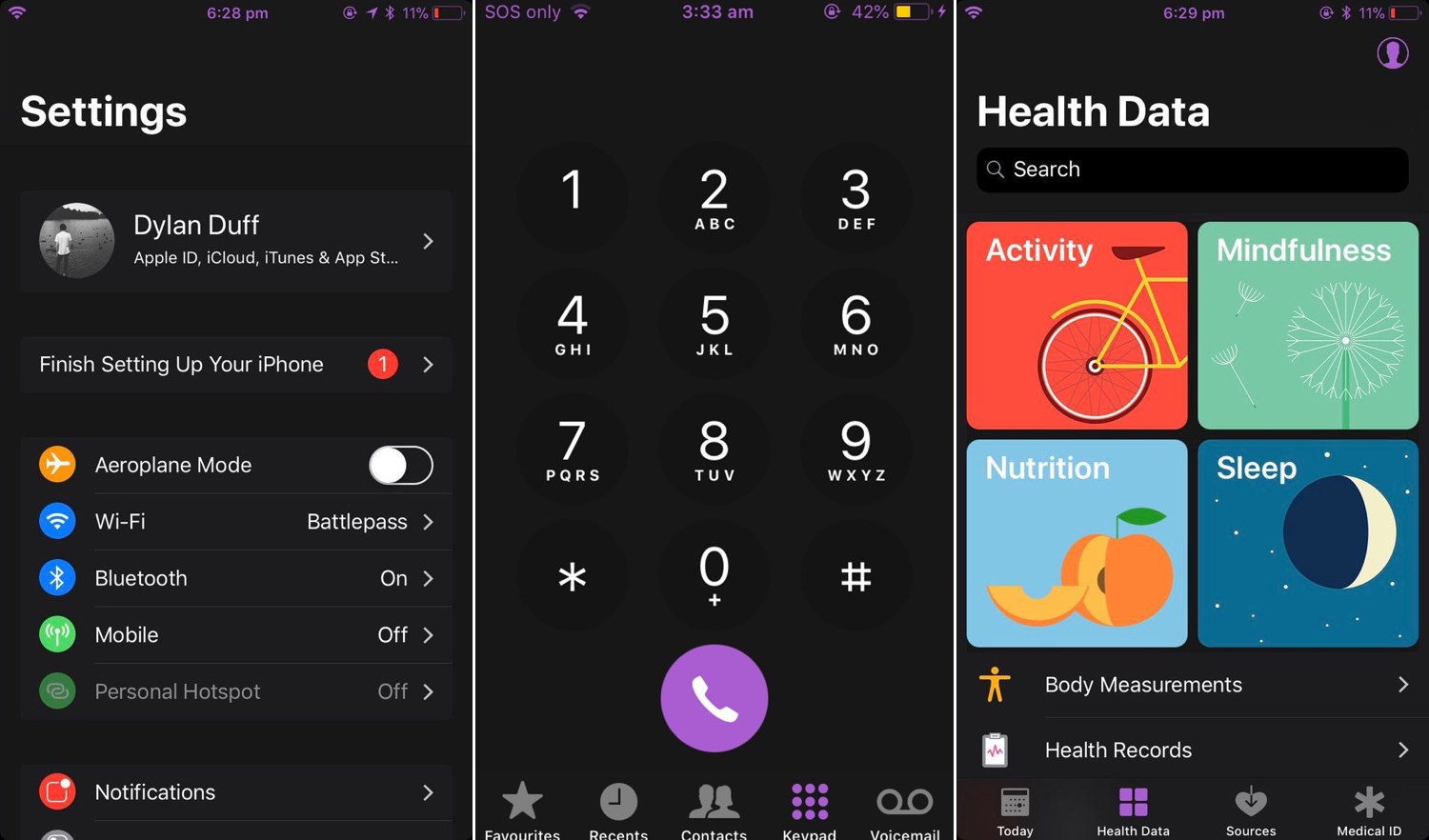
Nightshade provides an all-in-one Dark Mode experience for your iPhone or iPad

Dark Mode jailbreak tweaks have become quite the hot commodity among iPhone and iPad users, especially considering how Apple officially supports the feature on macOS. But wouldn’t it be nice to have a reliable all-in-one solution for all your apps and user interfaces rather than installing several jailbreak tweaks to achieve the same result?

If you answered ‘yes’ to that question, then you’re in luck; a new jailbreak tweak called Nightshade by iOS developer Dylan Duff promises ‘an all-in-one iOS Dark Mode’ that promises to ‘theme almost every aspect of the UI.’

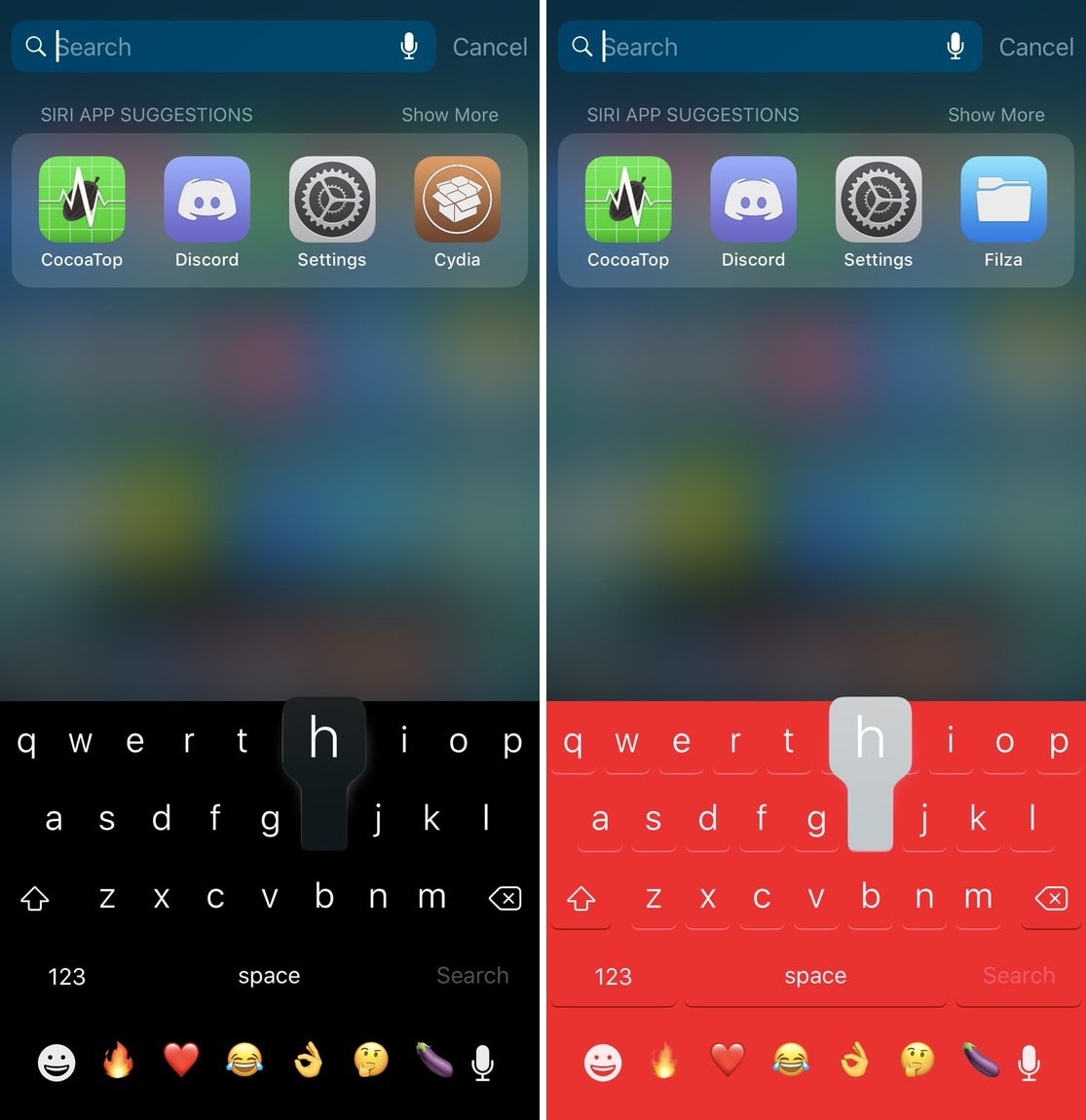
Colorize your iPhone’s keyboard however you want with Laetus

One of the most fundamental reasons for owning a jailbroken iPhone or iPad is having the ability to customize it outside of Apple’s stock parameters. If you’re one to enjoy theming or changing the default colors of iOS, then you might appreciate what a free jailbreak tweak called Laetus by iOS developer SparkDev can do for you.

As depicted in the screenshot examples above, Laetus empowers users to colorize iOS’ native keyboard interface with custom colors. With it, you can change the color of the keyboard background and its key text independently of one another.

Shortcuts Focus: getting Dark Mode on virtually any website

Darkened interfaces look good in apps, not so much on websites. The problem is, web content remains a major source of visual inconsistency as far as the popular Dark Mode feature is concerned. Thankfully, you can get a Dark Mode-alike environment on almost any website thanks to a handy Dark Mode V2 shortcut for your iPhone and iPad.

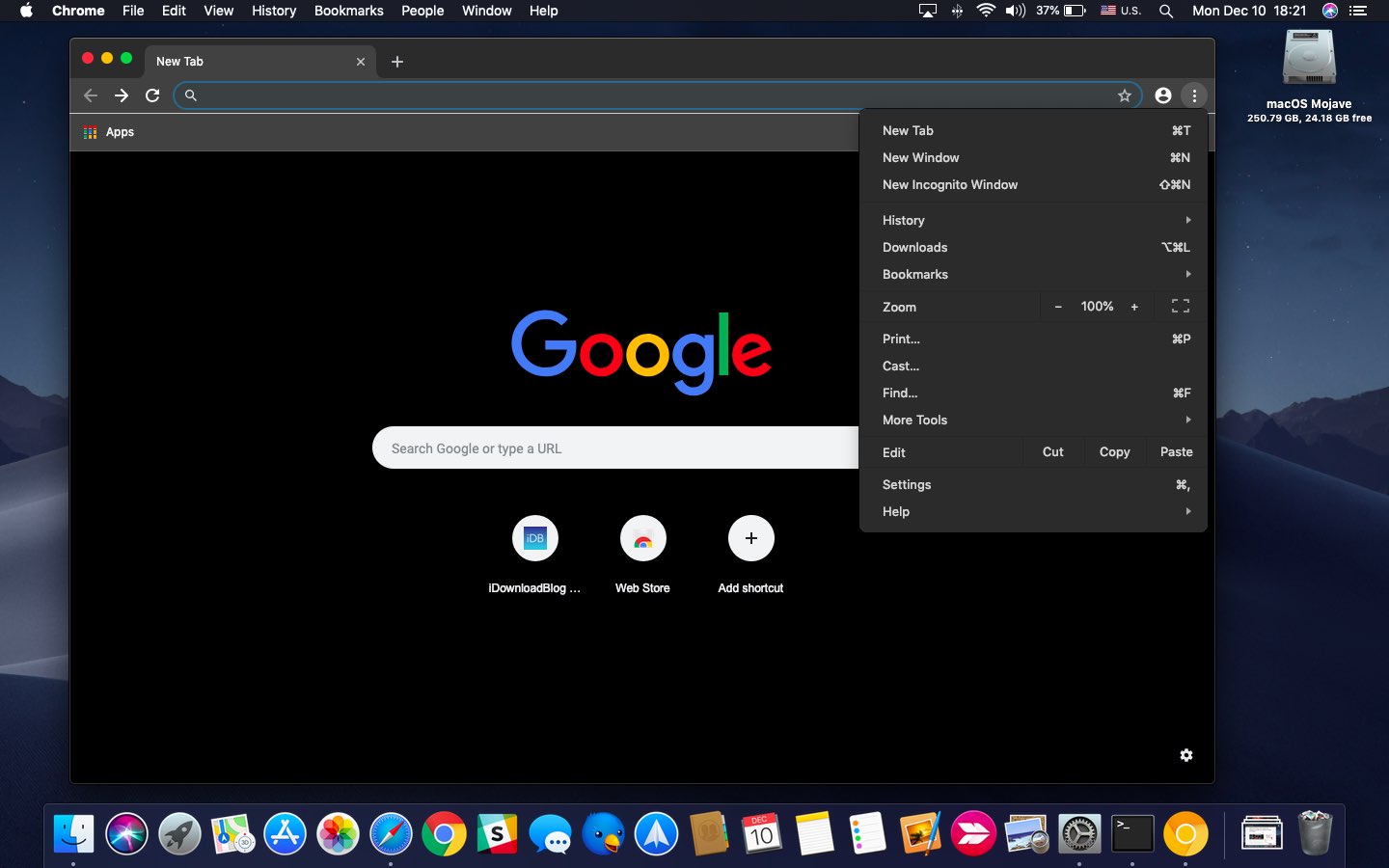
How to add a Light / Dark Mode switch to your Mac Dock

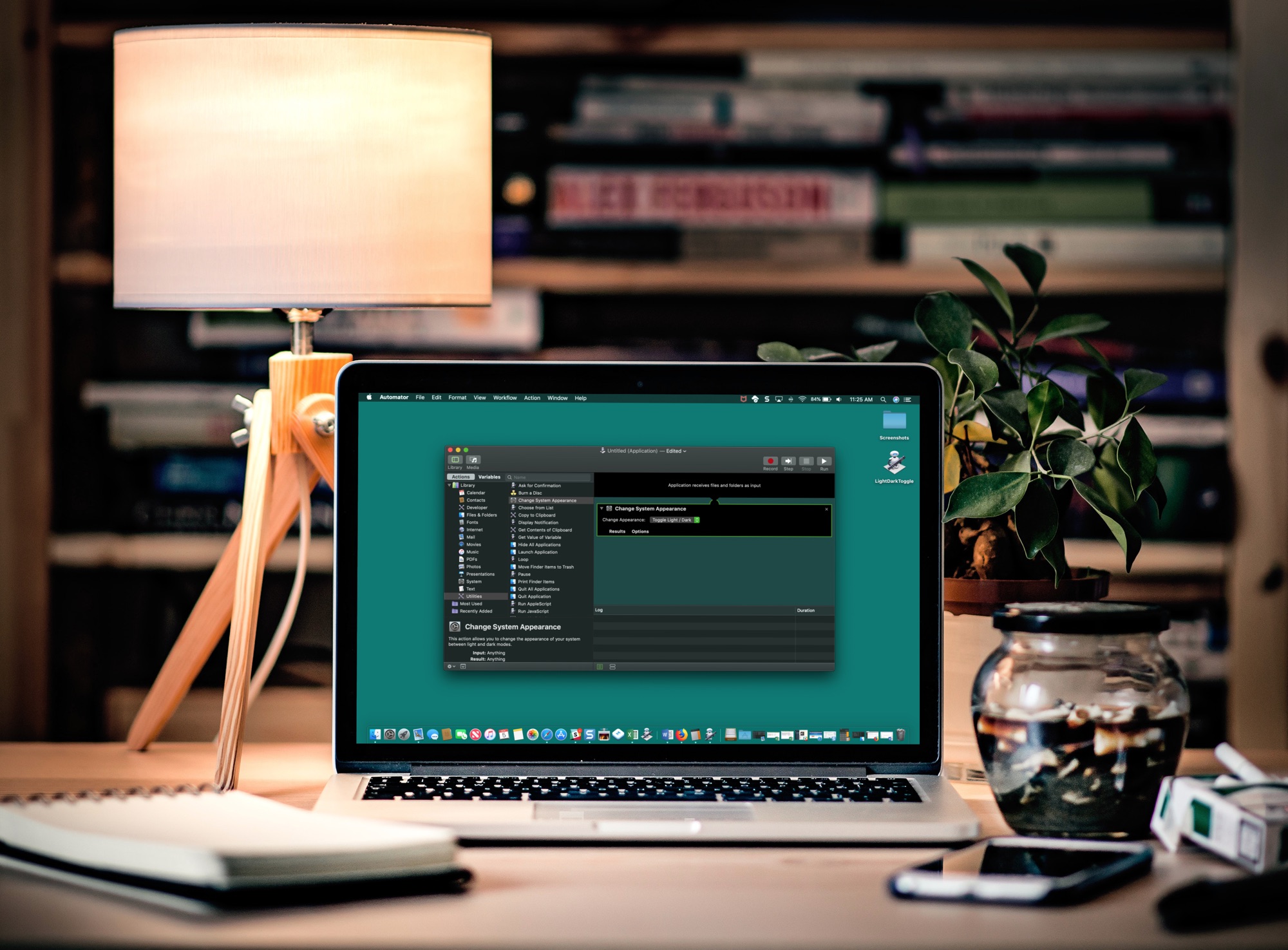
Dark Mode on MacBook with Automator

If you like switching back and forth between Light Mode and Dark Mode on your Mac but get tired of going through the process to do so, there’s an easier way.

In just a few minutes, you can create and add a Light/Dark Mode switch to your Mac Dock. It’s super simple, and here’s how.

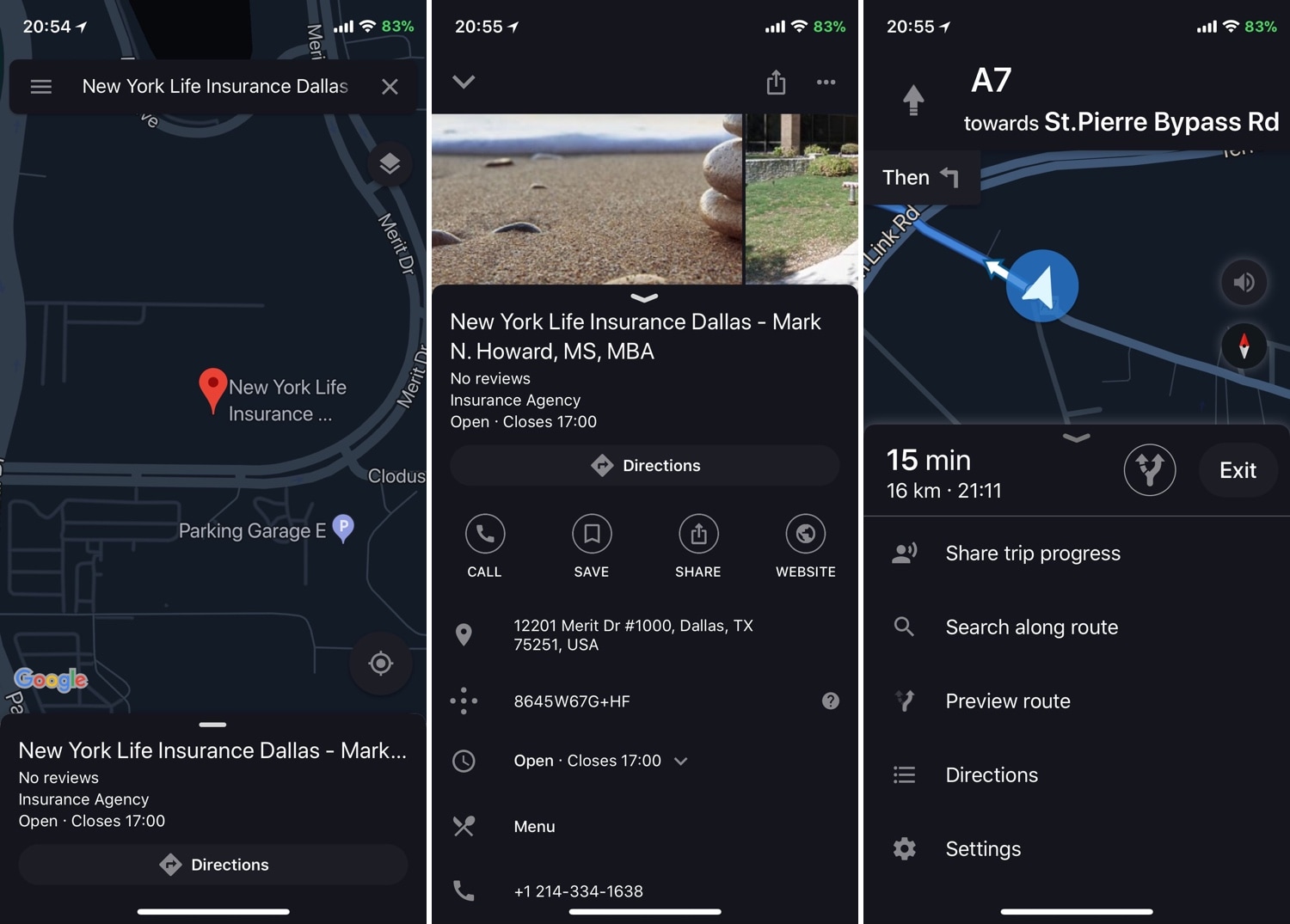
Experience an uncompromising dark mode in Google Maps with Dark GMaps

Due to the high volume of dark mode-centric jailbreak tweaks that are launched in the Cydia Store, we seldom cover them here at iDB. But because I use the Google Maps app so much on my daily driver during my commute, a new release dubbed Dark Gmaps by iOS developer FoxfortMobile seemed like a no-brainer.

If you were expecting a barebones tweak that merely colorizes the Google Maps app to look more appealing at night, then we think you’ll be pleasantly surprised by Dark GMaps. After installation, the tweak adds a preference pane to the Settings app where you can experiment with a plethora of creeper comfort features:

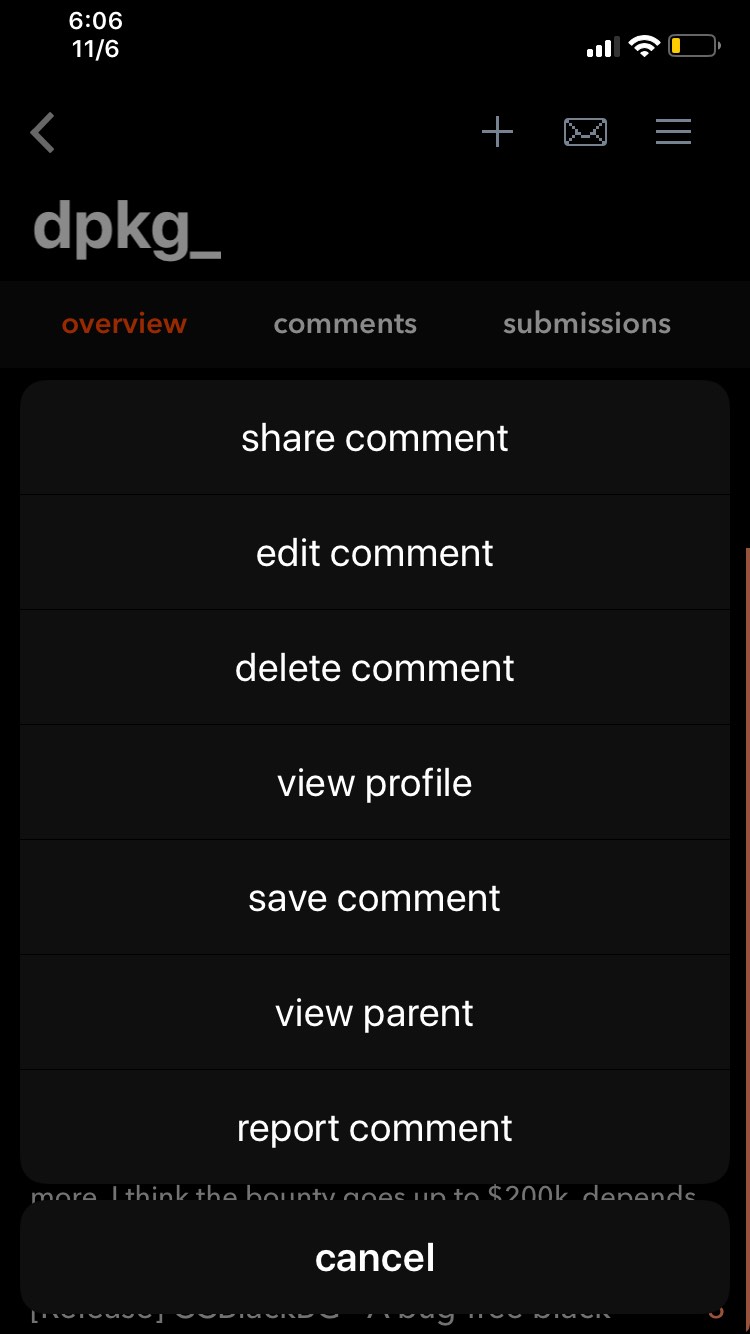
DarkTables augments iOS pop-up menus with dark mode features and more

While the Mac received an official dark mode option in macOS Mojave, iOS wasn’t so fortunate. You can use the Smart Invert feature on your iPhone to achieve a similar effect, but it’s not a real dark mode in the sense of what many would like to have.

Luckily, the jailbreak community conceived a plethora of dark mode-centric jailbreak tweaks in recent memory that can help, and a new free release called DarkTables by iOS developer dpkg_ is no exception.