Cellular

iOS 6 beta 4 adds Wi-Fi Plus Cellular data switching option

The latest beta of iOS 6 was released this week with a handful of changes. We've already mentioned a few of these differences like the new Bluetooth Sharing menu, and the missing YouTube app. But another one has been discovered.

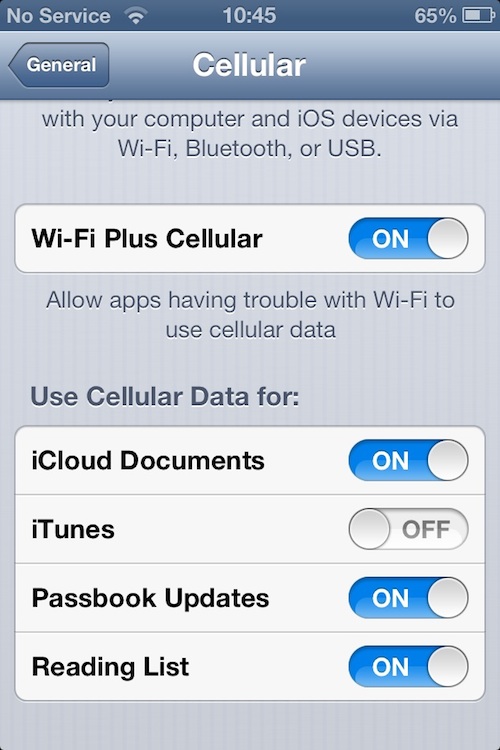
In beta 4, a new option can be found deep in the Settings application, under the Cellular tab, called Wi-Fi Plus Cellular. When enabled, it allows apps that are having trouble with Wi-Fi to automatically switch over to cellular data...

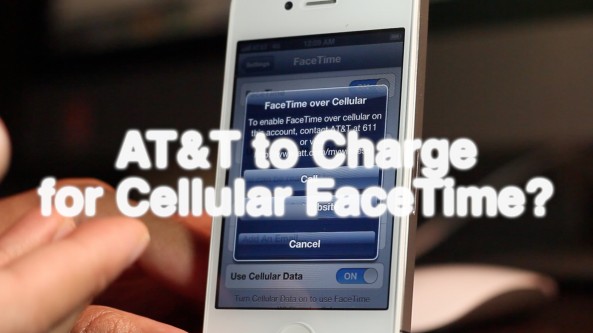
Here’s why we think AT&T might begin charging for FaceTime over cellular [Video]

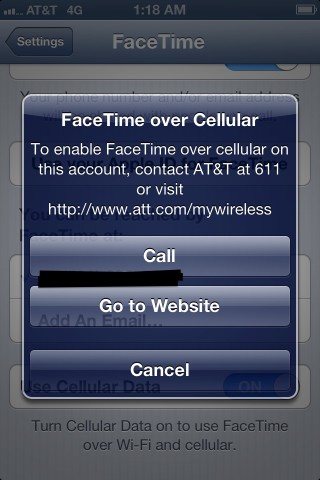
This video showcases the new pop-up dialogue box that interrupts you when trying to enable FaceTime over cellular in iOS 6 beta 3.

Apparently, AT&T has a scheme in the works to pry more dollars from their iPhone customers. As Cody noted via Twitter, perhaps they're thinking about rebounding after taking a hit on text messaging fees due to iMessage.

Take a look inside as we demonstrate the differences between an AT&T iPhone 4S, and a Verizon iPad 3, when attempting to enable FaceTime over cellular...

Will AT&T charge to use FaceTime over cellular?

It almost seems unthinkable, but there is a strong possibility that AT&T might charge to enable FaceTime over cellular capability in iOS 6. 9to5 Mac posted a screenshot that shows a dialogue box prompting the end user to contact AT&T in order to enable FaceTime over cellular. This is indicative that AT&T could perhaps plan on charging customers to use this feature, despite the fact that their customers are already paying for the data.

As Mark Gurman notes, this is highly similar to the process that users go through to enable the Personal Hotspot feature on the iPhone. Of course, we can't say for sure whether or not this "feature" will make the final GM version of iOS 6, but I'd say it's possible judging from the screenshot provided from the iOS 6 beta.

The question is this: Is AT&T brave enough to actually go through with this, further alienating an already highly pessimistic user base? I can smell the backlash already...

Get a better understanding of your iPhone’s signal strength with Bars

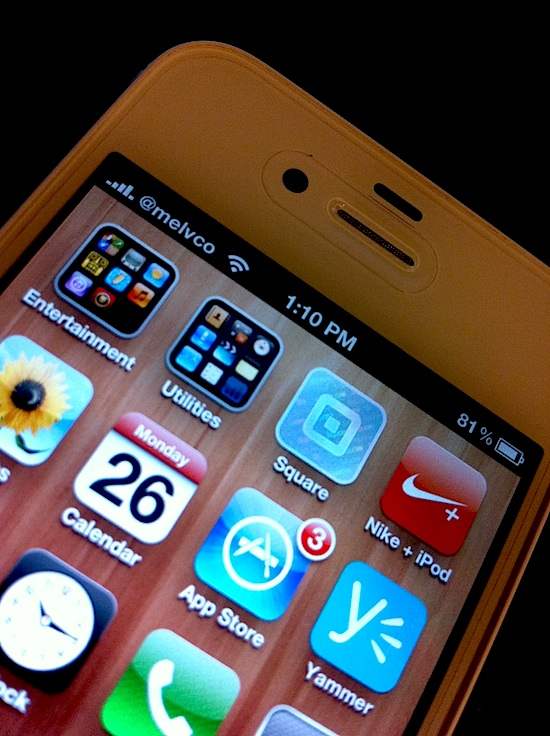
Has your iPhone's signal strength indicator ever lied to you? Perhaps it showed that you had poor cell phone reception, but you were still able to make perfectly clear phone calls. Or vice versa?

Well, if you're losing faith in the 5 little bars that sit in the top left hand corner of your handset, you may want to check out Bars. The new jailbreak tweak promises to give you a more accurate reading of your iPhone's cell service...

TetherMe Brings Native Tethering to the iPhone

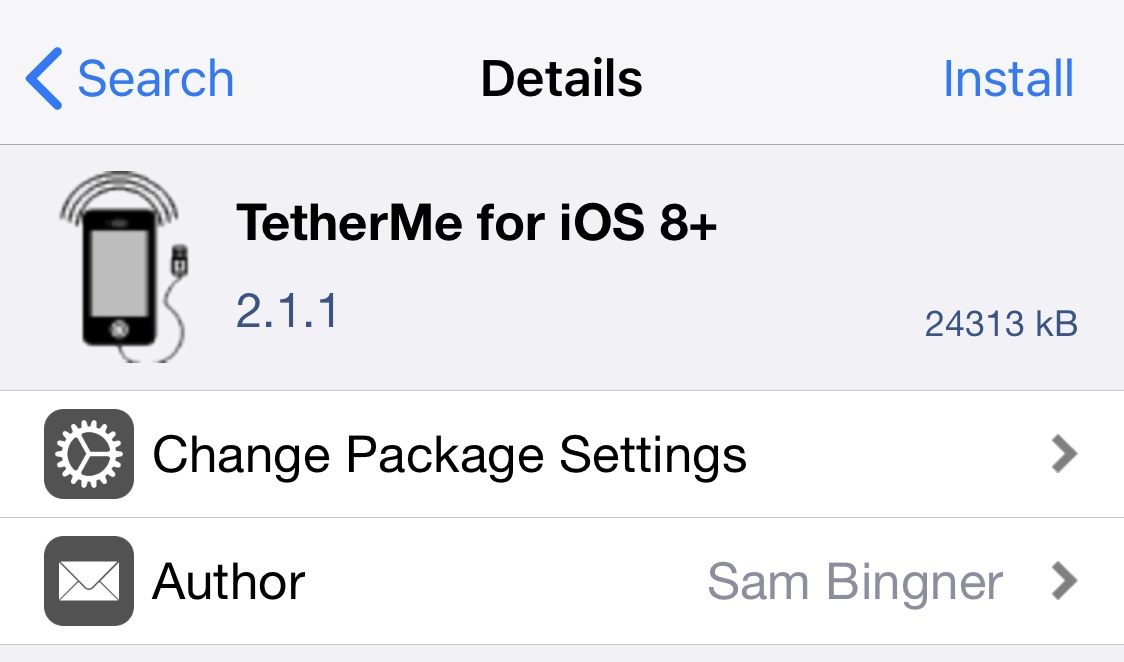
TetherMe is a jailbreak tweak that brings native tethering to the iPhone, even when your carrier normally bars you for. Such activities. According to the app description, it should work for any carrier without the need for customized bundles or preferences.

TetherMe has been tested to work on all iOS versions from 8-14 and works by telling the iPhone to allow tethering on any APN that is used for iPhone data. As a result, you should not be charged extra from your phone company as all tethering data appears to come from the phone itself.

TetherMe also bypasses signature checking and allows you to edit your carrier bundle manually if you so desire. This is required to enable MMS functionality on T-Mobile. TetherMe does NOT enable the loading of APN configurations from .mobileconfig profiles at this time.

This app is different from my favorite jailbreak app MyWi, which allows to turn your iPhone into a wifi hotspot. Instead, TetherMe allows for native tethering as Apple intended it to be, using Bluetooth or USB.

There is no icon for this item. After installation and reboot, you'll be able to turn tethering ON in Settings > General > Network, or install the Tethering Toggle for SBSettings.

Available for $4.99 in Cydia, TetherMe is a great alternative to the more expensive MyWi if you don't want to share your Internet connection with other devices. If however you want to use your iPhone as a hotspot, then MyWy will still be your best bet.

Please let us know what you think of this application by leaving a comment below.