Camera

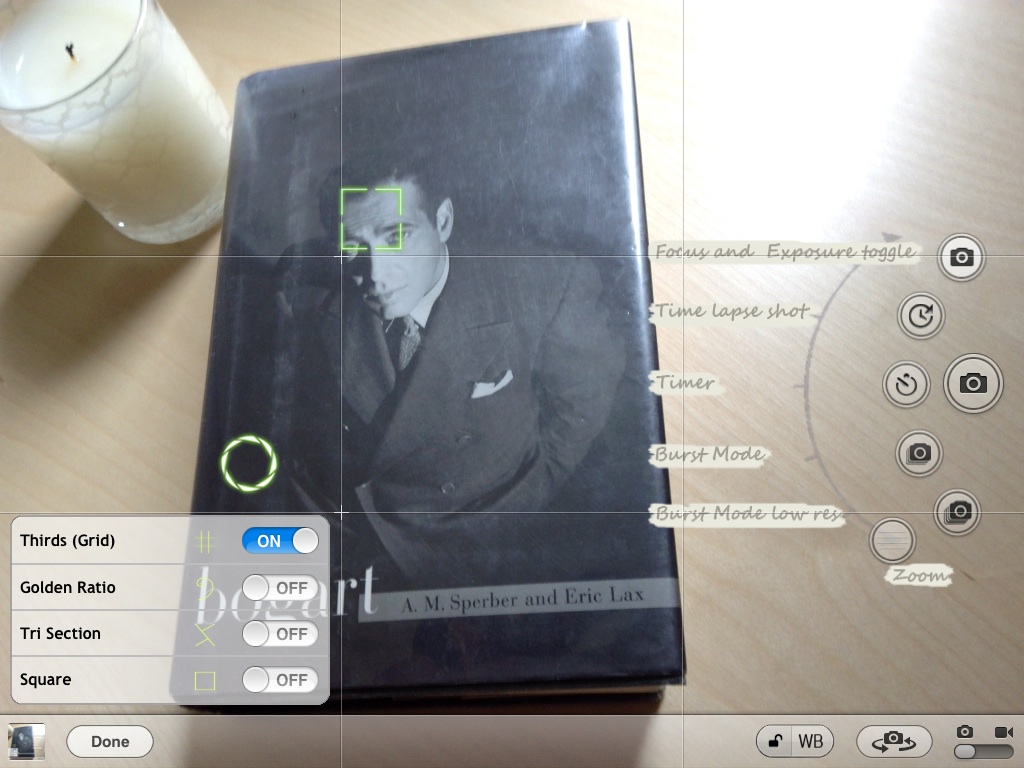
CameraTweak HD supercharges the iPad’s stock Camera app

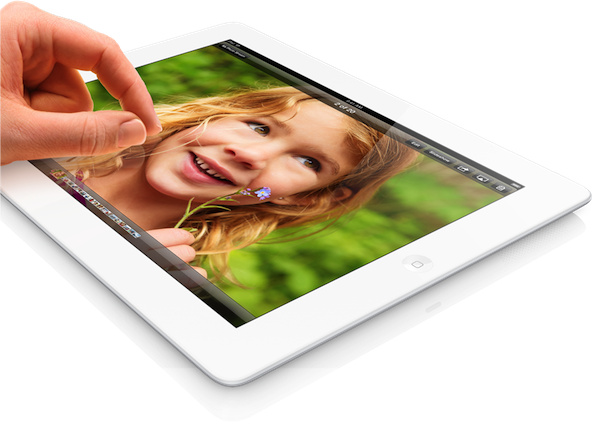
Hopefully you're not one of those people, but if you are, then listen up. I am, of course, talking about people who take pictures and record video with their iPads. Not only is it awkward, but it's also incredibly goofy looking.

With that in mind, I was taken aback a bit when an email from the developer of CameraTweak — a tweak that I had already reviewed for the iPhone — arrived in my box. The email stated that there was a new app, CameraTweak HD, and they wanted my opinion on it.

I immediately thought to myself, "cool, an upgrade to the awesome CameraTweak for the iPhone," but soon after I realized that this was for the iPad. Admittedly, it did take me a while to get used to the idea of using my iPad to take pictures, but I somehow got through it.

My conclusion goes a little like this: If you're going to look silly and take photo and videos with your 10" tablet, then you might as well do it with the best available software out there. Ladies and gentlemen, like its precursor, CameraTweak for iPhone, CameraTweak HD is hands-down the best camera oriented jailbreak tweak for the iPad. If you want to take awesome photos and videos while having a plethora of options at your disposal, then look no further.
iPhone 5S could include 12MP camera with improved night shooting

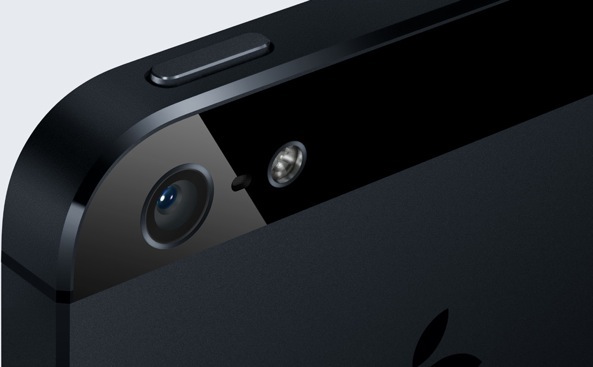
Monday, a report out of Vietnam shed new light on an aspect of the next iPhone that hasn't received much attention yet: the camera subsystem. First piece of the puzzle points to Apple engineers upgrading photo quality by putting a notably higher-resolution camera module inside the iPhone 5S, one that features a thirteen megapixel CMOS sensor instead of "just" eight megapixels on the iPhone 5/4S.

The other tidbit mentions an improved night shooting feature as well as an enhanced HDR mode allowing for even higher intensity levels and more realistic colors when snapping up images in extreme lighting conditions such as direct sunlight or faint starlight...

QuickShoot Pro: a great way to quickly snap photos and videos

Have you ever missed an ideal snapshot as you waited for the Camera app's animation and UI to finish loading? I think it's safe to say that all of us have missed a perfect photo as a result of having to wait on the iPhone's Camera app. Things have gotten considerably better in this regard as hardware speeds have improved, but it's still not exactly perfect.

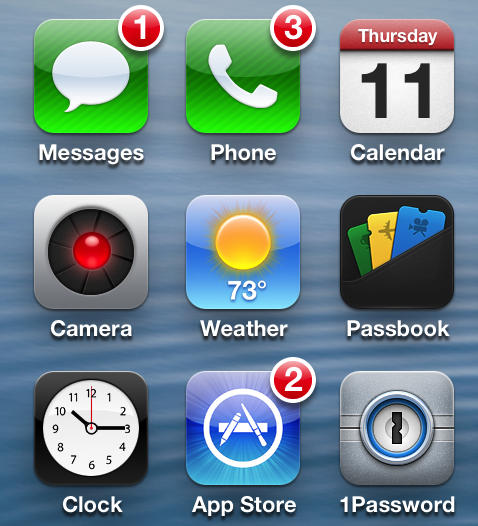
QuickShoot Pro is a jailbreak tweak that seeks out to solve the issue by letting you snap photos and videos directly from the Home screen. It accomplishes this feat using a couple of different methods. The first method requires you to double tap on the Camera app icon for a photo, and a triple tap on the app icon for video. By doing this, a photo or video is taken without the Camera UI, hence resulting in a faster composition.

The second method is a simple Activator gesture. You can setup an Activator gesture for taking a photo or starting a new video. QuickShoot Pro features quite a few options that can be used to configure the tweak to your needs and liking. It's not going to completely reduce the wait time associated with taking a new photo, but it's certainly faster than the stock method for taking photos and videos. Take a look inside as we break down QuickShoot Pro in our hands on video walkthrough...

How to merge live front facing camera video with your wallpaper

http://www.youtube.com/watch?v=X2n96JcpAls If you have an iOS device with a front facing camera, you can use a new jailbreak tweak on Cydia to "merge" the wallpaper image with live video from the device's front facing camera. Faded Camera Wallpaper is the name of the tweak, and it's a free download on Cydia's ModMyi repo. It's a tweak that will display a faint video feed from the front facing camera, canvased on top of the Home screen wallpaper.

The tweak is exactly as described, and contains no options or settings, which is unfortunate. It might be an effect that you wouldn't mind using from time to time, but there's not even an off switch to disable it. As it stands, it's a usable tweak, but it's in desperate need of a preference panel to at least toggle it on or off. Without such an option, you have a surefire battery killer on your hands, as it appears that the camera is in action even when not at the Home screen wallpaper.

What do you think?

How to change your iPhone’s panorama button

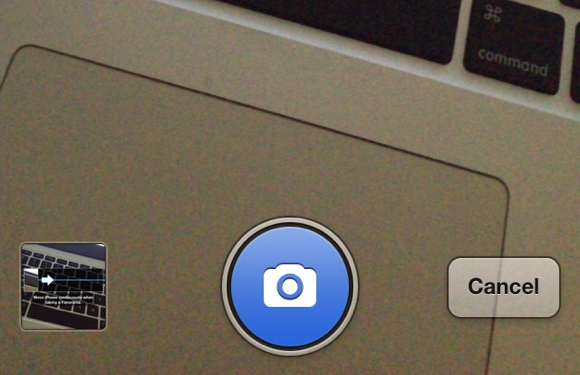
Better Pano Button is a jailbreak tweak for those that hate the original grayscale panorama button found within the iPhone's Camera app. The tweak will allow you to replace the button with a blue button while in panorama mode.

The developer states that having a blue button is for minimalists, which actually doesn't really make much sense to me. If anything, it's less minimal than the standard gray button. He also states that it is better, which is, of course, totally debatable. Check inside for a few more tidbits of information.

How to enable HDR on the iPhone’s front facing camera

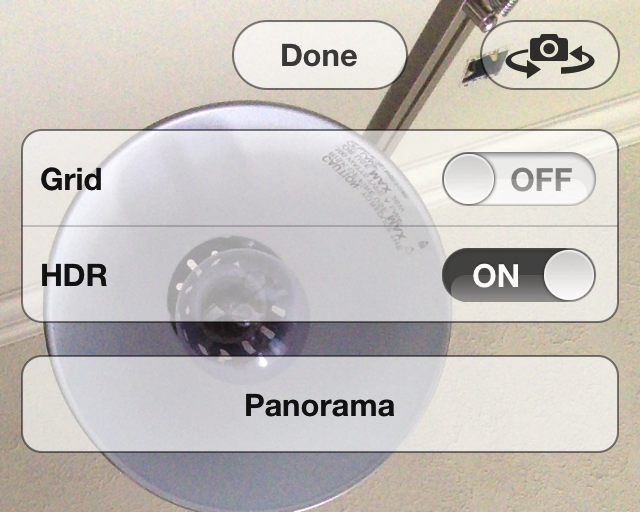
Front HDR is a new jailbreak tweak that allows you to enable High Dynamic Range while using the iPhone's front facing camera. Normally speaking, HDR is a mode reserved for the iPhone's rear camera, and since the rear picture quality is much better than the front camera, it's probably best served there.

Still, there are always those who want to make their iPhone's do things that it was never intended to do, and that's the case with Front HDR. While the tweak does work as advertised, it also poses a few big issues along the way. Check inside for more details.

Teach your Lock screen a few new tricks with Grabber Enhancer

In iOS 5.1, Apple revamped the Lock screen Camera shortcut so that users could access the app with a single swipe. The icon, commonly referred to as the camera grabber, has been very popular with jailbreak developers.

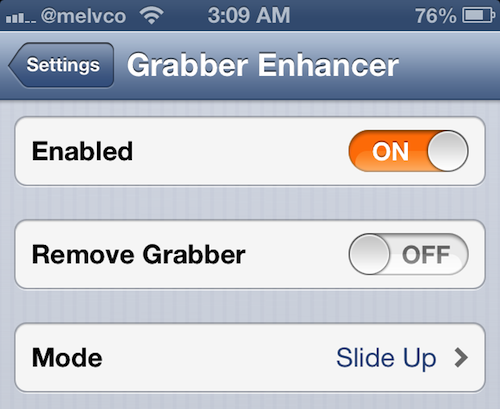
We've seen a lot of tweaks involving the icon over the months, and today, we're adding another one to the list. Introducing Grabber Enhancer, a recently-released Cydia package that adds functionality to the camera grabber...

How to enable face detection while recording video

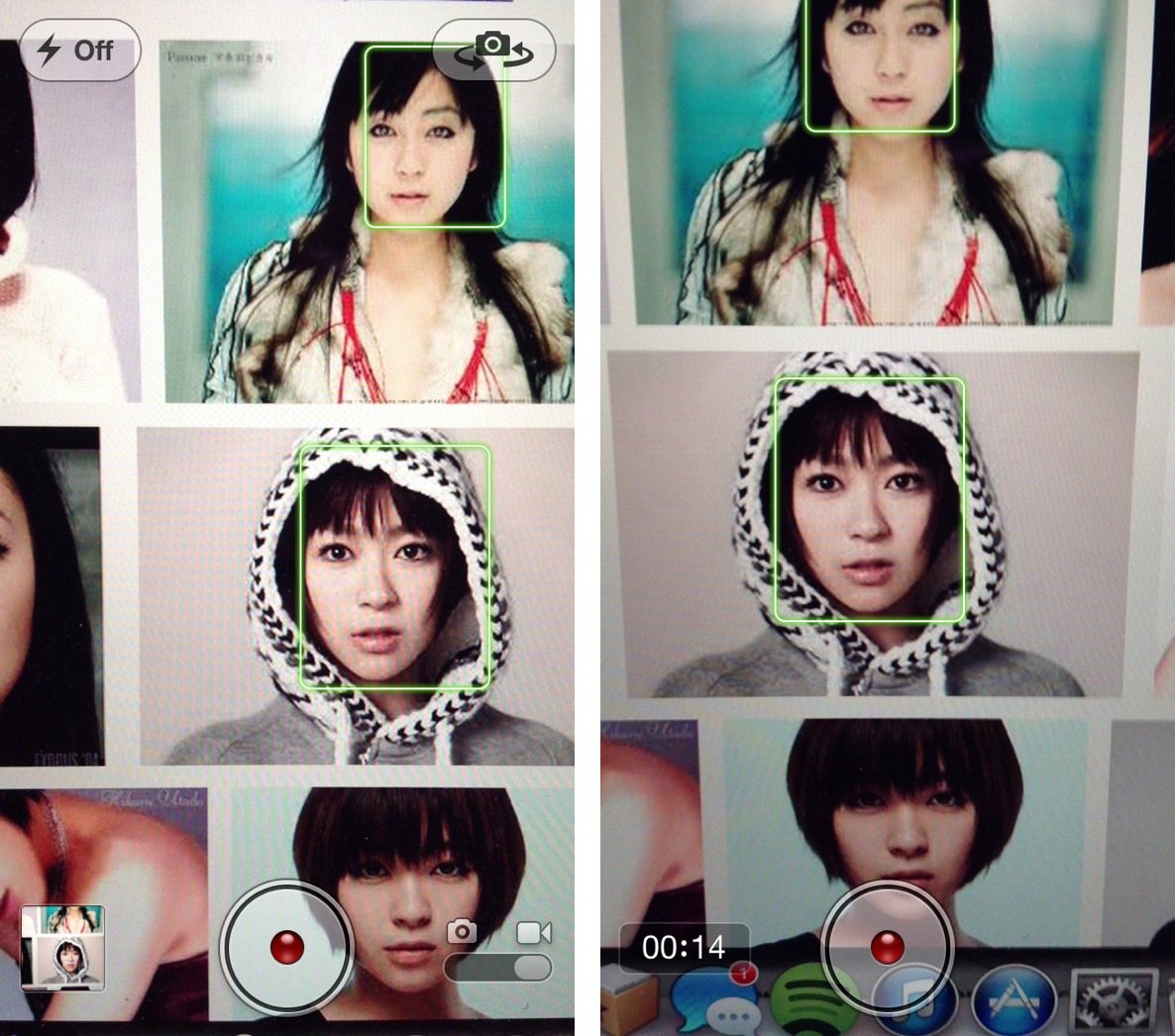
Face detection is a feature that allows the iPhone's iSight camera to focus on the most prominent face in the frame, balancing the camera's exposure across up to 10 faces. It's a feature that works well with the iPhone's still camera, and it also works for shooting video.

The only problem with video, is that the face detection only works prior to the actual filming. That means that you can detect faces before tapping the shutter button while in video mode, but not afterwards. FaceDetectionDuringVideo is a tweak that eliminates that restriction. In other words, it allows you to detect faces in the middle of shooting a video.

‘TransparentCameraBar’ adds “more” real estate to the stock Camera app

TransparentCameraBar is a jailbreak tweak that allows you to make the UI featured in the stock Camera app transparent. The jailbreak tweak, free on Cydia's BigBoss repo, is a way to trick yourself into having "more" real estate for the view finder.

I should mention that this is more like a WinterBoard theme, than a tweak that impacts the photo's end result. If you take a photo either with, or without this tweak, the end result will be the same. It's simply a visual tweak that zooms in the camera UI to give the appearance of a bigger viewfinder.

Take a look inside for more info...

Apple researching high-res iPhone camera with optical zoom

Cameras with optical lenses frequently produce images superior to all-digital alternatives most often required in mobile phones. Now Apple appears to have found a hybrid approach permitting future iPhones and iPads to offer a high-resolution camera with an optical zoom lens, but not disrupt the devices' slim lines.

While many patented Apple inventions never see the light of day, iPhone photography buffs in particular will welcome Apple's camera advancements, especially should the company decide to implement them on future iPhones and iPads.

Additionally, the patented technology could even save money for the consumer electronics giant. In 2011, the company filed for a patent entitled "Digital camera with light splitter." The iPhone or iPad camera includes a zoom lens with a moveable lens made possible by a cube which splits light into its component red, green and blue colors...

‘Instahancer’ brings a bunch of new options to Instagram

Instahancer is a new jailbreak tweak that enhances the usability of the iPhone’s Instagram app. It does so in a vein similar to another recently released jailbreak tweak called InstaSave, a tweak primarily focused on saving photos from the service.

While this tweak, too, focuses on saving Instagram photos, it attempts to justify the price premium with the addition of extra features like zooming, caption drafts, and the ability to copy direct URLs. Does Instahancer succeed in its endeavors? Take a look inside for the full scoop…