Apple today released the iOS 11.1 developer beta for iPhone, iPad and iPod touch.
Video: hands on with QuickType enhancements, new animations & more in iOS 11.1
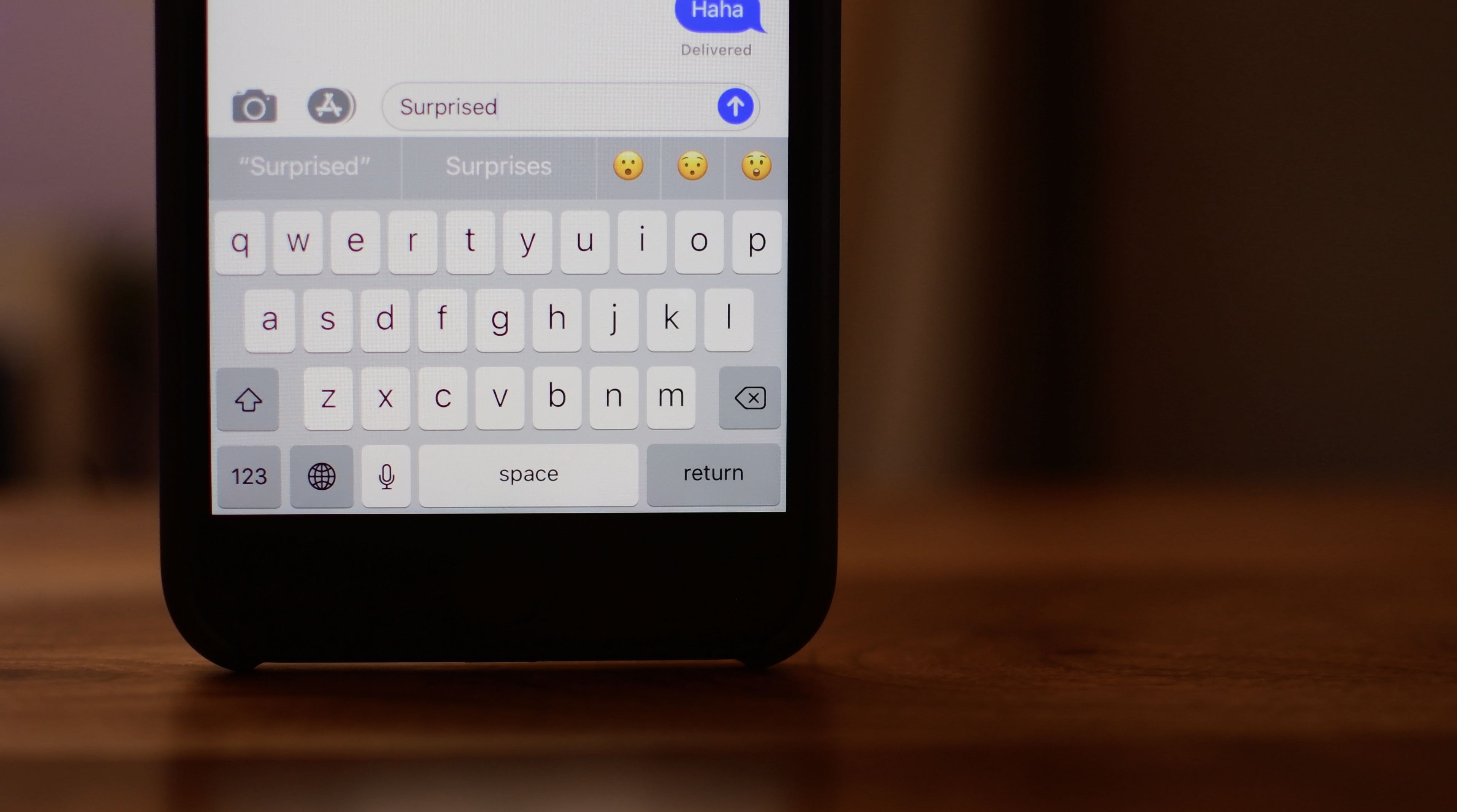
Apple today released the iOS 11.1 developer beta for iPhone, iPad and iPod touch.

As per the official release notes for the latest developer-only watchOS 4.1 beta that can be found on Apple's Dev Center, the forthcoming software includes new capabilities like an all-new Radio app that supports cellular streaming on Series 3 models.
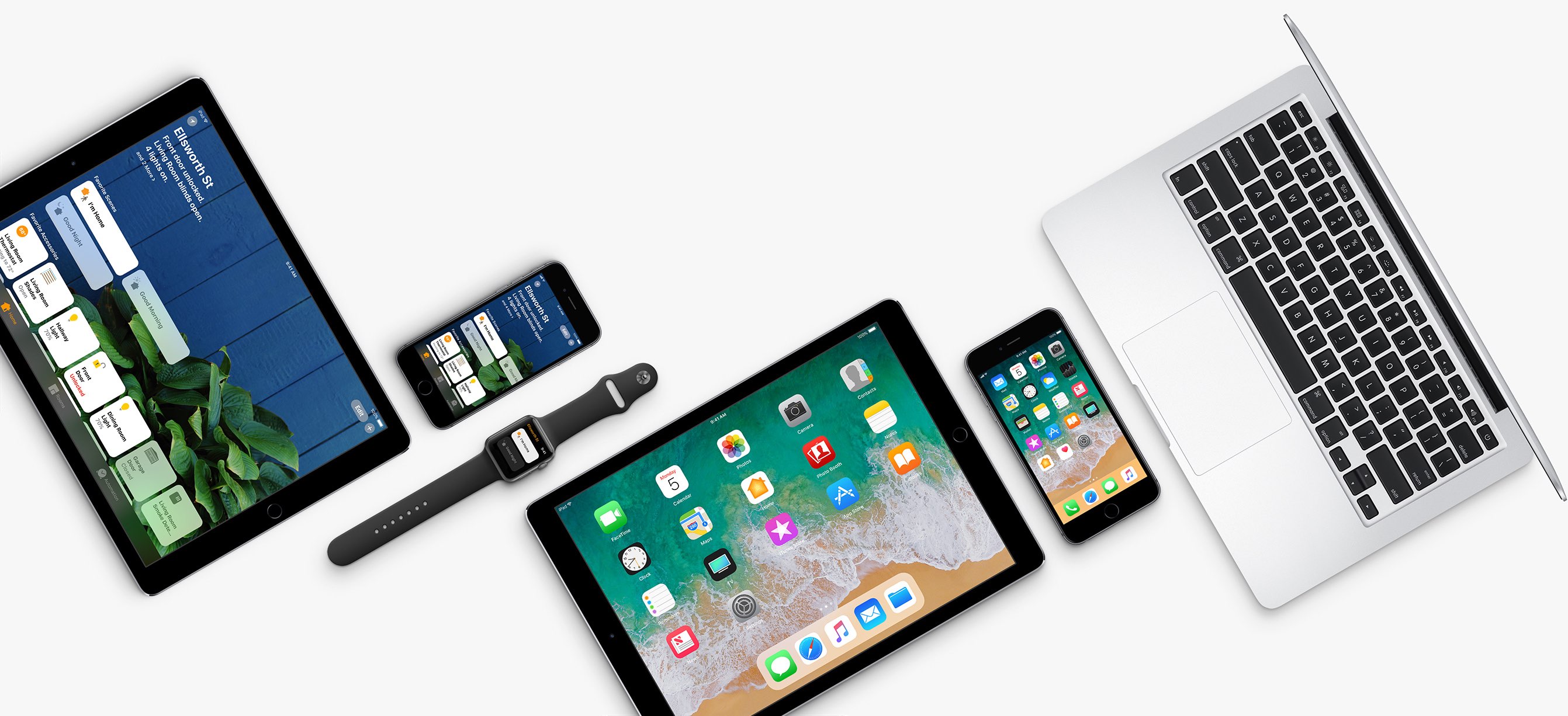
Apple on Wednesday seeded first developer betas of the upcoming iOS 11.1, macOS High Sierra 10.13.1, watchOS 4.1 and tvOS 11.1 software updates.
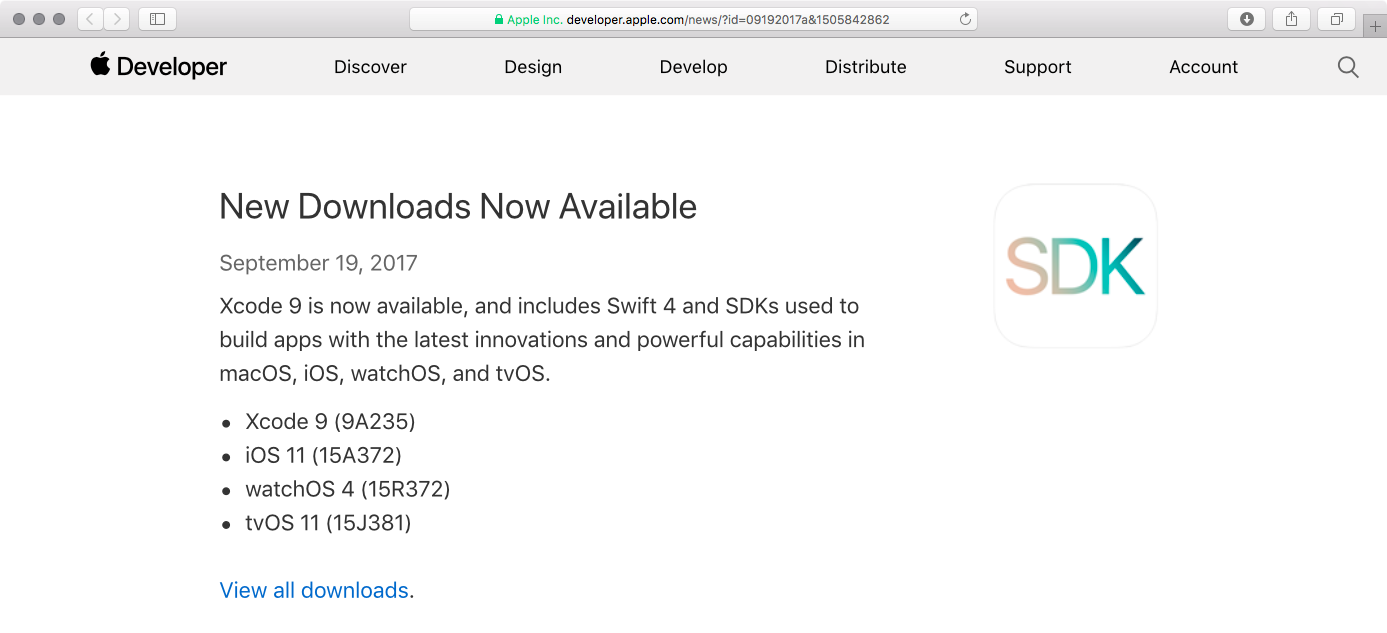
Apple this morning released iOS 11 to the general public and some people are asking how to move from a Golden Master candidate release, which dropped a week ago, to the public release.

Apple yesterday issued a tenth beta of iOS 11. The thing is, we've never had as many as ten betas preceding a final release so this is uncharted territory for Apple and its developers.
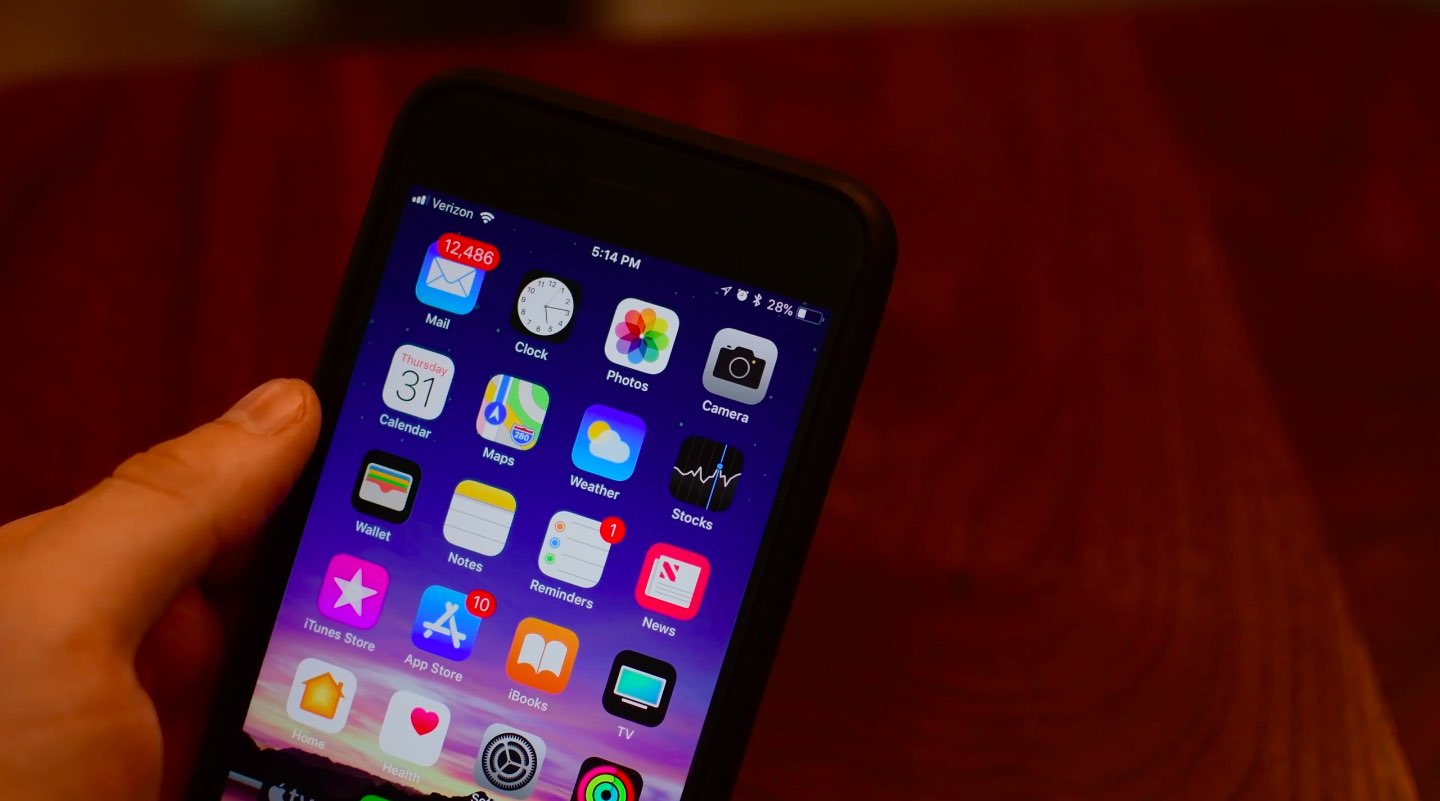
Apple on Wednesday issued a tenth beta of iOS 11 (build number 15A5372a) for iPhone, iPad and iPod touch to its registered developers and members of the Apple Developer Program.
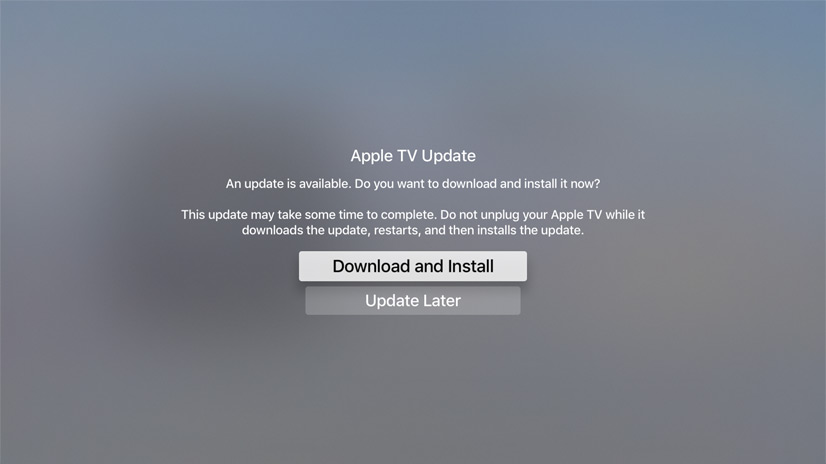
Apple on Tuesday seeded a tenth beta of the upcoming tvOS 11 software update to its registered developers and members of the Apple Developer Program. Its matching public beta should release shortly to members of the Apple Beta Software Program.

Following yesterday's beta 9 releases of iOS 11 and tvOS 11, Apple on Friday seeded beta 9 of macOS High Sierra to developers. The update can be downloaded over the air through the Mac App Store’s Updates tab, or for those who aren’t already running a previous beta, you can grab the full install from Apple’s Dev Center.
As indicated in its name, macOS High Sierra is more of a fine-tuning update to macOS Sierra, rather than a full-blown refresh. That doesn't mean there aren't any noticeable changes though. In fact, we were able to find 100 changes in the update. Be sure to check out our video below.
https://www.youtube.com/watch?v=QBna9ChoJd4
Subscribe to iDownloadBlog on YouTube
Yesterday, Apple sent out press invitations for an event to be hosted on Tuesday, September 12. We believe it will use the stage to unveil new iPhones and other hardware and announce official launch dates for macOS High Sierra and other updates.
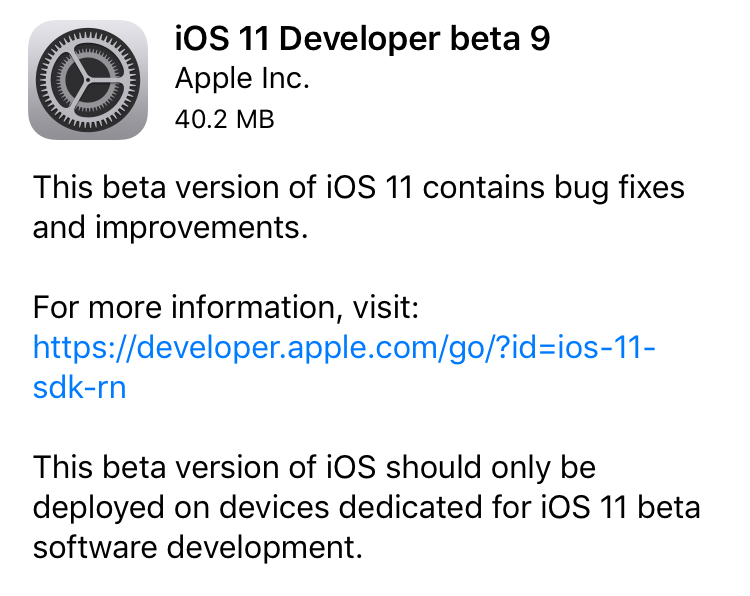
Apple on Thursday seeded iOS 11 beta 9 to developers. The release comes just days after beta 8 of the software was rolled out, suggesting that either a significant bug or security issue was discovered, or that Apple is charging hard down the final stretch of beta testing in an effort to finish the update on time for public release next month.
iOS 11 beta 9If you're a registered developer with a device already running a previous iOS 11 beta, you can upgrade to the latest build (15A5370a) over the air using the Software Update mechanism in the Settings app.
Given the short lead time between beta 8 and beta 9, we don't expect many (if any) user-facing changes. But here are the new things we spotted in beta 8:
https://www.youtube.com/watch?v=b--2ov6pcIk
Subscribe to iDownloadBlog on YouTube
tvOS 11 beta 9Developers with the appropriate configuration profile on their Apple TV (4th gen) can install today’s beta (build number 15J5378a) by visiting Settings > System > Software Update.
Otherwise, it requires you to hook up your Apple TV to your Mac via a USB-C cable and a quick trip to the Dev Center. tvOS 11 has shown to be a modest update, with just a handful of user-facing improvements.
As always, if you see something notable in the new betas you think we’ve missed, feel free to tell us about it in the comments below, or on Twitter @iDownloadBlog.

We are so close now to the expected public release of iOS 11.
Yesterday's arrival of an eighth beta of iOS 11 has brought with it small under-the-hood changes indicating there shouldn't be any unexpected changes or last-minute feature additions before the software update launches for public consumption this fall.
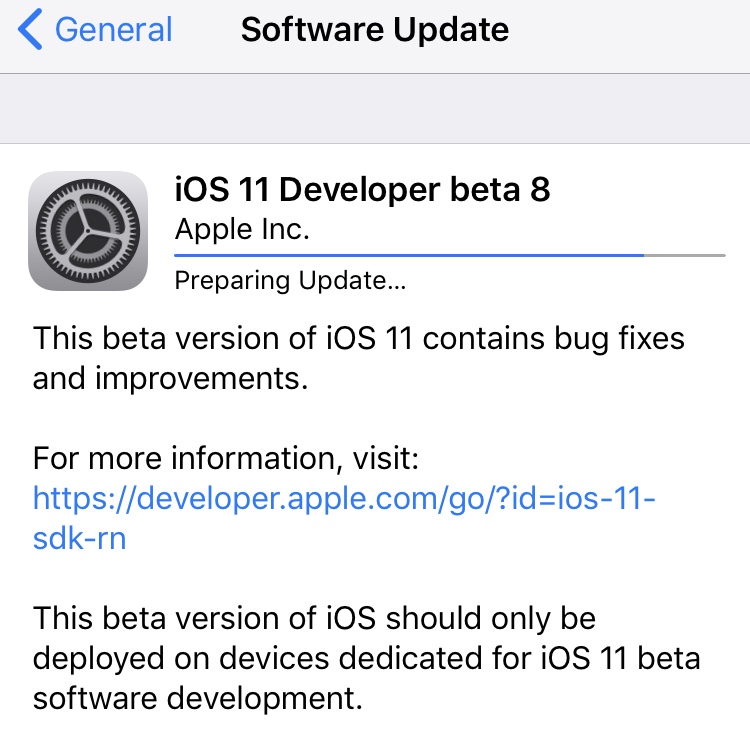
Apple on Monday released the eighth beta of iOS 11, watchOS 4, macOS 10.13, and tvOS 11 to registered developers. The new betas come just a week after beta 7 and two weeks ahead of the anticipated iPhone 8 event, so it's likely Apple is gearing up for a public release of the updates.
iOS 11 beta 8If you're a registered developer with a device already running a previous iOS 11 beta, you can upgrade to the latest build (15A5368a) over the air using the Software Update mechanism in the Settings app.
We’re installing iOS 11 beta 8 on our devices to hunt for new features, but in the meantime check out our video regarding beta 7 changes:
https://www.youtube.com/watch?v=NXeaoEi5J3I
Subscribe to iDownloadBlog on YouTube
macOS 10.13 beta 8Similarly, macOS High Sierra 10.13 beta 8 (build number 17A358a) can be downloaded over the air through the Mac App Store's Updates tab. If you aren't already running a previous beta, you can grab the full install from Apple's Dev Center. If you're curious about what's new in High Sierra, check out our 100+ new feature overview:
https://www.youtube.com/watch?v=QBna9ChoJd4
watchOS 4 beta 8Registered developers with an Apple Watch already running a previous beta version can install beta 8 (build number 15R5371a) over the air using the Software Update option in Settings. Here's our video on what's new in watchOS 4:
https://www.youtube.com/watch?v=1kB5mSgdvk4
tvOS 11 beta 8Developers with the appropriate configuration profile on their Apple TV (4th gen) can install today's beta (build number 15J5374a) by visiting Settings > System > Software Update.
Otherwise, it requires you to hook up your Apple TV to your Mac via a USB-C cable and a quick trip to the Dev Center. tvOS 11 has shown to be a modest update, with just a handful of user-facing improvements.
We'll update this post (or create a new one, if warranted) with any major changes found in today's betas. If you see something notable you think we've missed, feel free to tell us about it in the comments below, or on Twitter @iDownloadBlog.
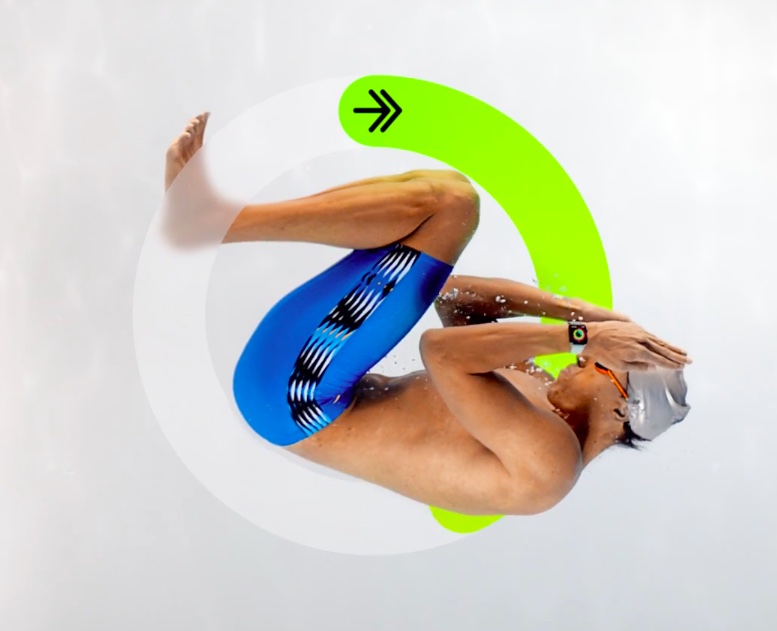
Apple Watch may soon gain the ability to track a variety of new activity types via the Workout app on watchOS 4, including boxing, dancing, kickboxing, lacrosse, pilates, skating and more.