Apps

What’s Dock on Apple Watch and how to use it?

Apple Watch showing Dock

When you press the side button on your Apple Watch, you see the Dock. Depending on the setting, the watchOS Dock has either your favorite apps or the ones you used recently. In this tutorial, we tell you more about the Apple Watch Dock, how to use it, add favorite apps, and get the most of it.

Apple’s free app of the week: Super Phantom Cat

Apple on Thursday updated its App of the Week promotion with the game Super Phantom Cat. This means that for the next 7 days, you can download this popular retro platformer for both iPhone and iPad for free—a solid savings of $2.

This charming side scroller is beloved for its beautiful retro graphics and whimsical character design, retro styling, and easy Mario-esque controls. It also features an awesome chip tune soundtrack, unlockable characters, and bonus levels.

YouTube for iPhone picks up 3D Touch shortcuts

To say that YouTube, one of my favorite mobile apps from Google, has poor 3D touch support would be an understatement: it's been now a full year since the iPhone 6s introduced the world to 3D Touch and yet support for the technology is literally non-existent in YouTube for iOS.

Conveniently ahead of the iPhone 7's arrival, Google yesterday moved to assuage some of the concerns of users who have been craving for 3D Touch in the app, releasing a small update which enables some interesting shortcuts on the Home screen.

How to filter and block spam phone calls on iPhone

Starting with iOS 10, Apple is allowing a new type of applications in the App Store: apps that can detect and block spam phone calls from telemarketers, debt collectors, scammers, and automated systems. These apps act as an extension of the Phone application, and in theory, they can help you filter out those calls from people you don't want to talk to.

In this post, we will have a look at how these applications work and how to use them.

WhatsApp rolls out its iOS 10 update with Phone/Siri support & more

WhatsApp is one of the showcase apps for CallKit, Apple's new framework allowing VoIP calls to integrate with iOS 10's Phone app and behave like cellular calls. Today, WhatsApp has rolled out its anticipated update which enables integration with Phone and Siri on iOS 10 while bringing out half a dozen other features and improvements like forwarding multiple chats at once, a new iOS 10 widget that lets you go to a recent WhatsApp chat or see which chats have unread messages, and more.

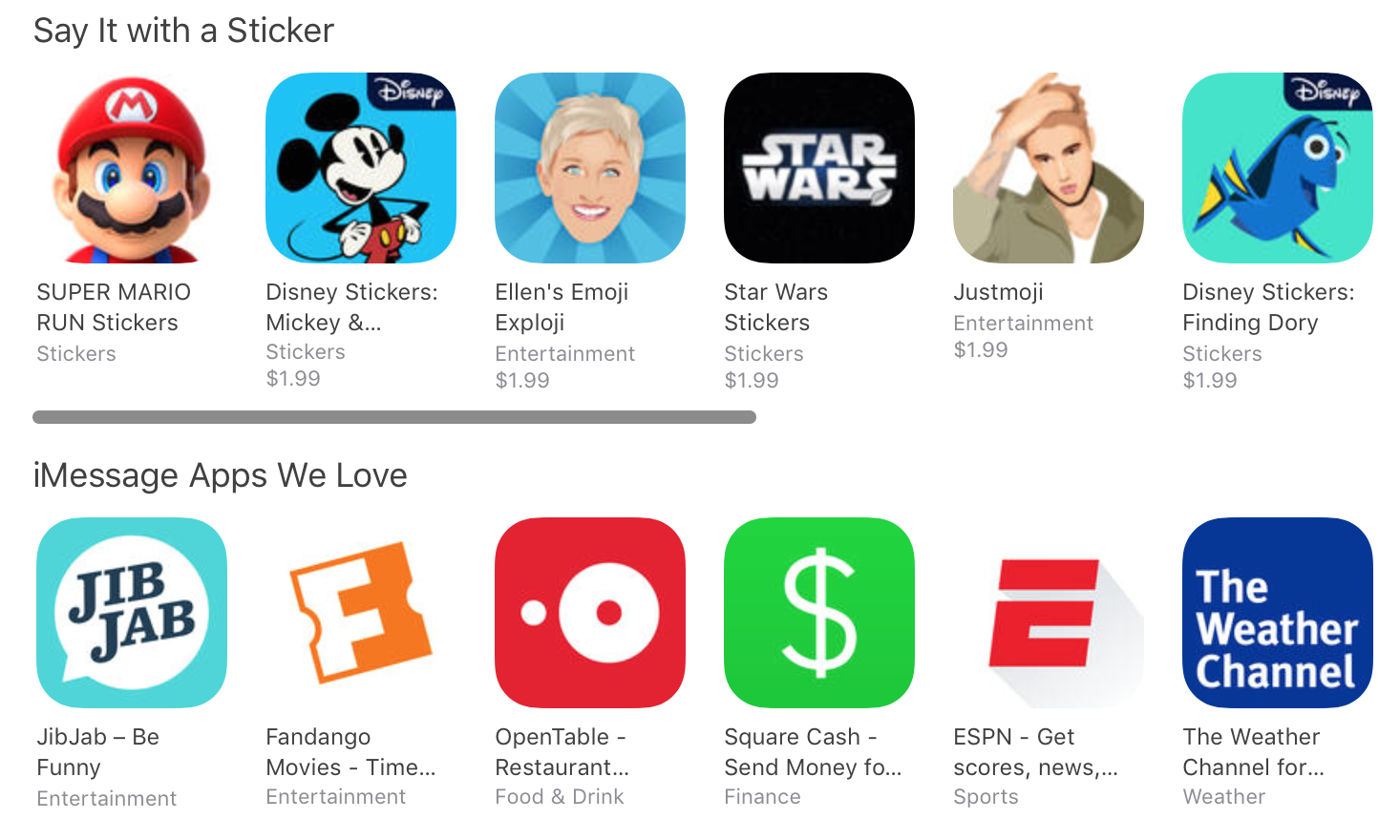
15 iMessage apps and sticker packs to download on iOS 10

One of the headlining features in the just-released iOS 10 update is the new Messages app. It now includes support for iMessage animations, sketches, enhanced emoji, and third-party apps and sticker packs.

As such, there has been a number of app updates and new releases today with a focus on the new iMessage platform. And we thought it'd be handy for our readers if we rounded up 15 of our favorite downloads. 
Super Mario Run stickers now available on the iMessage App Store

Nintendo on Monday released its Super Mario Run sticker pack for iMessage. The company announced the move during its surprise appearance at Apple's keynote last week, promising the stickers would be available on day 1 of the iOS 10 launch.

Folks running iOS 10 beta on their device can install the sticker pack for free via the iMessage App Store. Simply open the iMessage App Drawer, tap on the Store icon, and search for 'Mario.' The pack includes 12 fun Mario-themed sticker images.

Instagram rolls out keyword-based comment filtering

Instagram today announced it has rolled out a new anti-harrasment comment moderation tool in its refreshed mobile app for iOS and Android. This feature requires Instagram 9.3 for iOS, available at no charge from the App Store. In addition to comment moderation, Instagram 9.3 includes an enhancement for Stories where you can add color to your text by swiping the colors above the keyboard to revel more. Or, simply tap and hold a circle to select a custom color.

Google’s new app lets you capture three-dimensional panoramas on your iPhone and iPad

Google today released a brand new camera application on the App Store, allowing iPhone, iPad and iPod touch users to take three-dimensional panoramas in 360-degree freedom. The interactive VR photography app is called Cardboard Camera and in addition to capturing 360-degree images, it also lets you share VR photos online and enjoy them in virtual reality with Google's Cardboard and similar accessories along with VR photos taken by other people.

Google Photos for iOS gains Live Photos stabilization feature

iPhone photography fans who use Google Photos for iOS as their go-to photo management and backup solution will be delighted to learn that the latest version of the iPhone and iPad application now integrates advanced stabilization and rendering features that can make Live Photos smoother. Borrowed from Google's Motion Stills app which debuted in June 2016, this feature can freeze the background in your Live Photos or create sweeping cinematic pans.

Apple’s free app of the week: Blek

Apple on Thursday updated its App of the Week promotion with the game Blek. This critically-acclaimed title is an Apple Design Award-Winner, and for the next few days you can get it for free on both iPhone and iPad—a solid savings of $3.

The goal in Blek is simple: shape a line that collects all colored circles while avoiding black holes on its route. There are no specific moves to master, and potential level solutions range from delightfully simple to exceptionally deep and complex.