Apple

New aerial footage shows major landscape changes as iSpaceship nears completion

YouTubers Duncan Sinfield and Matthew Roberts flew their drones above Apple Campus 2 like they do every month, bringing us breathtaking visual updates of construction progress at the iSpaceship site. Last month, we saw a bird's eye overview of the enormous ring-shaped building facade glowing at night and the month before landscaping work was beginning to show. Their latest footage reveals major landscape changes with large trees sprouting up everywhere around the new campus.

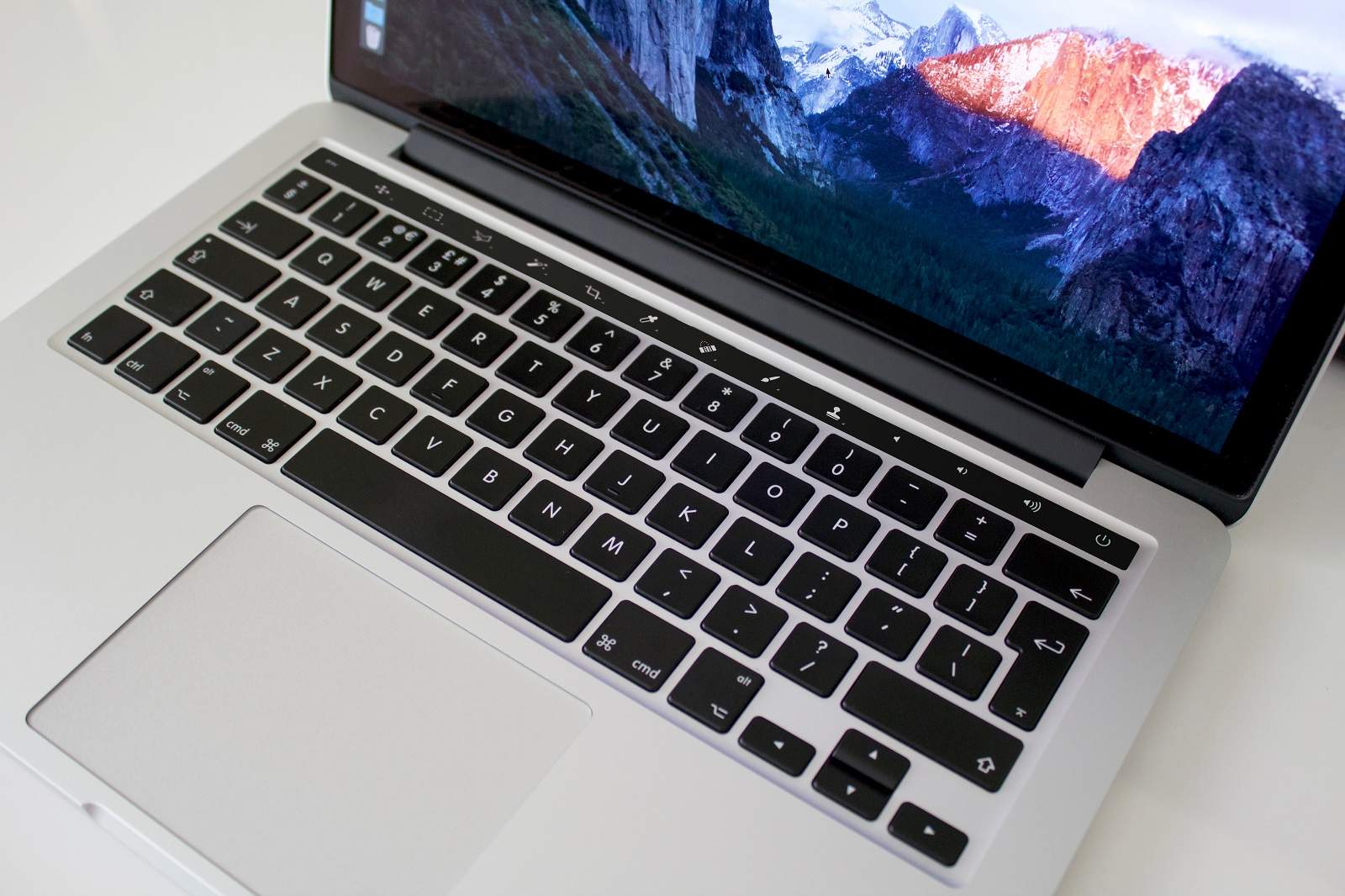
Jony Ive speaks on MacBook Pro’s Touch Bar, touchscreen Macs & more

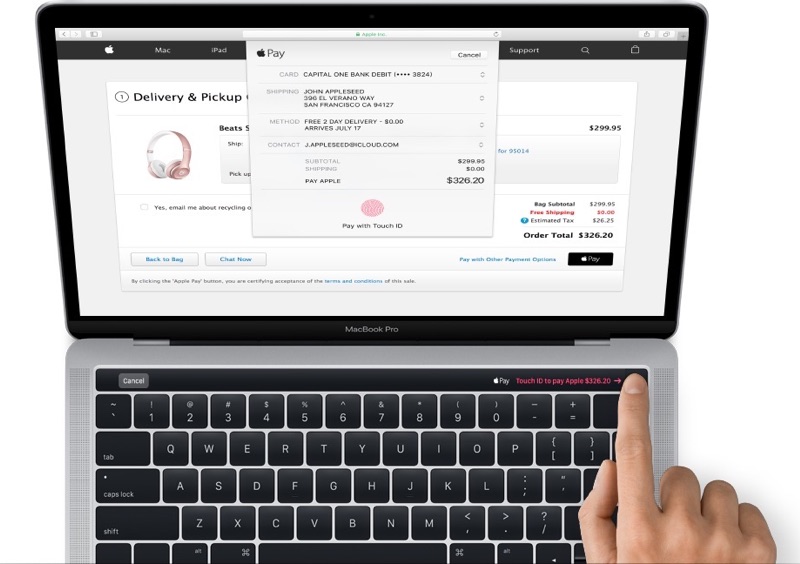
Jony Ive, Apple's Chief Design Officer, sat for a Q&A with CNET's News Editor in Chief Connie Guglielmo following last week's “Hello again” Mac event. Ive talked about various topics, including design considerations behind the creation of the Touch Bar, a marquee new feature of the new notebook, saying it's “just the beginning of a very interesting direction”. He explained why Apple'd rejected a touchscreen iMac “many, many years ago” and more.

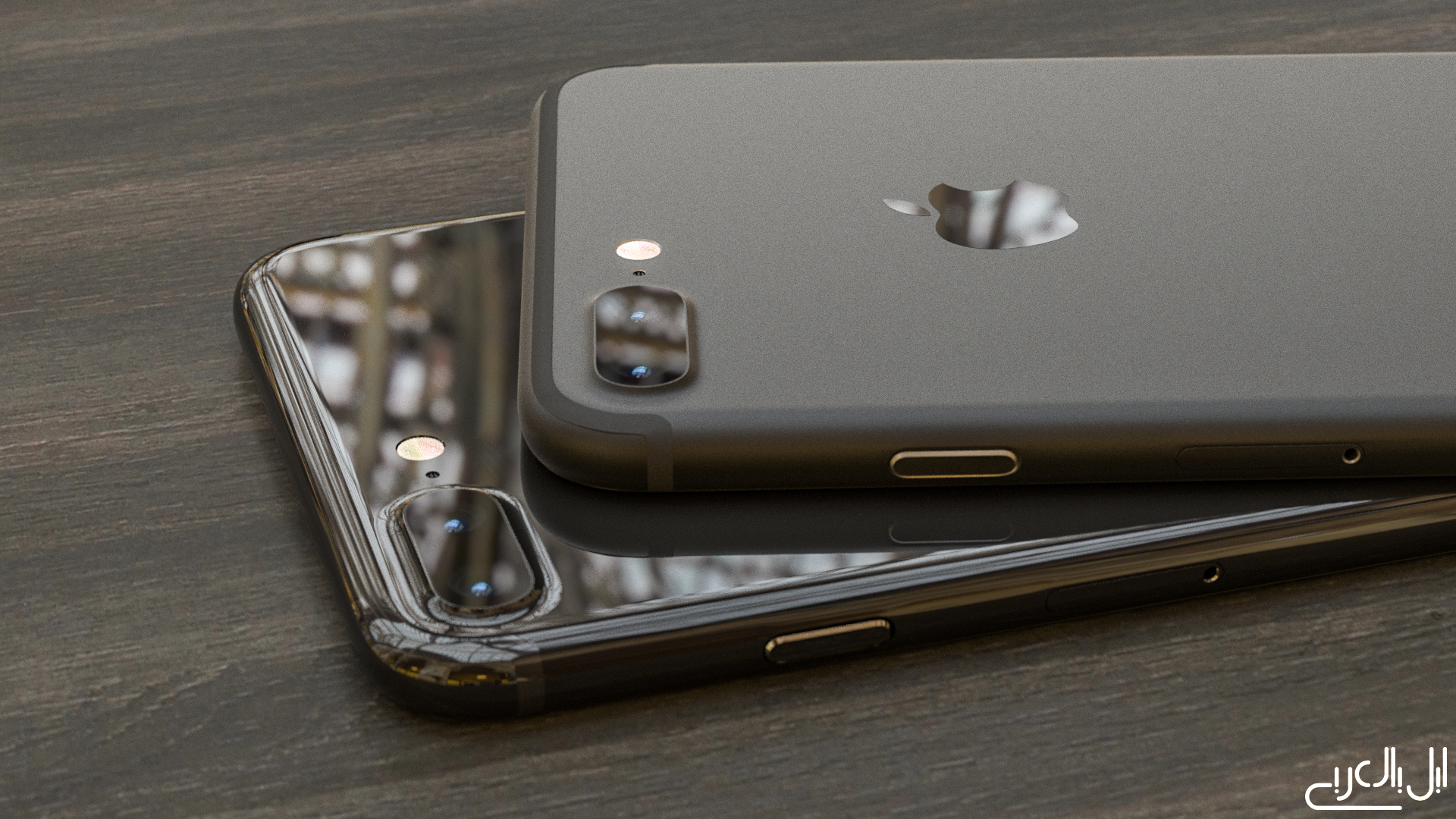
Sharp exec confirms iPhone 8 will have curved OLED screen & all-glass design

Sharp President Tai Jeng-wu—who is also a high-profile executive at Foxconn, Sharp's parent company and Apple's favorite contract manufacturer—said publicly that Apple's next iPhone will use a curved screen based on organic light-emitting diode (OLED) technology akin to that on Samsung's Galaxy S7 smartphone, Nikkei reported Saturday.

As you know, Apple currently uses OLED screens on the Apple Watch and the new MacBook Pro's Touch Bar. All iPhone, iPad and iPod touch devices to date have used traditional LCD screens.

1Password confirms that Touch ID support for the MacBook Pro’s Touch Bar is in the works

As we were watching a live-stream of yesterday's “Hello again” Mac event, our own Sébastien told the rest of the team via Slack that, in his mind, the 1Password + Touch ID + MacBook Pro combination would make a lot of sense. And indeed it would.

Less than 24 hours later, 1Password developer AgileBits has officially confirmed in a blog post that they're hard at work implementing support for Touch ID via the new MacBook Pro's Touch Bar to let users protect the app with their fingerprint.

Apple’s officially out of standalone display business

Nilay Patel, Editor-in-chief of The Verge, has confirmed with Apple that the company has officially exited the standalone display business, dashing any hope that we might see a standalone Apple-branded 5K Thunderbolt Display. If you own a Thunderbolt Display, don't hope for a Retina-enabled upgrade.

Responding to Jason Snell's notes on the new MacBook Pro over at Six Colors, Patel wrote on Twitter that “Apple told me it's out of standalone display biz.”

MacBook Pro didn’t double the RAM because 32GB RAM would decrease battery life

I've had a blast configuring the new MacBook Pro in Apple's online store and a lack of 32GB RAM upgrade option immediately jumped out at me. Thirteen-inch Pros include 8GB RAM while the faster and pricier fifteen-inch machines double that to to sixteen gigabytes.

According to Apple, the new MacBook Pro cannot be configured with 32 gigabytes of RAM because doubling the memory would have a negative impact on battery life.

Apple’s new T1 chip that drives MacBook Pro’s Touch Bar runs “eOS”, a variant of watchOS

If early impressions are an indication, the Touch Bar on the new MacBook Pro is definitely not a gimmick. The time-saving feature lets you accomplish common tasks faster without needing to memorize a bunch of app-specific keyboard shortcuts.

Instead or remembering a shortcut or wasting time finding it in the menus, you just touch one of the system-wide or app-specific icons that are displayed on the Touch Bar.

For the hardware geeks among us, the more interesting aspect of the Touch Bar is the Apple-designed silicon behind it, dubbed the T1. As developer Steven Troughton-Smith has discovered, the Touch Bar is actually a mini Apple Watch.

Hands-on with exclusive Apple Watch Nike+ watch faces and complications

The Apple Watch Nike+ is available as of yesterday and our resident video editor Andrew O'Hara just published a video showing off its design and features. As we mentioned many times before, the Apple Watch Nike+ is literally the Apple Watch Series 2 with some exclusive features.

Now, exclusivity comes in the form of unique Nike-inspired bands and Nike-themed watch faces and complications that are not available on regular Series 2 devices. Here's our hands-on with the watch faces and complications that Nike and Apple jointly designed for the Apple Watch Nike+ edition.

Hands-on with Apple Watch Nike+

The Nike+ edition of the Apple Watch Series 2 went on sale yesterday and we have managed to put our hands on one. The Apple Watch Nike+ includes all of the hardware features of the Apple Watch Series 2 like a lot brighter screen, a faster CPU/GPU, built-in GPS and better waterproofing with swim tracking.

What you won't get with the regular Apple Watch Series 2 devices that the Nike+ edition provides are perks like exclusive bands, watch faces and complications, plus the preloaded Nike+ Run Club app and more.

Touch Bar on new MacBook Pro will show function keys when using Windows via Bootcamp

Apple yesterday unveiled the new MacBook Pro with Touch Bar, a completely redesigned, thinner machine that shifts away from traditional computer ports in place of Thunderbolt 3 and replaces the function key row of the keyboard with a new versatile Touch Bar that dynamically changes based on the app you're in.

So that might raise the question: what happens when you boot into Windows on your MacBook Pro with Bootcamp?

The headphone jack lives on with the new MacBook Pro

Yes, for those wondering, the new MacBook Pro has a standard headphone jack. Apple was met with a lot of criticism back in September when it introduced the iPhone 7 without the 3.5mm port, but it clearly isn't ready to bring the change to its laptop lines.

The move should appease the MacBook Pro's targeted audience, who won't have to worry about fiddling with adapters or pairing Bluetooth headphones/speakers. Music producers, for example, will be able to plug the computer directly into their current setups.