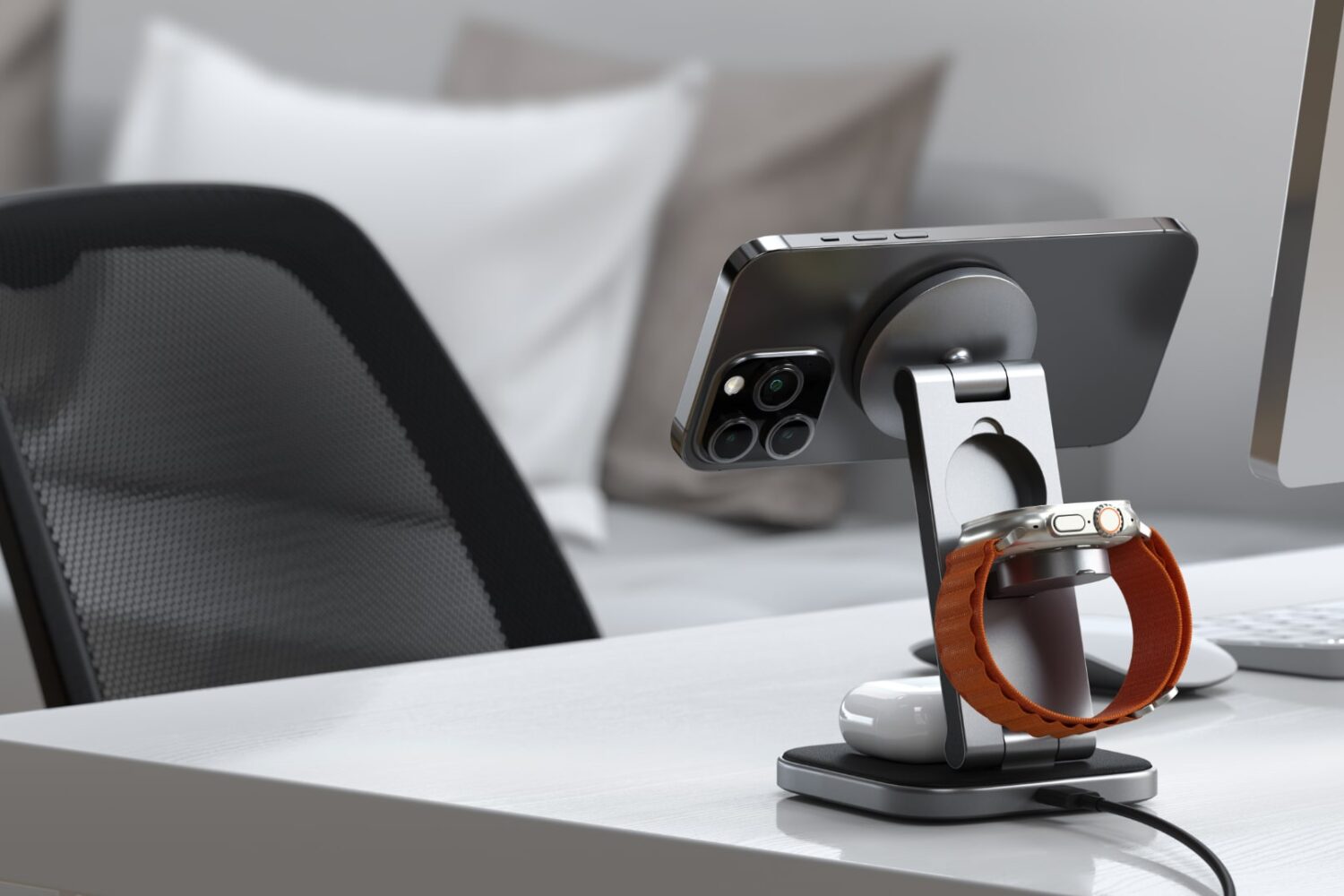
Satechi's new 3-in-1 and 2-in-1 stands charge an iPhone wirelessly at 15W via Qi2 or MagSafe. They fold in half, making them ideal for travel and iOS 17's StandBy feature.
Satechi’s new multi-device foldable chargers support Qi2 and MagSafe
Satechi's new 3-in-1 and 2-in-1 stands charge an iPhone wirelessly at 15W via Qi2 or MagSafe. They fold in half, making them ideal for travel and iOS 17's StandBy feature.
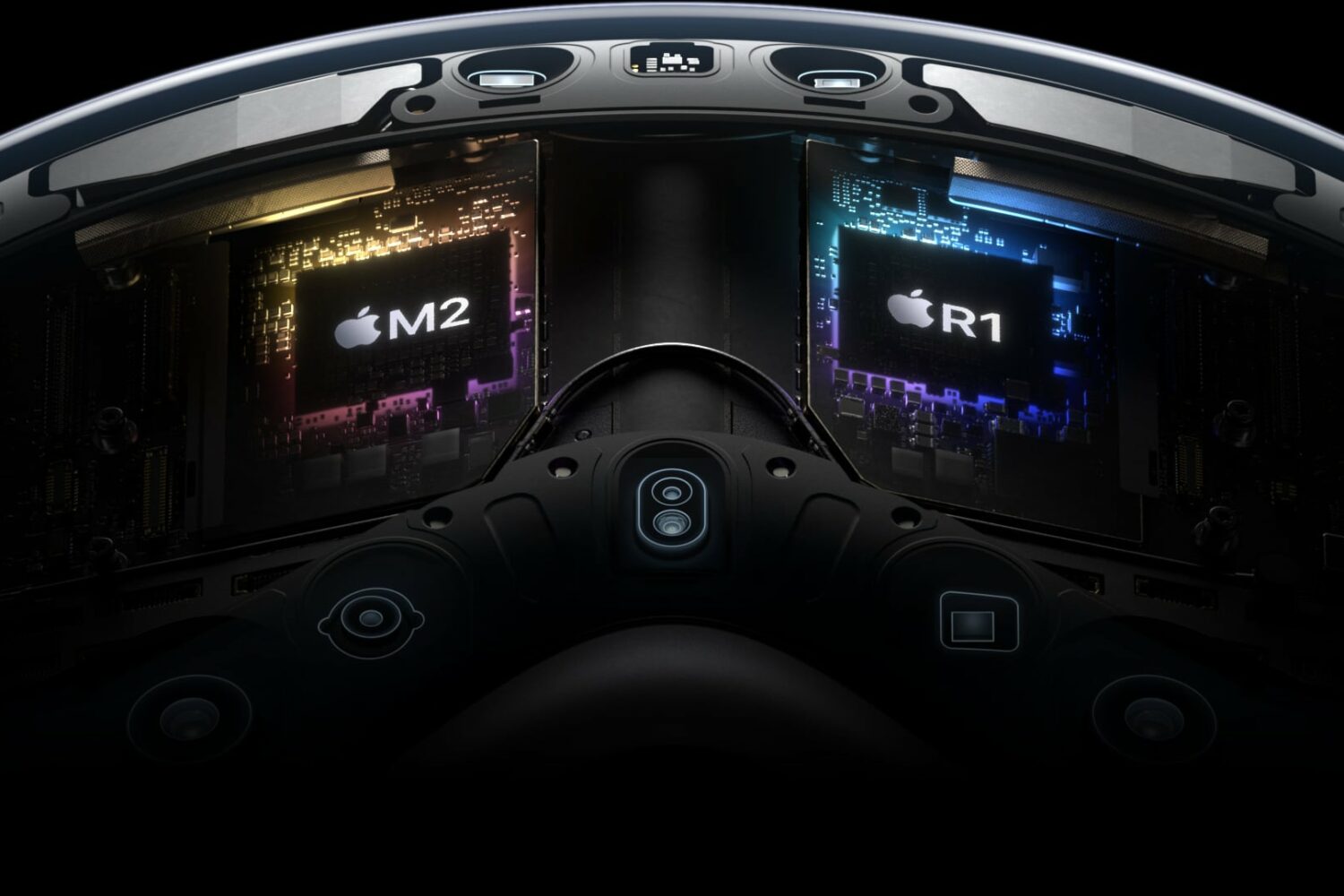
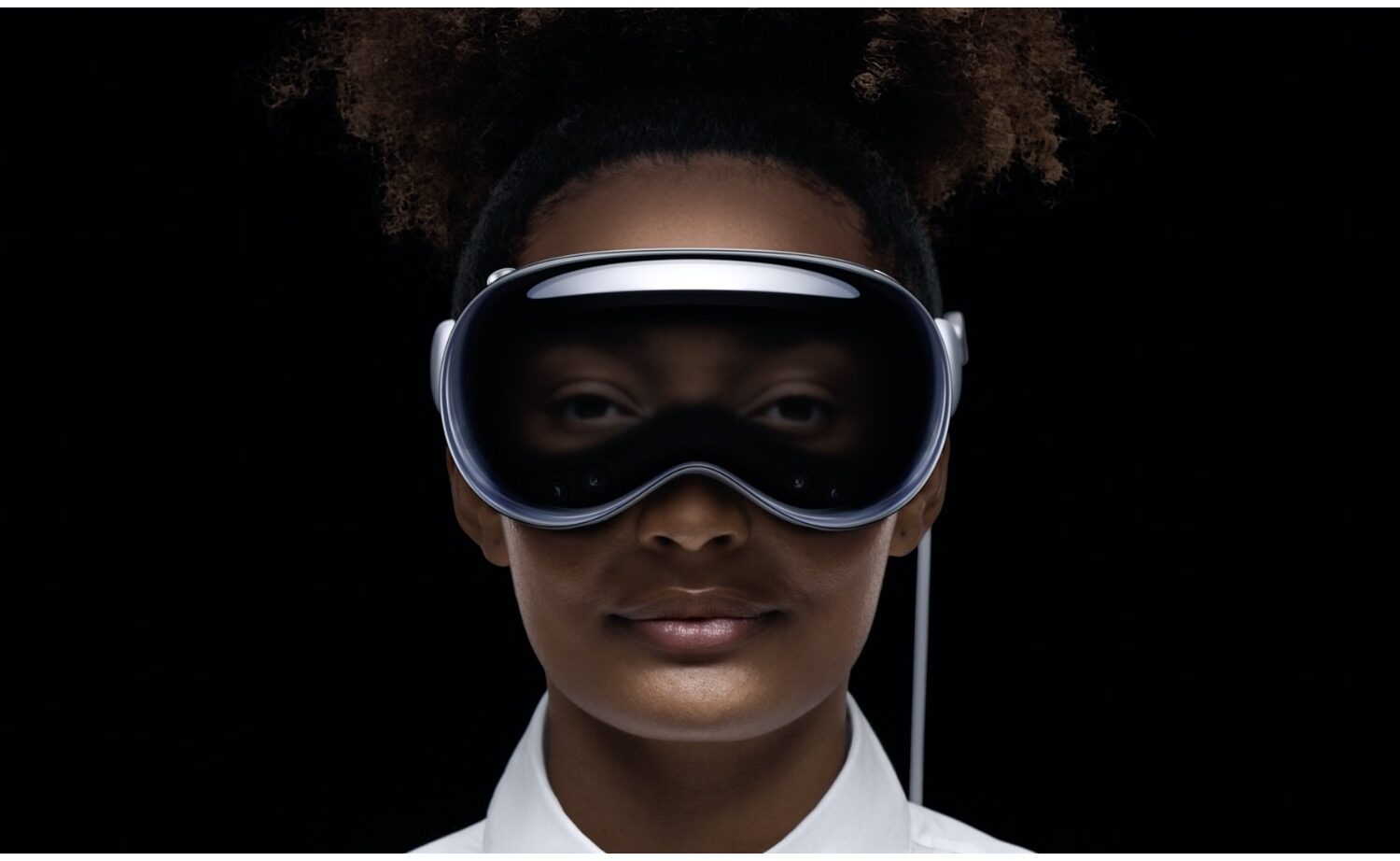
Apple's M2 and R1 chips that power its Vision Pro headset have sixteen gigabytes of RAM arranged in Apple's unified memory architecture that cannot be upgraded.
The 30-second ad for the Vision Pro headset cuts through short clips of famous movie characters who are depicted putting on various goggles, helmets and masks.
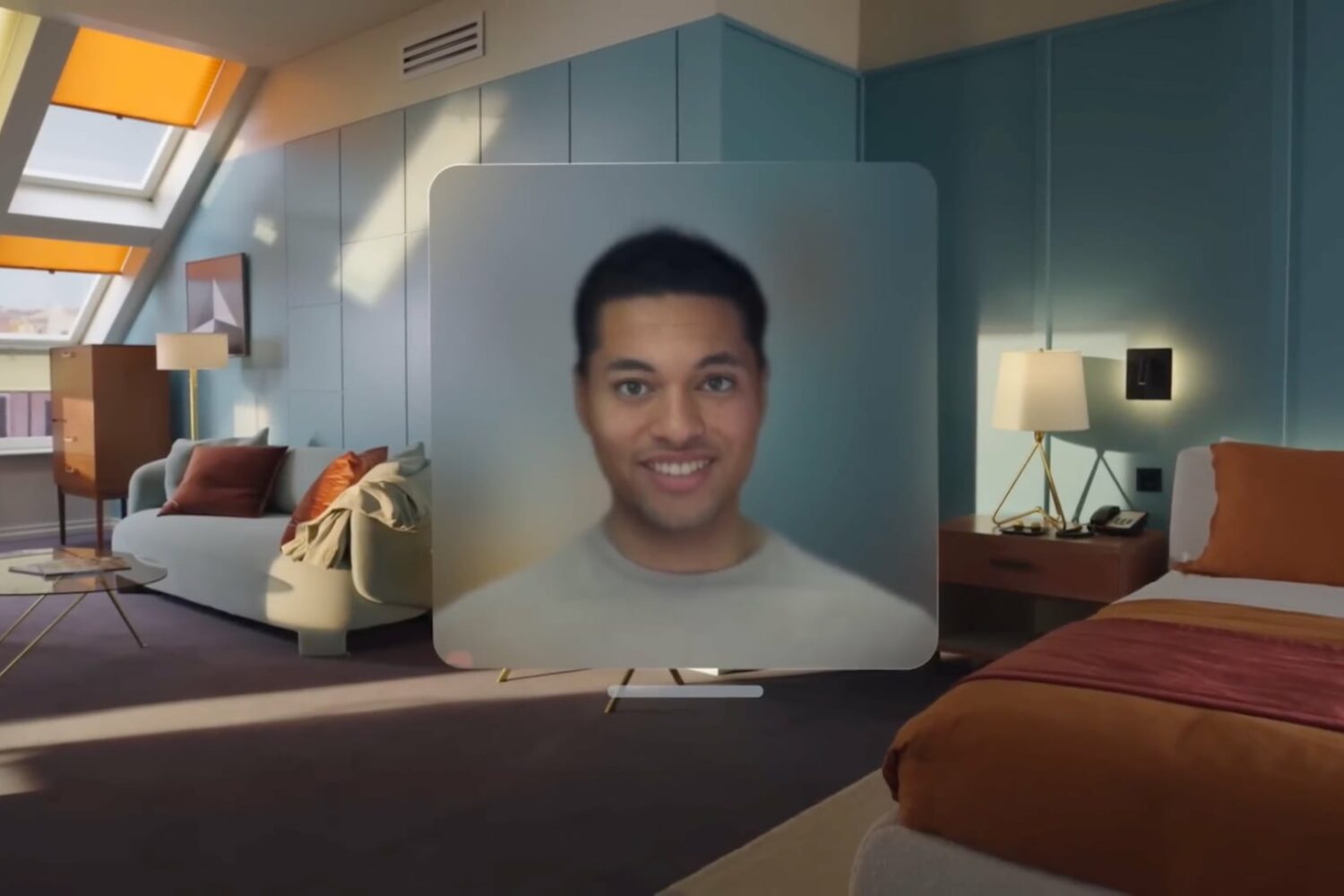
The Vision Pro uses your digital representation—dubbed Persona—while videoconferencing on FaceTime or other apps, but the feature will arrive in beta.
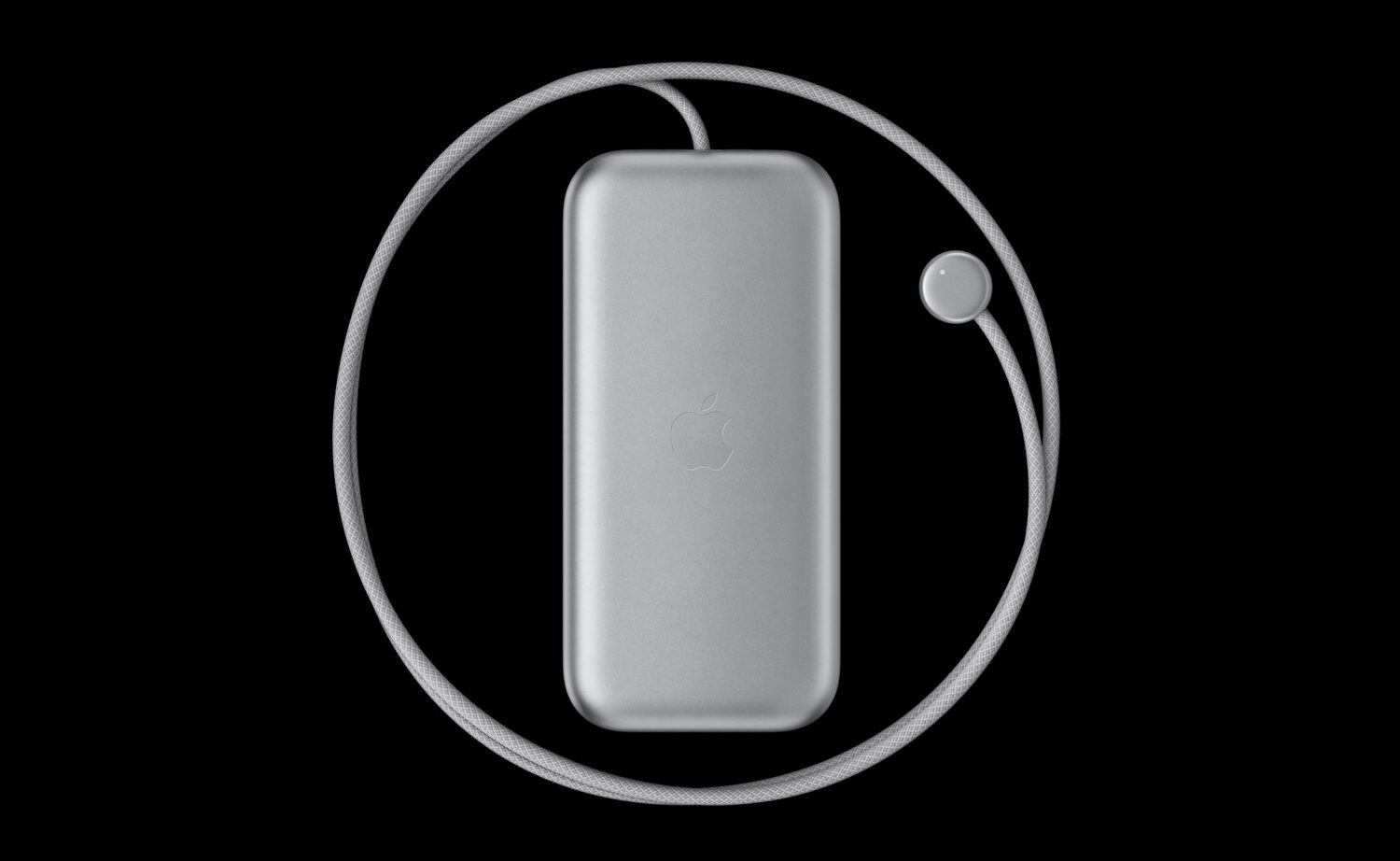
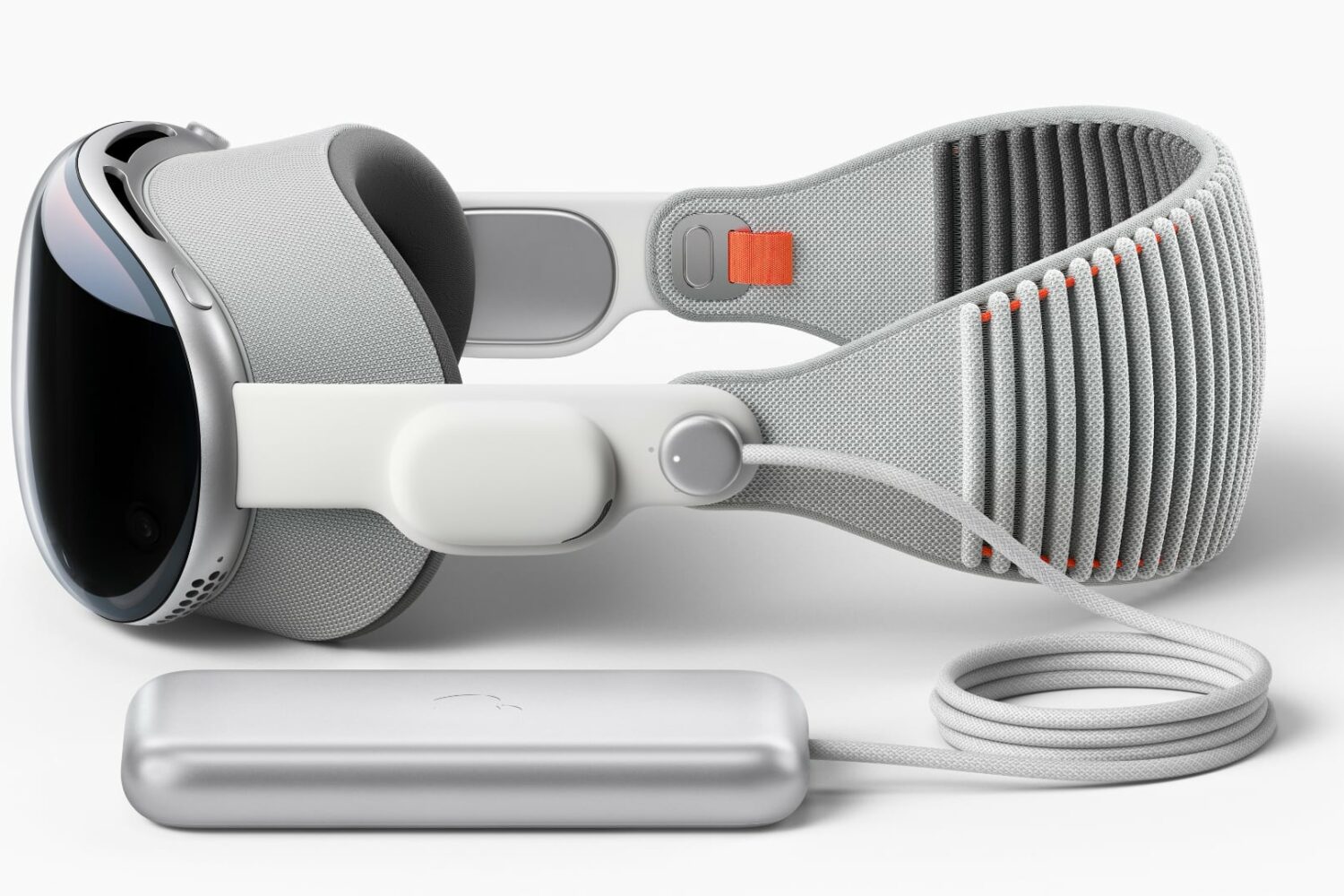
Apple rates the Vision Pro's external battery pack with 2.5 hours of video playback on a single charge when watching a 2D movie in a virtual reality (VR) environment.
You can pre-order a Vision Pro headset starting Friday, January 19, with first shipments expected on February 2, 2024.
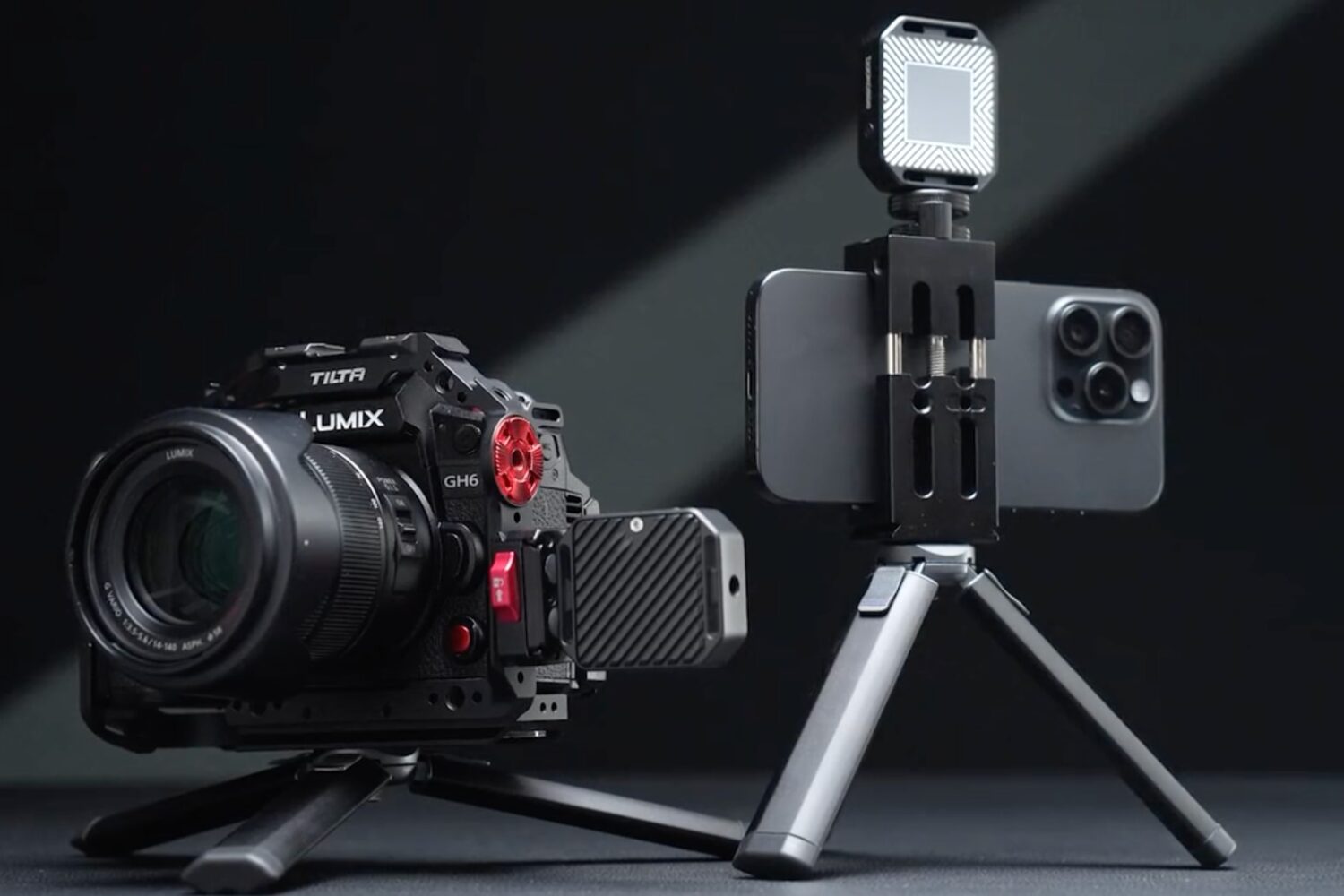
This funky pocket-sized external storage enclosure from Dockcase accepts tiny M.2 NVMe SSD drives, and will boost your videography and photography.
Apple just this week stopped signing iOS & iPadOS 17.2 in a move that effectively prevents iPhone and iPad owners from downgrading from the newer iOS & iPadOS 17.2.1 release.
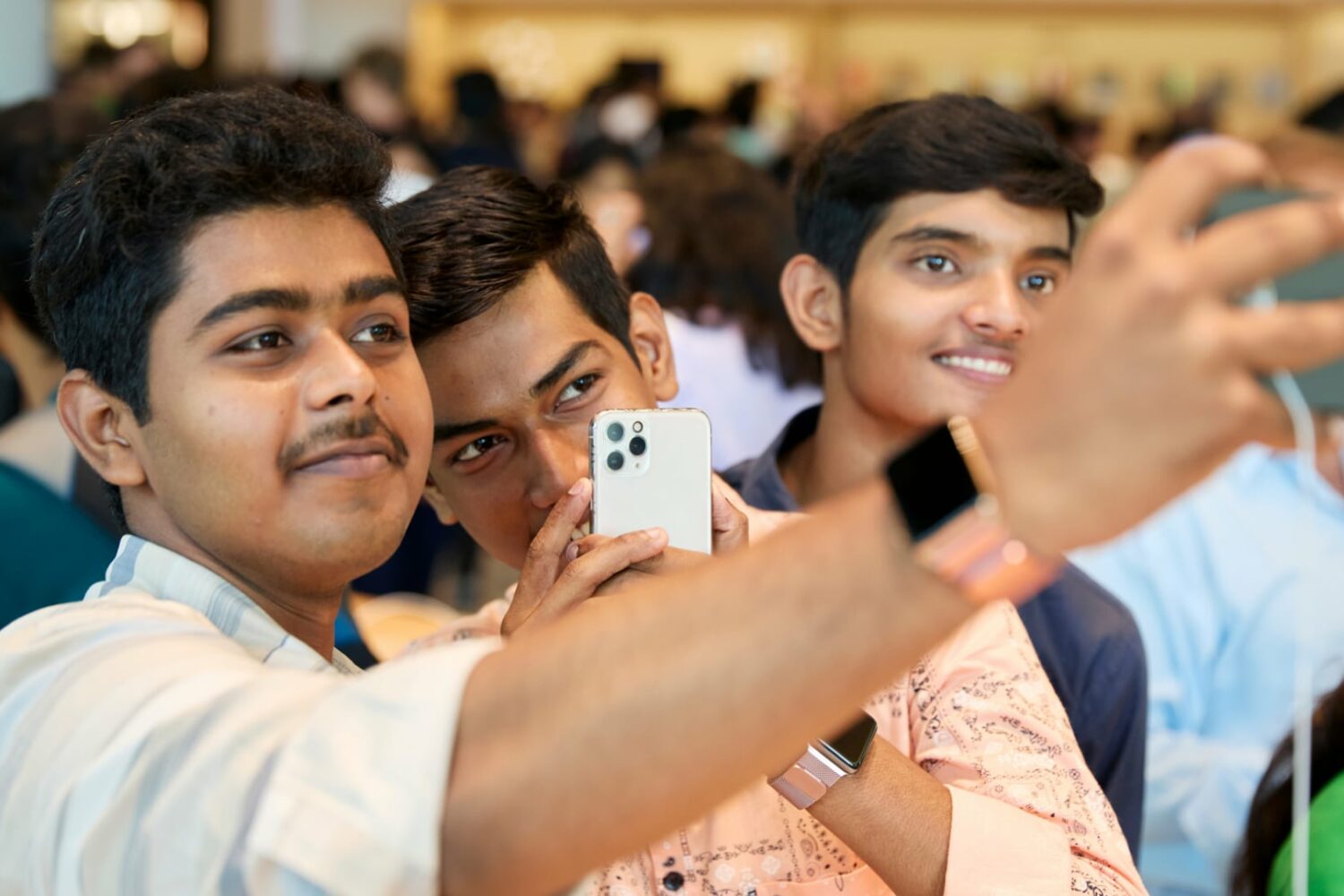
2025’s iPhone 17 and iPhone 17 Pro models are expected to upgrade the front-facing camera from 12 to 24 megapixels for crisper selfies with finer detail.
Generative artificial intelligence (AI) will reportedly bring more personalization and natural conversations to Siri, and power a new “Apple-specific creational service.”
Quadrupling pixel count on the iPhone 16 Pro’s ultra-wide camera will significantly improve image quality, according to a new report from a reputable analyst.
Learn how to make your notifications more private during StandBy Mode by disabling the preview until you tap the iPhone screen.