Apple Watch

Stay up-to-date on the latest Apple Watch news, and learn how to get the most out of your device with our comprehensive tutorials. From updates to features to troubleshooting tips, we’ve got you covered.

Apple planning to rollout Apple Watch to more countries in June

During Apple's fiscal second quarter conference call on Monday, Tim Cook conceded that the demand for Apple Watch has been much greater than supply, but the company is working hard to remedy that.

"I think we're in a good position," he said. "And sometime in late June we currently anticipate being in a position where we could begin to sell the Apple Watch in additional countries. That's our current plan."

Real-time rain and lightning alerts launch in Weather Channel for Apple Watch, iPhone and iPad

The Weather Channel today announced bringing new real-time rain and lightning alerts to the iPhone, iPod touch, iPad and Apple Watch via an updated iOS app. The refreshed mobile software lets you receive the exact alerts for rain, snow and lighting strikes that are relevant to you and based on your location.

In addition, you can now set up fully customizable notifications based on personal preferences so you can receive timely alerts tailored to your preference.

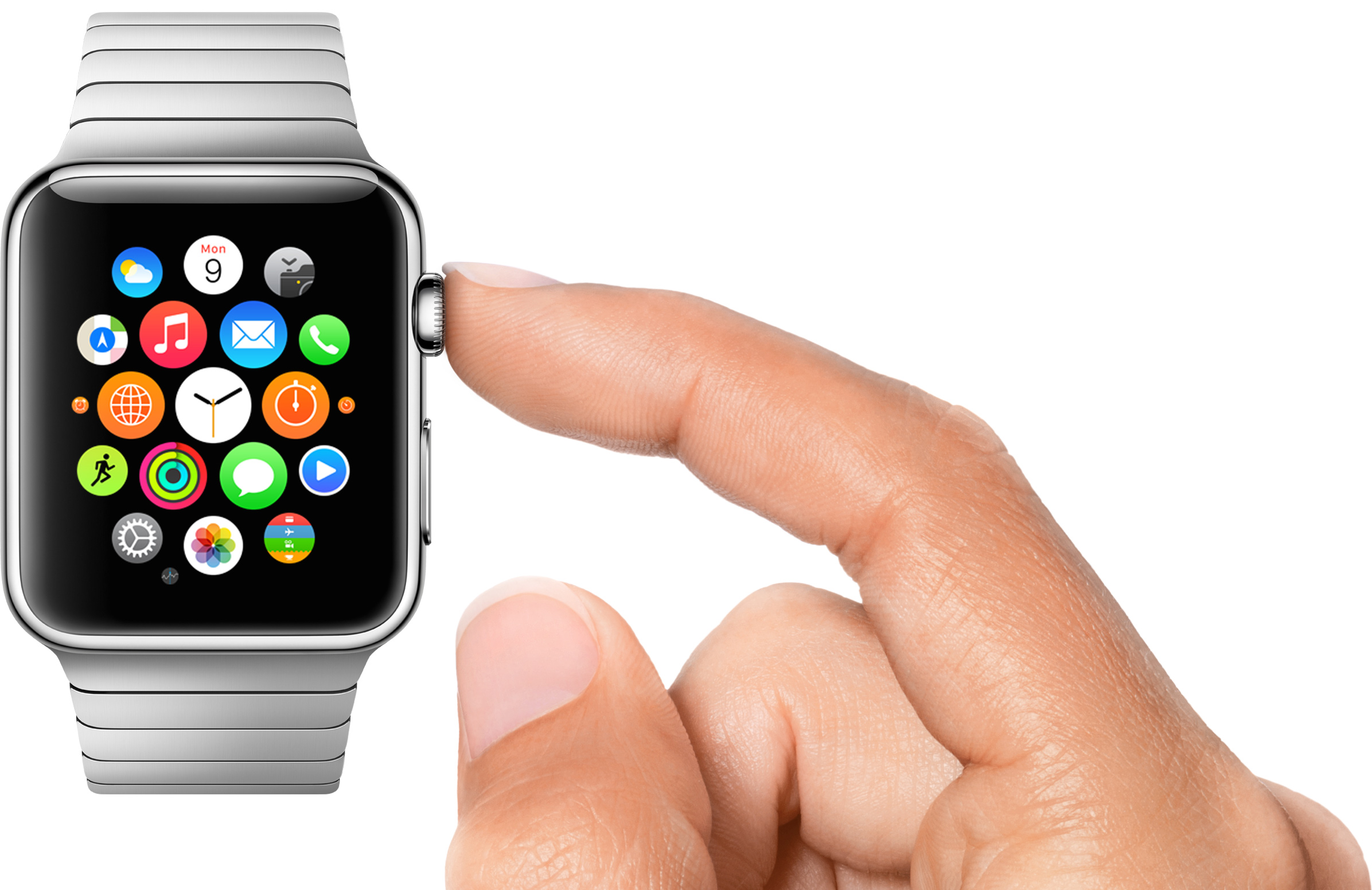
Getting to know the Status icons on the Apple Watch screen

Although the Apple Watch doesn't feature a traditional status bar like the iPhone or the iPad, from time to time you will notice a status indicator icon at the top of the screen. Apple Watch contains a variety of status indicator icons, and they all mean different things. In this post, we'll talk about some of the status icons that you may encounter during your usage of Apple's new wearable.

How many Watches did Apple sell?

While Apple is set to announce quarterly earnings later today, it won't be breaking down Watch sales for competitive reasons. This hasn't stopped analysts from making educating guesses in terms of Watch sales since the device's April 24 debut.

Estimates range from as low as 631,000 units to as high as 1.7 million units, with second-quarter shipments expected to hit nearly four million units as Apple's suppliers resolve manufacturing issues with the Watch's AMOLED display and Haptic Engine.

Seven cool things Apple Watch can do without its paired iPhone

Designed as a versatile companion to the iPhone, the Apple Watch uses the GPS and Wi-Fi in your iPhone to give you the full experience. That's why the very first step before you can start using the Watch is pairing it to an iPhone in iOS's Apple Watch application.

But even though the wearable device wasn't conceived as a standalone product, it can still do a few tricks on its own, without having a paired iPhone in range. Here are seven different things the Apple Watch can do without being tethered to an iPhone.

Is Apple Watch draining your iPhone’s battery too fast? This may help

Contrary to popular belief, the Apple Watch has a pretty remarkable battery, a notion driven home by even the toughest of critics and reviewers.

Now that first shipments have arrived into the hands of consumers, and people have spent a day or two with their device, reports are coming in that the wearable device is in some cases dramatically draining the battery of an iPhone it's paired to.

Our own Oliver Haslam has underscored the phenomenon in his hands-on with the Watch based on his first 24 hours with the device, as did others including former Engadget editor Ryan Block. What gives?

24 hours with the Apple Watch

I told you last week that I had an Apple Watch on order and that to get to that point I had gone through a few different emotions before eventually landing on one that had me rather excited about Apple's first wearable and the future that it could have. As I write this I have had my Apple Watch on my wrist for a little over a full day, and I thought someone somewhere might be interested in how I feel about the purchase. I also wanted to share one or two things I have noticed after spending my first day with the Apple Watch, too.

Charge your iPhone and Apple Watch simultaneously with these dual USB chargers

The first night I took off my Apple Watch, I ran into a problem. I went to plug the charger into the outlet behind my nightstand, and I realized both spots were taken—1 by my iPhone alarm dock and the other by my lamp. So I started looking into dual USB chargers.

Figuring I wasn't the only one coming up a plug short, I decided to share my findings here on iDB. I've compiled a list of 8 dual USB chargers that I feel are worth checking out. They vary in price and design, and as usual, I've only included those with high ratings, making sure they are some of the best dual USB chargers you can use with your iPhone, iPad, and Apple Watch.

Exclusive Apple Watch-inspired wallpapers

This past week marks the Apple Watch release date, April 24, 2015. Although the date has come under fire, at least a few pre-orders were filled and May/June ship dates are seeing movement. Since the pre-order launch on April 10, Apple removed the April 24 date from the online Apple Stores and Angela Ahrendts released an internal memo all but confirming in-store sales are not going to happen until around June.

Inside, we have the single largest wallpaper selection in an iDB post. Thanks to some great work by Jason Zigrino and Efrain Roa, there are enough images in there to keep you busy while waiting for your device. There are images for iPhone, iPad, and desktop in a wide range of colors that will match any new Apple Watch you are hoping to have in your hands.