Apple Watch

Stay up-to-date on the latest Apple Watch news, and learn how to get the most out of your device with our comprehensive tutorials. From updates to features to troubleshooting tips, we’ve got you covered.

How to transfer only Activity and Health app information to a new iPhone

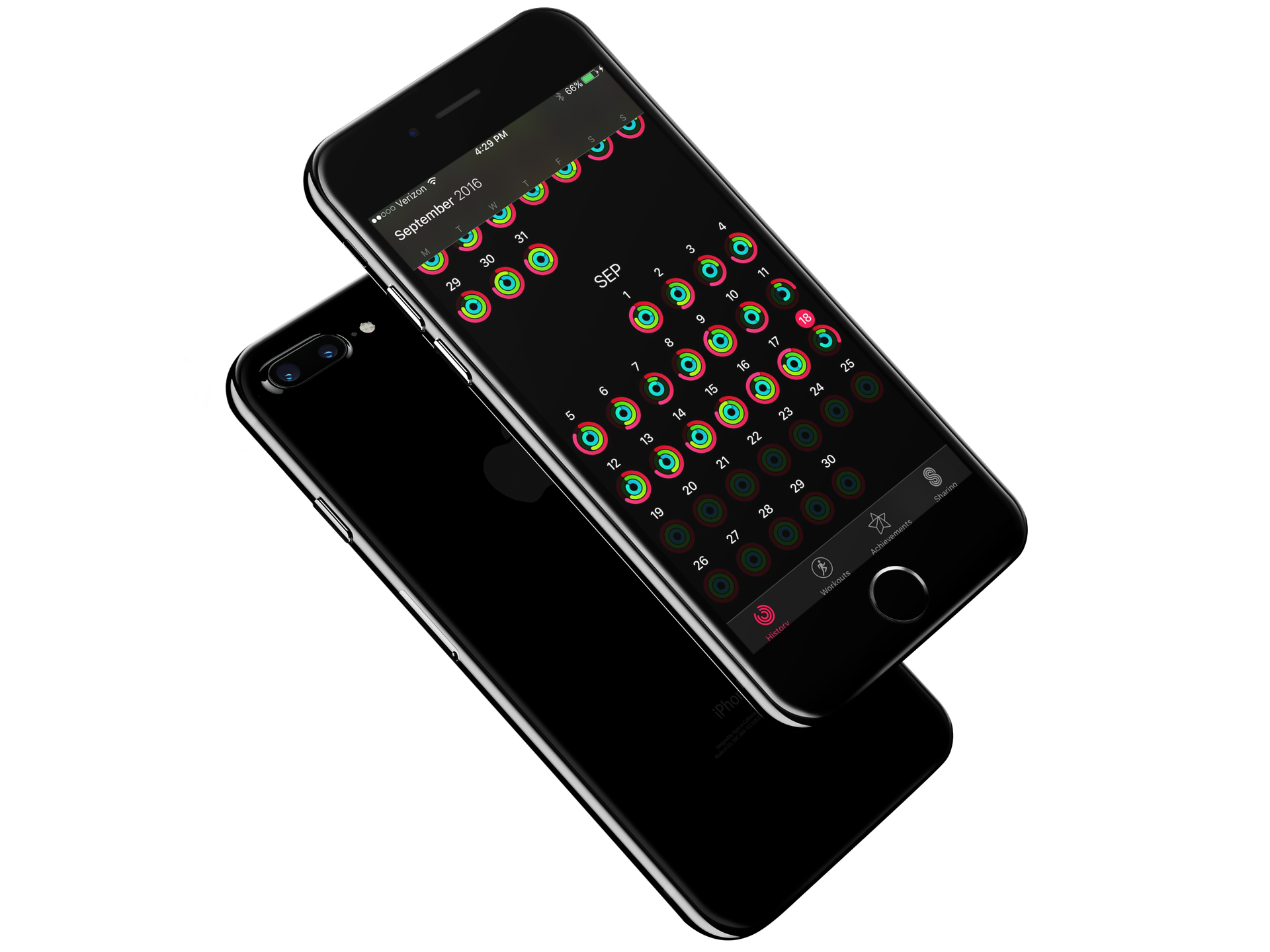
Each year when a new iPhone lands on my doorstep, I am excited to carefully unpack the new device and get everything installed. Like you, I prefer to think of loading up a new iPhone as one of the best digital experiences. It is like taking a new car for its first run on the highway. To ensure the best experience, those among us with strong opinions always start from a fresh iPhone and never restore from a previous backup. By starting from scratch, you guarantee no faulty details work their way into an otherwise fresh system.

However, with the advent of Apple Watch and encrypted Health and Activity data, the only way to transfer those precious Activity rings is via an encrypted backup. If there was just some way, to only restore the Activity and Health data... 

65+ new Apple Watch features in watchOS 3

watchOS 3 released alongside iOS 10 with a bunch of new features, core technologies and user interface enhancements. With watchOS 3, navigating your watch is now intuitive, as it should have been from the onset. A new Dock feature lets you access your frequently used apps with a press of the Side button and they load way faster, even on the original watch.

Apps can also take advantage of Background App Refresh technology to stay up to date, Messages now supports stickers, enhanced Digital Touch features and even fullscreen and bubble effects, like in iOS 10, plus tons more.

Check out the latest Apple Watch Series 2 ad

In addition to a pair of iPhone 7 ads showcasing water resistance and all-new camera sensors that capture more light in low-light situations, Apple today also released on its YouTube channel a new commercial for the Apple Watch Series 2.

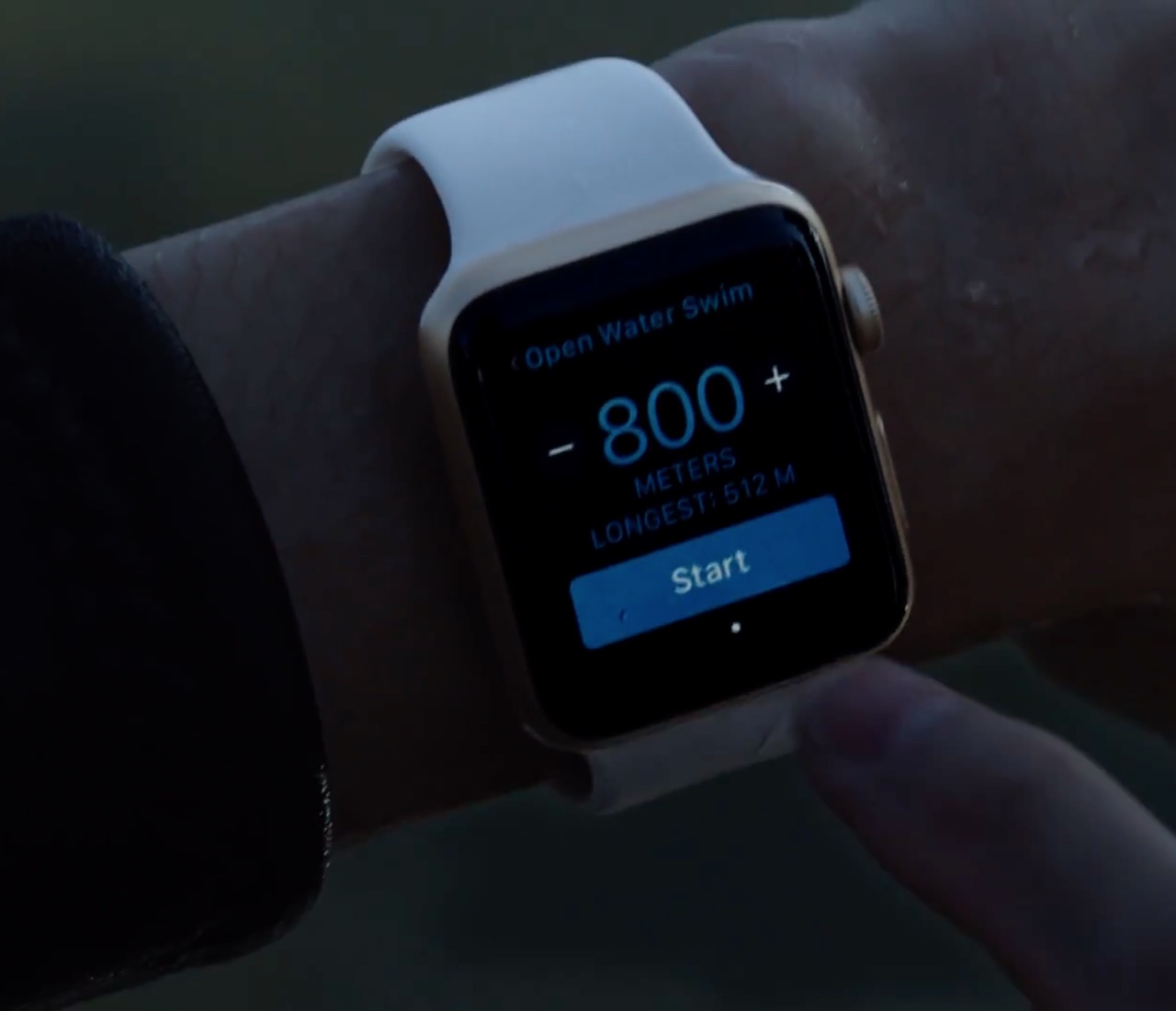
Titled “Go Time,” the 60-second video takes us through the device's major enhancements like a faster processor, built-in GPS, improved water resistance, swim tracking and more.

How to have Apple Watch automatically pause and resume your runs

Among a myriad of varied health and fitness focused features, watchOS makes pausing and resuming your runs in the stock Workout app a frictionless experience, based on the inclusion of a new feature which taps into built-in sensors to determine when you start and stop moving. This new feature doesn't require a dedicated GPS so it'll work on every Apple Watch model.

Even better, you can enable it with just one tap, here's how.

What’s Dock on Apple Watch and how to use it?

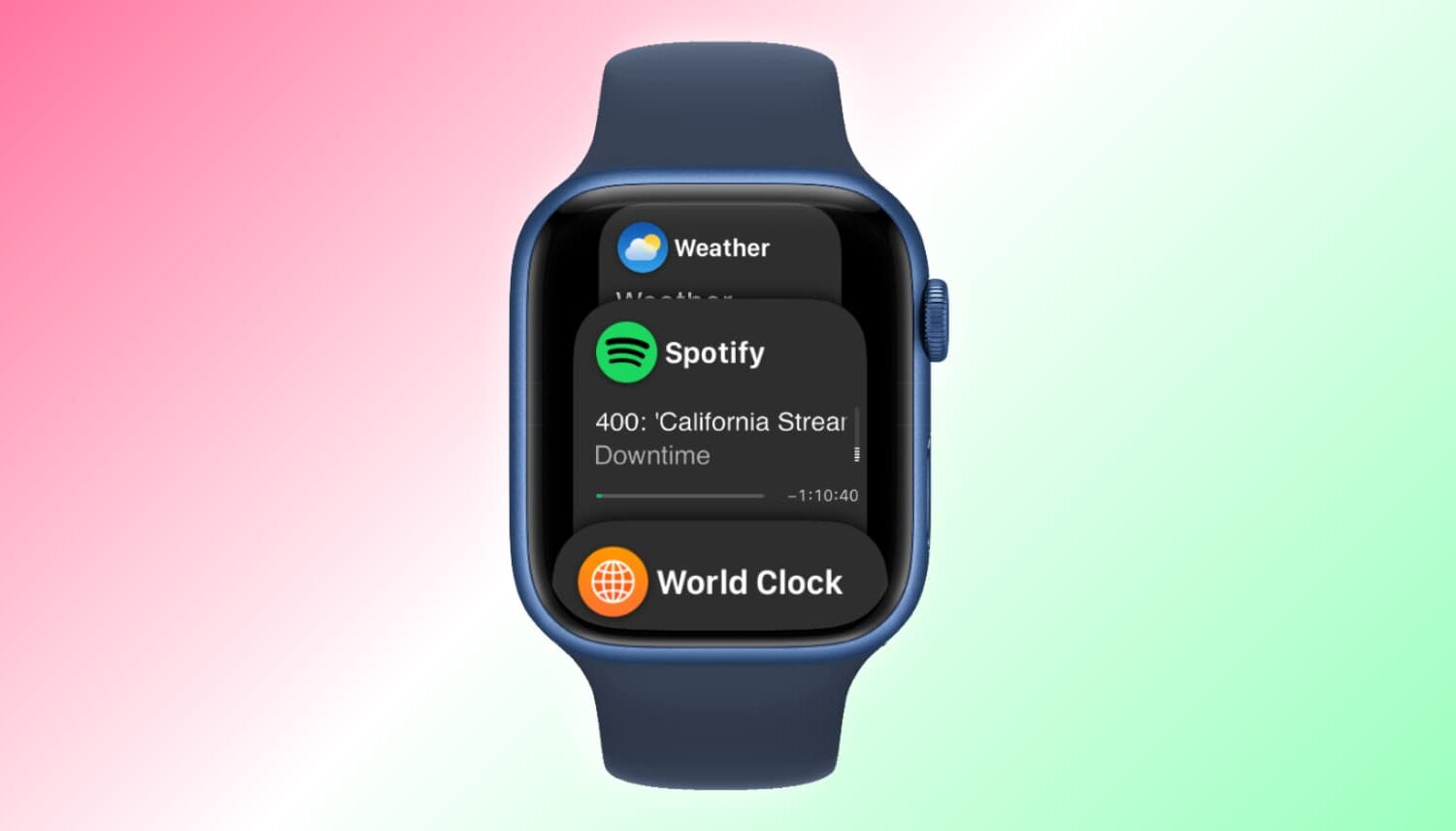
Apple Watch showing Dock

When you press the side button on your Apple Watch, you see the Dock. Depending on the setting, the watchOS Dock has either your favorite apps or the ones you used recently. In this tutorial, we tell you more about the Apple Watch Dock, how to use it, add favorite apps, and get the most of it.

Using the Reminders app on Apple Watch

Apple Watch offers a standalone Reminders app, and as you'll soon learn, it can be just as functional as the iPhone app.

The introduction of an official Reminders app on Apple Watch was great because this little app on your wrist will help you get through all your errands throughout the day and keep track of your busy life.

The app is used with Siri since there is no keyboard to input text on the Apple Watch like there is on your iPhone. With that being said, using the Reminders app may feel a little awkward at first, but it should become a second nature to you in no time at all.

watchOS 3 update for Apple Watch now available

In addition to iOS 10, Apple on Tuesday also released watchOS 3 for the Apple Watch. The update, which has been in beta for the past 3 months, is free and compatible with all available models of the Apple Watch.

To install the new software, you'll have to ensure your iPhone is on iOS 10. Once that's confirmed, simply open the Watch app and navigate to General > Software Update. Your Watch must be within range of your iPhone on Wi-Fi, connected to its charger, and have at least 50% battery life.

7 great Bluetooth headphones for your new iPhone 7

Now that you've ordered your iPhone 7 and picked out a case, it's time to think about getting another accessory: Bluetooth headphones. With Apple choosing to remove the 3.5mm jack from its latest handset, wireless headphones make the perfect companion for your new gadget.

As for which model to get, Apple's just-announced AirPods look pretty cool. But between their steep $160 price tag and unproven real-world performance, we think there are some better options out there. Here is a list of 7 great pairs of Bluetooth headphones for your new iPhone 7.

Has Apple Watch Series 2 gained a second mic to improve Siri reception?

In case you missed this little yet important detail in an avalanche of web reports about the Apple Watch Series 2, Apple's second-generation wearable packs in a few handful improvements, among which is what appears to be a second microphone opening. As the original Apple Watch had a single tiny microphone hole, it couldn't suppress background noise.

In turn, the “Hey Siri” function on the original watch behaves somewhat erratically, struggling to recognize the command in noisy environments.

Wait, does that mean that the Apple Watch Series 2 should respond to the “Hey Siri” hot phrase more reliably than before? It's complicated...