Learn how to change your Apple Watch's Home Screen from the honeycomb grid layout with app icons to list view that sorts your apps alphabetically.
How to see all Apple Watch apps in List View

Stay up-to-date on the latest Apple Watch news, and learn how to get the most out of your device with our comprehensive tutorials. From updates to features to troubleshooting tips, we’ve got you covered.
Learn how to change your Apple Watch's Home Screen from the honeycomb grid layout with app icons to list view that sorts your apps alphabetically.
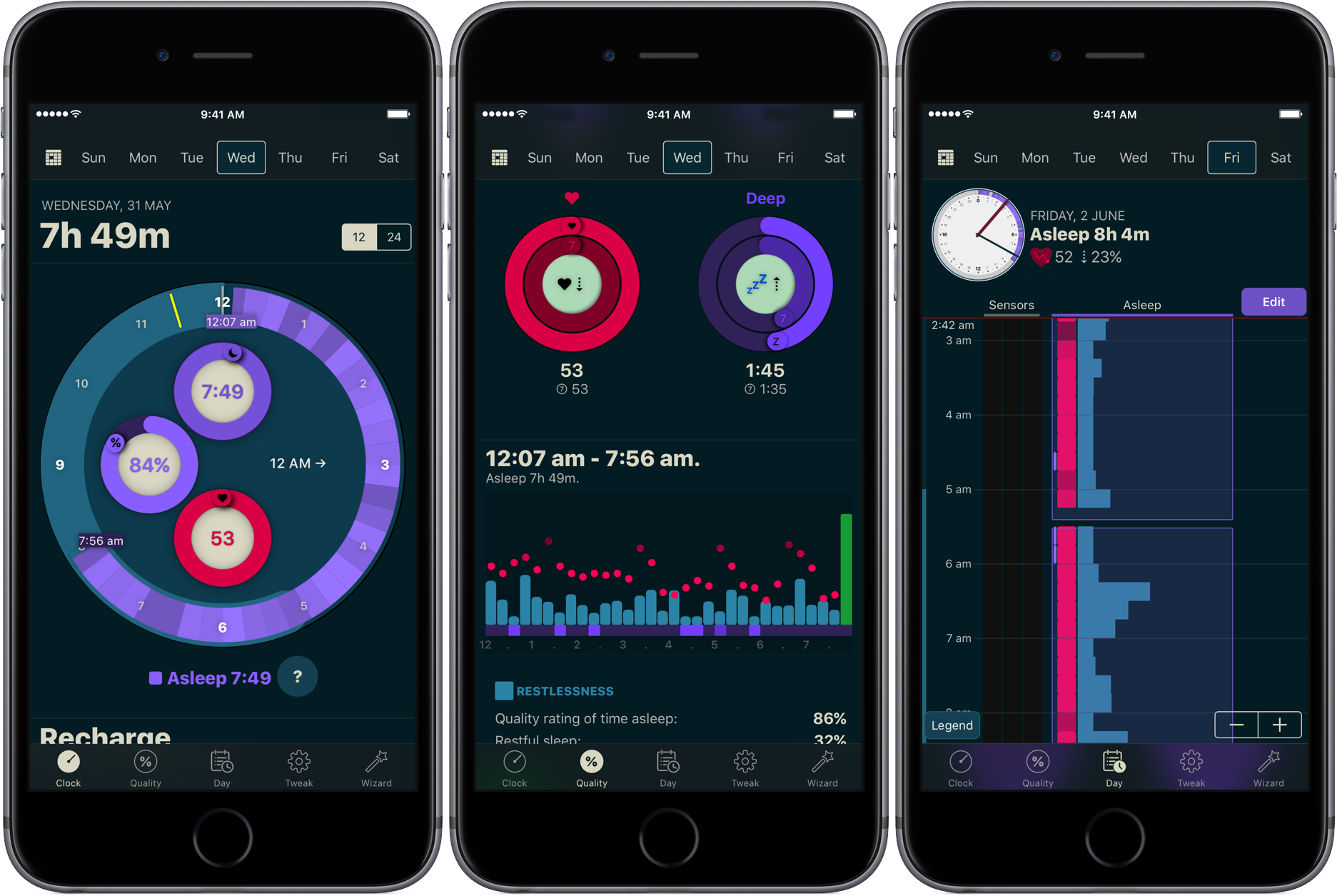
You don’t have to be a scientist to know that a good night’s sleep is conducive to your overall wellbeing and health. On that note, a while ago we have screened the App Store for the best sleep trackers available on iPhone and Apple Watch so as to make it easy for you to pick and choose your new sleep companion.
While varying in looks and features, all of the apps listed serve the same purpose: record how you slept and explain possible discrepancies in perceived quality of sleep and your actual rest. With the hands-off roundup in mind, we decided to select the most requested and popular app featured - AutoSleep - and throw a complementary hands-on tutorial on sleep tracking into the mix. Want to learn more about how to track your sleep using your iPhone, Apple Watch, and the AutoSleep app? Then join us for the tour!
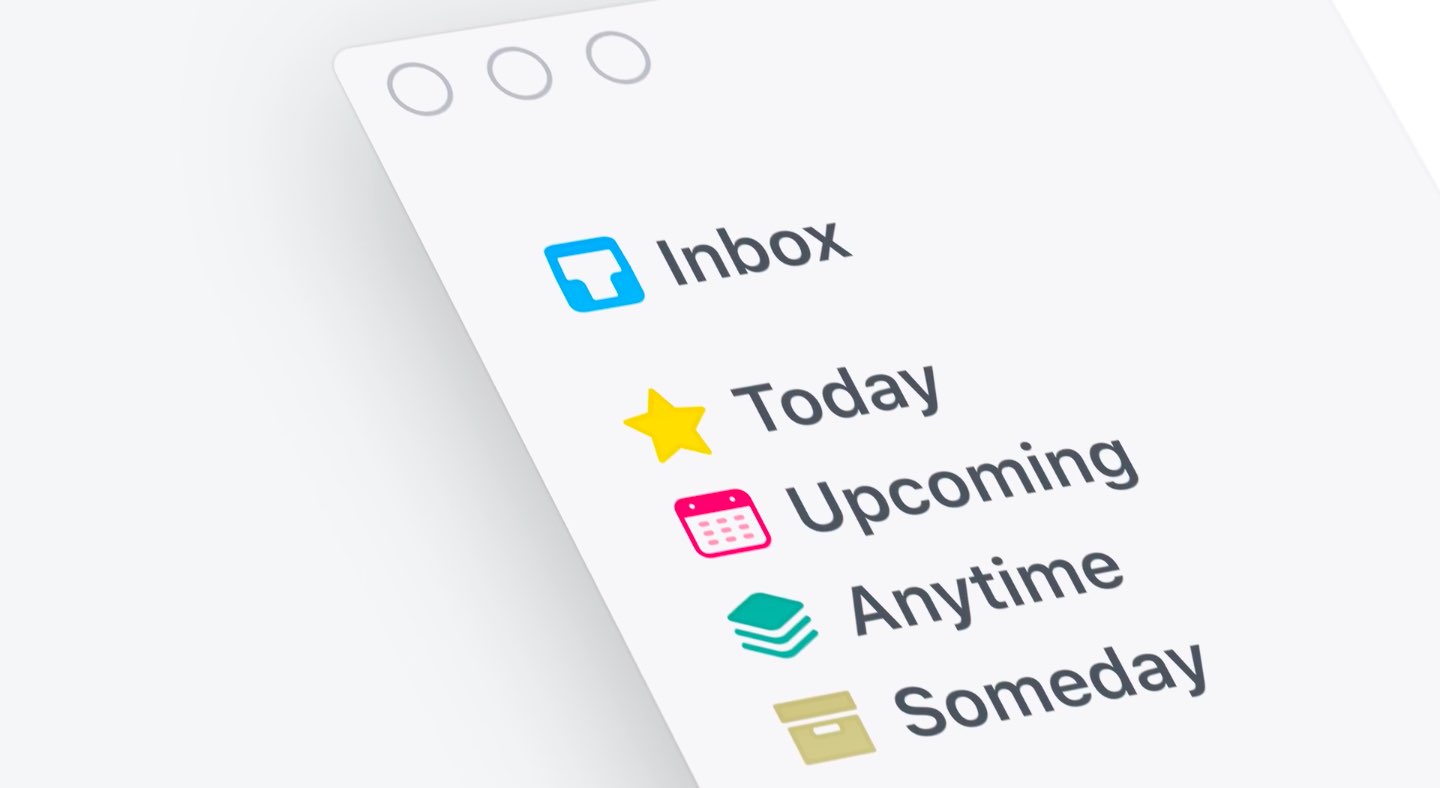
German developer Cultured Code on Thursday released Things 3, a major new iteration of its powerful personal task manager for iPhone, Apple Watch, iPad and Mac. Things 3 brings out a beautiful timeless new design with delightful interactions and animations. Aside from the new look and feel, the refreshed app is packed to the gills with a host of new features.
Released as three separate apps (they've kept the current pricing), Things 3 is Cultured Code's first paid update for existing users since versions 1.0.
Here's what developers had to say about the app's gorgeous new UI:
The all-new Things comes with an all-new design. It's not just how it looks—but also how it works, and how it feels. The interactions are delightful. The animations are smooth. The content is more structured. The concepts are clearer.
Open a to-do and you'll immediately get a sense of how the new apps feel.
Nicely animated transitions expand the selected to-do into an empty white piece of paper. You can add additional details to your to-do, neatly tucked away in the corner until you need them.
“There are no distractions here, it’s just you and your thoughts,” said developers.
The choice is yours: you can create either a simple to-do that looks like text on a piece of paper or opt for a richer to-do which may include additional details such as tags, checklists (a new feature for to-dos in Things 3), a start date, a deadline and so forth.
Speaking of to-dos, Things 3 introduces an all-new Magic Plus Button.
Found in the corner of the screen, you can tap it to quickly add a new to-do or actually drag the button to a particular list in order to generate a to-do in a specific location. Plus, managing to-dos is now way easier than before with expanded support for gestures, like dragging and dropping, swiping, tapping to expand and more.
Seasoned Things users will be delighted to know that developers have implemented one of the most-requested features: time-based reminders. For those to-dos you absolutely cannot miss, adding a reminder will give you peace of mind.
While scheduling a to-do in Jump Start, click Add Reminder and set the time. There are three ways to set the time: manually, using the app's natural language parser (just type “Wed 8pm” or some such, and you're all set) or you can speak to Siri (“Remind me to call Seb at 5am.”)
Watch the promotional video for Things 3.
https://www.youtube.com/watch?v=2R6o5t0VK_A
Things 3 now supports headings to break up complex projects into sections.
And with the app's Magic Plus Button, you can create and place headings in new projects like a pro. The app's cleaner design extends to your Today and Upcoming sections which now combine calendar events and to-dos into one unified view with a timeline at the top, giving an outline of your schedule.
A new This Evening section is your at-a-glance overview of any to-dos that you won’t get to until later in the day, like things you can only do when you get home. The This Evening section is a handy way to keep these to-dos separate from the rest, in their own discrete list.
And to help you find a needle in the haystack, Things 3 now includes a Quick Find feature.
Just pull down on any list to reveal search, which can now find content across the entire app. Quick Find also includes handy shortcuts to your to-dos, lists, tags and more.
Type Travel, another new feature in Things 3, lets you navigation to any project, area or to-do in the app. On iPad, you can now swipe away the sidebar and focus on just the current list you’re working on, both in portrait and landscape orientations.
On your Mac, Things now has a Slim Mode which cuts out distractions so you can focus on the task at hand. To enter this mode, collapse the sidebar with a two-finger swipe. Slim Mode is especially great when you’re working in macOS's Split View multitasking mode.
You can even open multiple windows in Slim Mode and drag and drop items between them.
https://culturedcode.cachefly.net/things/videos/2017-05-03-allnewthings-when/video.mp4
Developers have completely rewritten core layers of the apps, which are now shared between macOS and iOS for increased reliability. The Apple Watch app has been updated as well (it now shows checklists and headings), there's a new structure for Areas in the iOS app and you can now import data from Wunderlist or OmniFocus into Things 3.
And with TouchBar support, owners of the new MacBook Pro can take advantage of convenient access to the app's most-used commands.
Things is fully integrated with all the latest iOS technologies: Apple Watch, Calendars, Siri, Reminders, Today Widget, Quick Actions, Action Extension, Handoff and Notifications.
The apps all stay updated via Things Cloud, which is the push sync service that Cultured Code custom-built for the app. Unfortunately, iCloud syncing is not supported in Things.
For the complete overview of what's new in the app, visit the official Things website.
Things 3 for iPhone and Apple Watch is $9.99 on App Store.
Things 3 for iPad is $19.99 on App Store.
Things 3 for Mac is $49.99 on Mac App Store.
To celebrate the launch of Things 3, all apps are 20 percent off until next Thursday, May 25.
A 14-day trial of Things for Mac is available via the Cultured Code website.
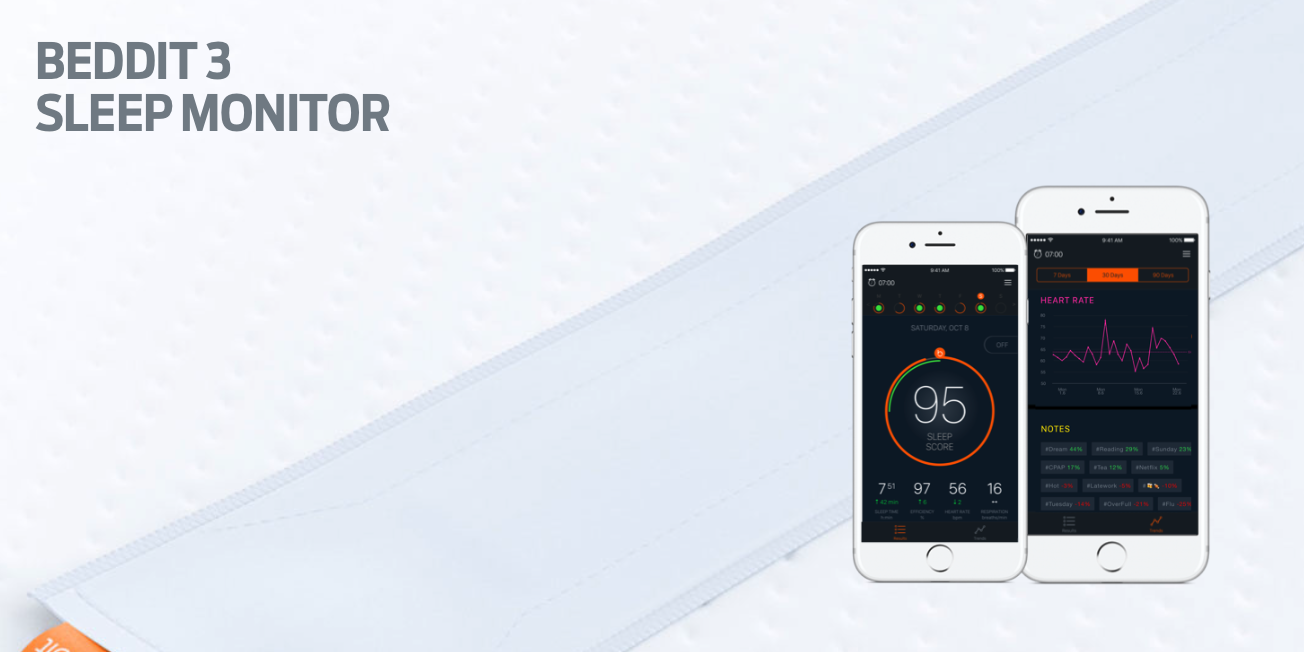
Apple has acquired sleep tracking startup Beddit. The company updated its privacy policy on its website Tuesday to announce the acquisition, saying "your personal data will be collected, used and disclosed in accordance with the Apple Privacy Policy."
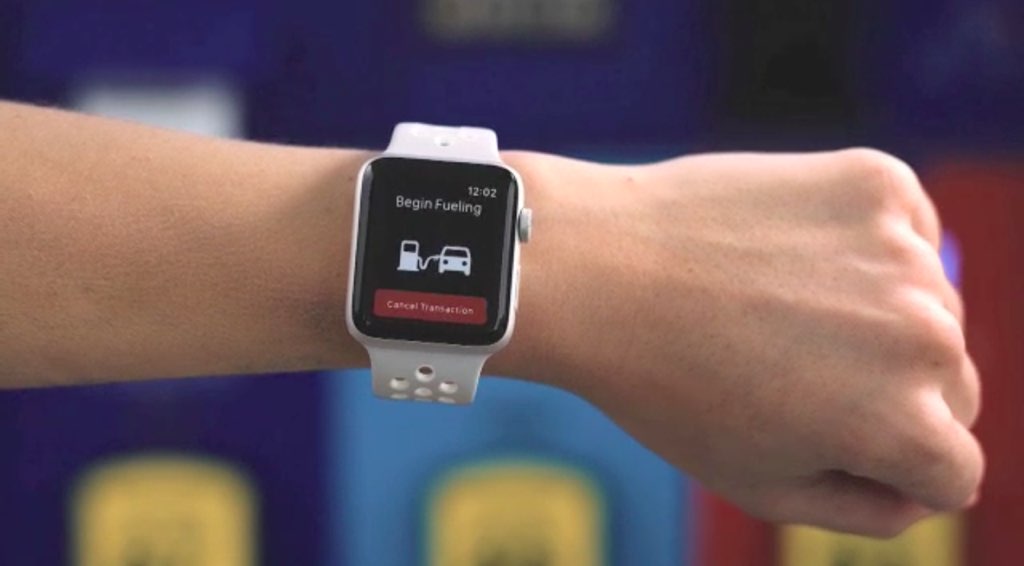
Oil giant ExxonMobil introduced basic Apple Pay support within its mobile Speedpass+ app in March 2016, allowing customers to pay for fuel at approximately 6,000 gas stations nationwide. Yesterday, the company announced that customers can now pay for fuel and car washes using their Apple Watch and Apple Pay at over 10,000 Exxon and Mobil refueling stations across the United States.
Users must launch the Speedpass+ app on their watch and select the pump they're at to authorize it for payment. Next, press the Side button twice to invoke Apple Pay and approve the payment. You can start fueling up your vehicle.
Other new features available within the app include support for Touch ID app protection and Ford vehicles equipped with SYNC 3 technology to easily authorize payments, making it the first fuel payment connected car app in the United States.
Ford owners can additionally use the Speedpass+ app to check how much fuel is left in the tank when they are away from their car. Customers even have the option to apply for an ExxonMobil-branded credit card issued by Citibank from inside the app.
Once your application has been approved, the card will be automatically added as a payment option within the app, and you can start using it right away. For a limited time, new accounts shall receive a savings of 20 cents per gallon for the first two months, then six cents on every gallon after that, the company said.
ExxonMobil's app now supports several payment methods, including major credit cards, debit cards, ExxonMobil Smart Cards, Apple Pay and Samsung Pay.
ExxonMobile Speedpass+ for iOS is available for free on App Store.
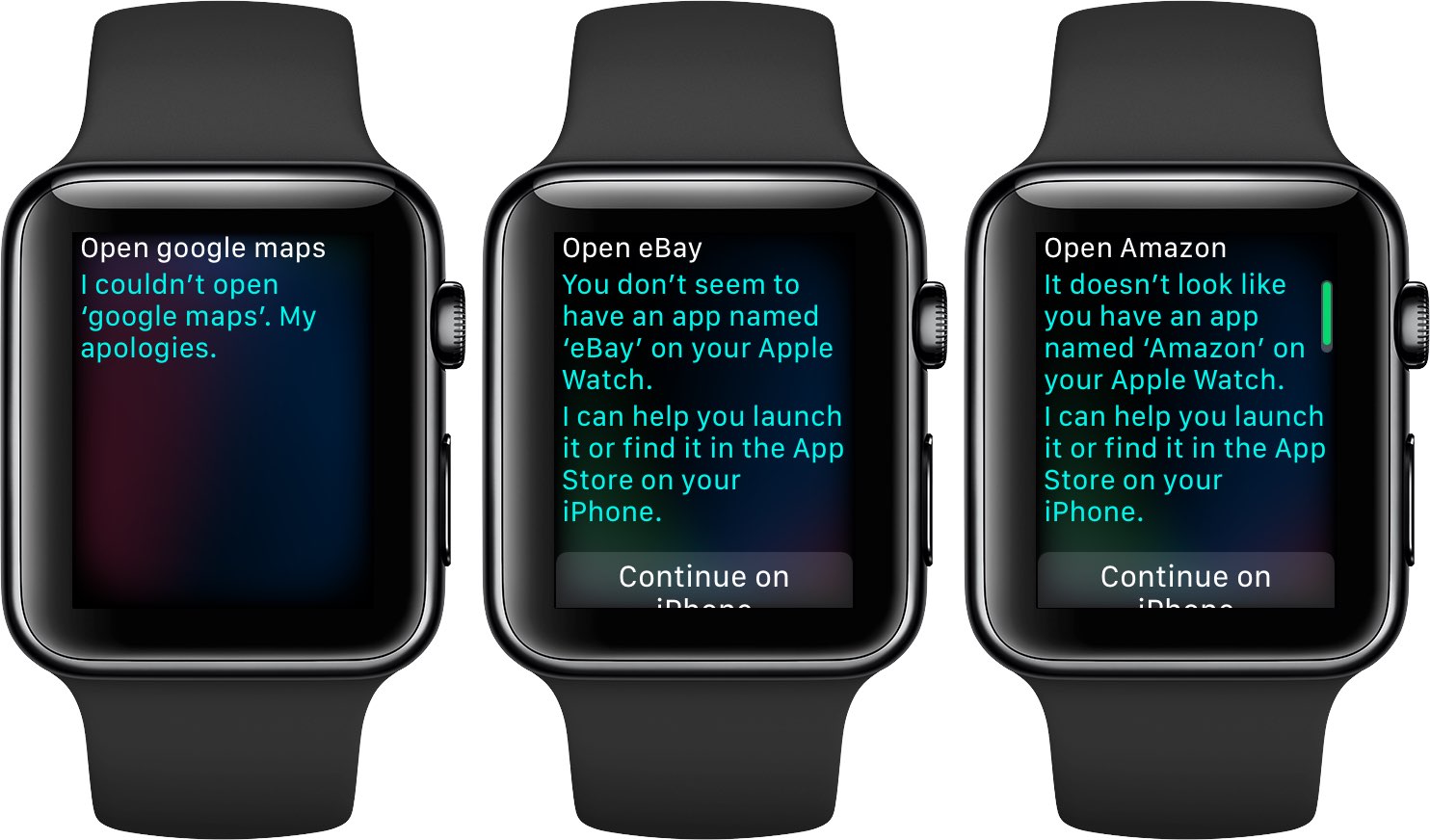
Google has confirmed that it will be bringing back support for Apple Watch to the Maps app for iPhone and iPad at some point in the future. In a statement issued Tuesday to AppleInsider, a spokesperson for the search giant said: “We removed Apple Watch support from our latest iOS release, but expect to support it again in the future”.
The company provided no explanation for the removal of Apple Watch functionality from Maps for iOS, which went largely unnoticed because it wasn't mentioned in App Store release notes.
As we reported yesterday, recent updates to major iPhone apps like Google Maps, eBay, Amazon and Target came stripped of all Apple Watch support, perhaps indicating that watchOS features in them were not widely used.
Google brought its Maps app to Apple Watch in September 2015, with features like turn-by-turn driving, walking and transit directions for recently visited points of interest. The app lacked other features found in Apple's Maps for Apple Watch, such as no conventional map view and the inability to conduct searches without a tethered iPhone.
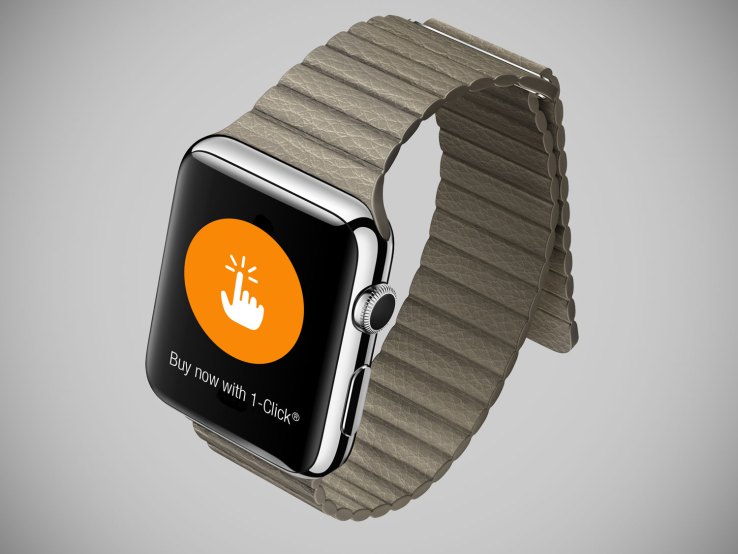
A few major iPhone apps have recently removed support for watchOS from their iOS updates submitted to App Store, including Google Maps, Amazon and eBay. As first noted by AppleInsider, retailer Target also removed Apple Watch support from one of its recent updates although the company still offer watchOS integration with its Cartwheel app.
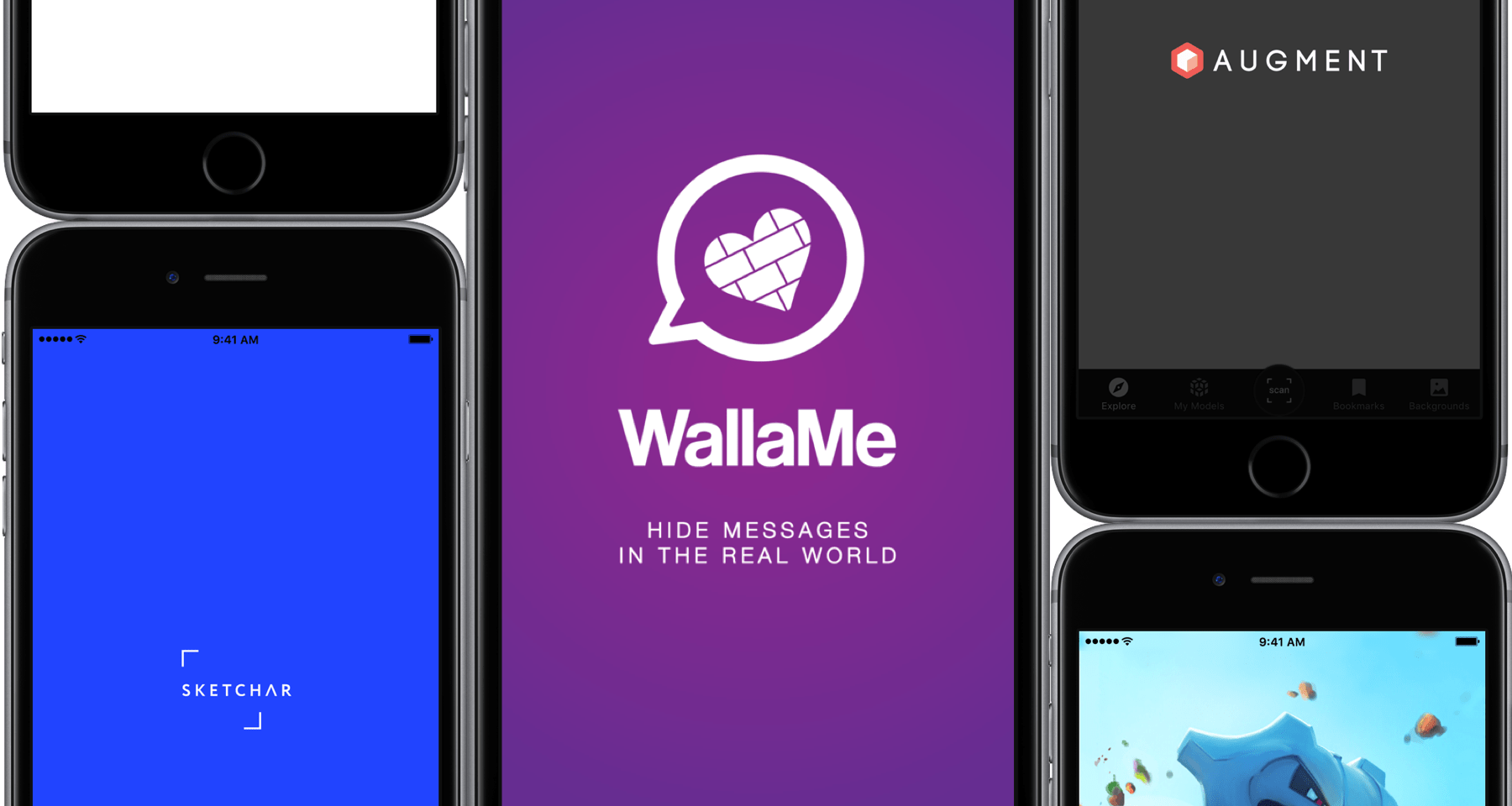
More often than not, the term Augmented Reality still has that elusive, techy ring to it, particularly when brought up in conjunction with Apple’s purported eyewear project. Curiously, many of us have it down as tomorrow’s technology rather than today’s, when the truth is that AR apps have populated the App Store for years.
While some of these apps are admittedly not much more than shoddy tech demos, separating the wheat from the chaff actually produces some really cool apps conceived to boost your business, creativity or simply keep you entertained in novel ways. With the preamble out of the way, here are the best Augmented Reality apps for iPhone available today.

There's a new app in the works that would finally bring Spotify onto Apple Watch. Called Snowy and created by developer Andrew Chang, it will permit Apple Watch owners to play their favorite Spotify tracks, browse playlists, access a Now Playing screen via a complication and more.
According to Chang's recent update on Reddit, Spotify will be working with him to add Apple Watch functionality and playlist syncing into its mainland iPhone and iPad app.
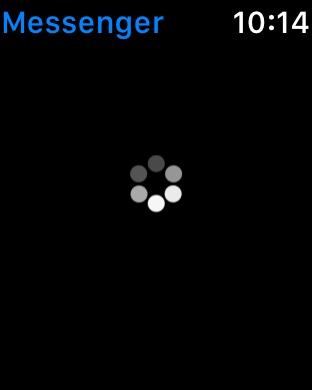
Facebook Messenger users who try to set the app up on a new Apple Watch might find themselves plagued with problems loading the app. Similar problems affect Apple Watch users that aren't new, but rather have un-paired and reconfigured the device after troubleshooting problems with it.
There appears to be a significant bug in the Facebook Messenger app, and while the direct cause of the issue is unknown, there's a quick fix for getting your Facebook Messenger conversations to load properly on your Apple Watch, and we’ll show you how it's done it in this tutorial.

Phil Schiller, Senior Vice President of Worldwide Marketing and the guy in charge of all App Stores at Apple, announced on Twitter this morning that the company's iOS App Design and Development Accelerator in the Yelahanka area of Bengaluru in India is officially opening. Bengaluru is the home of India’s startup scene. The populous country has some of the most vibrant and entrepreneurial iOS development communities in the world.
Apple also published useful resources at developer.apple.com/accelerator, including information pertaining to local iOS development scene.
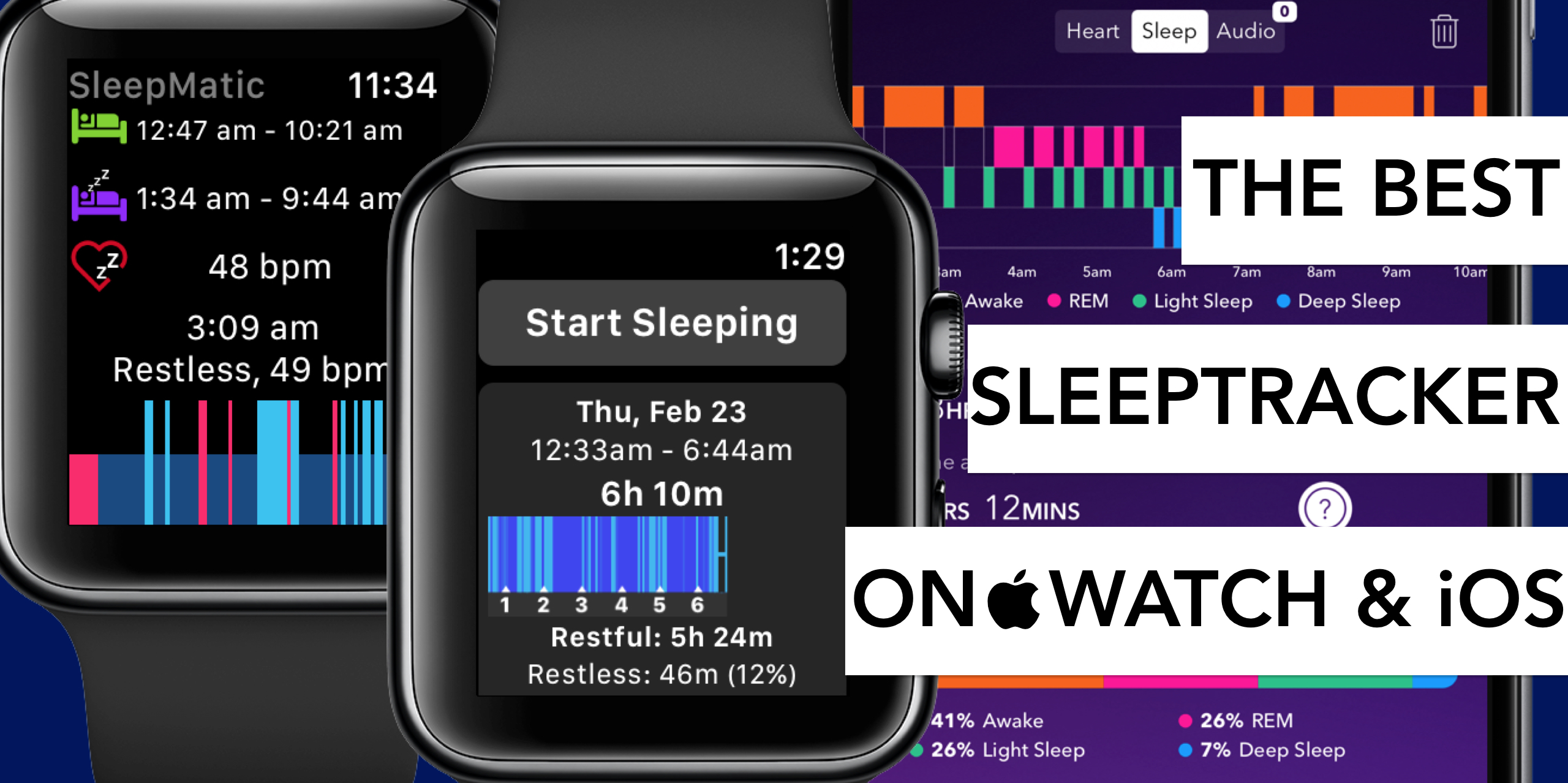
Tracking your sleep routine can often lead to insights into all sorts of habits or quirks detrimental to a good night’s sleep. Before Apple Watch, apps promising to analyze your nightly resting patterns and devise remedies to improve on them were already plentiful. Yet after the release of the wrist-worn gadget, a new surge in the category ensued for its ease of use on watch and enhanced precision in measuring body movements at night.
In order to single out the creme de la creme of applications, we have put through their paces both standalone sleep trackers on iPhone and an array of apps requiring the assistance of Apple Watch.
No matter if you rock iPhone and Apple Watch together or solo, find out below which sleep trackers are worthwhile your time and money.