Yesterday we showed you how to get Hulu on your Apple TV. It worked well, but the method used had some costs involved.
Today, we'll show you how to get Hulu on your Apple TV completely free of charge. That's right, for zip, nada, zilch.
Stay up-to-date on the latest Apple TV news and learn how to get the most out of your device with our comprehensive tutorials and guides. Discover new features, troubleshoot issues, and explore the best apps and games for your Apple TV.
Yesterday we showed you how to get Hulu on your Apple TV. It worked well, but the method used had some costs involved.
Today, we'll show you how to get Hulu on your Apple TV completely free of charge. That's right, for zip, nada, zilch.
You've probably heard that rumors that an official Hulu app for the Apple TV is complete and ready to go, yet Apple is holding it back from being released. Apple is worried about Hulu+ eating into its iTunes sales, so the app has been placed on hold indefinitely.
For Hulu fans, that's quite disappointing, especially considering the service is available on pretty much every other platform known to man, including the iPad, and iPhone.
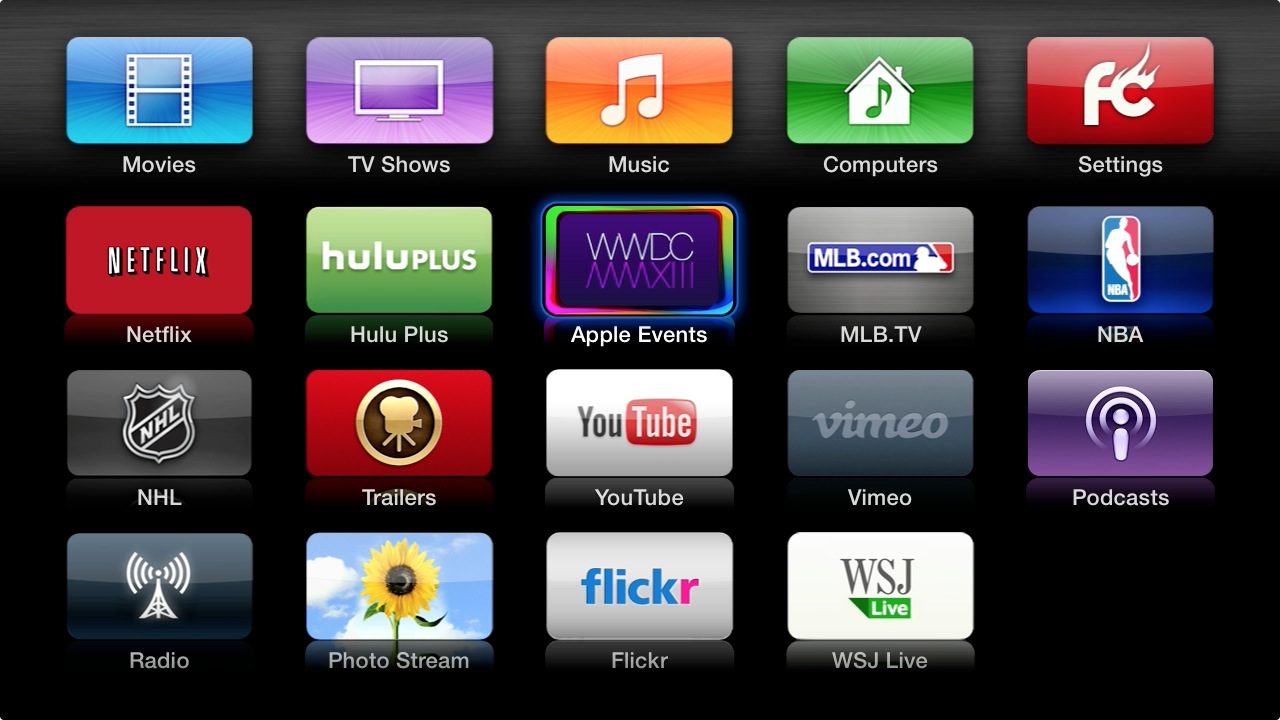
But there is a way to get Hulu running on the Apple TV right now. This guide will show you how to take advantage of the Seas0nPass jailbreak so that you can watch Hulu Plus on your Apple TV.
Now that pod2g's untether exploit has been made public, the benefits are now being felt in our living rooms. That's because the team at FireCore has updated their Seas0nPass Apple TV jailbreak tool to take advantage of the untether exploit.
Now you can enjoy all of the benefits of Apple's latest Apple TV update — which includes AirPlay mirroring — coupled with an untethered jailbreak that allows you to do all sorts of interesting things.
Check inside for the full tutorial...
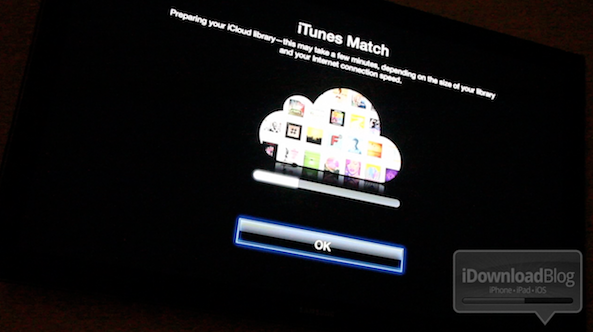
After a little bit of a delay, iTunes Match was released to the public today. iTunes Match is a service that's built into the latest version of iTunes. It lets you match, upload, and play music on a variety of different devices.
This is an extremely cool service that allows you to take your entire iTunes library with you on the go, even if you have a measly 8GB iPhone.
Unfortunately, we don't think that Apple has done a very good job explaining the full benefits of iTunes Match. For that reason, we've created this ultimate iTunes Match tutorial, FAQ, and video walkthrough...
So by now you've probably heard the news: Apple has released iTunes 10.5.1 beta 2, and along with it comes iTunes Match Support for Apple TV 2.
But how do you go about enabling iTunes match on the Apple TV? It's actually much easier than one would expect.
Check out our video demonstration of iTunes Match on Apple TV inside...
The age old questions remain: What's an untethered jailbreak? Why is a tethered jailbreak undesirable?
What's a tethered boot? Why does my iPhone keep rebooting over and over after I jailbreak?
If you've ever asked one of these questions, or you're still looking for answers, then step inside to learn, and contribute your knowledge to the discussion...
There's no two ways around it, TinyUmbrella is just as much of a staple to jailbreakers, as the tools that actually perform the jailbreaks. For that reason, I figured it was only right to create a standalone TinyUmbrella tutorial, which shows you how to manage your SHSH blobs.
With TinyUmbrella, your blobs can be retrieved from either Apple, or Cydia. In this video tutorial, I show you the difference between both methods and how to save your SHSH blobs for possible firmware downgrades...