Apple Maps

Widespread outages reported for Apple Maps [Update: service restored]

If you were planning on using Apple Maps to go on a trip today, you might want to reconsider. It looks like the mapping software for iPhone and iPad isn't working right now. Apple has confirmed the problem via its System Status page.

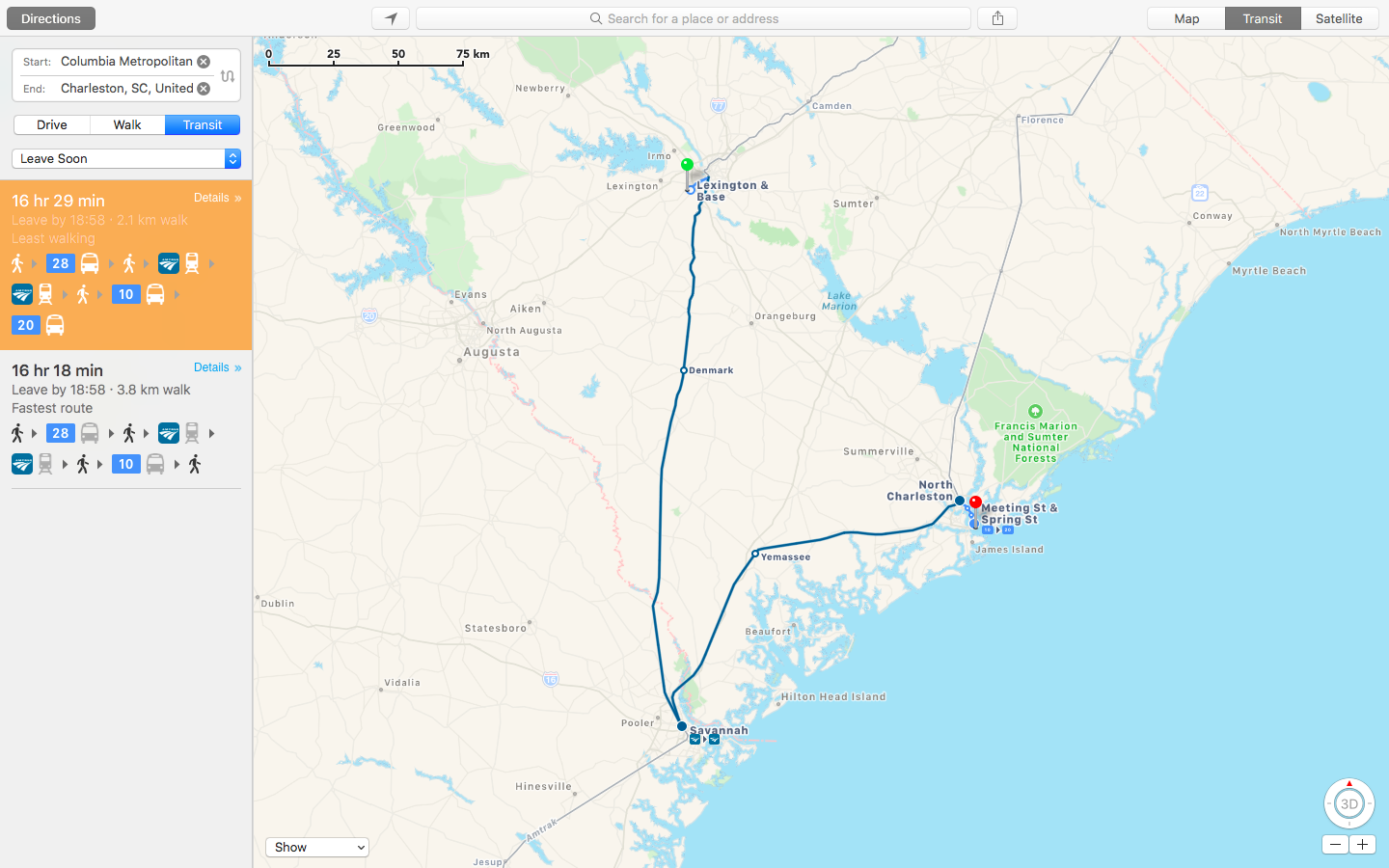
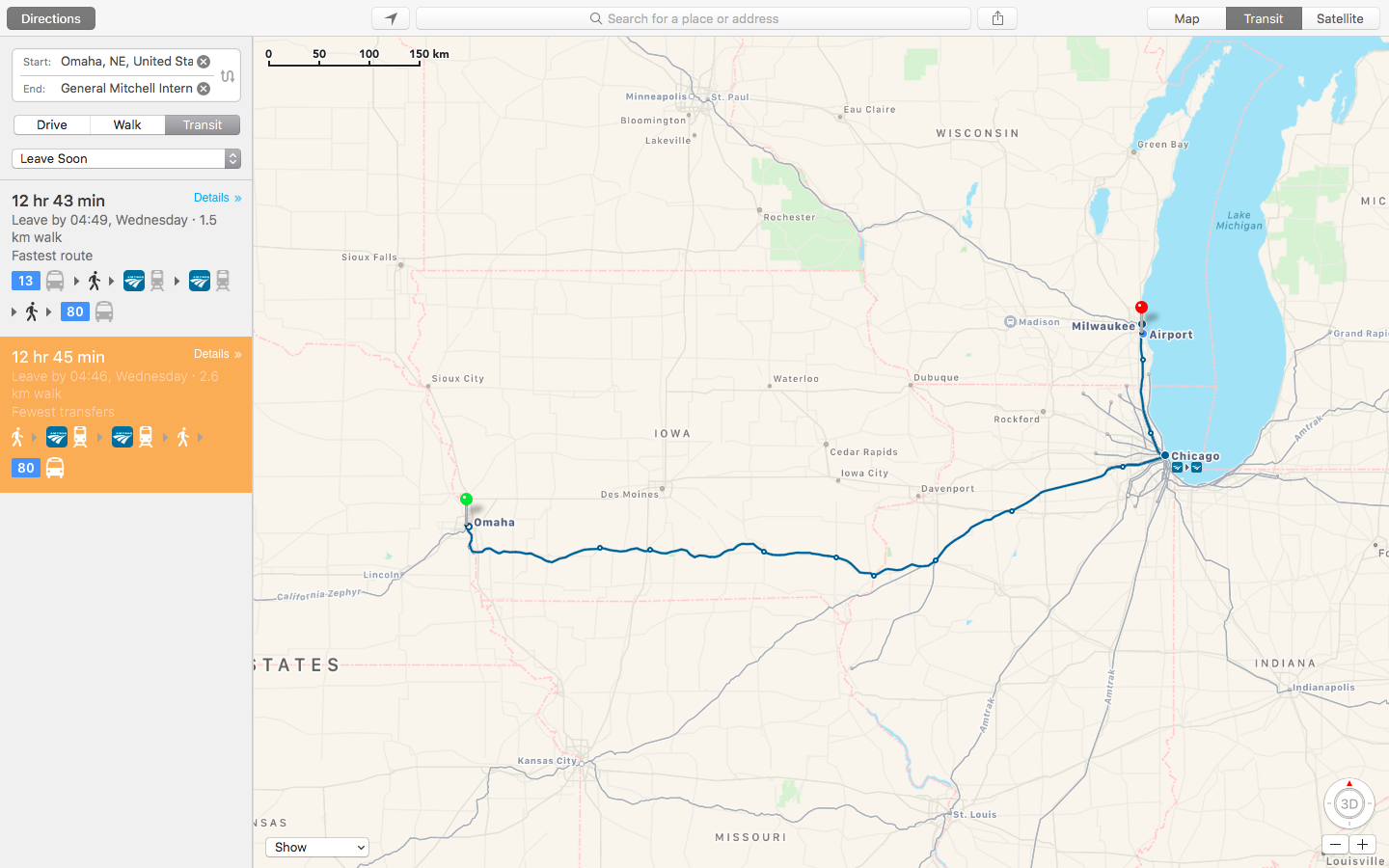
The Apple Maps problem begins when you attempt to request a route from one location to another. Instead of the route, you'll see the message, "Directions Not Available, Route information is not available at the moment." In other cases, searches for locations are failing to work properly.

Updated at 1:43 p.m. EDT:

It looks like Apple has fixed this problem. The status now says "Resolved Issue."
3 ways to find the GPS coordinates of any location on iPhone

Many apps you use on your iPhone are tapping your location to provide services or data based on where you are. While everything happens in the background, all these apps are actually using your GPS coordinates on your iPhone to pinpoint your location in the most precise way.

While an average user will never have to deal with GPS coordinates, knowing how to obtain and understand them can be valuable for some. I'm thinking about outdoorsy people or those into geocaching, for instance. If you're one of these people, or if you just want to learn something new, here's how to view GPS coordinates (latitude and longitude) on iPhone.