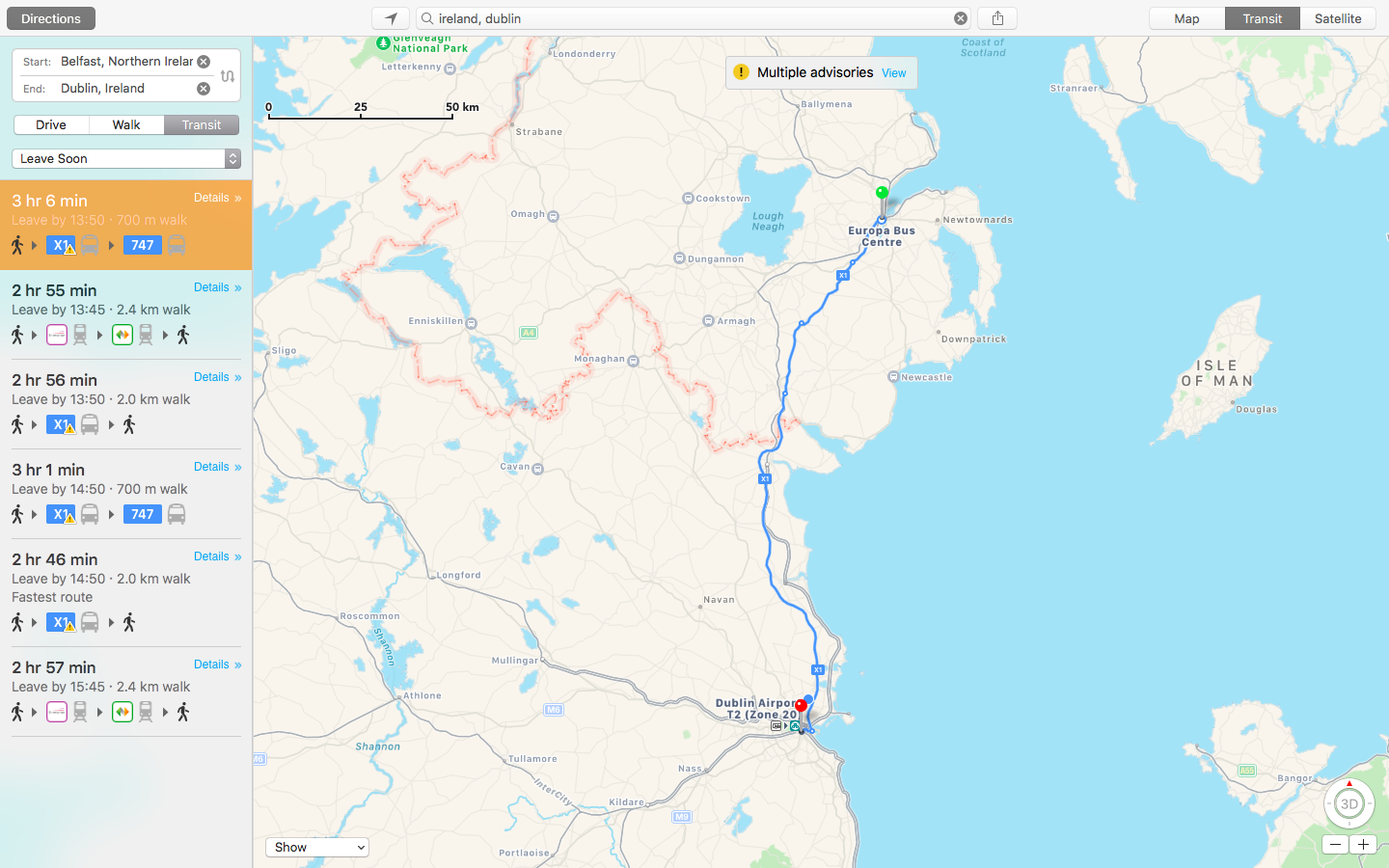
Apple customers in Ireland can now take advantage of live public transit directions in Apple Maps on iPhone, iPad, Apple Watch and Mac.
Apple Maps public transit directions now available for Ireland
Apple customers in Ireland can now take advantage of live public transit directions in Apple Maps on iPhone, iPad, Apple Watch and Mac.
Transit directions for Taiwan have gone live in Apple Maps this week, helping users get from one point to another using the bus, subway, and other public transportations.
Apple Maps on iOS 11 beta 2 features a great new virtual reality (VR) mode that takes advantage of Apple's new ARKit framework to let you move around in 3D by walking.
This unapologetically cool feature seems to be tied to Flyover, which replaces satellite imagery with three-dimensional buildings, landmarks and other points of interest.
The new VR mode on iOS 11 Maps was highlighted yesterday by Twitter user @StijnDV, but it appears to have been originally discovered by Tweetbot developer Paul Haddad on Wednesday.
To try it out yourself, open Maps on iOS 11 beta 2, switch to 3D mode by tapping “3D”, then use the search field at the bottom to find a place that has Flyover.
On the place card, tap the Flyover button and move the device around to rotate the view. Better still, why don't you actually move forward, backward or side to side to explore the map in VR?
Mind blown.
So, how do we know this nifty feature actually uses ARKit? Because it displays a message when you cover the camera, just like any ARKit-powered app does, saying you should aim the device at a different surface because “more contrast is required”.
As a quick backgrounder, ARKit analyzes live camera feed in real-time, using computer vision to find horizontal planes in your real world, such as tables and floors. I was able to successfully test the feature on my iPhone 6s running a second beta of iOS 11. Because I don't currently own an iPad, I couldn't test VR mode in Maps on the Apple tablet.
WOW There is an VR mode in Apple maps on iOS 11! It seems to use ARKit for positioning! pic.twitter.com/IdXiGoed26
— Stijn (@StijnDV) June 24, 2017
At any rate, this appears to be the default mode for Flyover now, not a special setting. But don't you worry, there's the option to switch back to the old Flyover mode where you rotate and zoom your Flyover view using touch interactions.
This is honestly one of the coolest features in iOS 11! pic.twitter.com/Zjr6RRkKHk
— Stijn (@StijnDV) June 24, 2017
This is a wicked cool feature and I cannot help but wonder how it might look like when experienced through Apple's rumored digital glasses that, as per Robert Scoble, should use optics by German lens specialist and optical instruments maker Carl Zeiss.
You can actually move around by walking! This is crazy cool! pic.twitter.com/ttR6RaAo7D
— Stijn (@StijnDV) June 24, 2017
Some people couldn't get Maps' new VR mode to work, but I suspect it may have something to do with their hardware. Maps' VR mode uses ARKit, which tracks your actual position in the real world with the camera but requires newer hardware.
Holy Flyover Magic Window batman. pic.twitter.com/Fb8nPeLT5J
— Paul Haddad (@tapbot_paul) June 22, 2017
According to Apple, ARKit runs on the Apple A9 and A10 processors. “These processors deliver breakthrough performance that enables fast scene understanding and lets you build detailed and compelling virtual content on top of real-world scenes,” says the company.
In other words, anything older than iPhone 6s, iPhone 6s Plus, iPhone 7, iPhone 7 Plus, the 9.7-inch iPad (early-2017 model) or iPad Pro won't be able to run iOS 11 Maps' VR mode.
So, is this cool or what?
We'd obviously love to hear your thoughts and predictions regarding iOS 11 Maps' new VR mode and what it might signify in terms of possible new VR hardware from Apple.
Do us a favor and chime in with your thoughts in the comments section.
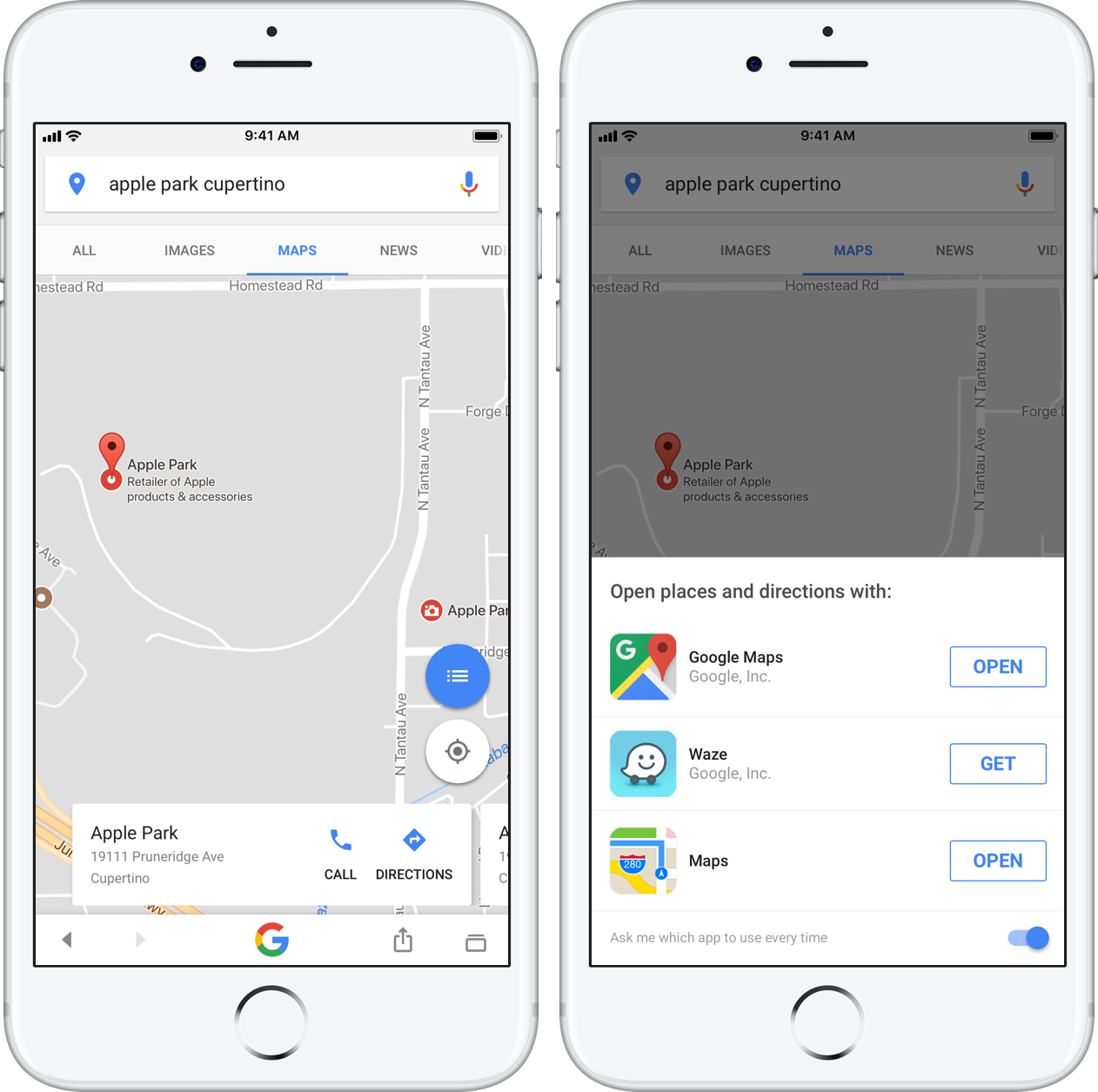
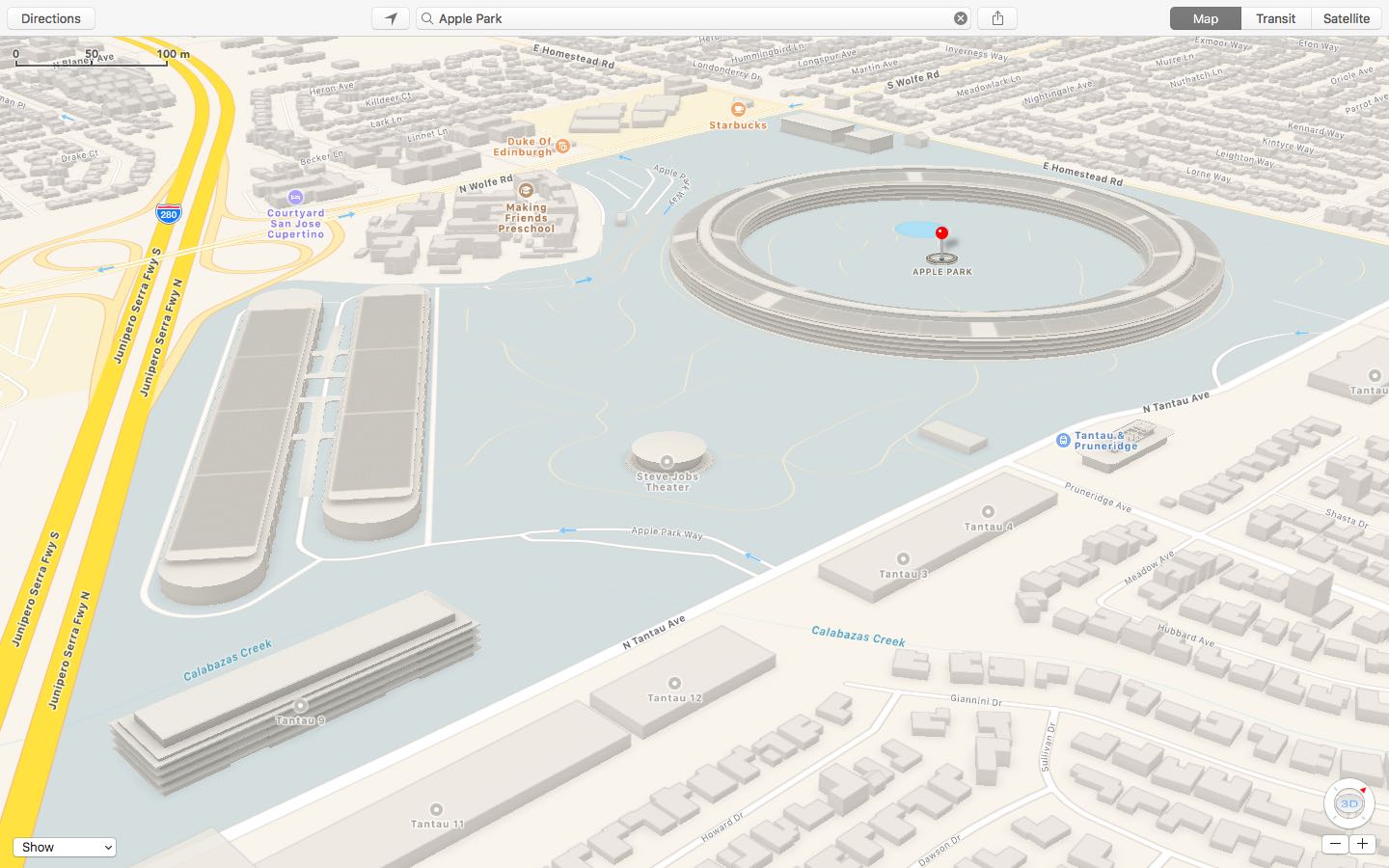
Apple has updated a Maps backend with 3D buildings, campus walkways and other information pertaining to Apple Park, the company's massive new headquarters in Cupertino, California. As first noted by MacRumors, the enhanced coverage of Apple Park includes 3D building models in the standard 2D view, as well as access roads running in and out of the campus, traffic directions, pedestrian walkways and more.
Other relevant Apple Park points of interest that can now be found on Apple Maps include the Steve Jobs Theater, the research and development facilities, Apple's fitness center for employees, above-ground parking and a pond at the center of the main building.
Earlier this month, Google added three-dimensional imagery of the main ring-shaped office building that's a bit out of date. Apple Maps implemented 3D images of the site along with descriptions and searchable geolocation tags back in March 2017.
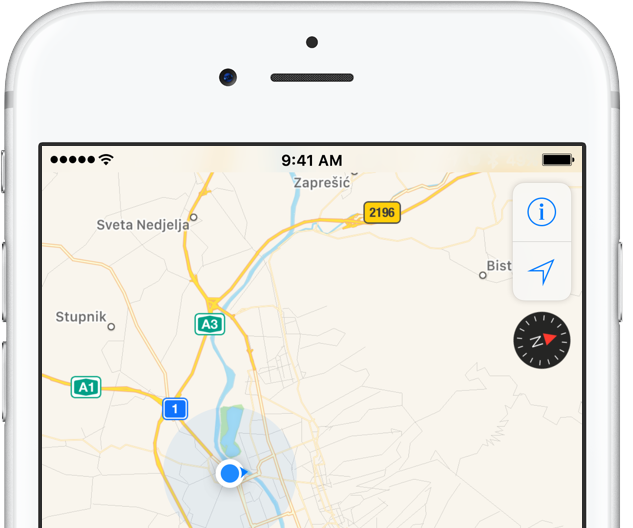
iPhone includes a magnetometer sensor, also known as digital compass. With it, your iPhone can tell the direction it's pointed at. Along with built-in GPS and iOS's Location Services, this allows for some cool navigation capabilities. If you're wondering how to use iPhone compass with Apple Maps, you've come to the right place.
Displaying compass on a map not only helps you orient yourself better and find a route to a location, but also stay on course while navigating to avoid distractions that could lead to dangerous situations. In this tutorial, you'll learn how to display the compass for navigation and use it with Apple Maps turn-by-turn directions.
Apple has added transit options to its Maps app for the city of Paris, TechCrunch reported Monday. Customers can now use Apple Maps on their iPhone, iPad, iPod touch, Mac and Apple Watch to calculate itineraries using the available public transportation options which include subway, RER and busses lines, among others.
More than four months after Apple Maps users in the United States gained the ability to locate ChargePoint electric vehicle stations around them, Apple is bringing a similar feature to its customers in the United Kingdom. As a cool bonus, European users can now identify bike rental hubs on a map, too.
According to Bloomberg earlier this week, Apple is using data from German company Cirrantic’s Moovility service, which maintains a detailed list of charging stations for electric vehicles made by Tesla and Nissan, among others.
It’s the little shortcuts Apple Watch can provide in life that make wearing the device oh so rewarding at times. The most prominent ones have certainly saturated Apple’s marketing and most corners of the internet by now, still many smaller tricks are hardly covered simply because they can be so darn hard to find.
The following one certainly falls into that category, as I had never heard or read about it before, and I frankly came across it by pure chance. If you have to hit the roads regularly and rely on Apple Maps and your watch to get to your destination, it’s a deft shortcut that makes sure you can keep your eyes on the road at all times - even if you need to make a phone call to the place you are currently headed!
Find out how to see the hourly weather forecast for your destination location or any other location in the Apple Maps app on your iPhone or iPad.
Apple Maps has gained satellite imagery (though not necessarily up to date) for Apple's upcoming 175-acre campus, called Apple Park and opening next month. The massive headquarters, currently under construction in Cupertino, now show 3D Flyover imagery along with descriptions and geolocation tags in Apple Maps, 9to5Mac discovered.
Hot on the heels of launching transit directions in New Orleans ahead of Mardi Gras and real-time traffic conditions in Argentina, Apple Maps has now gained directions for various public transportation options in Detroit and Windsor. Customers in the Detroit, Michigan metropolitan area and those living in the Canadian city of Windsor, Ontario can now navigate using public transportation such as buses and trains with Apple Maps for iPhone, iPad, Mac and Apple Watch.
Apple Maps now provides real-time traffic conditions to customers in Argentina, according to Apple's refreshed iOS Feature Availability webpage.
Apple Maps will now denote highly congested areas with orange or red lines along the roads, helping drivers avoid any delays. With today's update, real-time traffic conditions are now available in a total of four Latin American countries via Apple Maps: Argentina, Brazil, Chile and Mexico.