Learn how to turn on Do Not Disturb for Alexa on your Amazon Echo to prevent calls, messages, drop-ins, and other alerts from bothering you.
How to enable Do Not Disturb for Alexa and Amazon Echo
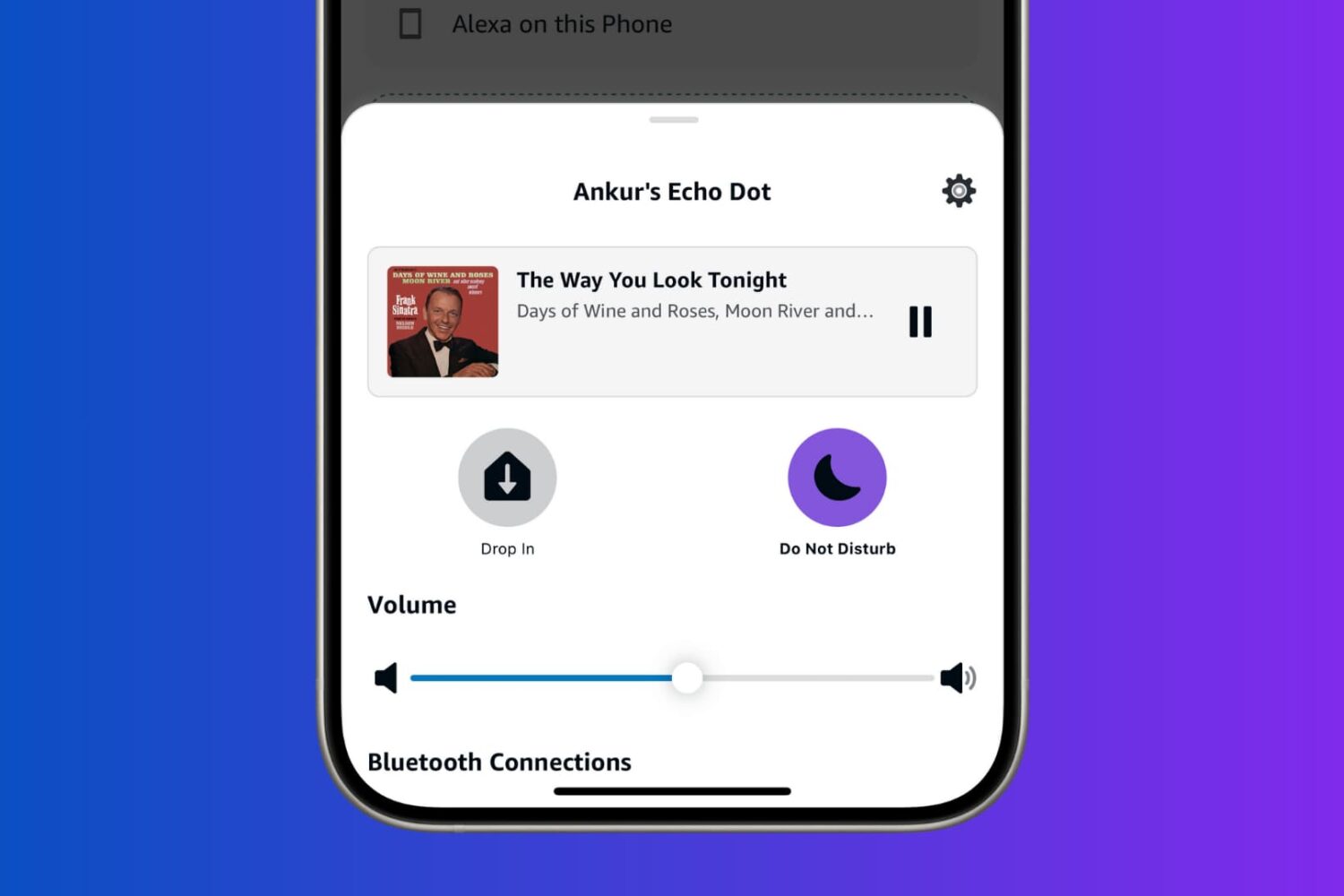
Learn how to turn on Do Not Disturb for Alexa on your Amazon Echo to prevent calls, messages, drop-ins, and other alerts from bothering you.
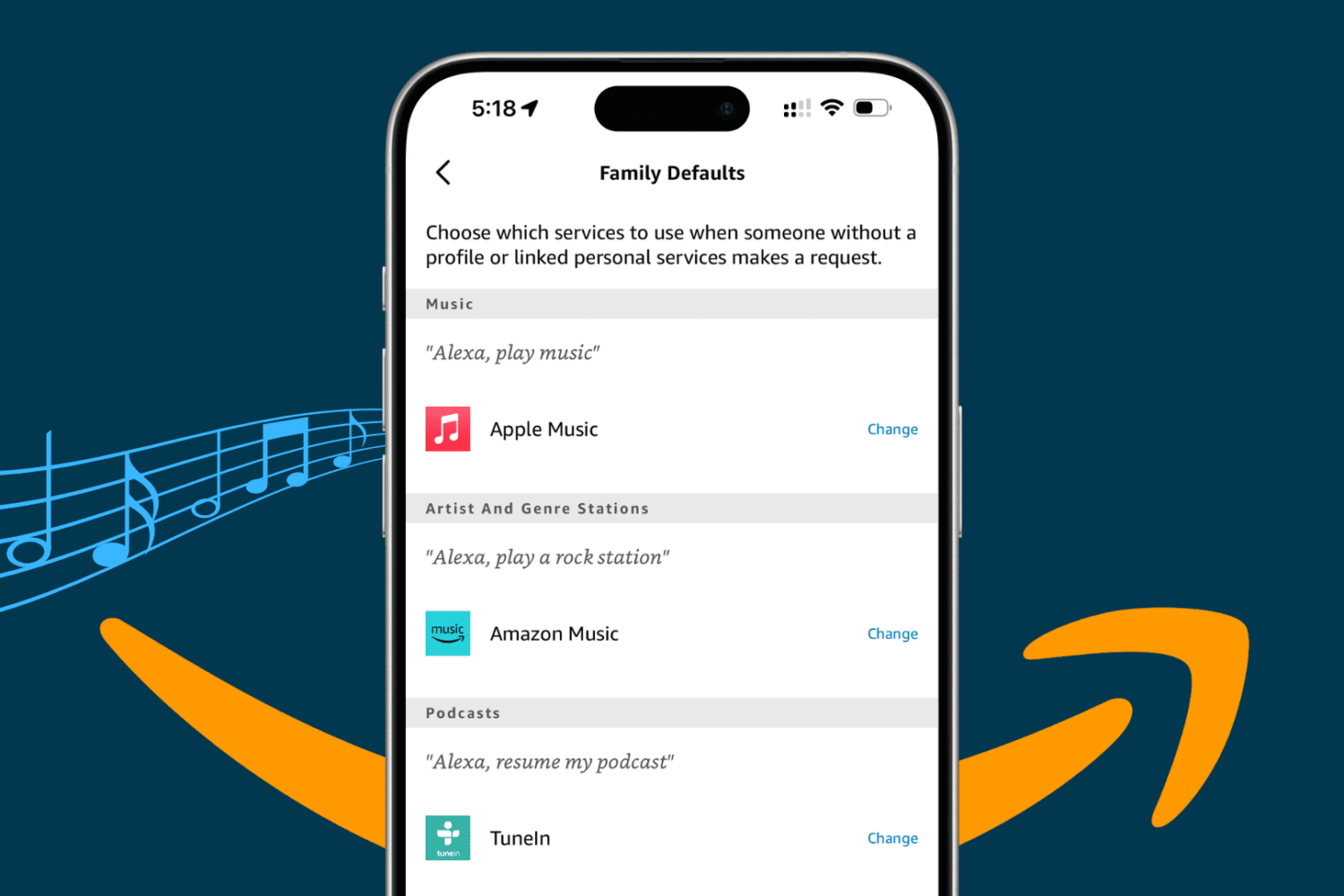
Take your Alexa music experience on the Amazon Echo smart speaker to the next level by adding specific services to it, playing them with voice commands, and setting a preferred streaming platform as the default.
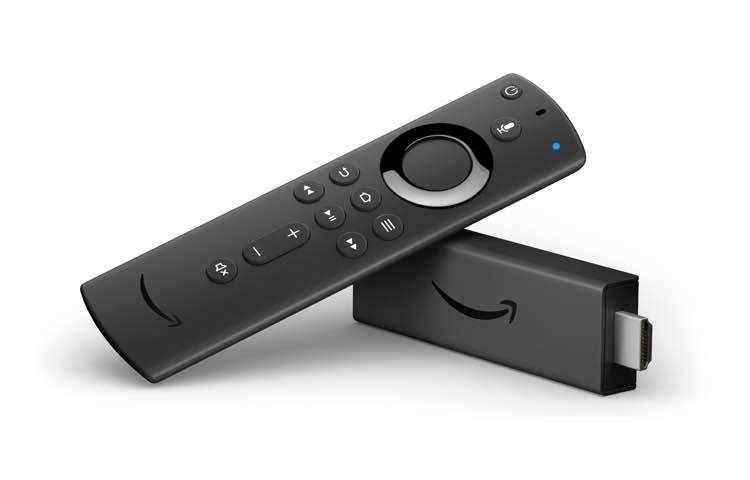
If you need yet another sign that Apple has been refocusing on pushing services to as many people as possible, then look no further than the latest expansion of its existing partnership with Amazon that now includes Apple Music on the Fire TV HDMI dongles.
Every other smart speaker user who participated in a survey by voice software site Voicebot and Voicify, which makes developer tools, has said they don’t discover any voice apps.
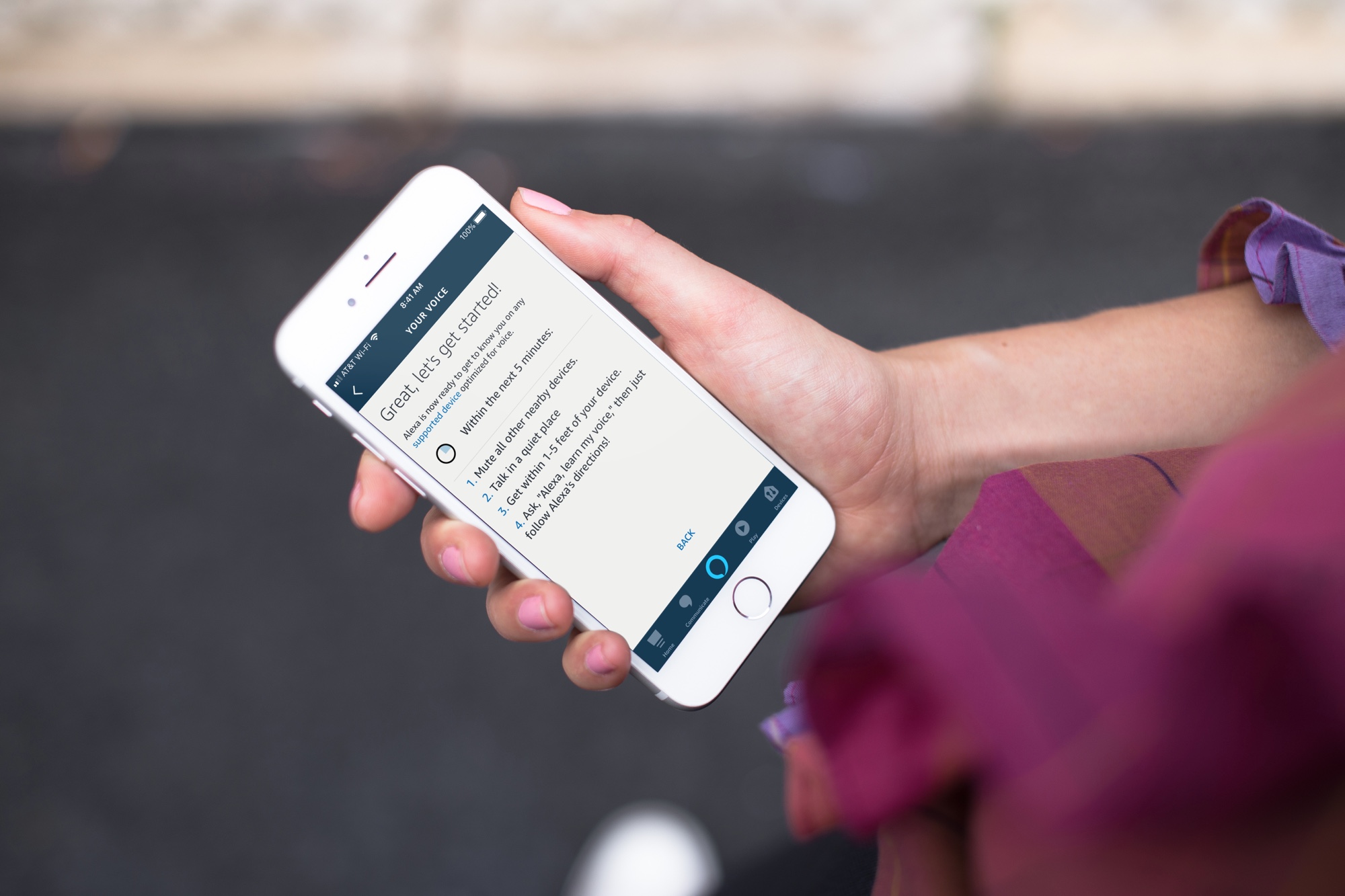
Learn how to set up Voice ID in the Alexa app or directly on the Amazon smart speaker so the voice assistant can recognize your voice and offer personalized experiences and suggestions.
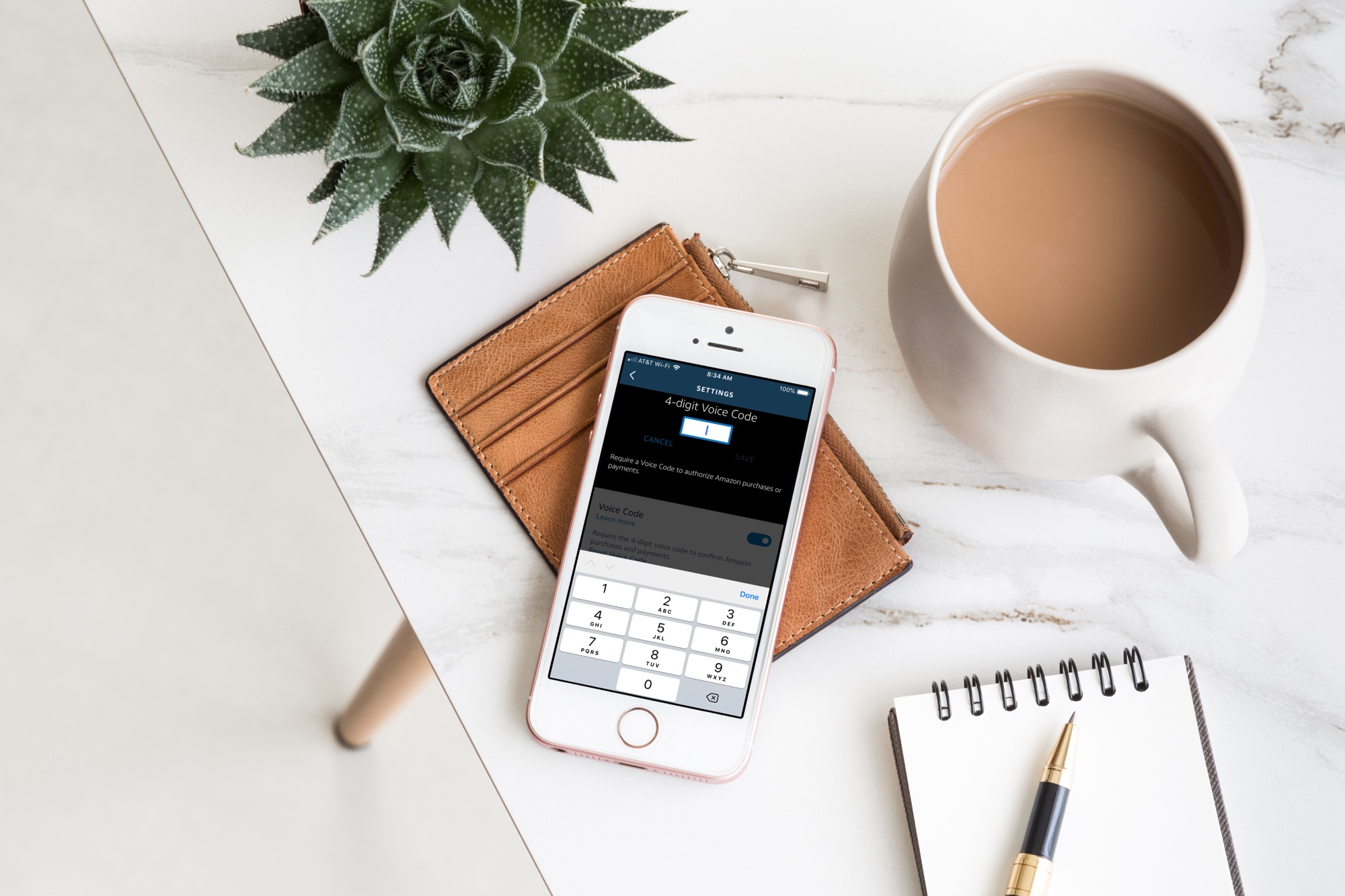
Your Amazon Echo smart speaker gives you an easy and convenient way to shop on Amazon with simple Alexa commands. But with this handy feature comes the risk of accidental purchases. Whether it’s you mistakenly asking for something, forgetting that Alexa is listening or someone else who orders something they shouldn’t, it’s a little scary and can be costly at the same time.
If you want to continue to order items from Amazon with your speaker, but want to protect yourself from accidental purchases, you can set up a Voice Code. This tool adds a layer of security in a sense so that orders cannot be placed, nor payments made, unless the code is used.
Here’s how to create an Amazon Echo Voice Code for Amazon purchases.
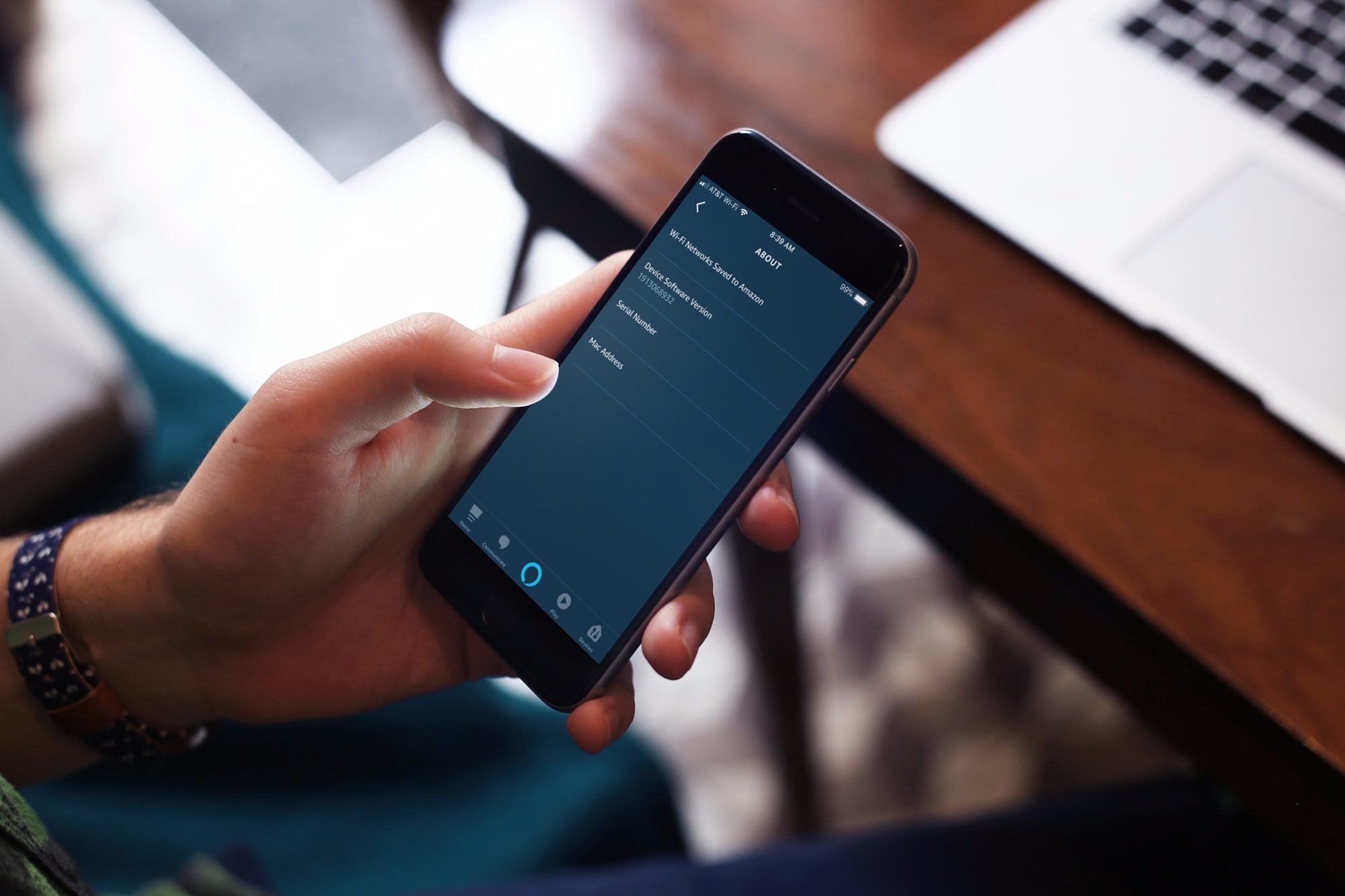
Even though your Amazon smart speaker downloads and installs updates automatically, here’s how you can check and install Echo software updates manually.
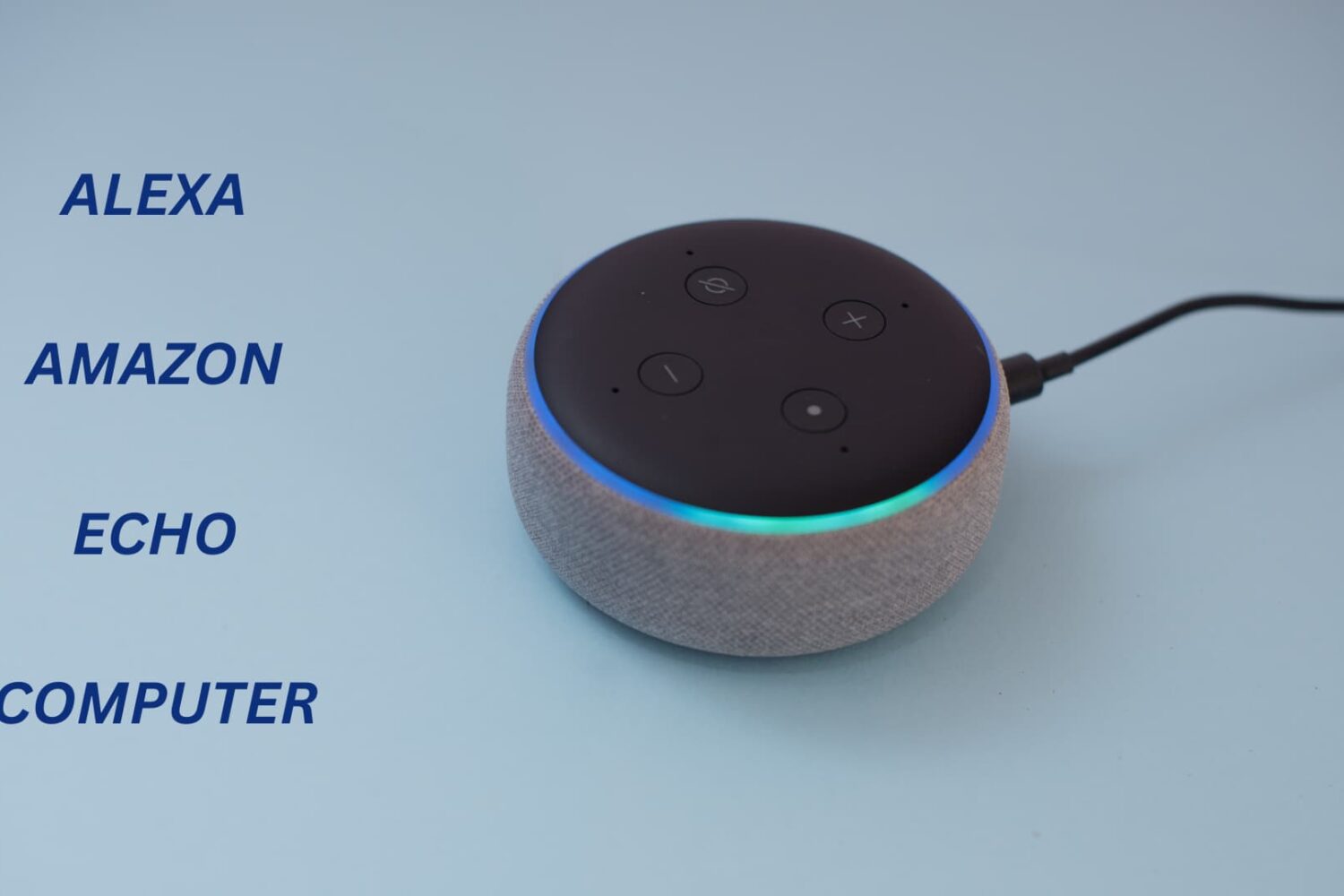
Learn to change the Alexa Wake Word to something else on your Amazon Echo to personalize your device experience.

Learn how to connect your iCloud Calendar to Alexa and use your voice to create and manage your events on your Amazon smart speaker, such as Echo Dot.
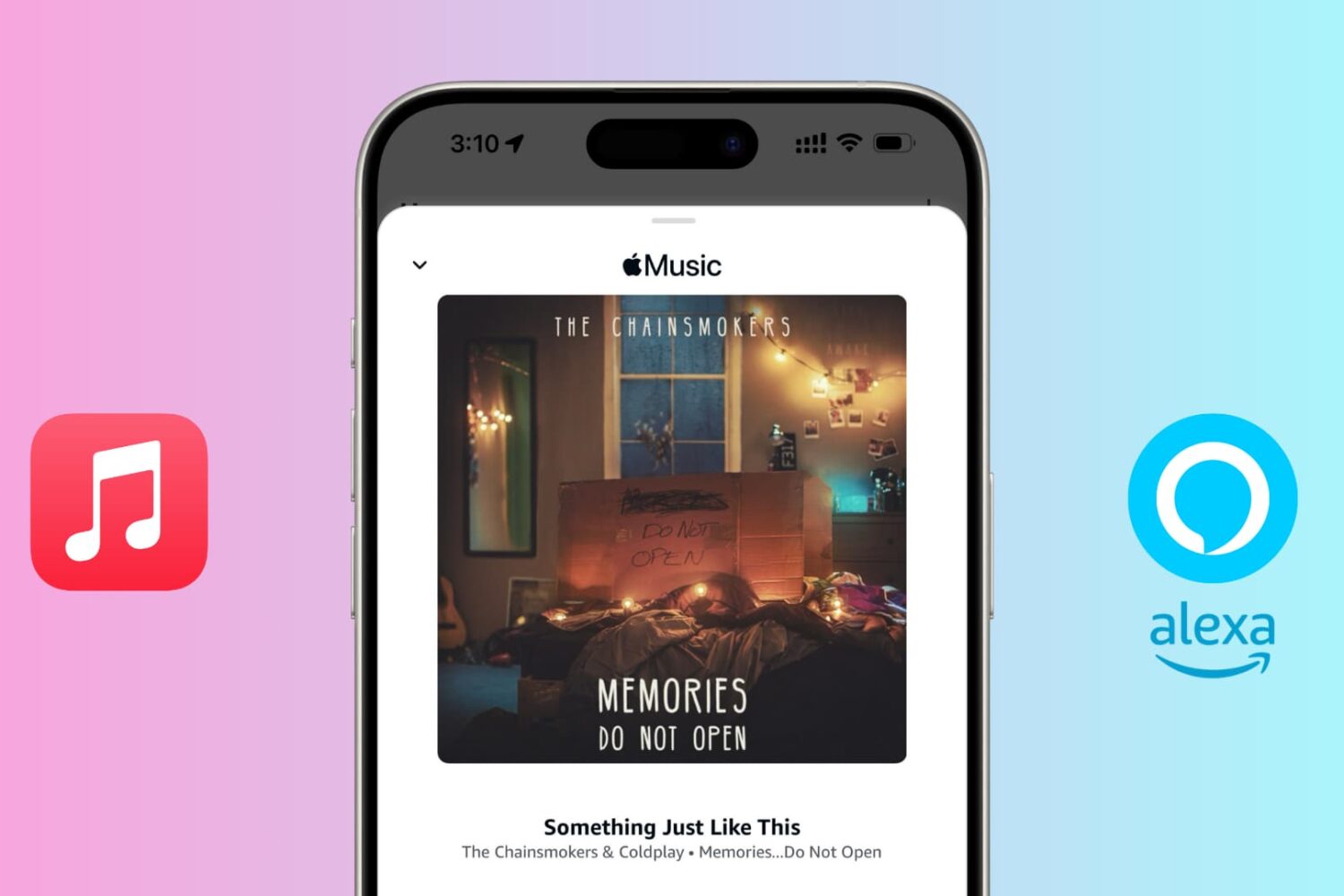
Do you have an Echo speaker and an Apple Music subscription? In this tutorial, we will show you how to connect Apple Music to Alexa and listen to your favorite tunes on your Amazon speaker.
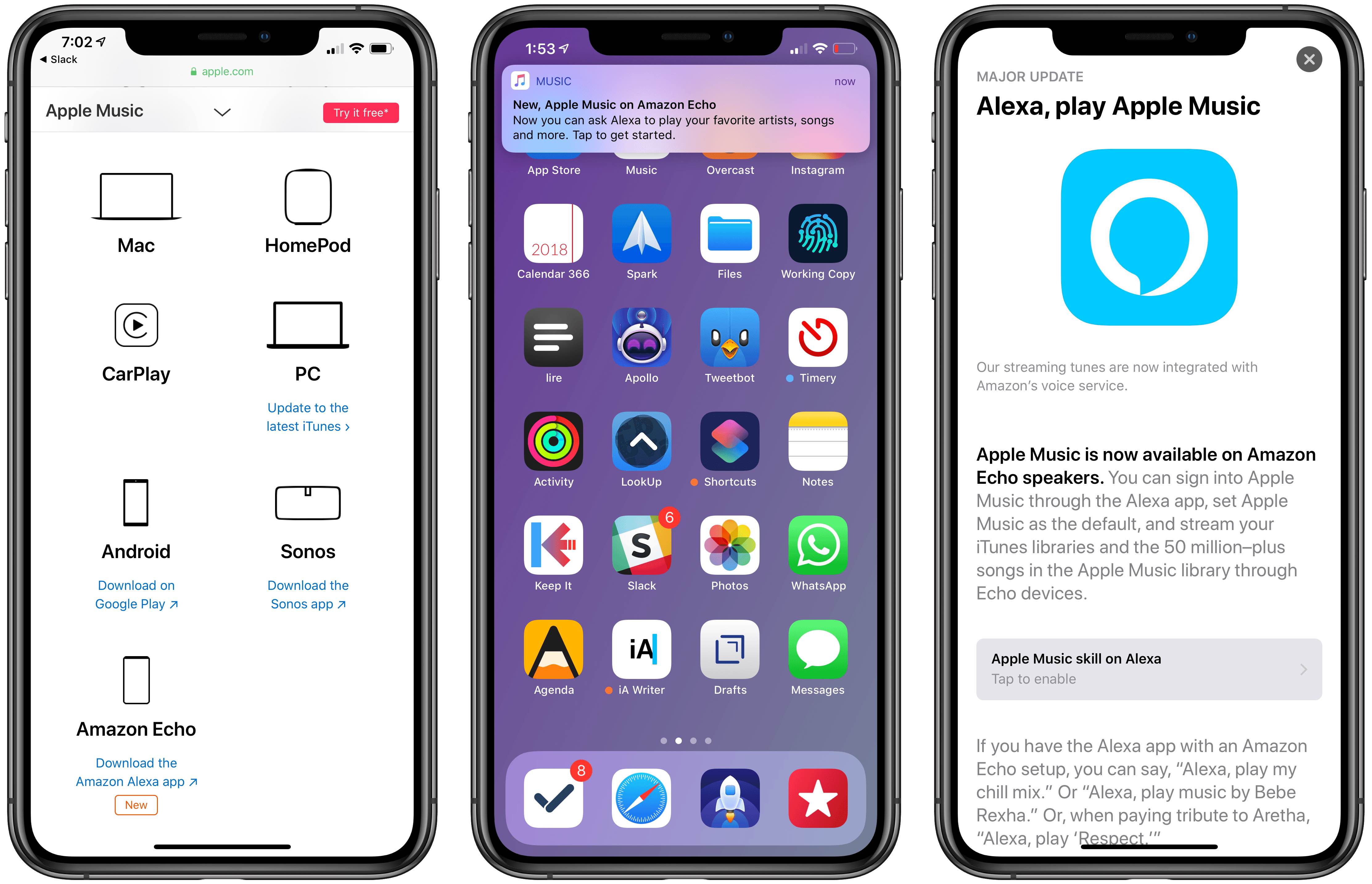
Amazon on Wednesday confirmed that Alexa-enabled speakers from third-party makers will soon be able to integrate with Apple Music though the online retailer didn't set a timeline.
Online retail giant Amazon on Wednesday took the wraps off of its updated Fire TV HDMI dongle, which now supports 4K video output, Dolby Atmos surround sound and three major formats for high dynamic range video: HDR10, HDR+ and Dolby Vision.