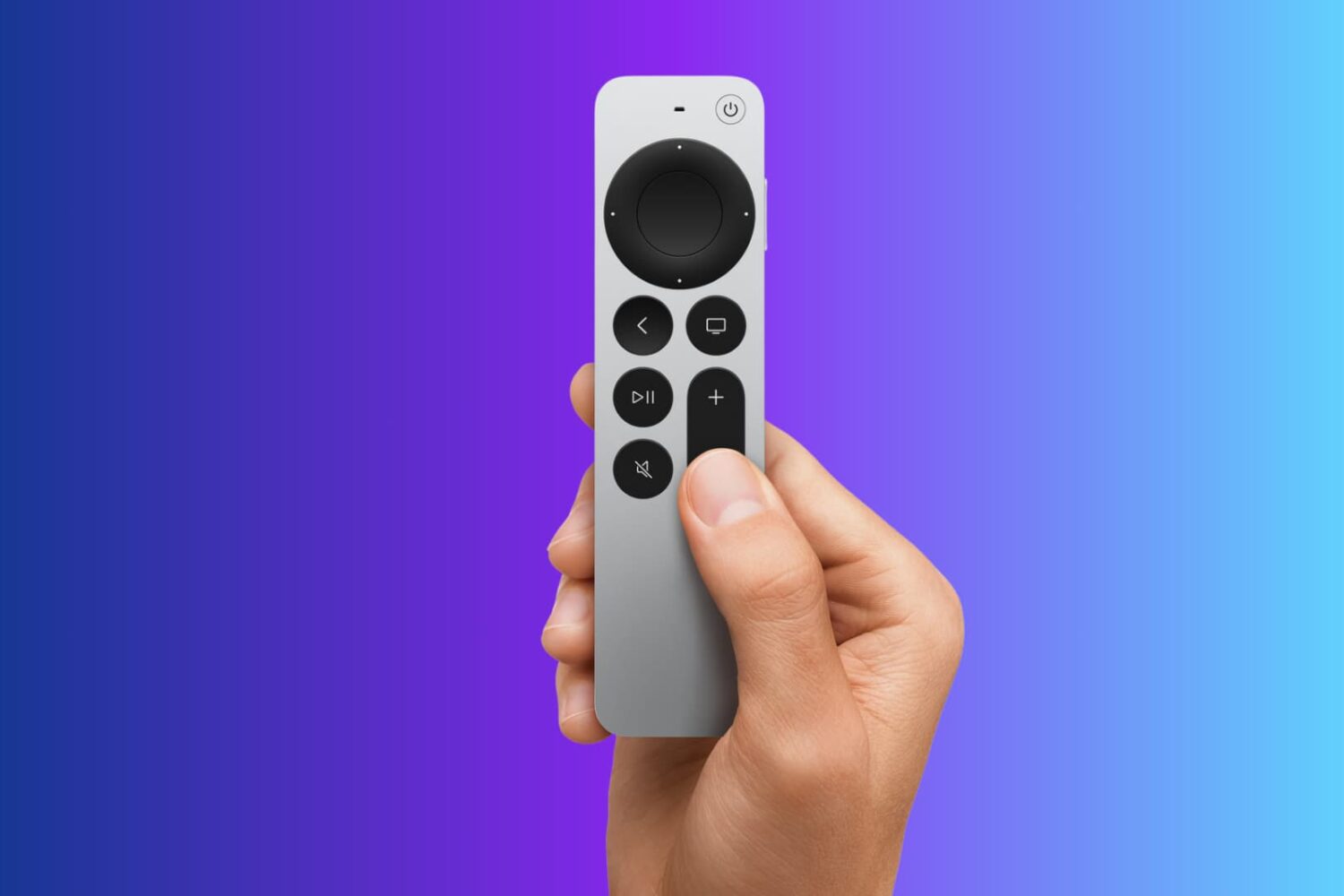
Explore 13 solutions to fix Siri Remote issues on your Apple TV, such as it not working, glitching randomly, or losing connection.
Fix Apple TV Remote not working, glitching, or losing connection
Learn how to master your Apple devices with our comprehensive tutorials. From iPhone and iPad to Mac, Apple Watch, AirPods, and more, our expert guides will help you unlock the full potential of your Apple products. Discover new features, tips, and tricks each day to enhance your user experience.
Explore 13 solutions to fix Siri Remote issues on your Apple TV, such as it not working, glitching randomly, or losing connection.
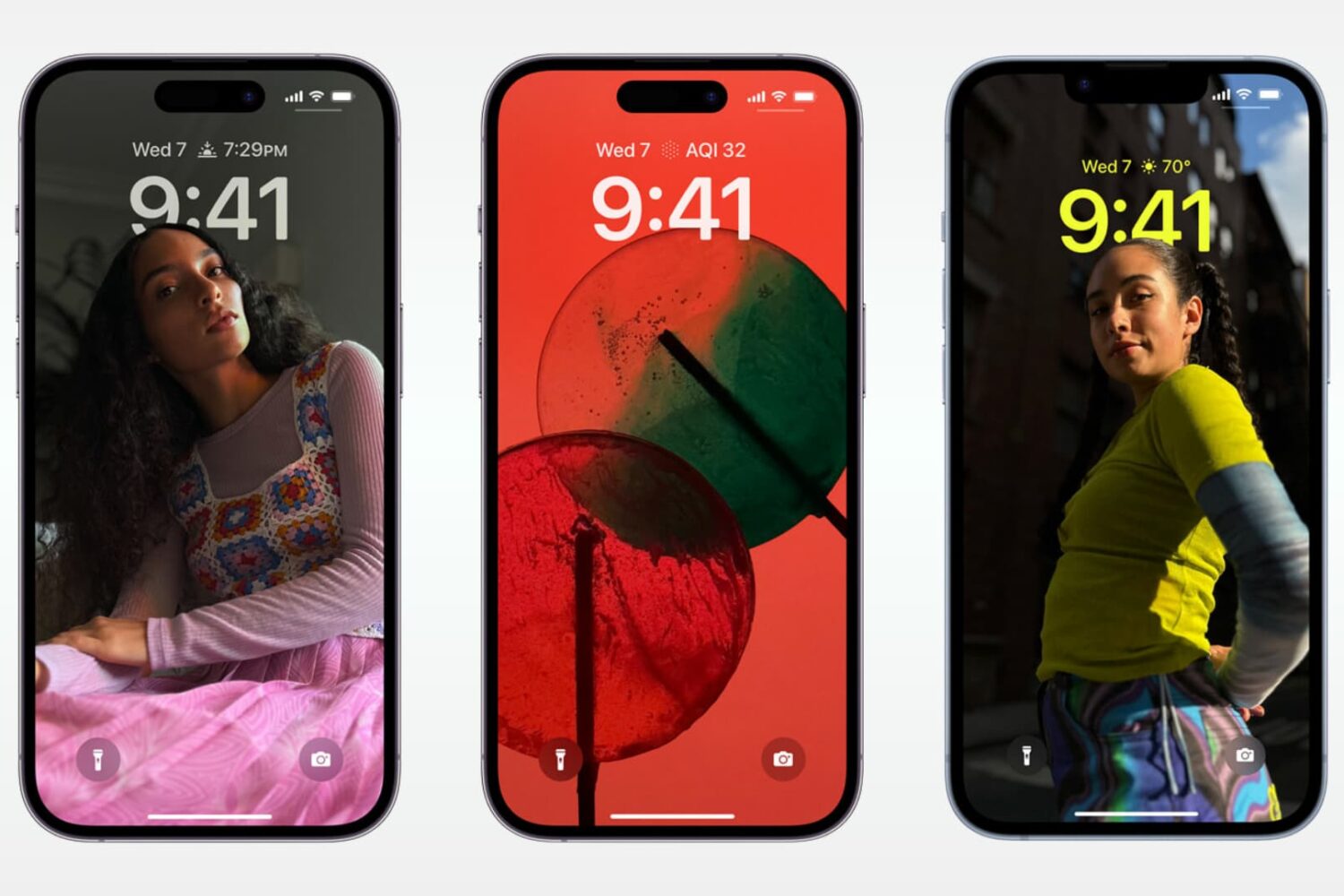
Check out these 15 features you can use from your iPhone or iPad Lock Screen, even when your device is locked.

These tips help ensure a safe experience for both your child and your device when handing over your iPhone or iPad.

The Apple Watch Series 9 and Apple Watch Ultra 2 bring the double-tap hand gesture to the forefront. Here's how to set up and use this feature on older watches.

For those extended moments when it seems like there’s no jailbreak in sight, most iPhone and iPad tinkerers can get a quick fix from package manager apps that host add-ons for the MacDirtyCow and kfd exploits instead.

Learn how to use the built-in translation feature in Gmail on your phone and computer to read emails written in foreign languages without needing external translation services.
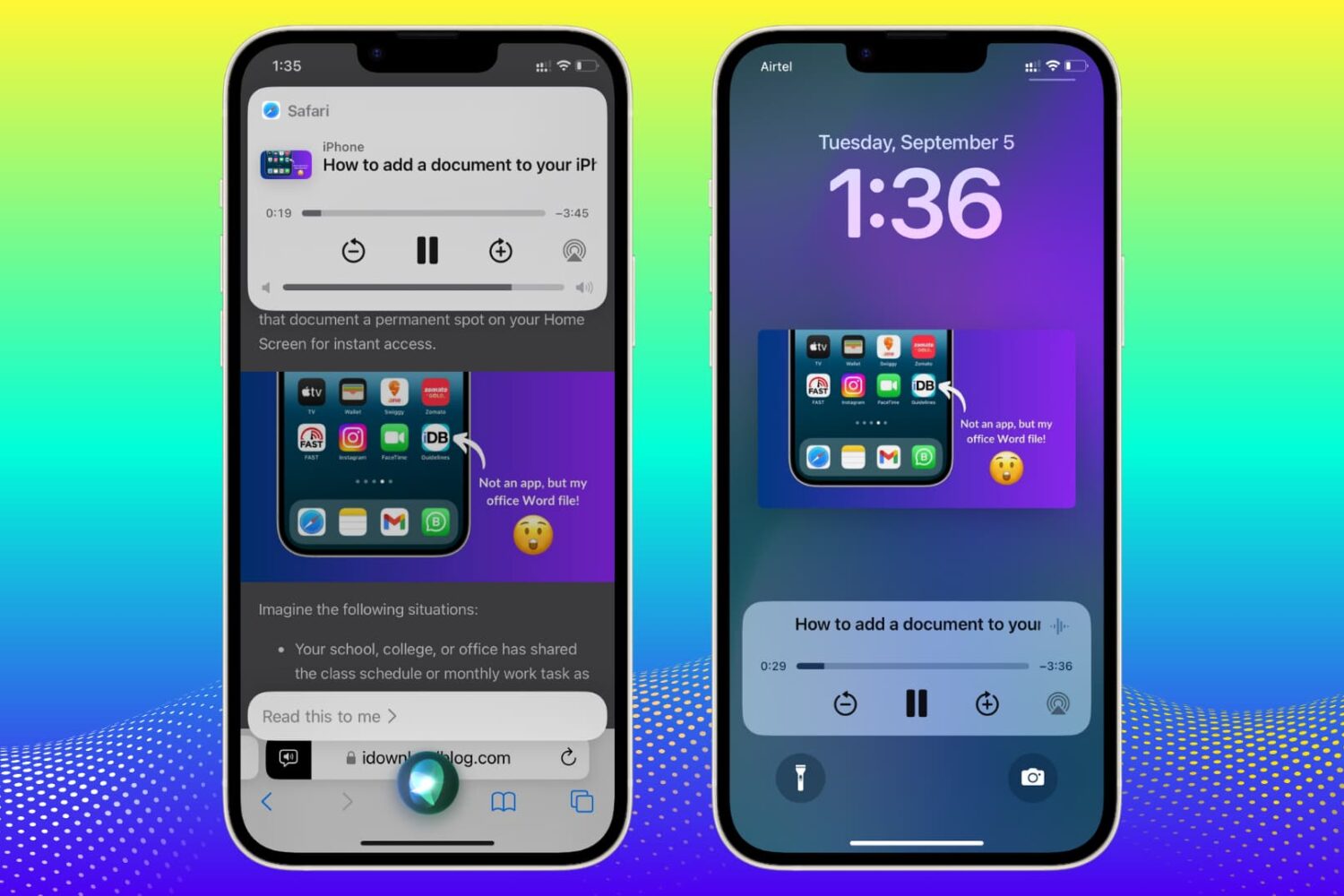
Learn how to ask Siri to read web articles in Safari on your iPhone and iPad so you can multitask without having to stare at the screen.
Learn how to convert an email to PDF from the mobile Gmail app and the web for easy printing and sharing with people and apps.
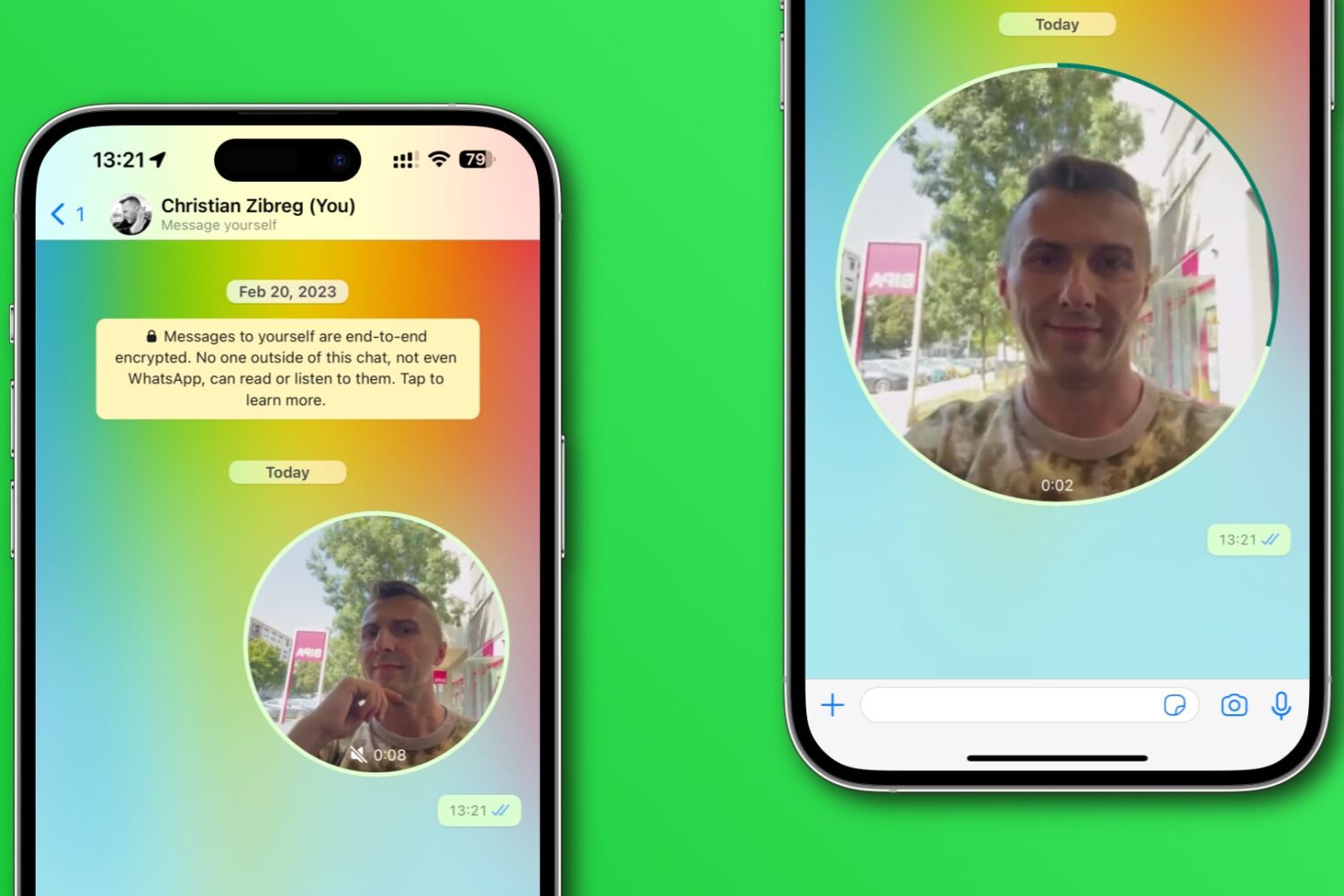
Learn how to disable WhatsApp’s Instant Video Messages feature to stop accidentally sending personal videos in chats instead of voice notes.

Learn how to copy a full-resolution frame of a video in Google Chrome instead of manually screenshotting it, which results in a lower-quality image.

In case you didn’t know, there’s a nifty package manager app called PureKFD for MacDirtyCow and kfd exploit-compatible add-ons that can be acquired from Misaka and Picasso-based repositories.
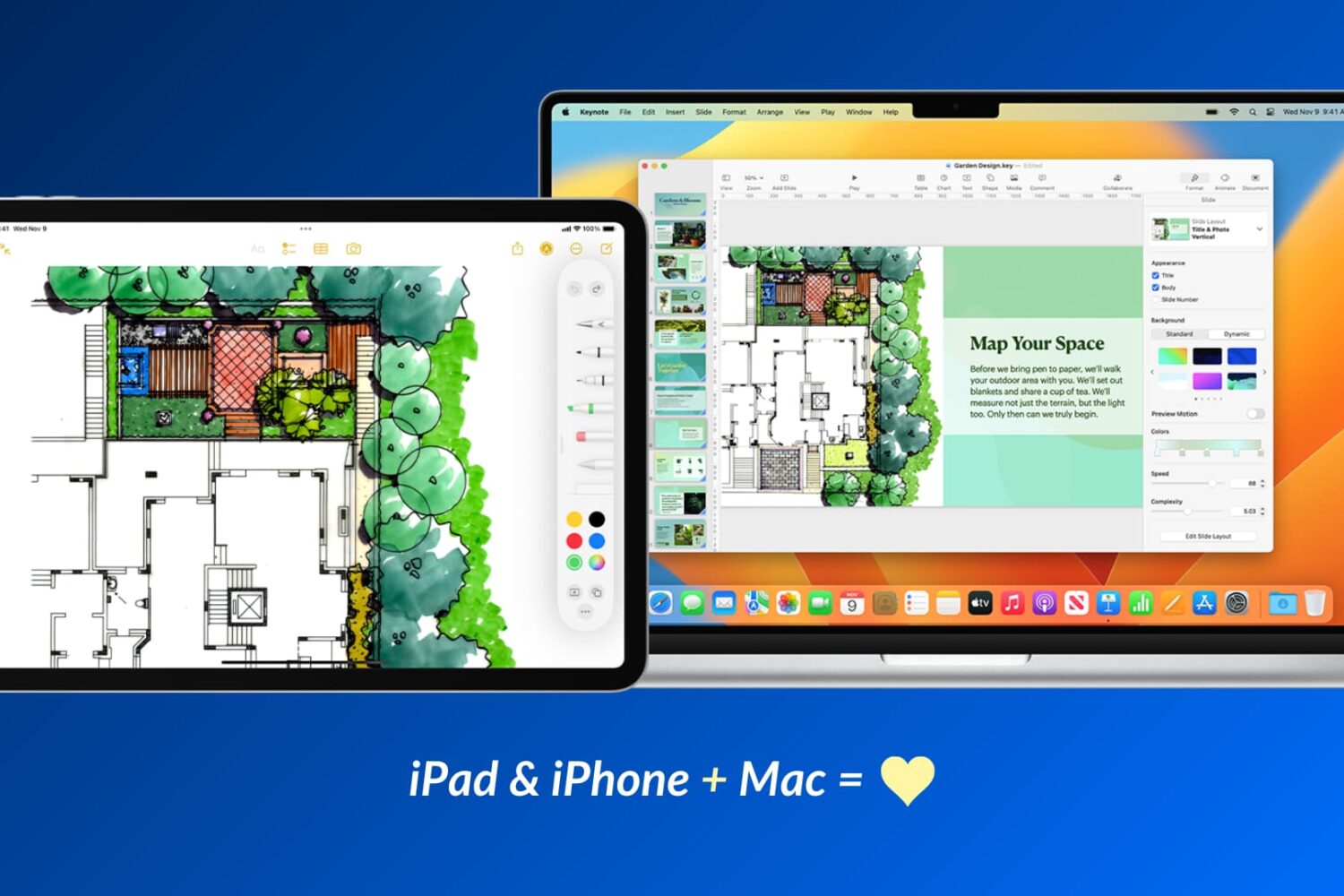
Apple devices work particularly well with one another, and in this guide, we’ll share 17 ways to use your iOS device and your Mac together for a more productive and efficient experience.