Tutorial

Learn how to master your Apple devices with our comprehensive tutorials. From iPhone and iPad to Mac, Apple Watch, AirPods, and more, our expert guides will help you unlock the full potential of your Apple products. Discover new features, tips, and tricks each day to enhance your user experience.

iPhone apps are disappearing? Try this

If you've been experiencing the curious case of disappearing apps on your iPhone or iPad, let me reassure you right now by telling you this is not a software bug, but rather human error.

In this post, we will see possible reasons why apps might be missing from your Home screen, and of course, I will also show you how to recover apps that have disappeared from your iPhone or iPad.

Why and how to turn off Background App Refresh on iPhone & iPad

Background App Refresh in iPhone settings

You can turn off Background App Refresh on your iPhone or iPad to save cellular data and extend the battery life.

In this tutorial, we'll tell you what Background App Refresh is and how to disable it for all apps or only selected apps. Plus, we'll show you how to turn it off only for cellular data or for both cellular data and Wi-Fi.

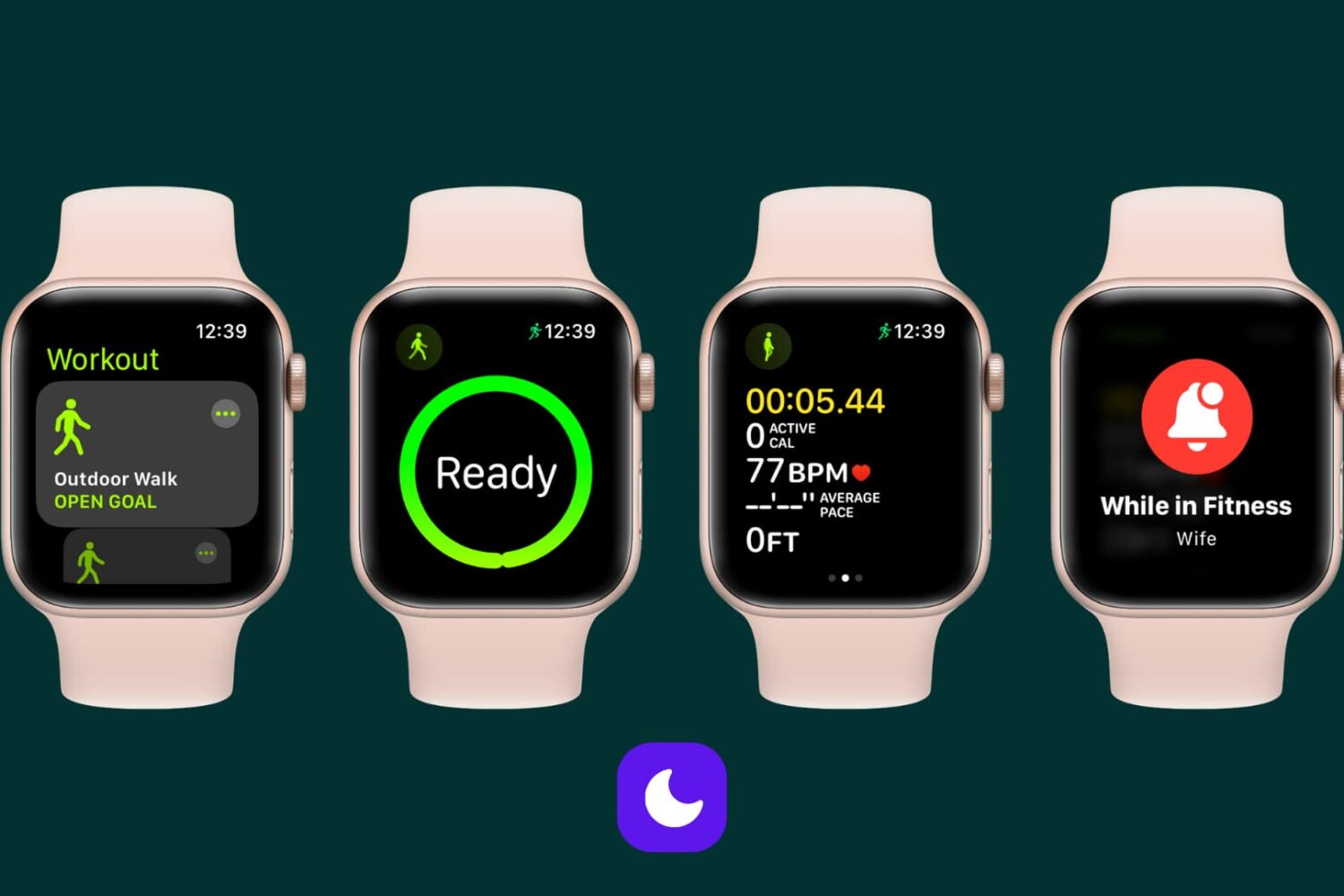
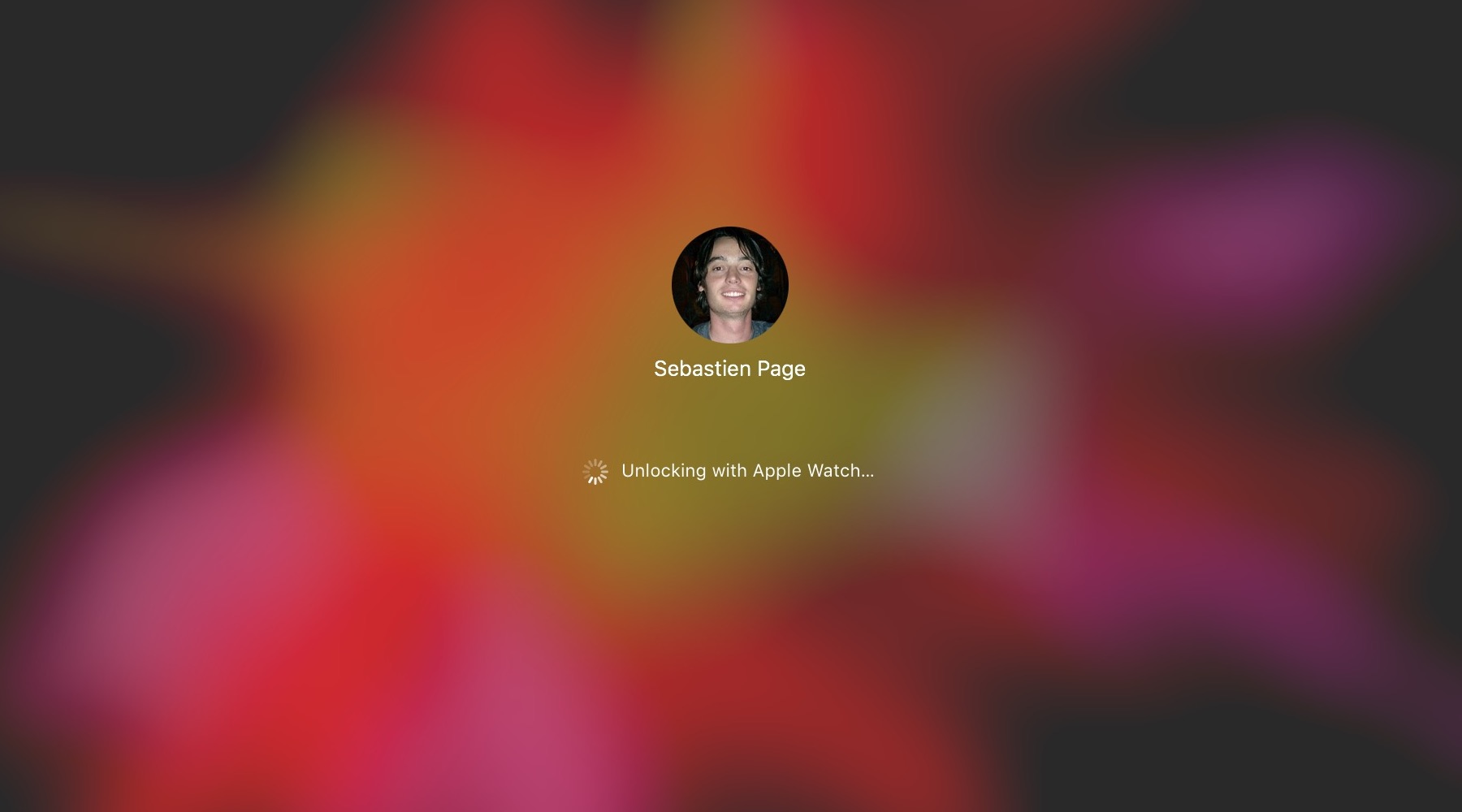
Mac unlock with Apple Watch not working? Try these simple steps

The macOS feature that allows you to unlock your Mac with your Apple Watch offers security and convenience. The problem may arise when that feature doesn't work as expected.

If you have set up your Mac to be unlocked with your Apple Watch and are having issues with the feature not working properly, there are a few things you can try.

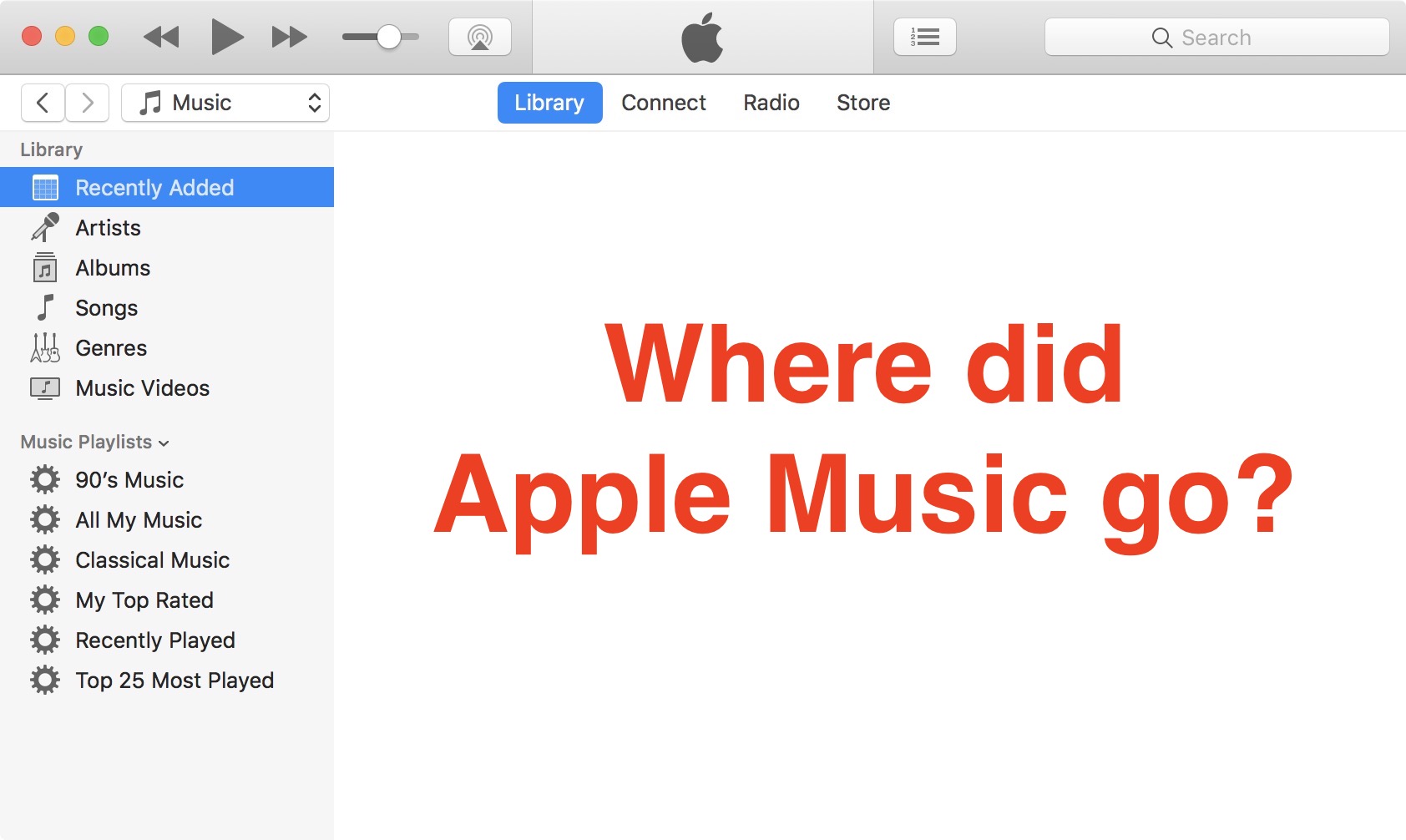
Fix: Apple Music not showing up in iTunes

If you signed up for Apple Music on your iPhone or iPad but also want to enjoy the service on your Mac, you might be up for a surprise when you launch iTunes and realize Apple Music is not showing up.

This could just be a bug, or maybe just a box that hasn't been checked. Regardless of the cause, we will show you how to turn on Apple Music in iTunes on your Mac.