Learn how to print pages upside down if you’re printing for a folded document or in reverse order to ensure the final printed paper stack is in the correct order.
How to print pages upside down or in reverse order on Mac
Learn how to master your Apple devices with our comprehensive tutorials. From iPhone and iPad to Mac, Apple Watch, AirPods, and more, our expert guides will help you unlock the full potential of your Apple products. Discover new features, tips, and tricks each day to enhance your user experience.
Learn how to print pages upside down if you’re printing for a folded document or in reverse order to ensure the final printed paper stack is in the correct order.
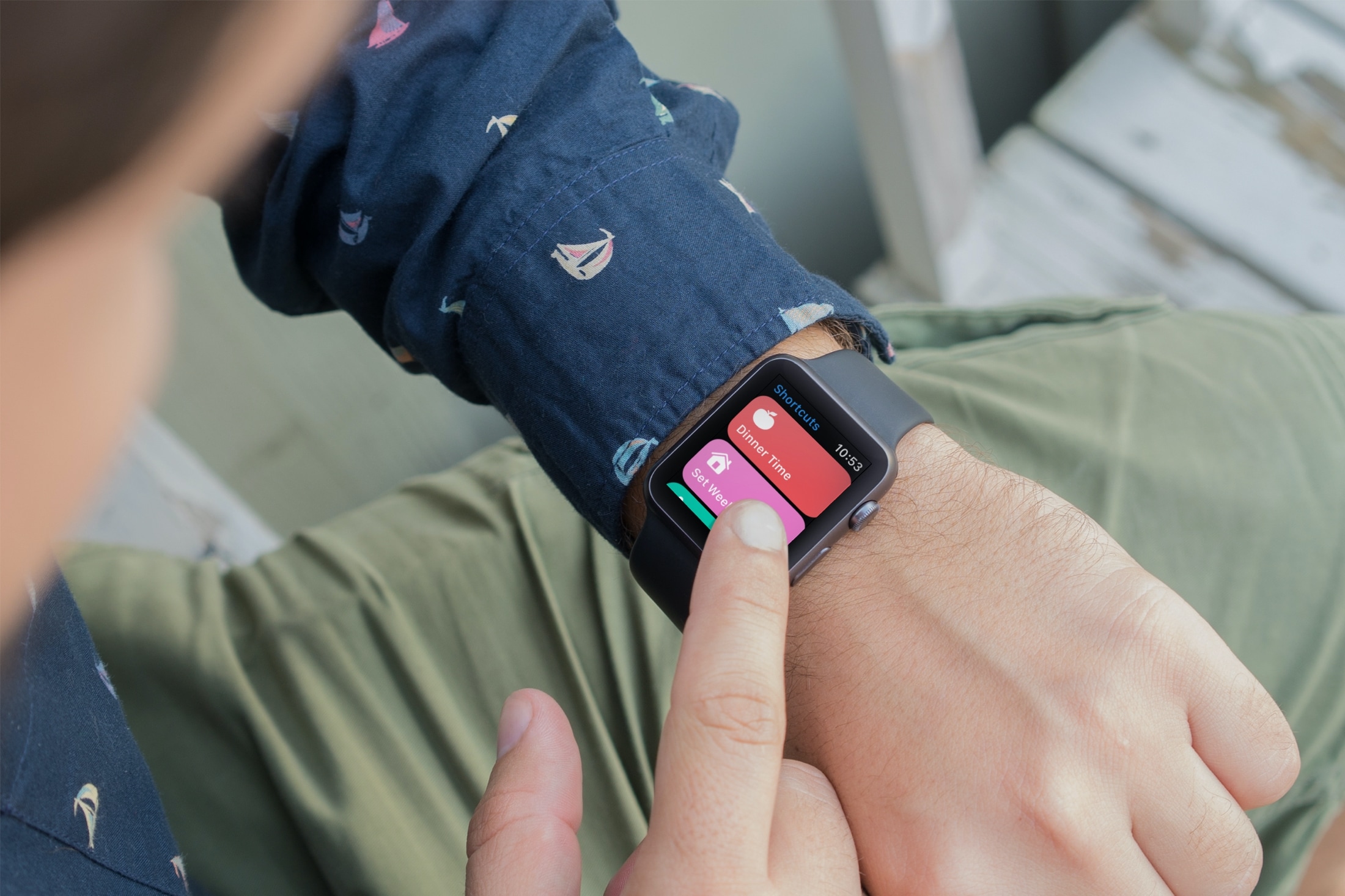
Just like unc0ver, the Odyssey jailbreak app is intended to be side loaded into a compatible iPhone or iPad. To help make the process of side-loading the Odyssey jailbreak app easier, the Odyssey Team officially endorsed the brand-new Wander add-on for Apple’s Shortcuts app shortly after the tool came out of public beta.
The Wander add-on doesn’t replace side loading utilities like AltStore and ReProvision or signing services like Jailbreaks.app, but rather synergizes with them to make the process of installing Odyssey and updating to newer versions faster and less cumbersome while providing a more native user experience through Apple’s Shortcuts app in the process. In this tutorial, we’ll show you how to set up the Wander add-on with your Shortcuts app.
If there’s an app that you’ll want keyboard shortcuts for on Mac, it’s Keynote. You can navigate your presentation and any videos in it, move around views as you’re creating a slideshow, or simply control the Keynote window.
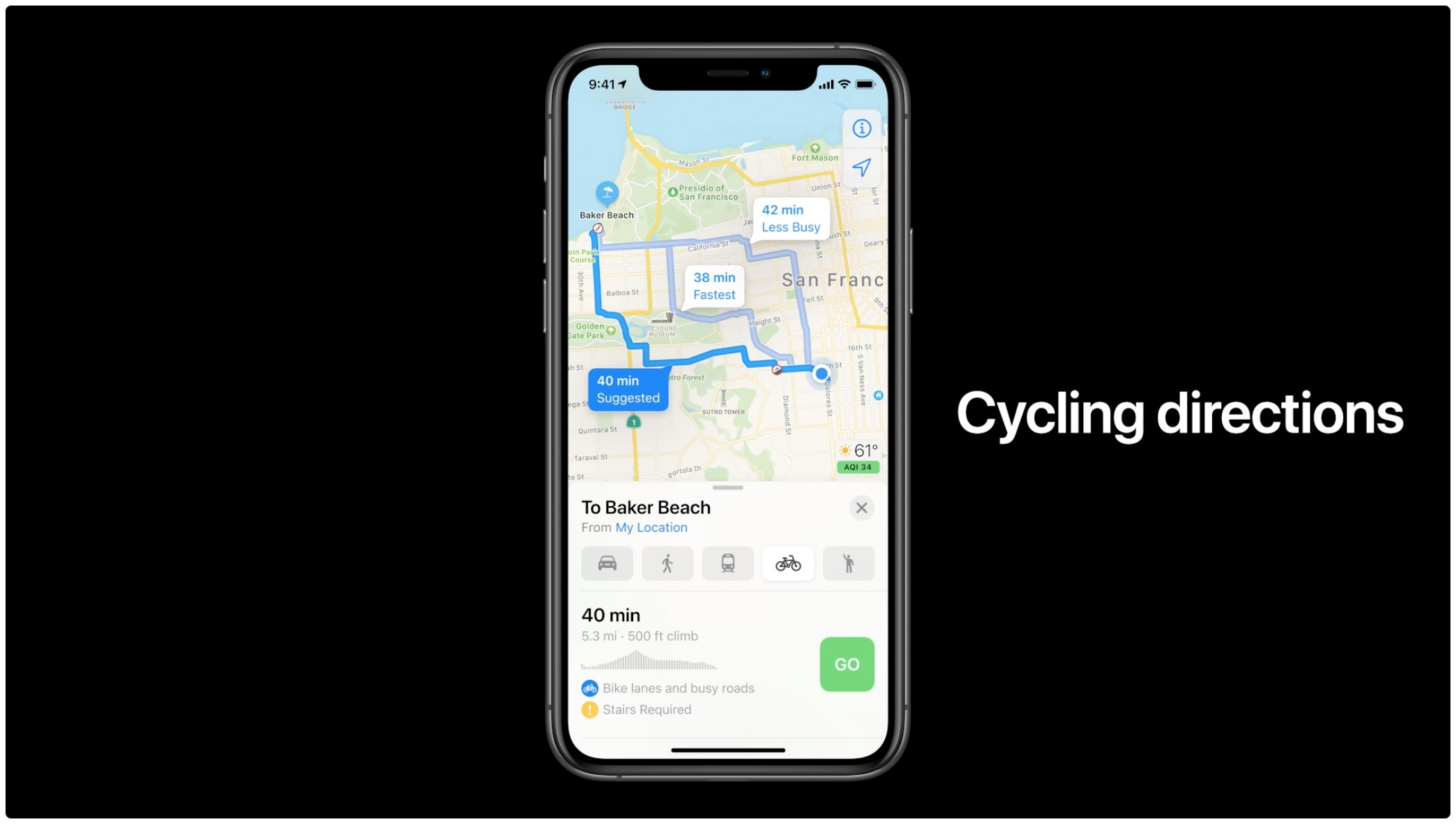
Learn how to check the current traffic in the Apple Maps app on your iPhone, iPad, or Mac to avoid congestions, road closures, and construction work, saving time.
If you follow the checkra1n team closely on Twitter and you pay attention to the our news pieces as the team releases updates to the tool, then you’d probably come to assume that you can’t run the checkra1n jailbreak unless you have a Mac or a computer running Linux. While the aforementioned state is still technically true, you can use a helpful utility called bootra1n to run the checkra1n jailbreak on your Windows PC.
While it takes a little more finesse than simply running the checkra1n application on a Mac or a Linux box, using bootra1n is a great way to get jailbroken if you don’t have access to either of the above. In this tutorial, we’ll be showing you how to go about it, step by step.
Learn how to control your iRobot Roomba with Siri and command your smart vacuum from anywhere using your iPhone, iPad, or HomePod.
Exposure compensation control allows compatible iPhone cameras to lock exposure independently of focus. If you struggle with balancing exposure and focus, you can lock them both separately. In this tutorial, we show you how it's done, which iPhone models are compatible, and what you need to pay special attention to.
If you use more than one printer with your Mac, it’s important to know how to choose the default printer. This is useful if you take your Mac to your physical office, school, or library and then return to your home office. And if you share your Mac and printer with others, giving a name and location to your equipment is also helpful.
In this tutorial we’ll show you how to set your default printer as well as change its name and location on your Mac.
In this tutorial, we will show you how to narrow down the places you’re looking for using built-in filters in Google Maps in a web browser, or in the iPhone and iPad app.
Learn how to insert a video or audio file in your Keynote presentation on Mac, iPad, or iPhone, and set it to play across various adjacent slides.
Not familiar with your Mac Mail Favorites Bar? We’ll show you where it is, tell you what it is, and help you customize and use it to make it even easier to check your emails.
Action Needed: Distribution Certificate Expires in 30 Days. Your Distribution Certificate will no longer be valid in 30 days. To generate a new certificate, sign in and visit Certificates, Identifiers & Profiles.
If you've received this email from Apple and don't know what to do about it, I will walk you through the steps you need to take in order to generate a new Distribution Certificate to replace one that is set to expire soon. You may replicate these steps whether you need to renew an iOS, macOS, watchOS, or tvOS distribution certificate.
All it takes is a Mac, an internet connection, and about 5 minutes of your time.