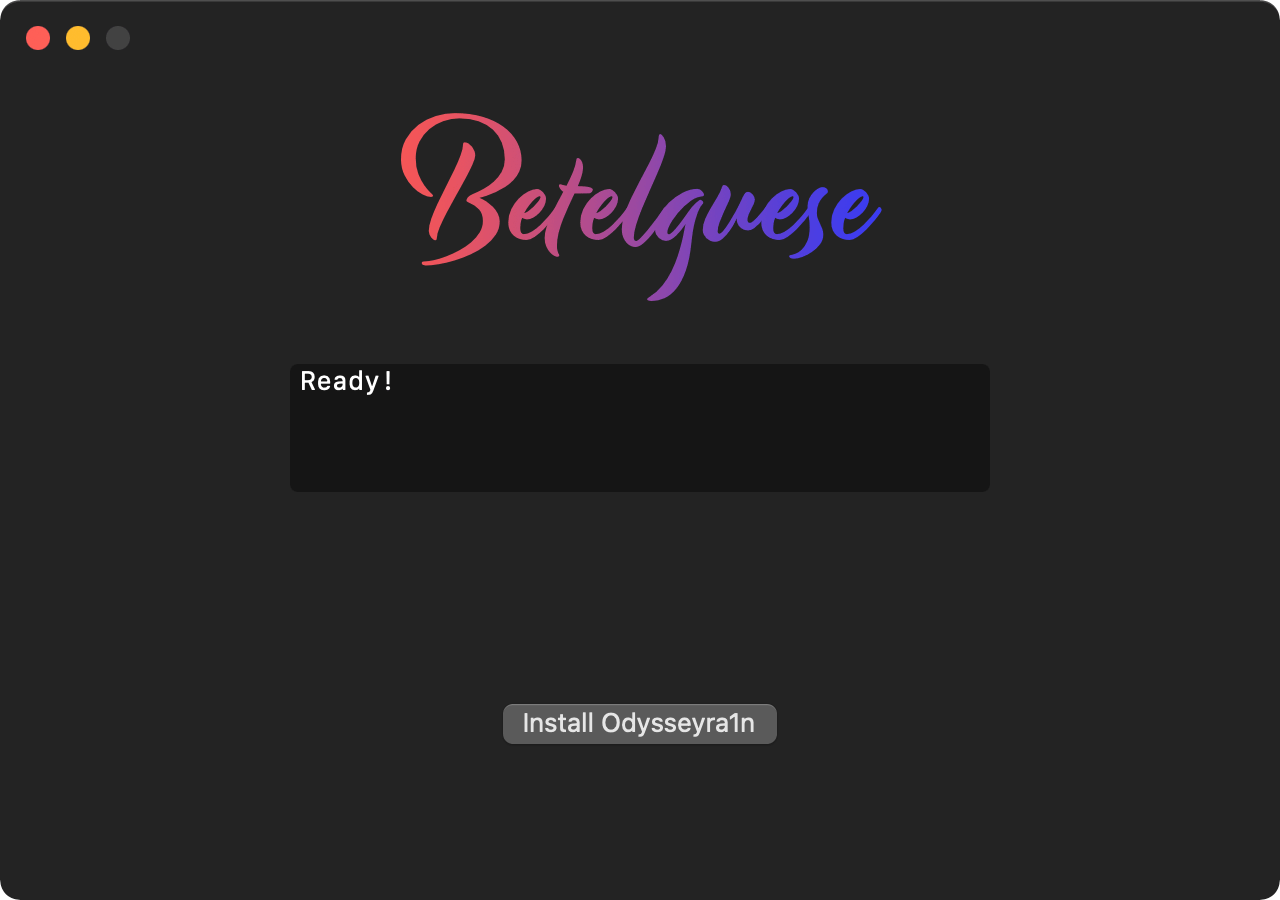
A brand-new one-click application for macOS called Betelguese by @23Aaron_ and @hbkirb is now available that lets checkra1n’d iPhone and iPad users install Odysseyra1n on their handset via the convenience of a graphical user interface (GUI) as opposed to pasting lengthy and complicated commands into a traditional command line interface (CLI).
When Betelguese is complete, your checkra1n jailbreak transforms into Odysseyra1n, which means that it will utilize the Procursus bootstrap with Sileo as the default package manager and libhooker as the tweak injection method. These will replace Cydia and Cydia Substrate or Substitute for tweak injection — the process that handles your jailbreak tweaks — whichever of the latter you might’ve had installed at the time.